Page 163 of 590
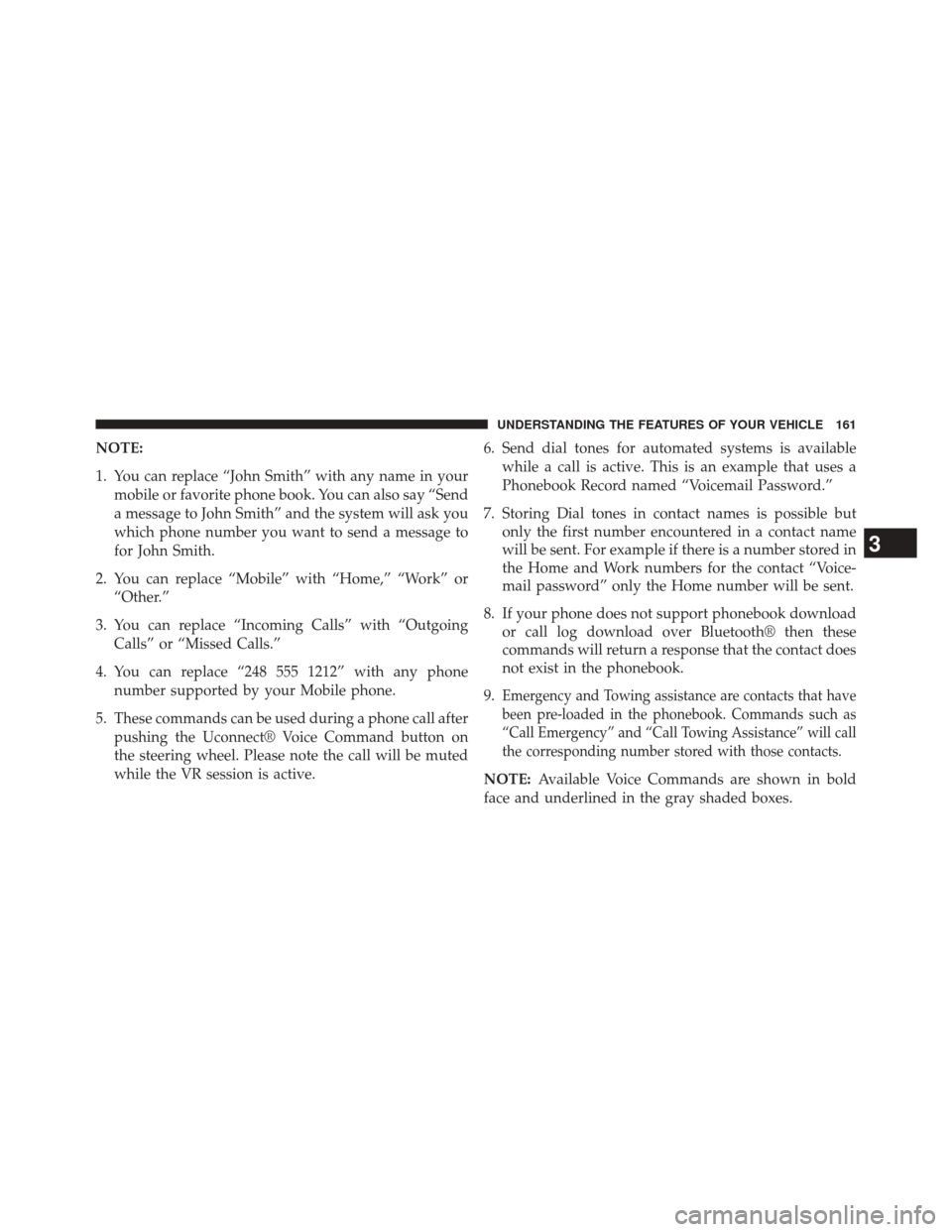
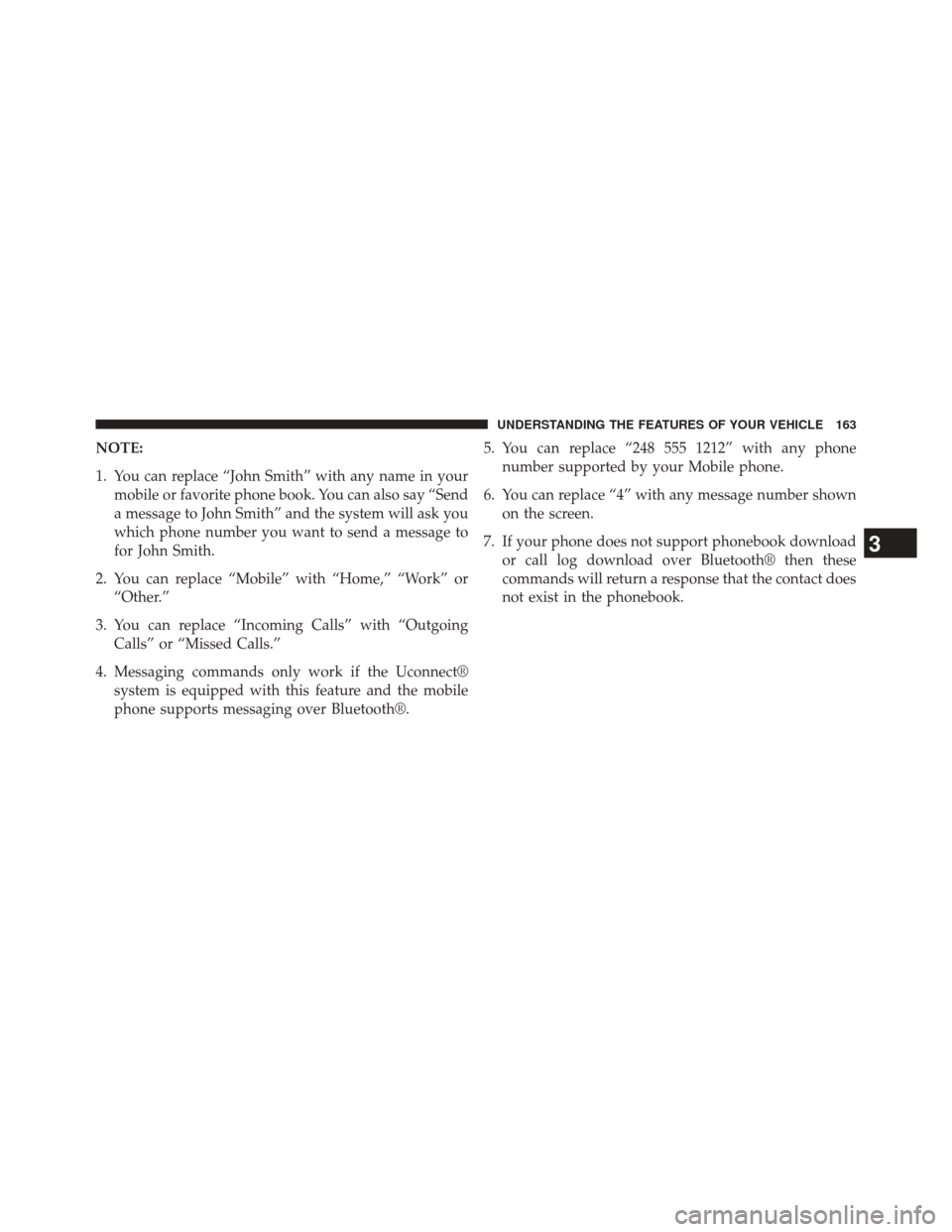
NOTE:
1. You can replace “John Smith” with any name in yourmobile or favorite phone book. You can also say “Send
a message to John Smith” and the system will ask you
which phone number you want to send a message to
for John Smith.
2. You can replace “Mobile” with “Home,” “Work” or “Other.”
3. You can replace “Incoming Calls” with “Outgoing Calls” or “Missed Calls.”
4. You can replace “248 555 1212” with any phone number supported by your Mobile phone.
5. These commands can be used during a phone call after pushing the Uconnect® Voice Command button on
the steering wheel. Please note the call will be muted
while the VR session is active. 6. Send dial tones for automated systems is available
while a call is active. This is an example that uses a
Phonebook Record named “Voicemail Password.”
7. Storing Dial tones in contact names is possible but only the first number encountered in a contact name
will be sent. For example if there is a number stored in
the Home and Work numbers for the contact “Voice-
mail password” only the Home number will be sent.
8. If your phone does not support phonebook download or call log download over Bluetooth® then these
commands will return a response that the contact does
not exist in the phonebook.
9.
Emergency and Towing assistance are contacts that have
been pre-loaded in the phonebook. Commands such as
“Call Emergency” and “Call Towing Assistance” will call
the corresponding number stored with those contacts.
NOTE: Available Voice Commands are shown in bold
face and underlined in the gray shaded boxes.
3
UNDERSTANDING THE FEATURES OF YOUR VEHICLE 161
Page 165 of 590
NOTE:
1. You can replace “John Smith” with any name in yourmobile or favorite phone book. You can also say “Send
a message to John Smith” and the system will ask you
which phone number you want to send a message to
for John Smith.
2. You can replace “Mobile” with “Home,” “Work” or “Other.”
3. You can replace “Incoming Calls” with “Outgoing Calls” or “Missed Calls.”
4. Messaging commands only work if the Uconnect® system is equipped with this feature and the mobile
phone supports messaging over Bluetooth®. 5. You can replace “248 555 1212” with any phone
number supported by your Mobile phone.
6. You can replace “4” with any message number shown on the screen.
7. If your phone does not support phonebook download or call log download over Bluetooth® then these
commands will return a response that the contact does
not exist in the phonebook.
3
UNDERSTANDING THE FEATURES OF YOUR VEHICLE 163
Page 348 of 590
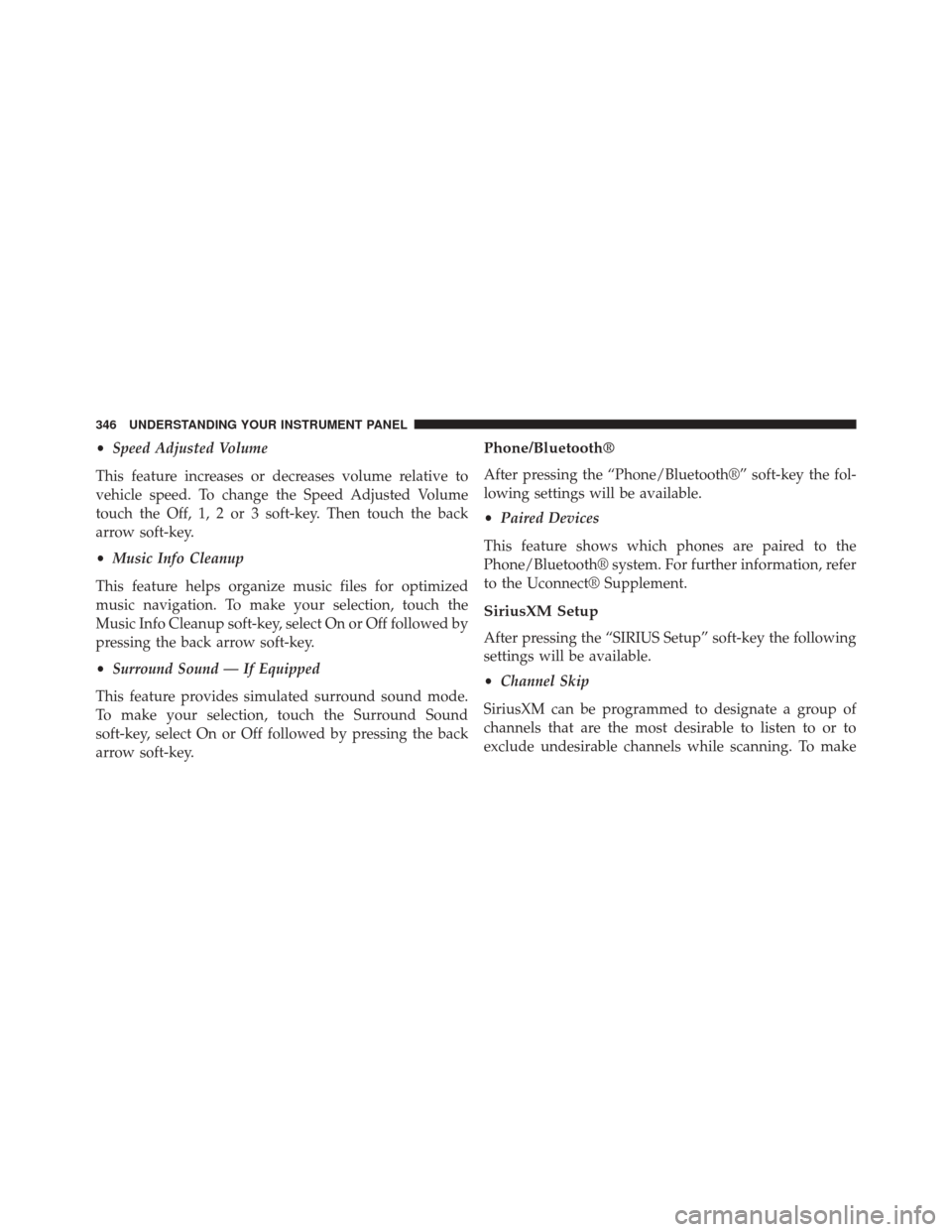
•Speed Adjusted Volume
This feature increases or decreases volume relative to
vehicle speed. To change the Speed Adjusted Volume
touch the Off, 1, 2 or 3 soft-key. Then touch the back
arrow soft-key.
• Music Info Cleanup
This feature helps organize music files for optimized
music navigation. To make your selection, touch the
Music Info Cleanup soft-key, select On or Off followed by
pressing the back arrow soft-key.
• Surround Sound — If Equipped
This feature provides simulated surround sound mode.
To make your selection, touch the Surround Sound
soft-key, select On or Off followed by pressing the back
arrow soft-key.Phone/Bluetooth®
After pressing the “Phone/Bluetooth®” soft-key the fol-
lowing settings will be available.
• Paired Devices
This feature shows which phones are paired to the
Phone/Bluetooth® system. For further information, refer
to the Uconnect® Supplement.
SiriusXM Setup
After pressing the “SIRIUS Setup” soft-key the following
settings will be available.
• Channel Skip
SiriusXM can be programmed to designate a group of
channels that are the most desirable to listen to or to
exclude undesirable channels while scanning. To make
346 UNDERSTANDING YOUR INSTRUMENT PANEL
Page 522 of 590
CavityCartridge Fuse Mini-Fuse Description
19 50 Amp Red –Power Steering #2
20 30 Amp Pink –Wiper Motor
21 30 Amp Pink –Headlamp Washers
22 –– Fuse – Spare
23 –– Fuse – Spare
24 –– Fuse – Spare
28 –25 Amp Natural Fuel Pump
29 –15 Amp Blue Transmission Shifter
30 –– Fuse – Spare
31 –25 Amp Natural Engine Module
32 –– Fuse – Spare
33 –– Fuse – Spare
34 –25 Amp Natural Powertrain #1
35 –20 Amp Yellow Powertrain #2
36 –10 Amp Red Anti-Lock Brake Module
520 MAINTAINING YOUR VEHICLE
Page 526 of 590
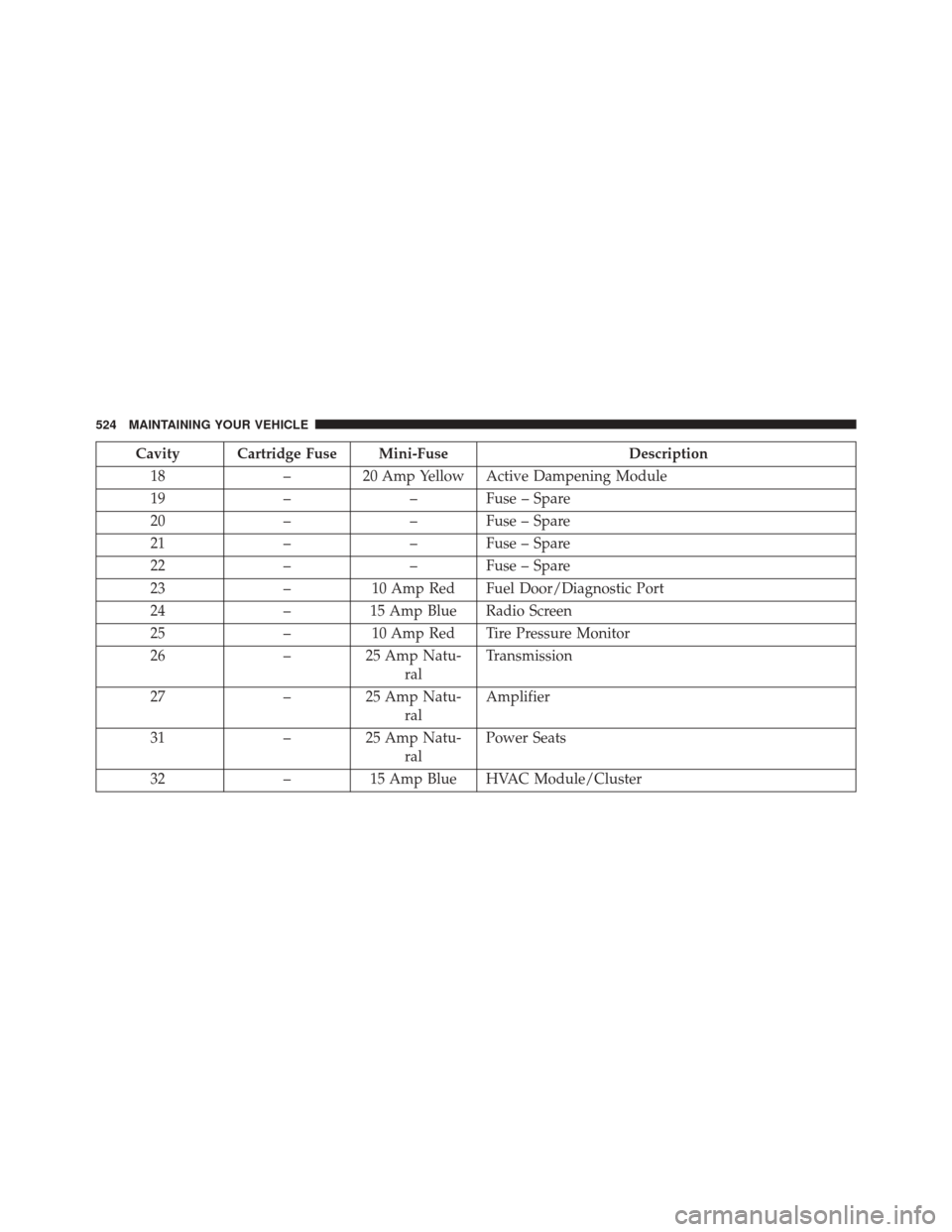
Cavity Cartridge Fuse Mini-FuseDescription
18 – 20 Amp Yellow Active Dampening Module
19 –– Fuse – Spare
20 –– Fuse – Spare
21 –– Fuse – Spare
22 –– Fuse – Spare
23 –10 Amp Red Fuel Door/Diagnostic Port
24 –15 Amp Blue Radio Screen
25 –10 Amp Red Tire Pressure Monitor
26 –25 Amp Natu-
ral Transmission
27 –25 Amp Natu-
ral Amplifier
31 –25 Amp Natu-
ral Power Seats
32 –15 Amp Blue HVAC Module/Cluster
524 MAINTAINING YOUR VEHICLE
Page 527 of 590
Cavity Cartridge Fuse Mini-FuseDescription
33 –15 Amp Blue Ignition Switch/Wireless Module
34 –10 Amp Red Steering Column Module/Clock
35 –10 Amp Red Battery Sensor
36 –– Fuse – Spare
37 –15 Amp Blue Radio
38 – 20 Amp Yellow Power Outlet Inside Arm Rest
40 –– Fuse – Spare
41 –– Fuse – Spare
42 30 Amp Pink – Rear Defrost
43 –
25 Amp NaturalRear Heated Seats/Steering Wheel
44 –10 Amp Red Park Assist/Blind Spot/Camera
45 –15 Amp Blue Cluster/Rearview Mirror/Compass
46 –10 Amp Red Adaptive Cruise Control
47 –10 Amp Red Adaptive Front Lighting
48 – 20 Amp Yellow Active Suspension7
MAINTAINING YOUR VEHICLE 525
Page 529 of 590
Cavity Cartridge Fuse Mini-FuseDescription
64 –25 Amp Natu-
ral Rear Windows
65 –10 Amp Red Airbag Module
66 –– Fuse – Spare
67 –15 Amp Blue Run Sense
68 –15 Amp Blue Illumination/Rear Sunshade
69 –– Fuse – Spare
70 –– Fuse – Spare
VEHICLE STORAGE
If you are leaving your vehicle dormant for more than 21
days, you may want to take these steps to protect your
battery.
•Disconnect the negative cable from the battery.
• Anytime you store your vehicle, or keep it out of
service (e.g., vacation) for two weeks or more, run the air conditioning system at idle for about five minutes
in the fresh air and high blower setting. This will
ensure adequate system lubrication to minimize the
possibility of compressor damage when the system is
started again.7
MAINTAINING YOUR VEHICLE 527
Page 532 of 590
WARNING!
A transient high voltage occurs at the bulb sockets of
HID headlamps when the headlamp switch is turned
ON. It may cause serious electrical shock or electro-
cution if not serviced properly. See your authorized
dealer for service.
NOTE: On vehicles equipped with HID headlamps,
when the headlamps are turned on, there is a blue hue to
the lights. This diminishes and becomes more white after
approximately 10 seconds, as the system charges.
Standard Low Beam And High Beam Headlamp
1. Open the hood.
NOTE: Removal of the air cleaner filter housing may be
necessary prior to replacing bulbs in the headlamp
assembly on the driver side of the vehicle. 2. Reach behind the headlamp housing to access the
headlamp (outboard) bulb cap.
3. Firmly grasp the cap and rotate it counterclockwise to unlock it.
4. Twist the headlamp bulb assembly counterclockwise, and then pull it out of the headlamp assembly.
5. Disconnect the bulb from the wiring assembly and install the replacement bulb.
6. Reinstall the bulb and wiring assembly into the head- lamp assembly, and then turn it clockwise.
7. Install the headlamp bulb cap in the headlamp hous- ing and rotate it clockwise to lock it.
530 MAINTAINING YOUR VEHICLE