2014 BMW I3 ECU
[x] Cancel search: ECUPage 192 of 230

Opening hood
Unlocking hood1. Press button on the remote con‐
trol or in the driver's footwell, refer to
page 42.
Opening hood
1.Press the release handle and open the
hood.
Indicator/warning lights
When the hood is opened, a Check Control
message is displayed.
Closing the hood
From approx. 16 in/40 cm height allow to fall
and press again to lock the hook completely.
Make sure you hear the hood engage.
Hood open when driving
If you see any signs that the hood is not
completely closed while driving, pull over im‐
mediately and close it securely.◀
Danger of jamming
Make sure that the closing path of the
hood is clear; otherwise, injuries may result.◀Seite 178MobilityUnder the hood180
Page 203 of 230

Changing wheels
Hints
Which is why no spare tire is available.
The tools for changing wheels are available as
accessories from your service center.
Jacking points for the vehicle jack
The jacking points for the vehicle jack are lo‐
cated at the positions shown.
Vehicle battery The vehicle battery has 12 volts. The battery
supplies the onboard electronics with energy.
Information about the high-voltage system, re‐
fer to page 156.
Maintenance
The battery is maintenance-free.
The added amount of acid is sufficient for the
service life of the battery.
Further information about the battery can be
obtained from your service center.
Battery replacement Use approved vehicle batteries only
Only use vehicle batteries that have been
approved for your vehicle by the manufacturer;
otherwise, the vehicle could be damaged and
systems or functions may not be fully availa‐
ble.◀
After a battery replacement, have the battery
registered on the vehicle by your service cen‐
ter to ensure that all comfort features are fully
available and that any Check Control mes‐
sages of these comfort features are no longer
displayed.
Charge vehicle battery Do not use any charging devices
Do not charge the vehicle battery with an
external charging device; otherwise, there is a
risk of property damage, e. g., to the vehicle's
electronics.◀
Charging a discharged battery, refer to
page 164.
Power failure
After a temporary power loss, some equipment
needs to be newly initialized or individual set‐
tings updated, e.g.:▷Seat and mirror memory: store the posi‐
tions again.▷Time: update.▷Date: update.▷Glass sunroof and sliding visor: initialize
the system, refer to page 50.
Disposing of old batteries
Have old batteries disposed of by your
service center or bring them to a recy‐
cling center.
Maintain the battery in an upright position for
transport and storage. Secure the battery so
that it does not tip over during transport.
Seite 189Replacing componentsMobility191
Page 207 of 230

Transporting your vehicle
Note Your vehicle is not permitted to be towed.
Therefore, contact a service center in the
event of a breakdown.
Do not have the vehicle towed
Have your vehicle transported on a load‐
ing platform only; otherwise, damage may oc‐
cur.◀
Tow truck
The vehicle should only be transported on a
loading platform.
Do not lift the vehicle
Do not lift the vehicle by the tow fitting or
body and chassis parts; otherwise, damage
may result.◀
Use tow fitting located in the front only for po‐
sitioning the vehicle.
Pushing vehicle To remove a disabled vehicle from the danger
area, push it for a short distance at a speed of
no more than 6 mph/10 km/h.
The vehicle can only be pushed in selector
lever position N.
In order to ensure that the vehicle can roll, pro‐
ceed as follows:
1.Switch on drive readiness, refer to
page 62.2.Depress brake pedal.3.Engage selector lever position N.
If there are electrical malfunctions, it may hap‐
pen that you can't change the selector lever
position.
Towing other vehicles
Hints Light towing vehicle
The towing vehicle must not be lighter
than the vehicle being towed; otherwise, it will
not be possible to control the vehicle's re‐
sponse.◀
Attaching the tow bar/tow rope correctly
Attach the tow bar or tow rope to the tow
fitting; connecting it to other vehicle parts may
cause damage.◀
▷Switch on the hazard warning system, de‐
pending on local regulations.▷If the electrical system has failed, clearly
identify the vehicle being towed by placing
a sign or a warning triangle in the rear win‐
dow.
Tow bar
The tow fittings used should be on the same
side on both vehicles.
Should it prove impossible to avoid mounting
the tow bar at an offset angle, please observe
the following:
▷Maneuvering capability is limited going
around corners.▷The tow bar will generate lateral forces if it
is secured with an offset.
Tow rope
When starting to tow the vehicle, make sure
that the tow rope is taut.
To avoid jerking and the associated stresses
on the vehicle components when towing, al‐
ways use nylon ropes or nylon straps.
Seite 193Breakdown assistanceMobility195
Page 209 of 230

Read the information on What to do after an
accident, refer to page 197.
What to do after an accident
Hints After an accident
After an accident, do not touch any high-
voltage components such as orange colored
high-voltage cables or parts that are in contact
with exposed high-voltage cables. Otherwise,
there is the risk of fatal injury from electrocu‐
tion due to the system's high voltage.◀
Esliding fluids
Do not touch any fluids esliding from the
high-voltage battery, or the skin can sustain
chemical burns.◀
General information
If you are involved in an accident with your ve‐
hicle, compliance with the following additional
safety precautions is required with regard to
the high-voltage system:▷Secure the crash site.▷Immediately notify rescue forces, police, or
firefighters of the fact that your vehicle is
equipped with a high-voltage system.▷Engage selector lever position P, set the
parking brake and reel off operating and
drive readiness.▷Lock the vehicle after exiting.▷Do not inhale any gases esliding from the
high-voltage battery; if needed, maintain a
safe distance from the vehicle.Seite 195Breakdown assistanceMobility197
Page 213 of 230

Use only a mild soapy solution, with the safety
belts clipped into their buckles.
Do not allow the reels to retract the safety
belts until they are dry.
Carpets and floor mats No objects in the area around the pedals
Keep floor mats, carpets, and any other
objects out of the pedal area; otherwise, the
function of the pedals could be impeded while
driving and create the risk of an accident.
Do not place additional floor mats over existing
mats or other objects.
Only use floor mats that have been approved
for the vehicle and can be properly attached to
floor.
Ensure that the floor mats are securely fas‐
tened again after they were removed for clean‐
ing, e.g.◀
Floor mats can be removed from the car's inte‐
rior for cleaning.
If the floor carpets are very dirty, clean with a
microfiber cloth and water or a textile cleaner.
To prevent matting of the carpet, rub back and
forth in the direction of travel only.
Sensors/cameras
To clean sensors and cameras, use a cloth
moistened with a small amount of glass
cleaner.
Displays/monitors Cleaning displays and screens
Do not use any chemical or household
cleaning agents; otherwise, surfaces can be af‐
fected.◀
Keeping out moisture
Keep all fluids and moisture away from
the unit; otherwise, electrical components can
be damaged.◀Avoid pressure
Avoid pressing too hard when cleaning
and do not use abrasive materials; otherwise,
damage can result.◀
Clean with a clean, antistatic microfiber cloth.
Long idle times and long-term vehicle
storage
Do not allow the vehicle to sit idle for ex‐
tended periods with a low charging state
Before storing the vehicle for an extended pe‐
riod, check the battery charge indicator to en‐
sure that the high-voltage battery is fully
charged. For longer idle times, park the vehicle
with a charging plug plugged into a suitable
power source. Regularly check charging state.
Otherwise, the high-voltage battery can be
damaged when there is excessive discharge.◀
For idle phases that last several weeks, park
the vehicle with a fully charged battery if possi‐
ble.
Do not park the vehicle for longer than 14 days
if the electric range is less than 6 mls, approx.
10 km.
With storage times of up to three months, if
possible plug the vehicle into a suitable power
source or park it in a nearly fully charged state.
Note The service center can advise you on what to
consider when storing the vehicle for longer
than three months.Seite 199CareMobility201
Page 221 of 230

Button, RES 112
Button, Start/Stop 62
Bypassing, refer to Jump- starting 194
C
California Proposition 65 Warning 8
Camera-based Cruise Con‐ trol 109
Camera, care 201
Camera, rearview cam‐ era 120
Can holder, refer to Cuphold‐ ers 139
Car battery 191
Car care products 199
Care, displays 201
Care, vehicle 199
Cargo 148
Cargo area 135
Cargo area, enlarging 136
Cargo area, storage compart‐ ments 140
Cargo cover 135
Cargo, securing 149
Cargo straps, securing cargo 149
Car key, refer to Remote con‐ trol 36
Carpet, care 201
Car wash 198
Catalytic converter, refer to Hot exhaust system 145
CBS Condition Based Serv‐ ice 185
Center armrest 139
Center console 16
Central locking system 42
Central screen, refer to Con‐ trol Display 18
Changes, technical, refer to Safety 7
Changing wheels 191
Changing wheels/tires 173 Charging battery, see Vehicle charging 156
Charging, refer to Charging vehicle 156
Charging, refer to Vehicle charging 156
Charging screen 75
Charging state indicator, high-voltage battery 76
Charging status, see display of the charging status 160
Charging vehicle 156
Charging vehicle, refer to Ve‐ hicle charging 156
Chassis number, see vehicle identification number 10
Check Control 77
Check engine oil 181
Check oil level 181
Children, seating position 58
Children, transporting safely 58
Child restraint fixing sys‐ tem 58
Child restraint fixing system LATCH 59
Child restraint fixing systems, mounting 58
Child seat, mounting 58
Child seats 58
Chrome parts, care 200
Cigarette lighter 134
Cleaning displays 201
Climate control 127, 129
Clock 82
Closing/opening via door lock 41
Closing/opening with remote control 39
Clothes hooks 140
Coasting 67
Combination reel, refer to Turn signals 69
Combination reel, refer to Wiper system 70
Comfort Access 44 COMFORT program, Dy‐ namic Driving Control 107
Compartments in the doors 138
Compressor 174
Computer 85
Condensation on win‐ dows 128, 131
Condensation under the vehi‐ cle 147
Condition Based Service CBS 185
Confirmation signal 46
ConnectedDrive 6
ConnectedDrive Services 6
Connecting electrical devi‐ ces 134
Contact with water, high-volt‐ age system 196
Control Display 18
Control Display, settings 87
Controller 18
Control systems, driving sta‐ bility 106
Convenient opening with the remote control 39
Coolant 183
Coolant temperature 81
Cooling function 128, 130
Cooling, maximum 131
Cooling system 183
Corrosion on brake discs 146
Cosmetic mirror 134
Cruise control 115
Cruise control, active with Stop & Go 109
Cruise control, refer to Cam‐ era-based Cruise Con‐
trol 109
Cruising range 82
Cupholders 139
Current fuel consumption 86
D
Damage, tires 173 Seite 207Everything from A to ZReference209
Page 222 of 230

Data, technical 204
Daytime running lights 90
Defrosting, refer to Windows, defrosting 128, 131
Dehumidifying, air 128, 130
Deleting personal data 24
Deletion of personal data 24
Departure times, stationary climate control 133
Digital clock 82
Dimensions 204
Dimmable exterior mirrors 56
Dimmable interior rearview mirror 57
Direction indicator, refer to Turn signals 69
Display for performance and energy recovery 76
Display lighting, refer to In‐ strument lighting 90
Displays 74
Displays, cleaning 201
Displays, eDRIVE system 75
Displays, high-voltage sys‐ tem 75
Disposal, coolant 184
Disposal, vehicle battery 191
Distance control, refer to PDC 117
Divided screen view, split screen 23
Door lock 41
Door lock, refer to Remote control 36
Drive display 76
Drive-off assistant 108
Drive-off assistant, refer to DSC 106
Drive readiness in detail 63
Drive readiness, switching off 65
Drive readiness, switching on 63
Driving Dynamics Con‐ trol 107
Driving in detail 66 Driving instructions, break- in 144
Driving instructions, eDRIVE drive system 144
Driving mode 107
Driving notes, general 145
Driving, refer to drive readi‐ ness in detail 63
Driving stability control sys‐ tems 106
Driving, Start/Stop button 62
Driving style analysis 153
Driving tips 145
DSC Dynamic Stability Con‐ trol 106
DTC Dynamic Traction Con‐ trol 107
Dynamic Stability Control DSC 106
Dynamic Traction Control DTC 107
E
ECO PRO 151
ECO PRO+ 151
ECO PRO display 151
ECO PRO driving mode 151
ECO PRO driving style analy‐ sis 153
ECO PRO mode 151
ECO PRO Tip - driving in‐ struction 152
eDRIVE drive system, driving instructions 144
eDRIVE, electric driving, see BMW eDRIVE 31
eDrive system, at a glance 31
eDRIVE system, displays 75
EfficientDynamics 152
Electric driving 66
Electric driving, see BMW eDRIVE 31
Electric range 82
Electronic Stability Program ESP, refer to DSC 106 Emergency charging, refer toBackup charging 164
Emergency detection, remote control 37
Emergency release, fuel filler flap 166
Emergency Request 193
Emergency service, refer to Roadside Assistance 194
Emergency start function, en‐ gine start 37
Emergency unlocking, trans‐ mission lock 65
Energy Control 86
Energy recovery, display‐ ing 76
Energy recovery, driving sta‐ bility control systems 106
Engine coolant 183
Engine oil 181
Engine oil, adding 182
Engine start during malfunc‐ tion 37
Engine start, jump-start‐ ing 194
Entering a car wash 198
Error displays, see Check Control 77
ESP Electronic Stability Pro‐ gram, refer to DSC 106
Exchanging wheels/tires 173
Exhaust system 145
Exterior mirror, automatic dimming feature 56
Exterior mirrors 55
External start 194
External temperature dis‐ play 81
External temperature warn‐ ing 81
Eyes for securing cargo 149
F
Failure message, see Check Control 77 Seite 208ReferenceEverything from A to Z210
Page 224 of 230
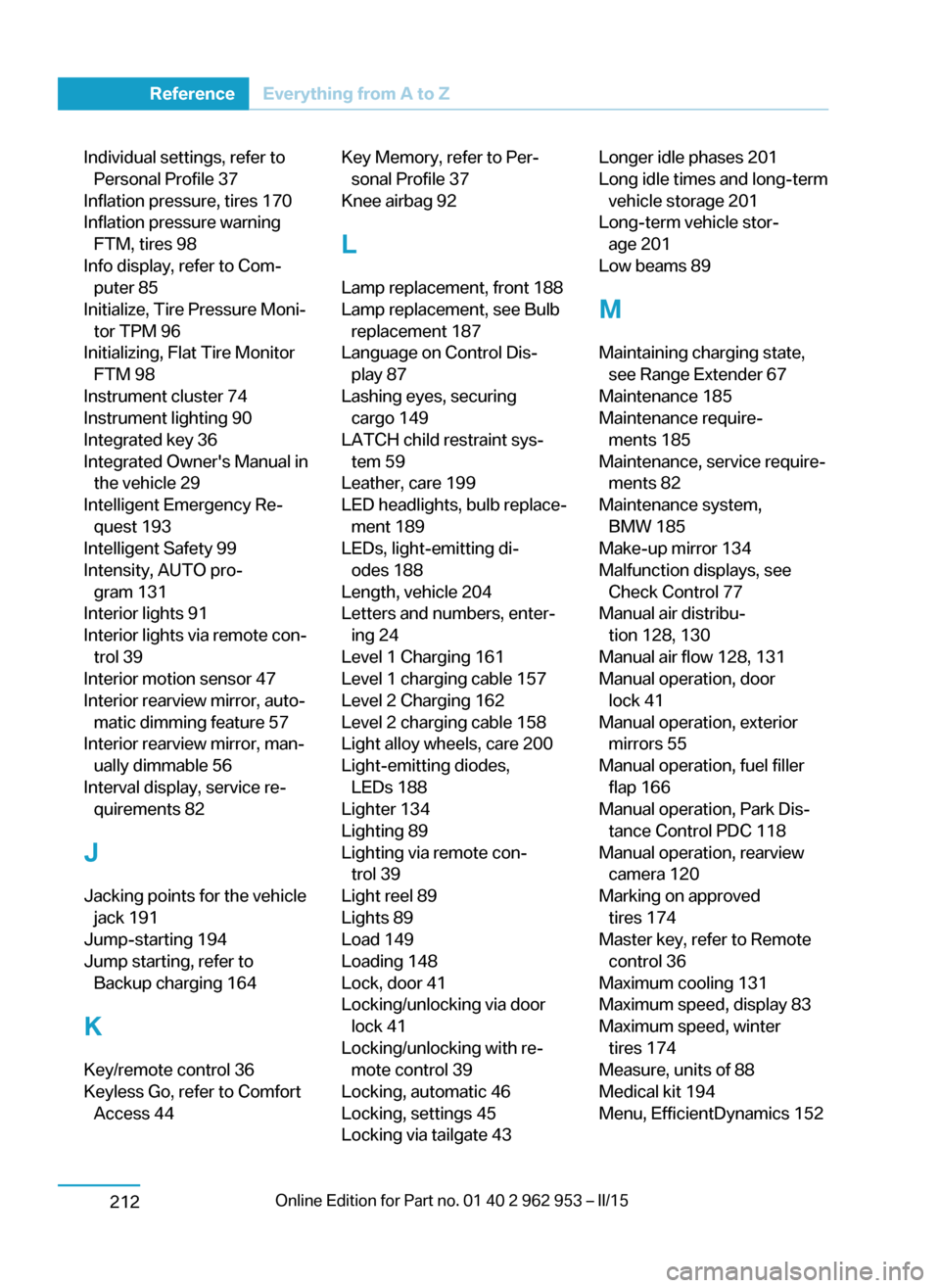
Individual settings, refer toPersonal Profile 37
Inflation pressure, tires 170
Inflation pressure warning FTM, tires 98
Info display, refer to Com‐ puter 85
Initialize, Tire Pressure Moni‐ tor TPM 96
Initializing, Flat Tire Monitor FTM 98
Instrument cluster 74
Instrument lighting 90
Integrated key 36
Integrated Owner's Manual in the vehicle 29
Intelligent Emergency Re‐ quest 193
Intelligent Safety 99
Intensity, AUTO pro‐ gram 131
Interior lights 91
Interior lights via remote con‐ trol 39
Interior motion sensor 47
Interior rearview mirror, auto‐ matic dimming feature 57
Interior rearview mirror, man‐ ually dimmable 56
Interval display, service re‐ quirements 82
J Jacking points for the vehicle jack 191
Jump-starting 194
Jump starting, refer to Backup charging 164
K
Key/remote control 36
Keyless Go, refer to Comfort Access 44 Key Memory, refer to Per‐sonal Profile 37
Knee airbag 92
L
Lamp replacement, front 188
Lamp replacement, see Bulb replacement 187
Language on Control Dis‐ play 87
Lashing eyes, securing cargo 149
LATCH child restraint sys‐ tem 59
Leather, care 199
LED headlights, bulb replace‐ ment 189
LEDs, light-emitting di‐ odes 188
Length, vehicle 204
Letters and numbers, enter‐ ing 24
Level 1 Charging 161
Level 1 charging cable 157
Level 2 Charging 162
Level 2 charging cable 158
Light alloy wheels, care 200
Light-emitting diodes, LEDs 188
Lighter 134
Lighting 89
Lighting via remote con‐ trol 39
Light reel 89
Lights 89
Load 149
Loading 148
Lock, door 41
Locking/unlocking via door lock 41
Locking/unlocking with re‐ mote control 39
Locking, automatic 46
Locking, settings 45
Locking via tailgate 43 Longer idle phases 201
Long idle times and long-term vehicle storage 201
Long-term vehicle stor‐ age 201
Low beams 89
M
Maintaining charging state, see Range Extender 67
Maintenance 185
Maintenance require‐ ments 185
Maintenance, service require‐ ments 82
Maintenance system, BMW 185
Make-up mirror 134
Malfunction displays, see Check Control 77
Manual air distribu‐ tion 128, 130
Manual air flow 128, 131
Manual operation, door lock 41
Manual operation, exterior mirrors 55
Manual operation, fuel filler flap 166
Manual operation, Park Dis‐ tance Control PDC 118
Manual operation, rearview camera 120
Marking on approved tires 174
Master key, refer to Remote control 36
Maximum cooling 131
Maximum speed, display 83
Maximum speed, winter tires 174
Measure, units of 88
Medical kit 194
Menu, EfficientDynamics 152 Seite 210ReferenceEverything from A to Z212