Head-up Display
The concept
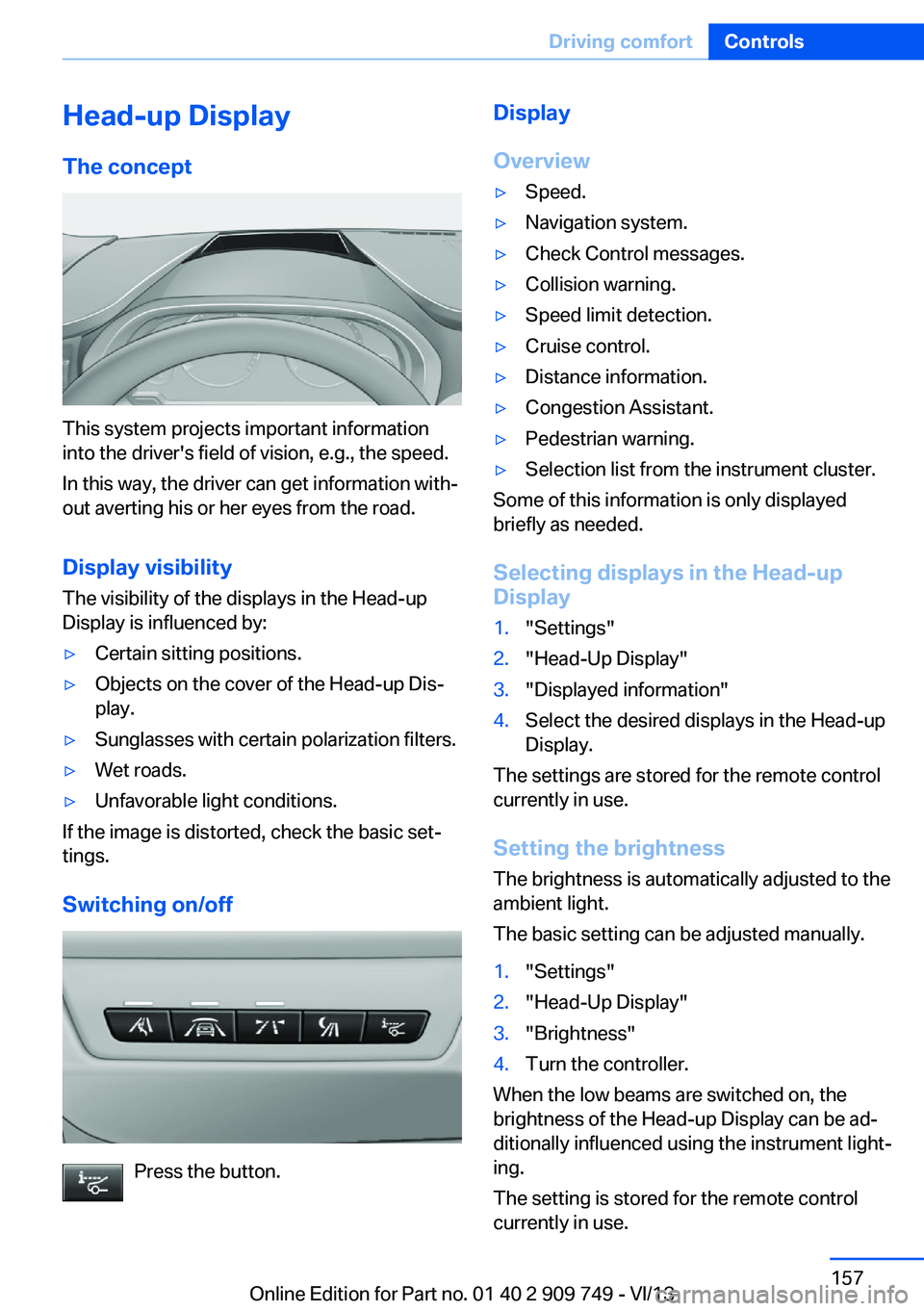
This system projects important information
into the driver's field of vision, e.g., the speed.
In this way, the driver can get information with‐
out averting his or her eyes from the road.
Display visibility The visibility of the displays in the Head-up
Display is influenced by:
▷Certain sitting positions.▷Objects on the cover of the Head-up Dis‐
play.▷Sunglasses with certain polarization filters.▷Wet roads.▷Unfavorable light conditions.
If the image is distorted, check the basic set‐
tings.
Switching on/off
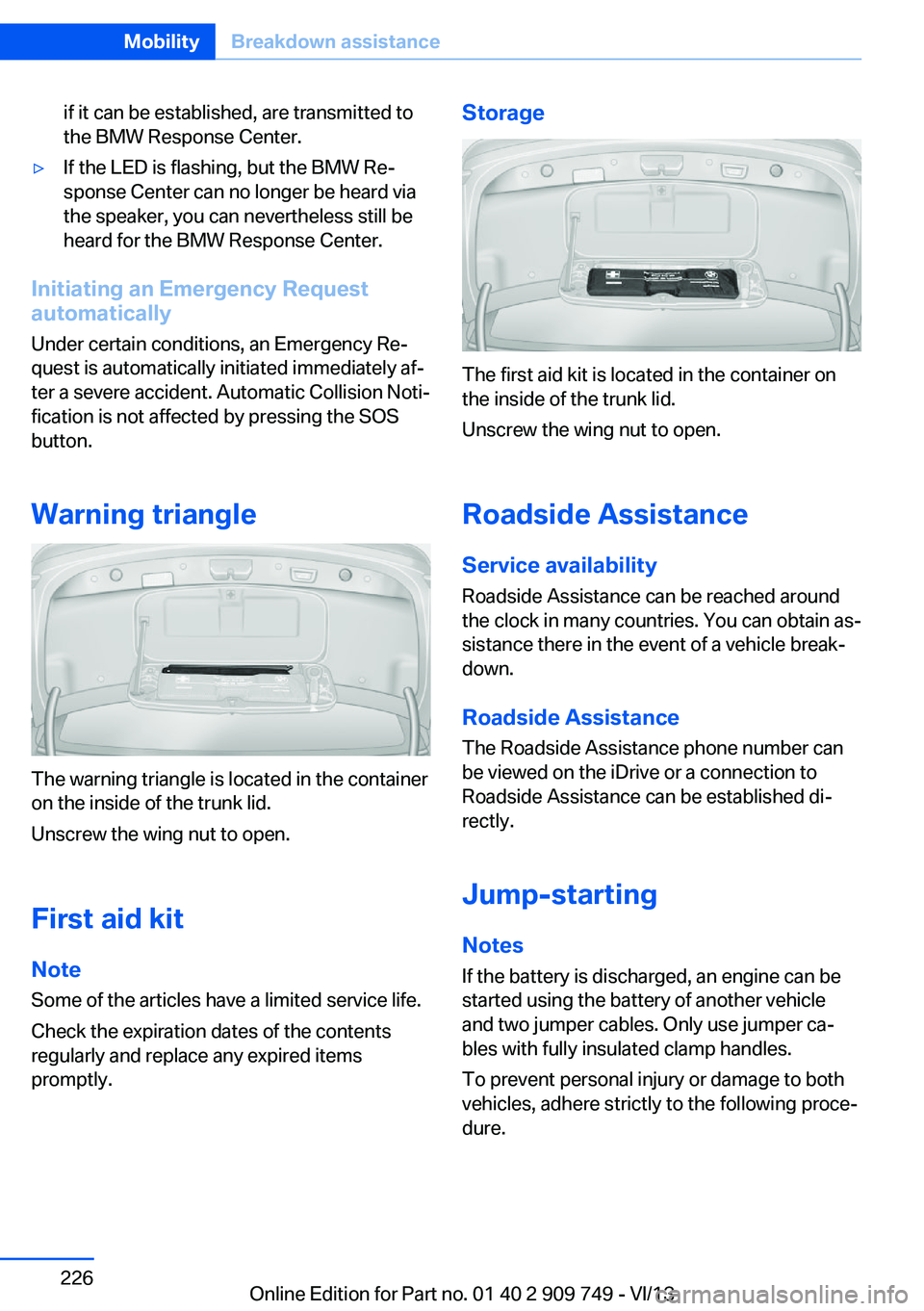
Press the button.
Display
Overview▷Speed.▷Navigation system.▷Check Control messages.▷Collision warning.▷Speed limit detection.▷Cruise control.▷Distance information.▷Congestion Assistant.▷Pedestrian warning.▷Selection list from the instrument cluster.
Some of this information is only displayed
briefly as needed.
Selecting displays in the Head-up
Display
1."Settings"2."Head-Up Display"3."Displayed information"4.Select the desired displays in the Head-up
Display.
The settings are stored for the remote control
currently in use.
Setting the brightness
The brightness is automatically adjusted to the
ambient light.
The basic setting can be adjusted manually.
1."Settings"2."Head-Up Display"3."Brightness"4.Turn the controller.
When the low beams are switched on, the
brightness of the Head-up Display can be ad‐
ditionally influenced using the instrument light‐
ing.
The setting is stored for the remote control
currently in use.
Seite 157Driving comfortControls157
Online Edition for Part no. 01 40 2 909 749 - VI/13
if it can be established, are transmitted to
the BMW Response Center.▷If the LED is flashing, but the BMW Re‐
sponse Center can no longer be heard via
the speaker, you can nevertheless still be
heard for the BMW Response Center.
Initiating an Emergency Request
automatically
Under certain conditions, an Emergency Re‐
quest is automatically initiated immediately af‐
ter a severe accident. Automatic Collision Noti‐
fication is not affected by pressing the SOS
button.
Warning triangle
The warning triangle is located in the container
on the inside of the trunk lid.
Unscrew the wing nut to open.
First aid kit
Note Some of the articles have a limited service life.
Check the expiration dates of the contents
regularly and replace any expired items
promptly.
Storage
The first aid kit is located in the container on
the inside of the trunk lid.
Unscrew the wing nut to open.
Roadside Assistance
Service availability
Roadside Assistance can be reached around
the clock in many countries. You can obtain as‐
sistance there in the event of a vehicle break‐
down.
Roadside Assistance The Roadside Assistance phone number can
be viewed on the iDrive or a connection to
Roadside Assistance can be established di‐
rectly.
Jump-starting
Notes If the battery is discharged, an engine can be
started using the battery of another vehicle
and two jumper cables. Only use jumper ca‐
bles with fully insulated clamp handles.
To prevent personal injury or damage to both
vehicles, adhere strictly to the following proce‐
dure.
Seite 226MobilityBreakdown assistance226
Online Edition for Part no. 01 40 2 909 749 - VI/13
Battery replacement, vehicleremote control 30
Battery, vehicle 223
Belts, safety belts 54
Beverage holder, cu‐ pholder 178
Blinds, sun protection 45
BMW Assist, see user's manual for Navigation, En‐
tertainment and Communi‐
cation
BMW Homepage 6
BMW Internet page 6
BMW maintenance sys‐ tem 216
Bonus range, ECO PRO 190
Bottle holder, refer to Cu‐ pholder 178
Brake assistant 125
Brake assistant, adaptive 125
Brake discs, breaking in 182
Brake force display 122
Brake lamps, brake force dis‐ play 122
Brake lamps, bulb replace‐ ment 221
Brake lights, adaptive 122
Brake pads, breaking in 182
Braking, hints 183
Breakdown assis‐ tance 225, 226
Breaking in 182
Brightness of Control Dis‐ play 94
Bulb replacement, rear 221
Bulb replacement, see lamp and bulb replacement 218
Button, RES 136
Button, Start/Stop 66
Bypassing, refer to Jump- starting 226
C
California Proposition 65 Warning 7 Calling up mirror adjust‐
ment 42
Calling up seat adjust‐ ment 42
Calling up steering wheel ad‐ justment 42
Camera, backup camera 147
Camera, care 233
Camera, Side View 150
Camera, Top View 151
Can holder, refer to Cu‐ pholder 178
Car battery 223
Car care products 231
Care, displays 233
Care, vehicle 231
Cargo 185
Cargo area lid 36
Cargo area, storage compart‐ ments 178
Cargo, securing 186
Cargo straps, securing cargo 186
Car key, refer to Remote con‐ trol 30
Carpet, care 233
Car wash 230
Catalytic converter, refer to Hot exhaust system 182
CBS Condition Based Serv‐ ice 216
CD/Multimedia, see user's manual for Navigation, En‐
tertainment and Communi‐
cation
Center armrest 177
Center console 14
Center-Lock, see button for central locking 33
Central locking system 33
Central screen, refer to Con‐ trol Display 16
Changes, technical, refer to Safety 7
Changing parts 218
Changing wheels 222 Changing wheels/tires 206
Check Control 83
Checking the oil level elec‐ tronically 212
Children, seating position 62
Children, transporting safely 62
Child restraint fixing sys‐ tem 62
Child restraint fixing system LATCH 63
Child restraint fixing systems, mounting 62
Child safety locks 65
Child seat, mounting 62
Child seats 62
Chrome parts, care 232
Cigarette lighter 170
Cleaning, displays 233
Climate control 160
Climate control laminated tinted safety glass 183
Climate control on head‐ liner 165
Climate control wind‐ shield 183
Clock 86
Closing/opening from in‐ side 36
Closing/opening via door lock 35
Closing/opening with remote control 34
Clothes hooks 178
Coasting 192
Coasting with engine decou‐ pled, coasting 192
Coasting with idling en‐ gine 192
Collision warning with braking function 111
Collision warning with City Braking function 109
Combination switch, refer to Turn signals 73 Seite 241Everything from A to ZReference241
Online Edition for Part no. 01 40 2 909 749 - VI/13