2014 BMW 5 SERIES telephone
[x] Cancel search: telephonePage 13 of 273

the information in the fault memory is deleted
or overwritten on a continuous basis.
With the vehicle in use there are situations
where you can associate these technical data
with individuals if combined with other infor‐
mation, e.g., an accident report, damage to the
vehicle, eye witness accounts — possibly with
the assistance of an expert.
Additional functions that are contractually
agreed with the customer - such as vehicle
emergency locating - you can transmit certain
vehicle data from the vehicle.
Event Data Recorder EDR
This vehicle is equipped with an event data re‐
corder EDR. The main purpose of an EDR is to
record, in certain crash or near crash-like situa‐
tions, such as an air bag deployment or hitting
a road obstacle, data that will assist in under‐
standing how a vehicle’s systems performed.
The EDR is designed to record data related to
vehicle dynamics and safety systems for a
short period of time, typically 30 seconds or
less.
The EDR in this vehicle is designed to record
such data as:▷How various systems in your vehicle were
operating.▷Whether or not the driver and passenger
safety belts were fastened.▷How far, if at all, the driver was depressing
the accelerator and/or brake pedal.▷How fast the vehicle was traveling.
These data can help provide a better under‐
standing of the circumstances in which
crashes and injuries occur.
EDR data are recorded by your vehicle only if a
nontrivial crash situation occurs; no data are
recorded by the EDR under normal driving
conditions and no personal data, e.g., name,
gender, age, and crash location, are recorded.
However, other parties, such as law enforce‐
ment, could combine the EDR data with the
type of personally identifying data routinely ac‐
quired during a crash investigation.
To read data recorded by an EDR, special
equipment is required, and access to the vehi‐
cle or the EDR is needed. In addition to the ve‐
hicle manufacturer, other parties, such as law
enforcement, that have the special equipment,
can read the information if they have access to
the vehicle or the EDR.
Vehicle identification
number
The vehicle identification number can be found
in the engine compartment.
The vehicle identification number can also be
found behind the windshield.
Reporting safety defects
For US customers The following only applies to vehicles owned
and operated in the US.
If you believe that your vehicle has a defect
which could cause a crash or could cause in‐
jury or death, you should immediately inform
the National Highway Traffic Safety Adminis‐
tration NHTSA, in addition to notifying BMW of
North America, LLC, P.O. Box 1227, West‐
wood, New Jersey 07675-1227, Telephone
1-800-831-1117.
Seite 9Notes9
Online Edition for Part no. 0140 2 956 218 - X/14
Page 19 of 273

Front fog lights 106Parking lights 103Low beams 103Automatic headlight con‐
trol 104
Daytime running lights 104
Adaptive Light Control 104
High-beam Assistant 105Instrument lighting 1068Steering column stalk, leftTurn signal 76High beams, head‐
light flasher 76High-beam Assistant 105Roadside parking lights 104Computer 979Shift paddles 8110Steering wheel buttons, leftStore speed 150, 143Resume speed 151, 146Cruise control on/off, interrupt‐
ing 143Cruise control on/off, interrupt‐
ing 150Reduce distance 146Increase distance 146Cruise control rocker reel 151, 14511Instrument cluster 8412Steering wheel buttons, rightEntertainment sourceVolumeVoice activation 26Telephone, see user's manual for
Navigation, Entertainment and
CommunicationThumbwheel for selection lists 9613Steering column stalk, rightWiper 77Rain sensor 77Clean the windshields and head‐
lights 7714Start/stop the engine and reel the
ignition on/off 70Auto Start/Stop function 7115Horn16Steering wheel heating 6417Adjust the steering wheel 64Seite 15CockpitAt a glance15
Online Edition for Part no. 0140 2 956 218 - X/14
Page 26 of 273

4.Turn the controller until "Time/Date" is
highlighted, and then press the controller.5.Turn the controller until "Time:" is high‐
lighted, and then press the controller.6.Turn the controller to set the hours and
press the controller.7.Turn the controller to set the minutes and
press the controller.
Status information
Status field The following information is displayed in the
status field at the top right:
▷Time.▷Current entertainment source.▷Sound output, on/off.▷Wireless network reception strength.▷Phone status.▷Traffic bulletin reception.
Status field symbols
The symbols are grouped as follows.
Radio symbolsSymbolMeaning HD radio station is being received. Satellite radio is switched on.
Telephone symbols
SymbolMeaning Incoming or outgoing call. Missed call. Wireless network reception
strength.
Symbol flashes: network search. Wireless network is not available. Bluetooth is switched on. Roaming is active. Text message was received. Check the SIM card. SIM card is blocked. SIM card is missing. Enter PIN.
Entertainment symbols
SymbolMeaning CD/DVD player. Music collection. Gracenote® database. AUX-IN port in the front or in the
rear. USB audio interface. Mobile phone audio interface.Seite 22At a glanceiDrive22
Online Edition for Part no. 0140 2 956 218 - X/14
Page 270 of 273
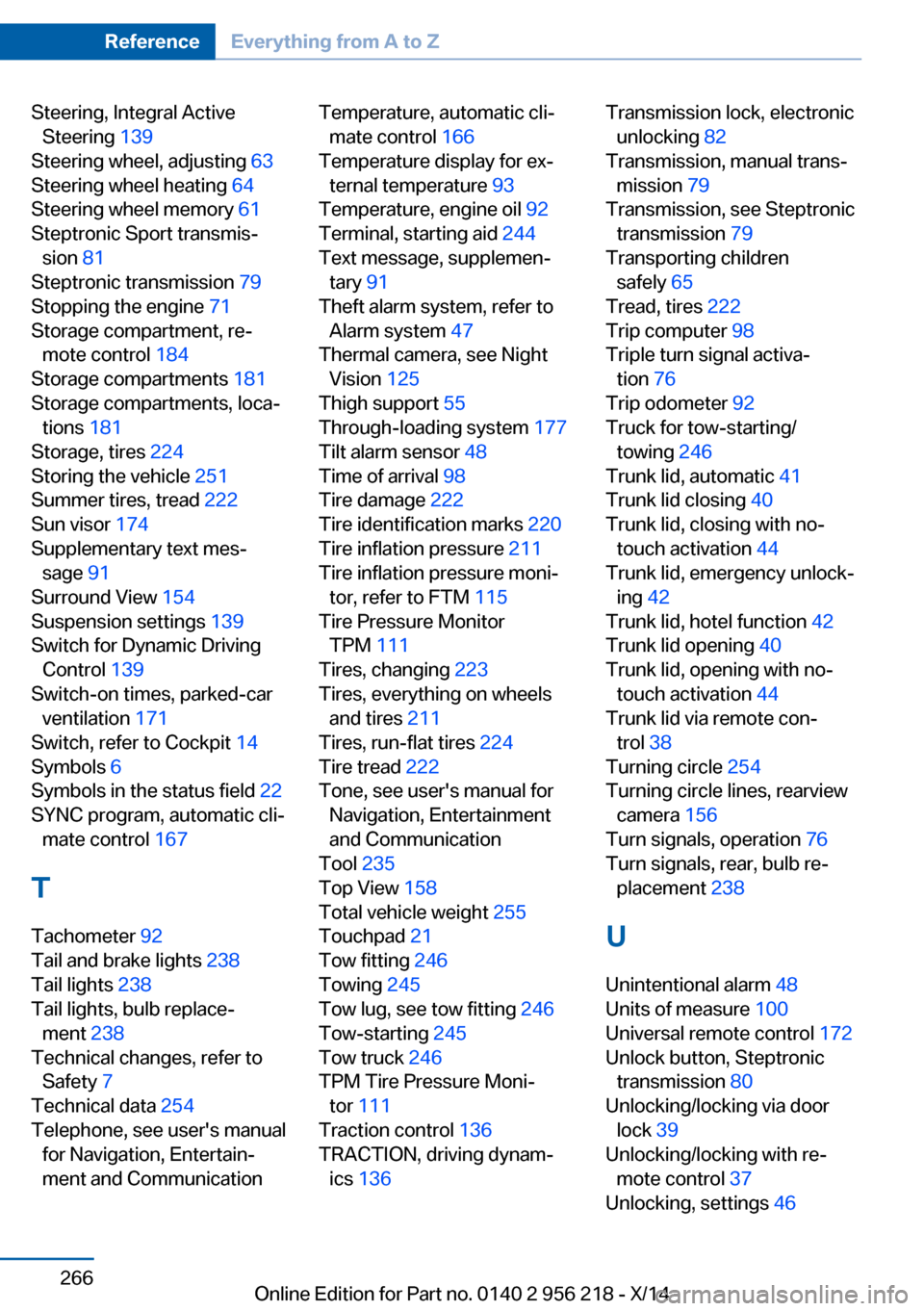
Steering, Integral ActiveSteering 139
Steering wheel, adjusting 63
Steering wheel heating 64
Steering wheel memory 61
Steptronic Sport transmis‐ sion 81
Steptronic transmission 79
Stopping the engine 71
Storage compartment, re‐ mote control 184
Storage compartments 181
Storage compartments, loca‐ tions 181
Storage, tires 224
Storing the vehicle 251
Summer tires, tread 222
Sun visor 174
Supplementary text mes‐ sage 91
Surround View 154
Suspension settings 139
Switch for Dynamic Driving Control 139
Switch-on times, parked-car ventilation 171
Switch, refer to Cockpit 14
Symbols 6
Symbols in the status field 22
SYNC program, automatic cli‐ mate control 167
T Tachometer 92
Tail and brake lights 238
Tail lights 238
Tail lights, bulb replace‐ ment 238
Technical changes, refer to Safety 7
Technical data 254
Telephone, see user's manual for Navigation, Entertain‐
ment and Communication Temperature, automatic cli‐ mate control 166
Temperature display for ex‐ ternal temperature 93
Temperature, engine oil 92
Terminal, starting aid 244
Text message, supplemen‐ tary 91
Theft alarm system, refer to Alarm system 47
Thermal camera, see Night Vision 125
Thigh support 55
Through-loading system 177
Tilt alarm sensor 48
Time of arrival 98
Tire damage 222
Tire identification marks 220
Tire inflation pressure 211
Tire inflation pressure moni‐ tor, refer to FTM 115
Tire Pressure Monitor TPM 111
Tires, changing 223
Tires, everything on wheels and tires 211
Tires, run-flat tires 224
Tire tread 222
Tone, see user's manual for Navigation, Entertainment
and Communication
Tool 235
Top View 158
Total vehicle weight 255
Touchpad 21
Tow fitting 246
Towing 245
Tow lug, see tow fitting 246
Tow-starting 245
Tow truck 246
TPM Tire Pressure Moni‐ tor 111
Traction control 136
TRACTION, driving dynam‐ ics 136 Transmission lock, electronic
unlocking 82
Transmission, manual trans‐ mission 79
Transmission, see Steptronic transmission 79
Transporting children safely 65
Tread, tires 222
Trip computer 98
Triple turn signal activa‐ tion 76
Trip odometer 92
Truck for tow-starting/ towing 246
Trunk lid, automatic 41
Trunk lid closing 40
Trunk lid, closing with no- touch activation 44
Trunk lid, emergency unlock‐ ing 42
Trunk lid, hotel function 42
Trunk lid opening 40
Trunk lid, opening with no- touch activation 44
Trunk lid via remote con‐ trol 38
Turning circle 254
Turning circle lines, rearview camera 156
Turn signals, operation 76
Turn signals, rear, bulb re‐ placement 238
U
Unintentional alarm 48
Units of measure 100
Universal remote control 172
Unlock button, Steptronic transmission 80
Unlocking/locking via door lock 39
Unlocking/locking with re‐ mote control 37
Unlocking, settings 46 Seite 266ReferenceEverything from A to Z266
Online Edition for Part no. 0140 2 956 218 - X/14