2014 BMW 428I COUPE belt
[x] Cancel search: beltPage 121 of 236
The arrangement of the buttons varies accord‐
ing to the how the vehicle is equipped or coun‐
try-specific variants.
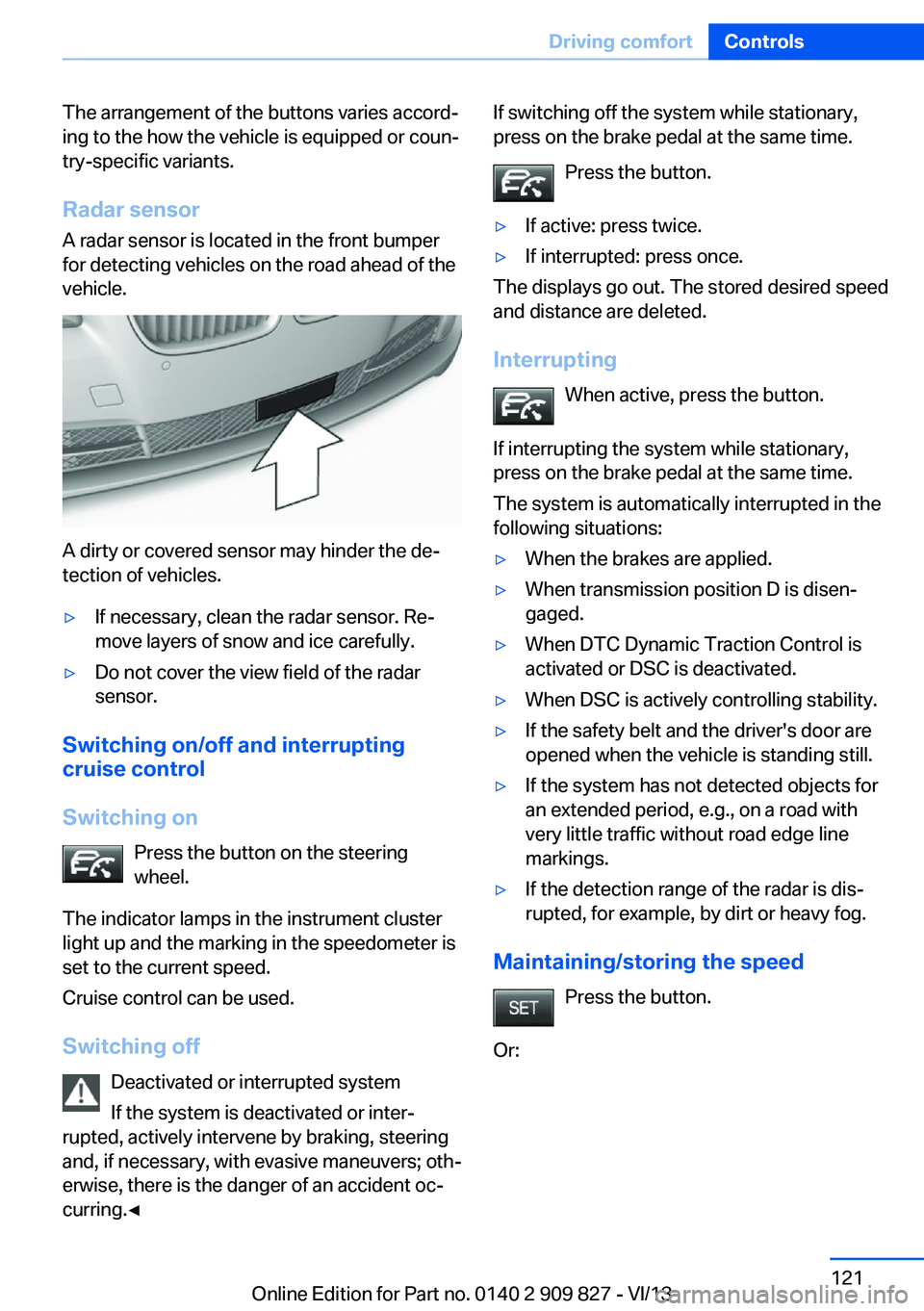
Radar sensor
A radar sensor is located in the front bumper
for detecting vehicles on the road ahead of the
vehicle.
A dirty or covered sensor may hinder the de‐
tection of vehicles.
▷If necessary, clean the radar sensor. Re‐
move layers of snow and ice carefully.▷Do not cover the view field of the radar
sensor.
Switching on/off and interrupting cruise control
Switching on Press the button on the steering
wheel.
The indicator lamps in the instrument cluster
light up and the marking in the speedometer is
set to the current speed.
Cruise control can be used.
Switching off Deactivated or interrupted system
If the system is deactivated or inter‐
rupted, actively intervene by braking, steering
and, if necessary, with evasive maneuvers; oth‐
erwise, there is the danger of an accident oc‐
curring.◀
If switching off the system while stationary,
press on the brake pedal at the same time.
Press the button.▷If active: press twice.▷If interrupted: press once.
The displays go out. The stored desired speed
and distance are deleted.
Interrupting When active, press the button.
If interrupting the system while stationary,
press on the brake pedal at the same time.
The system is automatically interrupted in the
following situations:
▷When the brakes are applied.▷When transmission position D is disen‐
gaged.▷When DTC Dynamic Traction Control is
activated or DSC is deactivated.▷When DSC is actively controlling stability.▷If the safety belt and the driver's door are
opened when the vehicle is standing still.▷If the system has not detected objects for
an extended period, e.g., on a road with
very little traffic without road edge line
markings.▷If the detection range of the radar is dis‐
rupted, for example, by dirt or heavy fog.
Maintaining/storing the speed
Press the button.
Or:
Seite 121Driving comfortControls121
Online Edition for Part no. 0140 2 909 827 - VI/13
Page 168 of 236
Stowing cargo▷Cover sharp edges and corners on the
cargo.▷Heavy cargo: stow as far forward as possi‐
ble, directly behind and at the bottom of
the rear passenger seat backrests.▷Very heavy cargo: when the rear seat is not
occupied, secure each of the outer safety
belts in the opposite buckle.▷If necessary, fold down the rear backrests
to stow cargo.▷Do not stack cargo above the top edge of
the backrests.
Securing cargo
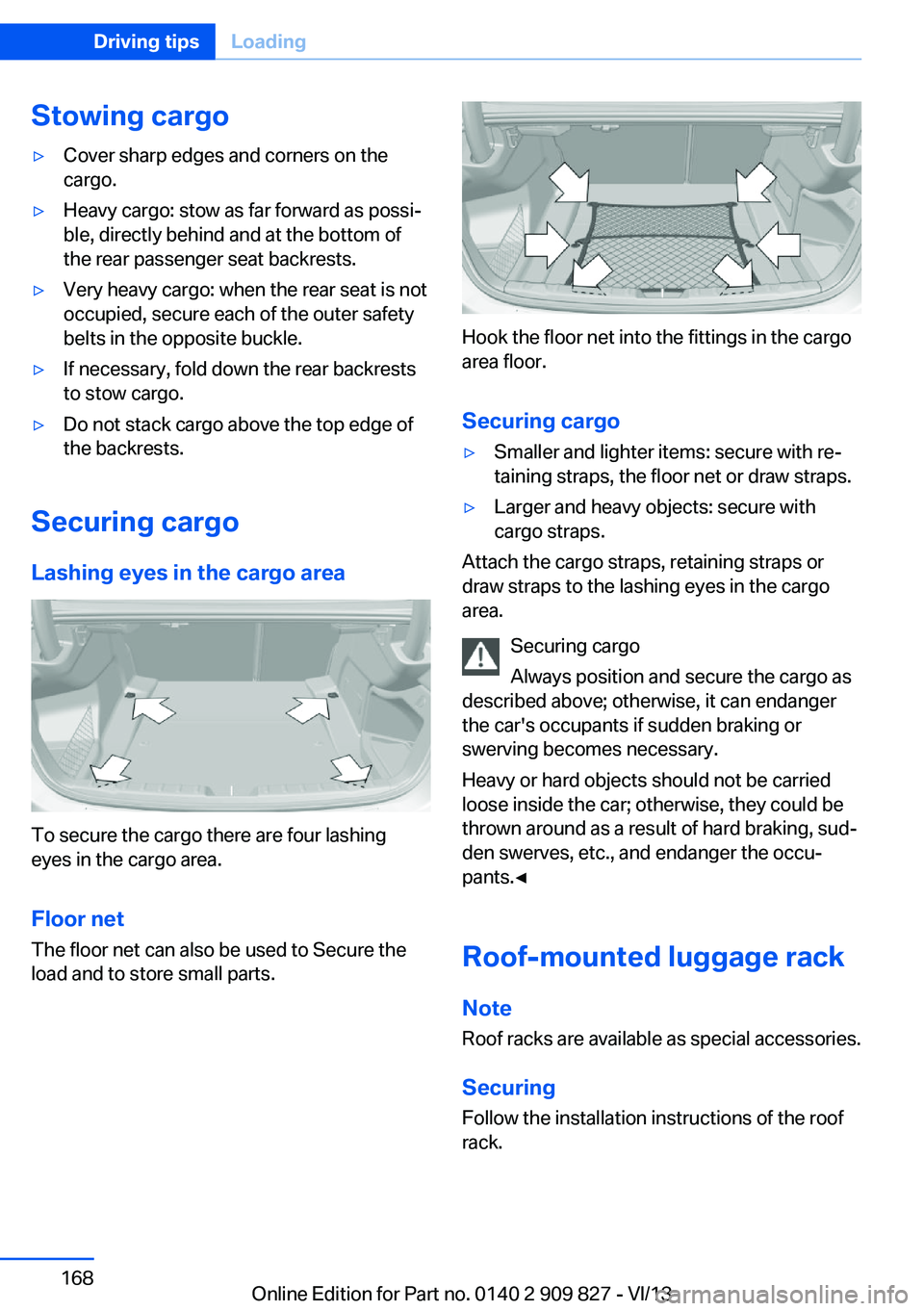
Lashing eyes in the cargo area
To secure the cargo there are four lashing
eyes in the cargo area.
Floor net
The floor net can also be used to Secure the
load and to store small parts.
Hook the floor net into the fittings in the cargo
area floor.
Securing cargo
▷Smaller and lighter items: secure with re‐
taining straps, the floor net or draw straps.▷Larger and heavy objects: secure with
cargo straps.
Attach the cargo straps, retaining straps or
draw straps to the lashing eyes in the cargo
area.
Securing cargo
Always position and secure the cargo as
described above; otherwise, it can endanger
the car's occupants if sudden braking or
swerving becomes necessary.
Heavy or hard objects should not be carried
loose inside the car; otherwise, they could be
thrown around as a result of hard braking, sud‐
den swerves, etc., and endanger the occu‐
pants.◀
Roof-mounted luggage rack
Note Roof racks are available as special accessories.
Securing
Follow the installation instructions of the roof
rack.
Seite 168Driving tipsLoading168
Online Edition for Part no. 0140 2 909 827 - VI/13
Page 218 of 236
To guard against discoloration, such as from
clothing, provide leather care roughly every
two months.
Clean light-colored leather more frequently be‐
cause soiling on such surfaces is substantially
more visible.
Use leather care products; otherwise, dirt and
grease will gradually break down the protective
layer of the leather surface.
Suitable care products are available from the
service center.
Upholstery material care Vacuum regularly with a vacuum cleaner.
If they are very dirty, e.g., beverage stains, use
a soft sponge or microfiber cloth with a suita‐
ble interior cleaner.
Clean the upholstery down to the seams using
large sweeping motions. Avoid rubbing the
material vigorously.
Damage from Velcro® fasteners
Open Velcro® fasteners on pants or
other articles of clothing can damage the seat
covers. Ensure that any Velcro® fasteners are
closed.◀
Caring for special components
Light-alloy wheels When cleaning the vehicle, use only neutral
wheel cleaners having a pH value from 5 to 9.
Do not use abrasive cleaning agents or steam
jets above 140 ℉/60 ℃. Follow the manufac‐
turer's instructions.
Aggressive, acidic or alkaline cleaning agents
can destroy the protective layer of adjacent
components, such as the brake disk.
Chrome surfaces Carefully clean components such as the radia‐
tor grille or door handles with an ample supply of water, possibly with shampoo added, partic‐ularly when they have been exposed to road
salt.
Rubber components Aside from water, treat only with rubber
cleansers.
When cleaning rubber seals, do not use any
silicon-containing car care products in order to
avoid damage or reduced noise damping.
Fine wood parts Clean fine wood facing and fine wood compo‐
nents only with a moist rag. Then dry with a
soft cloth.
Plastic components
These include:▷Imitation leather surfaces.▷Headliner.▷Lamp lenses.▷Instrument cluster cover.▷Matte black spray-coated components.▷Painted parts in the interior.
Clean with a microfiber cloth.
Lightly dampen the cloth with water.
Do not soak the headliner.
Do not use cleansers that contain alcohol
or solvents
Do not use cleansers that contain alcohol or
solvents, such as lacquer thinners, heavy-duty
grease removers, fuel, or such; this could lead
to surface damage.◀
Safety belts
Dirty belt straps impede the reeling action and
thus have a negative impact on safety.
Chemical cleaning
Do not clean chemically; this can destroy
the webbing.◀
Seite 218MobilityCare218
Online Edition for Part no. 0140 2 909 827 - VI/13
Page 219 of 236
Use only a mild soapy solution, with the safety
belts clipped into their buckles.
Do not allow the reels to retract the safety
belts until they are dry.
Carpets and floor mats No objects in the area around the pedals
Keep floor mats, carpets, and any other
objects out of the area of motion of the pedals;
otherwise, the function of the pedals could be
impeded while driving
Do not place additional floor mats over existing
mats or other objects.
Only use floor mats that have been approved
for the vehicle and can be properly fixed in
place.
Ensure that the floor mats are securely fas‐
tened again after they were removed for clean‐
ing, for example.◀
Floor mats can be removed from the passen‐
ger compartment for cleaning.
If the floor carpets are very dirty, clean with a
microfiber cloth and water or a textile cleaner.
To prevent matting of the carpet, rub back and
forth in the direction of travel only.
Sensors/cameras
To clean sensors and cameras, use a cloth
moistened with a small amount of glass
cleaner.
Displays/screens
Clean the displays with an antistatic microfiber
cloth.
Cleaning displays
Do not use chemical or household
cleansers.
Keep all fluids and moisture away from the
unit.
Otherwise, they could affect or damage surfa‐
ces or electrical components.Avoid pressing too hard when cleaning and do
not use abrasive materials; otherwise, damage
can result.◀
Long-term vehicle storage
Your service center can advise you on what to
consider when storing the vehicle for longer
than three months.Seite 219CareMobility219
Online Edition for Part no. 0140 2 909 827 - VI/13
Page 226 of 236
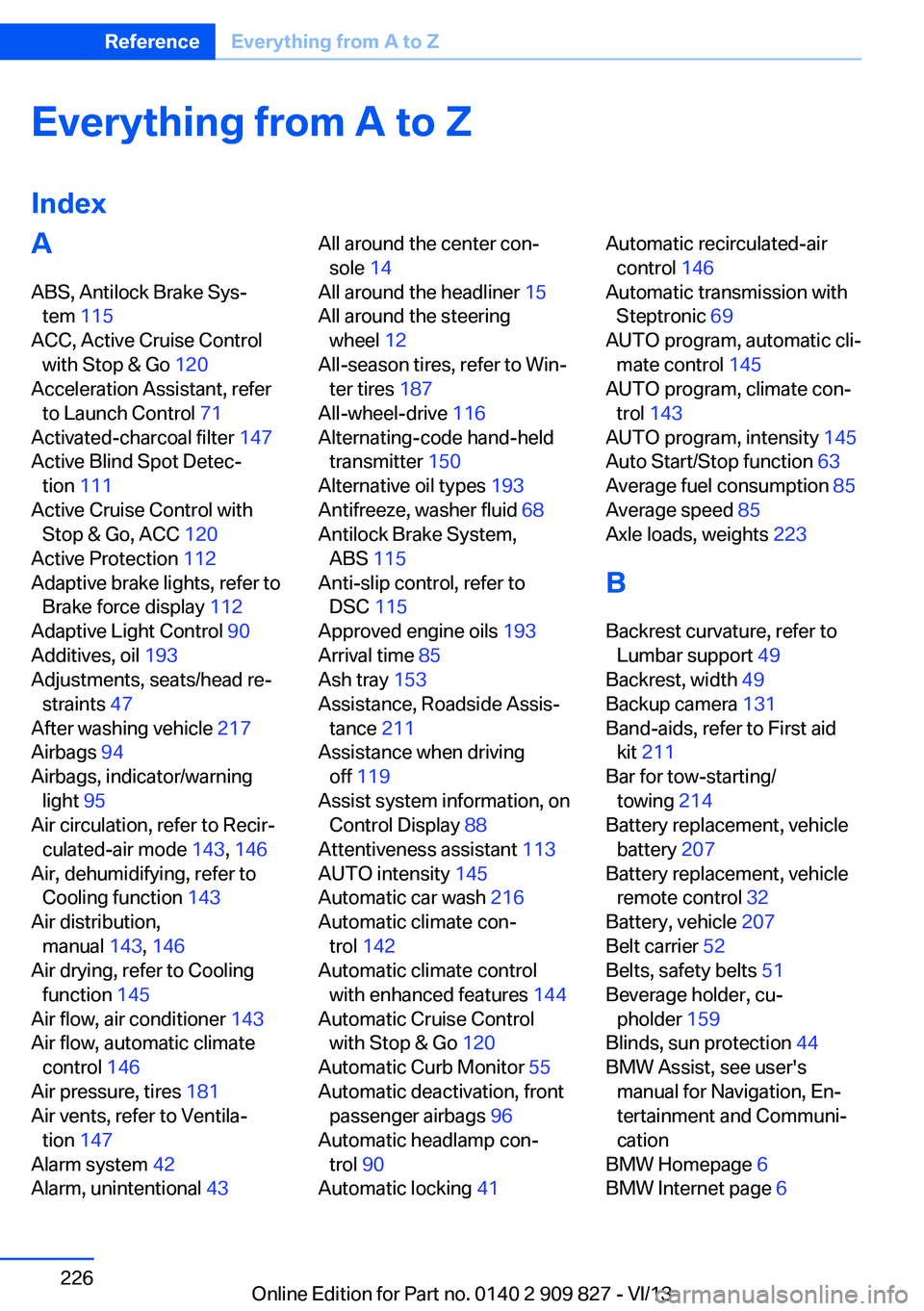
Everything from A to Z
IndexA ABS, Antilock Brake Sys‐ tem 115
ACC, Active Cruise Control with Stop & Go 120
Acceleration Assistant, refer to Launch Control 71
Activated-charcoal filter 147
Active Blind Spot Detec‐ tion 111
Active Cruise Control with Stop & Go, ACC 120
Active Protection 112
Adaptive brake lights, refer to Brake force display 112
Adaptive Light Control 90
Additives, oil 193
Adjustments, seats/head re‐ straints 47
After washing vehicle 217
Airbags 94
Airbags, indicator/warning light 95
Air circulation, refer to Recir‐ culated-air mode 143, 146
Air, dehumidifying, refer to Cooling function 143
Air distribution, manual 143, 146
Air drying, refer to Cooling function 145
Air flow, air conditioner 143
Air flow, automatic climate control 146
Air pressure, tires 181
Air vents, refer to Ventila‐ tion 147
Alarm system 42
Alarm, unintentional 43 All around the center con‐
sole 14
All around the headliner 15
All around the steering wheel 12
All-season tires, refer to Win‐ ter tires 187
All-wheel-drive 116
Alternating-code hand-held transmitter 150
Alternative oil types 193
Antifreeze, washer fluid 68
Antilock Brake System, ABS 115
Anti-slip control, refer to DSC 115
Approved engine oils 193
Arrival time 85
Ash tray 153
Assistance, Roadside Assis‐ tance 211
Assistance when driving off 119
Assist system information, on Control Display 88
Attentiveness assistant 113
AUTO intensity 145
Automatic car wash 216
Automatic climate con‐ trol 142
Automatic climate control with enhanced features 144
Automatic Cruise Control with Stop & Go 120
Automatic Curb Monitor 55
Automatic deactivation, front passenger airbags 96
Automatic headlamp con‐ trol 90
Automatic locking 41 Automatic recirculated-air
control 146
Automatic transmission with Steptronic 69
AUTO program, automatic cli‐ mate control 145
AUTO program, climate con‐ trol 143
AUTO program, intensity 145
Auto Start/Stop function 63
Average fuel consumption 85
Average speed 85
Axle loads, weights 223
B Backrest curvature, refer to Lumbar support 49
Backrest, width 49
Backup camera 131
Band-aids, refer to First aid kit 211
Bar for tow-starting/ towing 214
Battery replacement, vehicle battery 207
Battery replacement, vehicle remote control 32
Battery, vehicle 207
Belt carrier 52
Belts, safety belts 51
Beverage holder, cu‐ pholder 159
Blinds, sun protection 44
BMW Assist, see user's manual for Navigation, En‐
tertainment and Communi‐
cation
BMW Homepage 6
BMW Internet page 6 Seite 226ReferenceEverything from A to Z226
Online Edition for Part no. 0140 2 909 827 - VI/13
Page 232 of 236
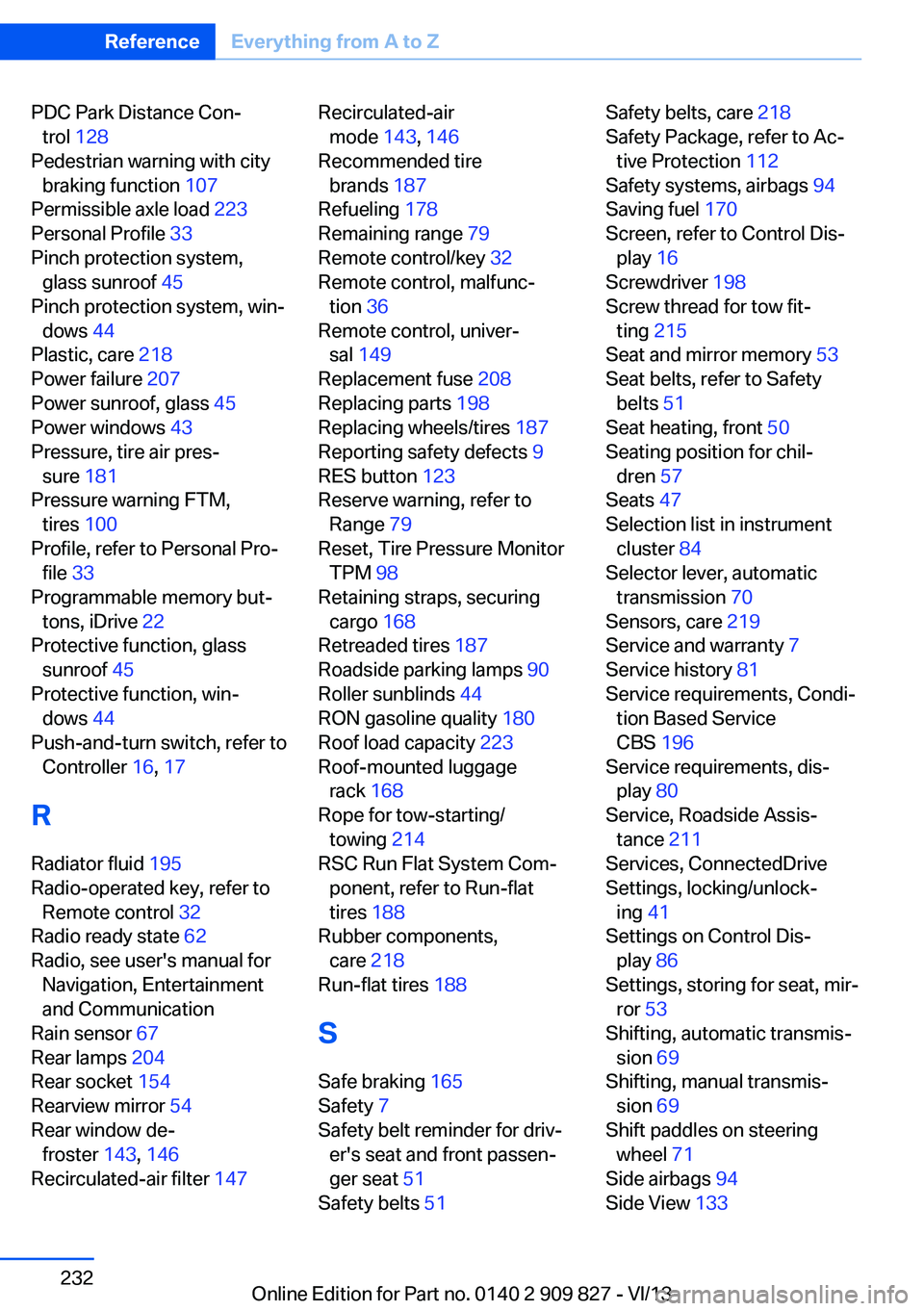
PDC Park Distance Con‐trol 128
Pedestrian warning with city braking function 107
Permissible axle load 223
Personal Profile 33
Pinch protection system, glass sunroof 45
Pinch protection system, win‐ dows 44
Plastic, care 218
Power failure 207
Power sunroof, glass 45
Power windows 43
Pressure, tire air pres‐ sure 181
Pressure warning FTM, tires 100
Profile, refer to Personal Pro‐ file 33
Programmable memory but‐ tons, iDrive 22
Protective function, glass sunroof 45
Protective function, win‐ dows 44
Push-and-turn switch, refer to Controller 16, 17
R Radiator fluid 195
Radio-operated key, refer to Remote control 32
Radio ready state 62
Radio, see user's manual for Navigation, Entertainment
and Communication
Rain sensor 67
Rear lamps 204
Rear socket 154
Rearview mirror 54
Rear window de‐ froster 143, 146
Recirculated-air filter 147 Recirculated-air
mode 143, 146
Recommended tire brands 187
Refueling 178
Remaining range 79
Remote control/key 32
Remote control, malfunc‐ tion 36
Remote control, univer‐ sal 149
Replacement fuse 208
Replacing parts 198
Replacing wheels/tires 187
Reporting safety defects 9
RES button 123
Reserve warning, refer to Range 79
Reset, Tire Pressure Monitor TPM 98
Retaining straps, securing cargo 168
Retreaded tires 187
Roadside parking lamps 90
Roller sunblinds 44
RON gasoline quality 180
Roof load capacity 223
Roof-mounted luggage rack 168
Rope for tow-starting/ towing 214
RSC Run Flat System Com‐ ponent, refer to Run-flat
tires 188
Rubber components, care 218
Run-flat tires 188
S Safe braking 165
Safety 7
Safety belt reminder for driv‐ er's seat and front passen‐
ger seat 51
Safety belts 51 Safety belts, care 218
Safety Package, refer to Ac‐ tive Protection 112
Safety systems, airbags 94
Saving fuel 170
Screen, refer to Control Dis‐ play 16
Screwdriver 198
Screw thread for tow fit‐ ting 215
Seat and mirror memory 53
Seat belts, refer to Safety belts 51
Seat heating, front 50
Seating position for chil‐ dren 57
Seats 47
Selection list in instrument cluster 84
Selector lever, automatic transmission 70
Sensors, care 219
Service and warranty 7
Service history 81
Service requirements, Condi‐ tion Based Service
CBS 196
Service requirements, dis‐ play 80
Service, Roadside Assis‐ tance 211
Services, ConnectedDrive
Settings, locking/unlock‐ ing 41
Settings on Control Dis‐ play 86
Settings, storing for seat, mir‐ ror 53
Shifting, automatic transmis‐ sion 69
Shifting, manual transmis‐ sion 69
Shift paddles on steering wheel 71
Side airbags 94
Side View 133 Seite 232ReferenceEverything from A to Z232
Online Edition for Part no. 0140 2 909 827 - VI/13