Page 87 of 653
�Û�Ý
�Î
�Î
�Î �Î
CONT INUED
Multi-Inf ormation Display
Inst rument s and Cont rols
81
U.S. model is shown.: Press the INFO button ( / ).
1:
2 : SH-AWD models only On models without navigation system only
This display will be shown when theBluetoothHandsFreeLinkis activated.
HFL
(See page 88)
Customized Settings
(See page 94)Trip Computer (See page 84)
Tire Pressure for
Each Tire
(See page 87) SH-AWD Torque
Distribution Monitor
(See page 87)
1
2
12/08/03 20:54:54 31TK4640_086
Page 94 of 653
You can receive or make phone calls
f rom your cell phone through your
vehicle’s
HandsFreeLink
(HFL) system without touching your
cell phone.To use the system, your cell phone
and the HFL system must be linked.
Not all cell phones are compatible
with this system. Ref er to page
for instructions on how to link
your cell phone to HFL and how to
receive or make phone calls, or visit
the acura.com/handsf reelink
website. In Canada, visit , or call (888) 528-
7876.
YoucanseeHFLinformationonthe
navigation screen (see page ). 412
427
Bluetooth
On models without navigation system www.
handsf reelink.ca
On models with navigation system
Multi-Inf ormation Display
Bluet oot hHandsFreeL ink
88
U.S. model is shown.
12/08/03 20:55:38 31TK4640_093
Page 288 of 653
�Î�Î
Your vehicle is equipped with a
Audio system, which
allows you to listen to streaming
audio f rom your
Audio
compatible phone. This f unction is
only available on phones that are
paired and linked to the vehicle’s
HandsFreeLink(HFL)
system (see page ).
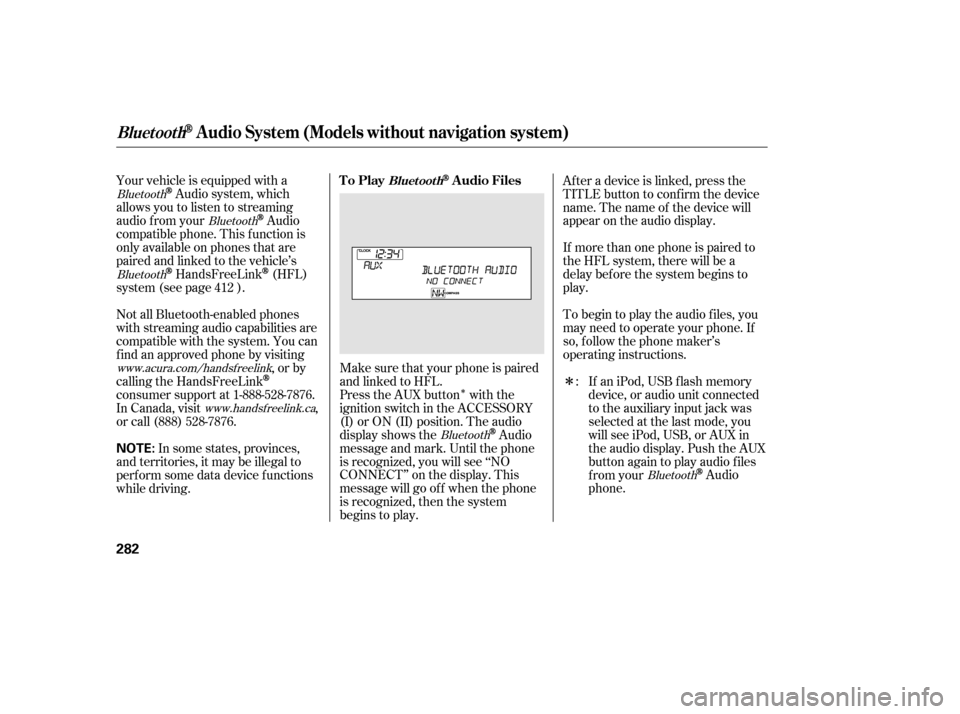
Make sure that your phone is paired
and linked to HFL.
Press the AUX button with the
ignition switch in the ACCESSORY
(I) or ON (II) position. The audio
display shows the
Audio
message and mark. Until the phone
is recognized, you will see ‘‘NO
CONNECT’’ on the display. This
message will go of f when the phone
is recognized, then the system
begins to play. If more than one phone is paired to
the HFL system, there will be a
delay bef ore the system begins to
play. Af ter a device is linked, press the
TITLE button to confirm the device
name. The name of the device will
appear on the audio display.
In some states, provinces,
and territories, it may be illegal to
perf orm some data device f unctions
while driving. If an iPod, USB flash memory
device, or audio unit connected
to the auxiliary input jack was
selected at the last mode, you
will see iPod, USB, or AUX in
the audio display. Push the AUX
button again to play audio f iles
from your
Audio
phone.
To begin to play the audio f iles, you
may need to operate your phone. If
so, f ollow the phone maker’s
operating instructions.
Not all Bluetooth-enabled phones
with streaming audio capabilities are
compatible with the system. You can
f ind an approved phone by visiting
,orby
calling the HandsFreeLink
consumer support at 1-888-528-7876.
In Canada, visit ,
or call (888) 528-7876. :
412
Bluetooth
Bluetooth
Bluetooth
BluetoothBluetooth
www.acura.com/handsfree
link
www.handsfree link.ca
To PlayAudio FilesBluet oot h
BluetoothAudio System (Models without navigation system)
282
NOTE:
12/07/20 11:05:36 31TK4640_287
Page 289 of 653
In the following conditions, the
display shows ‘‘NO CONNECT’’
message.The phone is not linked to HFL.
The phone is not turned on.
The phone is not in the vehicle.
Another HFL compatible phone,
which is not compatible f or
Audio, is already
connected.
Press the side of the SKIP bar
to skip f orward to the next f ile, and
press the side to skip backward
to the beginning of the current f ile.
Push the side again to skip to
the previous f ile.
Turning the selector knob to the
right or lef t also changes a f ile. The resume/pause mode can stop
playing a f ile temporarily. Press the
SETUP button to display the audio
settings.
Turn the selector to select
RESUME/PAUSE mode, then press
ENTER to set your selection. Repeat
to resume play.
Thepausefunctionmaynot
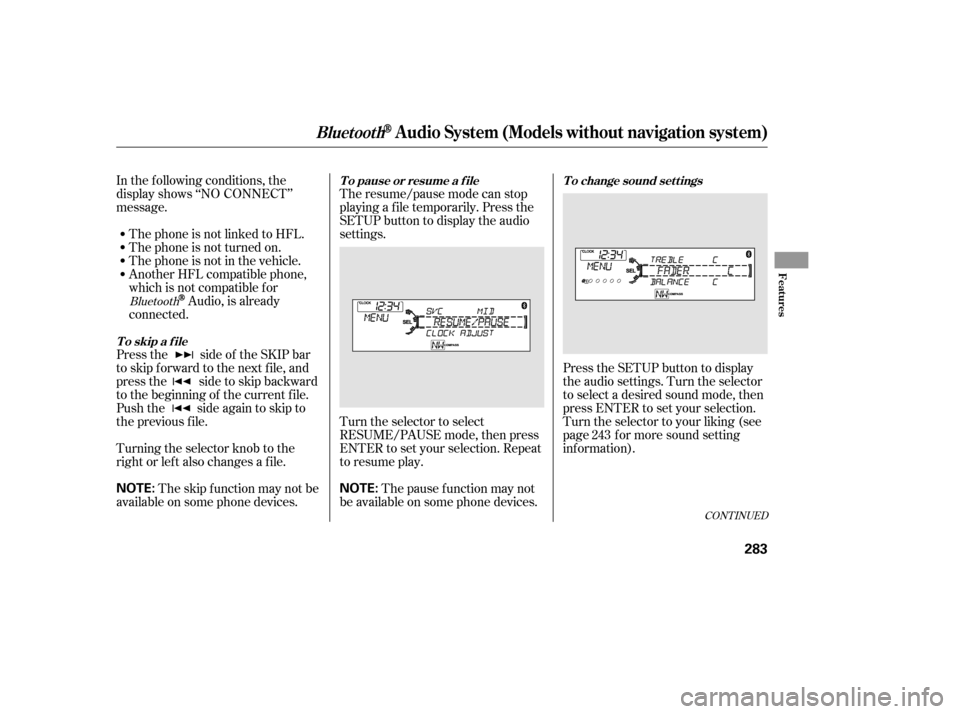
be available on some phone devices. Press the SETUP button to display
the audio settings. Turn the selector
to select a desired sound mode, then
press ENTER to set your selection.
Turn the selector to your liking (see
page f or more sound setting
inf ormation).
The skip f unction may not be
available on some phone devices. 243Bluetooth
CONT INUED
T o skip a f ileT o pause or resume a f ile T o change sound settings
BluetoothAudio System (Models without navigation system)
Features
283
NOTE:
NOTE:
12/07/20 11:05:50 31TK4640_288
Page 290 of 653

If you receive a call when the
Audio is playing, press the
HFLTalkbuttononthesteering
wheel. The display switches to the
HFLmode(seepage ).
Af ter ending the call, press the HFL
Backbuttontogobacktothe
Audio mode.
If you receive a call while the system
is in the pause mode, the mode will
be canceled and
Audio
will continue to play. Select any other audio mode by
pressing a button: AM/FM,
or CD (if a disc is loaded),
on the audio control panel, or press
the mode button on the steering
wheel to select another audio mode.
If an iPod or USB f lash memory
device is connected to the USB
adapter cable, or audio unit is
connected to AUX jack, pressing the
AUX button also changes the mode.
Switching to another mode pauses
the music playing f rom your phone. This device complies with the
appropriate requirements or the
required standards. See page f or
more inf ormation.
628
407
Bluetooth
Bluetooth Bluetooth
BluetoothAudio System (Models without navigation system)
T o swit ch t o HFL mode T o t urn of f t he Bluet oot hAudio
mode
284
12/08/03 20:58:31 31TK4640_289
Page 383 of 653
�Î
�Î
Make sure that your phone is paired
and linked to HFL.
Your vehicle is equipped with a
Audio system, which
allows you to listen to streaming
audio f rom your
Audio
compatible phone. This f unction is
only available on phones that are
paired and linked to the vehicle’s
HandsFreeLink(HFL)
system (see page ). Yourvehiclehastheenginestart/
stop button instead of an ignition
switch. For more inf ormation on how
to select the power mode, see page
.
To begin to play the audio f iles, you
may need to operate your phone. If
so, f ollow the phone maker’s
operating instructions.
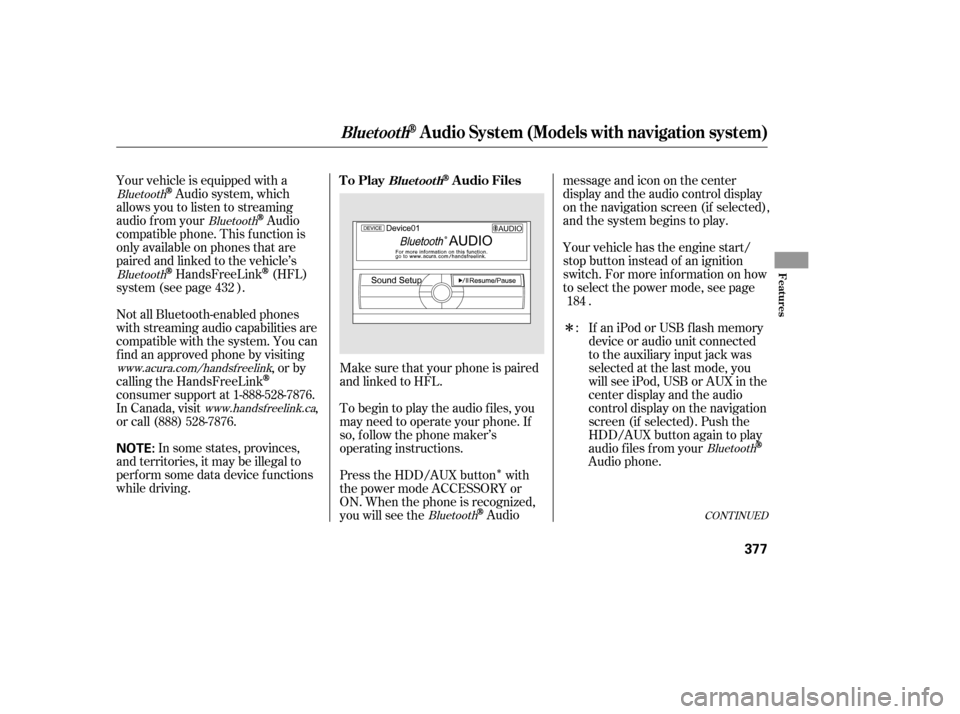
Press the HDD/AUX button with
the power mode ACCESSORY or
ON. When the phone is recognized,
you will see the
Audio messageandicononthecenter
display and the audio control display
on the navigation screen (if selected),
and the system begins to play.
If an iPod or USB f lash memory
device or audio unit connected
to the auxiliary input jack was
selected at the last mode, you
will see iPod, USB or AUX in the
center display and the audio
control display on the navigation
screen (if selected). Push the
HDD/AUX button again to play
audio f iles f rom your
Audio phone.
In some states, provinces,
and territories, it may be illegal to
perf orm some data device f unctions
while driving. Not all Bluetooth-enabled phones
with streaming audio capabilities are
compatible with the system. You can
f ind an approved phone by visiting ,orby
calling the HandsFreeLink
consumer support at 1-888-528-7876.
In Canada, visit ,
or call (888) 528-7876. :
432
184
Bluetooth
Bluetooth
Bluetooth
BluetoothBluetooth
www.acura.com/handsfree
link
www.handsfree link.ca
CONT INUED
To PlayAudio FilesBluet oot h
BluetoothAudio System (Models with navigation system)
Features
377
NOTE:
12/07/20 11:18:21 31TK4640_382
Page 384 of 653

Onceadeviceislinked,thenameof
thedevicewillappearonthescreen.
Pressing the TITLE button switches
the center display between the
Audio and the device
name.
If more than one phone is paired to
the HFL system, there will be a
delay bef ore the system begins to
play. In the following conditions, the
display shows ‘‘NO CONNECT’’
message af ter pressing the TITLE
button.
The phone is not linked to HFL.
The phone is not turned on.
The phone is not in the vehicle.
Another HFL compatible phone,
which is not compatible f or
Audio, is already
connected. You can select the AUX mode by
using the voice control buttons, but
cannot operate the play mode
f unctions.
Press the side of the SKIP bar
to skip f orward to the next f ile, and
press the side to skip backward
to the beginning of the current f ile.
Push the side again to skip to
the previous f ile.
If your
Audio compatible
phone does not operate as described,
make sure it is an Acura approved
phone. To f ind out if your phone is
approved, go to (in Canada,), or call the
HandsFreeLink
consumer support
at 1-888-528-7876. The skip f unction may not be
available on some phone devices.
Adevicenamemaynotbe
displayed on some phone devices.
Bluetooth
BluetoothBluetooth
www.acura.com/
handsf reelink www.
handsf reelink.ca Voice Cont rol Syst em
T o skip a f ile
BluetoothAudio System (Models with navigation system)
378
NOTE:
NOTE:
12/07/20 11:18:29 31TK4640_383
Page 386 of 653
Turn the dial to select a sound setup
mode, then press ENTER to set your
selection. See page f or more
sound setting inf ormation.Switching to another mode pauses
the music playing f rom your phone.
If you receive a call when the
Audio is playing, press the
PICK-UPbuttononthesteering
wheel. The screen and the center
displayswitchtotheHFLmode(see
page ).
Af ter ending the call, press the
HANG-UP button to go back to the
Audio mode. Select any other audio mode by
pressing a button; AM/FM, ,
DISC, or HDD/AUX on the audio
control panel, or press the MODE
buttononthesteeringwheelto
select another audio mode.
This device complies with the
appropriate requirements or the
required standards. See page f or
more inf ormation.
427 296
628
Bluetooth
Bluetooth T o t urn of f t he Bluet oot h
Audio
mode
T o switch to HFL mode
BluetoothAudio System (Models with navigation system)
380
12/07/20 11:18:43 31TK4640_385