2013 VOLKSWAGEN CC lighting system
[x] Cancel search: lighting systemPage 32 of 578

Settings
menu
Function
Lights &
Vision
Vehicle lighting settings
Time Set hours and minutes for the instrument cluster
clock, the Radio & Navigation System clock, and the
analog clock. The digital clocks can be set to show
the time in 12 or 24 hour format, and can also be set
to daylight savings time.
Snow tires Set up a visual and acoustic speed warning. Use the
feature only when winter tires are installed that have
a speed rating less than top vehicle speed.
Compass Calibrate the compass on vehicles without a factory-
installed navigation system. To calibrate, follow the
instructions in the instrument cluster display
Units Set the units in which temperature, fuel consumption,
and distances should be displayed (for example,
whether to show distance driven in miles or kilome-
ters).
Service View the service reminder display
Factory
setting
Reset the functions in the Settings menu back to the
factory settings.
Lights & Vision submenu
Page 94 of 578

The buttons 1 , 2 , and 3 on the keypad in the sun visor can operate
up to 3 separate devices (for example, a gate and garage door,
house alarm or lighting system).
Please carry out each step only in the order specified:
1. For first time programming only: Press and hold the two
outer HomeLink buttons 1 and 3 at the same time for about 20
seconds, releasing only when the HomeLink indicator light
above button 2 begins to flash.
This step deletes any old settings. Do not perform this step
when programming the additional HomeLink buttons.
2. Position the hand-held transmitter for your remote control de-
vice 1-3 inches (25-75 mm) away from the HomeLink keypad
on the driver side sun visor, keeping the HomeLink indicator
light in view, as shown ⇒ fig. 41.
3. Using both hands, simultaneously press and hold both the
HomeLink button you want to program ( 1 , 2 , or 3 ) and the
hand-held transmitter button, as shown ⇒ fig. 42. Do not re-
lease the buttons until the HomeLink indicator light flash-
es slowly and then rapidly. When the indicator light flashes
rapidly, release both buttons. The rapid flashing indicates suc-
cessful programming.
4.
Press and hold the programmed HomeLink button and watch
the indicator light.
If the indicator light comes on and does not flash, programming
is complete and your garage door opener or other device
should activate when the HomeLink button is pressed and re-
leased.
If the indicator light blinks rapidly for 2 seconds and then stays
on, proceed with the following programming instructions for a
rolling code device. A second person may make the following
steps quicker and easier. Please use a ladder or other device.
Do not stand on your vehicle to perform the next steps ⇒ in
Operating the HomeLink® Universal Transmitter
Page 149 of 578

WARNING
Failure to heed warning lights and instrument cluster text mes-
sages can cause the vehicle to break down in traffic and result
in a collision and serious personal injury.
Never ignore warning lights or text WARNINGS.
Always stop the vehicle as soon as it is safe to do so.
Whenever stalled or stopped for repair, move the vehicle a
safe distance off the road, stop the engine, turn on the emer-
gency flashers, and use other warning devices to warn ap-
proaching traffic.
Never park the vehicle in areas where the hot catalytic con-
verter and exhaust system can come into contact with dry
grass, brush, spilled fuel, oil, or other material that can catch
fire.
A broken down vehicle presents a high accident risk for itself
and others. Switch on emergency flashers and set up a warning
triangle to warn oncoming traffic.
NOTICE
Failure to heed warning lights or text WARNINGS can result in
vehicle damage.
High Intensity Discharge (HID) headlights provide bright, uniform
lighting to help you see and be seen. The light comes from an electric
arc between two electrodes in the gas-filled bulb. Over time, the elec-
trodes can wear down and the gap between them will get wider. The
HID lamp’s control unit then increases the voltage to keep the arc’s
brightness constant. However, the commonly called “Xenon” bulbs
will also ultimately burn out. Before they burn out, HID lamps can
flicker. A message will then appear in the MFI. This is your reminder
to see an authorized Volkswagen dealer or an authorized
Volkswagen Service facility to check the headlights.
Page 153 of 578
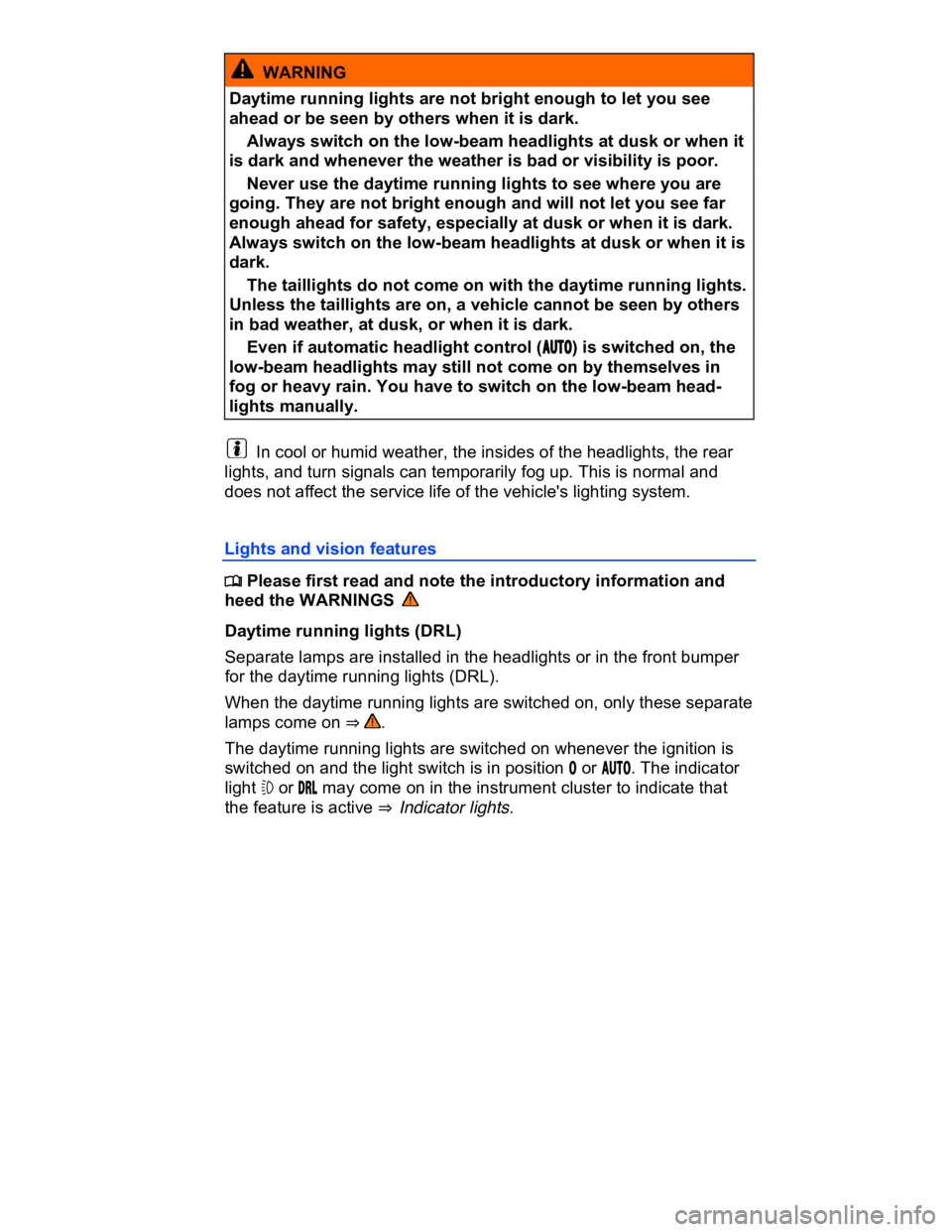
WARNING
Daytime running lights are not bright enough to let you see
ahead or be seen by others when it is dark.
Always switch on the low-beam headlights at dusk or when it
is dark and whenever the weather is bad or visibility is poor.
Never use the daytime running lights to see where you are
going. They are not bright enough and will not let you see far
enough ahead for safety, especially at dusk or when it is dark.
Always switch on the low-beam headlights at dusk or when it is
dark.
The taillights do not come on with the daytime running lights.
Unless the taillights are on, a vehicle cannot be seen by others
in bad weather, at dusk, or when it is dark.
Even if automatic headlight control (!54/) is switched on, the
low-beam headlights may still not come on by themselves in
fog or heavy rain. You have to switch on the low-beam head-
lights manually.
In cool or humid weather, the insides of the headlights, the rear
lights, and turn signals can temporarily fog up. This is normal and
does not affect the service life of the vehicle's lighting system.
Lights and vision features
Page 155 of 578

Automatic headlight control (!54/)
Automatic headlight control is a convenience feature only and cannot
always recognize all lighting and driving situations.
If the light switch is in the !54/ position, both vehicle lighting and in-
strument and switch lighting are automatically switched on and off in
the following situations ⇒ :
Automatic activation: Automatic deactivation:
If the low-light sensor registers
darkness, for example when driv-
ing through a tunnel.
If sufficient brightness is regis-
tered.
If the rain sensor recognizes rain
and switches the windshield wip-
ers on.
If the windshield wipers have not
moved for several minutes.
Adaptive Front Lighting System (AFS)
The Adaptive Front Lighting System works only with the low beams
switched on and only at speeds above about 6 mph (10 km/h). The
swivel-mounted lamps automatically improve road illumination during
cornering.
On vehicles equipped with the Adaptive Front Lighting System, the
feature is switched on and off via the Assistants menu in the instru-
ment cluster display ⇒ Volkswagen Information System.
Page 156 of 578
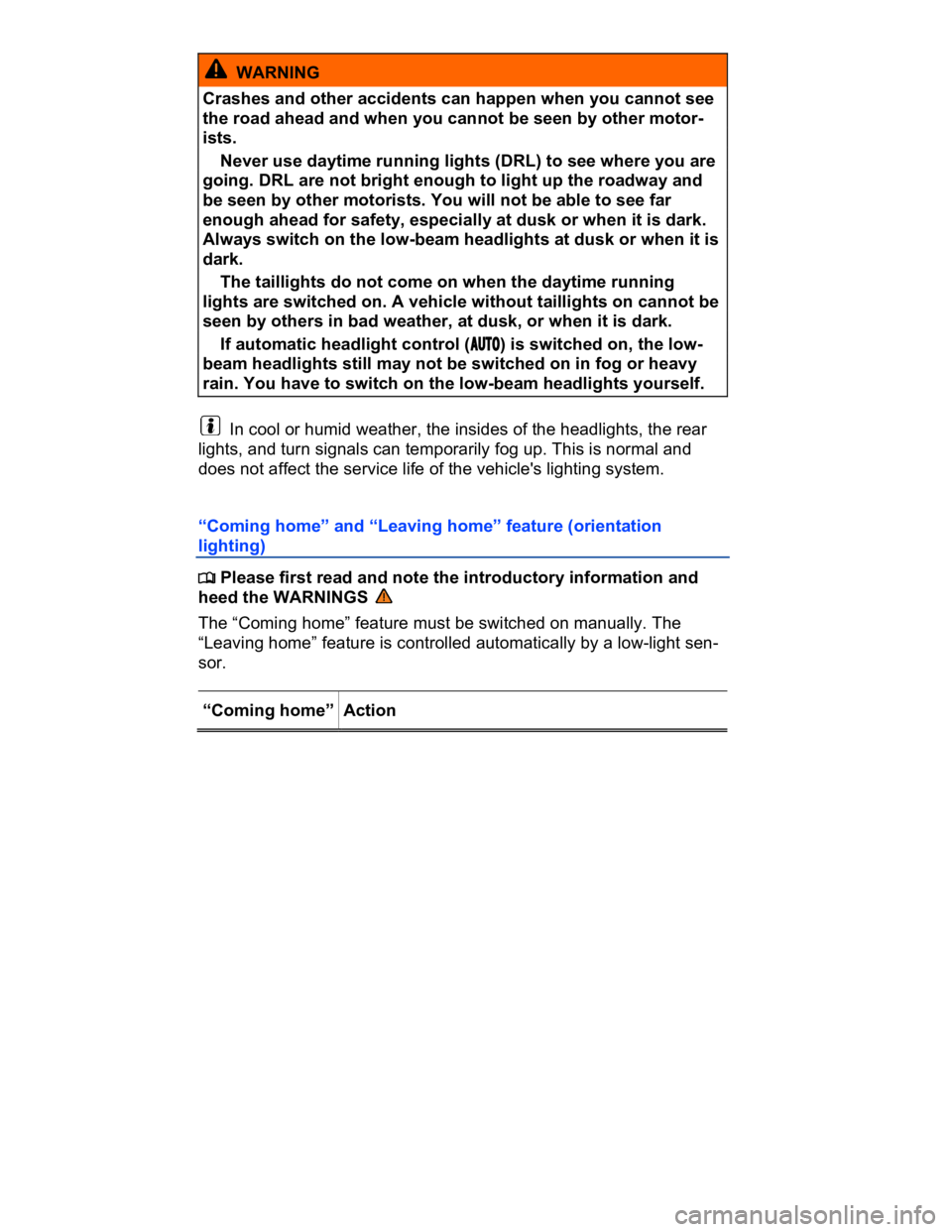
WARNING
Crashes and other accidents can happen when you cannot see
the road ahead and when you cannot be seen by other motor-
ists.
Never use daytime running lights (DRL) to see where you are
going. DRL are not bright enough to light up the roadway and
be seen by other motorists. You will not be able to see far
enough ahead for safety, especially at dusk or when it is dark.
Always switch on the low-beam headlights at dusk or when it is
dark.
The taillights do not come on when the daytime running
lights are switched on. A vehicle without taillights on cannot be
seen by others in bad weather, at dusk, or when it is dark.
If automatic headlight control (!54/) is switched on, the low-
beam headlights still may not be switched on in fog or heavy
rain. You have to switch on the low-beam headlights yourself.
In cool or humid weather, the insides of the headlights, the rear
lights, and turn signals can temporarily fog up. This is normal and
does not affect the service life of the vehicle's lighting system.
“Coming home” and “Leaving home” feature (orientation
lighting)
Page 158 of 578
The delay period can be adjusted in 10 second intervals and the
function can be switched on and off in the Lights & Vision menu ⇒
Volkswagen Information System.
If the “Coming home” feature is switched on and the driver door is
opened, no warning chime will sound to alert you that the lights are
still on.
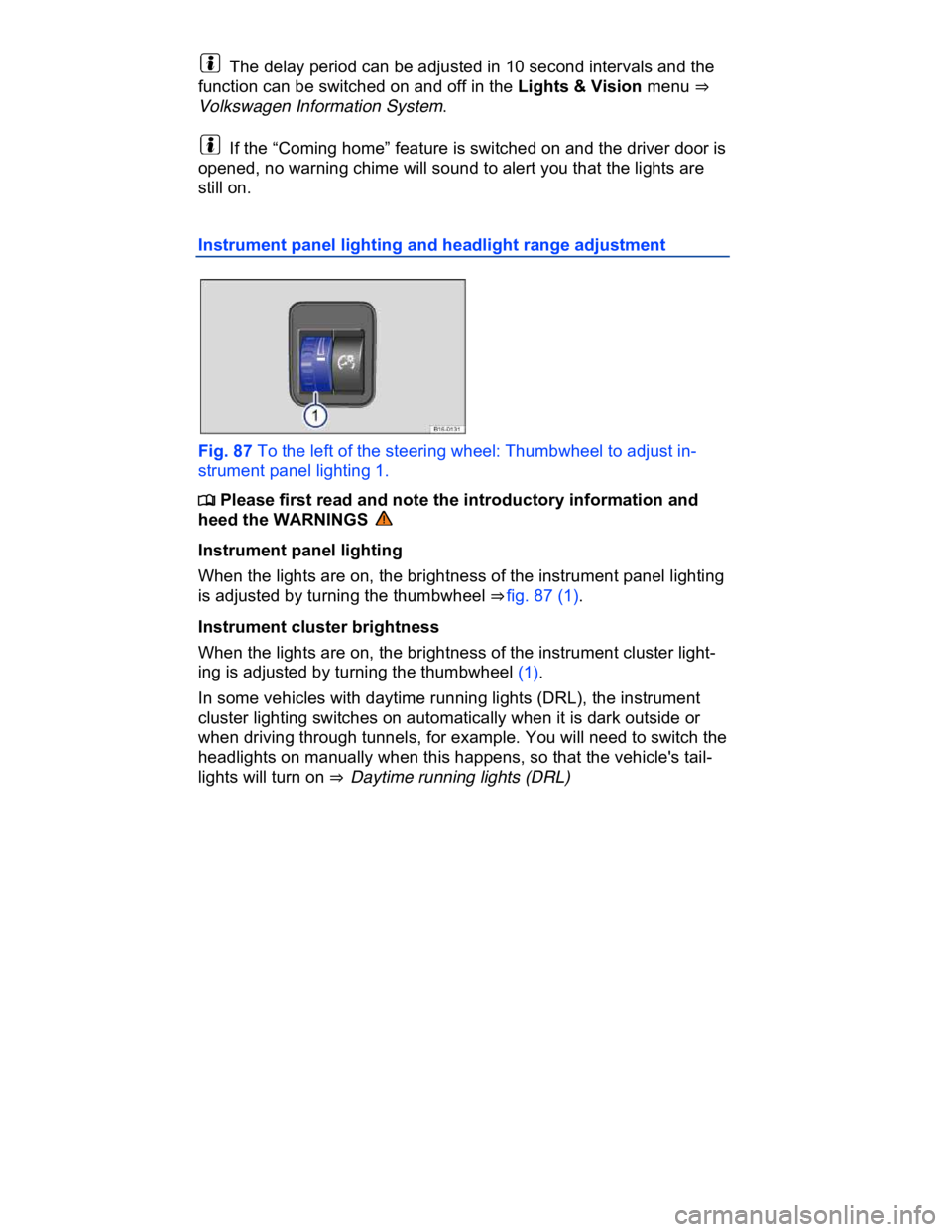
Instrument panel lighting and headlight range adjustment
Fig. 87 To the left of the steering wheel: Thumbwheel to adjust in-
strument panel lighting 1.
Page 577 of 578

Abbreviations
Abbreviation Meaning
ABS Anti-lock Brake System
AFS Adaptive Front Lighting System
AKI Anti-Knock Index
ANSI American National Standards Institute
ASR Anti-Slip Regulation
ATA Anti-Theft Alarm system
BAS Brake Assist System
ccm Cubic centimeter – metric unit of measure for engine
displacement
CCS Cruise Control System
CID Cubic inch displacement – unit of measure for engine
displacement
cm Centimeter – metric unit of measure for length
CO2 Carbon dioxide
DIN Deutsches Institut für Normung (German Institute for
Standardization)
DRL Daytime Running Lights
DSG® Direct Shift Gearbox automatic transmission
EDL Electronic Differential Lock
EN European Norm
EPC Engine control (Electronic Power Control)
ESC Electronic Stability Control
g/km Generated carbon monoxide amount in grams per
kilometer driven
GAWR Gross Axle Weight Rating
GVWR Gross Vehicle Weight Rating
HID High Intensity Discharge headlights (Xenon)