Page 226 of 640
226 2-2. Instrument cluster
PRIUS_OM_OM47791U_(U)
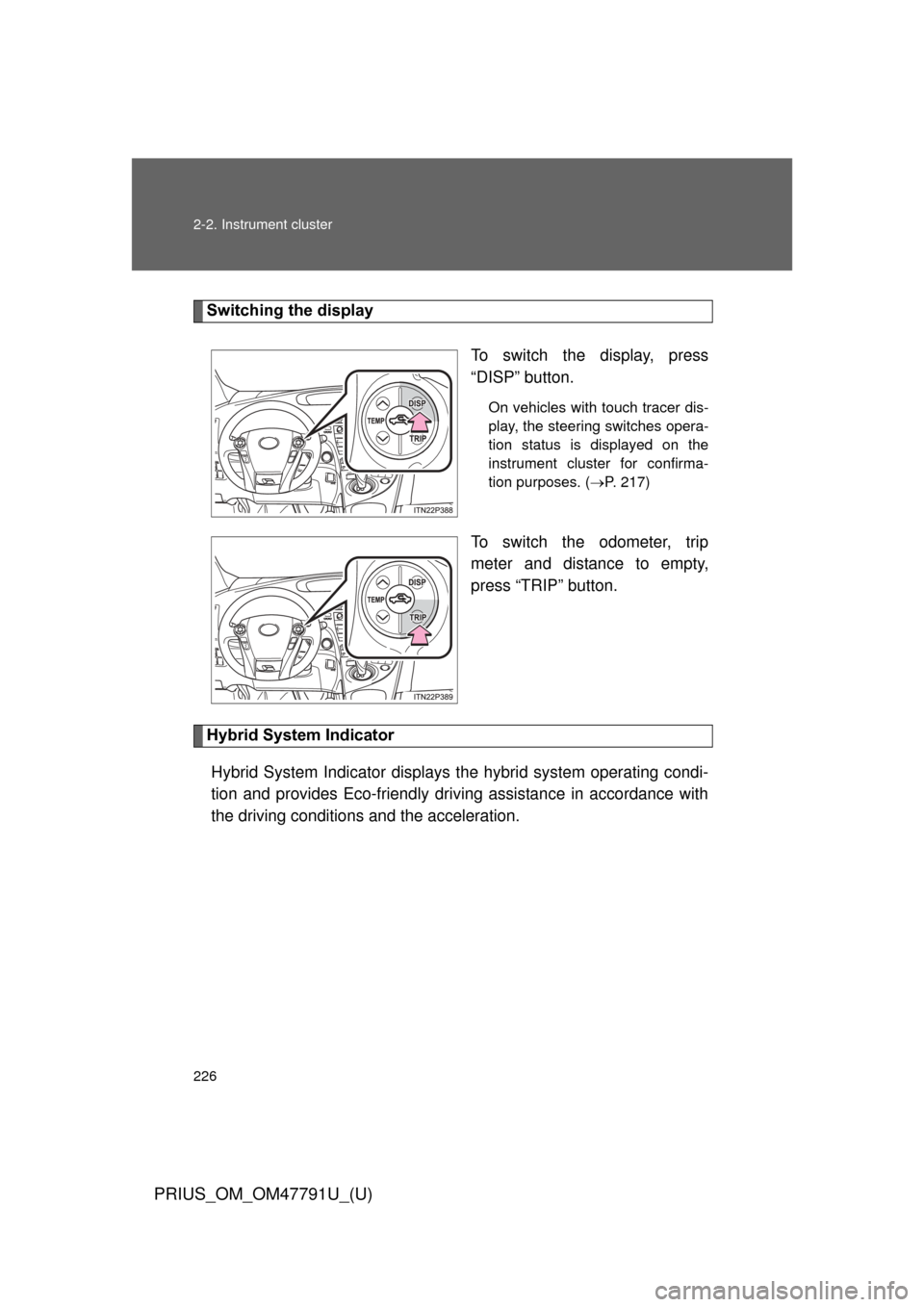
Switching the displayTo switch the display, press
“DISP” button.
On vehicles with touch tracer dis-
play, the steering switches opera-
tion status is displayed on the
instrument cluster for confirma-
tion purposes. (P. 217)
To switch the odometer, trip
meter and distance to empty,
press “TRIP” button.
Hybrid System Indicator
Hybrid System Indicator displays the hybrid system operating condi-
tion and provides Eco-friendly driving assistance in accordance with
the driving conditions and the acceleration.
Page 242 of 640
242 2-2. Instrument cluster
PRIUS_OM_OM47791U_(U)
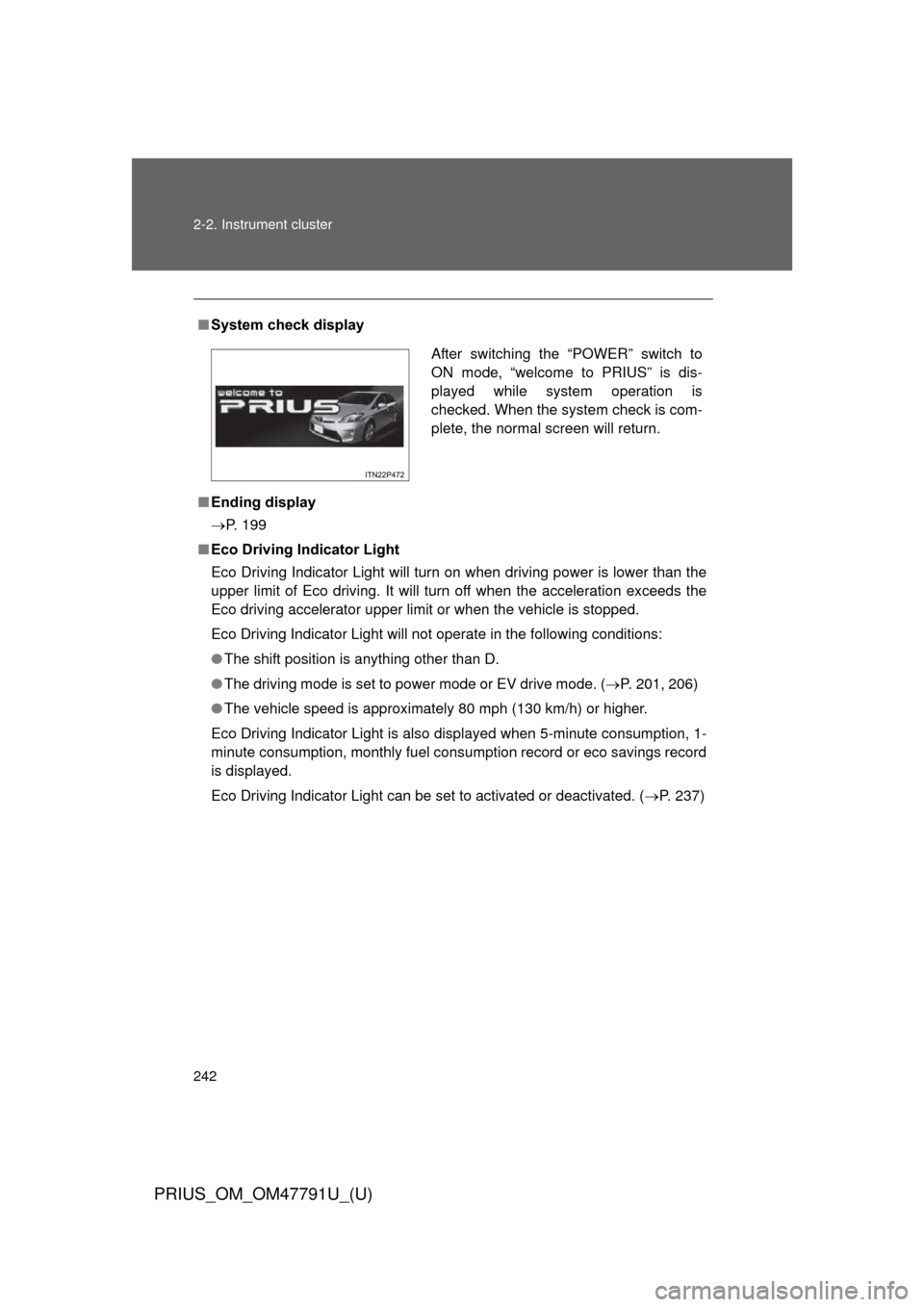
■System check display
■ Ending display
P. 199
■ Eco Driving Indicator Light
Eco Driving Indicator Light will turn on when driving power is lower than the
upper limit of Eco driving. It will turn off when the acceleration exceeds the
Eco driving accelerator upper limit or when the vehicle is stopped.
Eco Driving Indicator Light will not operate in the following conditions:
● The shift position is anything other than D.
● The driving mode is set to power mode or EV drive mode. ( P. 201, 206)
● The vehicle speed is approximately 80 mph (130 km/h) or higher.
Eco Driving Indicator Light is also displayed when 5-minute consumption, 1-
minute consumption, monthly fuel cons umption record or eco savings record
is displayed.
Eco Driving Indicator Light can be set to activated or deactivated. ( P. 237)
After switching the “POWER” switch to
ON mode, “welcome to PRIUS” is dis-
played while system operation is
checked. When the system check is com-
plete, the normal screen will return.
Page 245 of 640
245
2-2. Instrument cluster
PRIUS_OM_OM47791U_(U)
2
When driving
Head-up display
: If equipped
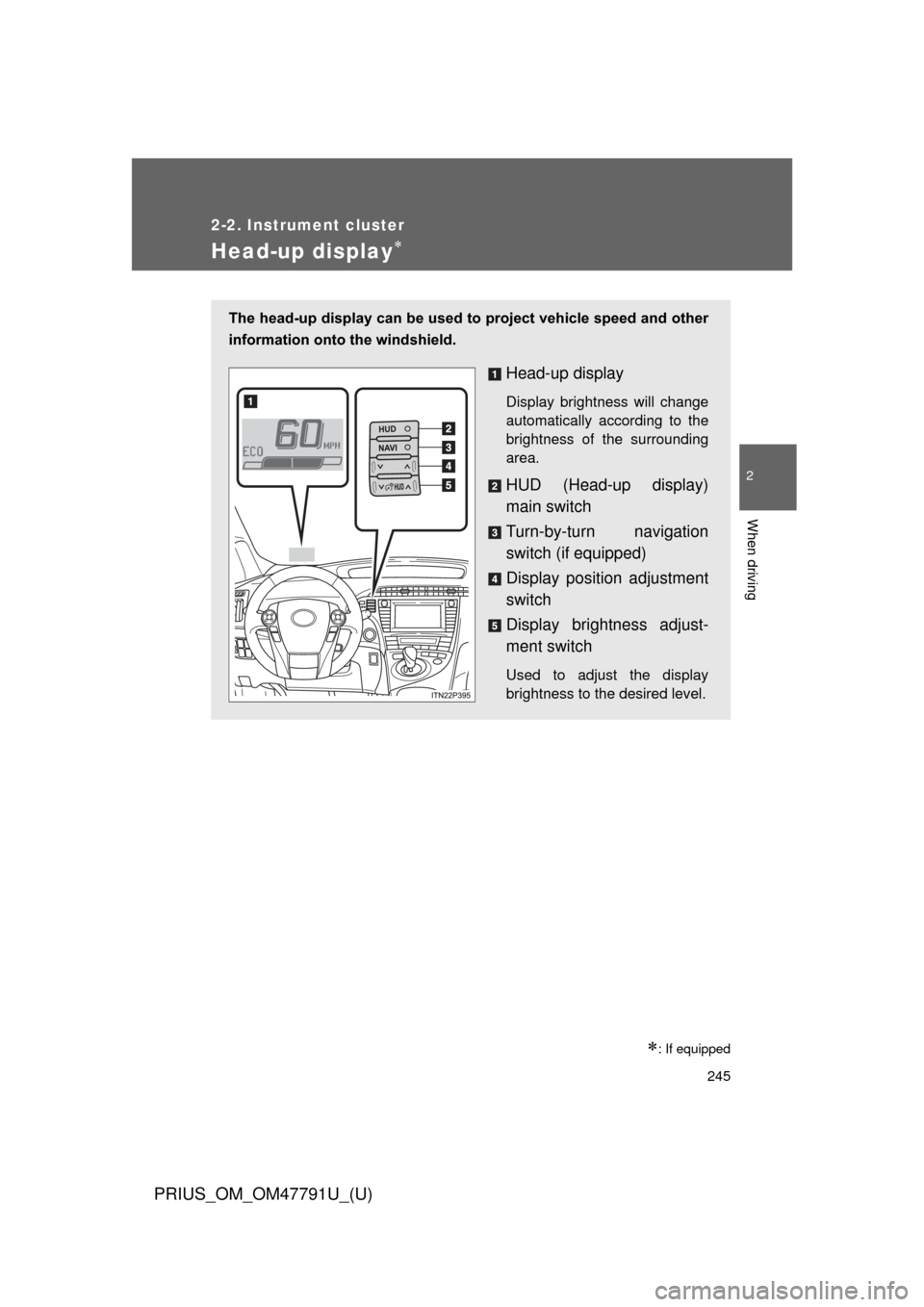
The head-up display can be used to project vehicle speed and other
information onto the windshield.
Head-up display
Display brightness will change
automatically according to the
brightness of the surrounding
area.
HUD (Head-up display)
main switch
Turn-by-turn navigation
switch (if equipped)
Display position adjustment
switch
Display bright ness adjust-
ment switch
Used to adjust the display
brightness to the desired level.
Page 248 of 640
248 2-2. Instrument cluster
PRIUS_OM_OM47791U_(U)
Setting up the display ■ Setting the brightness
The brightness of the display is automatically adjusted in accor-
dance with the brightness of the surrounding environment. How-
ever, the brightness can also be manually adjusted in 5 stages.
Darker
Brighter
The brightness can be manually
adjusted in 5 stages.
■Adjusting the display position
Lower
Higher
Page 251 of 640
251
2-2. Instrument cluster
PRIUS_OM_OM47791U_(U)
2
When driving
CAUTION
■
Before using the head-up display
Check that the position and brightness of the head-up display image does
not interfere with safe driving. Incorrect adjustment of the image’s position or
brightness may obstruct the driver’s view and lead to an accident, resulting
in death or serious injury.
NOTICE
■To prevent damage to the components
If an object falls into the opening of the
head-up display, remove it immediately.
Also, avoid spilling water or other liquids
near the head-up display opening as this
may cause mechanical damage.
Page 256 of 640

256 2-3. Operating the lights and windshield wipers
PRIUS_OM_OM47791U_(U)
■Headlight control sensor (if equipped)
■ Automatic light off system
● When the headlights come on: The headlights and tail lights turn off 30
seconds after a door is opened and closed if the “POWER” switch is
turned to ACCESSORY mode or turned off. (The lights turn off immedi-
ately if on the key is pressed after all the doors are locked.)
● When only the tail lights come on: The tail lights turn off automatically if
the “POWER” switch is turned to ACCESSORY mode or turned off and
the driver’s door is opened.
To turn the lights on again, turn the “POWER” switch to ON mode, or turn the
light switch off once and then back to or .
The sensor may not function properly if
an object is placed on the sensor, or any-
thing that blocks the sensor is affixed to
the windshield.
Doing so interferes with the sensor
detecting the level of ambient light and
may cause the automatic headlight sys-
tem to malfunction.
Air conditioning operation may also be
interrupted.
ITO23P105
Page 257 of 640
257
2-3. Operating the lights and windshield wipers
PRIUS_OM_OM47791U_(U)
2
When driving
■
Automatic headlight leveling system (if equipped)
The level of the headlights is automatically adjusted according to the number
of passengers and the loading condition of the vehicle to ensure that the
headlights do not interfere with other road users.
■ Customization
Settings (e.g. light sensor sensitivity) can be changed.
(Customizable features P. 596)
NOTICE
■To prevent 12-volt battery discharge
Do not leave the lights on longer than necessary when the hybrid system is
off.
Page 263 of 640
263
2-3. Operating the lights and windshield wipers
PRIUS_OM_OM47791U_(U)
2
When driving
CAUTION
■
Caution regarding the use of washer fluid
When it is cold, do not use the washer fluid until the windshield becomes
warm. The fluid may freeze on the windshield and cause low visibility. This
may lead to an accident, resulting in death or serious injury.
NOTICE
■When the windshield is dry
Do not use the wipers, as they may damage the windshield.
■ When the washer fluid tank is empty
Do not operate the switch continually as the washer fluid pump may over-
heat.
■ When a nozzle becomes blocked
In this case, contact your Toyota dealer.
Do not try to clear it with a pin or other object. The nozzle will be damaged.
■ To prevent 12-volt battery discharge
Do not leave the wipers on longer than necessary when the hybrid system is
off.