Page 113 of 684

113
1
Before driving
1-6. Theft deterrent system
Engine immobilizer system
The vehicle's keys have built-in transponder chips that prevent the
engine from starting if the key has not been previously registered in
the vehicle's on-board computer.
Never leave the keys inside the vehicle when you leave the vehicle.
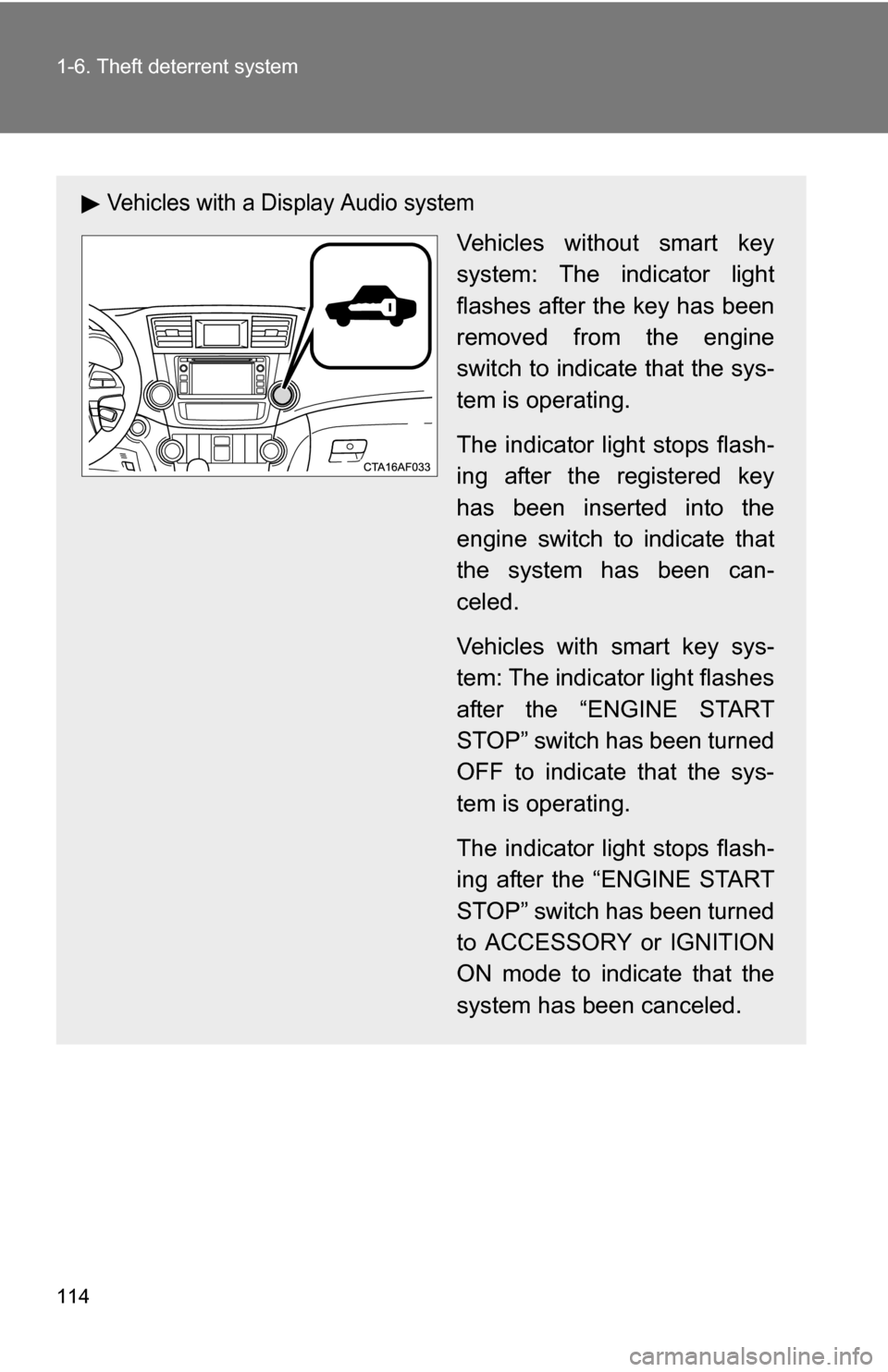
Vehicles without a Display Audio system or navigation system
Vehicles without smart key
system: The indicator light
flashes after the key has been
removed from the engine
switch to indicate that the sys-
tem is operating.
The indicator light stops flash-
ing after the registered key
has been inserted into the
engine switch to indicate that
the system has been can-
celed.
Vehicles with smart key sys-
tem: The indicator light flashes
after the “ENGINE START
STOP” switch has been turned
OFF to indicate that the sys-
tem is operating.
The indicator light stops flash-
ing after the “ENGINE START
STOP” switch has been turned
to ACCESSORY or IGNITION
ON mode to indicate that the
system has been canceled.
: If equipped
Page 114 of 684
114 1-6. Theft deterrent system
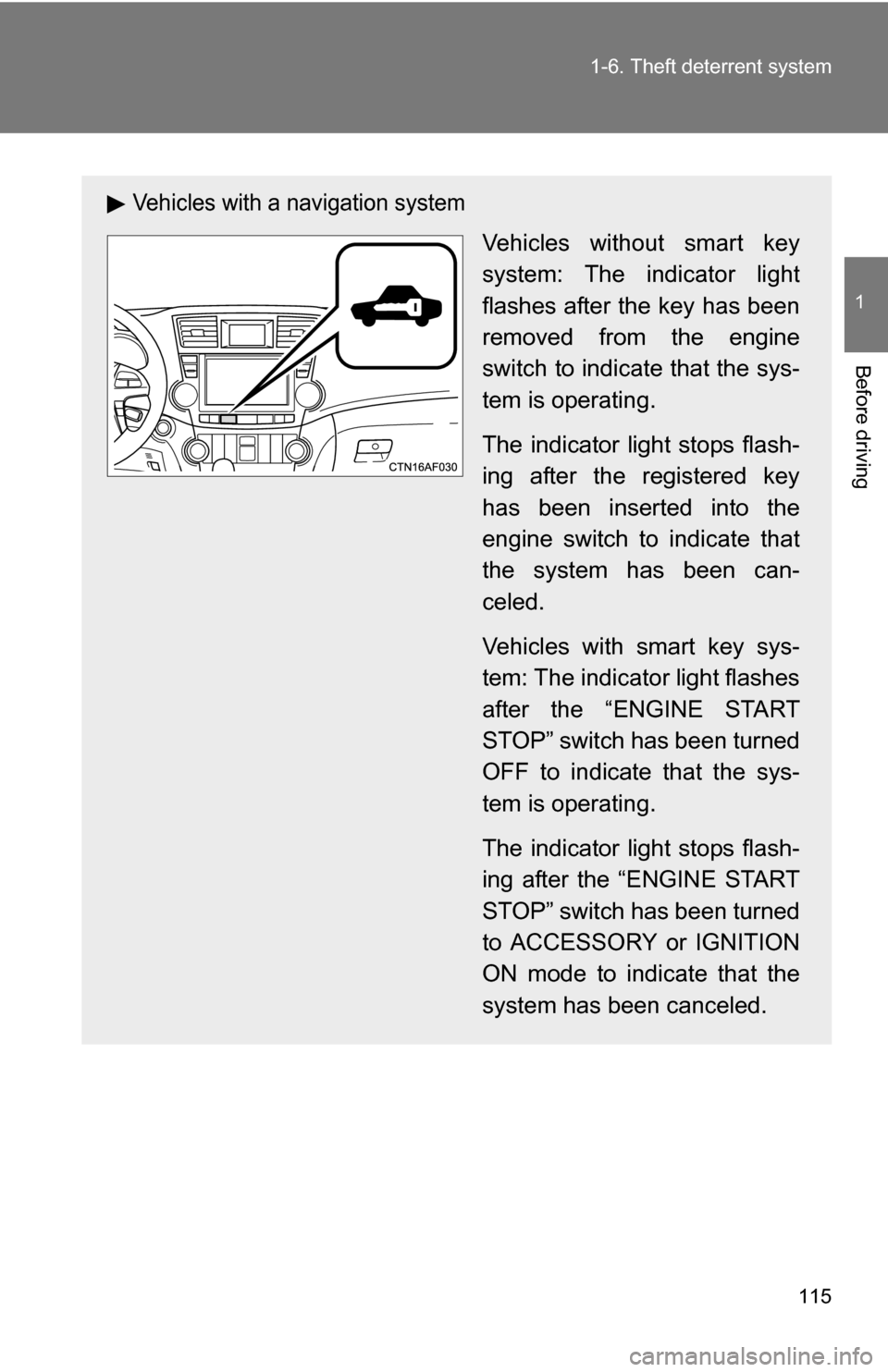
Vehicles with a Display Audio system
Vehicles without smart key
system: The indicator light
flashes after the key has been
removed from the engine
switch to indicate that the sys-
tem is operating.
The indicator light stops flash-
ing after the registered key
has been inserted into the
engine switch to indicate that
the system has been can-
celed.
Vehicles with smart key sys-
tem: The indicator light flashes
after the “ENGINE START
STOP” switch has been turned
OFF to indicate that the sys-
tem is operating.
The indicator light stops flash-
ing after the “ENGINE START
STOP” switch has been turned
to ACCESSORY or IGNITION
ON mode to indicate that the
system has been canceled.
Page 115 of 684
115
1-6. Theft deterrent system
1
Before driving
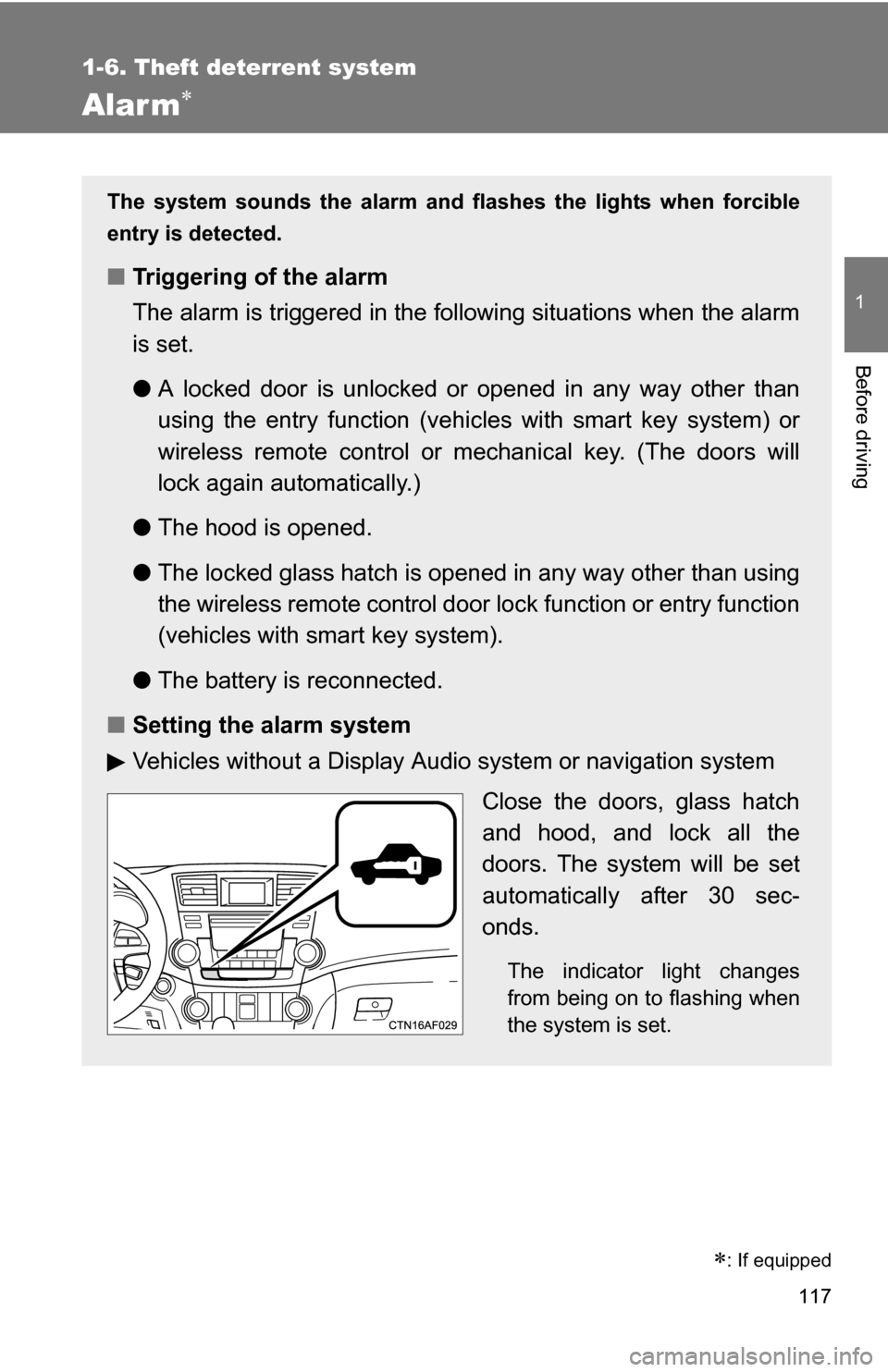
Vehicles with a navigation system
Vehicles without smart key
system: The indicator light
flashes after the key has been
removed from the engine
switch to indicate that the sys-
tem is operating.
The indicator light stops flash-
ing after the registered key
has been inserted into the
engine switch to indicate that
the system has been can-
celed.
Vehicles with smart key sys-
tem: The indicator light flashes
after the “ENGINE START
STOP” switch has been turned
OFF to indicate that the sys-
tem is operating.
The indicator light stops flash-
ing after the “ENGINE START
STOP” switch has been turned
to ACCESSORY or IGNITION
ON mode to indicate that the
system has been canceled.
Page 116 of 684
116 1-6. Theft deterrent system
■System maintenance
The vehicle has a maintenance-free type engine immobilizer system.
■ Conditions that may cause the system to malfunction
●If the key is in contact with a metallic object
● If the key is in close proximity to or touching a key with the security sys-
tem (key with a built-in transponder chip) of another vehicle
■ Certifications for the en gine immobilizer system
● For vehicles sold in the U.S.A.
Vehicles without smart key system
FCC ID: MOZRI-21BTY
Vehicles with smart key system
FCC ID: NI4TMIMB-1
This device complies with Part 15 of the FCC Rules. Operation is subject to
the following two conditions: (1) this device may not cause harmful interfer-
ence, and (2) this device must accept any interference received, including
interference that may cause undesired operation.
FCC WARNING:
Changes or modifications not expressly approved by the party responsible
for compliance could void the user's authority to operate the equipment.
● For vehicles sold in Canada
Operation is subject to the following two conditions: (1) this device may not
cause interference, and (2) this device must accept any interference, includ-
ing interference that may cause undesired operation of the device.
NOTICE
■ To ensure the system operates correctly
Do not modify or remove the system.
If modified or removed, the proper operation of the system cannot be guar-
anteed.
Page 117 of 684
117
1
1-6. Theft deterrent system
Before driving
Alarm
: If equipped
The system sounds the alarm and flashes the lights when forcible
entry is detected.
■Triggering of the alarm
The alarm is triggered in the fo llowing situations when the alarm
is set.
● A locked door is unlocked or opened in any way other than
using the entry function (vehic les with smart key system) or
wireless remote control or mechanical key. (The doors will
lock again automatically.)
● The hood is opened.
● The locked glass hatch is opened in any way other than using
the wireless remote control door lock function or entry function
(vehicles with smart key system).
● The battery is reconnected.
■ Setting the alarm system
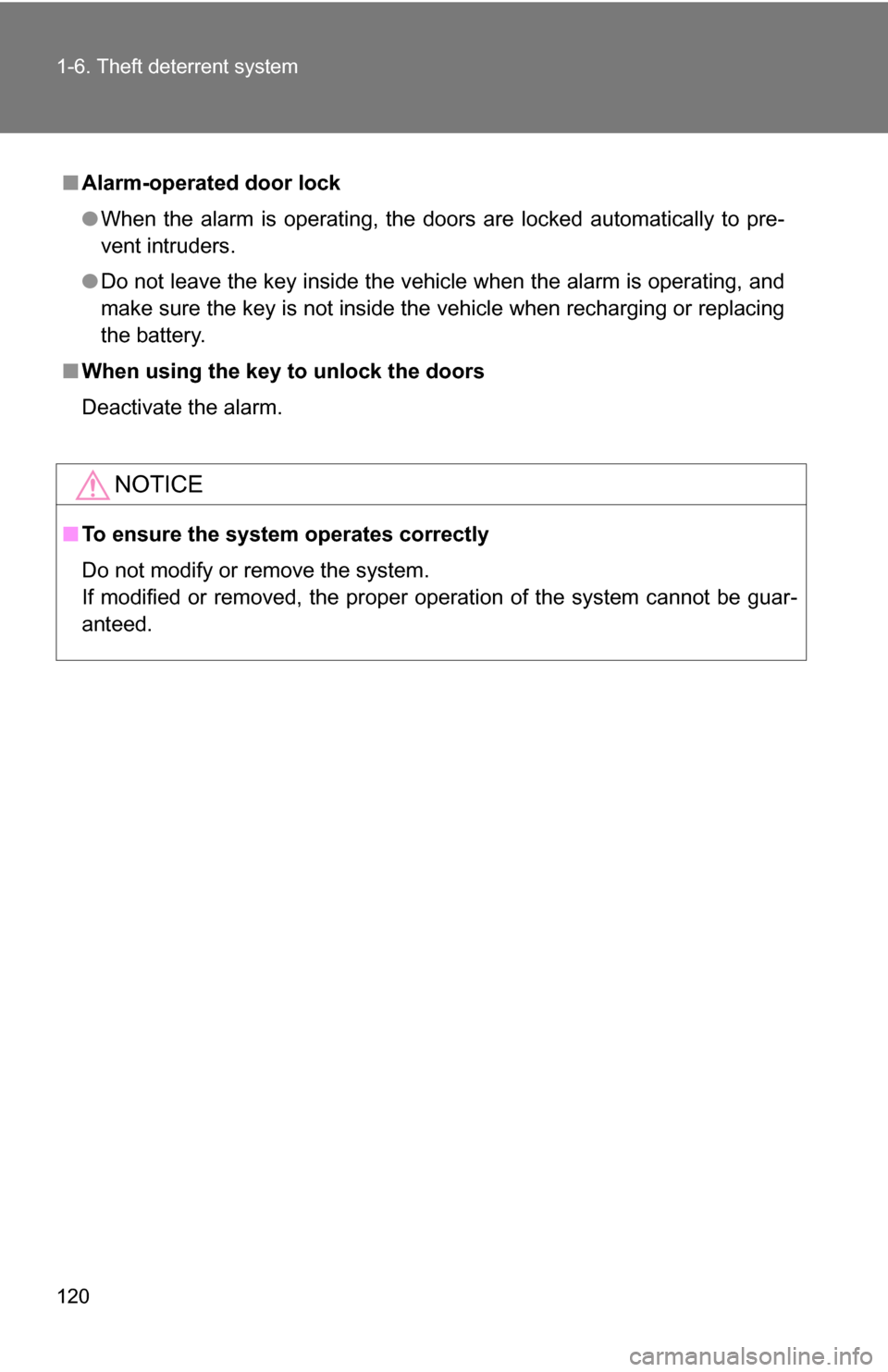
Vehicles without a Display Audio system or navigation system
Close the doors, glass hatch
and hood, and lock all the
doors. The system will be set
automatically after 30 sec-
onds.
The indicator light changes
from being on to flashing when
the system is set.
Page 118 of 684
118 1-6. Theft deterrent system
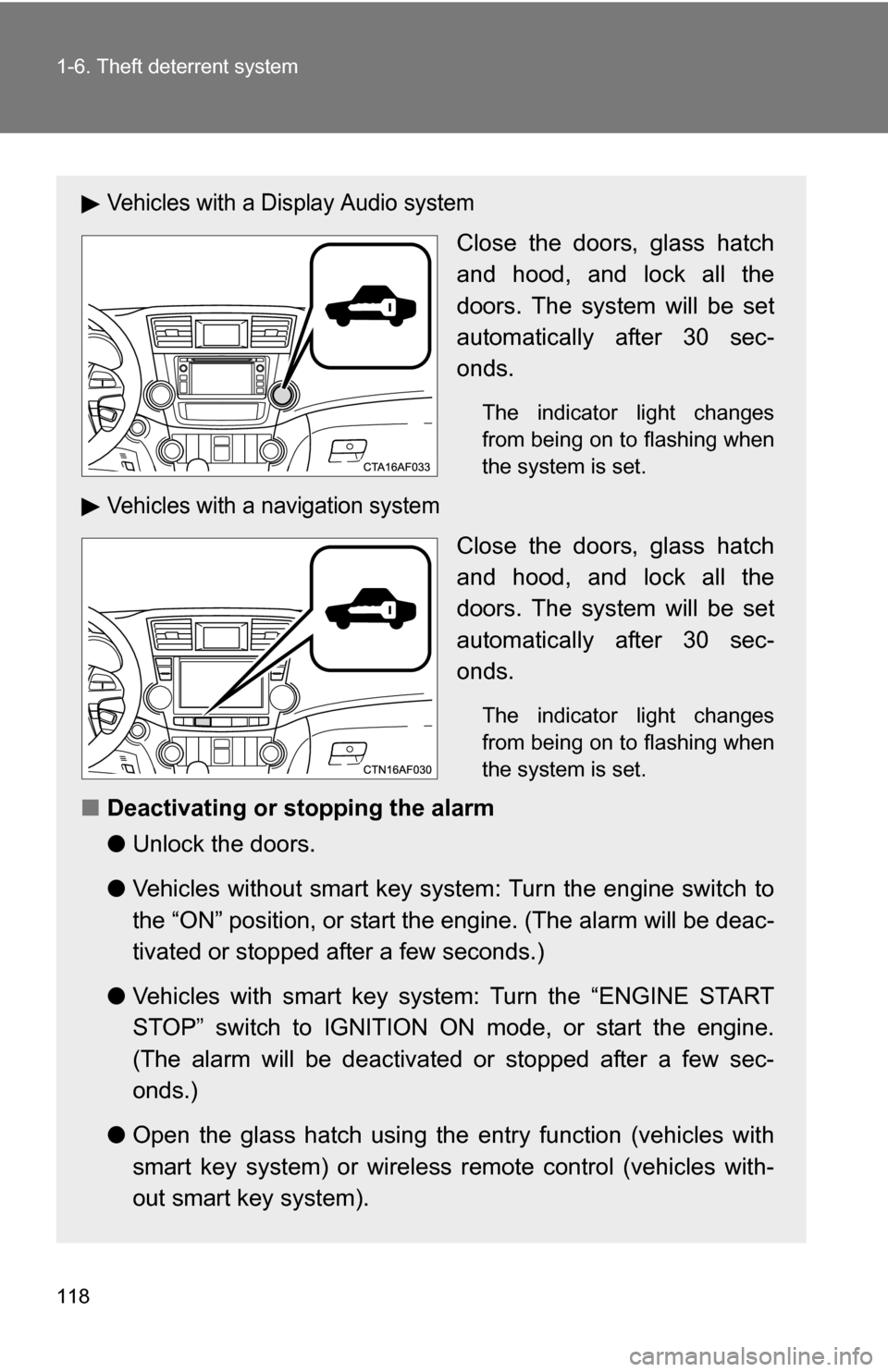
Vehicles with a Display Audio system
Close the doors, glass hatch
and hood, and lock all the
doors. The system will be set
automatically after 30 sec-
onds.
The indicator light changes
from being on to flashing when
the system is set.
Vehicles with a navigation system
Close the doors, glass hatch
and hood, and lock all the
doors. The system will be set
automatically after 30 sec-
onds.
The indicator light changes
from being on to flashing when
the system is set.
■Deactivating or stopping the alarm
●Unlock the doors.
● Vehicles without smart key system: Turn the engine switch to
the “ON” position, or start t he engine. (The alarm will be deac-
tivated or stopped after a few seconds.)
● Vehicles with smart key system: Turn the “ENGINE START
STOP” switch to IGNITION ON mode, or start the engine.
(The alarm will be deactivated or stopped after a few sec-
onds.)
● Open the glass hatch using the entry function (vehicles with
smart key system) or wireless remote control (vehicles with-
out smart key system).
Page 120 of 684
120 1-6. Theft deterrent system
■Alarm-operated door lock
●When the alarm is operating, the door s are locked automatically to pre-
vent intruders.
● Do not leave the key inside the vehicle when the alarm is operating, and
make sure the key is not inside the vehicle when recharging or replacing
the battery.
■ When using the key to unlock the doors
Deactivate the alarm.
NOTICE
■To ensure the system operates correctly
Do not modify or remove the system.
If modified or removed, the proper operation of the system cannot be guar-
anteed.
Page 134 of 684
134 1-7. Safety information
CAUTION
■SRS airbag precautions
●If the vinyl cover is put on the area where the SRS knee airbag will deploy,
be sure to remove it.
● Do not use seat accessories which cover the parts where the SRS side
airbags inflate as they may interf ere with inflation of the airbags.
● Do not strike or apply significant levels of force to the area of the SRS air-
bag components ( P. 125).
Doing so can cause the SRS airbags to malfunction.
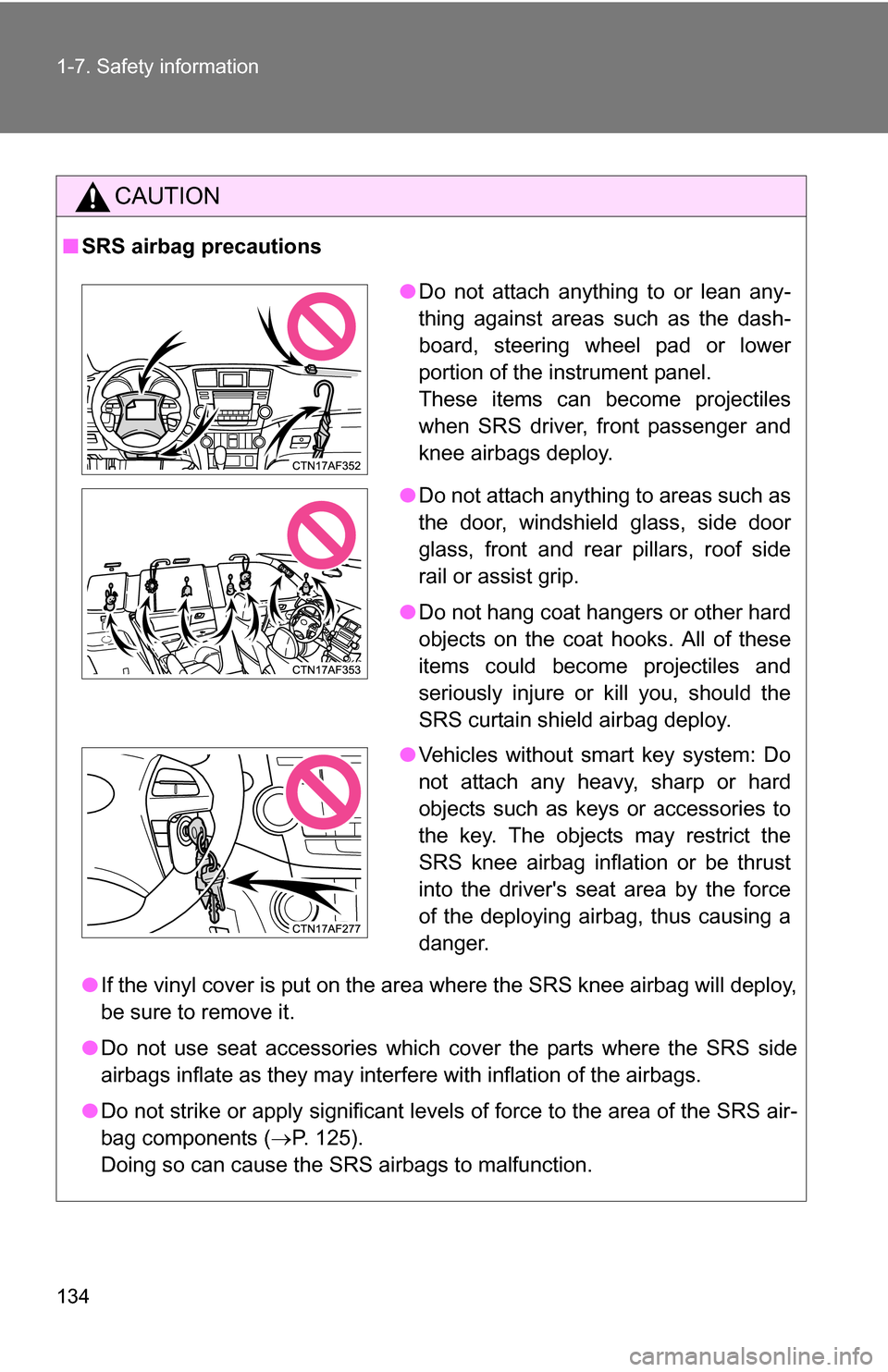
● Do not attach anything to or lean any-
thing against areas such as the dash-
board, steering wheel pad or lower
portion of the instrument panel.
These items can become projectiles
when SRS driver, front passenger and
knee airbags deploy.
● Do not attach anything to areas such as
the door, windshield glass, side door
glass, front and rear pillars, roof side
rail or assist grip.
● Do not hang coat hangers or other hard
objects on the coat hooks. All of these
items could become projectiles and
seriously injure or kill you, should the
SRS curtain shield airbag deploy.
● Vehicles without smart key system: Do
not attach any heavy, sharp or hard
objects such as keys or accessories to
the key. The objects may restrict the
SRS knee airbag inflation or be thrust
into the driver's seat area by the force
of the deploying airbag, thus causing a
danger.