Page 136 of 532
136 2-1. Driving procedures
■Turning the engine switch from “ACC” to “LOCK”
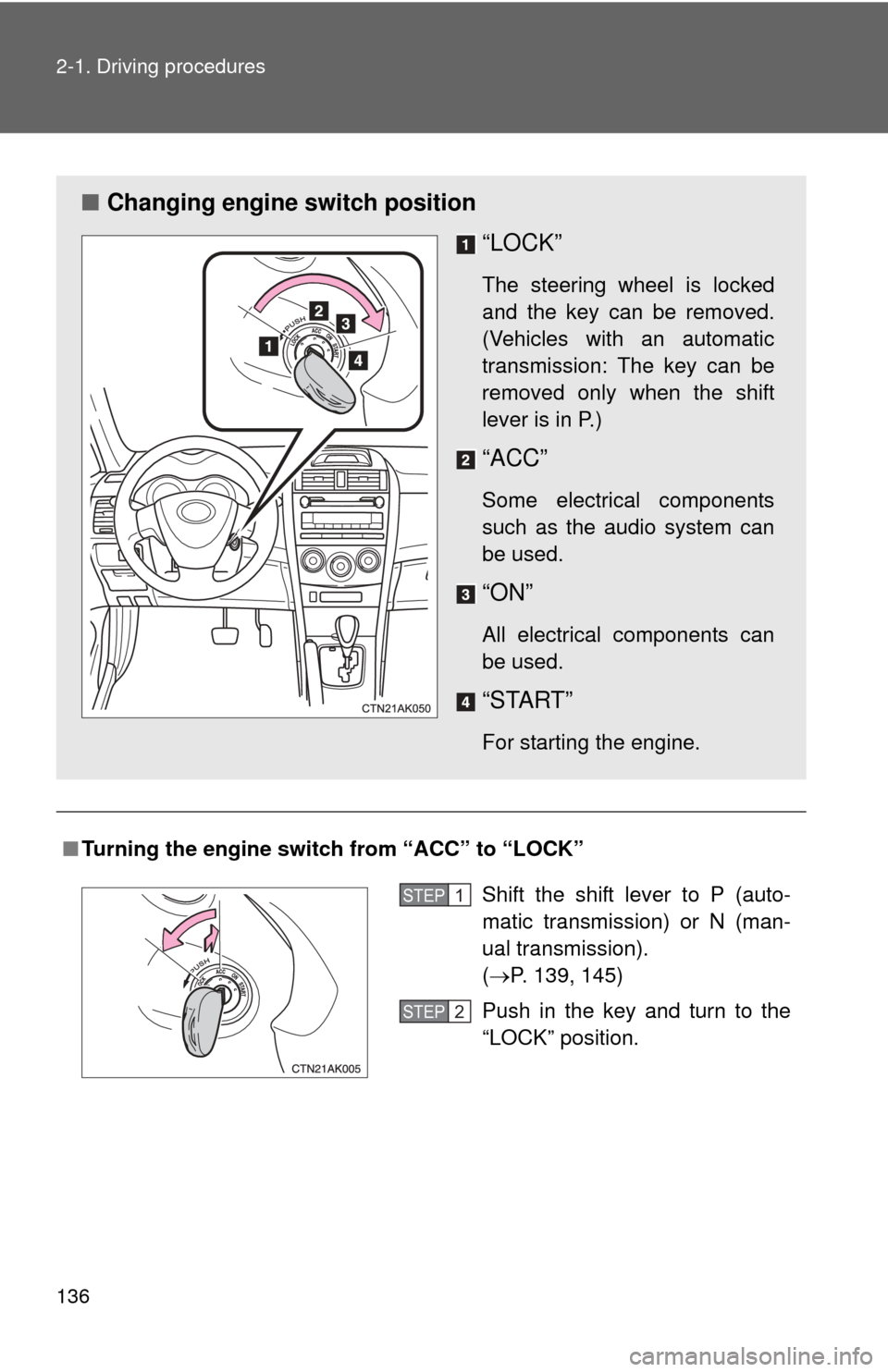
■ Changing engine switch position
“LOCK”
The steering wheel is locked
and the key can be removed.
(Vehicles with an automatic
transmission: The key can be
removed only when the shift
lever is in P.)
“ACC”
Some electrical components
such as the audio system can
be used.
“ON”
All electrical components can
be used.
“START”
For starting the engine.
Shift the shift lever to P (auto-
matic transmission) or N (man-
ual transmission).
(P. 139, 145)
Push in the key and turn to the
“LOCK” position.STEP 1
STEP 2
Page 202 of 532
202
2-5. Driving information
Dinghy towing (manual transmission)
Towing your vehicle with 4 wheels on the groundTo prevent damage to your vehicle, perform the following procedures
before towing. Shift the shift lever to N.
Switch to the “ACC” position. ( P. 135)
Ensure that the audio system and other powered devices have been
turned off.
Release the parking brake.
After towing, leave the engine in idle for at least 3 minutes before
driving the vehicle.
■Necessary equipment and accessories
Specialized equipment and accessories are required for dinghy towing. Con-
tact the service branch of the motor home manufacturer regarding recom-
mended equipment.
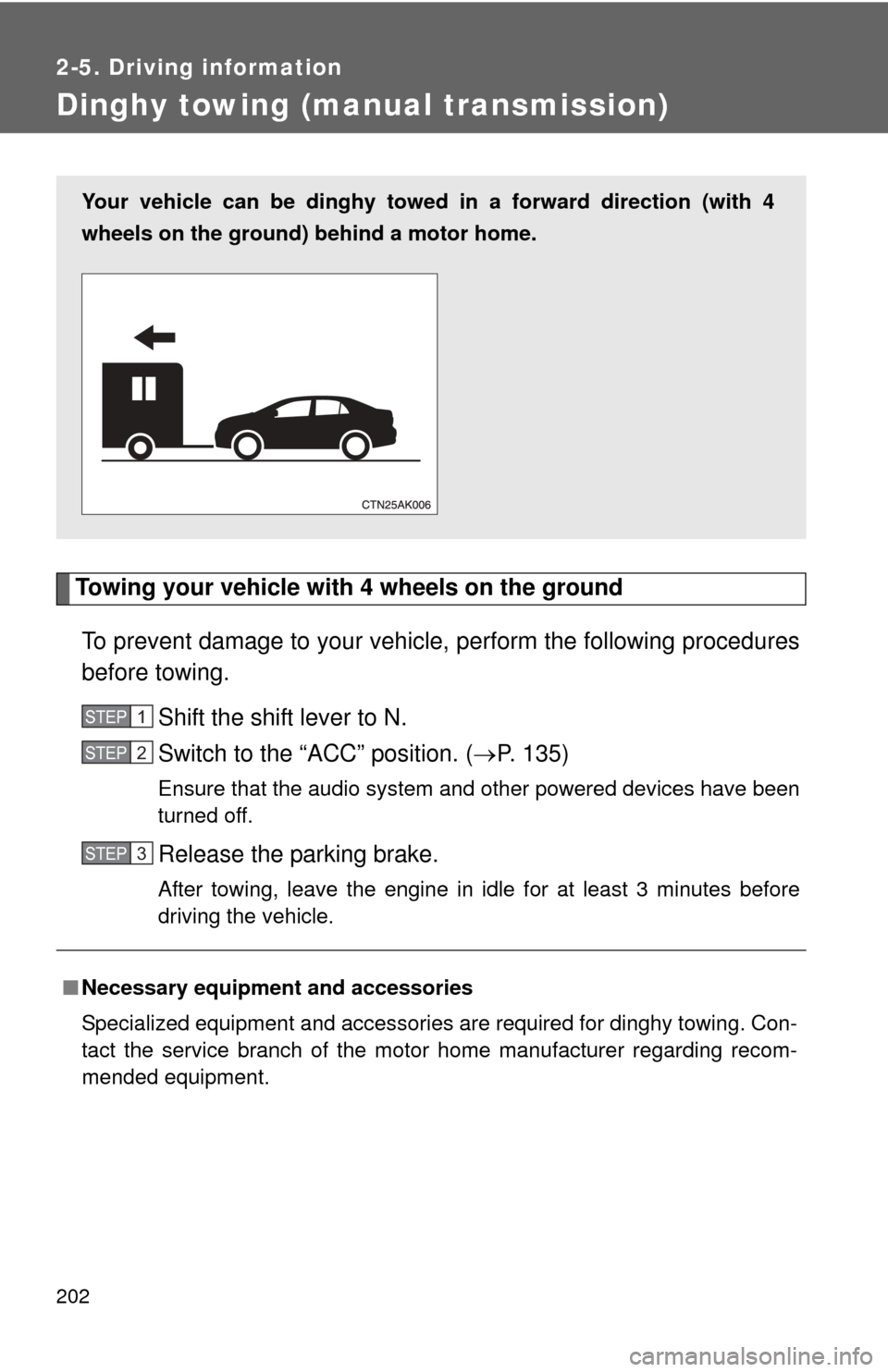
Your vehicle can be dinghy towed in a forward direction (with 4
wheels on the ground) behind a motor home.
STEP 1
STEP 2
STEP 3
Page 204 of 532
204
3-1. Using the air conditioning system and defogger
Automatic air conditioning system ........................... 206
Manual air conditioning system ........................... 212
Rear window and outside rear view
mirror defoggers ............ 219
3-2. Using the audio system Audio system types .......... 220
Using the radio ................. 233
Using the CD player ......... 237
Playing back MP3 and WMA discs ..................... 244
Operating an iPod ............ 253
Operating a USB memory .......................... 262
Optimal use of the audio system ........................... 270
Using the AUX port .......... 274
Using the steering wheel audio switches ............... 276
Interior features3
Page 205 of 532

Interior features3
205
3-3. Using the Bluetooth®
audio system
Bluetooth
® audio/
phone ............................. 280
Using the Bluetooth
®
audio/phone ................... 283
Operating a Bluetooth
®
enabled portable
player ............................. 288
3-4. Using the hands-free phone system
(for cellular phone)
Making a phone call ......... 291
Using the “SET UP” menu (“Bluetooth” menu) ......... 296
Using the “SET UP” menu (“Phone” menu).............. 302
3-5. Using the interior lights Interior lights list ............... 308
• Interior light .................... 310
• Personal lights ............... 310
• Personal/interior lights .............................. 311 3-6. Using the storage
features
List of storage features .... 312
• Glove box....................... 313
• Console box ................... 313
• Cup holders ................... 315
• Auxiliary boxes ............... 318
• Bottle holders ................. 320
3-7. Other interior features Sun visors ........................ 321
Vanity mirrors ................... 322
Clock ................................ 323
Ashtray ............................. 324
Cigarette lighter................ 325
Power outlet ..................... 326
Seat heaters..................... 327
Assist grips....................... 329
Floor mat .......................... 330
Compass .......................... 331
Page 220 of 532
220
3-2. Using the audio system
Audio system types
Without Display Audio system
Type A: CD player and AM/FM radio
Type B: CD player and AM/FM radio
Page 221 of 532
221
3-2. Using the audio system
3
Interior features
With Display Audio system
Owners of models equipped with a Display Audio system should
refer to the “Display Audio System Owner's Manual”.
Type C
TitlePage
Using the radio P. 233
Using the CD player P. 237
Playing back MP3 and WMA discs P. 244
Operating an iPod P. 253
Operating a USB memory P. 262
Optimal use of the audio system P. 270
Using the AUX port P. 274
Using the steering wheel audio switches P. 276
Page 222 of 532
222 3-2. Using the audio system
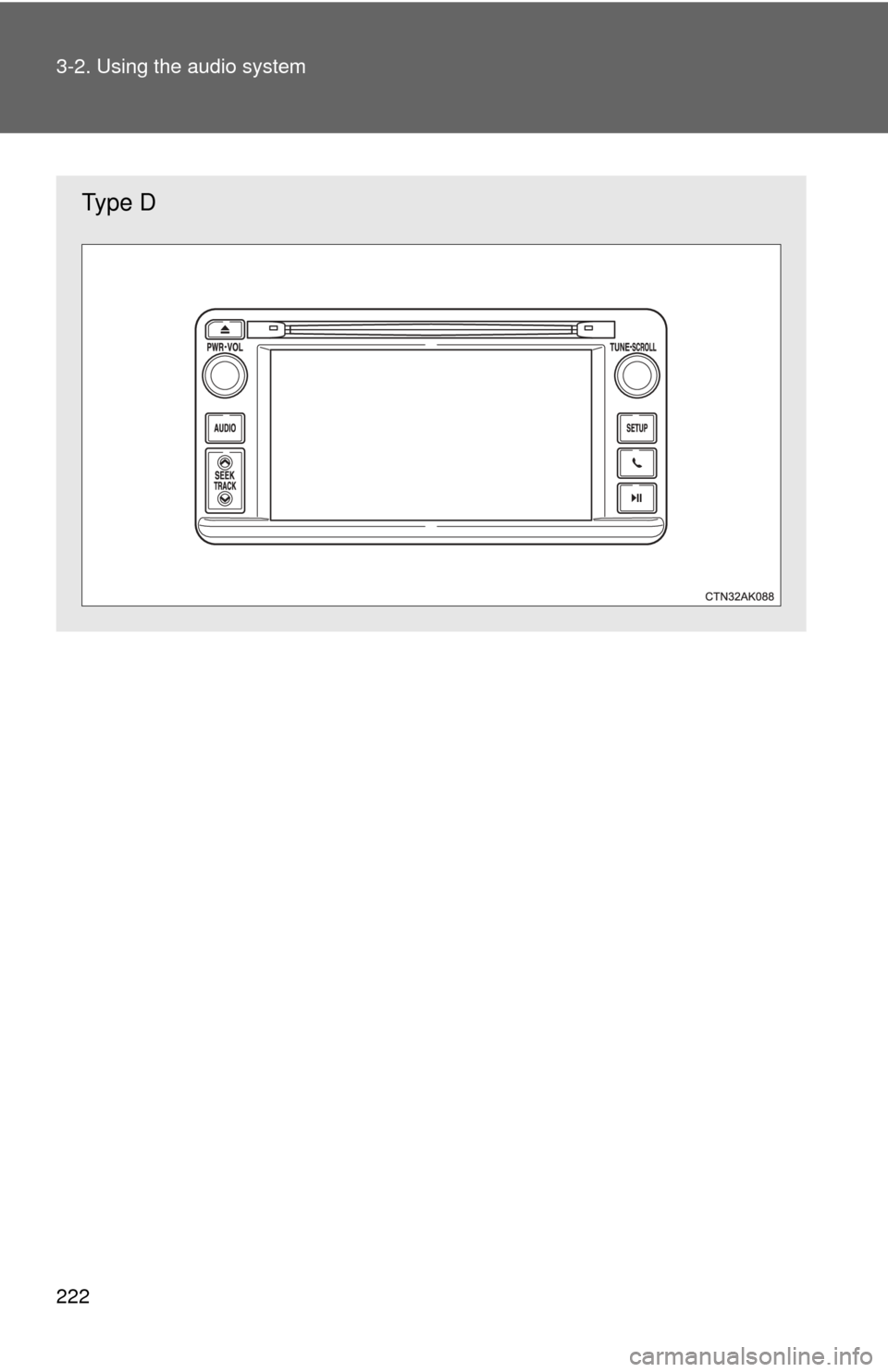
Type D
Page 223 of 532
223
3-2. Using the audio system
3
Interior features
■
Using cellular phones
Interference may be heard through the audio system's speakers if a cellular
phone is being used inside or close to the vehicle while the audio syste\
m is
operating.
■ About Bluetooth
®
The Bluetooth wordmark and logo are owned by Bluetooth SIG. and permis-
sion has been granted to use the trademark of the licensee Panasonic
Corporation. Other trademarks and trade names are owned by various dif-
ferent owners.