Page 263 of 768
2634-2. Driving procedures
UK_AURIS/AURIS_HV_EE (OM12F76E)
4
Driving
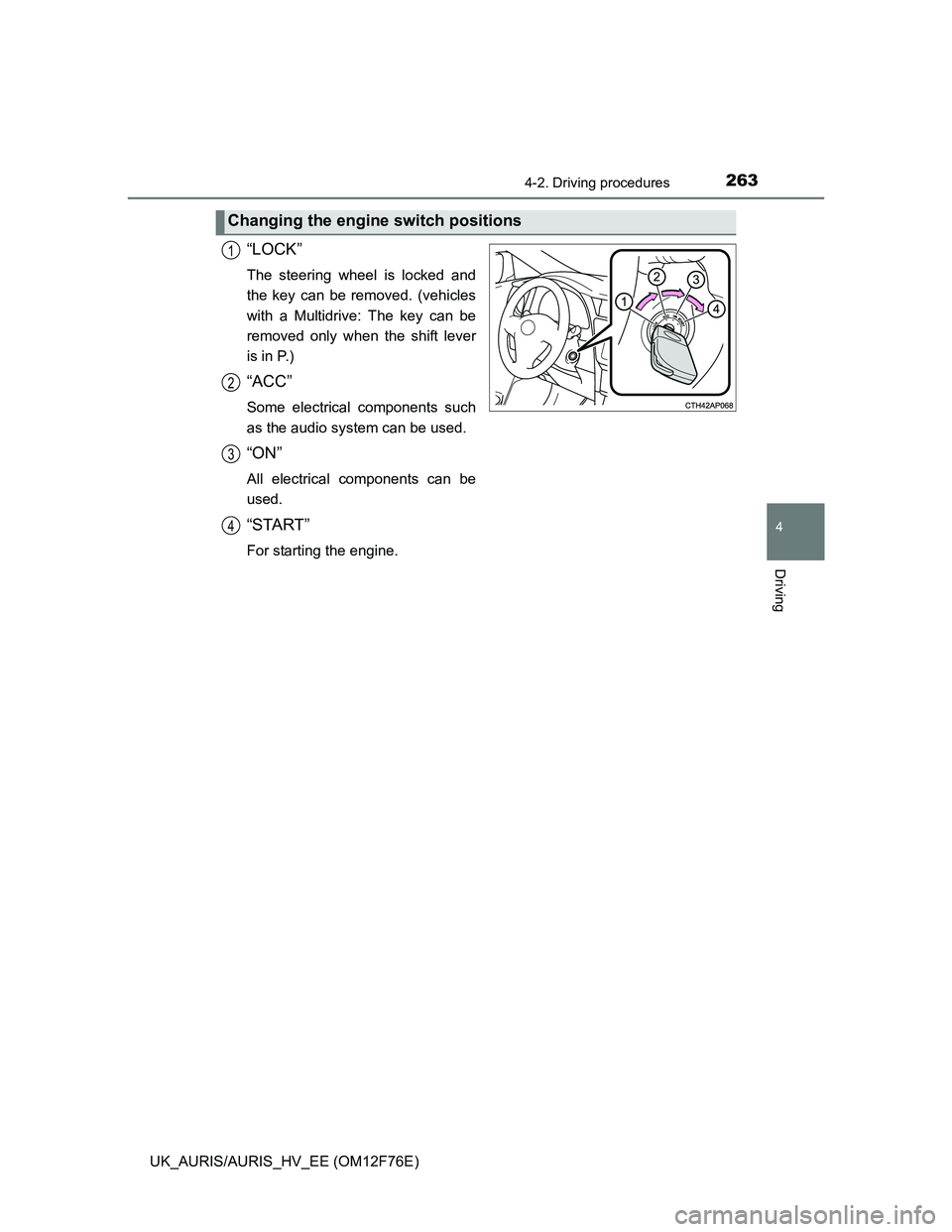
“LOCK”
The steering wheel is locked and
the key can be removed. (vehicles
with a Multidrive: The key can be
removed only when the shift lever
is in P.)
“ACC”
Some electrical components such
as the audio system can be used.
“ON”
All electrical components can be
used.
“START”
For starting the engine.
Changing the engine switch positions
1
2
3
4
Page 269 of 768
2694-2. Driving procedures
UK_AURIS/AURIS_HV_EE (OM12F76E)
4
Driving
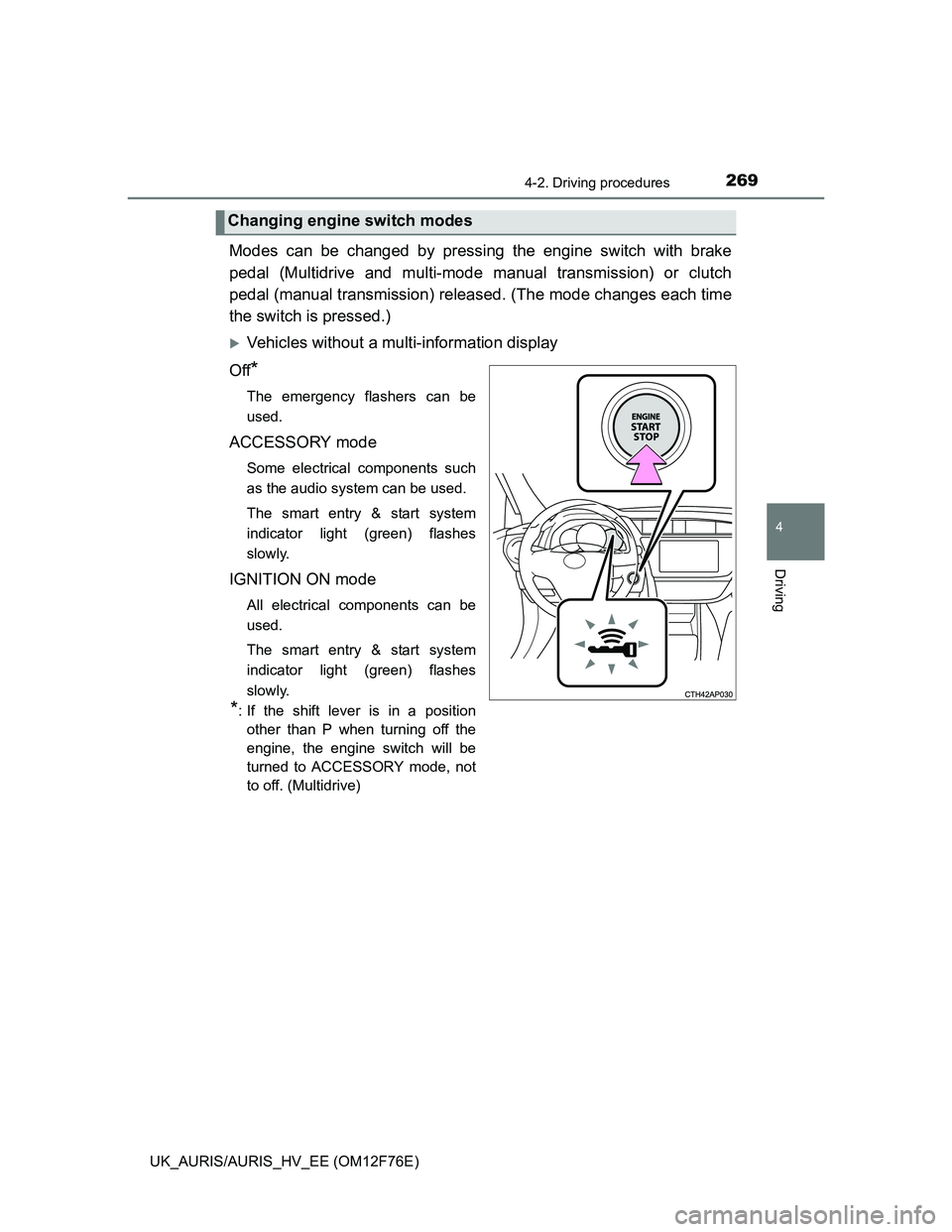
Modes can be changed by pressing the engine switch with brake
pedal (Multidrive and multi-mode manual transmission) or clutch
pedal (manual transmission) released. (The mode changes each time
the switch is pressed.)
Vehicles without a multi-information display
Off
*
The emergency flashers can be
used.
ACCESSORY mode
Some electrical components such
as the audio system can be used.
The smart entry & start system
indicator light (green) flashes
slowly.
IGNITION ON mode
All electrical components can be
used.
The smart entry & start system
indicator light (green) flashes
slowly.
*: If the shift lever is in a position
other than P when turning off the
engine, the engine switch will be
turned to ACCESSORY mode, not
to off. (Multidrive)
Changing engine switch modes
Page 270 of 768
2704-2. Driving procedures
UK_AURIS/AURIS_HV_EE (OM12F76E)
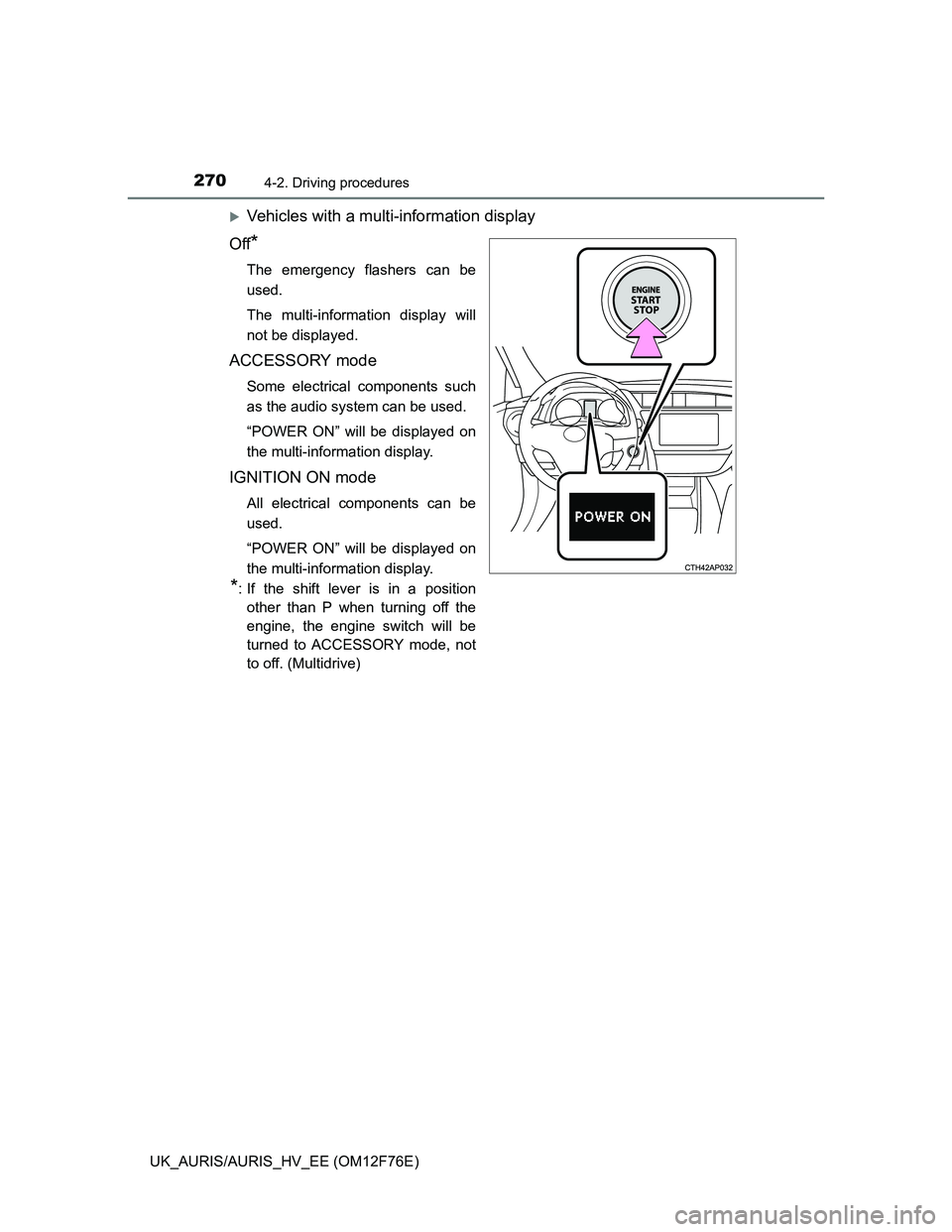
Vehicles with a multi-information display
Off
*
The emergency flashers can be
used.
The multi-information display will
not be displayed.
ACCESSORY mode
Some electrical components such
as the audio system can be used.
“POWER ON” will be displayed on
the multi-information display.
IGNITION ON mode
All electrical components can be
used.
“POWER ON” will be displayed on
the multi-information display.
*: If the shift lever is in a position
other than P when turning off the
engine, the engine switch will be
turned to ACCESSORY mode, not
to off. (Multidrive)
Page 278 of 768
2784-2. Driving procedures
UK_AURIS/AURIS_HV_EE (OM12F76E)
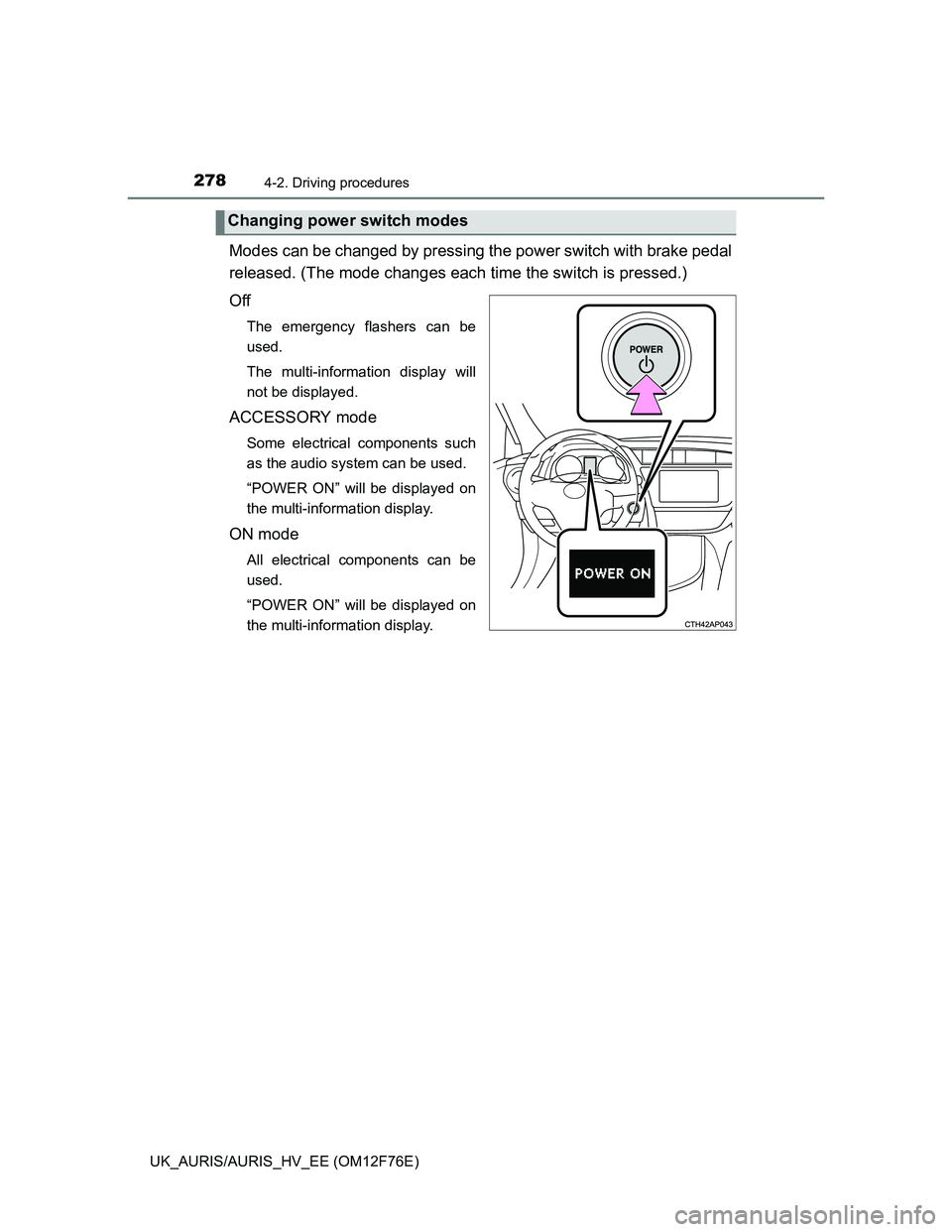
Modes can be changed by pressing the power switch with brake pedal
released. (The mode changes each time the switch is pressed.)
Off
The emergency flashers can be
used.
The multi-information display will
not be displayed.
ACCESSORY mode
Some electrical components such
as the audio system can be used.
“POWER ON” will be displayed on
the multi-information display.
ON mode
All electrical components can be
used.
“POWER ON” will be displayed on
the multi-information display.
Changing power switch modes
Page 365 of 768

3654-5. Using the driving support systems
UK_AURIS/AURIS_HV_EE (OM12F76E)
4
Driving
Automatic engine start function
In the following situations, the engine may start even without the clutch pedal
being depressed.
• The brake pedal is pumped or strongly depressed.
• Vehicles with an automatic air conditioning system: The air conditioning
system is being used or turned on.
• Vehicles with an automatic air conditioning system only: The windshield
defogger is turned on.
• The 12-volt battery is not sufficiently charged.
• The vehicle starts to roll on an incline.
• A large amount of electricity is being used.
• The driver’s door is opened.
• The driver’s seat belt is unfastened.
Automatic reactivation of the Stop & Start system
Vehicles without a smart entry & start system: Even if the Stop & Start system
is disabled by the Stop & Start cancel switch, it will be automatically re-
enabled once the engine switch is turned to the “LOCK” position then to the
“START” position.
Vehicles with a smart entry & start system: Even if the Stop & Start system is
disabled by the Stop & Start cancel switch, it will be automatically re-enabled
once the engine switch is turned off then the engine is started.
The Stop & Start system protection feature
Vehicles without a smart entry & start system: When an excessively loud
sound is being projected by the audio system, the audio system may be auto-
matically cut off in order to maintain power for the Stop & Start system func-
tion.
If this occurs, turning the engine switch to the “LOCK” position then to the
“ACC” or “ON” position re-enables the audio system.
Vehicles with a smart entry & start system: When an excessively loud sound
is being projected by the audio system, the audio system may be automati-
cally cut off in order to maintain power for the Stop & Start system function.
If this occurs, turning the engine switch off then to ACCESSORY mode or
IGNITION ON mode re-enables the audio system.
Steering wheel operation
When the engine is stopped by the Stop & Start system, the steering wheel
may become heavier than when driving.
Hood
If the hood is opened while the engine is stopped by the Stop & Start system,
the engine cannot be restarted by the Stop & Start system or by the automatic
engine start function. Restart the engine with the engine switch operation.
(P. 262, 266)
Page 385 of 768
385
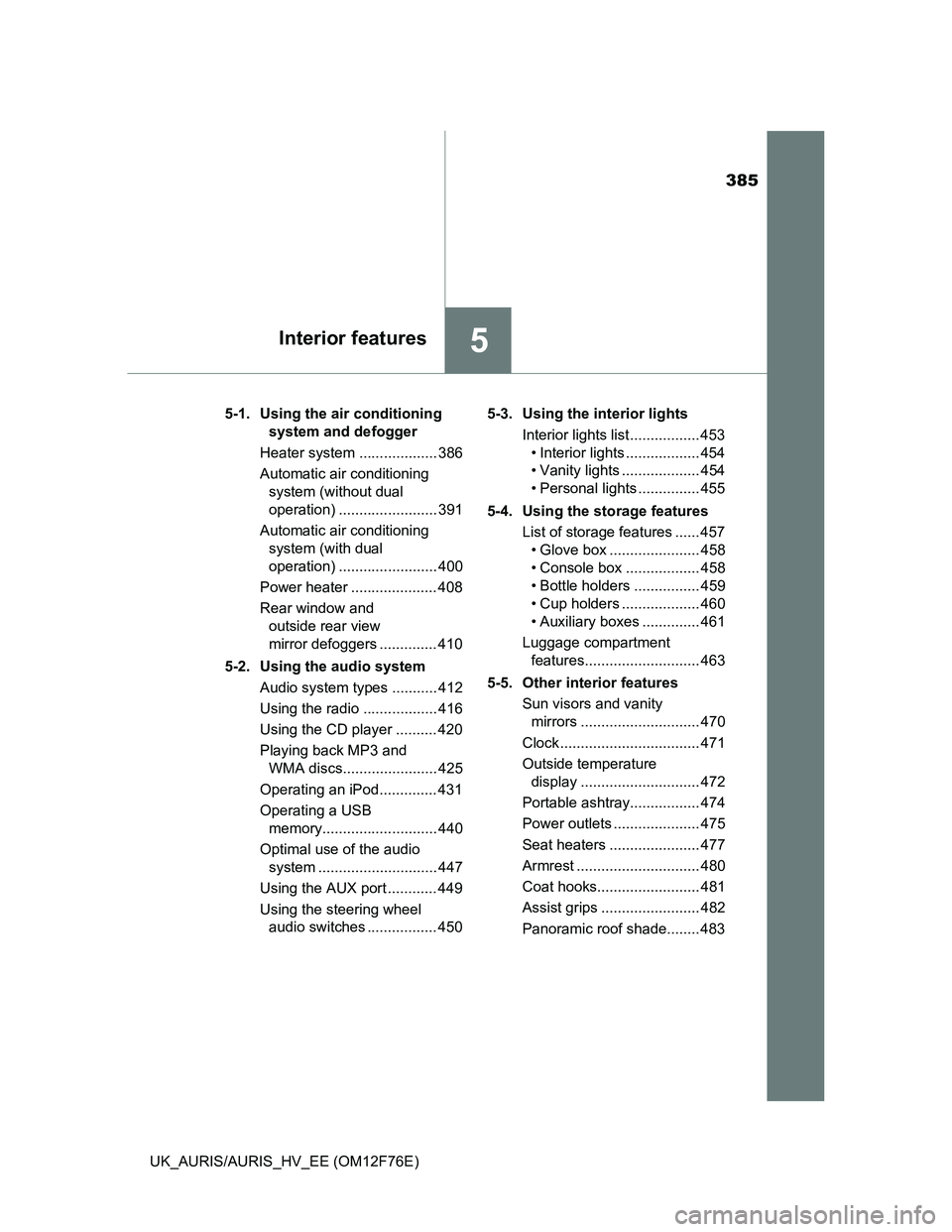
5Interior features
UK_AURIS/AURIS_HV_EE (OM12F76E)5-1. Using the air conditioning
system and defogger
Heater system ................... 386
Automatic air conditioning
system (without dual
operation) ........................ 391
Automatic air conditioning
system (with dual
operation) ........................ 400
Power heater ..................... 408
Rear window and
outside rear view
mirror defoggers .............. 410
5-2. Using the audio system
Audio system types ........... 412
Using the radio .................. 416
Using the CD player .......... 420
Playing back MP3 and
WMA discs....................... 425
Operating an iPod.............. 431
Operating a USB
memory............................ 440
Optimal use of the audio
system ............................. 447
Using the AUX port ............ 449
Using the steering wheel
audio switches ................. 4505-3. Using the interior lights
Interior lights list ................. 453
• Interior lights .................. 454
• Vanity lights ................... 454
• Personal lights ............... 455
5-4. Using the storage features
List of storage features ...... 457
• Glove box ...................... 458
• Console box .................. 458
• Bottle holders ................ 459
• Cup holders ................... 460
• Auxiliary boxes .............. 461
Luggage compartment
features............................ 463
5-5. Other interior features
Sun visors and vanity
mirrors ............................. 470
Clock .................................. 471
Outside temperature
display ............................. 472
Portable ashtray................. 474
Power outlets ..................... 475
Seat heaters ...................... 477
Armrest .............................. 480
Coat hooks......................... 481
Assist grips ........................ 482
Panoramic roof shade........ 483
Page 412 of 768
412
UK_AURIS/AURIS_HV_EE (OM12F76E)
5-2. Using the audio system
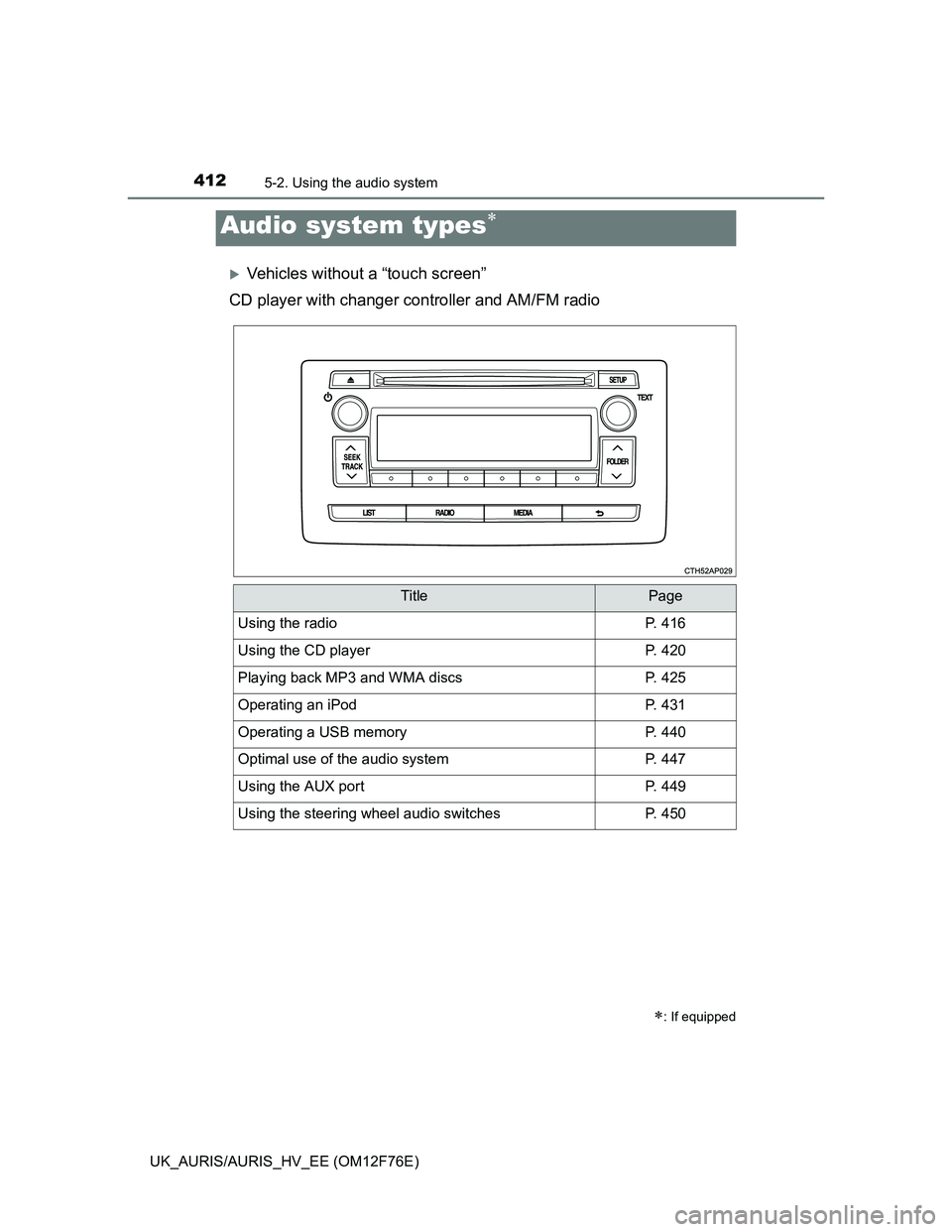
Vehicles without a “touch screen”
CD player with changer controller and AM/FM radio
Audio system types
: If equipped
TitlePage
Using the radioP. 416
Using the CD playerP. 420
Playing back MP3 and WMA discsP. 425
Operating an iPodP. 431
Operating a USB memoryP. 440
Optimal use of the audio systemP. 447
Using the AUX portP. 449
Using the steering wheel audio switchesP. 450
Page 413 of 768
4135-2. Using the audio system
UK_AURIS/AURIS_HV_EE (OM12F76E)
5
Interior features
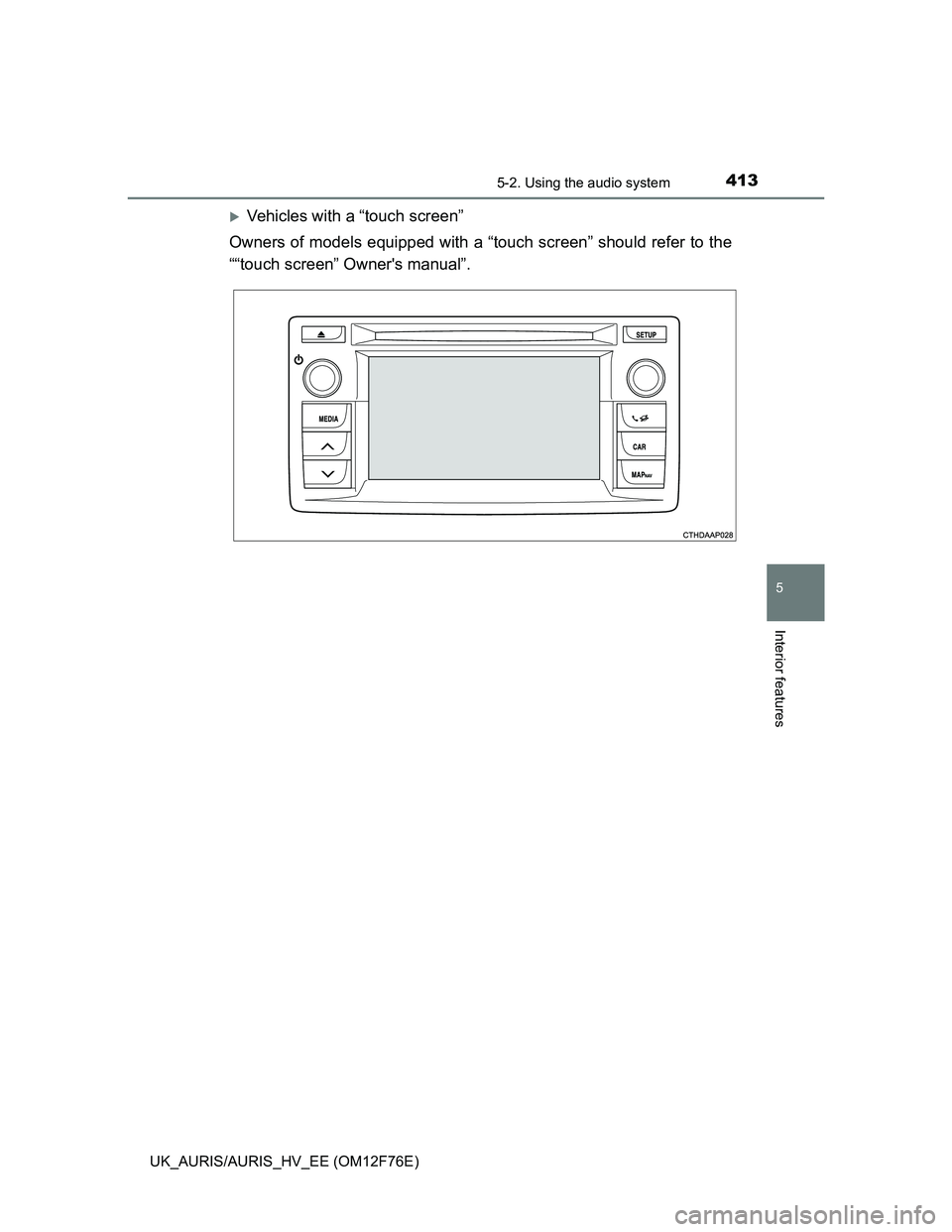
Vehicles with a “touch screen”
Owners of models equipped with a “touch screen” should refer to the
““touch screen” Owner's manual”.