2013 TOYOTA 4RUNNER AUX
[x] Cancel search: AUXPage 3 of 704

1
2
3
4
5
6
7
4RUNNER_U
3
2-3. Operating the lights and wipers
Headlight switch .................. 203
Fog light switch ................... 209
Windshield wipers and washer .............................. 211
Rear window wiper and washer .............................. 214
2-4. Using other driving systems Cruise control ...................... 217
Intuitive parking assist......... 221
Rear view monitor system .............................. 226
Four-wheel drive system (part-time 4WD models).... 236
Four-wheel drive system (full-time 4WD models) ..... 241
Active traction control system .............................. 245
AUTO LSD system.............. 247
Rear differential lock system .............................. 250
Downhill assist control system .............................. 253
Crawl Control ...................... 256
Multi-terrain Select .............. 260
Driving assist systems ........ 268
2-5. Driving information Off-road precautions ........... 277
Cargo and luggage ............. 282
Vehicle load limits ............... 288
Winter driving tips ............... 290
Trailer towing ...................... 295
Dinghy towing ..................... 313 3-1. Using the air conditioning
system and defogger
Manual air conditioning system .............................. 316
Automatic air conditioning system .............................. 322
Rear window and outside rear view
mirror defoggers ............... 331
Windshield wiper de-icer .... 333
3-2. Using the audio system Audio system types ............ 334
Using the radio ................... 341
Using the CD player ........... 348
Playing MP3 and WMA discs ................................. 357
Operating an iPod .............. 365
Operating a USB memory ............................ 372
Optimal use of the audio system .............................. 379
Using the AUX port............. 384
Using the steering wheel audio switches.................. 385
Detachable pole antenna ............................ 388
3Interior features
Page 4 of 704

TABLE OF CONTENTSIndex
4RUNNER_U
4
3-3. Using the Bluetooth®
audio system
Bluetooth
® audio system .... 391
Using the Bluetooth®
audio system .................... 394
Operating a Bluetooth
®
enabled portable player ... 399
Setting up a Bluetooth
®
enabled portable player ... 401
Bluetooth
® audio system
setup ................................ 406
3-4. Using the hands-free phone system
(for cellular phone)
Hands-free phone system (for cellular phone)
features ............................ 407
Using the hands-free phone system
(for cellular phone) ........... 412
Making a phone call ........... 420
Setting a cellular phone...... 424
Security and system setup ................................ 429
Using the phone book ........ 433
3-5. Using the interior lights Interior lights list ................. 441
• Interior lights .................... 442
• Personal lights ................. 442 3-6. Using the storage features
List of storage features ....... 444
• Glove box ......................... 445
• Console box ..................... 446
• Coin holder ....................... 447
• Tissue pocket ................... 448
• Pen holder ........................ 449
• Auxiliary box ..................... 450
• Cup holders ...................... 452
• Bottle holders ................... 455
3-7. Other interior features Sun visors ........................... 457
Vanity mirrors ..................... 458
Clock................................... 459
Outside temperature display .............................. 461
Power outlets (12 V DC) ..... 464
Power outlets (120 V AC) ... 467
Seat heaters ....................... 474
Armrest ............................... 476
Assist grips ......................... 477
Floor mat ............................ 478
Compass ............................ 480
Luggage compartment features ............................ 486
Garage door opener ........... 492
Safety Connect ................... 499
Page 11 of 704

4RUNNER_U
11
CTHPIAS006
SRS curtain shield airbags P. 121
Interior light P. 442
A
Personal lights Interior light P. 442
P. 442
Sun visors
P. 457
Garage door opener switches
“SOS” button
Moon roof switches
Active traction control switch
VSC off switch
Rear differential lock switch
“DAC” switch
P. 492
P. 499
P. 105
P. 245
P. 247
P. 250
P. 253
Auxiliary box
Crawl Control switch
Multi-terrain Select switch
P. 450
P. 256
P. 260
Vanity mirrors P. 458
: If equipped
*1: For vehicles with a navigation system, refer to “Navigation System Owner’s Manual”.
*2: For vehicles with a Display Audio system, re fer to “Display Audio System Owner’s Manual”.
Microphone ,*1,*2
Assist grips P. 477
Inside rear view mirror P. 94
Rear view monitor system P. 226
Assist grips P. 477
Page 18 of 704

4RUNNER_U
18
D
2WD models
CTHPIAS113Cup holders P. 452
Power outlets P. 464
Shift lock override button P. 622
Pictorial indexInstrument panel
AUX port
AUX port/USB port
P. 384
P. 365, 372, 384
Part-time 4WD models (type A)
CTHPIAS114
Power outlets P. 464
Front-wheel drive control lever
P. 236
Cup holders P. 452
Shift lock override button P. 622
AUX port
AUX port/USB port
P. 384
P. 365, 372, 384
Page 19 of 704

4RUNNER_U
19
D
Part-time 4WD models (type B)
CTHPIAS115
Power outlets P. 464
Front-wheel drive control switch
P. 236
Cup holders P. 452
Shift lock override button P. 622
Full-time 4WD models
CTHPIAS116
Power outlets P. 464
Four-wheel drive control switch
P. 241
Cup holders P. 452
Shift lock override button P. 622
AUX port
AUX port/USB port
P. 384
P. 365, 372, 384
AUX port
AUX port/USB port
P. 384
P. 365, 372, 384
: If equipped
Page 44 of 704

44 1-2. Opening, closing and locking the doors
4RUNNER_U
■Note for the entry function
● Even when the electronic key is within the effective range (detection
areas), the system may not operate properly in the following cases:
• The electronic key is too close to the window or outside door handle,
near the ground, or in a high place when the doors are locked or
unlocked.
• The electronic key is on the instrument panel or floor, in the glove box, or in the auxiliary box of the instrument panel.
● Do not leave the electronic key on top of the instrument panel or near the
door pockets when exiting the vehicle. Depending on the radio wave
reception conditions, it may be detected by the antenna outside the cabin
and the door will become lockable from the outside, possibly trapping the
electronic key inside the vehicle.
● As long as the electronic key is within the effective range, the doors may
be locked or unlocked by anyone. However, only the doors detecting the
electronic key can be used to unlock the vehicle.
● The doors may lock or unlock if the electronic key is within the effective
range and a large amount of water splashes on the door handle, such as
in the rain or in a car wash. The doors will automatically be locked after
approximately 60 seconds if a door is not opened and closed.
● If the wireless remote control is used to lock the doors when the elec-
tronic key is near the vehicle, there is a possibility that the door may not
be unlocked by the entry function. (Use the wireless remote control to
unlock the doors.)
■ Notes for locking the doors
● Touching the door lock sensor while wearing gloves may delay or prevent
lock operation. Remove the gloves and touch the lock sensor again.
● When the lock operation is performed using the lock sensor, recognition
signals will be shown up to two consecutive times. After this, no recogni-
tion signals will be given.
● If the door handle becomes wet while the electronic key is within the
effective range, the door may lock and unlock repeatedly. Place the key
in a position 6 ft. (2 m) or more separate from the vehicle while the vehi-
cle is being washed. (Take care to ensure that the key is not stolen.)
Page 314 of 704
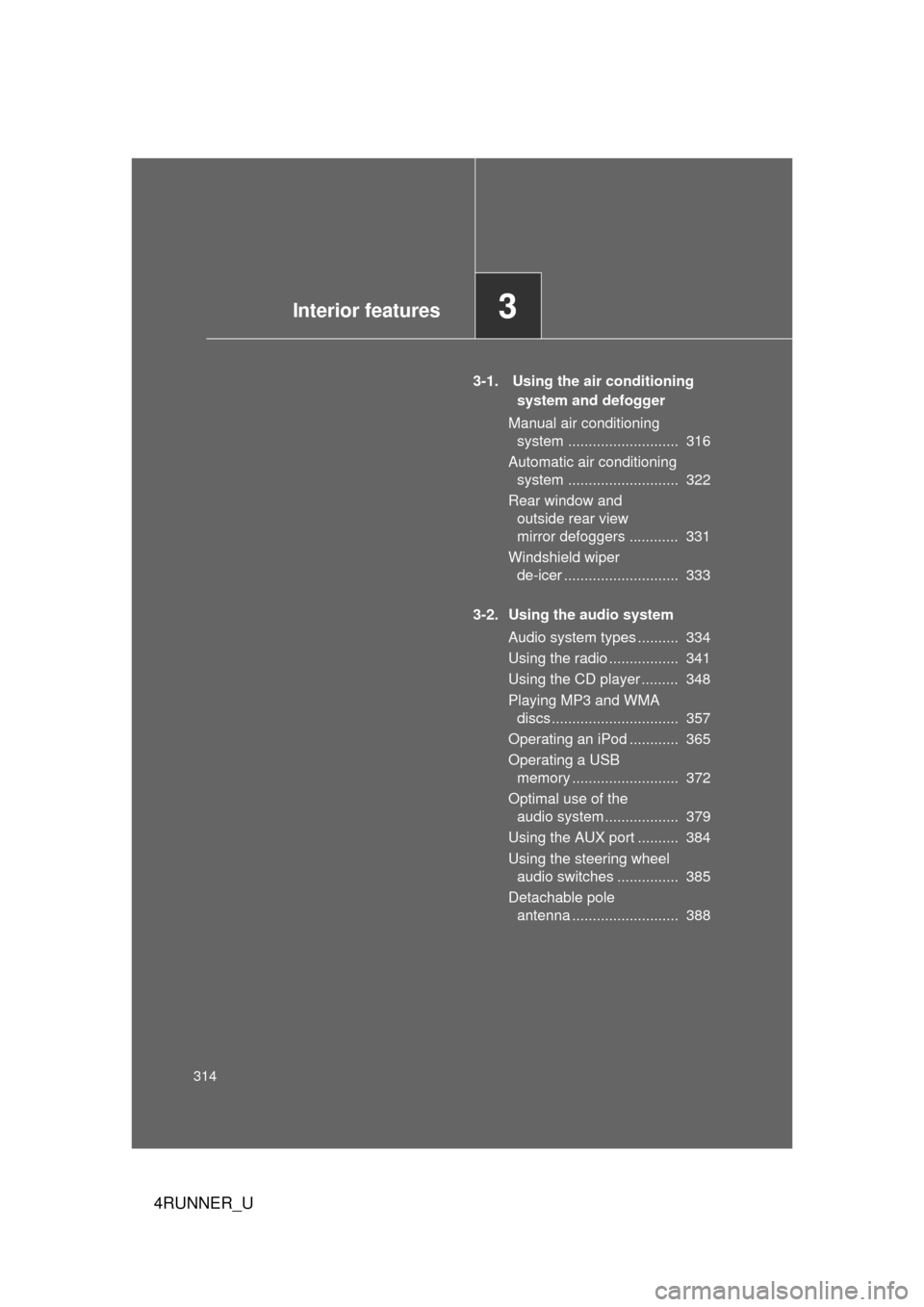
314
4RUNNER_U
3-1. Using the air conditioning system and defogger
Manual air conditioning system ........................... 316
Automatic air conditioning system ........................... 322
Rear window and outside rear view
mirror defoggers ............ 331
Windshield wiper de-icer ............................ 333
3-2. Using the audio system Audio system types .......... 334
Using the radio ................. 341
Using the CD player ......... 348
Playing MP3 and WMA discs............................... 357
Operating an iPod ............ 365
Operating a USB memory .......................... 372
Optimal use of the audio system .................. 379
Using the AUX port .......... 384
Using the steering wheel audio switches ............... 385
Detachable pole antenna .......................... 388
Interior features3
Page 315 of 704
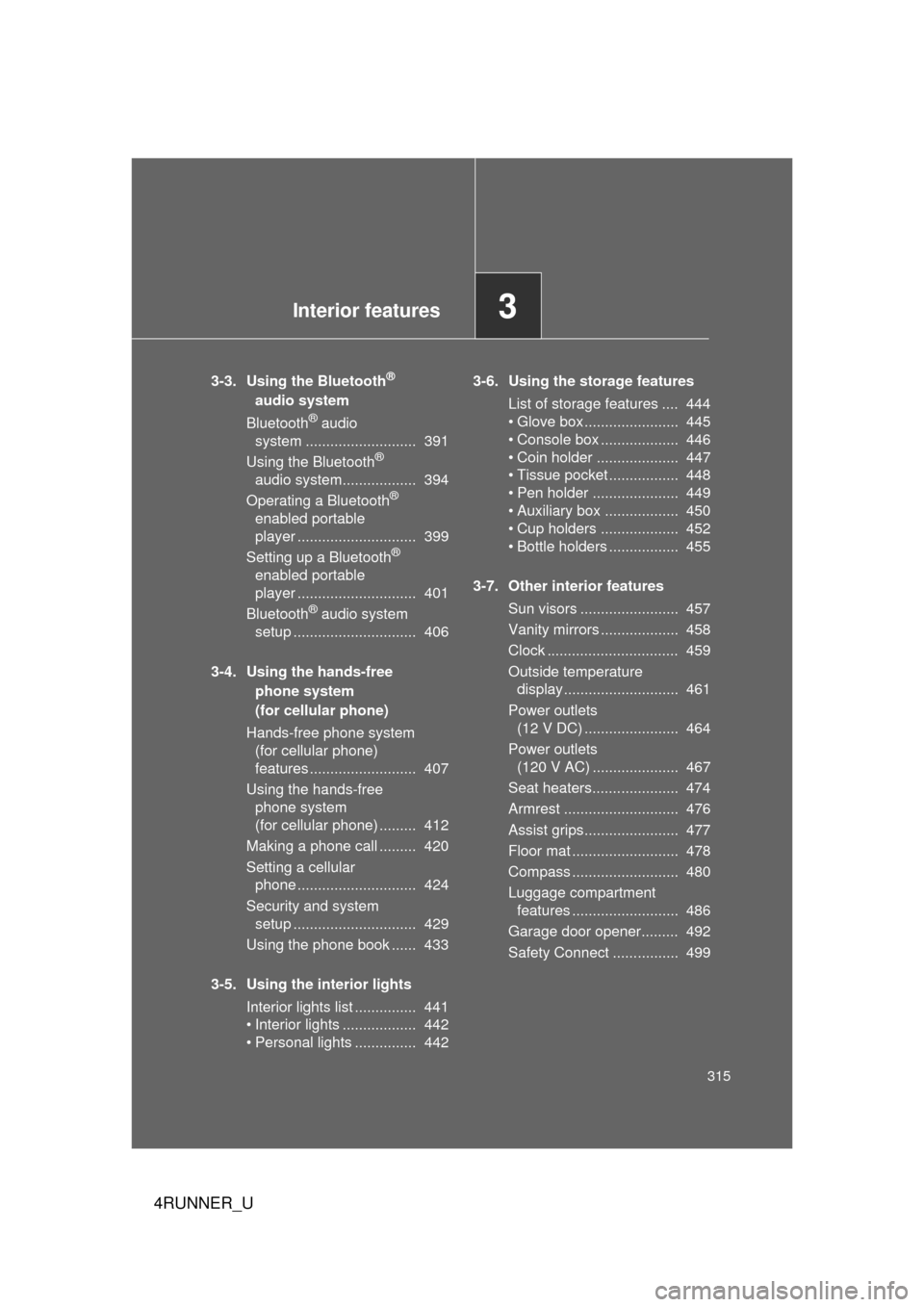
Interior features3
315
4RUNNER_U
3-3. Using the Bluetooth®
audio system
Bluetooth
® audio
system ........................... 391
Using the Bluetooth
®
audio system.................. 394
Operating a Bluetooth
®
enabled portable
player ............................. 399
Setting up a Bluetooth
®
enabled portable
player ............................. 401
Bluetooth
® audio system
setup .............................. 406
3-4. Using the hands-free phone system
(for cellular phone)
Hands-free phone system (for cellular phone)
features .......................... 407
Using the hands-free phone system
(for cellular phone) ......... 412
Making a phone call ......... 420
Setting a cellular phone ............................. 424
Security and system setup .............................. 429
Using the phone book ...... 433
3-5. Using the interior lights Interior lights list ............... 441
• Interior lights .................. 442
• Personal lights ............... 442 3-6. Using the storage features
List of storage features .... 444
• Glove box....................... 445
• Console box ................... 446
• Coin holder .................... 447
• Tissue pocket ................. 448
• Pen holder ..................... 449
• Auxiliary box .................. 450
• Cup holders ................... 452
• Bottle holders ................. 455
3-7. Other interior features Sun visors ........................ 457
Vanity mirrors ................... 458
Clock ................................ 459
Outside temperature display............................ 461
Power outlets (12 V DC) ....................... 464
Power outlets (120 V AC) ..................... 467
Seat heaters..................... 474
Armrest ............................ 476
Assist grips....................... 477
Floor mat .......................... 478
Compass .......................... 480
Luggage compartment features .......................... 486
Garage door opener......... 492
Safety Connect ................ 499