2013 SUZUKI ERTIGA Change light
[x] Cancel search: Change lightPage 114 of 207
Downloaded from www.Manualslib.com manuals search engine 5-19OTHER CONTROLS AND EQUIPMENT
60MK0-14E
Selecting a folder
Turn the TUNE FOLDER PUSH SOUND
knob (1) to select a folder.
Selecting a track
Press the Up button (2) to listen to the
next track.
Press the Down button (3) twice to lis-
ten to the previous track.
When the Down button (3) is pressed
once, the track currently being played
will start from the beginning again.
Fast forwarding/Rewinding a track
Hold down the Up button (2) to fast for-
ward the track.
Hold down the Down button (3) to fast
rewind the track.Random playback
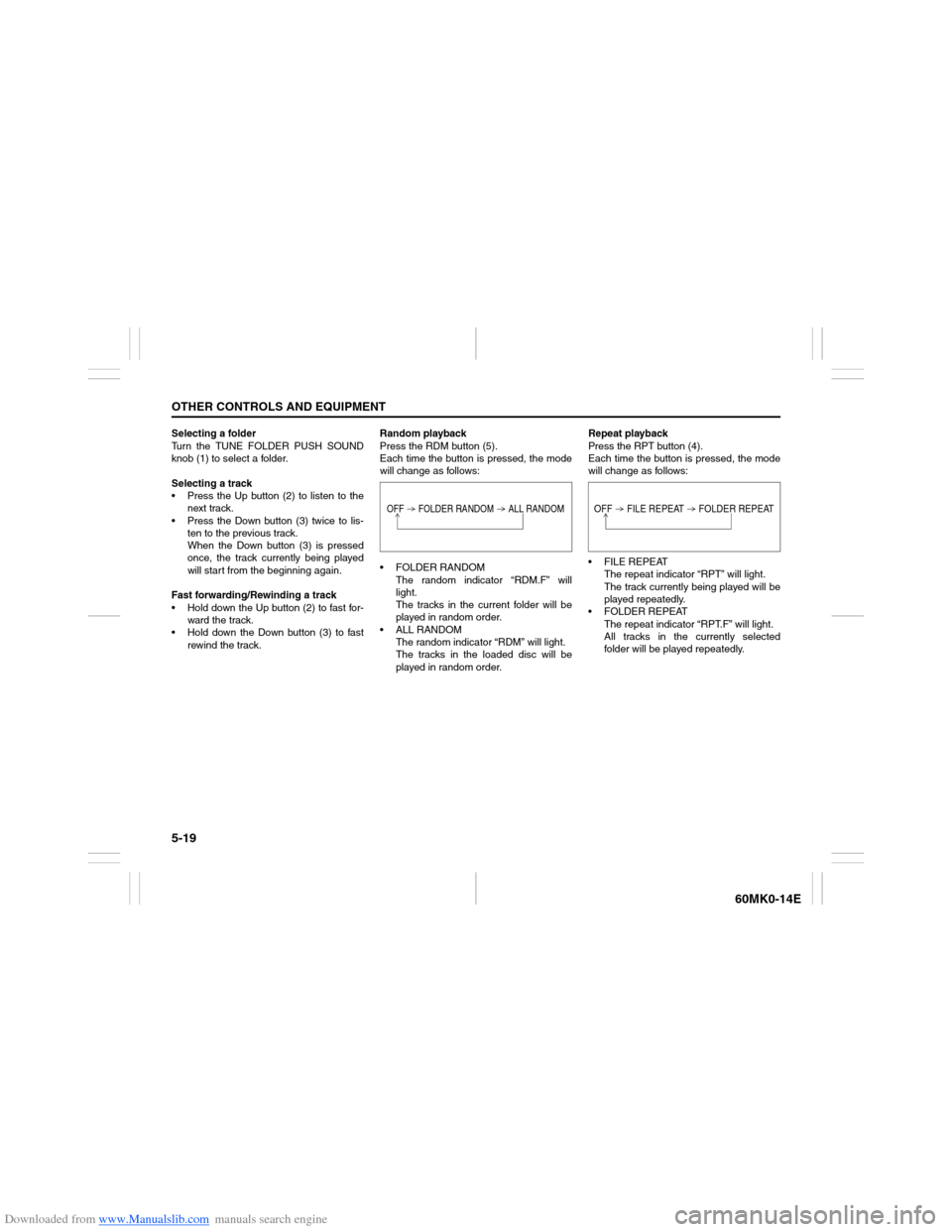
Press the RDM button (5).
Each time the button is pressed, the mode
will change as follows:
FOLDER RANDOM
The random indicator “RDM.F” will
light.
The tracks in the current folder will be
played in random order.
ALL RANDOM
The random indicator “RDM” will light.
The tracks in the loaded disc will be
played in random order.Repeat playback
Press the RPT button (4).
Each time the button is pressed, the mode
will change as follows:
FILE REPEAT
The repeat indicator “RPT” will light.
The track currently being played will be
played repeatedly.
FOLDER REPEAT
The repeat indicator “RPT.F” will light.
All tracks in the currently selected
folder will be played repeatedly.
OFF FOLDER RANDOM ALL RANDOM
OFF FILE REPEAT FOLDER REPEAT
Page 119 of 207

Downloaded from www.Manualslib.com manuals search engine 5-24
OTHER CONTROLS AND EQUIPMENT
60MK0-14E
Selecting a USB device mode
Press the USB button (1).
Selecting a folder
Turn the TUNE FOLDER PUSH SOUND
knob (2) to select the desired folder.
Selecting a track
Press the Up button (3) to listen to the
next track.
Press the Down button (4) twice to lis-
ten to the previous track.
When the Down button (4) is pressed
once, the track currently being played
will start from the beginning again.
Fast forwarding/Rewinding a track
Hold down the Up button (3) to fast for-
ward the track.
Hold down the Down button (4) to fast
rewind the track.Random playback
Press the RDM button (6).
Each time the button is pressed, the mode
will change as follows:
FOLDER RANDOM
The random indicator “RDM.F” will
light.
The tracks in the currently selected
folder will be played in random order.
ALL RANDOM
The random indicator “RDM” will light.
The tracks in the connected USB
device will be played in random order.Repeat playback
Press the RPT button (5).
Each time the button is pressed, the mode
will change as follows:
FILE REPEAT
The repeat indicator “RPT” will light.
The track currently being played will be
played repeatedly.
FOLDER REPEAT
The repeat indicator “RPT.F” will light.
All the tracks in the folder currently
selected will be played repeatedly.
NOTICE
Do not connect any USB device other
than a USB memory or a USB audio
player. Do not connect multiple USB
devices to the USB connector using a
USB hub, etc. Supplying power to
multiple USB devices from the con-
nector could cause overheating and
smoking.
OFF FOLDER RANDOM ALL RANDOM
OFF FILE REPEAT FOLDER REPEAT
Page 122 of 207
Downloaded from www.Manualslib.com manuals search engine 5-27OTHER CONTROLS AND EQUIPMENT
60MK0-14E
Selecting an iPod
® mode
Press the USB button (1).
Selecting a track
Press the Up button (3) to listen to the
next track.
Press the Down button (4) twice to lis-
ten to the previous track.
When the Down button (4) is pressed
once, the track currently being played
will start from the beginning again.
Fast forwarding/Rewinding a track
Hold down the Up button (3) to fast for-
ward the track.
Hold down the Down button (4) to fast
rewind the track.Random playback
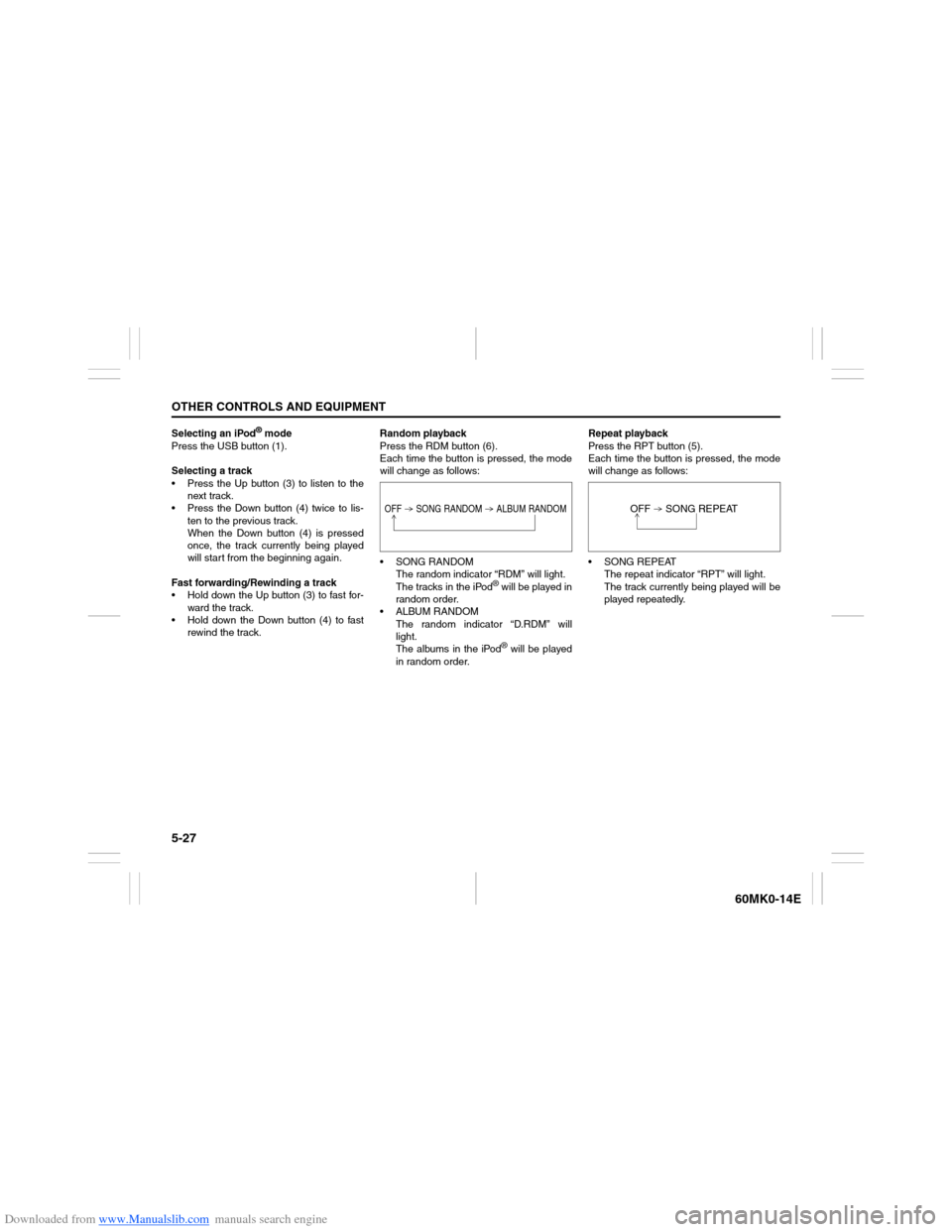
Press the RDM button (6).
Each time the button is pressed, the mode
will change as follows:
SONG RANDOM
The random indicator “RDM” will light.
The tracks in the iPod
® will be played in
random order.
ALBUM RANDOM
The random indicator “D.RDM” will
light.
The albums in the iPod® will be played
in random order.Repeat playback
Press the RPT button (5).
Each time the button is pressed, the mode
will change as follows:
SONG REPEAT
The repeat indicator “RPT” will light.
The track currently being played will be
played repeatedly.
OFF SONG RANDOM ALBUM RANDOM
OFF SONG REPEAT
Page 204 of 207

Downloaded from www.Manualslib.com manuals search engine 12-2INDEX
60MK0-14E
Driving range........................................................................ 2-49EElectric Power Steering Light ............................................. 2-42
Electric Window Controls ................................................... 2-11
Emergency Locking Retractor (ELR) ................................. 2-22
Engine Coolant .................................................................... 7-11
Engine Hood......................................................................... 5-38
Engine Oil and Filter .............................................................. 7-7
Engine Oil Consumption ....................................................... 3-2
Engine Serial Number ......................................................... 10-1
Exhaust Gas Warning............................................................ 3-1FFloor Mats............................................................................. 5-45
Fluid Control Clutch ............................................................ 7-16
Fluid Level Check ................................................................ 7-16
Folding Rear Seats .............................................................. 2-18
Footrest ................................................................................ 5-45
Frame Hooks ........................................................................ 5-46
Front Air Bags ...................................................................... 2-31
Front Fog Light Switch........................................................ 2-52
Front Seat Back Pocket....................................................... 5-44
Front Seats ........................................................................... 2-14
Fuel Filler Cap ...................................................................... 5-37
Fuel Gauge ........................................................................... 2-44
Fuel Recommendation .......................................................... 1-1
Full Wheel Cover.................................................................... 8-5
Fuses .................................................................................... 7-23
Fuses in the Engine Compartment .................................... 7-23
Fuses under the Dash Board .............................................. 7-25
GGasoline Engine ..................................................................... 1-1
Gasoline/Ethanol blends ....................................................... 1-1
Gear Oil ................................................................................. 7-15
Gear Oil Change ................................................................... 7-15
Gear Oil Level Check ........................................................... 7-15
Gearshift Lever ....................................................................... 3-9
Glove Box ............................................................................. 5-42HHazard Warning Switch ....................................................... 2-53
Head Restraints ........................................................... 2-15, 2-17
Headlight Aiming.................................................................. 7-26
Highway Driving ..................................................................... 4-3
Horn ....................................................................................... 2-56
How the ABS Works............................................................. 3-14IIf the Engine is Flooded......................................................... 8-8
If the Engine Overheats ......................................................... 8-9
If the Starter Does Not Operate............................................. 8-8
If Your Vehicle Gets Stuck .................................................... 4-5
Ignition Key Reminder ........................................................... 2-2
Ignition Switch........................................................................ 3-3
Immobilizer System ............................................................... 2-1
Immobilizer System Light.................................................... 2-41
Improving Fuel Economy ...................................................... 4-2
Information Display.............................................................. 2-46
Inside Rearview Mirror......................................................... 2-13
Installation with a Lap Belt .................................................. 2-29
Installation with Lap-Shoulder Seat Belts ......................... 2-29
Instantaneous Fuel Consumption ...................................... 2-48
Instrument Cluster ............................................................... 2-36