Page 35 of 734

To Enter Remote Start Mode
Press and release the REMOTE START button
on the RKE transmitter twice within five sec-
onds. The parking lights will flash vehicle
doors will lock, and the horn will chirp twice (if
programmed). Once the vehicle has started, the engine
will run for 15 minutes.
NOTE:
• If your power door locks were unlocked, Remote Start
will automatically lock the doors.
• If an engine fault is present or fuel level is low, the
vehicle will start and then shut down in 10 seconds.
• The park lamps will turn on and remain on during
Remote Start mode. •
For security, power window and power sunroof op-
eration (if equipped) are disabled when the vehicle is
in the Remote Start mode.
• The engine can be started two consecutive times (two
15-minute cycles) with the RKE transmitter. However,
the ignition switch must be cycled to the ON/RUN
position before you can repeat the start sequence for a
third cycle.
To Exit Remote Start Mode Without Driving The
Vehicle
Press and release the REMOTE START button one time or
allow the engine to run for the entire 15-minute cycle.
NOTE: To avoid unintentional shut downs, the system
will disable the one time press of the REMOTE START
button for two seconds after receiving a valid Remote
Start request.
2
THINGS TO KNOW BEFORE STARTING YOUR VEHICLE 33
Page 71 of 734

WARNING!(Continued)
•Do not put anything on or around the air bag
covers or attempt to open them manually. You may
damage the air bags and you could be injured
because the air bags may no longer be functional.
The protective covers for the air bag cushions are
designed to open only when the air bags are
inflating.
• Do not drill, cut or tamper with the knee bolster in
any way.
• Do not mount any accessories to the knee bolster
such as alarm lights, stereos, citizen band radios,
etc.
Supplemental Seat-Mounted Side Air Bags (SAB)
— If Equipped
Supplemental Seat-Mounted Side Air Bags may provide
enhanced protection to help protect an occupant during a side impact. The Supplemental Seat-Mounted Side Air
Bag is marked with an air bag label sewn into the
outboard side of the front seats.
When the air bag deploys, it opens the seam between the
front and side of the seat’s trim cover. Each air bag
Supplemental Seat-Mounted Side Air Bag Label
2
THINGS TO KNOW BEFORE STARTING YOUR VEHICLE 69
Page 78 of 734

and type of collision. In these events, the ORC will
deploy the SABIC only on the impact side of the vehicle.
A quantity of non-toxic gas is generated to inflate the side
curtain air bag. The inflating side curtain air bag pushes
the outside edge of the headliner out of the way and
covers the window. The air bag inflates in about 30
milliseconds (about one-quarter of the time that it takes
to blink your eyes) with enough force to injure you if you
are not belted and seated properly, or if items are
positioned in the area where the side curtain air bag
inflates. This especially applies to children. The side
curtain air bag is only about 3-1/2 in (9 cm) thick when
it is inflated.
Because air bag sensors estimate deceleration over time,
vehicle speed and damage are not good indicators of
whether or not an air bag should have deployed.Front And Side Impact Sensors
In front and side impacts, impact sensors can aid the
ORC in determining appropriate response to impact
events.
Enhanced Accident Response System
In the event of an impact causing air bag deployment, if
the communication network remains intact, and the
power remains intact, depending on the nature of the
event the ORC will determine whether to have the
Enhanced Accident Response System perform the follow-
ing functions:
•Cut off fuel to the engine.
• Flash hazard lights as long as the battery has power or
until the ignition key is turned off.
• Turn on the interior lights, which remain on as long as
the battery has power or until the ignition key is
removed.
76 THINGS TO KNOW BEFORE STARTING YOUR VEHICLE
Page 126 of 734

Periodic Safety Checks You Should Make Outside
The Vehicle
Tires
Examine tires for excessive tread wear and uneven wear
patterns. Check for stones, nails, glass, or other objects
lodged in the tread or sidewall. Inspect the tread for cuts
and cracks. Inspect sidewalls for cuts, cracks and bulges.
Check the wheel nuts for tightness. Check the tires
(including spare) for proper cold inflation pressure.
Lights
Have someone observe the operation of brake lights and
exterior lights while you work the controls. Check turn
signal and high beam indicator lights on the instrument
panel.
Door Latches
Check for positive closing, latching, and locking.
Fluid Leaks
Check area under vehicle after overnight parking for fuel,
engine coolant, oil, or other fluid leaks. Also, if gasoline
fumes are detected or if fuel, power steering fluid
(2500,3500,4500,5500 Models Only), or brake fluid leaks
are suspected, the cause should be located and corrected
immediately.
124 THINGS TO KNOW BEFORE STARTING YOUR VEHICLE
Page 128 of 734
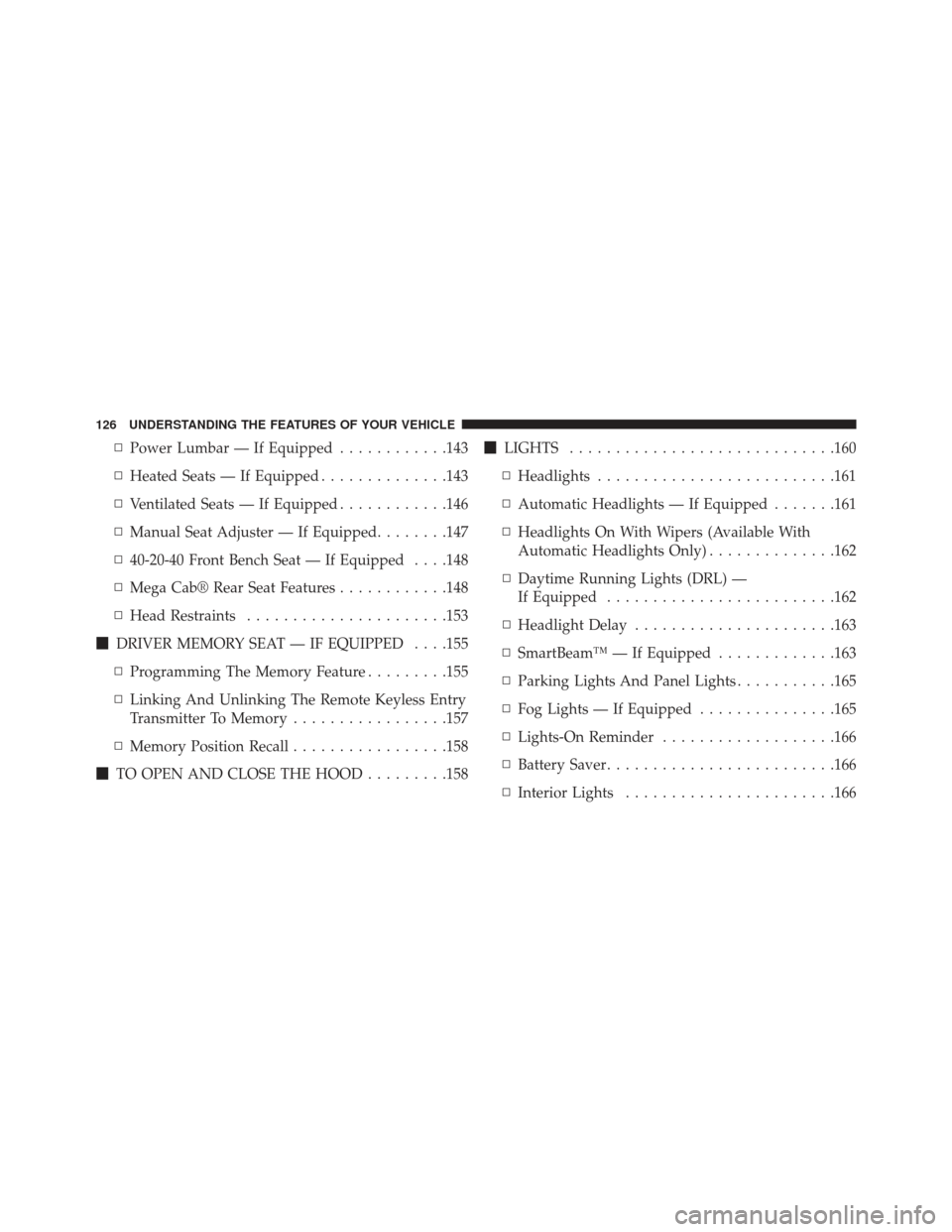
▫Power Lumbar — If Equipped ............143
▫ Heated Seats — If Equipped ..............143
▫ Ventilated Seats — If Equipped ............146
▫ Manual Seat Adjuster — If Equipped ........147
▫ 40-20-40 Front Bench Seat — If Equipped . . . .148
▫ Mega Cab® Rear Seat Features ............148
▫ Head Restraints ..................... .153
� DRIVER MEMORY SEAT — IF EQUIPPED . . . .155
▫ Programming The Memory Feature .........155
▫ Linking And Unlinking The Remote Keyless Entry
Transmitter To Memory .................157
▫ Memory Position Recall .................158
� TO OPEN AND CLOSE THE HOOD .........158�
LIGHTS ............................ .160
▫ Headlights ......................... .161
▫ Automatic Headlights — If Equipped .......161
▫ Headlights On With Wipers (Available With
Automatic Headlights Only) ..............162
▫ Daytime Running Lights (DRL) —
If Equipped ........................ .162
▫ Headlight Delay ..................... .163
▫ SmartBeam™ — If Equipped .............163
▫ Parking Lights And Panel Lights ...........165
▫ Fog Lights — If Equipped ...............165
▫ Lights-On Reminder ...................166
▫ Battery Saver ........................ .166
▫ Interior Lights ...................... .166
126 UNDERSTANDING THE FEATURES OF YOUR VEHICLE
Page 130 of 734

▫ParkSense® Warning Display .............183
▫ ParkSense® Display ....................184
▫ Enabling And Disabling ParkSense® ........187
▫ Service The ParkSense® Rear Park Assist
System ............................ .188
▫ Cleaning The ParkSense® System ..........188
▫ ParkSense® System Usage Precautions .......189
� PARKVIEW® REAR BACK UP CAMERA — IF
EQUIPPED .......................... .191
▫ Turning ParkView® On Or Off — With
Uconnect® 5.0 ....................... .193
▫ Turning ParkView® On Or Off — With
Uconnect® 8.4A/8.4AN .................193 �
OVERHEAD CONSOLE — IF EQUIPPED .....193
▫ Courtesy/Reading Lights ...............194
� GARAGE DOOR OPENER — IF EQUIPPED . . . .195
▫ Before You Begin Programming HomeLink® . .196
▫ Programming A Rolling Code .............197
▫ Programming A Non-Rolling Code .........199
▫ Canadian/Gate Operator Programming ......200
▫ Using HomeLink® .....................201
▫ Security ........................... .202
▫ Troubleshooting Tips ...................202
▫ General Information ....................203
� POWER SUNROOF — IF EQUIPPED ........204
▫ Opening Sunroof — Express ..............205
128 UNDERSTANDING THE FEATURES OF YOUR VEHICLE
Page 140 of 734
Illuminated Vanity Mirror — If Equipped
Illuminated vanity mirrors are located on each sun visor.
To use the mirror, rotate the sun visor down and swing
the mirror cover upward. The lights will turn on auto-
matically. Closing the mirror cover turns off the light.
“Slide-On-Rod” Features Of Sun Visor — If
Equipped
The sun visor “Slide-On-Rod” feature allows for addi-
tional flexibility in positioning the visor to block out the
sun.
To use the “Slide-On-Rod” feature, rotate the sun visor
downward and unclip it. Pull the sun visor along the
“Slide-On-Rod” until the sun visor is in the desired
position.
Illuminated Vanity Mirror
138 UNDERSTANDING THE FEATURES OF YOUR VEHICLE
Page 147 of 734

WARNING!
•Persons who are unable to feel pain to the skin
because of advanced age, chronic illness, diabetes,
spinal cord injury, medication, alcohol use, exhaus-
tion or other physical condition must exercise care
when using the seat heater. It may cause burns
even at low temperatures, especially if used for
long periods of time.
• Do not place anything on the seat or seatback that
insulates against heat, such as a blanket or cushion.
This may cause the seat heater to overheat. Sitting
in a seat that has been overheated could cause
serious burns due to the increased surface tempera-
ture of the seat.
Front Heated Seats
There are two heated seat switches as well as soft-keys in
the radio that allow the driver and passenger to operate the seats independently. The controls for each seat are
located near the bottom center of the instrument panel
(below the climate controls) or in the radio unit.
You can choose from HIGH, LOW or OFF heat settings.
Amber indicator lights in each switch indicate the level of
heat in use. Two indicator lights will illuminate for
HIGH, one for LOW and none for OFF.
Press the switch once to select HIGH-
level heating. Press the switch a sec-
ond time to select LOW-level heating.
Press the switch a third time to shut
the heating elements OFF. This is the
same procedure for the soft-keys in the
radio.
NOTE:
• Once a heat setting is selected, heat will be felt within
two to five minutes.
3
UNDERSTANDING THE FEATURES OF YOUR VEHICLE 145
