Page 206 of 268
06
204
USING THE TELEPHONE
Directory configuration / Synchronisation with the telephone
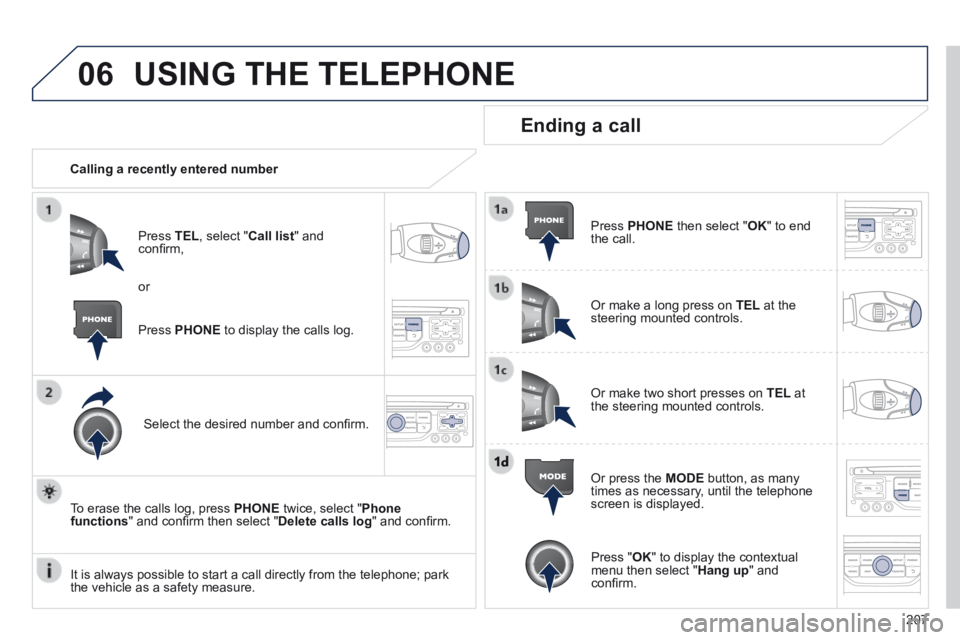
Press PHONE then select " Contacts management " and confi rm.
Select " New contact " to enter a new contact.
Select " Sort by Name/First name " to choose the order in which they appear.
Select " Delete all contacts " to delete the contacts saved in the system.
Select " Synchronization options ":
- No synchronization: only the contacts saved in the system (always present).
- Display telephone contacts: only the contacts saved in the telephone.
- Display SIM card contacts: only the contacts saved on the SIM card.
- Display all phone contacts: contacts on the SIM card and in the telephone.
Select " Import all the entries " to import all the contacts in the telephone and save them in the system.
Once imported, a contact remains visible whatever telephone is connected.
Select " Contact mem. status " to see the number of contacts saved in the system or imported, and the free memory.
Page 209 of 268
06
207
USING THE TELEPHONE
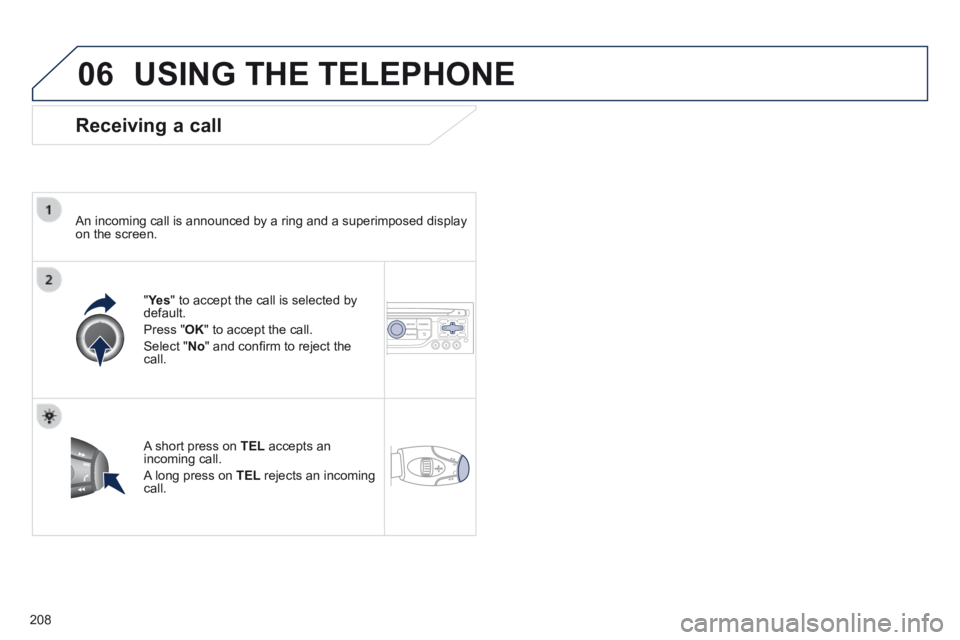
Calling a recently entered number
Press TEL , select " Call list " and confi rm,
Select the desired number and confi rm.
To erase the calls log, press PHONE twice, select " Phone functions " and confi rm then select " Delete calls log " and confi rm.
Ending a call
Press PHONE then select " OK " to end the call.
Or make a long press on TEL at the steering mounted controls.
Or make two short presses on TEL at the steering mounted controls.
Or press the MODE button, as many times as necessary, until the telephone screen is displayed.
Press PHONE to display the calls log.
or
Press " OK " to display the contextual menu then select " Hang up " and confi rm. It is always possible to start a call directly from the telephone; park \
the vehicle as a safety measure.
Page 210 of 268
06
208
USING THE TELEPHONE
Receiving a call
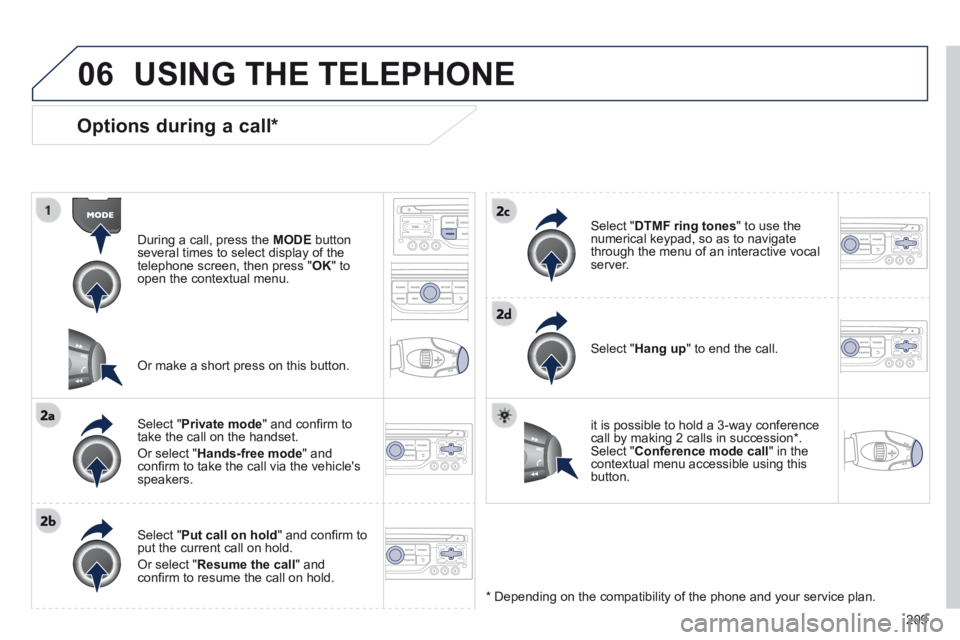
An incoming call is announced by a ring and a superimposed display on the screen.
" Ye s " Ye s " " to accept the call is selected by default.
Press " OK " to accept the call.
Select " No " and confi rm to reject the call.
A short press on TEL accepts an incoming call.
A long press on TEL rejects an incoming call.
Page 211 of 268
06
209
Options during a call *
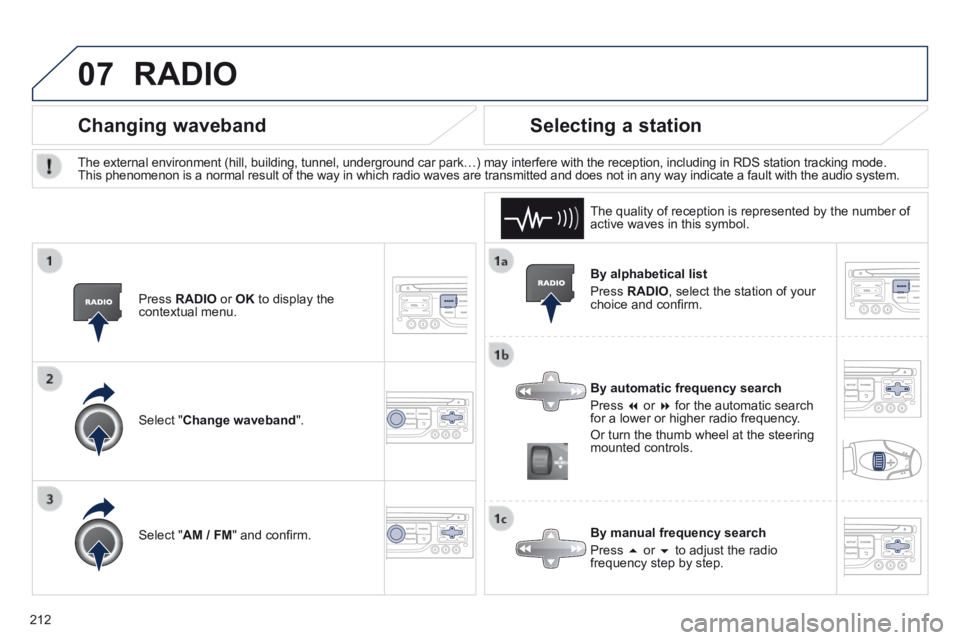
During a call, press the MODE button several times to select display of the telephone screen, then press " OK " to open the contextual menu.
Select " Private mode " and confi rm to take the call on the handset.
Or select " Hands-free mode " and confi rm to take the call via the vehicle's speakers.
Select " Put call on hold " and confi rm to put the current call on hold.
Or select " Resume the call " and confi rm to resume the call on hold.
Select " DTMF ring tones " to use the numerical keypad, so as to navigate through the menu of an interactive vocal server.
Select " Hang up " to end the call.
* Depending on the compatibility of the phone and your service plan.
it is possible to hold a 3-way conference call by making 2 calls in succession*. Select " Conference mode call " in the contextual menu accessible using this button.
Or make a short press on this button.
USING THE TELEPHONE
Page 214 of 268
07
212
By alphabetical list
Press RADIO , select the station of your choice and confi rm.
By automatic frequency search
Press or for the automatic search for a lower or higher radio frequency.
Or turn the thumb wheel at the steering mounted controls.
By manual frequency search
Press or to adjust the radio frequency step by step.
Selecting a station
The external environment (hill, building, tunnel, underground car park…\
) may interfere with the reception, including in RDS station tracking mode. This phenomenon is a normal result of the way in which radio waves are t\
ransmitted and does not in any way indicate a fault with the audio system.
The quality of reception is represented by the number of active waves in this symbol.
Press RADIO or OK to display the contextual menu.
Changing waveband
Select " Change waveband ".
Select " AM / FM " and confi rm.
RADIO
Page 218 of 268

08
216
Insert the CD in the player, insert the USB memory stick in the USB player or connect the USB peripheral to the USB port using a suitable cable (not supplied) .
The system builds playlists (in temporary memory), an operation which can take from a few seconds to several minutes at the fi rst connection.
Reduce the number of non-music fi les and the number of folders to reduce the waiting time.
The playlists are updated every time the ignition is switched off or connection of a USB memory stick. However, the system memorises these lists and if they are not modifi ed, the loading time will be shorter.
Play starts automatically after a period which depends on the capacity of the USB memory stick.
Selection of source
The SOURCE button on the steering mounted controls allows a direct change to the next media source.
" CD / CD MP3 "
" USB, iPod "
" AUX " " STREAMING "
" RADIO "
Press MUSIC to display the " MEDIA " menu.
Select " Following media source " and confi rm.
Repeat the operation as many times as necessary to obtain the desired media source (except for radio which is accessible either with SOURCE or RADIO ).
Sources
MUSIC MEDIA PLAYERS
Page 221 of 268
08
219
MUSIC MEDIA PLAYERS
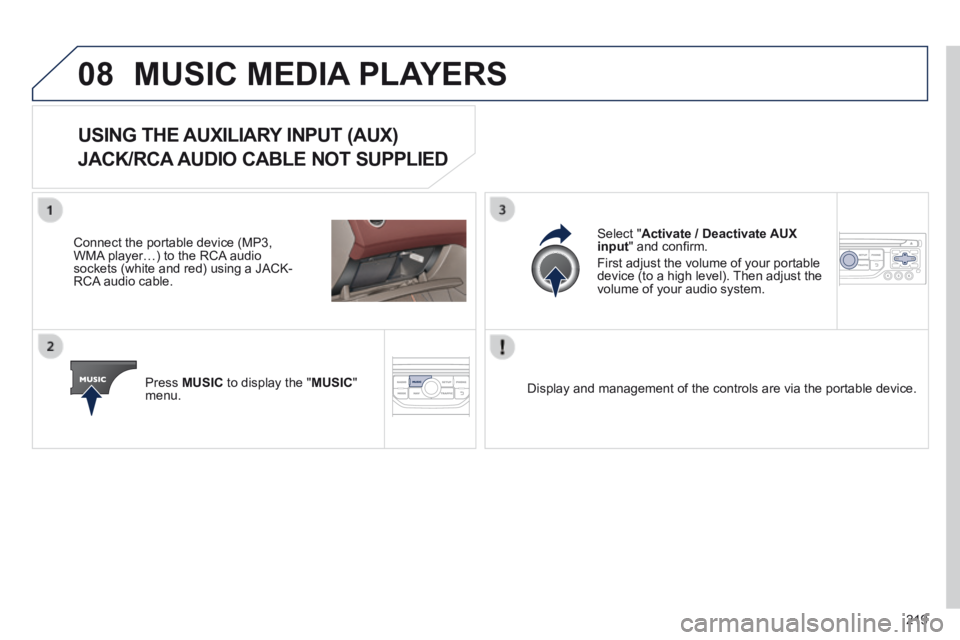
USING THE AUXILIARY INPUT (AUX)
JACK/RCA AUDIO CABLE NOT SUPPLIED
Connect the portable device (MP3, WMA player…) to the RCA audio sockets (white and red) using a JACK-RCA audio cable.
Press MUSIC to display the " MUSIC " menu.
Select " Activate / Deactivate AUX input " and confi rm.
First adjust the volume of your portable device (to a high level). Then adjust the volume of your audio system.
Display and management of the controls are via the portable device.
Page 223 of 268
10
221
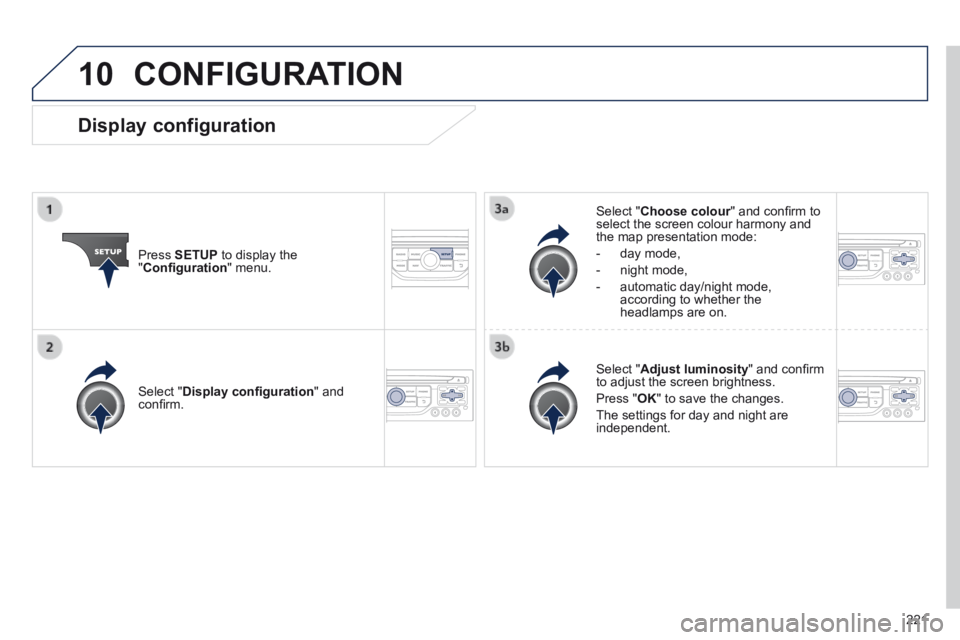
CONFIGURATION
Press SETUP to display the " Confi guration " menu.
Select " Choose colour " and confi rm to Choose colour " and confi rm to Choose colourselect the screen colour harmony and the map presentation mode:
- day mode,
- night mode,
- automatic day/night mode, according to whether the headlamps are on.
Select " Adjust luminosity " and confi rm to adjust the screen brightness.
Press " OK " to save the changes.
The settings for day and night are independent.
Select " Display confi guration " and confi rm.
Display configuration