Page 313 of 372
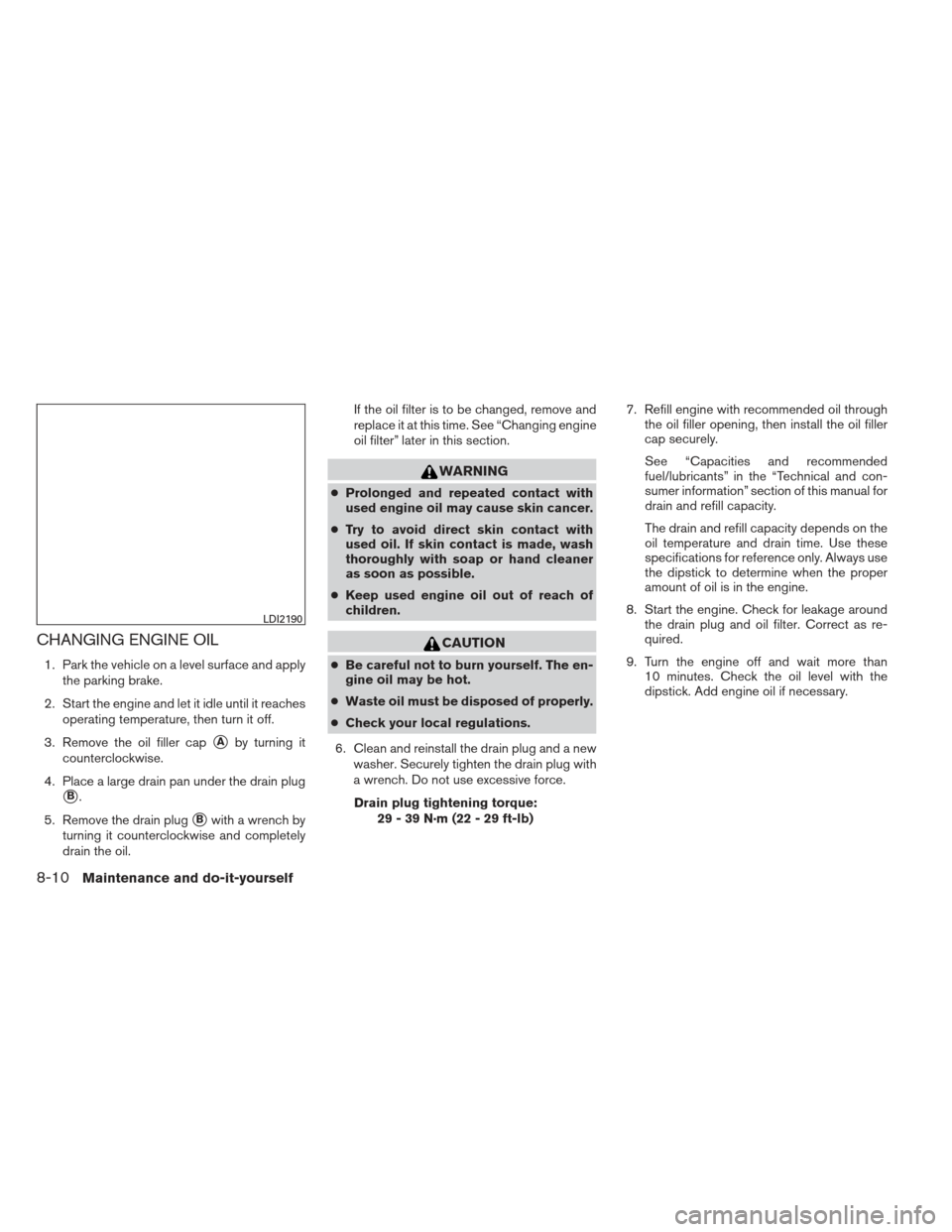
CHANGING ENGINE OIL
1. Park the vehicle on a level surface and applythe parking brake.
2. Start the engine and let it idle until it reaches operating temperature, then turn it off.
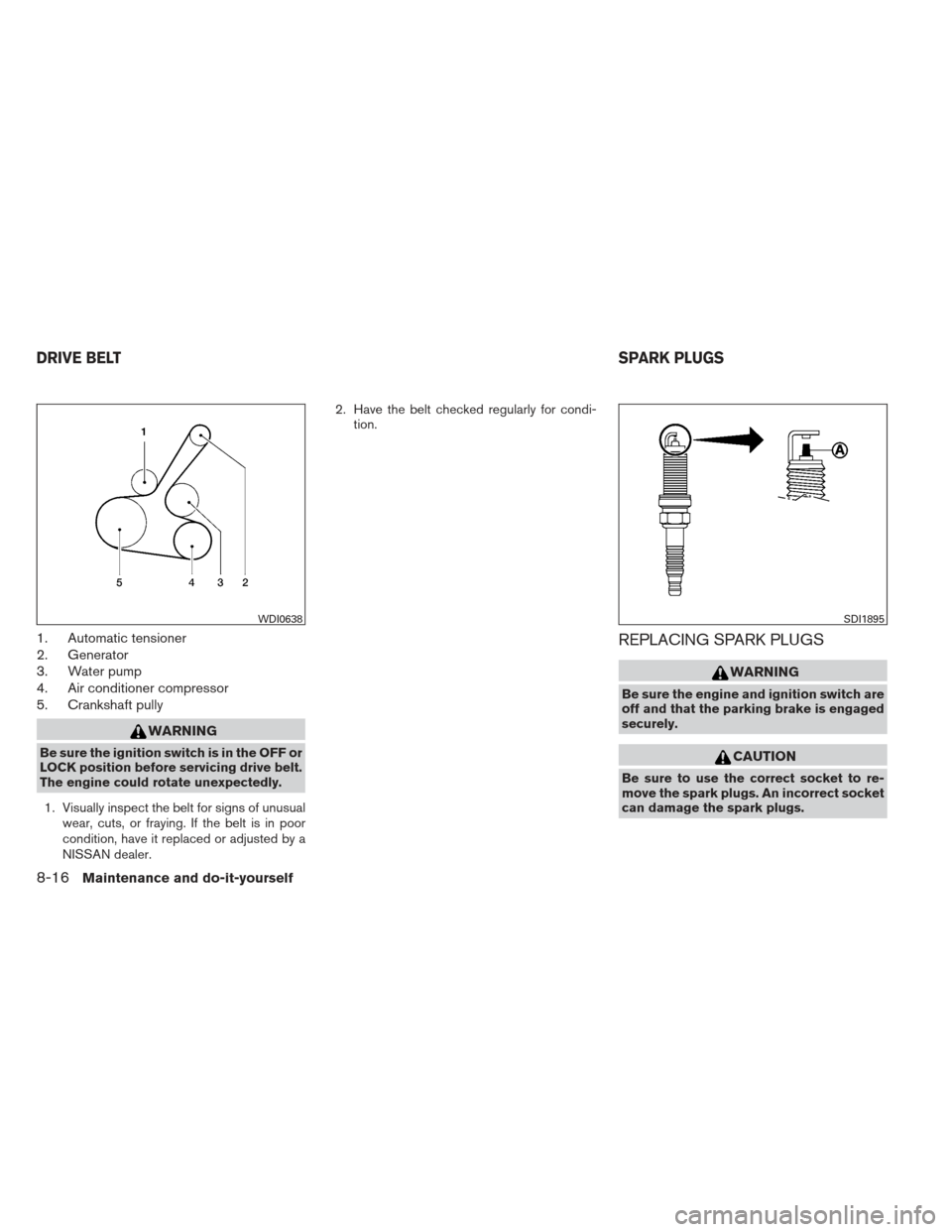
3. Remove the oil filler cap
�Aby turning it
counterclockwise.
4. Place a large drain pan under the drain plug
�B.
5. Remove the drain plug
�Bwith a wrench by
turning it counterclockwise and completely
drain the oil. If the oil filter is to be changed, remove and
replace it at this time. See “Changing engine
oil filter” later in this section.
WARNING
●
Prolonged and repeated contact with
used engine oil may cause skin cancer.
● Try to avoid direct skin contact with
used oil. If skin contact is made, wash
thoroughly with soap or hand cleaner
as soon as possible.
● Keep used engine oil out of reach of
children.
CAUTION
● Be careful not to burn yourself. The en-
gine oil may be hot.
● Waste oil must be disposed of properly.
● Check your local regulations.
6. Clean and reinstall the drain plug and a new washer. Securely tighten the drain plug with
a wrench. Do not use excessive force.
Drain plug tightening torque: 29 - 39 N·m (22 - 29 ft-lb) 7. Refill engine with recommended oil through
the oil filler opening, then install the oil filler
cap securely.
See “Capacities and recommended
fuel/lubricants” in the “Technical and con-
sumer information” section of this manual for
drain and refill capacity.
The drain and refill capacity depends on the
oil temperature and drain time. Use these
specifications for reference only. Always use
the dipstick to determine when the proper
amount of oil is in the engine.
8. Start the engine. Check for leakage around the drain plug and oil filter. Correct as re-
quired.
9. Turn the engine off and wait more than 10 minutes. Check the oil level with the
dipstick. Add engine oil if necessary.
LDI2190
8-10Maintenance and do-it-yourself
Page 314 of 372
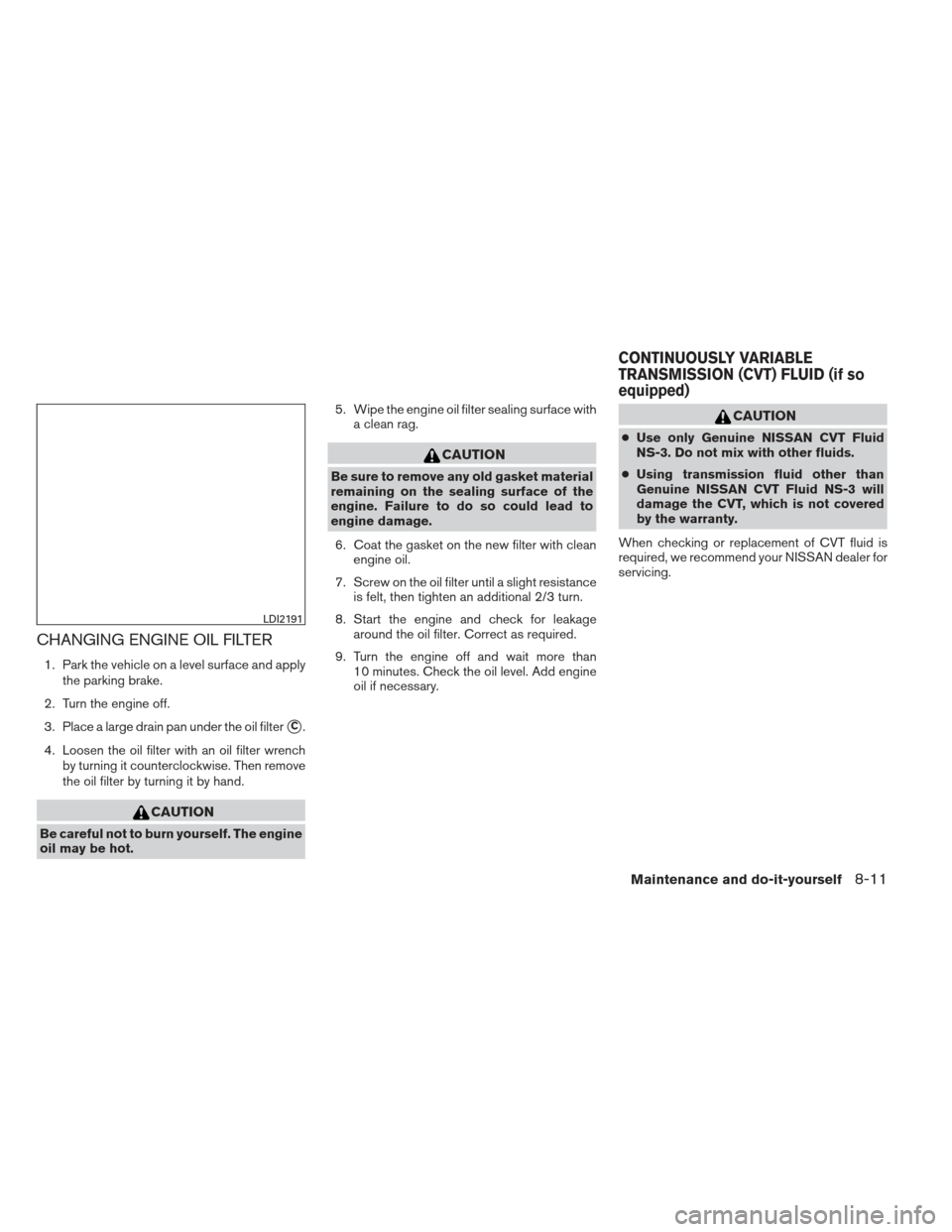
CHANGING ENGINE OIL FILTER
1. Park the vehicle on a level surface and applythe parking brake.
2. Turn the engine off.
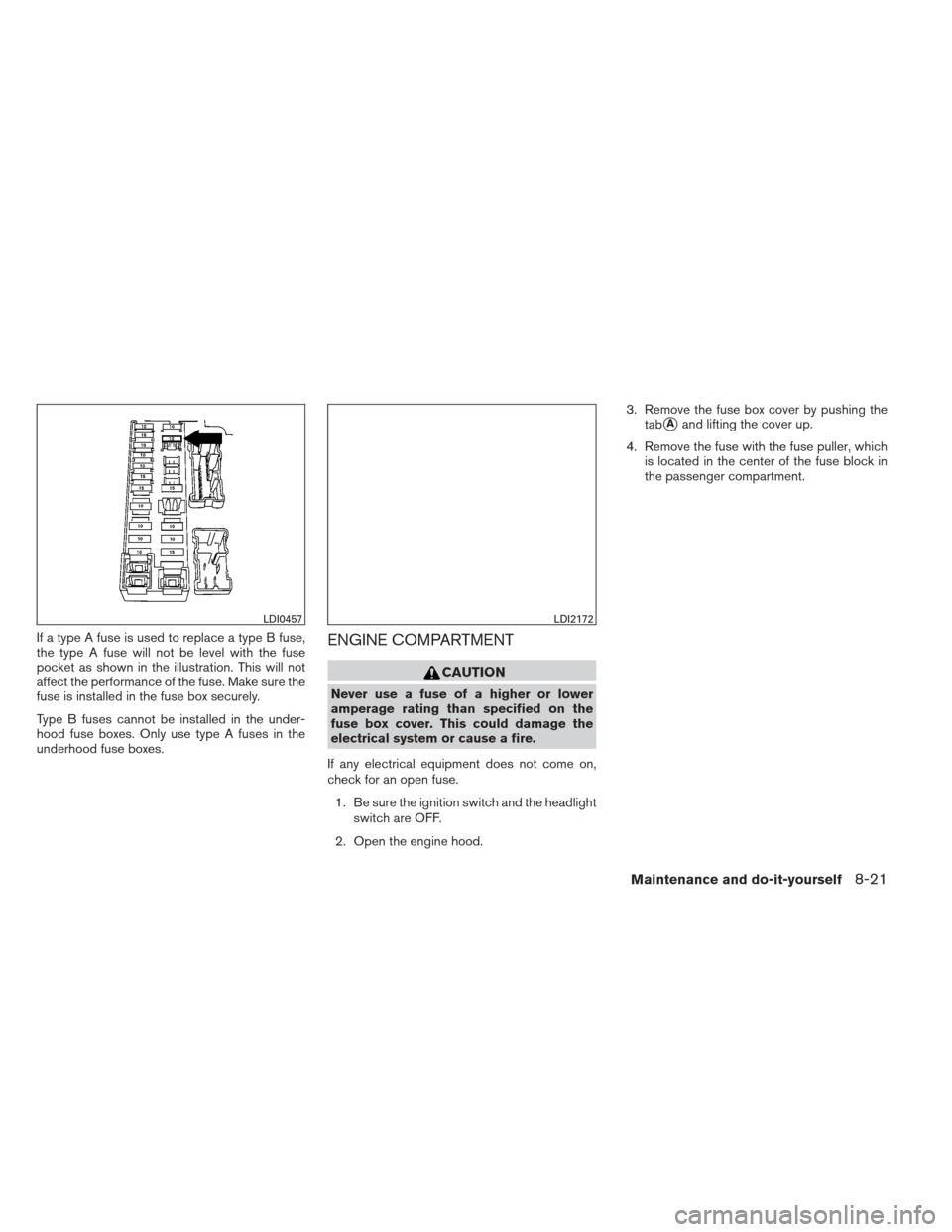
3. Place a large drain pan under the oil filter
�C.
4. Loosen the oil filter with an oil filter wrench by turning it counterclockwise. Then remove
the oil filter by turning it by hand.
CAUTION
Be careful not to burn yourself. The engine
oil may be hot. 5. Wipe the engine oil filter sealing surface with
a clean rag.
CAUTION
Be sure to remove any old gasket material
remaining on the sealing surface of the
engine. Failure to do so could lead to
engine damage.
6. Coat the gasket on the new filter with clean engine oil.
7. Screw on the oil filter until a slight resistance is felt, then tighten an additional 2/3 turn.
8. Start the engine and check for leakage around the oil filter. Correct as required.
9. Turn the engine off and wait more than 10 minutes. Check the oil level. Add engine
oil if necessary.
CAUTION
●Use only Genuine NISSAN CVT Fluid
NS-3. Do not mix with other fluids.
● Using transmission fluid other than
Genuine NISSAN CVT Fluid NS-3 will
damage the CVT, which is not covered
by the warranty.
When checking or replacement of CVT fluid is
required, we recommend your NISSAN dealer for
servicing.
LDI2191
CONTINUOUSLY VARIABLE
TRANSMISSION (CVT) FLUID (if so
equipped)
Maintenance and do-it-yourself8-11
Page 318 of 372
Vehicles operated in high temperatures or under
severe conditions require frequent checks of the
battery fluid level.
JUMP STARTING
If jump starting is necessary, see “Jump starting”
in the “In case of emergency” section of this
manual. If the engine does not start by jump
starting, the battery may have to be replaced.
Contact a NISSAN dealer.
CAUTION
●Do not ground accessories directly to
the battery terminal. Doing so will by-
pass the variable voltage control sys-
tem and the vehicle battery may not
charge completely.
● Use electrical accessories with the en-
gine running to avoid discharging the
vehicle battery.
Your vehicle is equipped with a variable voltage
control system. This system measures the
amount of electrical discharge from the battery
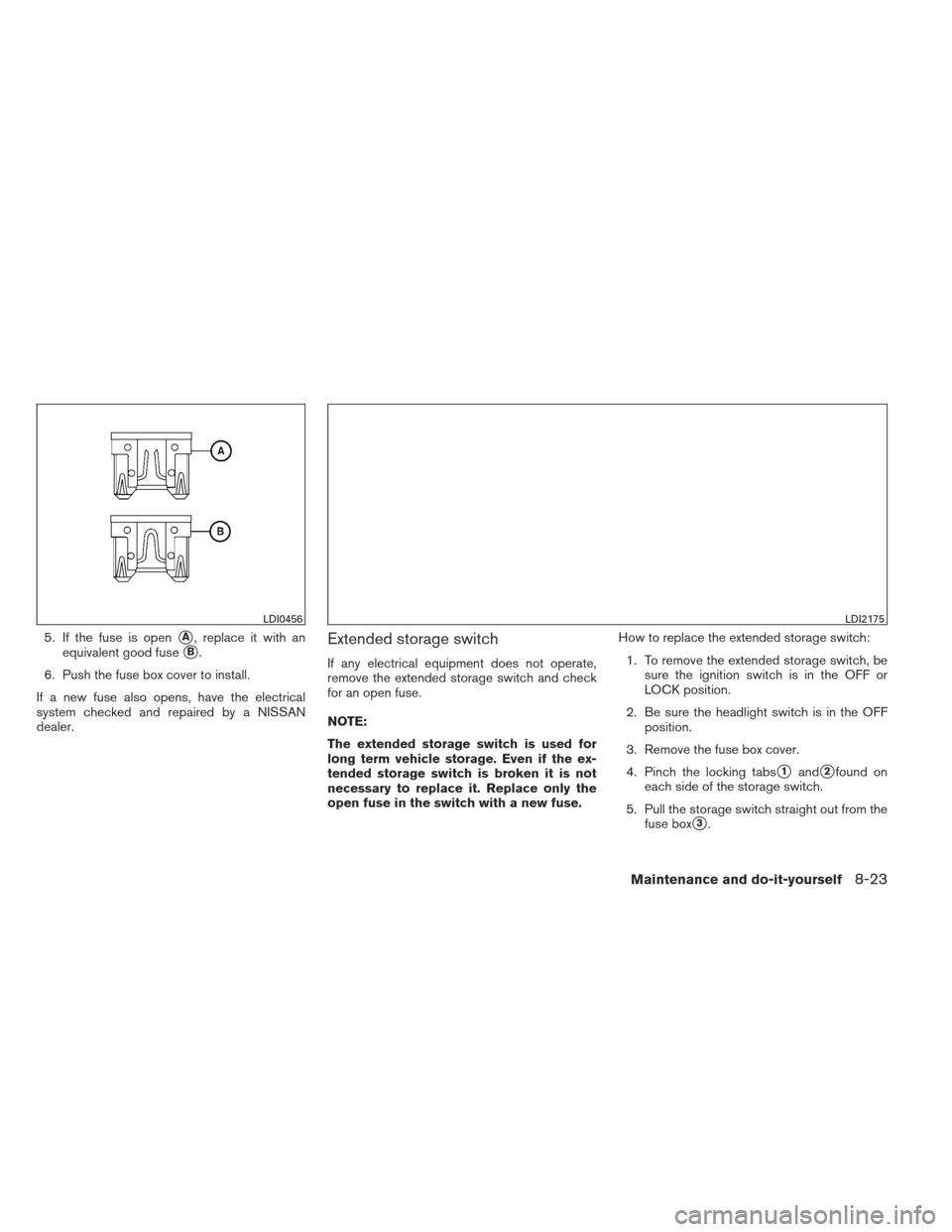
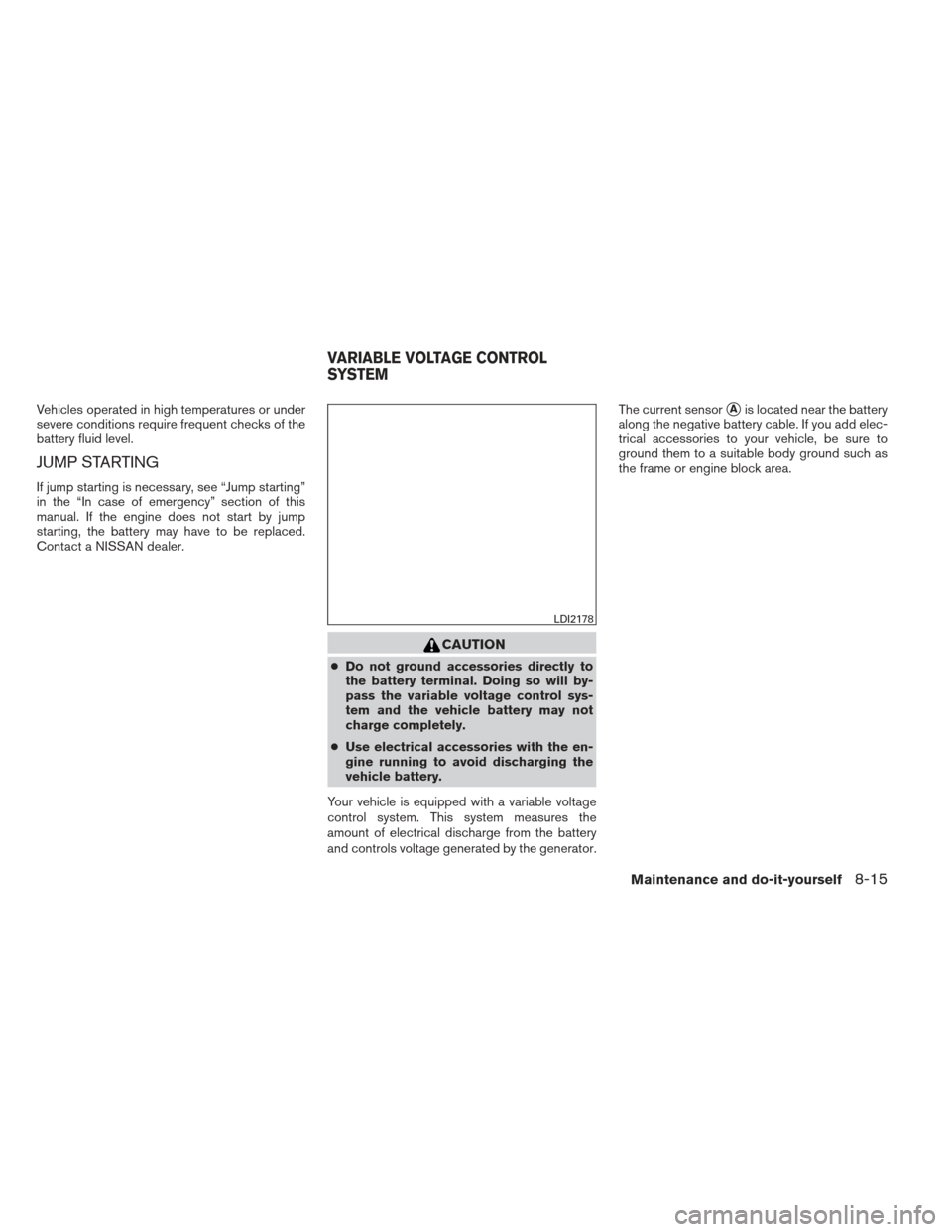
and controls voltage generated by the generator. The current sensor
�Ais located near the battery
along the negative battery cable. If you add elec-
trical accessories to your vehicle, be sure to
ground them to a suitable body ground such as
the frame or engine block area.
LDI2178
VARIABLE VOLTAGE CONTROL
SYSTEM
Maintenance and do-it-yourself8-15
Page 319 of 372
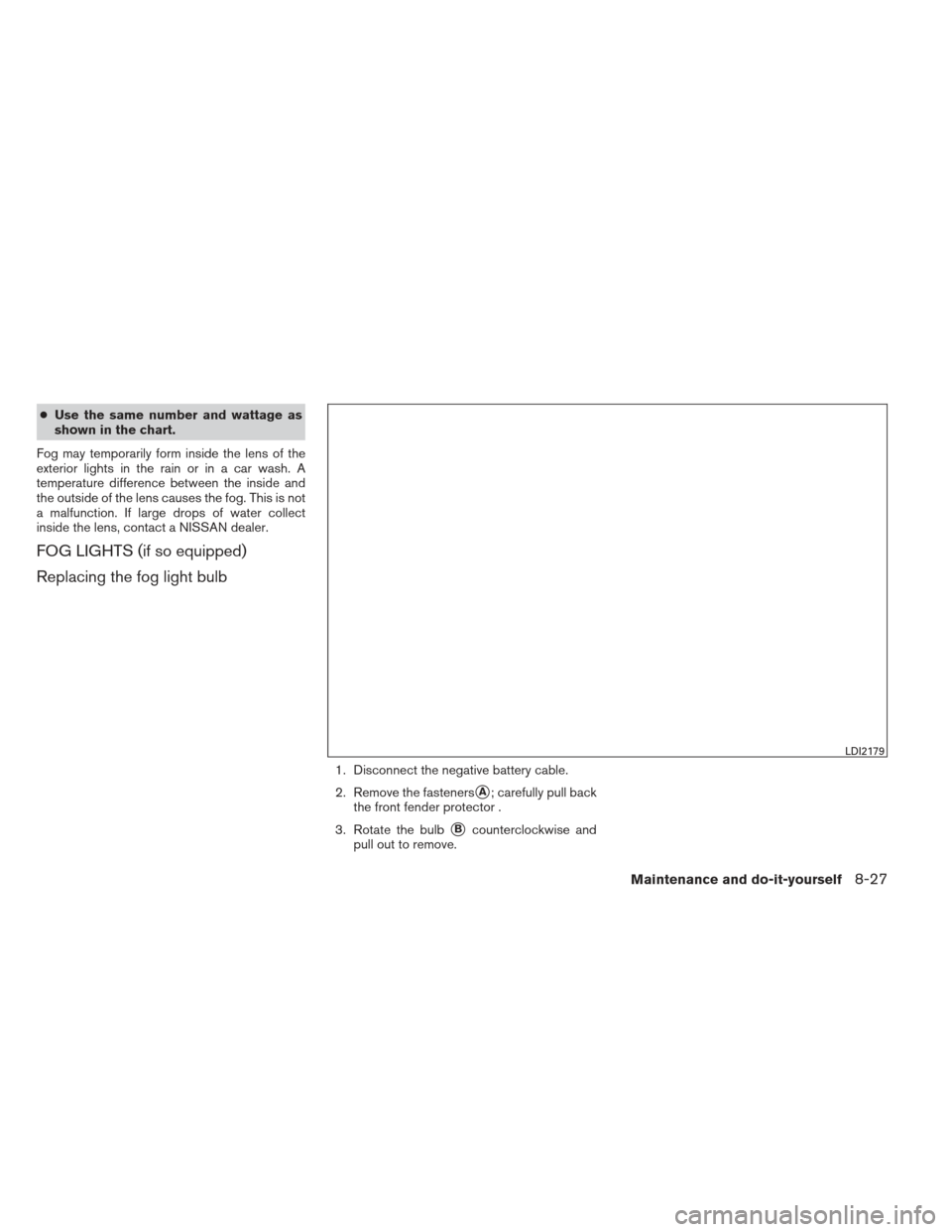
1. Automatic tensioner
2. Generator
3. Water pump
4. Air conditioner compressor
5. Crankshaft pully
WARNING
Be sure the ignition switch is in the OFF or
LOCK position before servicing drive belt.
The engine could rotate unexpectedly.1. Visually inspect the belt for signs of unusual wear, cuts, or fraying. If the belt is in poor
condition, have it replaced or adjusted by a
NISSAN dealer. 2. Have the belt checked regularly for condi-
tion.
REPLACING SPARK PLUGS
WARNING
Be sure the engine and ignition switch are
off and that the parking brake is engaged
securely.
CAUTION
Be sure to use the correct socket to re-
move the spark plugs. An incorrect socket
can damage the spark plugs.
WDI0638SDI1895
DRIVE BELT SPARK PLUGS
8-16Maintenance and do-it-yourself
Page 324 of 372
If a type A fuse is used to replace a type B fuse,
the type A fuse will not be level with the fuse
pocket as shown in the illustration. This will not
affect the performance of the fuse. Make sure the
fuse is installed in the fuse box securely.
Type B fuses cannot be installed in the under-
hood fuse boxes. Only use type A fuses in the
underhood fuse boxes.ENGINE COMPARTMENT
CAUTION
Never use a fuse of a higher or lower
amperage rating than specified on the
fuse box cover. This could damage the
electrical system or cause a fire.
If any electrical equipment does not come on,
check for an open fuse. 1. Be sure the ignition switch and the headlight switch are OFF.
2. Open the engine hood. 3. Remove the fuse box cover by pushing the
tab
�Aand lifting the cover up.
4. Remove the fuse with the fuse puller, which is located in the center of the fuse block in
the passenger compartment.
LDI0457LDI2172
Maintenance and do-it-yourself8-21
Page 326 of 372
5. If the fuse is open�A, replace it with an
equivalent good fuse
�B.
6. Push the fuse box cover to install.
If a new fuse also opens, have the electrical
system checked and repaired by a NISSAN
dealer.Extended storage switch
If any electrical equipment does not operate,
remove the extended storage switch and check
for an open fuse.
NOTE:
The extended storage switch is used for
long term vehicle storage. Even if the ex-
tended storage switch is broken it is not
necessary to replace it. Replace only the
open fuse in the switch with a new fuse. How to replace the extended storage switch:
1. To remove the extended storage switch, be sure the ignition switch is in the OFF or
LOCK position.
2. Be sure the headlight switch is in the OFF position.
3. Remove the fuse box cover.
4. Pinch the locking tabs
�1and�2found on
each side of the storage switch.
5. Pull the storage switch straight out from the fuse box
�3.
LDI0456LDI2175
Maintenance and do-it-yourself8-23
Page 330 of 372
●Use the same number and wattage as
shown in the chart.
Fog may temporarily form inside the lens of the
exterior lights in the rain or in a car wash. A
temperature difference between the inside and
the outside of the lens causes the fog. This is not
a malfunction. If large drops of water collect
inside the lens, contact a NISSAN dealer.
FOG LIGHTS (if so equipped)
Replacing the fog light bulb
1. Disconnect the negative battery cable.
2. Remove the fasteners
�A; carefully pull back
the front fender protector .
3. Rotate the bulb
�Bcounterclockwise and
pull out to remove.
LDI2179
Maintenance and do-it-yourself8-27
Page 364 of 372
10 Index
A
ABS (Anti-lock Braking System) ........5-31
Air bag (See supplemental restraint
system) .....................1-34
Air bag system Front (See supplemental front impact
air bag system) ...............1-41
Side and curtain (See supplemental
side air bag and curtain side-impact
air bag system) ...............1-47
Airbagwarninglabels.............1-49
Airbagwarninglight...........1-49,2-17
Air cleaner housing filter ............8-17
Air conditioner Air conditioner operation ..........4-18
Air conditioner service ...........4-26
Air conditioner specification label .....9-11
Air conditioner system refrigerant and
oil recommendations .............9-6
Heater and air conditioner
controls................4-15,4-24
Servicing air conditioner ..........4-26
Airflowcharts..................4-19
Alarm system
(See vehicle security system) .........2-21
Anchor point locations .............1-20
Antenna.....................4-65
Anti-lock brake warning light ..........2-13
Anti-lock Braking System (ABS) ........5-31
Armrests .....................1-4
Audible reminders ...............2-20 Audio system
..................4-26
Bluetooth®audio..............4-60
Compact disc (CD) player . .4-37, 4-42, 4-48
FM-AM radio with compact disc
(CD)
player ....................4-35
FM/AM/SAT radio with compact disc
(CD) player ..............4-40,4-45
Audio System iPod®Player.............4-54,4-57
Audio system Radio ....................4-26
Steering wheel audio control switch . . .4-64
USB interface ............4-51,4-53
Autolight switch .................2-25
Automatic Automatic power window switch .....2-39
Transmission shift selector lock release . .5-18
Automatic anti-glare inside mirror .......3-31
Automatic door locks ..............3-6
AUXjack..............4-38,4-43,4-50
B
Battery ......................8-13
Chargewarninglight............2-14
Before starting the engine ...........5-14
Belt (See drive belt) ..............8-16
Block heater Engine ....................5-35
Bluetooth®audio................4-60 Bluetooth® hands-free phone
system
..................4-66,4-81
Boosterseats..................1-30
Brake Anti-lock Braking System (ABS) ......5-31
Brakefluid..................8-12
Brakelight(Seestoplight).........8-28
Brake system ................5-30
Brake warning light .............2-13
Brake wear indicators ........2-20,8-20
Parking brake operation ..........5-21
Self-adjusting brakes ............8-20
Brakes ......................8-20
Break-inschedule ...............5-26
Brightness/contrast button ...........4-9
Brightness control Instrument panel ..............2-27
Bulb check/instrument panel ..........2-13
Bulbreplacement................8-28
C
Capacities and recommended
fuel/lubricants ...................9-2
Cargonet....................2-37
Cargo (See vehicle loading information) . . .9-12
CarphoneorCBradio.............4-66
CDcareandcleaning .............4-63
CD player (See audio system) . .4-37, 4-42, 4-48
Child restraints .......1-15,1-15,1-16,1-18
Precautions on child
restraints ........1-16,1-22,1-27,1-30