Page 140 of 506
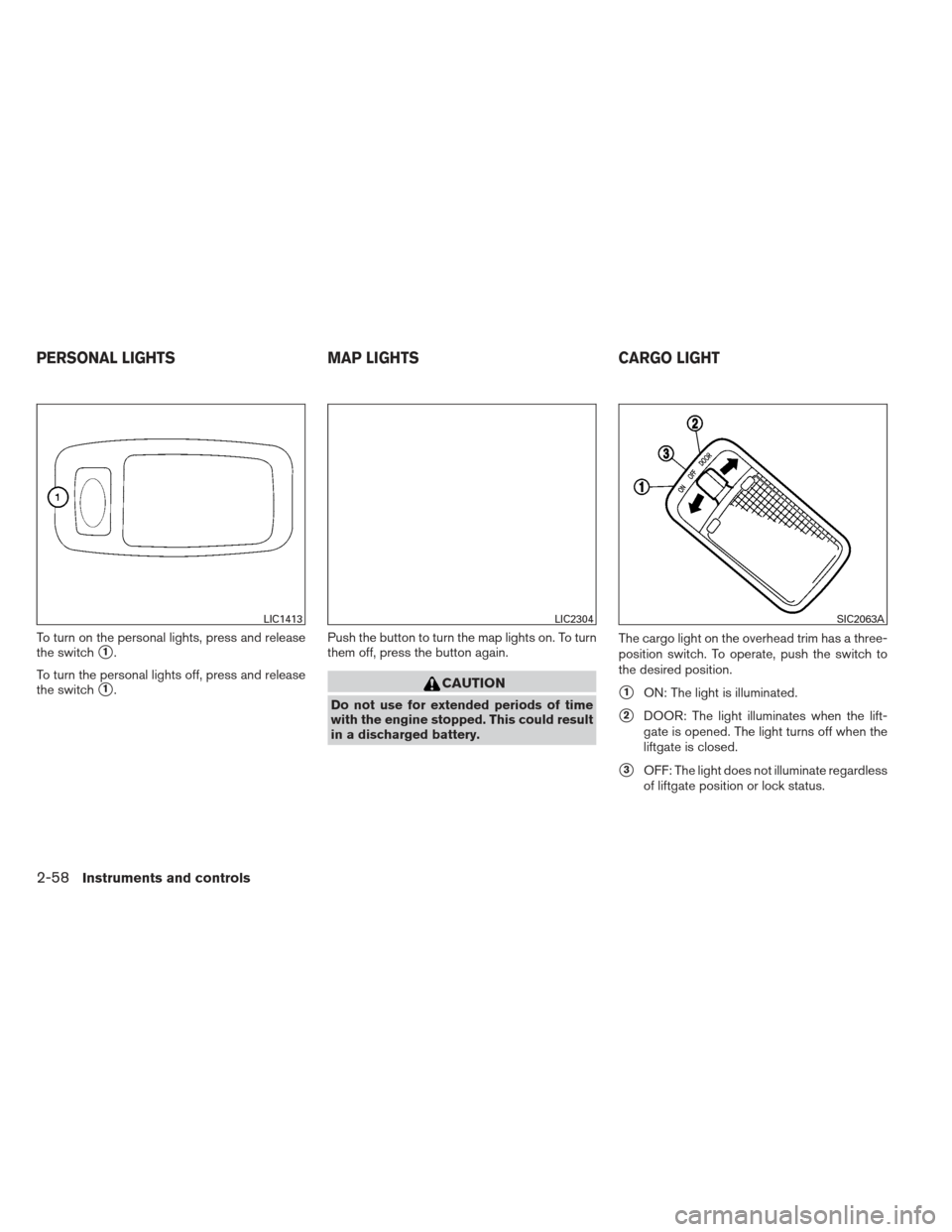
When the ON switch�1is pressed, the footwell
lights (if so equipped) , step lights (if so
equipped) , map lights and rear personal lights
will automatically turn on and stay on for a period
of time when:
● The doors are unlocked by the Intelligent
Key, a key or the request switch (if so
equipped) while all doors are closed and the
ignition switch is in the OFF position.
● When individually pushed.
When the OFF switch
�2is pushed, the interior
lights do not illuminate even when pushed. NOTE:
The footwell lights and step lights illumi-
nate when the driver and passenger doors
are open regardless of the interior light
switch position. These lights will turn off
automatically after a period of time while
doors are open to prevent the battery from
becoming discharged.
CAUTION
Do not use for extended periods of time
with the engine stopped. This could result
in a discharged battery.
CONSOLE LIGHT (if so equipped)
The console light will turn on whenever the park-
ing lights or headlights are illuminated.
The console light brightness can be adjusted
with the illumination brightness control.
LIC2302LIC2303
INTERIOR LIGHT
Instruments and controls2-57
Page 141 of 506
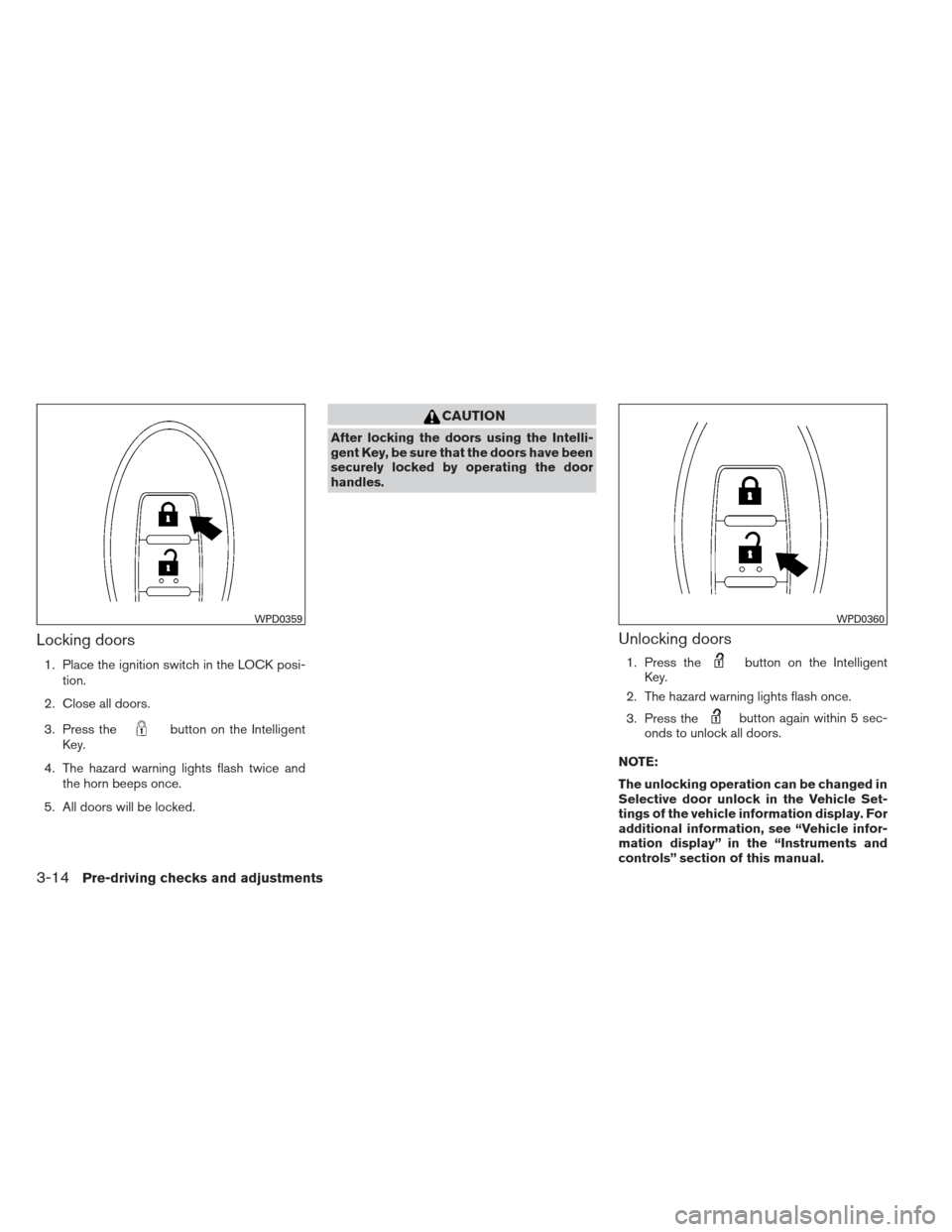
To turn on the personal lights, press and release
the switch
�1.
To turn the personal lights off, press and release
the switch
�1. Push the button to turn the map lights on. To turn
them off, press the button again.CAUTION
Do not use for extended periods of time
with the engine stopped. This could result
in a discharged battery. The cargo light on the overhead trim has a three-
position switch. To operate, push the switch to
the desired position.�1ON: The light is illuminated.
�2DOOR: The light illuminates when the lift-
gate is opened. The light turns off when the
liftgate is closed.
�3OFF: The light does not illuminate regardless
of liftgate position or lock status.
LIC1413LIC2304SIC2063A
PERSONAL LIGHTS MAP LIGHTSCARGO LIGHT
2-58Instruments and controls
Page 162 of 506
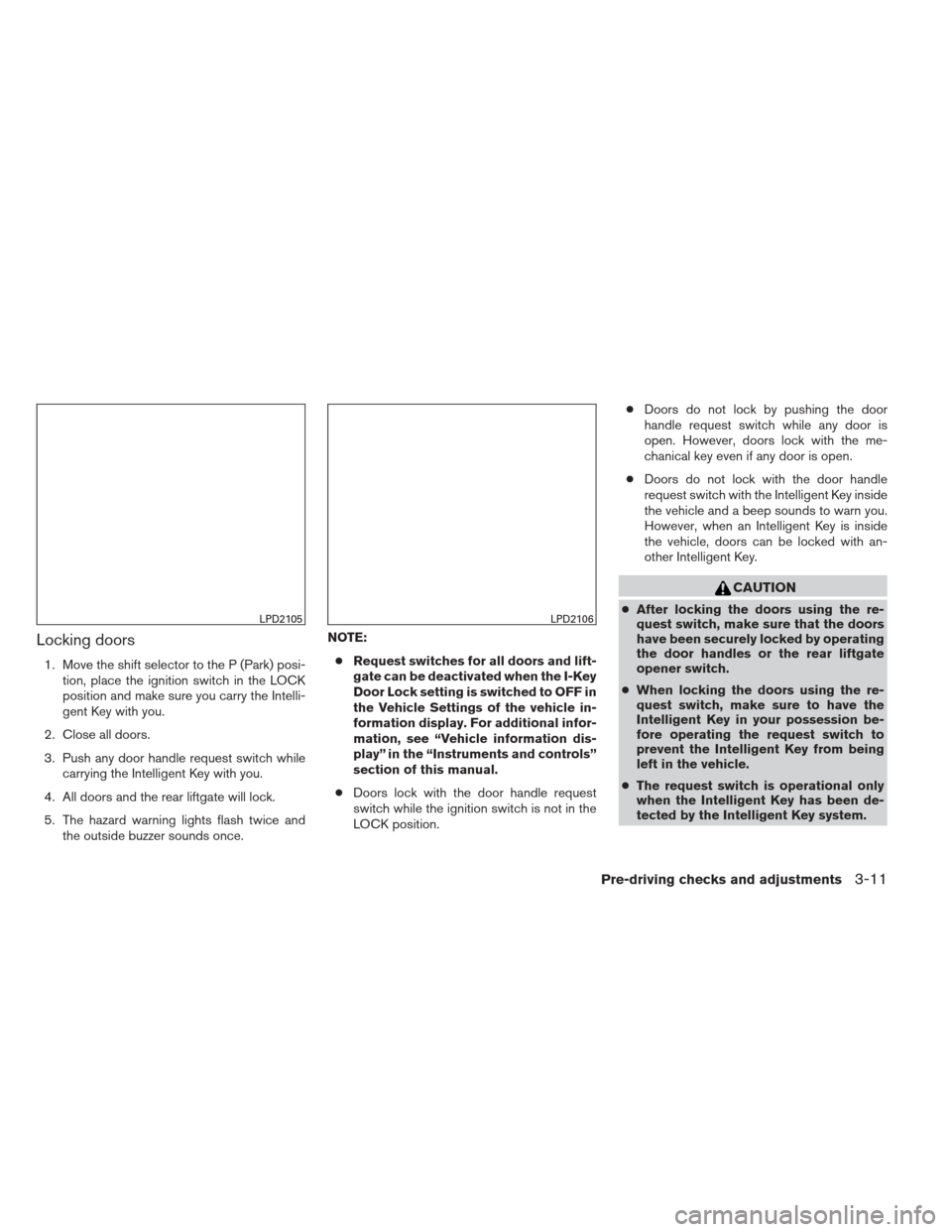
Locking doors
1. Move the shift selector to the P (Park) posi-tion, place the ignition switch in the LOCK
position and make sure you carry the Intelli-
gent Key with you.
2. Close all doors.
3. Push any door handle request switch while carrying the Intelligent Key with you.
4. All doors and the rear liftgate will lock.
5. The hazard warning lights flash twice and the outside buzzer sounds once. NOTE:
● Request switches for all doors and lift-
gate can be deactivated when the I-Key
Door Lock setting is switched to OFF in
the Vehicle Settings of the vehicle in-
formation display. For additional infor-
mation, see “Vehicle information dis-
play” in the “Instruments and controls”
section of this manual.
● Doors lock with the door handle request
switch while the ignition switch is not in the
LOCK position. ●
Doors do not lock by pushing the door
handle request switch while any door is
open. However, doors lock with the me-
chanical key even if any door is open.
● Doors do not lock with the door handle
request switch with the Intelligent Key inside
the vehicle and a beep sounds to warn you.
However, when an Intelligent Key is inside
the vehicle, doors can be locked with an-
other Intelligent Key.
CAUTION
● After locking the doors using the re-
quest switch, make sure that the doors
have been securely locked by operating
the door handles or the rear liftgate
opener switch.
● When locking the doors using the re-
quest switch, make sure to have the
Intelligent Key in your possession be-
fore operating the request switch to
prevent the Intelligent Key from being
left in the vehicle.
● The request switch is operational only
when the Intelligent Key has been de-
tected by the Intelligent Key system.LPD2105LPD2106
Pre-driving checks and adjustments3-11
Page 163 of 506
Lockout protection
To prevent the Intelligent Key from being acci-
dentally locked in the vehicle, lockout protection
is equipped with the Intelligent Key system.
When the driver’s side door is open, the doors are
locked, and then the Intelligent Key is put inside the
vehicle and all the doors are closed; the lock will
automatically unlock and the door buzzer sounds.
NOTE:
The doors may not lock when the Intelli-
gent Key is in the same hand that is oper-
ating the request switch to lock the door.
Put the Intelligent Key in a purse, pocket or
your other hand.
CAUTION
The lockout protection may not function
under the following conditions:
●When the Intelligent Key is placed on
top of the instrument panel.
● When the Intelligent Key is placed in-
side the glove box or a storage bin.
● When the Intelligent Key is placed in-
side the door pockets.
● When the Intelligent Key is placed in-
side or near metallic materials.
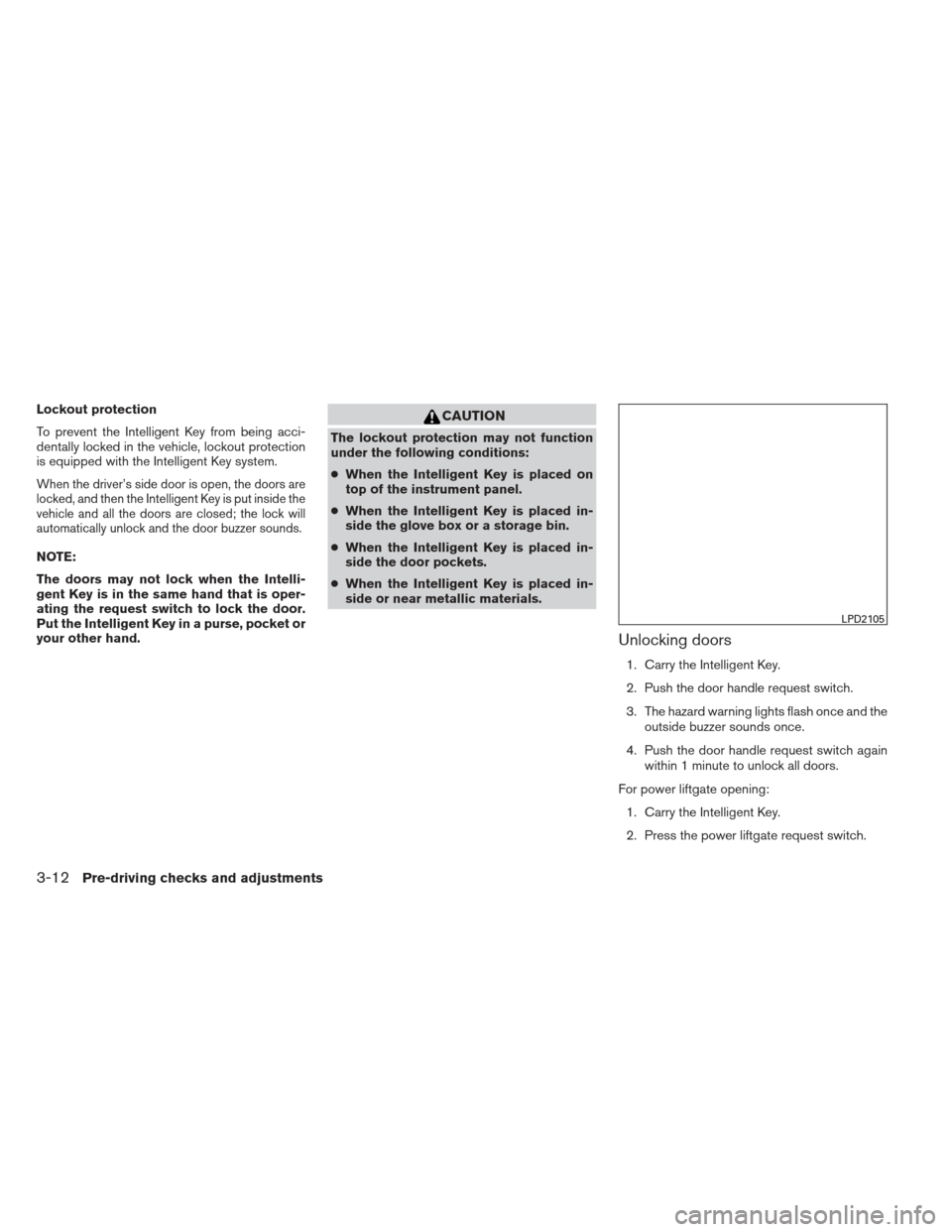
Unlocking doors
1. Carry the Intelligent Key.
2. Push the door handle request switch.
3. The hazard warning lights flash once and the
outside buzzer sounds once.
4. Push the door handle request switch again within 1 minute to unlock all doors.
For power liftgate opening: 1. Carry the Intelligent Key.
2. Press the power liftgate request switch.
LPD2105
3-12Pre-driving checks and adjustments
Page 165 of 506
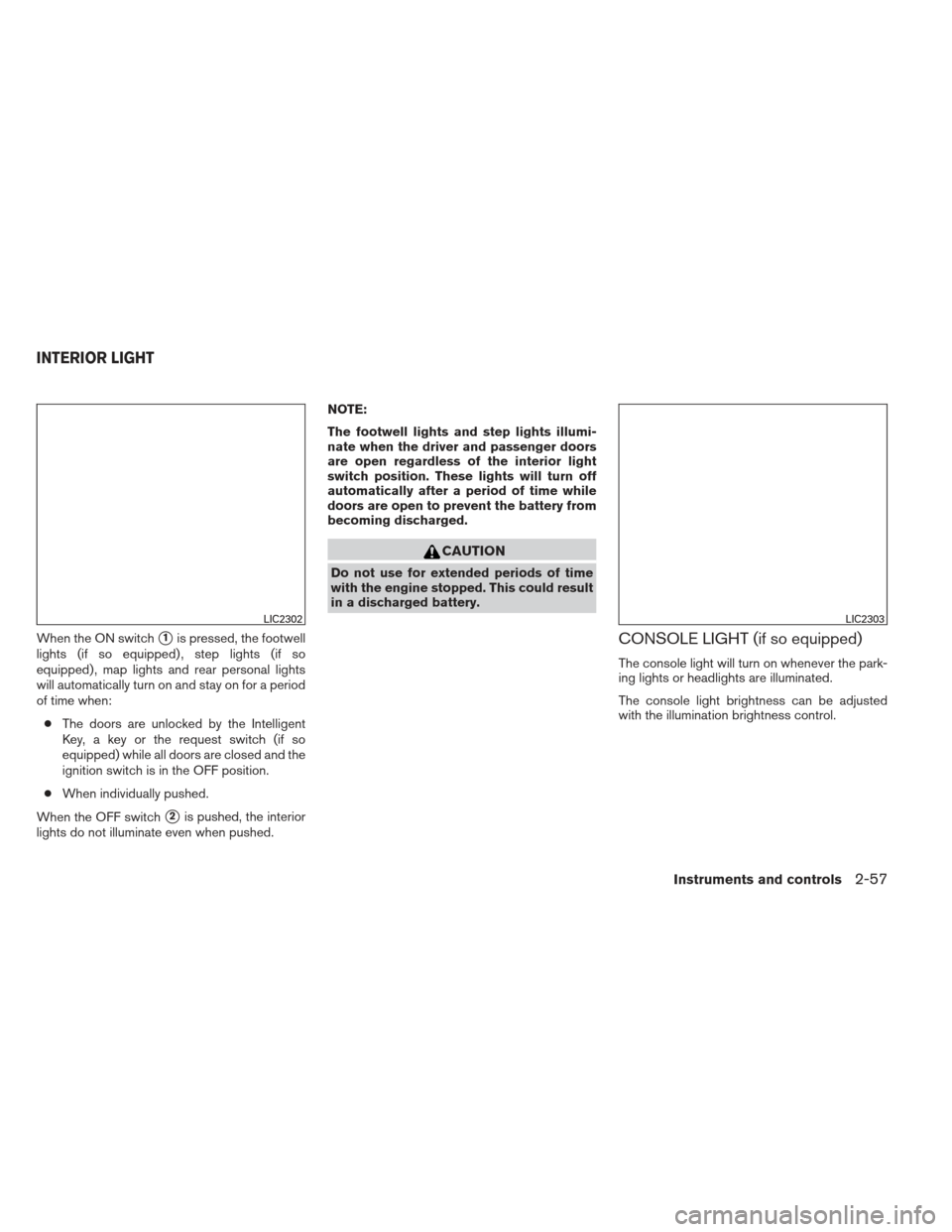
Locking doors
1. Place the ignition switch in the LOCK posi-tion.
2. Close all doors.
3. Press the
button on the Intelligent
Key.
4. The hazard warning lights flash twice and the horn beeps once.
5. All doors will be locked.
CAUTION
After locking the doors using the Intelli-
gent Key, be sure that the doors have been
securely locked by operating the door
handles.
Unlocking doors
1. Press thebutton on the Intelligent
Key.
2. The hazard warning lights flash once.
3. Press the
button again within 5 sec-
onds to unlock all doors.
NOTE:
The unlocking operation can be changed in
Selective door unlock in the Vehicle Set-
tings of the vehicle information display. For
additional information, see “Vehicle infor-
mation display” in the “Instruments and
controls” section of this manual.
WPD0359WPD0360
3-14Pre-driving checks and adjustments
Page 167 of 506
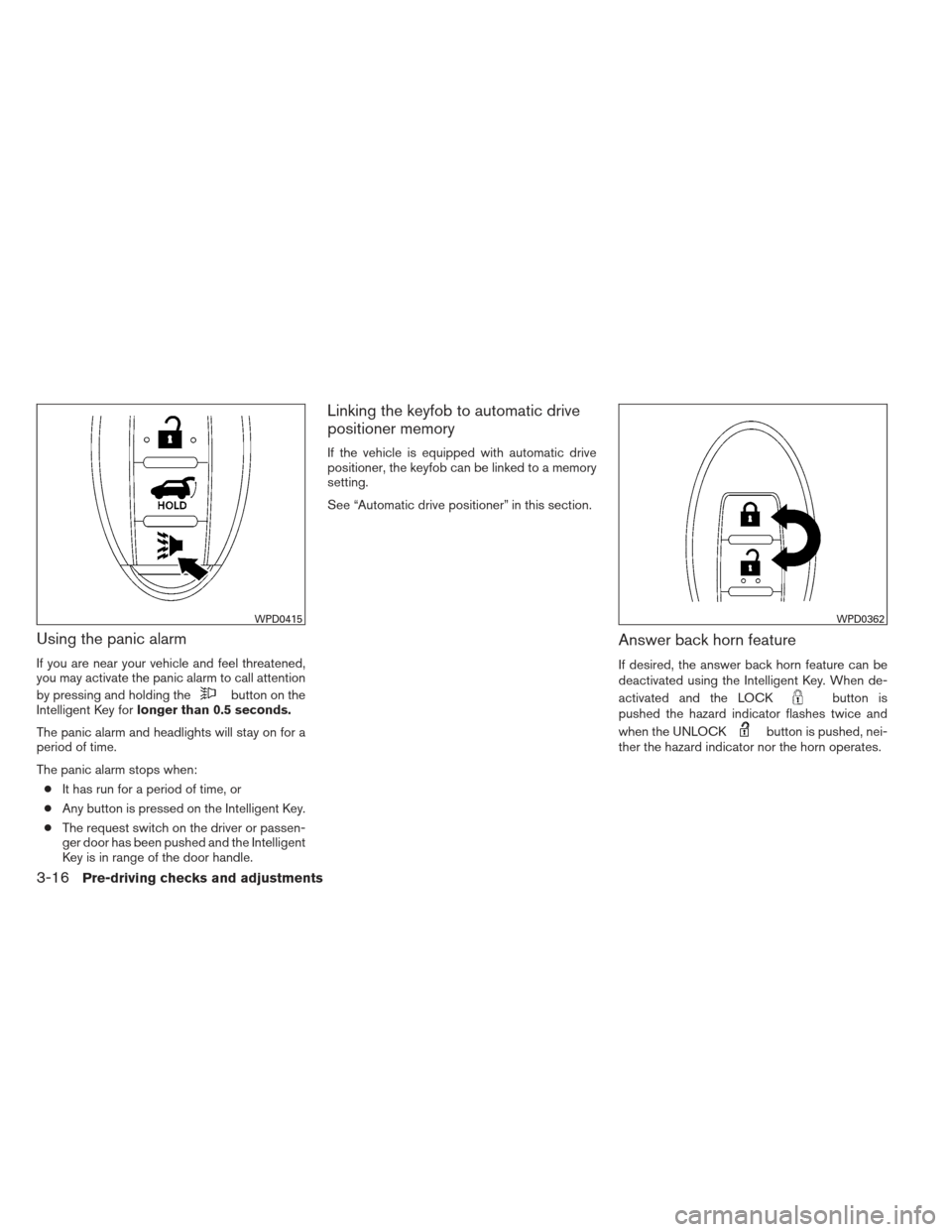
Using the panic alarm
If you are near your vehicle and feel threatened,
you may activate the panic alarm to call attention
by pressing and holding the
button on the
Intelligent Key for longer than 0.5 seconds.
The panic alarm and headlights will stay on for a
period of time.
The panic alarm stops when: ● It has run for a period of time, or
● Any button is pressed on the Intelligent Key.
● The request switch on the driver or passen-
ger door has been pushed and the Intelligent
Key is in range of the door handle.
Linking the keyfob to automatic drive
positioner memory
If the vehicle is equipped with automatic drive
positioner, the keyfob can be linked to a memory
setting.
See “Automatic drive positioner” in this section.
Answer back horn feature
If desired, the answer back horn feature can be
deactivated using the Intelligent Key. When de-
activated and the LOCK
button is
pushed the hazard indicator flashes twice and
when the UNLOCK
button is pushed, nei-
ther the hazard indicator nor the horn operates.
WPD0415WPD0362
3-16Pre-driving checks and adjustments
Page 168 of 506
NOTE:
If you change the answer back horn and
light flash feature with the Intelligent Key,
the vehicle information display screen will
show the current mode after the ignition
switch has been cycled from the OFF to the
ON position. The vehicle information dis-
play screen can also be used to change the
answer back horn mode. See “Answer back
horn” in the “Instruments and controls”
section.
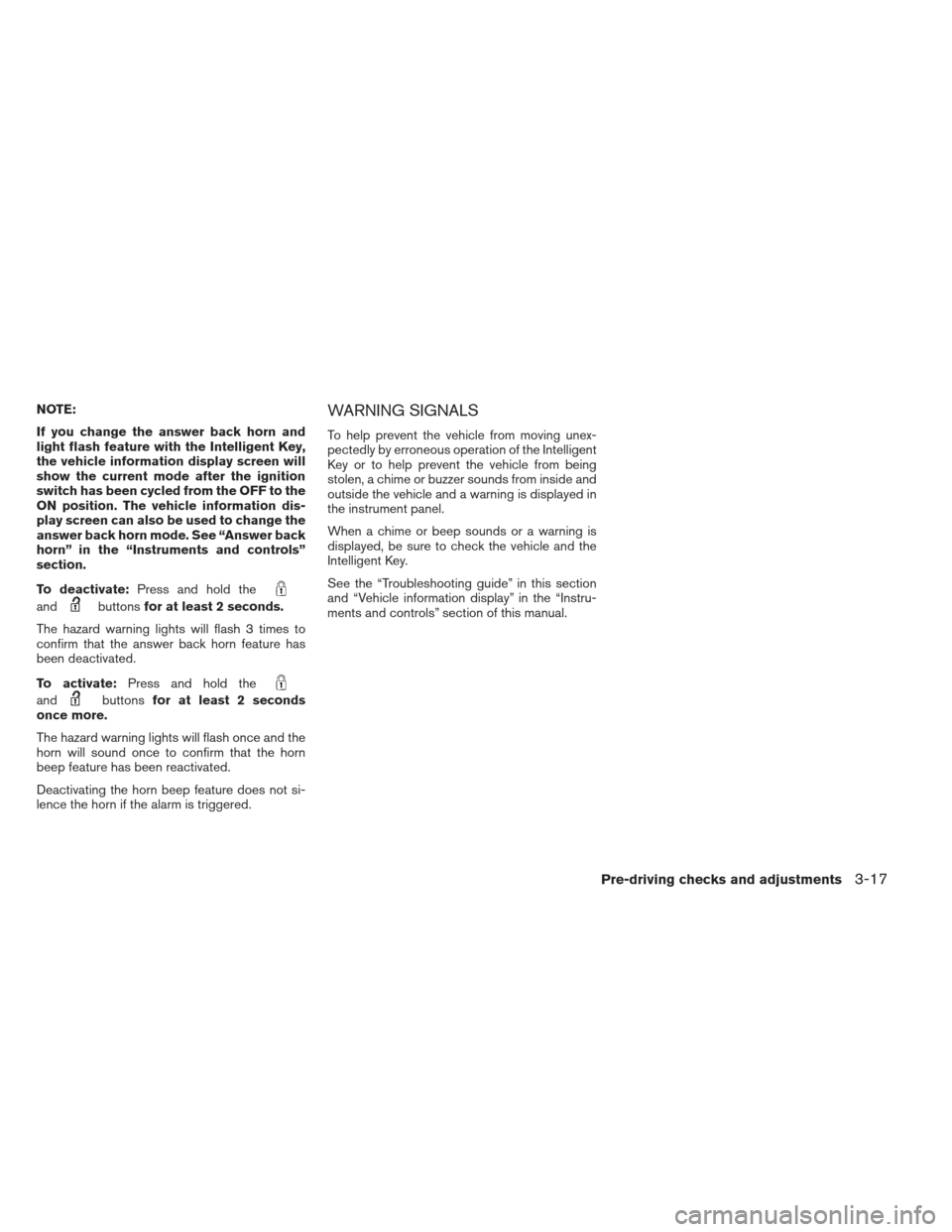
To deactivate:Press and hold the
andbuttonsfor at least 2 seconds.
The hazard warning lights will flash 3 times to
confirm that the answer back horn feature has
been deactivated.
To activate: Press and hold the
andbuttonsfor at least 2 seconds
once more.
The hazard warning lights will flash once and the
horn will sound once to confirm that the horn
beep feature has been reactivated.
Deactivating the horn beep feature does not si-
lence the horn if the alarm is triggered.
WARNING SIGNALS
To help prevent the vehicle from moving unex-
pectedly by erroneous operation of the Intelligent
Key or to help prevent the vehicle from being
stolen, a chime or buzzer sounds from inside and
outside the vehicle and a warning is displayed in
the instrument panel.
When a chime or beep sounds or a warning is
displayed, be sure to check the vehicle and the
Intelligent Key.
See the “Troubleshooting guide” in this section
and “Vehicle information display” in the “Instru-
ments and controls” section of this manual.
Pre-driving checks and adjustments3-17
Page 171 of 506
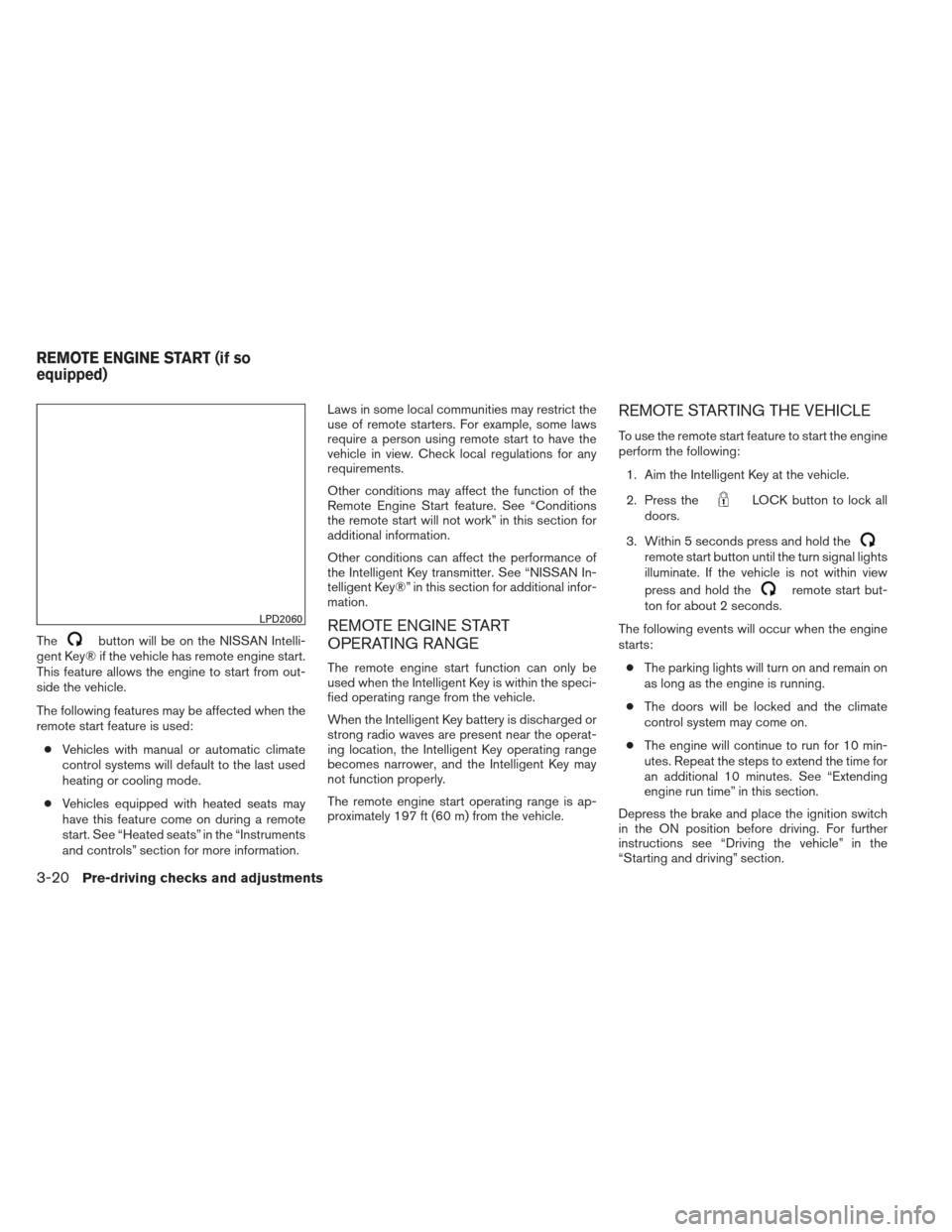
Thebutton will be on the NISSAN Intelli-
gent Key® if the vehicle has remote engine start.
This feature allows the engine to start from out-
side the vehicle.
The following features may be affected when the
remote start feature is used:
● Vehicles with manual or automatic climate
control systems will default to the last used
heating or cooling mode.
● Vehicles equipped with heated seats may
have this feature come on during a remote
start. See “Heated seats” in the “Instruments
and controls” section for more information. Laws in some local communities may restrict the
use of remote starters. For example, some laws
require a person using remote start to have the
vehicle in view. Check local regulations for any
requirements.
Other conditions may affect the function of the
Remote Engine Start feature. See “Conditions
the remote start will not work” in this section for
additional information.
Other conditions can affect the performance of
the Intelligent Key transmitter. See “NISSAN In-
telligent Key®” in this section for additional infor-
mation.REMOTE ENGINE START
OPERATING RANGE
The remote engine start function can only be
used when the Intelligent Key is within the speci-
fied operating range from the vehicle.
When the Intelligent Key battery is discharged or
strong radio waves are present near the operat-
ing location, the Intelligent Key operating range
becomes narrower, and the Intelligent Key may
not function properly.
The remote engine start operating range is ap-
proximately 197 ft (60 m) from the vehicle.
REMOTE STARTING THE VEHICLE
To use the remote start feature to start the engine
perform the following:
1. Aim the Intelligent Key at the vehicle.
2. Press the
LOCK button to lock all
doors.
3. Within 5 seconds press and hold the
remote start button until the turn signal lights
illuminate. If the vehicle is not within view
press and hold the
remote start but-
ton for about 2 seconds.
The following events will occur when the engine
starts: ● The parking lights will turn on and remain on
as long as the engine is running.
● The doors will be locked and the climate
control system may come on.
● The engine will continue to run for 10 min-
utes. Repeat the steps to extend the time for
an additional 10 minutes. See “Extending
engine run time” in this section.
Depress the brake and place the ignition switch
in the ON position before driving. For further
instructions see “Driving the vehicle” in the
“Starting and driving” section.
LPD2060
REMOTE ENGINE START (if so
equipped)
3-20Pre-driving checks and adjustments