2013 NISSAN PATHFINDER remote start
[x] Cancel search: remote startPage 313 of 506
Press the AUX·DVD button on the instrument
panel and turn the display to the DVD mode, and
begin playing the DVD automatically.
When a DVD is loaded, it will begin playing
automatically.
The front screen will be turned on when the
AUX·DVD button is pressed while a DVD is being
played, and it will turn off automatically after a
period of time. To turn it on again, press the
AUX·DVD button again.
Adjust front/rear displays
Front display:
To adjust the front display mode, press the DISP
button on the center multi-function control panel.
Follow the instructions displayed on the screen.
Rear display:
To adjust the rear display mode, press the pre-
ferred side (L or R) of the DISP button on the
remote controller.
DVD operation keys
To operate the DVD player, select the preferred
key displayed on the operation screen using the
NISSAN controller.
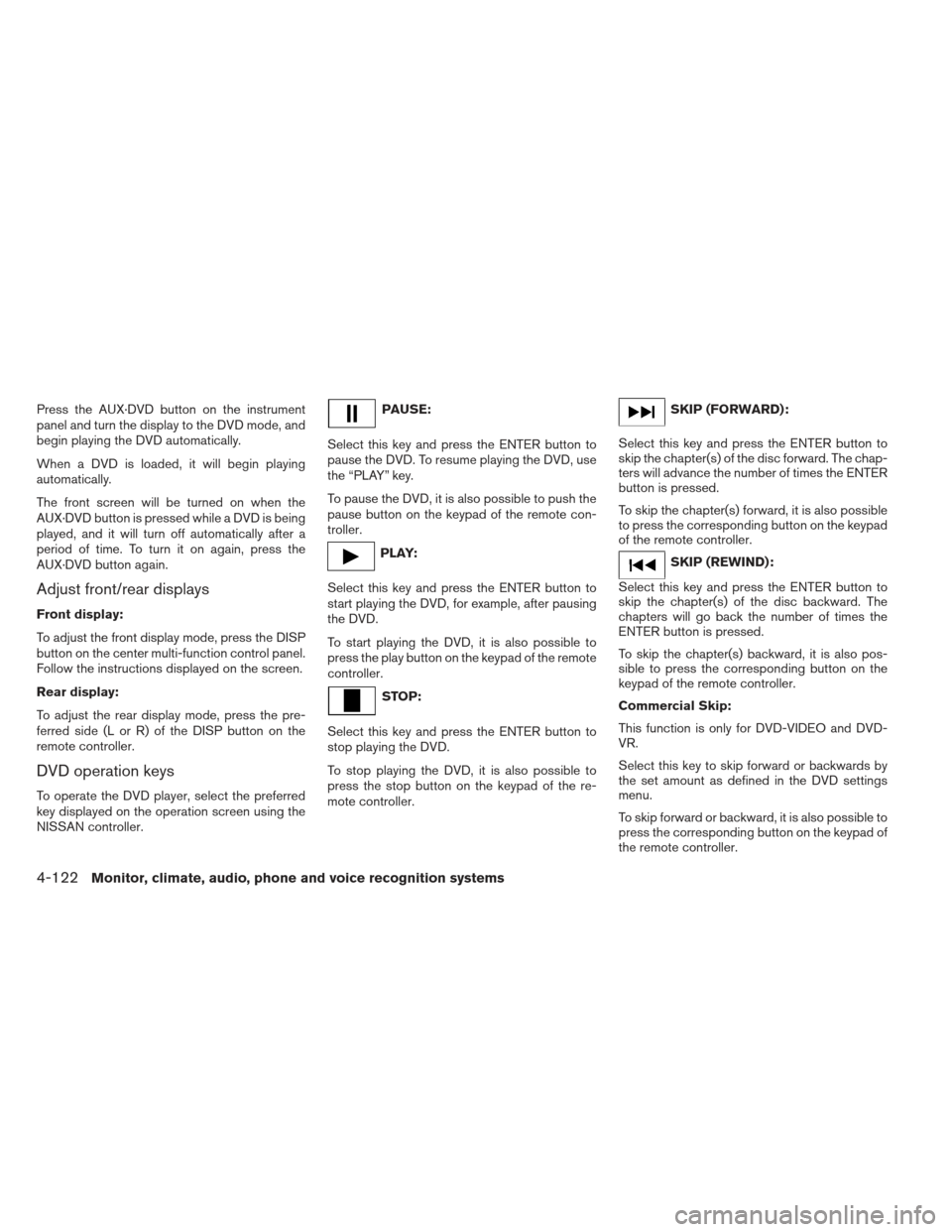
PAUSE:
Select this key and press the ENTER button to
pause the DVD. To resume playing the DVD, use
the “PLAY” key.
To pause the DVD, it is also possible to push the
pause button on the keypad of the remote con-
troller.
PLAY:
Select this key and press the ENTER button to
start playing the DVD, for example, after pausing
the DVD.
To start playing the DVD, it is also possible to
press the play button on the keypad of the remote
controller.
STOP:
Select this key and press the ENTER button to
stop playing the DVD.
To stop playing the DVD, it is also possible to
press the stop button on the keypad of the re-
mote controller.
SKIP (FORWARD):
Select this key and press the ENTER button to
skip the chapter(s) of the disc forward. The chap-
ters will advance the number of times the ENTER
button is pressed.
To skip the chapter(s) forward, it is also possible
to press the corresponding button on the keypad
of the remote controller.
SKIP (REWIND):
Select this key and press the ENTER button to
skip the chapter(s) of the disc backward. The
chapters will go back the number of times the
ENTER button is pressed.
To skip the chapter(s) backward, it is also pos-
sible to press the corresponding button on the
keypad of the remote controller.
Commercial Skip:
This function is only for DVD-VIDEO and DVD-
VR.
Select this key to skip forward or backwards by
the set amount as defined in the DVD settings
menu.
To skip forward or backward, it is also possible to
press the corresponding button on the keypad of
the remote controller.
4-122Monitor, climate, audio, phone and voice recognition systems
Page 367 of 506
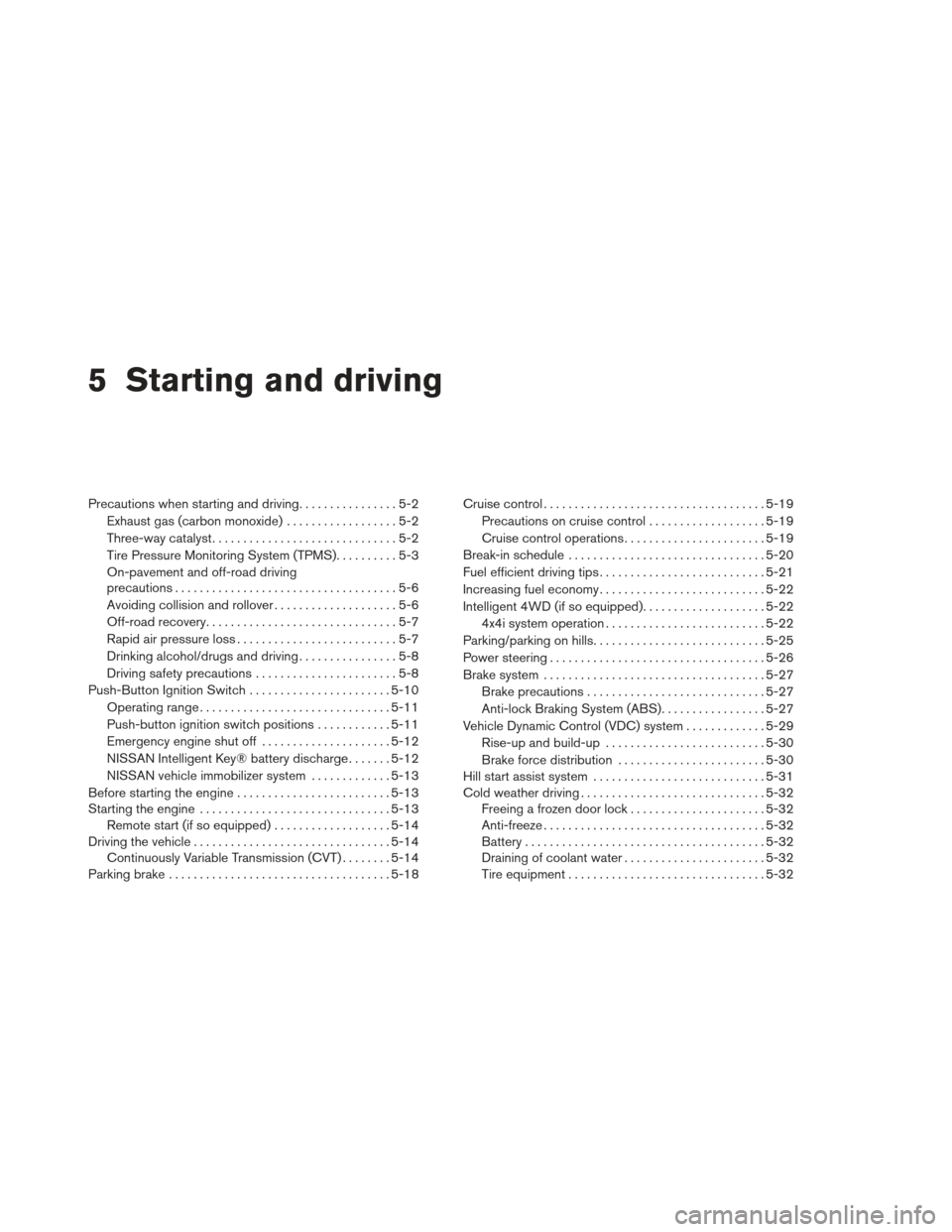
5 Starting and driving
Precautions when starting and driving................5-2
Exhaust gas (carbon monoxide) ..................5-2
Three-way catalyst ..............................5-2
Tire Pressure Monitoring System (TPMS) ..........5-3
On-pavement and off-road driving
precautions ....................................5-6
Avoiding collision and rollover ....................5-6
Off-road recovery ...............................5-7
Rapid air pressure loss ..........................5-7
Drinking alcohol/drugs and driving ................5-8
Driving safety precautions .......................5-8
Push-Button Ignition Switch .......................5-10
Operating range ............................... 5-11
Push-button ignition switch positions ............5-11
Emergency engine shut off .....................5-12
NISSAN Intelligent Key® battery discharge .......5-12
NISSAN vehicle immobilizer system .............5-13
Before starting the engine ......................... 5-13
Starting the engine ............................... 5-13
Remote start (if so equipped) ...................5-14
Driving the vehicle ................................ 5-14
Continuously Variable Transmission (CVT) ........5-14
Parking brake .................................... 5-18Cruise control
.................................... 5-19
Precautions on cruise control ...................5-19
Cruise control operations .......................5-19
Break-in schedule ................................ 5-20
Fuel efficient driving tips ........................... 5-21
Increasing fuel economy ........................... 5-22
Intelligent 4WD (if so equipped) ....................5-22
4x4i system operation .......................... 5-22
Parking/parking on hills ............................ 5-25
Power steering ................................... 5-26
Brake system .................................... 5-27
Brake precautions ............................. 5-27
Anti-lock Braking System (ABS) .................5-27
Vehicle Dynamic Control (VDC) system .............5-29
Rise-up and build-up .......................... 5-30
Brake
force distribution ........................ 5-30
Hill start assist system ............................ 5-31
Cold weather driving .............................. 5-32
Freeing a frozen door lock ......................5-32
Anti-freeze .................................... 5-32
Battery ....................................... 5-32
Draining of coolant water .......................5-32
Tire equipment ................................ 5-32
Page 381 of 506
accelerator pedal by depressing the
brake pedal and pushing the push-button
ignition switch to start the engine. If the
engine starts, but fails to run, repeat the
above procedure.
CAUTION
Do not operate the starter for more than
15 seconds at a time. If the engine does
not start, push the ignition switch to the
OFF position and wait 10 seconds before
cranking again, otherwise the starter
could be damaged.4. Warm-up
Allow the engine to idle for at least 30 sec-
onds after starting. Do not race the engine
while warming it up. Drive at moderate
speed for a short distance first, especially in
cold weather. In cold weather, keep the en-
gine running for a minimum of2-3minutes
before shutting it off. Starting and stopping
the engine over a short period of time may
make the vehicle more difficult to start.
5. To stop the engine, shift the shift selector to the P (Park) position and push the ignition
switch to the OFF position. NOTE:
Care should be taken to avoid situations
that can lead to potential battery discharge
and potential no-start conditions such as:
1. Installation or extended use of electronic accessories that consume battery power
when the engine is not running (Phone char-
gers, GPS, DVD players, etc.)
2. Vehicle is not driven regularly and/or only driven short distances. In these cases, the
battery may need to be charged to maintain
battery health.
REMOTE START (if so equipped)
Vehicles started with the remote start require the
ignition switch to be placed in the ON position
before the shift selector can be moved from the P
(Park) position. To place the ignition switch to the
ON position, follow these steps:
1. Make sure that the Intelligent Key is on you.
2. Apply the brake.
3. Press the ignition switch once to the ON position.
For additional information, see “NISSAN Intelli-
gent Key®” in the “Pre-driving checks and ad-
justments” section of this manual.
CONTINUOUSLY VARIABLE
TRANSMISSION (CVT)
The Continuously Variable Transmission (CVT) in
your vehicle is electronically controlled to pro-
duce maximum power and smooth operation.
The recommended operating procedures for this
transmission are shown on the following pages.
Follow these procedures for maximum vehicle
performance and driving enjoyment.
Engine power may be automatically re-
duced to protect the CVT if the engine
speed increases quickly when driving on
slippery roads or while being tested on
some dynamometers.
Starting the vehicle
1. After starting the engine, fully depress the foot brake pedal before moving the shift
selector out of the P (Park) position.
This CVT is designed so that the foot
brake pedal must be depressed before
shifting from P (Park) to any driving
position while the ignition switch is in
the ON position.
The shift selector cannot be moved out
of the P (Park) position and into any of
the other positions if the ignition
switch is placed in the LOCK, OFF or
ACC position.
DRIVING THE VEHICLE
5-14Starting and driving
Page 500 of 506
Front air bag system
(See supplemental restraint system)......1-56
Frontseats.....................1-2
Fuel Capacities and recommended
fuel/lubricants .................9-2
Fuel economy ................5-22
Fuel-filler door and cap ...........3-27
Fuel gauge ...................2-5
Fueloctanerating...............9-4
Fuel recommendation .............9-3
Loosefuelcapwarning........2-26,3-28
Fuses.......................8-21
Fusiblelinks ...................8-22
G
Garage door opener, HomeLink® Universal
Transceiver ................2-59,2-63
Gascap .....................3-27
Gauge Engine coolant temperature gauge .....2-5
Fuel gauge ...................2-5
Odometer ...................2-4
Speedometer .................2-4
Tachometer ..................2-4
Trip odometer .................2-4
Generalmaintenance...............8-2
Glovebox.....................2-48
Gloveboxlock..................2-48 H
Hands-free phone system,
Bluetooth®...............4- 127, 4-141
Hazard warning flasher switch ..........6-2
Headlight and turn signal switch ........2-32
Headlight control switch ............2-32
Headlights ....................8-26
Heated seats ............2-37,2-38,2-41
Heated steering wheel .............2-39
Heater Heater and air conditioner
controls................4-50,4-55
Heater operation ...........4-51,4-55
Rear seat air conditioner ..........4-52
Hill start assist system ..............5-31
HomeLink® Universal Transceiver ....2-59,2-63
Hood release ...................3-22
Hook Luggagehook................2-49
Horn .......................2-37
I
Ignition Switch Push-Button Ignition Switch ........5-10
Image viewer ...................4-31
Immobilizer system .........2-28,3-4,5-13
Important vehicle information label .......9-10
In-cabin microfilter ................8-18
Increasing fuel economy .............5-22
Indicator lights and audible reminders
(See warning/indicator lights and audible
reminders)....................2-10 Inside automatic anti-glare mirror
........3-32
Inside mirror ...................3-32
Instrument brightness control ..........2-35
Instrument panel ...............0-6,2-2
Instrument panel dimmer switch ........2-35
Intelligent Key system Key operating range ..............3-9
Key operation ................3-10
Mechanical key ................3-3
Remote keyless entry operation.......3-13
Troubleshooting guide ............3-18
Warning signals ...............3-18
Interiorlight....................2-57
iPod® Player ..............
4-103, 4-105
ISOFIX child restraints .............1-32
J
Jump starting ...................6-9
K
Keyfob battery replacement ...........8-25
Keyless entry With Intelligent Key system
(See Intelligent Key system) .........3-13
Keys, For Intelligent Key system .......3-2,3-7
L
Labels Air conditioner specification label .....9-11
C.M.V.S.S. certification label ........9-10
10-3