Page 159 of 489
LOCKING WITH INSIDE LOCK
KNOB
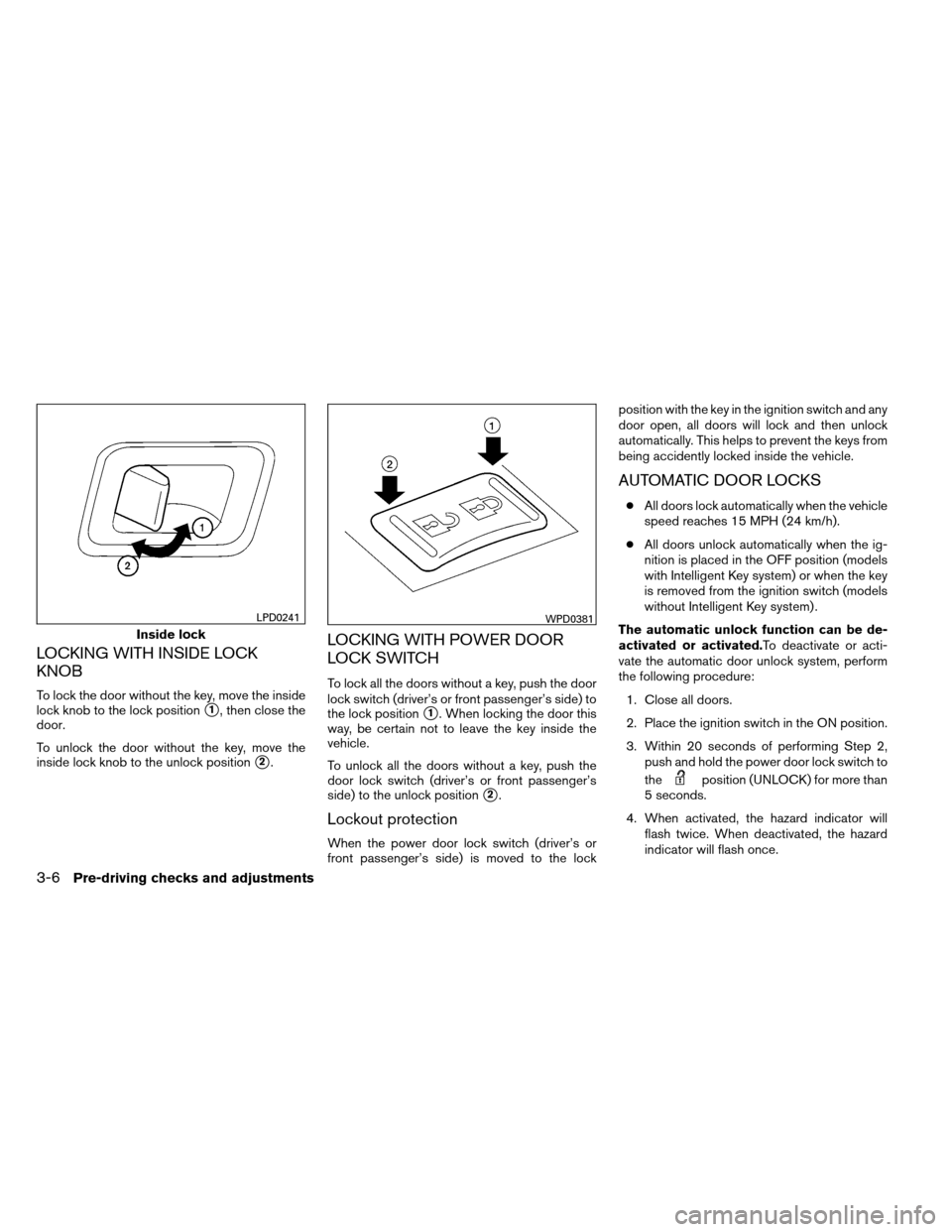
To lock the door without the key, move the inside
lock knob to the lock position
�1, then close the
door.
To unlock the door without the key, move the
inside lock knob to the unlock position
�2.
LOCKING WITH POWER DOOR
LOCK SWITCH
To lock all the doors without a key, push the door
lock switch (driver’s or front passenger’s side) to
the lock position
�1. When locking the door this
way, be certain not to leave the key inside the
vehicle.
To unlock all the doors without a key, push the
door lock switch (driver’s or front passenger’s
side) to the unlock position
�2.
Lockout protection
When the power door lock switch (driver’s or
front passenger’s side) is moved to the lock position with the key in the ignition switch and any
door open, all doors will lock and then unlock
automatically. This helps to prevent the keys from
being accidently locked inside the vehicle.
AUTOMATIC DOOR LOCKS
●
All doors lock automatically when the vehicle
speed reaches 15 MPH (24 km/h).
● All doors unlock automatically when the ig-
nition is placed in the OFF position (models
with Intelligent Key system) or when the key
is removed from the ignition switch (models
without Intelligent Key system) .
The automatic unlock function can be de-
activated or activated.To deactivate or acti-
vate the automatic door unlock system, perform
the following procedure: 1. Close all doors.
2. Place the ignition switch in the ON position.
3. Within 20 seconds of performing Step 2, push and hold the power door lock switch to
the
position (UNLOCK) for more than
5 seconds.
4. When activated, the hazard indicator will flash twice. When deactivated, the hazard
indicator will flash once.
Inside lock
LPD0241WPD0381
3-6Pre-driving checks and adjustments
Page 164 of 489
Using the interior lights
Press thebutton on the keyfob once to
turn on the interior lights and puddle lights (if so
equipped) .
For additional information, refer to “Interior light”
in the “Instruments and controls” section in this
manual.
Silencing the horn beep feature
If desired, the horn beep feature can be deacti-
vated using the keyfob.
NOTE:
If you change the horn beep and light flash
feature with the keyfob, the display screen
(if so equipped) will not show the current
mode and cannot be used to change the
mode. Use the keyfob to return to the pre-
vious mode and re-enable the display
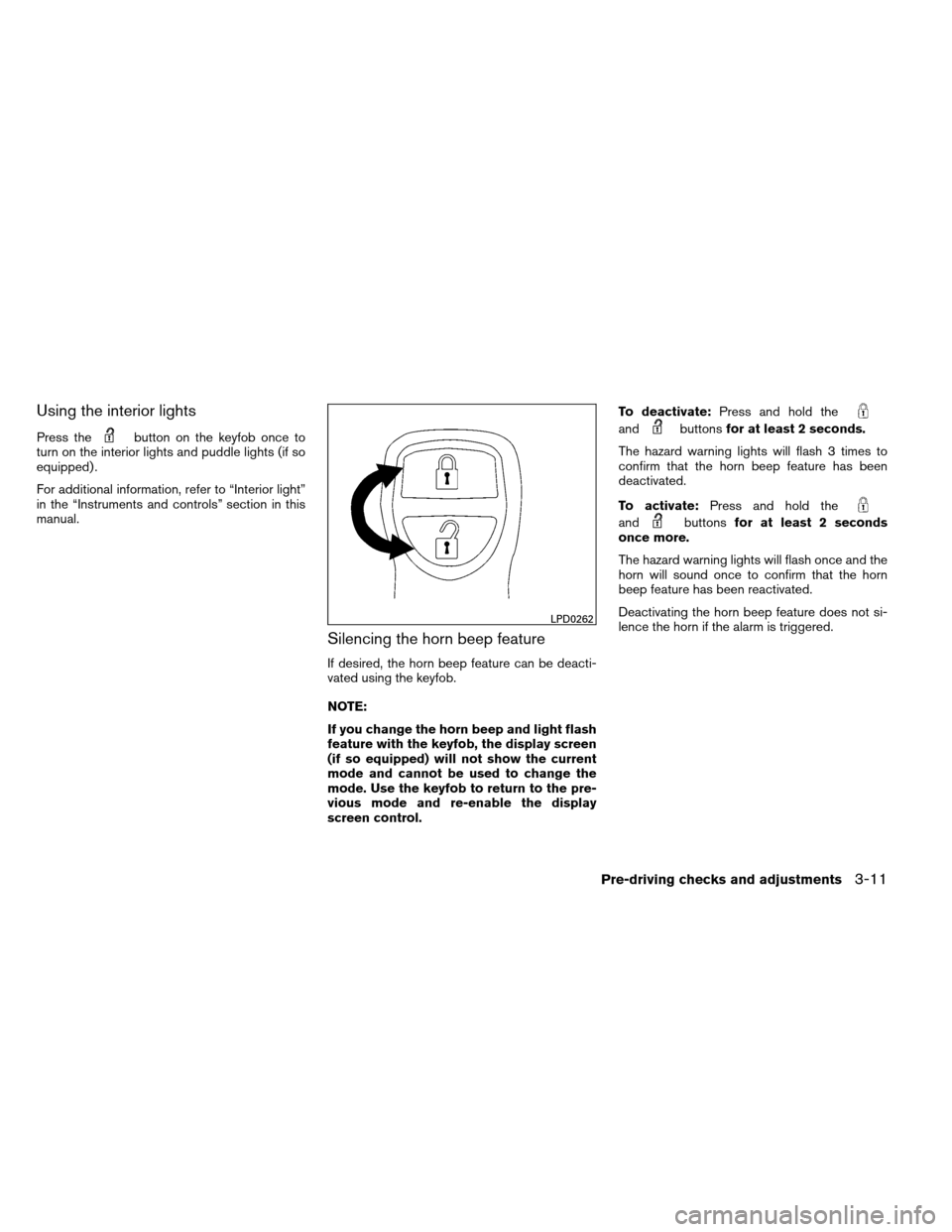
screen control. To deactivate:
Press and hold the
andbuttonsfor at least 2 seconds.
The hazard warning lights will flash 3 times to
confirm that the horn beep feature has been
deactivated.
To activate: Press and hold the
andbuttonsfor at least 2 seconds
once more.
The hazard warning lights will flash once and the
horn will sound once to confirm that the horn
beep feature has been reactivated.
Deactivating the horn beep feature does not si-
lence the horn if the alarm is triggered.
LPD0262
Pre-driving checks and adjustments3-11
Page 174 of 489
Silencing the horn beep feature
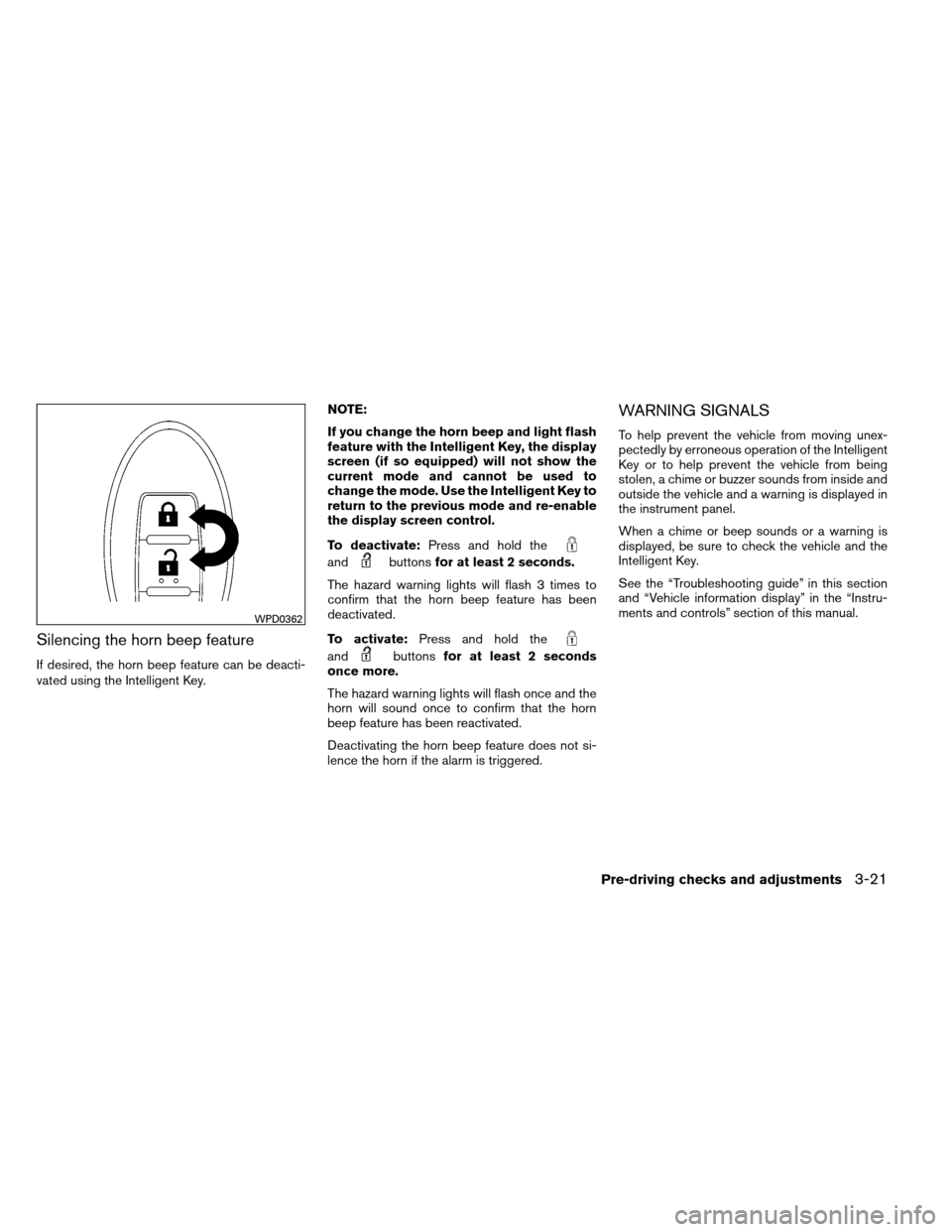
If desired, the horn beep feature can be deacti-
vated using the Intelligent Key.NOTE:
If you change the horn beep and light flash
feature with the Intelligent Key, the display
screen (if so equipped) will not show the
current mode and cannot be used to
change the mode. Use the Intelligent Key to
return to the previous mode and re-enable
the display screen control.
To deactivate:
Press and hold the
andbuttonsfor at least 2 seconds.
The hazard warning lights will flash 3 times to
confirm that the horn beep feature has been
deactivated.
To activate: Press and hold the
andbuttonsfor at least 2 seconds
once more.
The hazard warning lights will flash once and the
horn will sound once to confirm that the horn
beep feature has been reactivated.
Deactivating the horn beep feature does not si-
lence the horn if the alarm is triggered.
WARNING SIGNALS
To help prevent the vehicle from moving unex-
pectedly by erroneous operation of the Intelligent
Key or to help prevent the vehicle from being
stolen, a chime or buzzer sounds from inside and
outside the vehicle and a warning is displayed in
the instrument panel.
When a chime or beep sounds or a warning is
displayed, be sure to check the vehicle and the
Intelligent Key.
See the “Troubleshooting guide” in this section
and “Vehicle information display” in the “Instru-
ments and controls” section of this manual.
WPD0362
Pre-driving checks and adjustments3-21