Page 262 of 714
Features and controls
3-147
3
To decrease the set speed
N00518600257
There are 2 ways to decrease the set speed.“COAST SET” switchPress and hold the “COAST SET” switch (B) while driving at
the set speed, and your speed will slow down gradually.
When you reach your desired speed, release the switch. Your
new cruising speed is now set.To slow down your speed in small amounts, press the “COAST
SET” switch for less than about 1 second and release it.
Each time you press the “COAST SET” switch, your vehicle
will slow down by about 1 mph (1.6 km/h).
Brake pedalWhile driving at the set speed, use the brake pedal, which dis-
engages the cruise control, then press the “COAST SET”
switch (B) and release the switch momentarily to set a new
desired cruising speed.
BK0150600US.book 147 ページ 2012年3月30日 金曜日 午前10時43分
Page 268 of 714

Features and controls
3-153
3
The tire pressure monitoring system warning
light / display
N00532700236
When the ignition switch is turned to the “ON” position, the
tire pressure monitoring system warning light normally illumi-
nates and goes off a few seconds later.
If one or more of the vehicle tires (except for the spare tire) is
significantly under-inflated, the warning light will remain illu-
minated while the ignition switch is in the “ON” position.
Refer to “If the warning light / display illuminates while driv-
ing” on page 3-155 and take the necessary measures.NOTE�In addition, the warning display is displayed on the infor-
mation screen in the multi-information display.
Ty p e 1
Ty p e 2
CAUTION
!�If the tire pressure monitoring system warning light
does not illuminate when the ignition switch is
turned to the “ON” position, it means that the tire
pressure monitoring system is not working properly.
Have the system inspected by an authorized
Mitsubishi Motors dealer.
In such situations, a malfunctioning of the system
may be preventing the monitoring of the tire pres-
sure. Avoid sudden braking, sharp turning and
high-speed driving.�If a malfunction is detected in the tire pressure mon-
itoring system, the tire pressure monitoring system
warning light will blink for approximately 1 minute
and then remain continuously illuminated. The
warning light will issue further warnings each time
the engine is restarted as long as the malfunction
exists.
Check to see whether the warning light goes off after
few minutes driving.
If it then goes off during driving, there is no prob-
lem.
However, if the warning light does not go off, or if it
blinks again when the engine is restarted, have the
vehicle inspected by an authorized Mitsubishi
Motors dealer.
In such situations, a malfunctioning of the system
may be preventing the monitoring of the tire pres-
sure. For safety reasons, when the warning light
appears while driving, avoid sudden braking, sharp
turning and high-speed driving.
BK0150600US.book 153 ページ 2012年3月30日 金曜日 午前10時43分
Page 276 of 714

Features and controls
3-161
3
NOTE�Mirror image is displayed on the screen.
�Monitor brightness is adjusted automatically by sensors.
�It is possible to change the display language of the screen.
For details, please refer to the separated owner’s manual
for “Mitsubishi Multi-Communication System” or
“Change language or turn off the inside rearview mirror
screen : To change the language of warning text (3)” on
page 3-161.
�Under certain circumstances, it may become difficult to
see an image on the screen, even when the system is func-
tioning correctly.
• In a dark area, such as at night.
• When water drops or condensation are on the lens.
• When sun light or headlights shine directly into the lens.
Change language or turn off the inside rearview
mirror screen
N00568900037
It is possible to turn off the screen of the inside rearview mirror
and change the language of the warning messages on the
screen.To temporarily set the non-display modeIf you press the switch (1) while the image appears on the
screen, it goes off temporarily.
To return to display mode, press the switch again or turn the
ignition switch to the “ON” position after turning to “LOCK”
or “ACC” position.
BK0150600US.book 161 ページ 2012年3月30日 金曜日 午前10時43分
Page 277 of 714
3-162 Features and controls
3
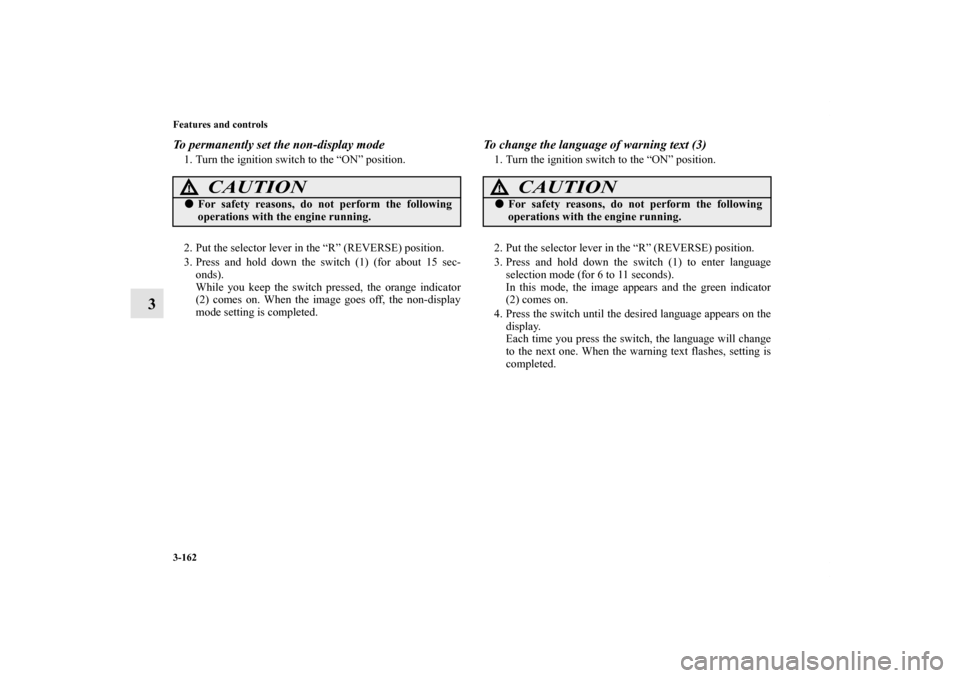
To permanently set the non-display mode1. Turn the ignition switch to the “ON” position.
2. Put the selector lever in the “R” (REVERSE) position.
3. Press and hold down the switch (1) (for about 15 sec-
onds).
While you keep the switch pressed, the orange indicator
(2) comes on. When the image goes off, the non-display
mode setting is completed.
To change the language of warning text (3)1. Turn the ignition switch to the “ON” position.
2. Put the selector lever in the “R” (REVERSE) position.
3. Press and hold down the switch (1) to enter language
selection mode (for 6 to 11 seconds).
In this mode, the image appears and the green indicator
(2) comes on.
4. Press the switch until the desired language appears on the
display.
Each time you press the switch, the language will change
to the next one. When the warning text flashes, setting is
completed.
CAUTION
!�For safety reasons, do not perform the following
operations with the engine running.
CAUTION
!�For safety reasons, do not perform the following
operations with the engine running.
BK0150600US.book 162 ページ 2012年3月30日 金曜日 午前10時43分
Page 280 of 714

Features and controls
3-165
3
Rheostat meter illumination button
N00554900153
Each time you press this button, there is a sound and the bright-
ness of the instruments changes.NOTE�You can adjust to 8 different levels respectively for when
the front side-marker and parking lights are illuminated
and when they are not.
�If the vehicle is equipped with the automatic light control,
when the light switch is in a position other than the “OFF”
position, the meter illumination switches automatically to
the adjusted brightness, depending on the brightness out-
side the vehicle.
�The brightness level of the instruments is stored when the
ignition switch is turned off.
�If you press and hold the button for longer than about 1
second when the front side-marker and parking lights are
illuminated, the brightness level changes to the maximum
level. Pressing and holding the button for longer than
about 1 second again returns the brightness level to the
previous level.
1- Brightness display
2- Rheostat illumination button
BK0150600US.book 165 ページ 2012年3月30日 金曜日 午前10時43分
Page 281 of 714

3-166 Features and controls
3Multi-information display
N00555000223
The multi-information display displays warnings, the odometer, trip odometer, service reminder, engine coolant temperature, fuel
remaining, outside temperature, selector lever position, all-wheel drive operation status, average and momentary fuel consumption,
driving range, average speed, instrument brightness, etc.
It is also possible to change elements such as the language and units used on the multi-information display.
With ignition switch in the “OFF” position With ignition switch in the “ON” position
Type 1 Type 2 Type 1 Type 2
1- “!” Warning display screen (With ignition switch in the
“OFF” position) →P.3-168
2- Information screen (With ignition switch in the “OFF” posi-
tion) → P.3-168
Interrupt display screen (With ignition switch in the “OFF”
position) → P.3-170
3- Door ajar warning display screen (With ignition switch in
the “OFF” position) → P.3-1724- Drive mode indicator display screen (if so equipped)
→ P.3-173
S-AWC control mode display screen (if so equipped)
→ P.3-173
5- “!” Warning display screen (With ignition switch in the
“ON” position) → P.3-173
6- Active stability control (ASC) OFF display screen (if so
equipped) → P.3-174
7- Outside temperature display screen → P.3-180
8- ECO mode indicator (if so equipped) → P.3-181
BK0150600US.book 166 ページ 2012年3月30日 金曜日 午前10時43分
Page 284 of 714

Features and controls
3-169
3
Odometer/Trip odometer
N00555400126
Each time you lightly press the multi-information meter
switch, the display screen switches.
Odometer/Trip odometer → Odometer/Trip odometer
→ Service reminder → Redisplay of a warning display screen
→ Odometer/Trip odometer .
Odometer
Shows the total distance traveled.
Trip odometer
Shows the distance traveled between two points.
To reset the trip odometer
To return the display to 0, hold down the multi-information
meter switch for about 2 seconds or more. Only the currently
displayed value will be reset.
Example
If trip odometer is displayed, only trip odometer will
be reset.1-
Odometer (Type1)/Trip odometer
2-
Odometer (Type1)/Trip odometer
3- Service reminder
4- Redisplay of a warning display screen
Usage examples for trip odometer , trip odometer
It is possible to measure two currently traveled distances,
from home using trip odometer and from a particular
point on the way using trip odometer .
Ty p e 1
Ty p e 2
BK0150600US.book 169 ページ 2012年3月30日 金曜日 午前10時43分
Page 286 of 714

Features and controls
3-171
3
Returning to the display screen from before the warn-
ing displayEven if the cause of the warning display is not eliminated, you
can return to the screen that was displayed before the warning
display.
If you press the multi-information meter switch, the display
screen switches to the previous screen display (before the
warning and the “!” warning (A) were displayed).
NOTE�Warning display screens with a “ ” or “ ” mark dis-
played in the upper right of the screen can be switched. If
you want to switch the display, press the multi-informa-
tion meter switch as follows.
“ ”: Press lightly.
“ ”: Press for about 2 seconds or more.
Redisplay of a warning display screen
When the “!” warning is displayed, if you lightly press the
multi-information meter switch a few times, the warning dis-
play screen you switched from is redisplayed.
Refer to “Information screen (With ignition switch in the
“OFF” position)” on page 3-168.
Ty p e 1
Ty p e 2
BK0150600US.book 171 ページ 2012年3月30日 金曜日 午前10時43分
