2013 MERCEDES-BENZ GLK-Class lock
[x] Cancel search: lockPage 230 of 378

X
Press the 0004or0003 button to select the
Surround Lighting function.
When the Surround Lighting function is
activated, the light cone and the area
around the vehicle are displayed in red in
the multifunction display.
X Press the 000Bbutton to save the setting.
Deactivating delayed switch-off of the
exterior lighting temporarily:
X Before leaving the vehicle, turn the
SmartKey to position 0in the ignition lock.
X Turn the SmartKey to position 2in the
ignition lock.
The exterior lighting delayed switch-off is
deactivated.
Delayed switch-off of the exterior lighting is
reactivated the next time you start the
engine.
If you have activated the SurroundLighting function and the light switch is set
to 0004, the following functions are activated
when it is dark:
R surround lighting: the exterior lighting
remains lit for 40 seconds after unlocking
with the key. If you start the engine, the
surround lighting is switched off and
automatic headlamp mode is activated
(Y page 111).
R exterior lighting delayed switch-off: the
exterior lighting remains lit for
60 seconds after the engine is switched off.
If you close all the doors and the tailgate,
the exterior lighting goes off after
5s econds.
i Depending on your vehicle's equipment,
when the surround lighting and delayed
switch-off exterior lighting are on, the
following light up:
R Parking lamps
R Front fog lamps
R Low-beam headlamps
R Daytime running lamps
R Side marker lamps
R Surround lighting in the exterior mirrors Activating/deactivating the interior
lighting delayed switch-off
If you activate the
Light. Delay function,
the interior lighting remains on for
20 seconds after you remove the key from the
ignition lock.
X Press the 0002or0005 button on the
steering wheel to select the Sett. menu.
X Press the 0004or0003 button to select the
Lights submenu.
X Press 000Bto confirm.
X Press the 0004or0003 button to select the
Light. Delay function.
When the Light. Delay function is
activated, the vehicle interior is displayed
in red in the multifunction display.
X Press the 000Bbutton to save the setting.
Vehicle Activating/deactivating the automatic
door locking mechanism
X
Press the 0002or0005 button on the
steering wheel to select the Sett. menu.
X Press the 0004or0003 button to select the
Vehicle submenu.
X Press 000Bto confirm.
X Press the 0004or0003 button to select the
Auto. Door Locks function.
When the Auto. Door Locks function is
activated, the vehicle doors are displayed
in red in the multifunction display.
X Press the 000Bbutton to save the setting.
If you activate the Auto. Door Locks function, the vehicle is centrally locked above
a speed of around 9 mph (15 km/h).
For further information on the automatic
locking feature, see (Y page 80).
Activating/deactivating the acoustic
locking verification signal
If you switch on the Acoustic Lock function,
an acoustic signal sounds when you lock the
vehicle. 228
Menus and submenusOn-board computer and displays
Page 231 of 378

X
Press the 0002or0005 button on the
steering wheel to select the Sett. menu.
X Press the 0004or0003 button to select the
Vehicle submenu.
X Press 000Bto confirm.
X Press the 0004or0003 button to select the
Acoustic Lock function.
If the Acoustic Lock function is activated,
the 000B symbol in the multifunction
display lights up red.
X Press the 000Bbutton to save the setting.
Activating/deactivating the radar sensor
system
X Press the 0002or0005 button on the
steering wheel to select the Sett. menu.
X Press the 0004or0003 button to select the
Vehicle submenu.
X Press 000Bto confirm.
X Press the 0003or0004 button to select
Radar Sensor (See Oper. Manual): .
You will see the selected setting: Enabledor
Disabled .
X Press the 000Bbutton to save the setting.
The following systems are switched off when
the radar sensor system is deactivated:
R DISTRONIC PLUS (Y page 171)
R BAS PLUS (Y page 65)
R PRE-SAFE ®
Brake (Y page 69)
R Blind Spot Assist (Y page 198) or Active
Blind Spot Assist (Y page 202)
Convenience Activating/deactivating the EASY-
ENTRY/EXIT feature
G
WARNING
When the EASY-ENTRY/EXIT feature adjusts
the steering wheel and the driver's seat, you
and other vehicle occupant s–particularly
childre n–could become trapped. There is a
risk of injury. While the EASY-ENTRY/EXIT feature is
making adjustments, make sure that no one
has any body parts in the sweep of the seat
and the steering wheel.
If somebody becomes trapped:
R
press one of the memory function position
buttons, or
R move the switch for steering wheel
adjustmen tinthe opposite direction to that
in which the steering wheel is moving.
The adjustment process is stopped.
X Press the 0002or0005 button on the
steering wheel to select the Sett. menu.
X Press the 0004or0003 button to select the
Convenience submenu.
X Press 000Bto confirm.
X Press the 0004or0003 button to select the
Easy Entry/Exit function.
If the Easy Entry/Exit function is
activated, the vehicle steering wheel is
displayed in red in the multifunction
display.
X Press the 000Bbutton to save the setting.
Further information on the EASY-ENTRY/EXIT
feature (Y page 102).
Switching the belt adjustment on/off
X Press the 0002or0005 button on the
steering wheel to select the Sett. menu.
X Press the 0004or0003 button to select the
Convenience submenu.
X Press 000Bto confirm.
X Press the 0004or0003 button to select the
Belt Adjustment function.
When the Belt Adjustment function is
activated, the vehicle seat belt is displayed
in red in the multifunction display.
X Press the 000Bbutton to save the setting.
For further information on belt adjustment,
see (Y page 56). Menus and submenus
229On-board computer and displays Z
Page 232 of 378
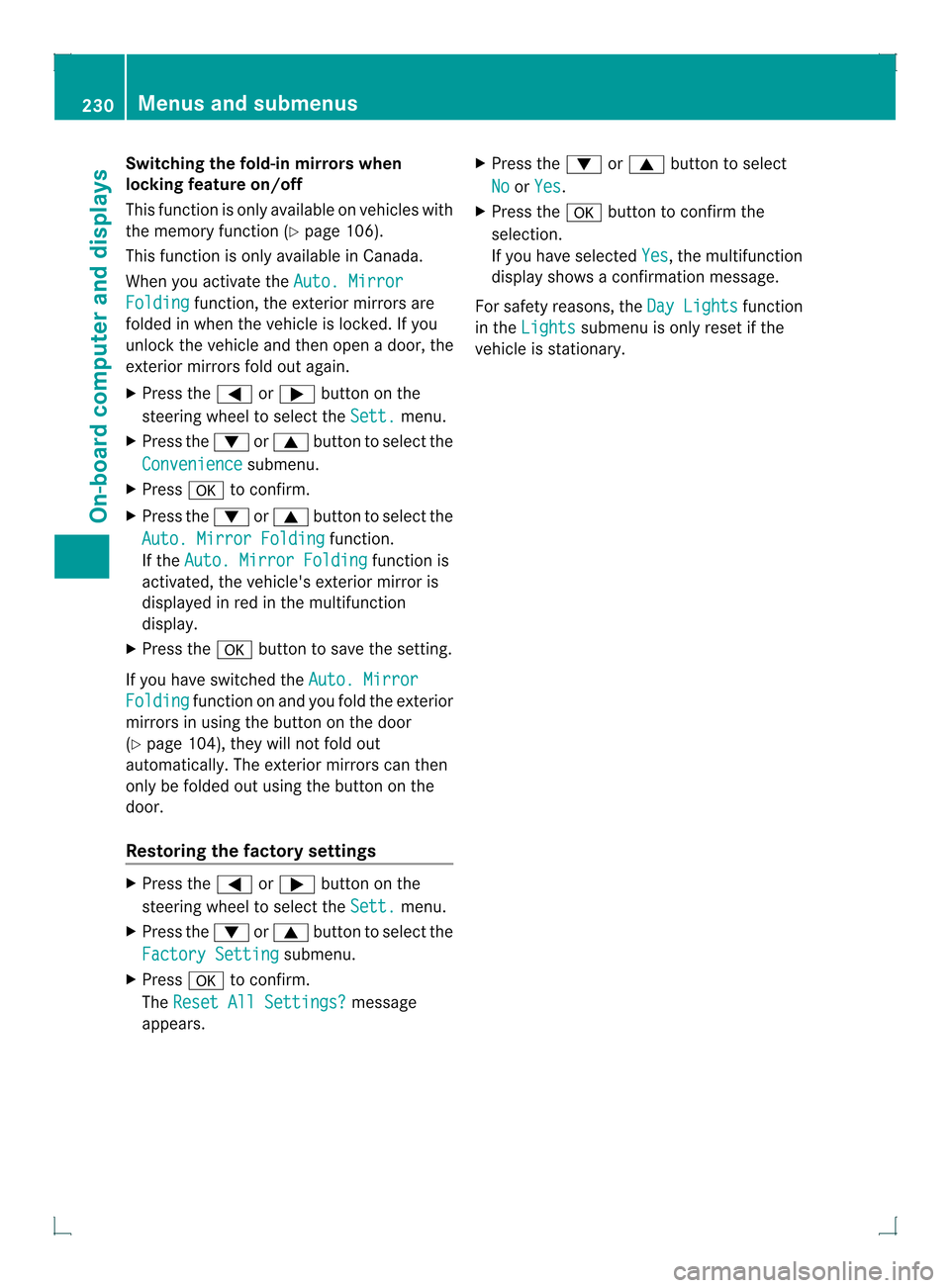
Switching the fold-in mirrors when
locking feature on/off
This function is only available on vehicles with
the memory function (Y
page 106).
This function is only available in Canada.
When you activate the Auto. MirrorFolding function, the exterior mirrors are
folded in when the vehicle is locked. If you
unlock the vehicle and then open a door, the
exterior mirrors fold out again.
X Press the 0002or0005 button on the
steering wheel to select the Sett. menu.
X Press the 0004or0003 button to select the
Convenience submenu.
X Press 000Bto confirm.
X Press the 0004or0003 button to select the
Auto. Mirror Folding function.
If the Auto. Mirror Folding function is
activated, the vehicle's exterior mirror is
displayed in red in the multifunction
display.
X Press the 000Bbutton to save the setting.
If you have switched the Auto. MirrorFolding function on and you fold the exterior
mirrors in using the button on the door
(Y page 104), they will not fold out
automatically. The exterior mirrors can then
only be folded out using the button on the
door.
Restoring the factory settings X
Press the 0002or0005 button on the
steering wheel to select the Sett. menu.
X Press the 0004or0003 button to select the
Factory Setting submenu.
X Press 000Bto confirm.
The Reset All Settings? message
appears. X
Press the 0004or0003 button to select
No or
Yes .
X Press the 000Bbutton to confirm the
selection.
If you have selected Yes , the multifunction
display shows a confirmation message.
For safety reasons, the Day Lights function
in the Lights submenu is only reset if the
vehicle is stationary. 230
Menus and submenusOn-board computer and displays
Page 234 of 378

Safety systems
Display messages Possible causes/consequences and
0001 Solutions
001A000F
Currently
Unavailable See
Operator's Manual ABS (Anti-lock Braking System), ESP
®
(Electronic Stability
Program), BAS (Brake Assist), PRE-SAFE ®
, the HOLD function, hill
start assist and ESP ®
trailer stabilization are temporarily
unavailable.
BAS PLUS and PRE-SAFE ®
Brake may also have failed.
In addition, the 000F,0017and001A warning lamps light up in
the instrument cluster.
ATTENTION ASSIST is deactivated.
Possible causes are:
R self-diagnosis is not yet complete.
R the on-board voltage may be insufficient.
G WARNING
The brake system continues to function normally, but without the
functions listed above. The wheels could therefore lock if you
brake hard, for example.
The steerability and braking characteristics may be severely
affected. The braking distance in an emergency braking situation
can increase.
If ESP ®
is not operational, ESP ®
is unable to stabilize the vehicle.
There is an increased risk of skidding and an accident.
X Carefully drive on a suitable stretch of road, making slight
steering movements at a speed above 12 mph (20 km/h).
If the display message disappears, the functions mentioned
above are available again.
If the display message continues to be displayed:
X Drive on carefully.
X Visit a qualified specialist workshop. 000F
Inoperative See
Operator's Manual ESP
®
, BAS, PRE-SAFE ®
, the HOLD function, hill start assist and
ESP ®
trailer stabilization are unavailable due to a malfunction.
BAS PLUS and PRE-SAFE ®
Brake may also have failed.
In addition, the 000Fand0017 warning lamps light up in the
instrument cluster.
The self-diagnosis function might not be complete, for example.
ATTENTION ASSIST is deactivated.
G WARNING
The brake system continues to function normally, but without the
functions listed above. 232
Display messagesOn-board computer and displays
Page 235 of 378

Display messages Possible causes/consequences and
0001 Solutions
The braking distance in an emergency braking situation can thus
increase.
If ESP ®
is no toperational, ESP ®
is unable to stabilize the vehicle.
There is an increased risk of skidding and an accident.
X Carefully drive on a suitable stretch of road, making slight
steering movements at a speed above 12 mph (20 km/h).
If the display message disappears, the functions mentioned
above are available again.
If the display message continues to be displayed:
X Drive on carefully.
X Visit a qualified specialist workshop. 0006001A
000F
Inoperative See
Operator's Manual EBD (electronic brake force distribution), ABS, ESP
®
, BAS, PRE-
SAFE ®
, the HOLD function, hill start assist and ESP ®
trailer
stabilization are unavailable due to a malfunction.
BAS PLUS and PRE-SAFE ®
Brake may also have failed.
In addition, the 000F,0017and001A warning lamps light up in
the instrument cluster and a warning tone sounds.
G WARNING
The brake system continues to function normally, but without the
functions listed above. The fron tand rea rwheels could therefore
lock if you brake hard, for example.
The steerability and braking characteristics may be severely
affected. The braking distance in an emergency braking situation
can increase.
If ESP ®
is not operational, ESP ®
is unable to stabilize the vehicle.
There is an increased risk of skidding and an accident.
X Drive on carefully.
X Visit a qualified specialist workshop immediately. 0005(USA
only)0006(Canada
only)
Release Parking Brake You are driving with the parking brake applied.
Awarning tone also
sounds.
X Release the parking brake. Display messages
233On-board computer and displays Z
Page 246 of 378

Display messages Possible causes/consequences and
0001 Solutions
000C
Coolant Too Hot
Stop Vehicle Turn
Engine Off The coolan
tis too hot.
Aw arning tone also sounds.
G WARNING
Do no tdrive when youre ngine is overheated. Thi scan cause some
fluids which may have leaked into the engine compartmen tto
catch fire.
Stea mfrom the overheated engine can also cause serious burns
which can occur just by opening the hood.
There is a risk of injury.
X Pull over and stop the vehicle safely and switch off the engine,
paying attention to road and traffic conditions.
X Secure the vehicle against rolling away (Y page 160).
X Waitu ntil the engine has cooled down.
X Make sure tha tthe air supply to the engine radiator is not
blocked, e.g. by snow, slush or ice.
X Do not start the engine again until the display message goes out
and the coolant temperature is below 248 ‡ (120 †).
Otherwise, the engine could be damaged.
X Pay attention to the coolant temperature display.
X If the temperature increases again, visit a qualified specialist
workshop immediately.
Under normal operating conditions and with the specified coolant
level, the coolant temperature may rise to 248 ‡ (120 †). 244
Display messagesOn-board computer and displays
Page 258 of 378

SmartKey
Display messages Possible causes/consequences and
0001 Solutions
0002
Key Does Not
Belong to Vehicle You have put the wrong SmartKey in the ignition lock.
X
Use the correct SmartKey. 0002
Take
Your Key from
Ignition The SmartKey is in the ignition lock.
X
Remove the SmartKey. 0002
Obtain a New Key The SmartKey needs to be replaced.
X
Visit a qualified specialist workshop. 0002
Replace
Key Battery The batteries of the KEYLESS-GO key are discharged.
X
Change the batteries (Y page 77).0002
Don't Forget Your
Key The display message is shown for a maximum of 60 seconds and
is only a reminder.
You have opened the driver's door with the engine switched off.
The KEYLESS-GO key is not in the ignition lock.
X
Remember to take the KEYLESS-GO key with you when you
leave the vehicle. 0002
Key Not Detected
(red display message) The KEYLESS-GO key is not in the vehicle.
Aw
arning tone also sounds.
If the engine is switched off, you can no longer loc kthe vehicle
centrally or start the engine.
X Pull over and stop the vehicle safely as soon as possible, paying
attention to road and traffic conditions.
X Secure the vehicle against rolling away (Y page 160)
(Y page 160).
X Locate the KEYLESS-GO key. The KEYLESS-GO key is not detected while the engine is running
because there is interference from a strong source of radio waves.
Aw
arning tone also sounds.
X Pull ove rand stop the vehicle safely as soo nas possible, paying
attention to road and traffic conditions.
X Secure the vehicle against rolling away (Y page 160).
X Operate the vehicle with the SmartKey in the ignition lock. 256
Display messagesOn-board computer and displays
Page 259 of 378
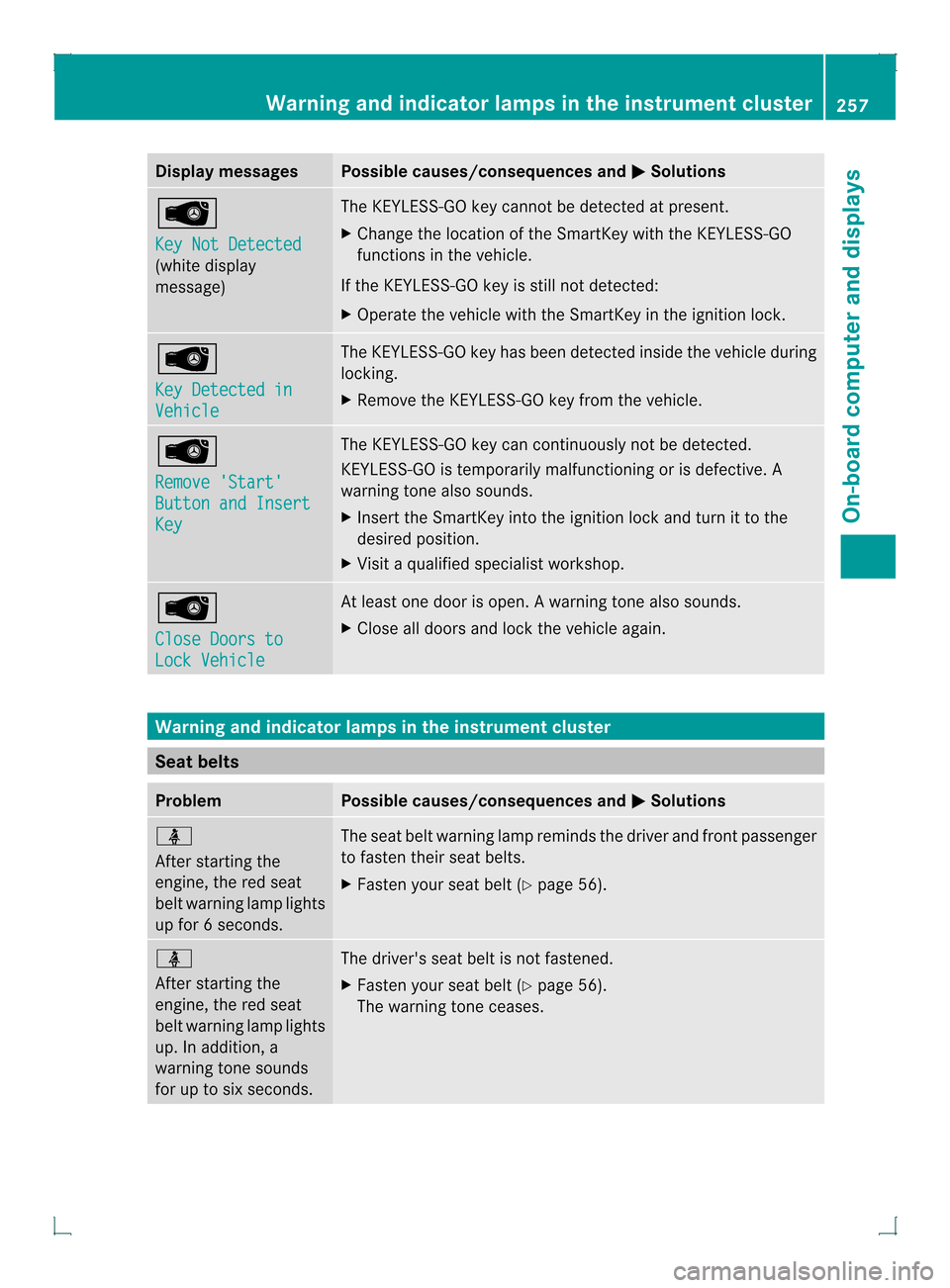
Display messages Possible causes/consequences and
0001 Solutions
0002
Key Not Detected
(white display
message) The KEYLESS-GO key cannot be detected at present.
X
Change the location of the SmartKey wit hthe KEYLESS-GO
functions in the vehicle.
If the KEYLESS-GO key is still not detected:
X Operate the vehicle with the SmartKey in the ignition lock. 0002
Key Detected in
Vehicle The KEYLESS-GO key has been detected inside the vehicle during
locking.
X
Remove the KEYLESS-GO key from the vehicle. 0002
Remove 'Start'
Button and Insert
Key The KEYLESS-GO key can continuously not be detected.
KEYLESS-GO is temporarily malfunctioning or is defective. A
warning tone also sounds.
X
Insert the SmartKey into the ignition lock and turn it to the
desired position.
X Visit a qualified specialist workshop. 0002
Close Doors to
Lock Vehicle At least one door is open.
Awarning tone also sounds.
X Close all doors and loc kthe vehicle again. Warning and indicator lamps in the instrument cluster
Seat belts
Problem Possible causes/consequences and
0001 Solutions
0014
After starting the
engine, the red seat
belt warning lamp lights
up for
6seconds. The seat belt warning lamp reminds the driver and fron
tpassenger
to fasten their seat belts.
X Faste nyour seat belt (Y page 56). 0014
After starting the
engine, the red seat
belt warning lamp lights
up. In addition, a
warning tone sounds
for up to six seconds.
The driver's seat belt is not fastened.
X
Fasten your seat belt (Y page 56).
The warning tone ceases. Warning and indicator lamps in the instrument cluster
257On-board computer and displays Z