Page 69 of 475
From Inside Your Vehicle
Press the button on the
instrument panel.
With the Remote Control Press twice within three
seconds.
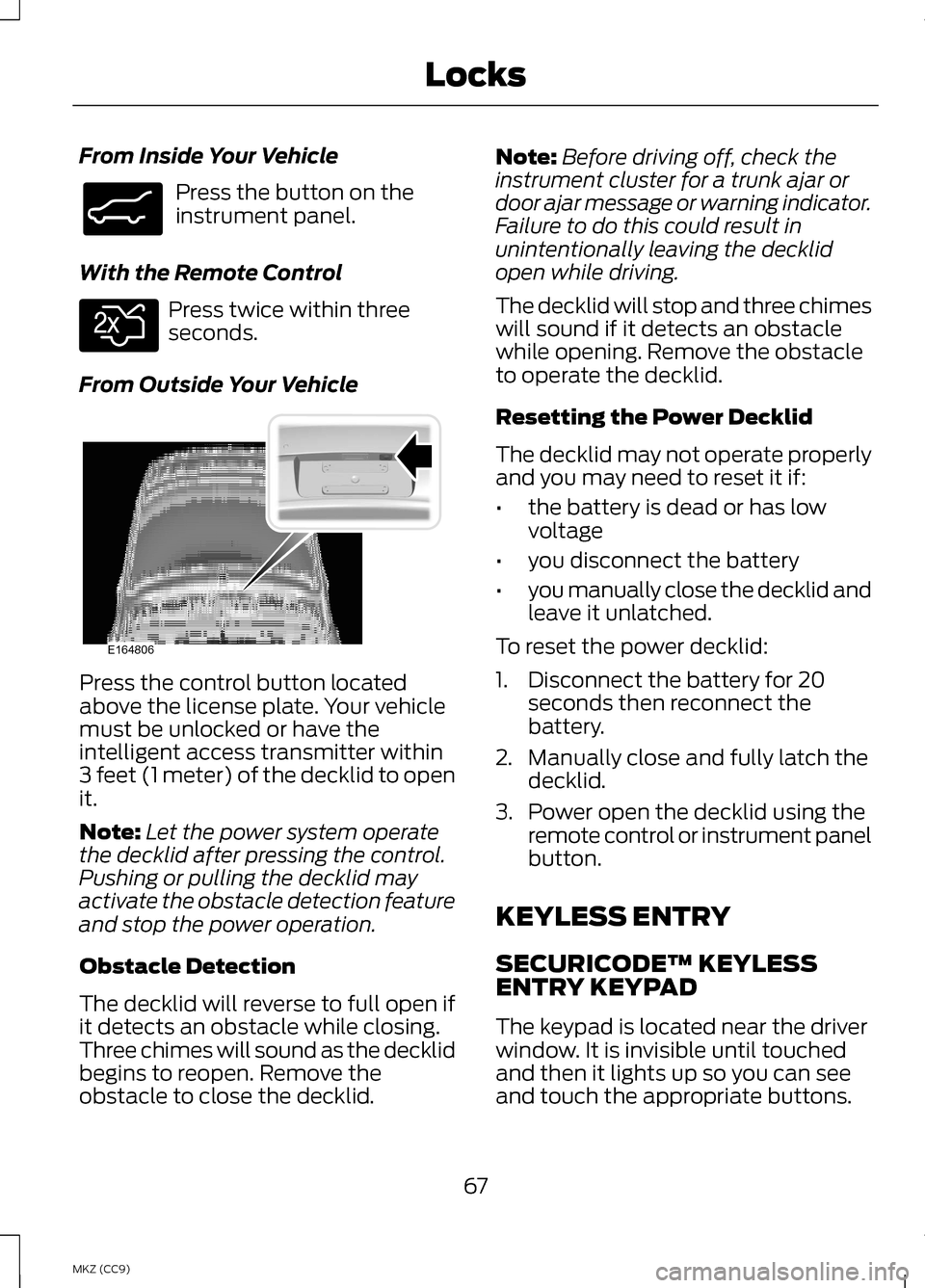
From Outside Your Vehicle Press the control button located
above the license plate. Your vehicle
must be unlocked or have the
intelligent access transmitter within
3 feet (1 meter) of the decklid to open
it.
Note:
Let the power system operate
the decklid after pressing the control.
Pushing or pulling the decklid may
activate the obstacle detection feature
and stop the power operation.
Obstacle Detection
The decklid will reverse to full open if
it detects an obstacle while closing.
Three chimes will sound as the decklid
begins to reopen. Remove the
obstacle to close the decklid. Note:
Before driving off, check the
instrument cluster for a trunk ajar or
door ajar message or warning indicator.
Failure to do this could result in
unintentionally leaving the decklid
open while driving.
The decklid will stop and three chimes
will sound if it detects an obstacle
while opening. Remove the obstacle
to operate the decklid.
Resetting the Power Decklid
The decklid may not operate properly
and you may need to reset it if:
• the battery is dead or has low
voltage
• you disconnect the battery
• you manually close the decklid and
leave it unlatched.
To reset the power decklid:
1. Disconnect the battery for 20 seconds then reconnect the
battery.
2. Manually close and fully latch the decklid.
3. Power open the decklid using the remote control or instrument panel
button.
KEYLESS ENTRY
SECURICODE™ KEYLESS
ENTRY KEYPAD
The keypad is located near the driver
window. It is invisible until touched
and then it lights up so you can see
and touch the appropriate buttons.
67
MKZ (CC9) LocksE138633 E138630 E164806
Page 84 of 475
LIGHTING CONTROL
OffA
Parking lamps, instrument
panel lamps, license plate
lamps and tail lamps
B
Headlamps
C
High Beams Push the lever forward to switch the
high beams on.
Push the lever forward again or pull
the lever toward you to switch the
high beams off. Headlamp Flasher
Pull the lever toward you slightly and
release it to flash the headlamps.
AUTOLAMPS (IF EQUIPPED)
Note: It may be necessary to switch
your headlamps on manually in severe
weather conditions. The headlamps will switch on and off
automatically in low light situations
or during inclement weather.
82
MKZ (CC9) LightingE142449 E162679 E162680 E142451
Page 87 of 475

•
the system detects severe rain,
snow or fog
• the camera is blocked
Activating the System
Switch on the system using the
information display and autolamps.
See Information Displays (page 103).
See Autolamps (page 82). Switch the lighting control to the
autolamps position.
Manually Overriding the
System
When the automatic control has
activated the high beams, pushing or
pulling the stalk will provide a
temporary override to low beam. Use the information display menu to
permanently deactivate the system,
or turn the lighting control switch from
autolamps to headlamps.
DIRECTION INDICATORS
Push the lever up or down to use the
direction indicators.
Note:
Tap the lever up or down to
make the direction indicators flash
three times to indicate a lane change.
INTERIOR LAMPS
The lamps will switch on when one of
the following conditions have been
met:
• You open any door.
• You press a remote control button.
• You touch switch A on the front
interior lamp.
85
MKZ (CC9) LightingE142451 E169254 E162681
Page 94 of 475
SUN VISORS
Rotate the sun visor toward the side
window and extend it rearward for
extra shade.
Illuminated Vanity Mirror
Lift the cover to switch the lamp on.
SUN SHADES (IF EQUIPPED)
Note: Do not try to move the sun
shade manually.
The power rear sun shade covers the
rear window of the vehicle. The control is in the overhead console.
The sun shade has a one-touch up
and down feature. Press and release
the control to move the sun shade. To
stop motion, press the control a
second time.
The sun shade automatically retracts
when you shift the transmission into
R
(Reverse).
MOONROOF
(IF EQUIPPED) WARNINGS
Do not let children play with the
moonroof or leave them
unattended in the vehicle. They may
seriously hurt themselves. When closing the moonroof, you
should verify that it is free of
obstructions and make sure that
children and pets are not in the
proximity of the roof opening. You can open the sliding shade
manually when the moonroof is in its
closed position. Pull the shade toward
the front of the vehicle to close it.
92
MKZ (CC9) Windows and MirrorsE138666 E162197 E145986
Page 120 of 475

Active Park
Action
Message
Displayed when the system needs service. Contactyour authorized dealer as soon as possible.
Active Park Fault
Adaptive Cruise Control Action
Message
Displayed when a radar malfunction is preventing theACC from engaging. See Using Adaptive Cruise
Control (page 211).
Adaptive Cruise
Malfunction
Displayed when conditions exist such that the adaptive
cruise cannot function properly. See Using AdaptiveCruise Control
(page 211).
Adaptive Cruise Not
Available
Displayed when the radar is blocked because of poorradar visibility due to bad weather or ice/mud/water
in front of radar. Driver can typically clean the sensor
to resolve. See Using Adaptive Cruise Control
(page
211).
Adaptive Cruise Not
Available Sensor
Blocked See Manual
Displayed when the automatic braking has beendisabled.
Cruise Control Auto-
matic Braking Turned Off
Displayed when a radar malfunction is preventing the ACC from engaging.
Front Sensor Not
Aligned
Displayed when the adaptive cruise has reinstatedcontrols to the driver.
Adaptive Cruise -
Driver Resume Control
Displays when the vehicle speed is too slow to activate the adaptive cruise.
Adaptive Cruise
Speed Too Low to Activate
118
MKZ (CC9) Information Displays
Page 122 of 475

Battery and Charging System (12 volt)
Action
Message
Stop your vehicle as soon as it is safe to do so and
switch off the ignition. Contact your authorized dealer.
Electrical System
Overvoltage Stop Safely
Displays to warn of a low battery condition. Turn offall unneeded electrical accessories. Contact your authorized dealer.
Battery Low See
Manual
Displayed when the charging system needs servicing.If the warning stays on or continues to come on,
contact your authorized dealer as soon as possible.
Check Charging
System
Displayed when the battery management system
detects an extended low-voltage condition. Various
vehicle features will be disabled to help preserve the
battery. Turn off as many of the electrical loads as soon as possible to improve system voltage. If the system voltage has recovered, the disabled features will operate again as normal
Low Battery Features
Temporarily Turned Off
Displayed when the battery management system
determines that the battery is at a low state of charge.
Turn the ignition off as soon as possible to protect the battery. This message will clear once the vehicle has been started and the battery state of charge has
recovered. Turning off unnecessary electrical loads will allow faster battery state-of-charge recovery.
Turn Power Off to
Save Battery
Battery and Charging System (High Voltage) Action
Message
Displays when the stop safety hazard warning lamp isilluminated. This indicates an electrical component
fault/failure that will cause the vehicle to shut down or enter into limited operating mode.
Stop Safely Now
Displays when the vehicle is ready to drive.
Ready to Drive
120
MKZ (CC9) Information Displays
Page 123 of 475

Blind Spot Information and Cross Traffic Alert System
Action
Message
Displayed when a fault with the system has occurred.Contact your authorized dealer as soon as possible.
Blindspot System
Fault
Displayed when the system sensors are blocked.
Contact your authorized dealer as soon as possible. See Blind Spot Monitor (page 225).
Blindspot Not Avail-
able Sensor Blocked See Manual
Displayed when the system detects a vehicle. SeeBlind Spot Monitor
(page 225).
Cross Traffic Vehicle
Coming From X
Displayed when the system sensors are blocked. SeeBlind Spot Monitor
(page 225).
Cross Traffic Not
Available Sensor
Blocked See Manual
Displays when a fault with the system has occurred.Contact your authorized dealer as soon as possible.
Cross Traffic System
Fault
Collision Warning System Action
Message
Displayed when there is a system malfunction with the
collision warning system. The system will be disabled.Contact your authorized dealer as soon as possible.
Collision Warning
Malfunction
Displayed when the collision warning system radar isblocked because of poor radar visibility due to bad
weather or ice/mud/water in front of the radar. Driver
can typically clean the sensor to resolve. Contact your authorized dealer as soon as possible.
Collision Warning Not
Available Sensor
Blocked See Manual
Displayed when there is a system malfunction with the
collision warning system. The system will be disabled.Contact your authorized dealer as soon as possible.
Collision Warning Not
Available
121
MKZ (CC9) Information Displays
Page 128 of 475

Action
Message
Displayed when the kit needs service. See yourauthorized dealer.
Service Tire Mobility
Kit
Displays to indicate that the vehicle is still in Transport
or Factory mode. This may not allow some features tooperate properly. See your authorized dealer.
Transport / Factory
Mode
Informs the driver that the powertrain needs servicedue to a powertrain malfunction.
See Manual
MyKey Action
Message
Displayed during key programming when MyKey cannot be programmed.
MyKey Not Created
Displays when MyKey is active.
MyKey Active Drive
Safely
Displays when starting the vehicle and MyKey is in useand the MyKey speed limit is on.
Speed Limited to XX
MPH/km/h
Displays when a MyKey is in use and the MyKey speed
limit is on and the vehicle speed is approaching 80 mph (130 km/h).
Near Vehicle Top
Speed
Displays when a MyKey is in use and the MyKey speed limit is reached.
Vehicle at Top Speed
of MyKey Setting
Displays when MyKey is active.
Check Speed Drive
Safely
Displays when a MyKey is in use and Belt-Minder is activated.
Buckle Up to Unmute
Audio
Displays when a MyKey is in use and AdvanceTrac is activated.
AdvanceTrac On -
MyKey Setting
126
MKZ (CC9) Information Displays
