Page 339 of 453
Police Interceptor equipped with engine idle hour meter
Inspect frequently,
service as requiredReplace cabin air filter (if equipped)
Every 5,000 miles
(8,000 km)Inspect the brake system
Lubricate control arm and steering ball joints if
equipped with grease fittings
Rotate tires, inspect tires for wear and measure
tread depth
Every 5,000 miles
(8,000 km) or
6 months or as
indicated by
time/mileage
calculationChange engine oil and filter (see description
below)
Perform multi-point inspection
Every 30,000 miles
(48,000 km)Change automatic transmission fluid
Every 60,000 miles
(96,000 km)Replace spark plugs
Reset your Intelligent Oil Life Monitor™ after each engine oil and filter
change; refer to theInstrument Clusterchapter
Scheduled Maintenance339
2013 MKX(mkx)
Owners Guide gf, 1st Printing
USA(fus)
Page 352 of 453
ACCESSING AND ADJUSTING MODES THROUGH YOUR
INFOTAINMENT DISPLAY
The infotainment display is located on the right side of your instrument
cluster. It allows you to view and make minor adjustments to active
modes without taking your hands off the wheel. For example:
•In entertainment mode, you can view what is now playing, change the
audio source, select presets and make some adjustments.
•In phone mode, you can accept or reject an incoming call.
•In navigation mode (if equipped), you can view the current route or
activate a route.
•In climate mode, the driver side temperature can bet set as well as fan
speed.
Use the OK and arrow buttons on
the right side of your steering wheel
to scroll through the available
modes:
Entertainment
Phone
km/h
80
60
40
20
0
20
0 40 60 80
100120140160180
200
220
100120140
MPH
352MyLincoln Touch™
2013 MKX(mkx)
Owners Guide gf, 1st Printing
USA(fus)
Page 360 of 453

LISTENING TO MUSIC
Your system offers many media options. You can access these options
using the touchscreen or voice commands.
Browse Voice Commands
When listening to any type of audio, you can browse through other
devices without having to change sources. For example, if you are
currently listening to the radio, you can browse all the artists that are
stored on your USB device.
Press the voice icon on the steering wheel. When prompted, you
can say:
Browse voice commands
“Browse SIRIUS Channel Guide”1
“Browse Channels”1
“Browse CD Track List”
“Browse SD Card”
“Browse USB”
“Browse Games”
1
“Help”
“Browse”2
1
If equipped with SIRIUS�satellite radio2If you have said “Browse”, you can then say any commands in the
following chart.
“BROWSE”
“SIRIUS Channel Guide”*
“ Games”*
“CD Track List”
“SD Card”
“USB”
“Help”
*If equipped with SIRIUS�satellite radio
For a complete list of “Browse” voice commands, refer toUSB and SD
card voice commandsandBluetooth audio voice commandsin the
following sections.
360MyLincoln Touch™
2013 MKX(mkx)
Owners Guide gf, 1st Printing
USA(fus)
Page 363 of 453
Radio Voice Commands
If you are listening to the radio, press the voice button on the
steering wheel controls. When prompted, say any of the
commands in the following chart.
If you are not listening to the radio, press the voice button and, after the
tone, say “Radio”, then any of the commands in the following chart.
“RADIO”
“Radio On”
“Radio Off”
“Set PTY”
“AM”
“AM <530–1710>”
“AM Preset <#>”
“AM Autoset”
“AM Autoset Preset <#>”
“FM”
“FM1”
“FM2”
“FM <87.9–107.9>”
“FM Preset <#>”
“FM 1 Preset <#>”
“FM 2 Preset <#>”
“FM Autoset”
“FM Autoset Preset <#>”
“Preset <#>”
“FM <87.9-107.9> HD <#>”
1
“HD <#>”1
“Tune”2
“Browse”3
“Help”1If available2If you have said, “Tune”, refer to the following “Tune” chart.3If you have said, “Browse”, refer to theBrowse voice commands
earlier in this section.
MyLincoln Touch™363
2013 MKX(mkx)
Owners Guide gf, 1st Printing
USA(fus)
Page 372 of 453
SIRIUS�Satellite Radio Voice Commands
If you are listening to SIRIUS�satellite radio, press the voice
button on the steering wheel controls. When prompted, say any
of the commands in the following chart.
If you are not listening to SIRIUS�satellite radio, press the voice button
and, after the tone, say “SIRIUS”, then any of the commands in the
following chart.
“SIRIUS”
“Sirius On”
“Sirius Off”
“<0–233>”
“”
“Sports Game”
1
“SAT”
“SAT 1”
“SAT 2”
“SAT 3”
“Preset <#>”
“SAT Preset <#>”
“ SAT 1 Preset <#>”
“SAT 2 Preset <#>”
“SAT 3 Preset <#>”
“Tune”
2
“Help”1Late availability:If you have said, “Sports Game”, refer to the
following “Sports Game” chart.
2If you have said, “Tune”, refer to the following “Tune” chart.
“SPORTS GAME”
“Tune to the game”
“Tune to the game”
“Tune to the game”
“Tune to the game”
“Help”
372MyLincoln Touch™
2013 MKX(mkx)
Owners Guide gf, 1st Printing
USA(fus)
Page 376 of 453
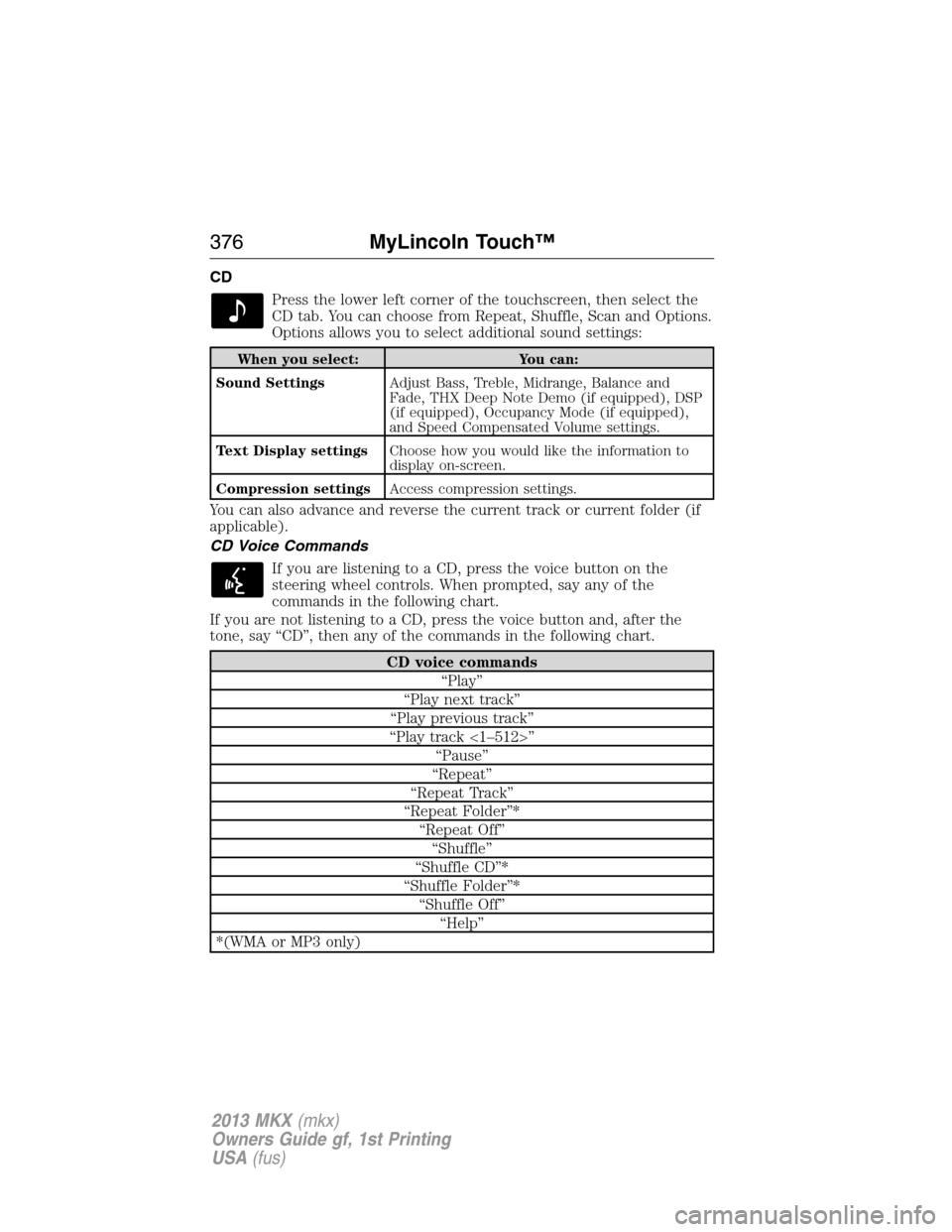
CD
Press the lower left corner of the touchscreen, then select the
CD tab. You can choose from Repeat, Shuffle, Scan and Options.
Options allows you to select additional sound settings:
When you select: You can:
Sound SettingsAdjust Bass, Treble, Midrange, Balance and
Fade, THX Deep Note Demo (if equipped), DSP
(if equipped), Occupancy Mode (if equipped),
and Speed Compensated Volume settings.
Text Display settingsChoose how you would like the information to
display on-screen.
Compression settingsAccess compression settings.
You can also advance and reverse the current track or current folder (if
applicable).
CD Voice Commands
If you are listening to a CD, press the voice button on the
steering wheel controls. When prompted, say any of the
commands in the following chart.
If you are not listening to a CD, press the voice button and, after the
tone, say “CD”, then any of the commands in the following chart.
CD voice commands
“Play”
“Play next track”
“Play previous track”
“Play track <1–512>”
“Pause”
“Repeat”
“Repeat Track”
“Repeat Folder”*
“Repeat Off”
“Shuffle”
“Shuffle CD”*
“Shuffle Folder”*
“Shuffle Off”
“Help”
*(WMA or MP3 only)
376MyLincoln Touch™
2013 MKX(mkx)
Owners Guide gf, 1st Printing
USA(fus)
Page 382 of 453

To view song information such as Title, Artist, File, Folder, Album, and
Genre, touch the on-screen album art.
You can also pressWhat’s Playingto hear how the system pronounces
the current band and song. This can be helpful when using voice
commands to make sure the system correctly plays your request.
In order to playback video from your iPod�/iPhone�(if compatible), you
MUST have a special combination USB/RCA composite video cable
(available for purchase from Apple�). When the cable is connected to
your iPod�/iPhone�, plug the other end into both the RCA jacks and the
USB port.
USB and SD Card Voice Commands
If you are listening to a USB device or an SD card, press the
voice button on the steering wheel controls. When prompted,
say any of the commands in the following chart.
If you are not listening to a USB device or an SD card, press the voice
button and, after the tone, say “USB” or “SD Card”, then any of the
commands in the following chart.
USB and SD card voice commands
“Browse”1
“Next”
“Pause”
“Play”
“Play Album ”
“Play All”
“Play Artist ”
“Play Audiobook ”
“Play Author ”
“Play Composer ”
“Play Folder ”
“Play Genre ”
“Play Movie ”
2
“Play Playlist ”
“Play Podcast ”
“Play Podcast Episode ”
“Play Similar Music”
382MyLincoln Touch™
2013 MKX(mkx)
Owners Guide gf, 1st Printing
USA(fus)
Page 385 of 453

Bluetooth Audio
Your system allows you to stream audio over your vehicle’s speakers from
your connected, Bluetooth-enabled cellular phone.
To access, press the lower left corner on the touchscreen, then
select the BT tab.
Bluetooth Audio Voice Commands
If you are listening to a Bluetooth Audio device, press the voice
button on the steering wheel controls. When prompted, say any
of the commands in the following chart.
If you are not listening to a Bluetooth Audio device, press the voice
button and, after the tone, say “Bluetooth Audio”, then any of the
commands in the following chart.
Bluetooth audio voice commands
“Next”
“Pause”
“Play”
“Previous”
“Help”
A/V Inputs
Your A/V inputs allow you to connect an
auxiliary audio/video source (game
systems, personal camcorders, etc.) by
connecting RCA cords (not included) to
these input jacks. The jacks are yellow, red
and white and are located either behind a
small access door on the instrument panel
or in your center console.
You can also use the A/V inputs as an auxiliary input jack (AIJ) to play
music from your portable music player over your vehicle’s speakers. Plug
in your 1/8 in. (3.5 mm) RCA adapter into the two left A/V input jacks
(red and white).
Press the lower left corner of the touchscreen, then, select A/V inputs.
To use the auxiliary input jack feature, make sure that your portable
music player is designed to be used with headphones and that it is fully
charged. You also need an audio extension cable with stereo male 1/8 in.
(3.5 mm) connectors at one end and a RCA jack at the other.
MyLincoln Touch™385
2013 MKX(mkx)
Owners Guide gf, 1st Printing
USA(fus)


