Page 118 of 494

Driver Assist
Cruise Control Adaptive or Normal
Driver Alert On (default on key cycle) / Off
Front Park Aid On (default on key cycle) / Off
Lane Keeping Mode Alert / Aid / Both
Sensitivity Normal / Increased
Intensity High / Normal / Low
Rear Park Aid On (default on key cycle) / Off
Trailer Sway On (default on key cycle) / Off
Vehicle
Auto highbeam On / Off
Autolamp Delay Off or number of seconds
Easy Entry/Exit On / Off
DTE Calculation Normal / Towing
Locks Autolock On / Off
Autounlock On / Off
Remote
UnlockingAll doors / Driver’s door
Oil Life Reset Set to XXX %
Power Liftgate Enable / Disable
Remote StartClimate Control
(using this
feature allows
you to select
different climate
control modes
when the vehicle
is started using
the remote start
feature)Heater – A/C Auto / Last
Settings
Heated Wheel Auto / Off
Front Defrost Auto / Off
Rear Defrost Auto / Off
Driver Seat Auto / Off
Passenger Seat Auto / Off
Duration 5 / 10 /15 minutes
Quiet Start On / Off
System Enable / Disable
11 8Information Displays
2013 MKT(mkt)
Owners Guide gf, 1st Printing
USA(fus)
Page 124 of 494

Brake System
MessagesAction / Description
Park Brake Engaged Displayed when the parking brake is set, the
engine is running and the vehicle is driven
more than 3 mph (5 km/h). If the warning
stays on after the parking brake is released,
contact your authorized dealer as soon as
possible.
Collision Warning
System MessagesAction / Description
Collision Warn Not
AvailableDisplayed when there is a system malfunction
with the collision warning system. The system
will be disabled. Contact your authorized
dealer as soon as possible.
Collision Warn Not
Available Sensor
BlockedDisplayed when the collision warning system
radar is blocked because of poor radar
visibility due to bad weather or ice/mud/water
in front of the radar. Driver can typically clean
the sensor to resolve. Contact your authorized
dealer as soon as possible.
Collision Warning
MalfunctionDisplayed when there is a system malfunction
with the collision warning system. The system
will be disabled. Contact your authorized
dealer as soon as possible.
Collision Warning
Display FaultDisplayed when there is a system malfunction
with the collision warning system display.
Contact your authorized dealer as soon as
possible.
Door Messages Action / Description
X Door Ajar Displayed when a door is not completely
closed.
Liftgate Ajar Displayed when the trunk is not completely
closed.
124Information Displays
2013 MKT(mkt)
Owners Guide gf, 1st Printing
USA(fus)
Page 162 of 494
Note:Ensure that there are no objects such as books, purses or brief
cases on the load floor before unstowing the seat. Failure to remove all
objects from the top of the load floor prior to unstowing it may cause
damage to the seat.
Note:In order to allow the seat to complete the stowed position, do not
place objects under the seat before stowing. Remove all objects from the
seat and stowage tub. Sharp objects may result in damage to the seat
upholstery and improper seat function.
Note:In the unlikely event that the third row power seat stops
prematurely, or travels to an unexpected position, press the FOLD button
(C) to reset the seat and return it to a normal position.
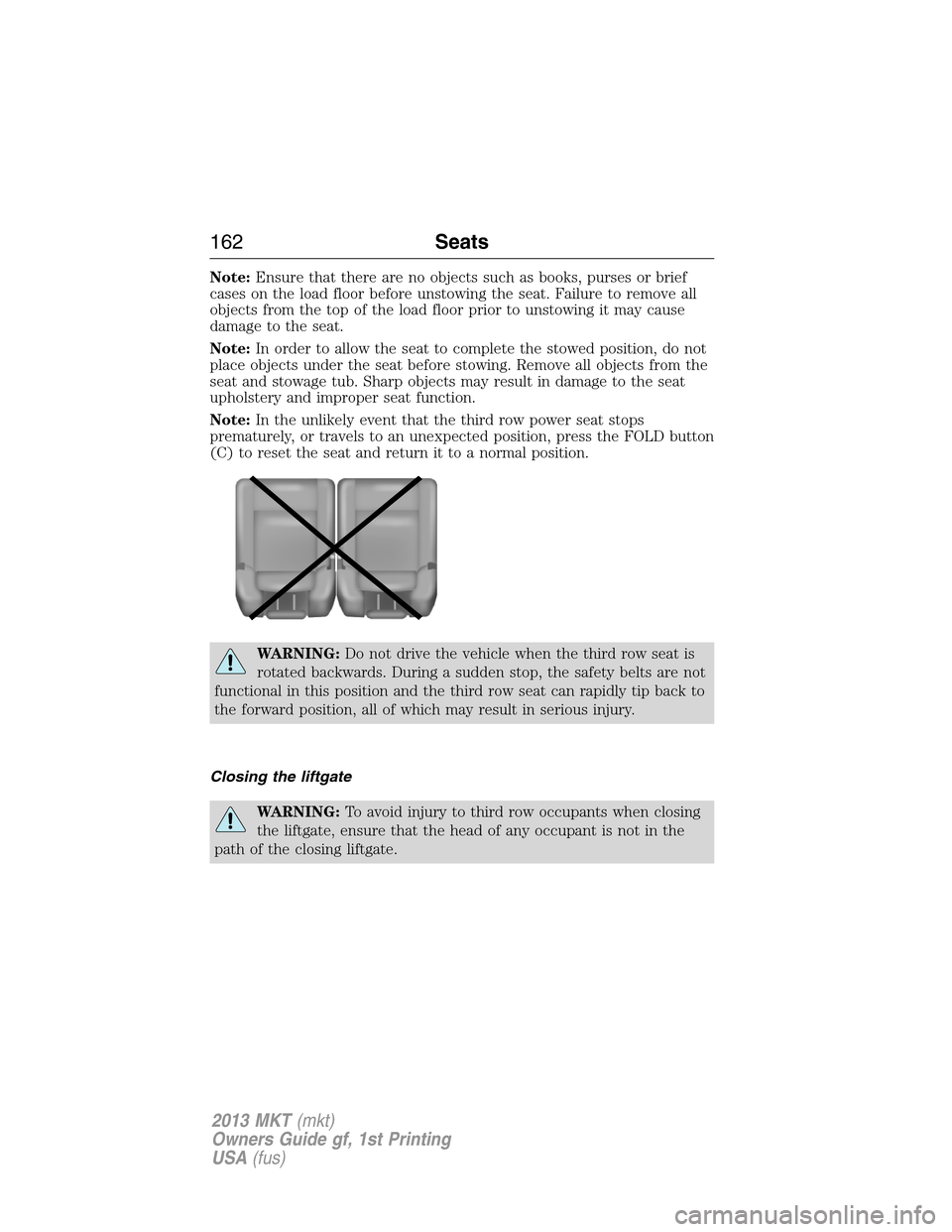
WARNING:Do not drive the vehicle when the third row seat is
rotated backwards. During a sudden stop, the safety belts are not
functional in this position and the third row seat can rapidly tip back to
the forward position, all of which may result in serious injury.
Closing the liftgate
WARNING:To avoid injury to third row occupants when closing
the liftgate, ensure that the head of any occupant is not in the
path of the closing liftgate.
162Seats
2013 MKT(mkt)
Owners Guide gf, 1st Printing
USA(fus)
Page 212 of 494
WARNING:Back up as slow as possible since higher speeds
might limit your reaction time to stop the vehicle.
WARNING:Use caution when using the rear video camera and
the trunk is ajar. If the trunk is ajar, the camera will be out of
position and the video image may be incorrect. All guidelines (if
enabled) have been removed when the trunk is ajar.
WARNING:Use caution when turning camera features on or off
while in R (Reverse). Make sure the vehicle is not moving.
The rear view camera system provides a video image of the area behind
the vehicle.
During operation, lines appear in the display which represent your
vehicle’s path and proximity to objects behind the vehicle.
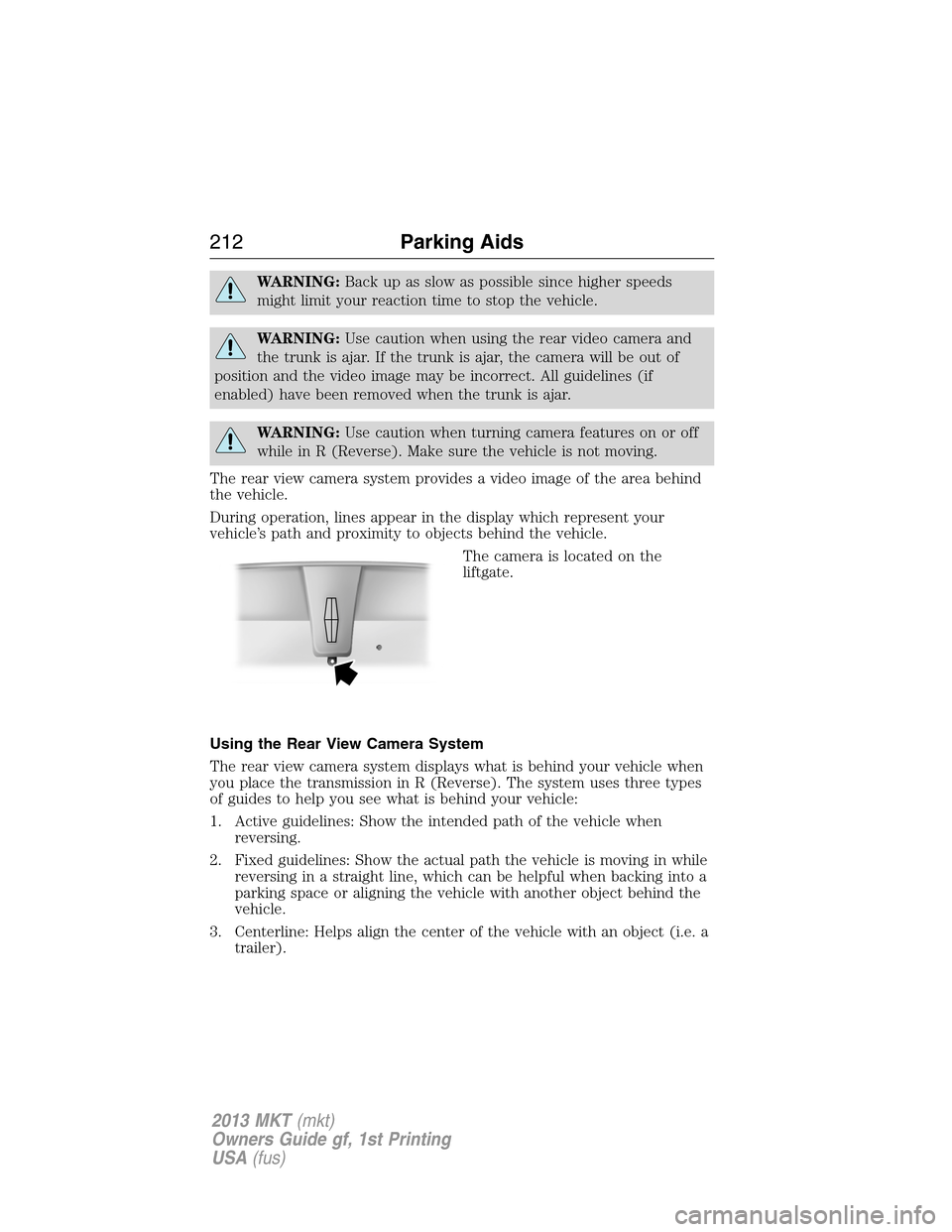
The camera is located on the
liftgate.
Using the Rear View Camera System
The rear view camera system displays what is behind your vehicle when
you place the transmission in R (Reverse). The system uses three types
of guides to help you see what is behind your vehicle:
1. Active guidelines: Show the intended path of the vehicle when
reversing.
2. Fixed guidelines: Show the actual path the vehicle is moving in while
reversing in a straight line, which can be helpful when backing into a
parking space or aligning the vehicle with another object behind the
vehicle.
3. Centerline: Helps align the center of the vehicle with an object (i.e. a
trailer).
212Parking Aids
2013 MKT(mkt)
Owners Guide gf, 1st Printing
USA(fus)
Page 213 of 494

Note:If the transmission is in R (Reverse) and the trunk/liftgate is ajar,
no rear view camera features are displayed.
Note:If the image comes on while the transmission is not in R
(Reverse), have the system inspected by your authorized dealer.
Note:When towing, the camera only sees what is being towed behind
the vehicle. This might not provide adequate coverage as it usually
provides in normal operation and some objects might not be seen. In
some vehicles, the guidelines may disappear once the trailer tow
connector is engaged.
Note:The camera may not operate correctly under the following
conditions:
•Nighttime or dark areas if one or both reverse lamps are not
operating.
•The camera’s view is obstructed by mud, water or debris. Clean the
lens with a soft, lint-free cloth and non-abrasive cleaner.
•The rear of the vehicle is hit or damaged, causing the camera to
become misaligned.
To access any of the rear view camera system settings, make the
following selections in the touch screen when the transmission is not in R
(Reverse):
1. Menu
2. Vehicle
3. Rear View Camera
After changing a system setting, the touch screen shows a preview of the
feature(s) selected.
Parking Aids213
2013 MKT(mkt)
Owners Guide gf, 1st Printing
USA(fus)
Page 279 of 494
Fuse/Relay
NumberFuse Amp
RatingProtected Components
4 30A** Wipers, Washer pump
5 50A** Anti-lock brake system pump
6 50A** B+ #1 access circuit (limousine/livery)
7 30A** Power liftgate
8 20A** Moonroof, Power sunshade
9 20A** 2nd row console power point
10 — Not used
11 — Not used
12 — Not used
13 — Not used
14 — Not used
15 — Not used
16 40A** B+ #2 access circuit (limousine/livery)
17 30A** 110V AC power point
18 40A** Front blower motor
19 30A** Starter motor
20 20A** Inside bin power point
21 20A** Instrument panel power point / cigar
lighter
22 30A** 3rd row seat module
23 30A** Memory module
24 30A** Trailer tow battery charge
(non-limousine/livery)
40A** Vacuum pump relay (limousine only)
25 — Not used
26 40A** Rear window defroster, Heated mirrors
27 20A** Cargo power point
28 30A** Front heated/cooled seats
29 30A** Rear heated/cooled seats
30 20A** Rear heated seats
31 25A** Electronic fan relay 3
Fuses279
2013 MKT(mkt)
Owners Guide gf, 1st Printing
USA(fus)
Page 284 of 494

Fuse/Relay
NumberFuse Amp
RatingProtected Components
7 7.5A Driver door module, Driver seat
module, Keypad
8 10A Power liftgate
9 10A SYNC�, Electronic finish panel, Radio
transceiver module
10 10A Run/accessory relay, Front wiper motor
relay, Limousine run/accessory
11 10A Intelligent access module, Heads-up
display
12 15A Interior lighting, Puddle lamps,
Backlighting
13 15A Right turn lamps, Right rear stop/turn
lamps, Right mirror turn signal
14 15A Left turn lamps, Left rear stop/turn
lamps, Left mirror turn signal
15 15A Center high mounted stop lamp,
Backup lamp
16 10A Low beam headlamps (right)
17 10A Low beam headlamps (left)
18 10A 3rd row power seats, Start button run
indicator, Keypad illumination, Brake
shift interlock, Powertrain control
module wake-up
19 20A Smart amplifier, Subwoofer amplifier
20 20A Not used (spare)
21 10A Not used (spare)
22 20A Horn relay
23 15A Steering wheel control module,
Instrument cluster
24 15A Datalink connector, Steering wheel
control module
25 15A Not used (spare)
284Fuses
2013 MKT(mkt)
Owners Guide gf, 1st Printing
USA(fus)
Page 314 of 494

Replacing license plate lamp bulbs
1. Make sure the headlamp switch is in the off position.
2. Remove the two screws and the
license plate lamp assembly from the
liftgate.
3. Carefully pull the bulb straight out
from the lamp assembly.
Install new bulb(s) in reverse order.
BULB SPECIFICATION CHART
Replacement bulbs are specified in the chart below. Headlamp bulbs
must be marked with an authorized “D.O.T.” for North America and an
“E” for Europe to ensure lamp performance, light brightness and pattern
and safe visibility. The correct bulbs will not damage the lamp assembly
or void the lamp assembly warranty and will provide quality bulb burn
time.
Function Number of BulbsTrade
Number
*Headlamp 2 D3S (HID)
*Front sidemarker lamp N/A LED
*Front parking lamp N/A LED
*Front turn lamp 2 PY24W SV+
Fog lamp 2 H11
*Tail/brake/turn signal
lampN/A LED
*Rear sidemarker N/A LED
*Backup lamp N/A LED
License plate lamp 2 C5WL
*High-mount brake lamp N/A LED
*First row dome/map lamp 2 1600XB
314Maintenance
2013 MKT(mkt)
Owners Guide gf, 1st Printing
USA(fus)
