Page 306 of 830
305
GS350_U (OM30C34U)
Interior features5
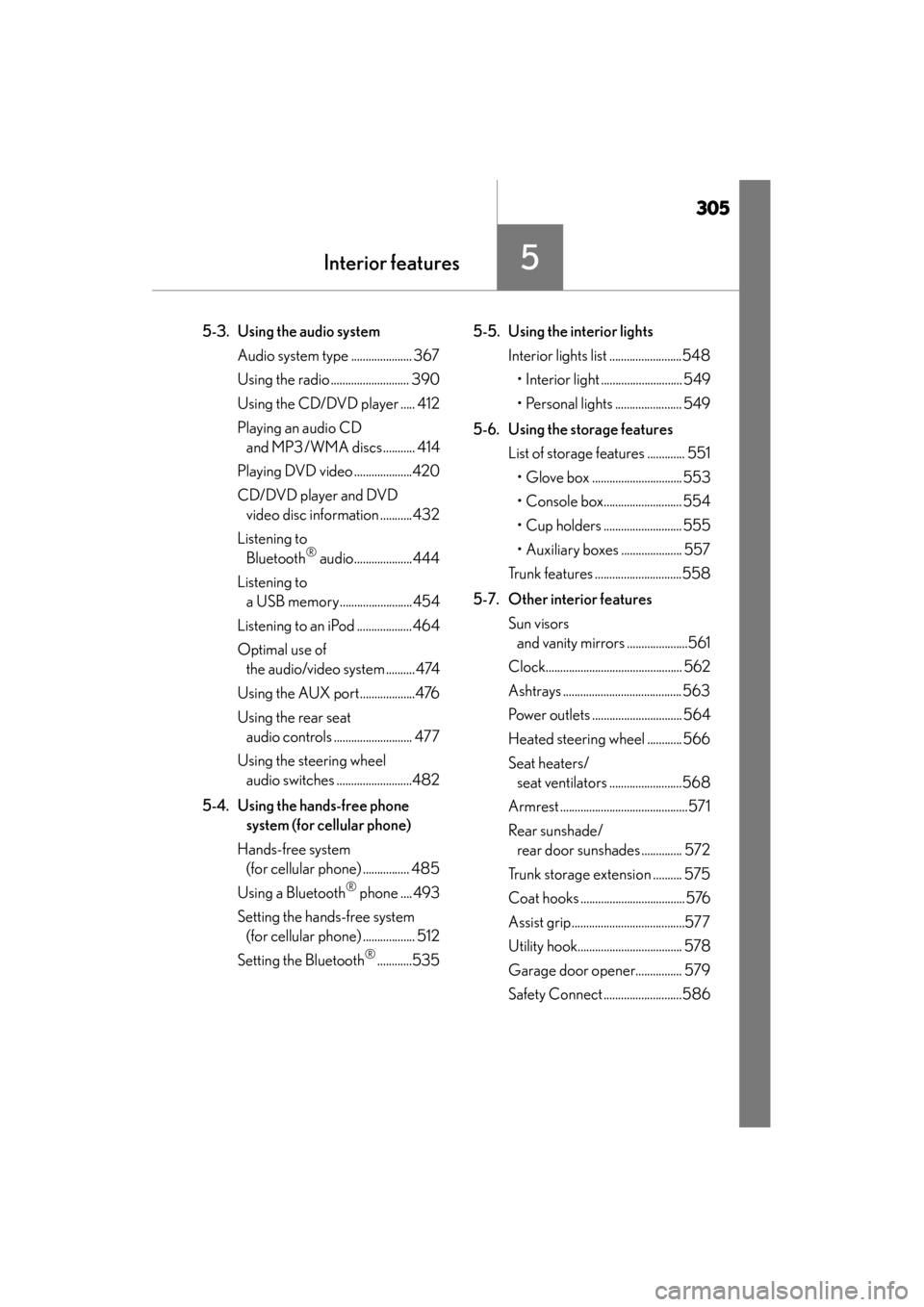
5-3. Using the audio system Audio system type ..................... 367
Using the radio ........................... 390
Using the CD/DVD player ..... 412
Playing an audio CD and MP3 /WMA discs ........... 414
Playing DVD video ....................420
CD/DVD player and DVD video disc information ...........432
Listening to Bluetooth
® audio....................444
Listening to a USB memory.........................454
Listening to an iPod ...................464
Optimal use of the audio/video system .......... 474
Using the AUX port...................476
Using the rear seat audio controls ........................... 477
Using the steering wheel audio switches ..........................482
5-4. Using the hands-free phone system (for cellular phone)
Hands-free system (for cellular phone) ................ 485
Using a Bluetooth
® phone .... 493
Setting the hands-free system (for cellular phone) .................. 512
Setting the Bluetooth
®............535 5-5. Using the interior lights
Interior lights list .........................548• Interior light ............................ 549
• Personal lights ....................... 549
5-6. Using the storage features List of storage features ............. 551• Glove box ............................... 553
• Console box........................... 554
• Cup holders ........................... 555
• Auxiliary boxes ..................... 557
Trunk features ..............................558
5-7. Other interior features Sun visors and vanity mirrors .....................561
Clock............................................... 562
Ashtrays ......................................... 563
Power outlets ............................... 564
Heated steering wheel ............ 566
Seat heaters/ seat ventilators .........................568
Armrest ............................................571
Rear sunshade/ rear door sunshades .............. 572
Trunk storage extension .......... 575
Coat hooks ....................................576
Assist grip.......................................577
Utility hook.................................... 578
Garage door opener................ 579
Safety Connect ...........................586
Page 310 of 830
GS350_U (OM30C34U)
3095-1. Remote Touch screen
5
Interior features
If the engine switch is turned to
ACCESSORY or IGNITION ON
mode, the initial screen will be dis-
played for a few seconds as the sys-
tem starts up.
Images shown on the initial screen can
be changed to suit individual prefer-
ences. (→P. 3 2 2 )
SwitchPa g e
“Destination”Navigation System Owner’s Manual
“Info/Apps” or “Info”P. 3 1 4 / N a v i g a t i o n S y s t e m O w n e r ’s
Manual
“Setup”P. 3 1 7
“Radio”P. 367, 390
“Media”P. 3 6 7 , 4 1 4
“Climate”P. 3 4 5
“Phone”P. 4 8 5
“Display”P. 3 1 0
Initial screen
Page 334 of 830
GS350_U (OM30C34U)
3335-1. Remote Touch screen
5
Interior features
Select “Audio” on the “Setup” screen.HD Radio™ system settings
Detailed information: →P. 3 9 4
iPod settings
Detailed information: →P. 4 6 7
Audio settings
1
2
Page 342 of 830
GS350_U (OM30C34U)
3415-1. Remote Touch screen
5
Interior features
■Select audio mode
When expanded voice commands are turned “On”. (→P. 3 3 0 )
*: Bluetooth is a registered trademark of Bluetooth SIG, Inc.
■Air conditioning system command
When expanded voice commands are turned “On”. ( →P. 3 3 0 )
CommandActionShortcut
Menu
“Radio”Sets the audio mode to radio.O
“A M ”Selects the AM band.O
“FM”Selects the FM band.O
“Satellite radio”Selects the satellite radio mode.O
“Disc”Selects the disc audio mode.O
“Auxiliary”Selects the auxiliary audio mode.O
“Bluetooth* audio”Selects the Bluetooth® audio mode.O
“iPod”Selects the iPod audio mode.O
“USB audio”Selects the USB audio mode.O
“A u d i o o n ”Turns the audio system on.O
“Audio off”Turns the audio system off.O
CommandActionShortcut Menu
“Automatic climate
control”Turns air conditioning system on and off.O
“Warmer”Turns temperature up.O
“Cooler”Turns temperature down.O
Page 368 of 830
367
GS350_U (OM30C34U)5-3. Using the audio system
5
Interior features
Audio system type
CD and DVD player with AM/FM radio
Vehicles with a navigati on system: The audio fun ctions can be displayed
and operated on the “Side Display”. For details, refer to the “Navigation
System Owner’s Manual”.
XUsing the instrument panel
Press the “RADIO” or “MEDIA” button to display the audio control
screen.
XUsing the Remote Touch
Press the “MENU” button on the Remote Touch, select “RADIO” or
“MEDIA” and select each tab to display the audio control screen.
Page 370 of 830
GS350_U (OM30C34U)
3695-3. Using the audio system
5
Interior featuresPress to operate the voice
command system. (→P. 3 3 4 /
“Navigation System Owner’s Man-
ual”)
Ti t l ePa g e
Using the radioP. 3 9 0
Using the CD/DVD playerP. 4 1 2
Playing an audio CD and MP3/WMA discsP. 4 1 4
Playing DVD videoP. 4 2 0
CD/DVD player and DVD video disc informationP. 4 3 2
Listening to Bluetooth® audioP. 4 4 4
Listening to a USB memoryP. 4 5 4
Listening to an iPodP. 4 6 4
Optimal use of the audio/video systemP. 4 74
Using the AUX portP. 4 76
Using the steering wheel audio switchesP. 4 8 2
Using the voice command system
Page 391 of 830
390
GS350_U (OM30C34U)
5-3. Using the audio system
Using the radio
Press the “RADIO” button to display the radio control screen.
Select the “AM”, “FM”, “SAT” or “Apps” tab or press the “RADIO” but-
ton repeatedly to select the desired tab.
Page 393 of 830
392
GS350_U (OM30C34U)
5-3. Using the audio system
■Seek tuning
Press and hold “<” or “>” on the “PRST•TRACK” button.
■Manual tuning
Turn the “TUNE/SCROLL” knob.
■Preset stations
Select the desired preset stations (1 - 6).
Change the page by using “∧” or “ ∨” on the screen.
Search for desired stations.
Select one of the left side screen
buttons (1-6) and hold it until a
beep is heard. There are 6 sets of
6 presets. There is a total of 36
presets.
Scanning all radio stations within range Select “SCAN” on the screen.
“SCAN” appears on the screen.
The radio will find the next station and stay there for 10 seconds if “All” or “HD
Only” is selected, or 5 seconds if “Analog” is selected, and then scan again.
(→ P. 3 9 4 )
Select “SCAN” once again when the desired station is reached.
Selecting a station (excluding XM® Satellite Radio)
Setting station presets (excluding XM® Satellite Radio)
1
2
Scanning radio stations (excluding XM® Satellite Radio)
1
2


