Page 500 of 1014

4825-2. Using the air conditioning system and defogger
GS450h_300h_OM_OM30D53E_(EE)
Press .
The dehumidification function begins to operate. Air outlets and fan speed
are automatically adjusted according to the temperature setting and
humidity.
Press to switch to automatic air intake mode.
The air conditioning system automatically switches between outside air
and recirculated air modes.
Press “” on to increase the temperature and “” to decrease
the temperature.
Without rear air conditioning system
When is selected (the indicator on is on) or the passenger’s
side temperature control button is pressed, the temperature for the driver
and passenger seats can be adjusted separately.
With rear air conditioning system
When is selected (the indicator on is on) or the passenger’s
side temperature control button is pressed, the temperature for the driver’s,
front passenger’s and rear seats (P. 496) can be adjusted separately.
Air outlets and fan speed for the driver and passenger seats may be
adjusted separately depending on the temperature setting.
When the front seat heaters and ventilators/rear seat heaters are set to
“AUTO” mode, the system is operated automatically according to the set
temperature, outside temperature, etc.
Using the automatic air conditioning system
1
2
3
Page 505 of 1014
4875-2. Using the air conditioning system and defogger
5
Interior features
GS450h_300h_OM_OM30D53E_(EE)
Using the automatic mode
Select .
Select .
The air conditioning system will
operate, and air outlets and
speed will be set automatically.
When the rear seat heaters are
set to “AUTO” mode, the sys-
tem is operated automatically
according to the set tempera-
ture, outside temperature, etc.
Select to increase the temperature and to decrease the tem-
perature.
Adjusting the temperature setting
Select .
Select (increase) or
(decrease) on the operation
screen.
The air conditioning system
switches between individual and
simultaneous modes each time
is selected.
Changing the rear seat settings (with rear air conditioning
system)
1
2
3
1
2
Page 506 of 1014
4885-2. Using the air conditioning system and defogger
GS450h_300h_OM_OM30D53E_(EE)
Disabling the switches on the rear armrest.
Select .
Rear seat heater switches (P.
704) are also locked.
Operates pollen removal mode
on/off.
Outside air mode switches to
(recirculated air) mode. Pol-
len is removed from the air and the
air flows to the upper part of the
body.
Usually the system will turn off
automatically after approximately
1 to 3 minutes.
Operates S-FLOW mode on/off.
When the S-FLOW mode button is
pressed, the airflow changes as fol-
lows.
Without rear air conditioning sys-
tem: Air flows to the front seats
only.
With rear air conditioning system:
Air flows to the front seats only,
and if the passenger seat is unoccu-
pied, the set temperature, outside
humidity and temperature inside
Pollen removal mode button
S-FLOW mode button
Page 515 of 1014
4975-2. Using the air conditioning system and defogger
5
Interior features
GS450h_300h_OM_OM30D53E_(EE)
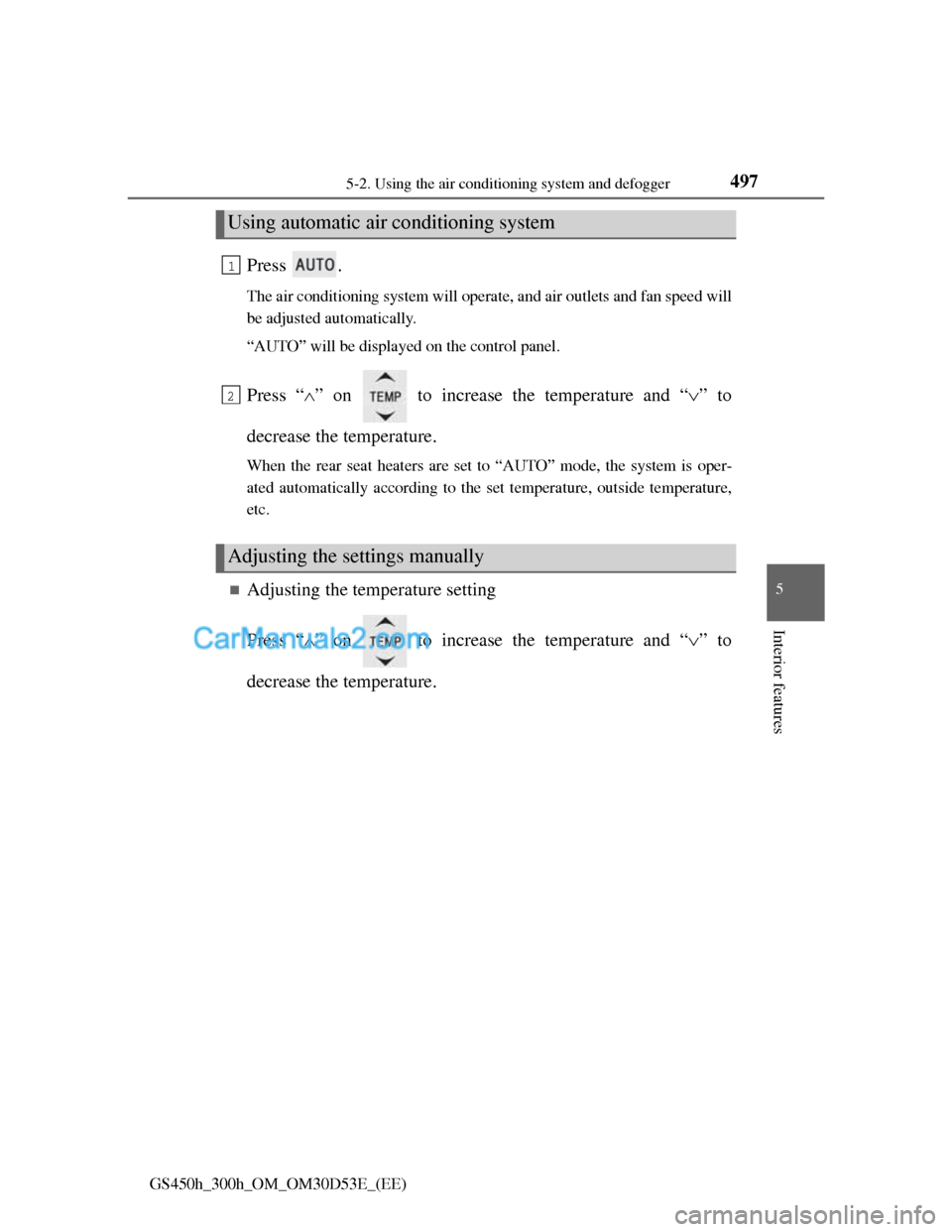
Press .
The air conditioning system will operate, and air outlets and fan speed will
be adjusted automatically.
“AUTO” will be displayed on the control panel.
Press “” on to increase the temperature and “” to
decrease the temperature.
When the rear seat heaters are set to “AUTO” mode, the system is oper-
ated automatically according to the set temperature, outside temperature,
etc.
Adjusting the temperature setting
Press “” on to increase the temperature and “” to
decrease the temperature.
Using automatic air conditioning system
Adjusting the settings manually
1
2
Page 726 of 1014
7025-7. Other interior features
GS450h_300h_OM_OM30D53E_(EE)
Heated steering wheel
Turns the heater on/off
The indicator light comes on when
the heater is operating.
Operating condition
The power switch is in ON mode.
Timer
The heated steering wheel will automatically turn off after about 30 minutes.
: If equipped
The heated steering wheel heats the side grips of the steering
wheel.
Page 728 of 1014
7045-7. Other interior features
GS450h_300h_OM_OM30D53E_(EE)
Seat heaters/seat ventilators
: If equipped
The seat can be warmed and air from the seat can improve ventila-
tion.
Front seat heaters and ventilators (if equipped)/rear seat heat-
ers (if equipped)
Seat heater switches
The indicator light (yellow) on the
switch comes on when the seat
heater is operating.
Seat ventilator switches (front
seats only)
The indicator light (green) on the
switch comes on when the seat
ventilator is operating.
Level indicator lights
The seat heater temperature level
or the seat ventilator fan speed
level (for front seats only) is dis-
played.
“AUTO” indicator lights
Front seats
Rear seats
1
2
3
4
Page 730 of 1014
7065-7. Other interior features
GS450h_300h_OM_OM30D53E_(EE)
Seat heater switches
Level indicator lights
The seat heater temperature level
is displayed.
Modes and indicators
The mode changes each time the switch is pressed as follows:
*: The mode changes automatically depending on the amount of time that
has elapsed. The amount of time until the mode changes varies depending
on the interior temperature when the seat heater was operated and other
factors.
Seat heaters (without seat ventilators) (if equipped)
1
2
ModeLevel indicator lightsAutomatic operation*
OffOff
Hi3Hi Mid Lo
Mid2Mid Lo
Lo1Lo
Page 731 of 1014
7075-7. Other interior features
5
Interior features
GS450h_300h_OM_OM30D53E_(EE)
Seat ventilator switches
Level indicator lights
The seat ventilator fan speed level
is displayed.
Modes and indicators
The mode changes each time the switch is pressed as follows:
Seat ventilators (without seat heaters) (if equipped)
1
2
ModeLevel indicator lights
OffOff
Hi3
Mid2
Lo1