2013 KIA CEED brake light
[x] Cancel search: brake lightPage 746 of 1168

483
Features of your vehicle
Auto stop indicator(if equipped)
This indicator will illuminate when the engine enters the Idle Stop mode of theISG (Idle Stop and Go) system.
When the automatic starting occurrs, the auto stop indicator on the cluster will
blink for 5 seconds.
For more details, refer to the ISG (Idle Stop and Go) system in section 5.
For vehicles equipped with instrument
cluster type B, the indicator illuminates
on the LCD display.
✽✽ NOTICE
When the engine automatically starts by
the ISG system, some warning lights
(ABS, ESC, ESC OFF, EPS or Parking
brake warning light) may turn on for afew seconds. This happens because of low batteryvoltage. It does not mean the system ismalfunctioning.
Cruise indicator (if equipped)
CRUISE indicator
The indicator illuminates when the cruise
control system is enabled.
The cruise indicator in the instrument
cluster is illuminated when the cruise
control ON-OFF button on the steer-ing wheel is pushed.
The indicator goes off when the cruise
control ON-OFF button is pushed
again. For more information about the
use of cruise control, refer to “Cruise
control system” in section 5. Cruise SET indicator
The indicator illuminates when the cruise
control switch (SET- or RES+) is ON.
The cruise SET indicator in the instru-
ment cluster illuminats when the cruise
control switch (SET- or RES+) is pushed.
The cruise SET indicator does not illumi-
nate when the cruise control cancel but-ton O is pushed or the system is disen-gaged.
Charging system warning light
This warning light indicates a malfunction
of either the generator or electricalcharging system.
If the warning light comes on whilst the
vehicle is in motion:
1. Drive to the nearest safe location.
2. With the engine off, check the genera- tor drive belt for looseness or break-
age.
3. If the belt is adjusted properly, a prob- lem exists somewhere in the electrical
charging system. We recommend that
the system be checked by an autho-
rised Kia dealer.
SET
JD RHD 4a(~168).QXP 7/21/2012 12:09 PM Page 83
Page 747 of 1168

Features of your vehicle
84
4
TPMS (Tyre Pressure Monitoring
System) indicator (if equipped)
Low tyre pressure telltale/ TPMS malfunction indicator
The low tyre pressure telltale comes on
for 3 seconds after the ignition switch is
turned to the ON position.
The low tyre pressure and position tell- tales illuminates when one or more of
your tyres is significantly underinflated.
The TPMS malfunction indicator will illu-
minate after it blinks for approximately
one minute when there is a problem with
the Tyre Pressure Monitoring System.
If this occurs, we recommend that the
system be checked by an authorised Kia
dealer.
For more details, refer to the TPMS in section 6.
The low tyre pressure position telltale
illuminates on the LCD display.
Engine oil pressure warn-ing
This warning light indicates the engine oil
pressure is low.
If the warning light illuminates whilst driv- ing:
1. Drive safely to the side of the road and stop.
2. With the engine off, check the engine oil level. If the level is low, add oil as required.
If the warning light remains on after
adding oil or if oil is not available, we rec-
ommend that you call an authorised Kia
dealer.
WARNING - Safe stopping
The TPMS cannot alert you to severe and sudden tyre damage caused by external factors.
If you notice any vehicle instabili- ty, immediately take your foot offthe accelerator pedal, apply thebrakes gradually and with lightforce, and slowly move to a safeposition off the road.
CAUTION
If the engine does not stop immedi-
ately after the engine oil pressure
warning light is illuminated, severe damage could result.
JD RHD 4a(~168).QXP 7/21/2012 12:09 PM Page 84
Page 762 of 1168

499
Features of your vehicle
Operating condition
The system will help park the vehicle in
the middle or back of a parked vehicle.
Use the system when all the below con-ditions are met.
When the parking space is a straightline
When parallel parking is required
When there is a parked vehicle
When there is enough space to move the vehicle Non-operating condition
Never use the Smart Parking Assist
System in the below conditions.
Curved parking space
Inclined roads
A vehicle loaded with longer or wider
cargo compared to the vehicle
Diagonal parking space
Parking space with trash, grass or bar- riers
Heavy snow or rain
A pole close to the parking line
Bumpy roads
A vehicle equipped with a snow chain or spare tyre
Tyre pressure lower or higher than the standard tyre pressure
A trailer connected to the vehicle
Slippery or uneven road
Big vehicles such as buses or trucks parked
Sensor covered with foreign matter, such as snow or water
Moisture frozen on the sensor.
A motorcycle or bicycle parked
A trash can or obstacle near Heavy wind
Wheel changed to an unauthorised
size
A problem with the wheel alignment
Next to a garden or bush
A accessory installed on the detective area the of sensors (such as number plate holder)
Vehicle leaned severely to one side
Strong sunlight or very cold weather
Ultrasonic interference other vehicle's. Such as horn sounds of other vehicles,
motorcycle's engine noise, air brake
noise of heavy vehicles and with the
other vehicle's parking assist system
working.
OVF041307R
■Right side
- parallel mode■Left side
-parallel mode
JD RHD 4a(~168).QXP 7/21/2012 12:10 PM Page 99
Page 929 of 1168
Driving your vehicle
4
5
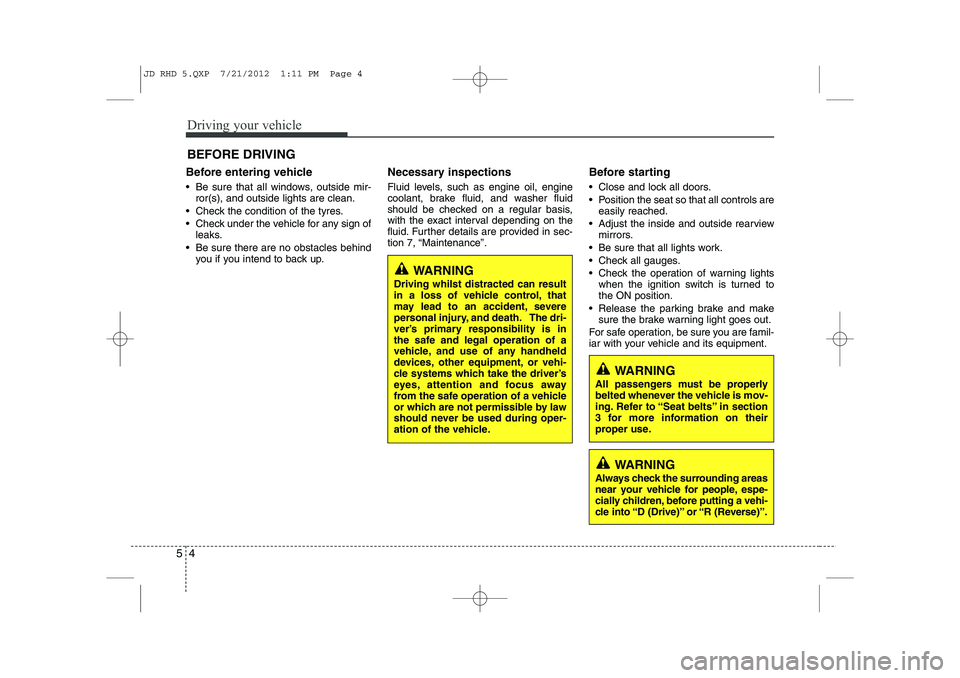
Before entering vehicle
• Be sure that all windows, outside mir-
ror(s), and outside lights are clean.
Check the condition of the tyres.
Check under the vehicle for any sign of leaks.
Be sure there are no obstacles behind you if you intend to back up. Necessary inspections
Fluid levels, such as engine oil, engine
coolant, brake fluid, and washer fluid
should be checked on a regular basis,
with the exact interval depending on the
fluid. Further details are provided in sec-
tion 7, “Maintenance”.
Before starting
Close and lock all doors.
Position the seat so that all controls are
easily reached.
Adjust the inside and outside rearview mirrors.
Be sure that all lights work.
Check all gauges.
Check the operation of warning lights when the ignition switch is turned to the ON position.
Release the parking brake and make sure the brake warning light goes out.
For safe operation, be sure you are famil-
iar with your vehicle and its equipment.
BEFORE DRIVING
WARNING
All passengers must be properly
belted whenever the vehicle is mov-
ing. Refer to “Seat belts” in section
3 for more information on their
proper use.
WARNING
Always check the surrounding areas
near your vehicle for people, espe-
cially children, before putting a vehi-
cle into “D (Drive)” or “R (Reverse)”.
WARNING
Driving whilst distracted can result
in a loss of vehicle control, that
may lead to an accident, severe
personal injury, and death. The dri-
ver’s primary responsibility is in
the safe and legal operation of a
vehicle, and use of any handheld
devices, other equipment, or vehi-
cle systems which take the driver’s
eyes, attention and focus away
from the safe operation of a vehicle
or which are not permissible by law
should never be used during oper-
ation of the vehicle.
JD RHD 5.QXP 7/21/2012 1:11 PM Page 4
Page 931 of 1168
Driving your vehicle
6
5
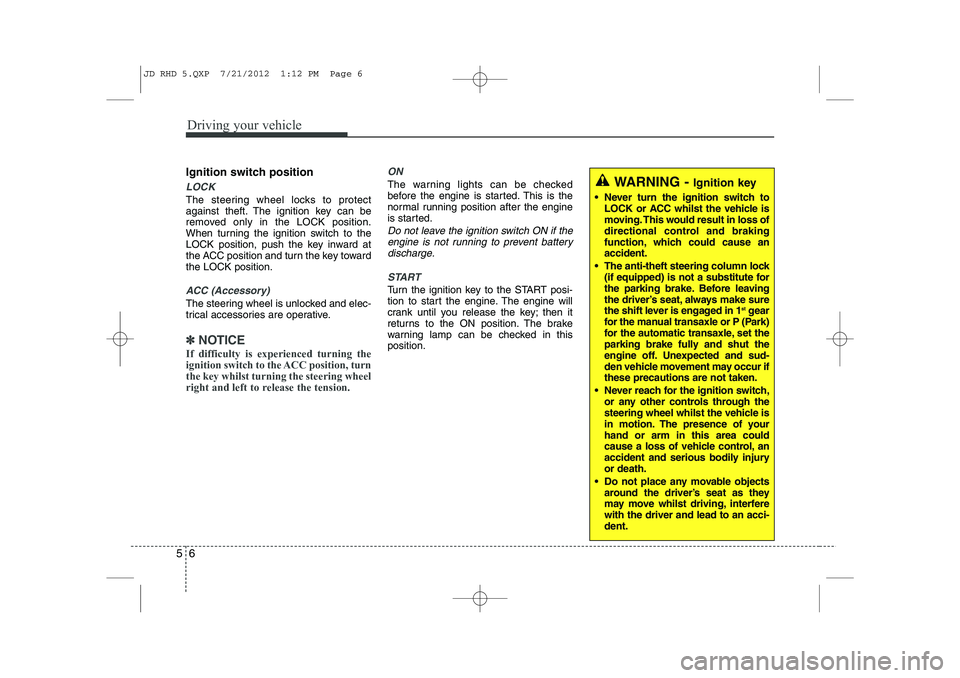
Ignition switch position
LOCK
The steering wheel locks to protect
against theft. The ignition key can be
removed only in the LOCK position.
When turning the ignition switch to the
LOCK position, push the key inward at
the ACC position and turn the key towardthe LOCK position.
ACC (Accessory)
The steering wheel is unlocked and elec-
trical accessories are operative.
✽✽
NOTICE
If difficulty is experienced turning the
ignition switch to the ACC position, turnthe key whilst turning the steering wheel
right and left to release the tension.
ON
The warning lights can be checked
before the engine is started. This is the
normal running position after the engine
is started.
Do not leave the ignition switch ON if the engine is not running to prevent battery
discharge.
START
Turn the ignition key to the START posi-
tion to start the engine. The engine will
crank until you release the key; then it
returns to the ON position. The brake
warning lamp can be checked in thisposition.
WARNING - Ignition key
Never turn the ignition switch to LOCK or ACC whilst the vehicle is
moving. This would result in loss of
directional control and braking
function, which could cause anaccident.
The anti-theft steering column lock (if equipped) is not a substitute for
the parking brake. Before leaving
the driver’s seat, always make sure
the shift lever is engaged in 1 st
gear
for the manual transaxle or P (Park)
for the automatic transaxle, set the
parking brake fully and shut the
engine off. Unexpected and sud-
den vehicle movement may occur ifthese precautions are not taken.
Never reach for the ignition switch, or any other controls through the
steering wheel whilst the vehicle is
in motion. The presence of yourhand or arm in this area could
cause a loss of vehicle control, an
accident and serious bodily injuryor death.
Do not place any movable objects around the driver’s seat as they
may move whilst driving, interferewith the driver and lead to an acci-dent.
JD RHD 5.QXP 7/21/2012 1:12 PM Page 6
Page 933 of 1168
Driving your vehicle
8
5
Starting the diesel engine
To start the diesel engine when the engine is cold, it has to be pre-heated
before starting the engine and then have
to be warmed up before starting to drive.
1. Make sure the parking brake is
applied.
2. Manual Transaxle - Depress the
clutch pedal fully and shift the
transaxle into Neutral. Keep the clutch
pedal and brake pedal depressed
whilst turning the ignition switch to the
start position.
Automatic Transaxle - Place the
transaxle shift lever in P(park).
Depress the brake pedal fully.
You can also start the engine when the
shift lever is in the N(neutral) position.
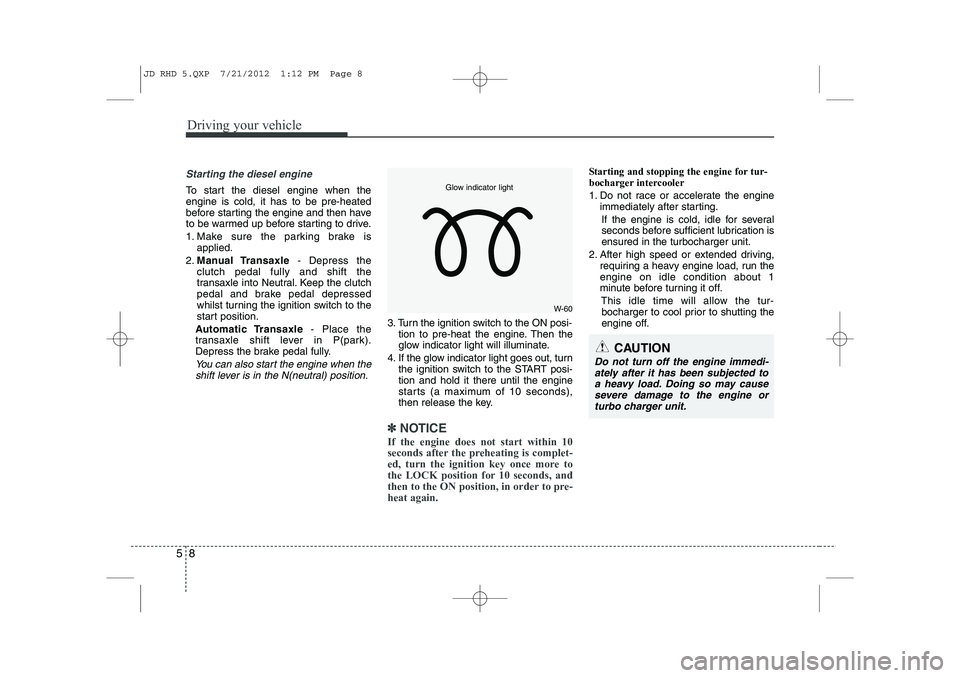
3. Turn the ignition switch to the ON posi- tion to pre-heat the engine. Then the
glow indicator light will illuminate.
4. If the glow indicator light goes out, turn the ignition switch to the START posi-tion and hold it there until the engine
starts (a maximum of 10 seconds),
then release the key.
✽✽
NOTICE
If the engine does not start within 10
seconds after the preheating is complet-
ed, turn the ignition key once more to
the LOCK position for 10 seconds, and
then to the ON position, in order to pre-heat again.
Starting and stopping the engine for tur-
bocharger intercooler
1. Do not race or accelerate the engine immediately after starting.
If the engine is cold, idle for several
seconds before sufficient lubrication isensured in the turbocharger unit.
2. After high speed or extended driving, requiring a heavy engine load, run theengine on idle condition about 1
minute before turning it off.
This idle time will allow the tur-bocharger to cool prior to shutting the
engine off.
W-60
Glow indicator light
CAUTION
Do not turn off the engine immedi-
ately after it has been subjected to a heavy load. Doing so may causesevere damage to the engine or
turbo charger unit.
JD RHD 5.QXP 7/21/2012 1:12 PM Page 8
Page 935 of 1168
Driving your vehicle
10
5
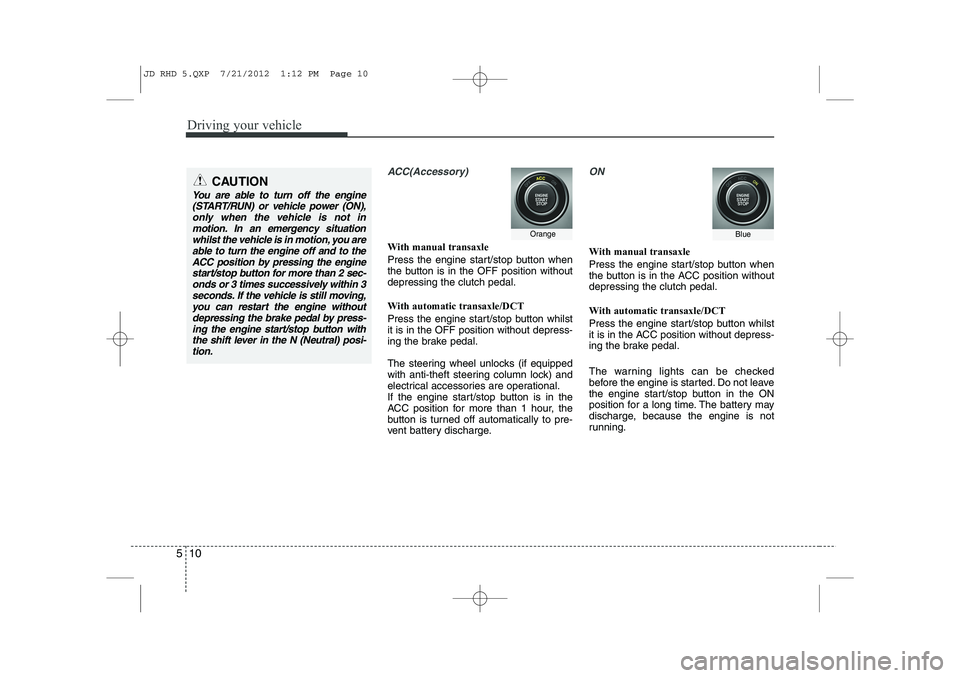
ACC(Accessory)
With manual transaxle
Press the engine start/stop button when
the button is in the OFF position withoutdepressing the clutch pedal.
With automatic transaxle/DCT
Press the engine start/stop button whilst it is in the OFF position without depress-
ing the brake pedal.
The steering wheel unlocks (if equipped
with anti-theft steering column lock) and
electrical accessories are operational.
If the engine start/stop button is in the
ACC position for more than 1 hour, the
button is turned off automatically to pre-
vent battery discharge.
ON
With manual transaxle
Press the engine start/stop button when
the button is in the ACC position withoutdepressing the clutch pedal.
With automatic transaxle/DCT
Press the engine start/stop button whilst
it is in the ACC position without depress-
ing the brake pedal.
The warning lights can be checked
before the engine is started. Do not leave
the engine start/stop button in the ON
position for a long time. The battery may
discharge, because the engine is not
running.
CAUTION
You are able to turn off the engine
(START/RUN) or vehicle power (ON),
only when the vehicle is not inmotion. In an emergency situation whilst the vehicle is in motion, you areable to turn the engine off and to the
ACC position by pressing the engine start/stop button for more than 2 sec-onds or 3 times successively within 3
seconds. If the vehicle is still moving,you can restart the engine without depressing the brake pedal by press-ing the engine start/stop button with
the shift lever in the N (Neutral) posi-tion.
OrangeBlue
JD RHD 5.QXP 7/21/2012 1:12 PM Page 10
Page 938 of 1168

513
Driving your vehicle
3. Press the engine start/stop buttonwhilst depressing the brake pedal.
4. Continue depressing the brake pedal until the illuminated glow indicator
goes off. (approximately 5 seconds)
5. The engine starts running when the glow indicator goes off.
✽✽
NOTICE
If the engine start/stop button is pressed
once more whilst the engine is pre-heat-ing, the engine may start.
Starting and stopping the engine for tur-
bocharger intercooler
1. Do not race or accelerate the engine immediately after starting.
If the engine is cold, idle for several
seconds before sufficient lubrication isensured in the turbocharger unit.
2. After high speed or extended driving, requiring a heavy engine load, idle the
engine about 1 minute before turning it
off.
This idle time will allow the tur- bocharger to cool prior to shutting the
engine off. Even if the smart key is in the vehicle,
if it is far away from you, the engine
may not start.
When the engine start/stop button is in the ACC position or above, if any door
is opened, the system checks for the
smart key. If the smart key is not in the
vehicle, a message “Key is not in the
vehicle” will appear on the LCD display.And if all doors are closed, the chime
will sound for 5 seconds. The indicator
or warning will turn off whilst the vehi-
cle is moving. Always have the smart
key with you.
WARNING
The engine will start, only when the
smart key is in the vehicle.
Never allow children or any person
who is unfamiliar with the vehicle
touch the engine start/stop button
or related parts.CAUTION
Do not turn the engine off immedi- ately after it has been subjected toa heavy load. Doing so may causesevere damage to the engine or tur-
bocharger unit.
W-60
Glow indicator light
JD RHD 5.QXP 7/21/2012 1:12 PM Page 13