Page 142 of 655
16. Can this wait?
17. Bye for now
18. When can we meet
19. Send number to call
20. Start without me
Turn SMS Incoming Announcement ON/OFF
Turning the SMS Incoming Announcement OFF will stop
the system from announcing the new incoming messages.
• Press the button.
• After the “Ready” prompt and the following beep, say
“Setup, Incoming Message Announcement,” you will
then be given a choice to change it. Bluetooth � Communication Link
Mobile phones have been found to lose connection to the
Uconnect™ Phone. When this happens, the connection
can generally be reestablished by switching the phone
off/on. Your mobile phone is recommended to remain in
Bluetooth � ON mode.
Power-Up
After switching the ignition key from OFF to either the
ON or ACC position, or after a language change, you
must wait at least five seconds prior to using the system.140 UNDERSTANDING THE FEATURES OF YOUR VEHICLE
Page 299 of 655

▫ Operating Instructions — Radio Mode ...... .365
▫ Operation Instructions — CD MODE for
CD and MP3 Audio Play ............... .371
▫ Notes On Playing MP3 Files ............. .374
▫ LIST Button (CD Mode for MP3 Play) ...... .376
▫ INFO Button (CD Mode for MP3 Play) ..... .376
▫ Uconnect™ Multimedia (Satellite Radio)
— If Equipped ...................... .377
� iPod � /USB/MP3 CONTROL — IF EQUIPPED . .382
▫ Connecting The iPod � Or External USB
Device ............................ .382
▫ Using This Feature .................... .383
▫ Controlling The iPod � Or External USB Device
Using Radio Buttons .................. .384 ▫ Play Mode ......................... .384
▫ List Or Browse Mode .................. .386
▫ Bluetooth Streaming Audio (BTSA) ........ .388
� STEERING WHEEL AUDIO CONTROLS ..... .389
▫ Radio Operation ..................... .390
▫ CD Player .......................... .390
� CD/DVD DISC MAINTENANCE .......... .390
� RADIO OPERATION AND MOBILE PHONES . .391
� CLIMATE CONTROLS .................. .391
▫ Manual Heating And Air Conditioning ..... .392
▫ Automatic Temperature Control (ATC)
— If Equipped ...................... .396
▫ Operating Tips ...................... .4014 UNDERSTANDING YOUR INSTRUMENT PANEL 297
Page 341 of 655
Toggle the MUSIC TYPE button to select the following
format types:
Program Type 16-Digit Character
Display
No program type or
undefined None
Adult Hits Adlt Hit
Classical Classicl
Classic Rock Cls Rock
College College
Country Country
Foreign Language Language
Information Inform
Jazz Jazz
News News
Nostalgia Nostalga Program Type 16-Digit Character
Display
Oldies Oldies
Personality Persnlty
Public Public
Rhythm and Blues R & B
Religious Music Rel Musc
Religious Talk Rel Talk
Rock Rock
Soft Soft
Soft Rock Soft Rck
Soft Rhythm and Blues Soft R & B
Sports Sports
Talk Talk
Top 40 Top 40
Weather Weather4 UNDERSTANDING YOUR INSTRUMENT PANEL 339
Page 371 of 655
Toggle the MUSIC TYPE button to select the following
format types:
Program Type 16-Digit Character
Display
No program type or
undefined None
Adult Hits Adlt Hit
Classical Classicl
Classic Rock Cls Rock
College College
Country Country
Foreign Language Language
Information Inform
Jazz Jazz
News News
Nostalgia Nostalga Program Type 16-Digit Character
Display
Oldies Oldies
Personality Persnlty
Public Public
Rhythm and Blues R & B
Religious Music Rel Musc
Religious Talk Rel Talk
Rock Rock
Soft Soft
Soft Rock Soft Rck
Soft Rhythm and Blues Soft R&B
Sports Sports
Talk Talk
Top 40 Top 40
Weather Weather4 UNDERSTANDING YOUR INSTRUMENT PANEL 369
Page 390 of 655

Bluetooth Streaming Audio (BTSA)
Music can be streamed from your cellular phone to the
Uconnect™ phone system.
Controlling BTSA Using Radio Buttons
To get into the BTSA mode, press either “AUX” button on
the radio or press the VR button and say “Bluetooth
Streaming Audio”.
Play Mode
When switched to BTSA mode, some audio devices can
start playing music over the vehicle’s audio system, but
some devices require the music to be initiated on the
device first, then it will get streamed to the Uconnect™
phone system. Seven devices can be paired to the
Uconnect™ phone system, but just one can be selected
and played. Selecting Different Audio Device
1. Press PHONE button to begin.
2. After the � Ready � prompt and the following beep, say
� Setup � , then � Select Audio Devices � .
3. Say the name of the audio device or ask the
Uconnect™ phone system to list audio devices.
Next Track
Use the SEEK UP button, or press the VR button on the
radio and say “Next Track” to jump to the next track
music on your cellular phone.
Previous Track
Use the SEEK DOWN button, or press the VR button on
the radio and say “Previous Track” to jump to the
previous track music on your cellular phone.
Browse
Browsing is not available on a BTSA device. Only the
current song that is playing will display info.388 UNDERSTANDING YOUR INSTRUMENT PANEL
Page 395 of 655
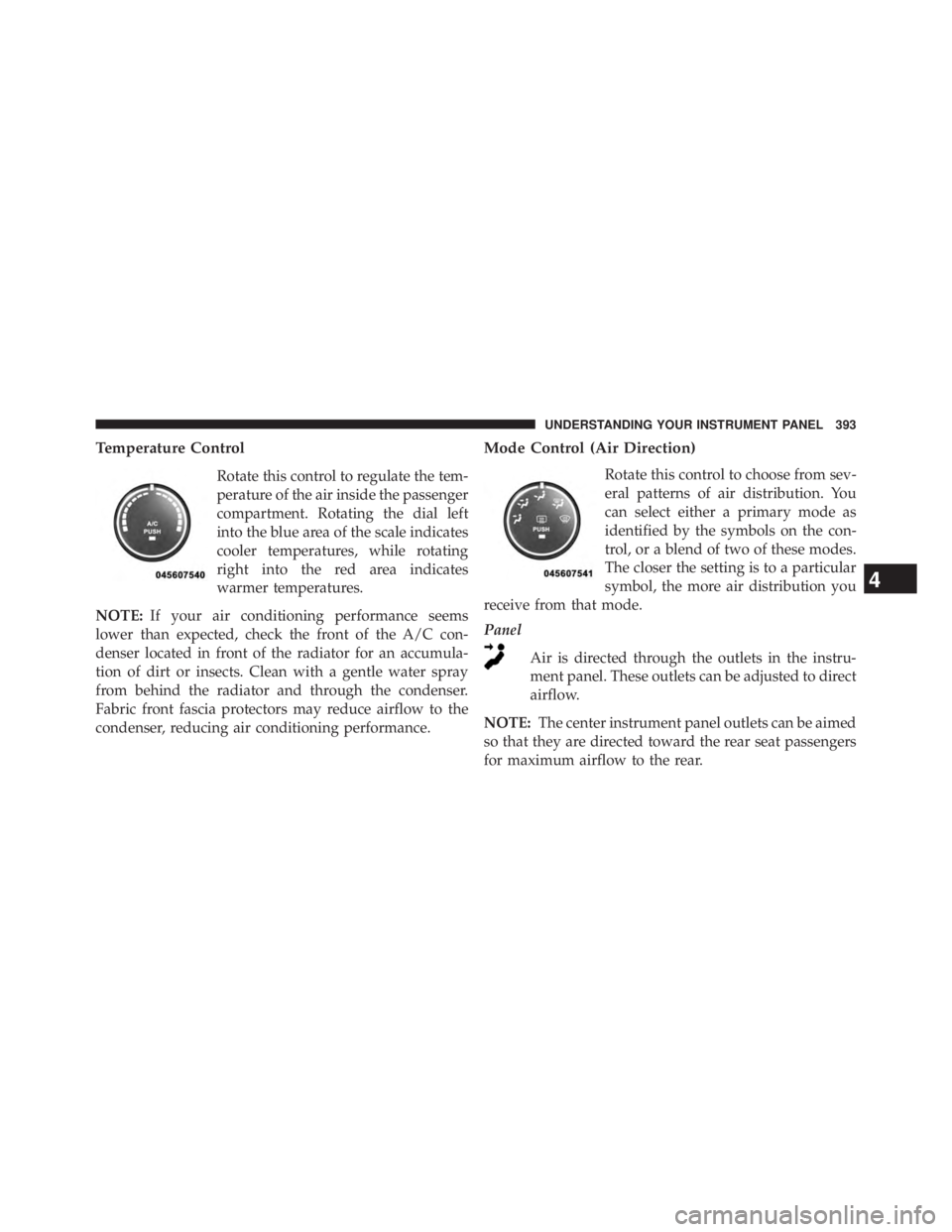
Temperature Control
Rotate this control to regulate the tem-
perature of the air inside the passenger
compartment. Rotating the dial left
into the blue area of the scale indicates
cooler temperatures, while rotating
right into the red area indicates
warmer temperatures.
NOTE: If your air conditioning performance seems
lower than expected, check the front of the A/C con-
denser located in front of the radiator for an accumula-
tion of dirt or insects. Clean with a gentle water spray
from behind the radiator and through the condenser.
Fabric front fascia protectors may reduce airflow to the
condenser, reducing air conditioning performance. Mode Control (Air Direction)
Rotate this control to choose from sev-
eral patterns of air distribution. You
can select either a primary mode as
identified by the symbols on the con-
trol, or a blend of two of these modes.
The closer the setting is to a particular
symbol, the more air distribution you
receive from that mode.
Panel
Air is directed through the outlets in the instru-
ment panel. These outlets can be adjusted to direct
airflow.
NOTE: The center instrument panel outlets can be aimed
so that they are directed toward the rear seat passengers
for maximum airflow to the rear.
4 UNDERSTANDING YOUR INSTRUMENT PANEL 393
Page 397 of 655

NOTE:
• Continuous use of the Recirculation mode may make
the inside air stuffy and window fogging may occur.
Extended use of this mode is not recommended.
• The use of the Recirculation mode in cold or damp
weather will cause windows to fog on the inside,
because of moisture buildup inside the vehicle. Select
the outside air position for maximum defogging.
• The A/C will engage automatically to prevent fogging
when the recirculation button is pressed and the mode
control is set to panel or Bi-Level.
• The A/C can be deselected manually without disturb-
ing the mode control selection.
• When the ignition switch is turned to the LOCK
position, the recirculation feature will be cancelled. Air Conditioning Control
Press this button to engage the Air Con-
ditioning. A light will illuminate when
the Air Conditioning system is engaged.
Rotating the dial left into the blue area
of the scale indicates cooler tempera-
tures, while rotating right into the red
area indicates warmer temperatures.
NOTE: The air conditioning compressor will not engage
until the engine has been running for about 10 seconds.
• MAX A/C
For maximum cooling, turn on the A/C and recirculation
buttons at the same time.
• ECONOMY MODE
If economy mode is desired, press the A/C button to turn
OFF the indicator light and the A/C compressor. Then,
move the temperature control to the desired temperature. 4 UNDERSTANDING YOUR INSTRUMENT PANEL 395
Page 602 of 655
Cavity Car-
tridge
Fuse Mini
Fuse Description
J13 60 Amp
Yellow Ignition Off Draw
(IOD) – Main
J14 40 Amp
Green Rear Defroster
J15 40 Amp
Green Front Blower
J17 40 Amp
Green Starter Solenoid
J18 20 Amp
Blue Powertrain Control
Module (PCM)
Trans Range
J19 60 Amp
Yellow Radiator Fan Cavity Car-
tridge
Fuse Mini
Fuse Description
J20 30 Amp
Pink Front Wiper LO/HI
J21 20 Amp
Blue Front/Rear Washer
J22 — Spare
M1 15 Amp
Blue Center High-
Mounted Stop Light
(CHMSL)/Switch
Stop Lamp Feed
M2 20 Amp
Yellow Relay Trailer
Lighting
(Stoplamp)
M3 20 Amp
Yellow Frt/Rear Axle
Locker Relay600 MAINTAINING YOUR VEHICLE


