Page 226 of 525
CAUTION!
Prolonged driving with the MIL on could cause dam-
age to the engine control system. It also could affect
fuel economy and drivability. If the MIL is flashing,
severe catalytic converter damage and power loss will
soon occur. Immediate service is required.
WARNING!
A malfunctioning catalytic converter, as referenced
above, can reach higher temperatures than in normal
operating conditions. This can cause a fire if you drive
slowly or park over flammable substances such as dry
plants, wood, cardboard, etc. This could result in death
or serious injury to the driver, occupants or others.
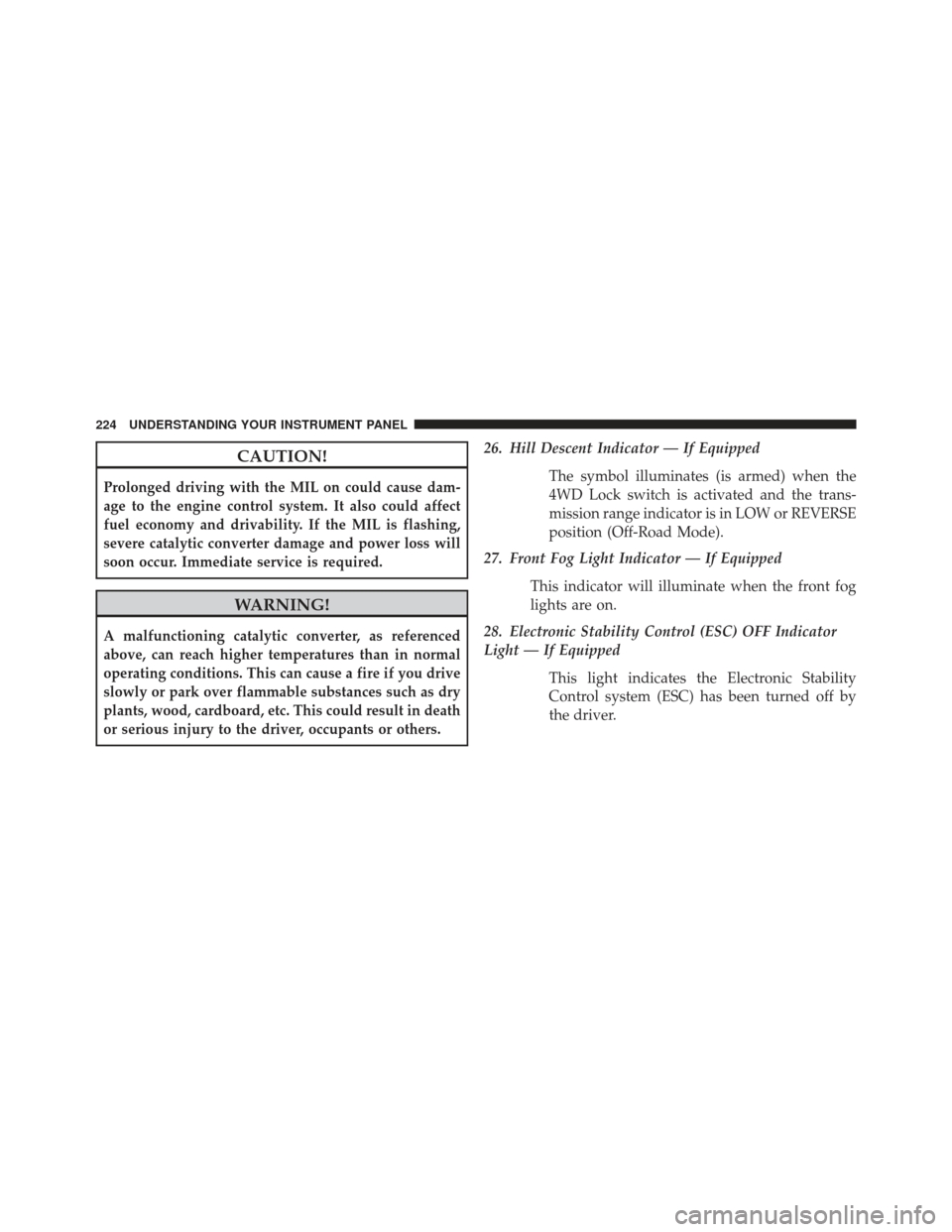
26. Hill Descent Indicator — If EquippedThe symbol illuminates (is armed) when the
4WD Lock switch is activated and the trans-
mission range indicator is in LOW or REVERSE
position (Off-Road Mode).
27. Front Fog Light Indicator — If Equipped
This indicator will illuminate when the front fog
lights are on.
28. Electronic Stability Control (ESC) OFF Indicator
Light — If Equipped
This light indicates the Electronic Stability
Control system (ESC) has been turned off by
the driver.
224 UNDERSTANDING YOUR INSTRUMENT PANEL
Page 227 of 525
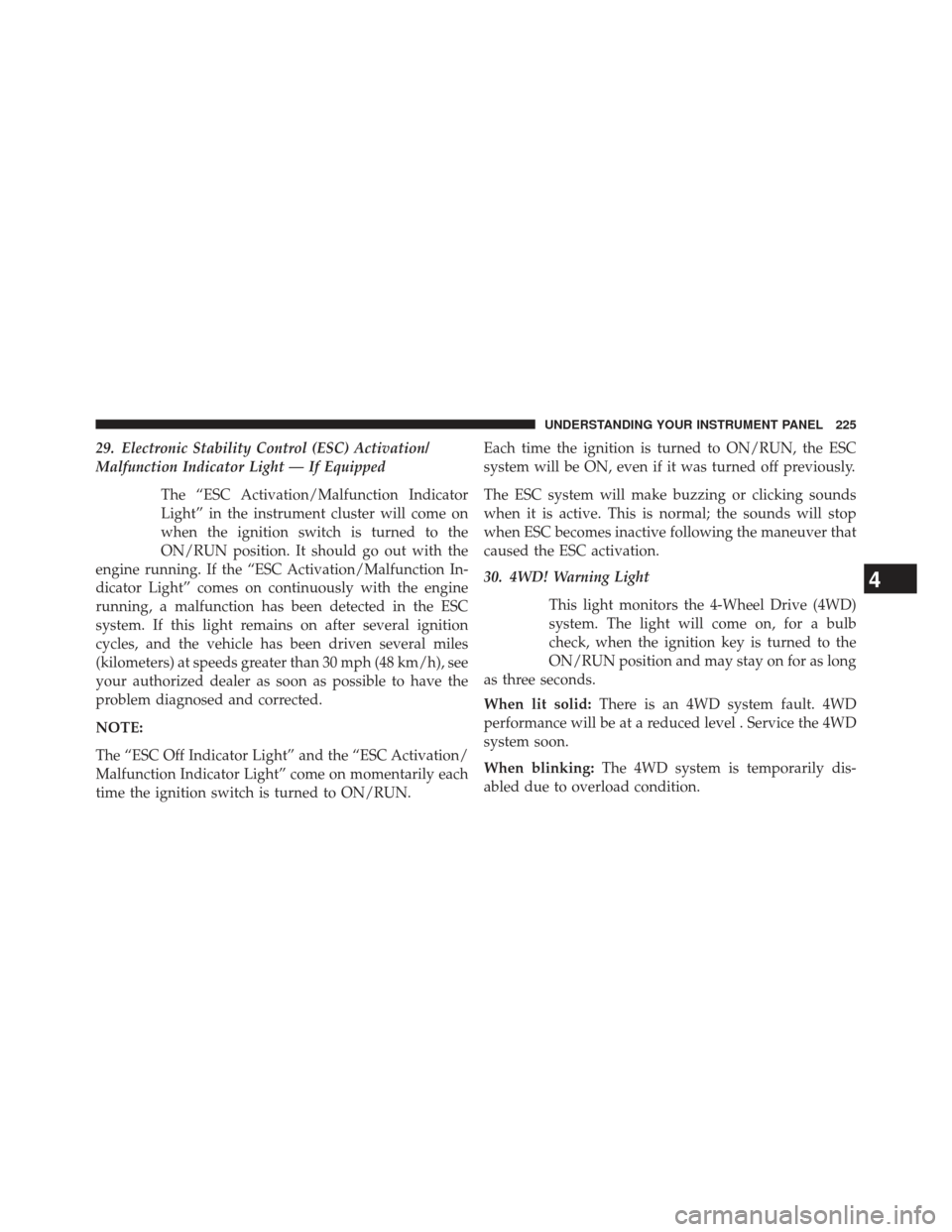
29. Electronic Stability Control (ESC) Activation/
Malfunction Indicator Light — If EquippedThe “ESC Activation/Malfunction Indicator
Light” in the instrument cluster will come on
when the ignition switch is turned to the
ON/RUN position. It should go out with the
engine running. If the “ESC Activation/Malfunction In-
dicator Light” comes on continuously with the engine
running, a malfunction has been detected in the ESC
system. If this light remains on after several ignition
cycles, and the vehicle has been driven several miles
(kilometers) at speeds greater than 30 mph (48 km/h), see
your authorized dealer as soon as possible to have the
problem diagnosed and corrected.
NOTE:
The “ESC Off Indicator Light” and the “ESC Activation/
Malfunction Indicator Light” come on momentarily each
time the ignition switch is turned to ON/RUN. Each time the ignition is turned to ON/RUN, the ESC
system will be ON, even if it was turned off previously.
The ESC system will make buzzing or clicking sounds
when it is active. This is normal; the sounds will stop
when ESC becomes inactive following the maneuver that
caused the ESC activation.
30. 4WD! Warning Light
This light monitors the 4-Wheel Drive (4WD)
system. The light will come on, for a bulb
check, when the ignition key is turned to the
ON/RUN position and may stay on for as long
as three seconds.
When lit solid: There is an 4WD system fault. 4WD
performance will be at a reduced level . Service the 4WD
system soon.
When blinking: The 4WD system is temporarily dis-
abled due to overload condition.
4
UNDERSTANDING YOUR INSTRUMENT PANEL 225
Page 228 of 525
31. Electronic Vehicle Information Center (EVIC)
Display — If Equipped
When the appropriate conditions exist, this display
shows the Electronic Vehicle Information Center (EVIC)
messages.
For further information, refer to “Electronic Vehicle In-
formation Center (EVIC)”.
MINI-TRIP COMPUTER — IF EQUIPPED
The Mini-Trip Computer is located in the instrument
cluster and features a driver-interactive trip information
and temperature display.
NOTE:The system will display the last known outside
temperature when starting the vehicle and may need to
be driven several minutes before the updated tempera-
ture is displayed. Engine temperature can also affect the
displayed temperature; therefore, temperature readings
are not updated when the vehicle is not moving.
Control Buttons
Mini-Trip Control Buttons
226 UNDERSTANDING YOUR INSTRUMENT PANEL
Page 233 of 525
Engine Oil Change Indicator System — If
Equipped
Oil Change Required
Your vehicle is equipped with an engine oil change
indicator system. The “Oil Change Required” message
will flash in the EVIC display for approximately five
seconds after a single chime has sounded, to indicate the
next scheduled oil change interval. The engine oil change
indicator system is duty-cycle based, which means the
engine oil change interval may fluctuate dependent upon
your personal driving style.
Unless reset, this message will continue to display each
time you turn the ignition switch to the ON/RUN
position. To turn off the message temporarily, press and
release the Trip Odometer button on the instrument
cluster. To reset the oil change indicator system (after
performing the scheduled maintenance) refer to the fol-
lowing procedure.1. Turn the ignition switch to the ON position.
Do not
start the engine.
2. Fully depress the accelerator pedal, slowly, three times within 10 seconds.
3. Turn the ignition switch to the OFF/LOCK position.
NOTE: If the indicator message illuminates when you
start the vehicle, the oil change indicator system did not
reset. If necessary repeat this procedure.
EVIC Functions
• Compass/Temperature/Audio
• Average Fuel Economy
• Distance To Empty (DTE)
• Units In
• Elapsed Time
4
UNDERSTANDING YOUR INSTRUMENT PANEL 231
Page 239 of 525

NOTE:A good calibration requires a level surface and
an environment free from large metallic objects such as
buildings, bridges, underground cables, railroad tracks,
etc.
Manual Compass Calibration
If the compass appears erratic and the “CAL” indicator
does not appear in the EVIC display, you must put the
compass into the Calibration Mode manually as follows:
1. Start the engine. Leave the shift lever in PARK in order to enter the EVIC Programming Menus.
2. Press the MENU button until the Personal Settings (Customer-Programmable Features) menu displays in
the EVIC.
3. Press the DOWN button until “Calibrate Compass” displays in the EVIC. 4. Press and release the SELECT button to start the
calibration. The “CAL” indicator will display in the
EVIC.
5. Complete one or more 360–degree turns (in an area free from large metal or metallic objects) until the
“CAL” indicator turns off. The compass will now
function normally.
Compass Variance
Compass Variance is the difference between Magnetic
North and Geographic North. To compensate for the
differences, the variance should be set for the zone where
the vehicle is driven, per the zone map. Once properly
set, the compass will automatically compensate for the
differences and provide the most accurate compass head-
ing.
4
UNDERSTANDING YOUR INSTRUMENT PANEL 237
Page 257 of 525
Macrovision
This product incorporates copyright protection technol-
ogy that is protected by U.S. patents and other intellec-
tual property rights. Use of this copyright protection
technology must be authorized by Macrovision, and is
intended for home and other limited viewing uses only,
unless otherwise authorized by Macrovision. Reverse
engineering or disassembly is prohibited.
DTS™
“DTS™ and “DTS™ 2.0” are trademarks of Digital The-
ater Systems, Inc.
Uconnect�(Satellite Radio) — If Equipped
Satellite radio uses direct satellite-to-receiver broadcast-
ing technology to provide clear digital sound, coast to
coast. The subscription service provider is Sirius Satellite
Radio. This service offers over 130 channels of music, sports, news, entertainment, and programming for chil-
dren, directly from its satellites and broadcasting studios.
NOTE:
Sirius service is not available in Hawaii and has
limited coverage in Alaska.
System Activation
Sirius Satellite Radio service is pre-activated, and you
may begin listening immediately to the one year of audio
service that is included with the factory-installed satellite
radio system in your vehicle. Sirius will supply a wel-
come kit that contains general information, including
how to setup your on-line listening account. For further
information, call the toll-free number 888-539-7474, or
visit the Sirius web site at www.sirius.com, or at
www.siriuscanada.ca for Canadian residents.4
UNDERSTANDING YOUR INSTRUMENT PANEL 255
Page 302 of 525
NOTE:The air conditioning compressor will not engage
until the engine has been running for about 10 seconds.
• MAX A/C
For maximum cooling use the A/C and recirculation
buttons at the same time.
• ECONOMY MODE
If economy mode is desired, press the A/C button to turn
OFF the indicator light and the A/C compressor. Then,
move the temperature control to the desired temperature.Automatic Temperature Control (ATC) — If
Equipped
The Automatic Temperature Control system automati-
cally maintains the climate in the cabin of the vehicle at
the comfort levels desired by the driver and passenger.
Automatic Temperature Control
300 UNDERSTANDING YOUR INSTRUMENT PANEL
Page 308 of 525
•Most of the time, when in Automatic Operation, you
can temporarily put the system into Recirculation
Mode by pressing the Recirculation button. However,
under certain conditions, while in Automatic Mode,
the system is blowing air out the defrost vents. When
these conditions are present, and the Recirculation
button is pressed, the indicator will flash and then turn
off. This tells you that you are unable to go into
Recirculation Mode at this time. If you would like the
system to go into Recirculation Mode, you must first
move the Mode knob to Panel, Bi-Level, Mix, or Floor
and then press the Recirculation button. This feature
reduces the possibility of window fogging.
Operating Tips
NOTE: Refer to the chart at the end of this section for
suggested control settings for various weather condi-
tions.
Summer Operation
The engine cooling system in air-conditioned vehicles
must be protected with a high-quality antifreeze coolant
to provide proper corrosion protection and to protect
against engine overheating. A solution of 50% ethylene
glycol antifreeze coolant and 50% water is recommended.
Refer to “Maintenance Procedures” in “Maintaining Your
Vehicle” for proper coolant selection.
Winter Operation
Use of the air Recirculation Mode during winter months
is not recommended because it may cause window
fogging.
Vacation Storage
Anytime you store your vehicle, or keep it out of service
(i.e., vacation) for two weeks or more, run the air
conditioning system at idle for about five minutes in the
fresh air and high blower settings. This will ensure
306 UNDERSTANDING YOUR INSTRUMENT PANEL

