268
Features
Audio Error Messages
CD Player
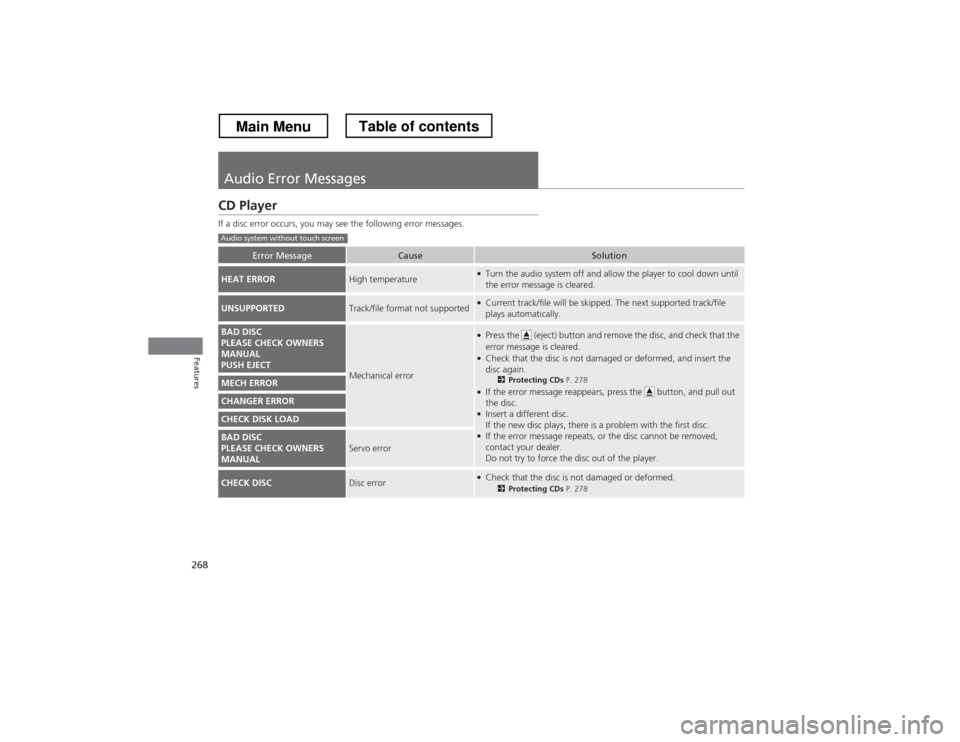
If a disc error occurs, you may see the following error messages.
Error MessageCauseSolution
HEAT ERRORHigh temperature●Turn the audio system off and allow the player to cool down until
the error message is cleared.
UNSUPPORTEDTrack/file format not supported●
Current track/file will be skipped. The next supported track/file
plays automatically.
BAD DISC
PLEASE CHECK OWNERS
MANUAL
PUSH EJECT
Mechanical error
●Press the (eject) button and remove the disc, and check that the error message is cleared.
● Check that the disc is not damaged or deformed, and insert the
disc again.
2Protecting CDs P. 278
● If the error message reappears, press the button, and pull out
the disc.
● Insert a different disc.
If the new disc plays, there is a problem with the first disc.
● If the error message repeats, or the disc cannot be removed,
contact your dealer.
Do not try to force the disc out of the player.
MECH ERROR
CHANGER ERROR
CHECK DISK LOAD
BAD DISC
PLEASE CHECK OWNERS
MANUALServo error
CHECK DISCDisc error●
Check that the disc is not damaged or deformed.
2Protecting CDs P. 278
Audio system without touch screen
Main MenuTable of contents