2013 HONDA CR-V clock
[x] Cancel search: clockPage 154 of 361

153
Features
Audio System Basic Operation
To use the audio system, the ignition switch must be in ACCESSORY (q or ON (w.
Use the selector knob or SETUP button to
access some audio functions.
Press to switch between the normal and
extended display for some functions.
Selector knob: Rotate left or right to scroll
through the available choices. Press to set
your selection.
SETUP button: Press to select any mode such
as the Auto Select, RDS Information,
Sound Settings, Play Mode, Resume/
Pause, or Adjust Clock.
button: Press to go back to the
previous display.1Audio System Basic Operation
These indications are used to show how to operate
the selector knob.
Rotate to select.
Press to enter.
Press the SOURCE,
(+, (-, or button on the
steering wheel to change any audio setting.
2Audio Remote Controls P. 154
Setup menu items
2Auto Select P. 157
2RDS information P. 158
2Sound Settings P. 155
2Play Mode P. 163
2Resume/Pause P. 173
2Adjust Clock P. 96
Button
Selector
Knob
SETUP
Button
Menu Display
Page 284 of 361

283
uuMaintenance Under the HooduEngine Coolant
Maintenance
1. Make sure the engine and radiator are
cool.
2.Turn the radiator cap counterclockwise and
relieve any pressure in the coolant system.
Do not push the cap down when turning.
3.Push down and turn the radiator cap
counterclockwise to remove it.
4.The coolant level should be up to the base
of the filler neck. Add coolant if it is low.
5.Put the radiator cap back on, and tighten it
fully.
6.Pour coolant into the reserve tank until it
reaches the MAX mark. Put the cap back
on the reserve tank.■Radiator1Radiator
NOTICEPour the fluid slowly and carefully so you do not spill
any. Clean up any spills immediately; they can
damage components in the engine compartment.
3WARNINGRemoving the radiator cap while the
engine is hot can cause the coolant to spray
out, seriously scalding you.
Always let the engine and radiator cool
down before removing the radiator cap.Radiator Cap
Page 308 of 361

307
Maintenance
Battery
Checking the Battery
Check the battery condition monthly. Look at
the test indicator window and check the
terminals for corrosion.
If your vehicle's battery is disconnected or goes dead:
•The audio system is disabled.
2Reactivating the audio system P. 152•The clock resets.2Clock P. 96•The navigation system* is disabled.2Refer to the navigation system manual
Charging the Battery
Disconnect both battery cables to prevent damaging your vehicle's electrical system.
Always disconnect the negative (–) cable first, and reconnect it last.
1Battery
WARNING: Battery post, terminals,
and related accessories contain lead
and lead compounds.
Wash your hands after handling.
The test indicator's color information is on the
battery.
When you find corrosion, clean the battery terminals
by applying a baking powder and water solution.
Clean terminals with a damp towel. Cloth/towel dry
the battery. Coat the terminals with grease to help
prevent future corrosion.
3WARNINGThe battery gives off explosive hydrogen
gas during normal operation.
A spark or flame can cause the battery to
explode with enough force to kill or
seriously hurt you.
When conducting any battery
maintenance, wear protective clothing and
a face shield, or have a skilled technician do
it.
Test Indicator Window
* Not available on all models
Page 323 of 361

uuIf a Tire Goes FlatuChanging a Flat Tire
322
Handling the Unexpected
1.Place the jack under the jacking point
closest to the tire to be changed.
2.Turn the end bracket clockwise as shown in
the image until the top of the jack contacts
the jacking point.
uMake sure that the jacking point tab is
resting in the jack notch.
3.Raise the vehicle, using the jack handle bar
and the jack handle, until the tire is off the
ground.■How to Set Up the Jack1How to Set Up the Jack
Do not use the jack with people or luggage in the
vehicle.
Use the jack provided in your vehicle.
Other jacks may not support the weight (“load”) or
may not fit in the jacking point.
The following instructions must be followed to use
the jack safely.
•Do not use while the engine is running.•Use only where the ground is firm and level.•Use only at the jacking points.•Do not get in the vehicle while using the jack.•Do not put anything on top of or underneath the
jack.
3WARNINGThe vehicle can easily roll off the jack,
seriously injuring anyone underneath.
Follow the directions for changing a tire
exactly, and never get under the vehicle
when it is supported only by the jack.
Jack
Handle
BarWheel Nut
Wrench as Jack Handle
Page 355 of 361

354
Index
Maintenance (Checking the Battery) ........ 307
Maintenance (Replacing).......................... 308
Behind a Motorhome............................... 235
Belts (Seat).................................................. 29
Beverage Holders...................................... 134
Bluetooth® Audio..................................... 172
Bluetooth® HandsFreeLink®..................... 194
Booster Seats (For Children)....................... 64
Brake System............................................. 254
Anti-lock Brake System (ABS) ................... 256
Brake Assist System ................................. 257
Fluid ........................................................ 285
Foot Brake ............................................... 255
Indicator ............................................ 68, 333
Parking Brake .......................................... 254
Brightness Control (Instrument Panel).... 117
Bulb Replacement..................................... 287
Brake Light, Taillight, Back-Up Light, Rear
Turn Signal Light and Lower Rear Side
Marker Light ........................................ 290
Fog Lights ................................................ 288
Front Turn Signal/Parking Light ................ 290
Headlights ............................................... 287
High-Mount Brake Light .......................... 293
Rear License Plate Light............................ 293
Side Marker Lights ................................... 289
Upper Rear Side Marker/Taillight .............. 292
Bulb Specifications.................................... 342CCarbon Monoxide Gas............................... 65
Cargo Hook............................................... 137
Cargo Side Net.......................................... 136
Carrying Cargo................................. 227, 229
CD Player................................................... 161
Certification Label.................................... 344
Changing Bulbs........................................ 287
Charging System Indicator................. 69, 331
Child Safety................................................. 52
Childproof Door Locks............................. 102
Child Seat.................................................... 52
Booster Seats ............................................ 64
Child Seat for Infants................................. 54
Child Seat for Small Children ..................... 55
Installing a Child Seat with a Lap/Shoulder
Seat Belt .................................................. 60
Larger Children ......................................... 63
Rear-facing Child Seat ............................... 54
Selecting a Child Seat ................................ 56
Childproof Door Locks............................. 102
Cleaning the Exterior............................... 314
Cleaning the Interior................................ 312
Climate Control System............................ 145
Changing the Mode ................................ 145
Defrosting the Windshield and
Windows ............................................... 146
Dust and Pollen Filter............................... 311
Recirculation/Fresh Air Mode ................... 145
Sensors ................................................... 148
Synchronized Mode................................. 147Using Automatic Climate Control ............ 145
Clock........................................................... 96
Coat Hook................................................ 136
Compact Spare Tire.......................... 319, 343
Compass.................................................... 223
Console Compartment............................. 133
Controls...................................................... 95
Coolant (Engine)...................................... 282
Adding to the Radiator ........................... 283
Adding to the Reserve Tank .................... 282
Overheating ............................................ 329
Creeping (Automatic Transmission)........ 242
Cruise Control.......................................... 246
Indicator ................................................... 76
Cup Holders.............................................. 134
Customer Service Information................ 352
Customized Features................................. 84
DDaytime Running Lights.......................... 114
Dead Battery............................................ 326
Defrosting the Windshield and
Windows......................................... 144, 146
Detachable Anchor.................................... 34
Devices that Emit Radio Waves............... 345
Dimming
Headlights .............................................. 112
Rearview Mirror ...................................... 120
Dipstick (Engine Oil)................................ 278
Directional Signals (Turn Signal)............. 112
Page 360 of 361
359
Index
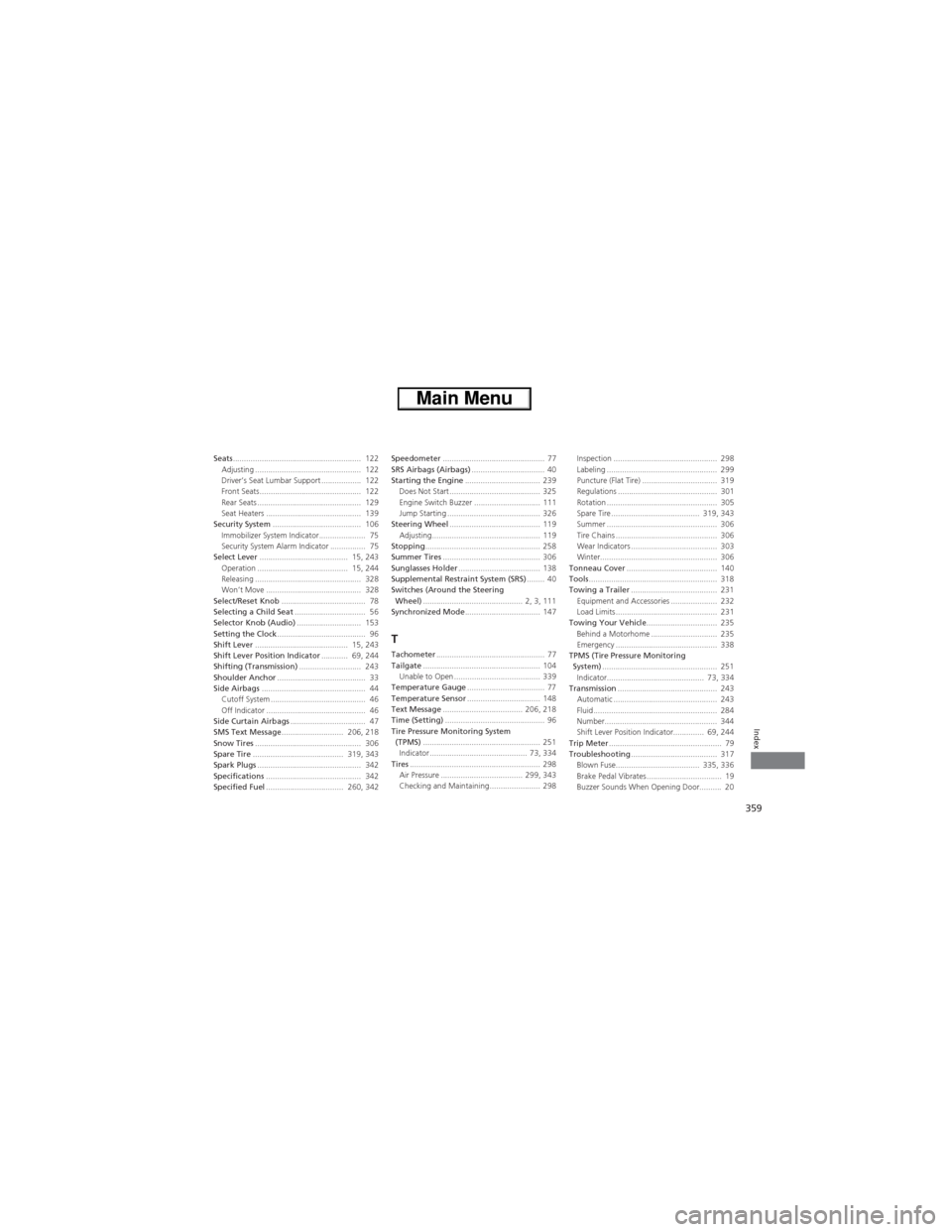
Seats.......................................................... 122
Adjusting ................................................ 122
Driver’s Seat Lumbar Support .................. 122
Front Seats.............................................. 122
Rear Seats ............................................... 129
Seat Heaters ........................................... 139
Security System........................................ 106
Immobilizer System Indicator..................... 75
Security System Alarm Indicator ................ 75
Select Lever........................................ 15, 243
Operation ......................................... 15, 244
Releasing ................................................ 328
Won’t Move ........................................... 328
Select/Reset Knob...................................... 78
Selecting a Child Seat................................ 56
Selector Knob (Audio)............................. 153
Setting the Clock........................................ 96
Shift Lever.......................................... 15, 243
Shift Lever Position Indicator............ 69, 244
Shifting (Transmission)............................ 243
Shoulder Anchor........................................ 33
Side Airbags............................................... 44
Cutoff System ........................................... 46
Off Indicator ............................................. 46
Side Curtain Airbags.................................. 47
SMS Text Message............................ 206, 218
Snow Tires................................................ 306
Spare Tire......................................... 319, 343
Spark Plugs............................................... 342
Specifications........................................... 342
Specified Fuel................................... 260, 342Speedometer.............................................. 77
SRS Airbags (Airbags)................................. 40
Starting the Engine.................................. 239
Does Not Start ......................................... 325
Engine Switch Buzzer .............................. 111
Jump Starting .......................................... 326
Steering Wheel......................................... 119
Adjusting................................................. 119
Stopping.................................................... 258
Summer Tires............................................ 306
Sunglasses Holder..................................... 138
Supplemental Restraint System (SRS)........ 40
Switches (Around the Steering
Wheel)............................................. 2, 3, 111
Synchronized Mode.................................. 147
TTachometer................................................. 77
Tailgate..................................................... 104
Unable to Open ....................................... 339
Temperature Gauge................................... 77
Temperature Sensor................................. 148
Text Message.................................... 206, 218
Time (Setting)............................................. 96
Tire Pressure Monitoring System
(TPMS)..................................................... 251
Indicator ............................................ 73, 334
Tires........................................................... 298
Air Pressure ..................................... 299, 343
Checking and Maintaining....................... 298Inspection ............................................... 298
Labeling .................................................. 299
Puncture (Flat Tire) .................................. 319
Regulations ............................................. 301
Rotation .................................................. 305
Spare Tire ........................................ 319, 343
Summer .................................................. 306
Tire Chains .............................................. 306
Wear Indicators ....................................... 303
Winter..................................................... 306
Tonneau Cover......................................... 140
Tools.......................................................... 318
Towing a Trailer....................................... 231
Equipment and Accessories ..................... 232
Load Limits .............................................. 231
Towing Your Vehicle................................ 235
Behind a Motorhome .............................. 235
Emergency .............................................. 338
TPMS (Tire Pressure Monitoring
System).................................................... 251
Indicator............................................ 73, 334
Transmission............................................. 243
Automatic ............................................... 243
Fluid ........................................................ 284
Number................................................... 344
Shift Lever Position Indicator.............. 69, 244
Trip Meter................................................... 79
Troubleshooting....................................... 317
Blown Fuse...................................... 335, 336
Brake Pedal Vibrates .................................. 19
Buzzer Sounds When Opening Door.......... 20