Page 98 of 437
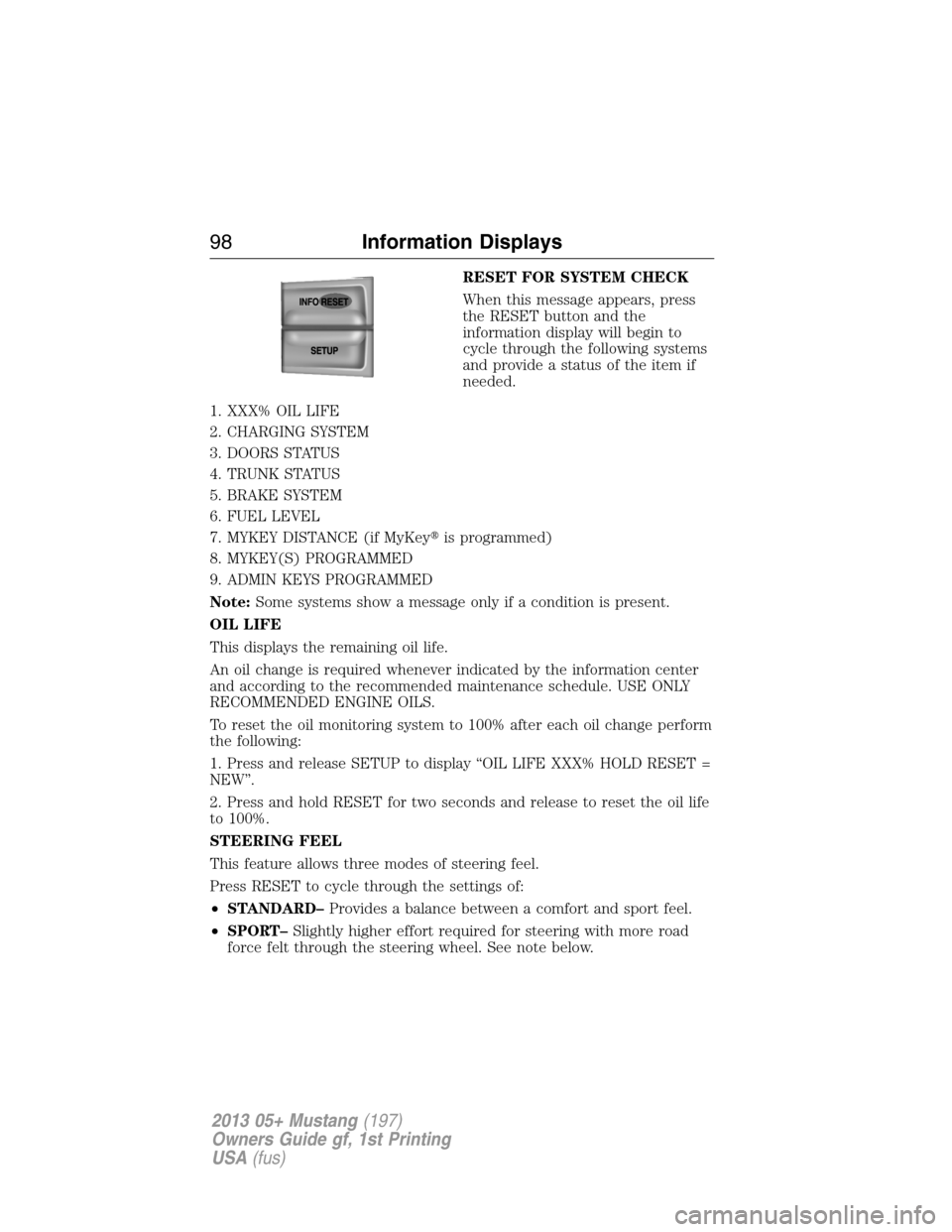
RESET FOR SYSTEM CHECK
When this message appears, press
the RESET button and the
information display will begin to
cycle through the following systems
and provide a status of the item if
needed.
1. XXX% OIL LIFE
2. CHARGING SYSTEM
3. DOORS STATUS
4. TRUNK STATUS
5. BRAKE SYSTEM
6. FUEL LEVEL
7. MYKEY DISTANCE (if MyKey�is programmed)
8. MYKEY(S) PROGRAMMED
9. ADMIN KEYS PROGRAMMED
Note:Some systems show a message only if a condition is present.
OIL LIFE
This displays the remaining oil life.
An oil change is required whenever indicated by the information center
and according to the recommended maintenance schedule. USE ONLY
RECOMMENDED ENGINE OILS.
To reset the oil monitoring system to 100% after each oil change perform
the following:
1. Press and release SETUP to display “OIL LIFE XXX% HOLD RESET =
NEW”.
2. Press and hold RESET for two seconds and release to reset the oil life
to 100%.
STEERING FEEL
This feature allows three modes of steering feel.
Press RESET to cycle through the settings of:
•STANDARD–Provides a balance between a comfort and sport feel.
•SPORT–Slightly higher effort required for steering with more road
force felt through the steering wheel. See note below.
98Information Displays
2013 05+ Mustang(197)
Owners Guide gf, 1st Printing
USA(fus)
Page 101 of 437

AUTOLAMP (SEC)
This feature keeps your headlights on for up to three minutes after the
ignition is switched off.
Press RESET to select the new Autolamp delay values of 0, 10, 20, 30,
60, 90, 120 or 180 seconds.
AUTOLOCK
This feature automatically locks all vehicle doors when the vehicle is
shifted into any gear and driven.
Press RESET to turn autolock on or off.
AUTOUNLOCK
This feature automatically unlocks all vehicle doors when the driver’s
door is opened within 10 minutes of the ignition being turned off.
Press RESET to turn autounlock on or off.
REAR PARK AID
This feature sounds a warning tone to warn the driver of obstacles near
the rear bumper, and functions only when R (Reverse) gear is selected.
Press RESET to turn it off or on.
CREATE MYKEY / MYKEY SETUP/ CLEAR MYKEY
For more information refer to theMyKey�chapter.
LANGUAGE = ENGLISH / SPANISH / FRENCH
Allows you to choose which language for the information display.
Selectable languages are English, Spanish, or French.
Waiting four seconds or pressing the RESET button cycles through each
of the language choices.
Press and hold RESET for two seconds to set the language choice.
Information messages
SeeInformation messageslater in this chapter for more information.
Information Displays101
2013 05+ Mustang(197)
Owners Guide gf, 1st Printing
USA(fus)
Page 106 of 437
Settings
†MyColor Gauge Color Ice Blue, White, Green, Purple,
Blue, Orange, Red, MyColor 1, 2,
3
Halo Halo Light On/Off
Halo Color Ice Blue, White,
Green, Purple,
Blue, Orange,
Red, MyColor 1,
2, 3
Ambient Light Ambient Light On/Off
Ambient Dim High/Low
Ambient Color Ice Blue, White,
Green, Purple,
Blue, Orange,
Red, MyColor 1,
2, 3
Set MyColor 1, 2,
3 (create your
own color by
adjusting the
levels (1–5) of
the three
primary colors –
red, green, and
blue.Red1–5
Green
Blue
MyKey Create MyKey Hold OK to create MyKey
*The following only display if MyKey is programmed:
*AdvanceTrac Always On / Selectable
*MAX Speed 80 MPH (130 km/h) or Off
*Speed Warning 45, 55 or 65 MPH (75, 90 or
105 km/h), Off
*Volume Limiter On/Off
*Clear MyKey Hold OK to Clear MyKey
*Language English, Español, Français
106Information Displays
2013 05+ Mustang(197)
Owners Guide gf, 1st Printing
USA(fus)
Page 107 of 437

Settings
Units English or Metric
System Reset Hold OK to Reset System to Factory Default
†The instrument cluster gauges are backlit white when the headlamps
are off. When the headlamps are on, you can select one of the preset
colors or MyColor 1, 2, 3 for the nighttime gauge backlighting. A gauge
in a warning condition will be backlit red when the headlamps are on.
*Track Application features and messages in the information display are
only available in English.
Information
MyKey Admin Keys (Number of admin keys)
MyKeys (Number of MyKeys programmed)
MyKey Miles (km) (Distance traveled using a
programmed MyKey)
System Check Some items will only display during a system check
if a problem has been detected. If an issue exists on
one of the monitored systems, the number of
warnings that need immediate attention will display
in red and the number of informational warnings will
display in amber. Use the up/down arrow buttons to
scroll through the list; press the right arrow button
to display specific information on the highlighted
warning
TRIP COMPUTER (Trip A and B)
Resetting or pausing the trip computer
•Press OK to pause the Trip A or B screen/press again to un-pause.
•Press and hold OK to reset the currently displayed trip information.
Trip time
Registers the time of individual journeys.
Trip distance
Registers the mileage of individual journeys.
Fuel used
Shows the amount of fuel used for a given trip.
Information Displays107
2013 05+ Mustang(197)
Owners Guide gf, 1st Printing
USA(fus)
Page 112 of 437

Alarm/Security
MessagesAction / Description
TO STOP ALARM
START VEHICLEDisplayed when the perimeter alarm system is
armed and the vehicle is entered using the key
on the driver’s side door. In order to prevent
the perimeter alarm system from triggering,
the ignition must be turned to start or on
before the 12 second chime expires.
SECURITY EVENT
OCCURREDDisplayed when the active anit-theft system
was activated since the prior ignition cycle.
Battery and
Charging System
MessagesAction / Description
CHECK CHARGING
SYSTEMDisplayed when the charging system needs
servicing. If the warning stays on or continues
to come on, contact your authorized dealer as
soon as possible.
Brake System
MessagesAction / Description
BRAKE FLUID
LEVEL LOWIndicates the brake fluid level is low and the
brake system should be inspected immediately.
CHECK BRAKE
SYSTEMDisplayed when the brake system needs
servicing. If the warning stays on or continues
to come on, contact your authorized dealer as
soon as possible.
PARK BRAKE
ENGAGEDDisplayed when the parking brake is set and
the vehicle is in motion.
Door Messages Action / Description
X DOOR AJARDisplayed when the corresponding door is not
completely closed.
TRUNK AJARDisplayed when the trunk is not completely
closed.
11 2Information Displays
2013 05+ Mustang(197)
Owners Guide gf, 1st Printing
USA(fus)
Page 113 of 437

Fuel Messages Action / Description
CHECK FUEL FILL
INLETDisplayed when the fuel fill inlet may not be
properly closed.
FUEL LEVEL LOWDisplayed as an early reminder of a low fuel
condition.
Key Messages Action / Description
COULD NOT
PROGRAM
INTEGRATED KEYDisplayed when an attempt is made to
program a fifth integrated key. For more
information, refer to theSecuritychapter.
Maintenance
MessagesAction / Description
ENGINE OIL
CHANGE SOONDisplayed when the engine oil life is nearing
its end.
OIL CHANGE
REQUIREDDisplayed when the oil life left reaches 0%.
ENGINE OIL LEVEL
LOWDisplayed when the oil level is low. Stop the
vehicle in a safe place and check the oil level.
Refill if needed. If the oil level remains low or
becomes low again, see your authorized dealer.
SERVICE POWER
STEERINGThe power steering system has detected a
condition that requires service. See your
authorized dealer.
SERVICE POWER
STEERING NOWThe power steering system has detected a
condition within the power steering system
that requires service immediately. See your
authorized dealer.
POWER STEERING
ASSIST FAULTThe power steering system has disabled power
steering assist due to a system error. See your
authorized dealer.
Information Displays11 3
2013 05+ Mustang(197)
Owners Guide gf, 1st Printing
USA(fus)
Page 114 of 437

MyKey�Messages Action / Description
MYKEY ACTIVE
DRIVE SAFELYDisplayed when MyKey�is active.
ADVTRAC ON
MYKEY SETTINGDisplayed when a MyKey�is in use when
trying to disable the AdvanceTrac�system and
the optional setting is on.
VEHICLE SPEED
80 MPH MAXDisplayed when a MyKey�is in use and the
MyKey speed limit is on and the vehicle speed
is 80 mph (130 km/h).
VEHICLE NEAR
TOP SPEEDDisplayed when a MyKey�is in use and the
MyKey speed limit is on and the vehicle speed
is approaching 80 mph (130 km/h).
TOP SPEED MYKEY
SETTINGDisplayed when a MyKey�is in use and the
MyKey speed limit is on and the vehicle speed
is 80 mph (130 km/h).
SPEED LIMITED TO
80 MPHDisplayed when starting the vehicle and
MyKey�is in use and the MyKey speed limit is
on.
CHECK SPEED
DRIVE SAFELYDisplayed when a MyKey�is in use and the
optional setting is on and the vehicle exceeds
a preselected speed.
BUCKLE UP TO
UNMUTE AUDIODisplayed when a MyKey�is in use and
Belt-Minder�is activated.
MYKEY COULD NOT
PROGRAMDisplayed when an attempt is made to
program a spare key using two existing
MyKeys.
Park Aid Messages Action / Description
CHECK REAR PARK
AIDDisplayed when the transmission is in R
(Reverse) and the park aid is disabled.
11 4Information Displays
2013 05+ Mustang(197)
Owners Guide gf, 1st Printing
USA(fus)
Page 115 of 437

Tire Messages Action / Description
LOW TIRE
PRESSUREDisplays when one or more tires on your
vehicle have low tire pressure.
TIRE PRESSURE
MONITOR FAULTDisplays when the tire pressure monitoring
system is malfunctioning. If the warning stays
on or continues to come on, contact your
authorized dealer.
TIRE PRESSURE
SENSOR FAULTDisplayed when a tire pressure sensor is
malfunctioning, or your spare tire is in use.
For more information on how the system
operates under these conditions. If the
warning stays on or continues to come on,
contact your authorized dealer as soon as
possible.
Track Key Messages Action / Description
TRACKEY ACTIVE
TRACK USE ONLYDisplayed when a trackey is in use. Refer to
theBoss�302supplement for more
information.
TRACKEY IDLE
ENABLEDDisplayed when a trackey is in use. Refer to
theBoss�302supplement for more
information.
ELECTRONIC COMPASS
The compass heading is displayed in the center integrated display (CID).
Note:The compass reading may be affected when you drive near large
buildings, bridges, power lines and powerful broadcast antenna. Magnetic
or metallic objects placed in, on or near the vehicle may also affect
compass accuracy.
Usually, when something affects the compass readings, the compass will
correct itself after a few days of operating your vehicle in normal
conditions. If the compass still appears to be inaccurate, a manual
calibration may be necessary. Refer toCompass calibration adjustment.
Information Displays11 5
2013 05+ Mustang(197)
Owners Guide gf, 1st Printing
USA(fus)
