Page 432 of 475
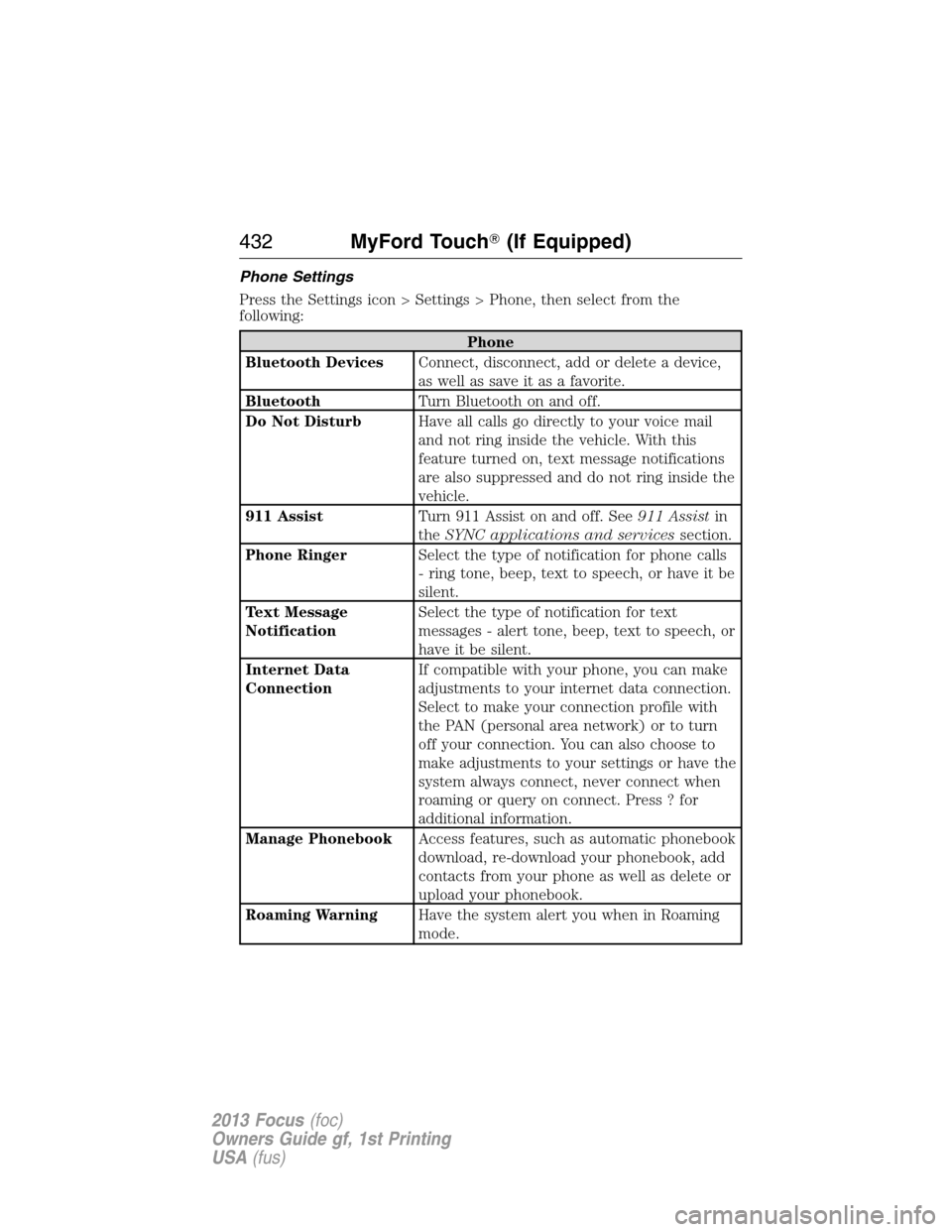
Phone Settings
Press the Settings icon > Settings > Phone, then select from the
following:
Phone
Bluetooth DevicesConnect, disconnect, add or delete a device,
as well as save it as a favorite.
BluetoothTurn Bluetooth on and off.
Do Not DisturbHave all calls go directly to your voice mail
and not ring inside the vehicle. With this
feature turned on, text message notifications
are also suppressed and do not ring inside the
vehicle.
911 AssistTurn 911 Assist on and off. See911 Assistin
theSYNC applications and servicessection.
Phone RingerSelect the type of notification for phone calls
- ring tone, beep, text to speech, or have it be
silent.
Text Message
NotificationSelect the type of notification for text
messages - alert tone, beep, text to speech, or
have it be silent.
Internet Data
ConnectionIf compatible with your phone, you can make
adjustments to your internet data connection.
Select to make your connection profile with
the PAN (personal area network) or to turn
off your connection. You can also choose to
make adjustments to your settings or have the
system always connect, never connect when
roaming or query on connect. Press ? for
additional information.
Manage PhonebookAccess features, such as automatic phonebook
download, re-download your phonebook, add
contacts from your phone as well as delete or
upload your phonebook.
Roaming WarningHave the system alert you when in Roaming
mode.
432MyFord Touch�(If Equipped)
2013 Focus(foc)
Owners Guide gf, 1st Printing
USA(fus)
Page 434 of 475
Wireless & Internet
USB Mobile
BroadbandInstead of using Wi-Fi, your system can also
use a USB mobile broadband connection to
access the internet. (You must activate your
mobile broadband device on your PC prior to
connecting it to the system.) This screen
allows you to set up what is your typical area
for your USB mobile broadband connection.
(USB mobile broadband settings may not be
displayed if the device is already activated.)
You can select the following: Country, Carrier,
Phone Number, User Name and Password.
Bluetooth SettingsShows you what device is currently paired
with the system as well as giving you your
typical Bluetooth options to connect,
disconnect, set as favorite, delete and add
device. Bluetooth is a registered trademark of
the Bluetooth SIG.
Prioritize
Connection MethodsChoose your connection methods and change
them as needed. You can select to Change
Order and have the system either always
attempt to connect using a USB mobile
broadband or using Wi-Fi.
The Wi-Fi CERTIFIED Logo is a
certification mark of the Wi-Fi Alliance.
434MyFord Touch�(If Equipped)
2013 Focus(foc)
Owners Guide gf, 1st Printing
USA(fus)
Page 472 of 475

Map preferences .......................443
Map updates ..............................448
Media Bluetooth menu options
(adding, connecting, deleting,
turning on/off) ..........................369
Message center .........................108
warning messages ...................112
Mirrors ...................................97, 99
fold away ...................................97
side view mirrors (power) .......97
Moon roof ....................................99
Motorcraft�parts ..............268, 307
MyFord Touch™ system ..........377
MyKey ..........................................66
N
Navigation features ...................439
Navigation voice commands ....448
Notifications ..............................421
O
Octane rating ............................171
P
Pairing other phones ........338, 409
Pairing your phone ...................408
Pairing your phone for the
first time ............................337, 408
Parental MyKey programming ...66
Park Assist ................................195
Parking brake ............................188
Parts
(see Motorcraft�parts) ...........307Phone Bluetooth menu options
(adding, connecting, deleting,
turning on/off) ..........................348
Phone redial ..............................342
Phone settings ..................413, 432
Phone voice commands ............414
Playing music (by artist,
album, genre, playlist,
tracks, similar) ..........................366
POI categories ...........................440
Point of Interest (POI) .............440
Power distribution box
(see Fuses) ...............................237
Power door locks ........................72
Power mirrors .............................97
Powerpoint ................................161
Power steering ..........................207
fluid, refill capacity ................304
fluid, specifications .................304
Power Windows ...........................95
Privacy information ..........334, 381
Push button start system .........164
Putting a call on/off hold .........341
Q
Quick touch buttons .................447
R
Radio ..................125, 127, 130, 132
AM/FM .....................................388
Single CD ........125, 127, 130, 132
Radio reception .........................123
Radio voice commands .............390
472Index
2013 Focus(foc)
Owners Guide gf, 1st Printing
USA(fus)