Page 276 of 341

SPECIAL OPERATING CONDITIONS
If you operate your vehicleprimarilyin any of the following conditions,
you need to perform additional maintenance as indicated. If you
occasionallyoperate your vehicle under any of these conditions, it is
not necessary to perform the additional maintenance. For specific
recommendations, see your dealership service advisor or technician.
Using a camper or car-top carrier
As required Change engine oil and filter as indicated by
message center and perform services listed in
Normal Scheduled Maintenance chart.
*
*
Reset your oil life monitor system after each engine oil and filter
change; refer to theInstrument Clusterchapter.
Extensive Idling or Low-speed Driving for Long Distances as in
Heavy Commercial use (i.e. Delivery, Taxi, Patrol Car or Livery)
Inspect frequently,
service as requiredReplace cabin air filter.
Replace engine air filter.
Every 300 hours of
engine operation
*Change engine oil and filter.**
Every 60000 miles
(96000 km)Replace spark plugs.
*Engine hour meter installation is recommended for these conditions.
**Reset your oil life monitor system after each engine oil and filter
change; refer to theInstrument Clusterchapter.
Operating in Dusty or Sandy Conditions Such as Unpaved or
Dusty Roads
Inspect frequently,
service as requiredReplace cabin air filter.
Replace engine air filter.
Every 5000 miles
(8000 km)Inspect the wheels and related components for
abnormal noise, wear, looseness or drag.
Rotate tires, inspect tires for wear and measure
tread depth.
Every 5000 miles
(8000 km) or six
monthsChange engine oil and filter.
*
*
Reset your oil life monitor system after each engine oil and filter
change; refer to theInstrument Clusterchapter.
276Scheduled Maintenance
2013 Fiesta(fie)
Owners Guide gf, 1st Printing
USA(fus)
Page 292 of 341

When you select: You can:
Phonebook1,2Allows you to access your downloaded phonebook.
1. Press OK to confirm and enter. If your
phonebook has fewer than 255 listings, they
appear alphabetically in flat file mode. If there are
more, they are organized into alphabetical
categories.
2. Scroll until the desired contact appears, then
press OK.
3. Press OK or the phone button.
Text Message
1Enables you to send, download and delete text
messages.
Phone Settings
1Allows you to view your phone’s status, set ring
tones, select your message notification, change
phone book entries and automatically download
your cellular phone among other features.
SYNC Services
3Access the SYNC services portal where you can
request various types of information, traffic
reports and directions.
911 Assist
4Place an emergency call to a 911 operator for you
after an accident (if the feature is used properly).
Vehicle Health
Report
3Create and receive a diagnostic report card on
your vehicle.
Mobile Apps
3Interact with SYNC�-capable mobile applications
on your smartphone.
System SettingsAccess Bluetooth Devices menu listings (add,
connect, set as primary, on/off, delete) as well as
Advanced menu listings (prompts, languages,
defaults, master reset, install application and
system information).
Exit Phone MenuExit the phone menu by pressing OK.
1This is a phone-dependent feature.
2This is a phone-dependent and speed-dependent feature.
3If equipped, U.S. only.
4If equipped, U.S. and Canada only.
292SYNC�
2013 Fiesta(fie)
Owners Guide gf, 1st Printing
USA(fus)
Page 300 of 341
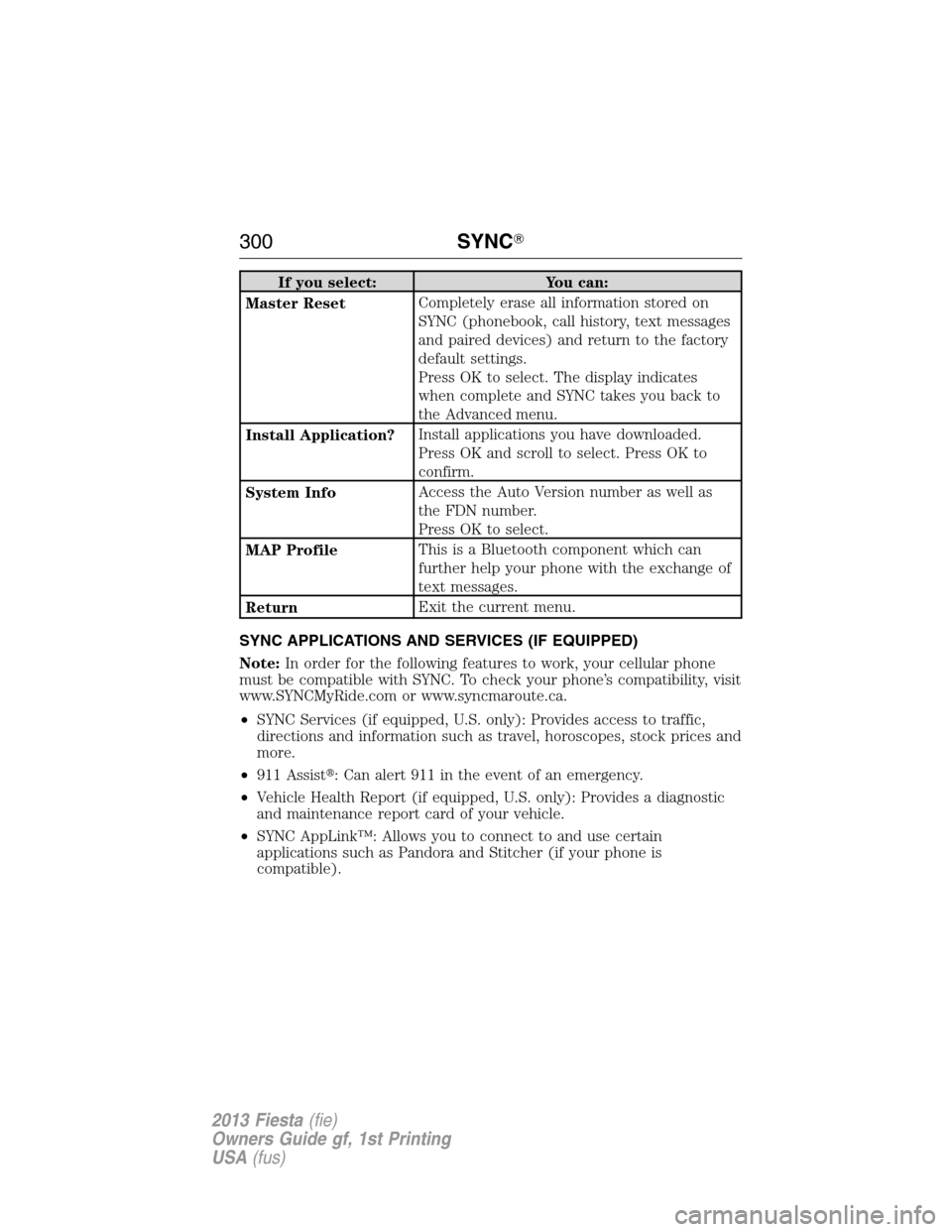
If you select: You can:
Master ResetCompletely erase all information stored on
SYNC (phonebook, call history, text messages
and paired devices) and return to the factory
default settings.
Press OK to select. The display indicates
when complete and SYNC takes you back to
the Advanced menu.
Install Application?Install applications you have downloaded.
Press OK and scroll to select. Press OK to
confirm.
System InfoAccess the Auto Version number as well as
the FDN number.
Press OK to select.
MAP ProfileThis is a Bluetooth component which can
further help your phone with the exchange of
text messages.
ReturnExit the current menu.
SYNC APPLICATIONS AND SERVICES (IF EQUIPPED)
Note:In order for the following features to work, your cellular phone
must be compatible with SYNC. To check your phone’s compatibility, visit
www.SYNCMyRide.com or www.syncmaroute.ca.
•SYNC Services (if equipped, U.S. only): Provides access to traffic,
directions and information such as travel, horoscopes, stock prices and
more.
•911 Assist�: Can alert 911 in the event of an emergency.
•Vehicle Health Report (if equipped, U.S. only): Provides a diagnostic
and maintenance report card of your vehicle.
•SYNC AppLink™: Allows you to connect to and use certain
applications such as Pandora and Stitcher (if your phone is
compatible).
300SYNC�
2013 Fiesta(fie)
Owners Guide gf, 1st Printing
USA(fus)