2013 FORD F250 ignition
[x] Cancel search: ignitionPage 64 of 577
4. Insert the new battery. Refer to the instructions inside the integrated
keyhead transmitter for the correct orientation of the battery. Press the
battery down to ensure that the battery is fully seated in the battery
housing cavity.
5. Reinstall the rubber gasket.
6. Snap the battery cover back onto the key.
Memory Feature (If Equipped)
The feature allows the remote control to recall the driver seat, power
mirrors and power adjustable foot pedals (if equipped) memory
positions.
Press the unlock button on the remote control to recall the memory
positions. If the easy entry and exit feature is enabled, the seat will move
to the easy entry position. The seat will move to the driver memory
position when the key is put in the ignition.
Programming Memory to the Transmitter
1. Move the memory features to the desired positions using the
associated controls.
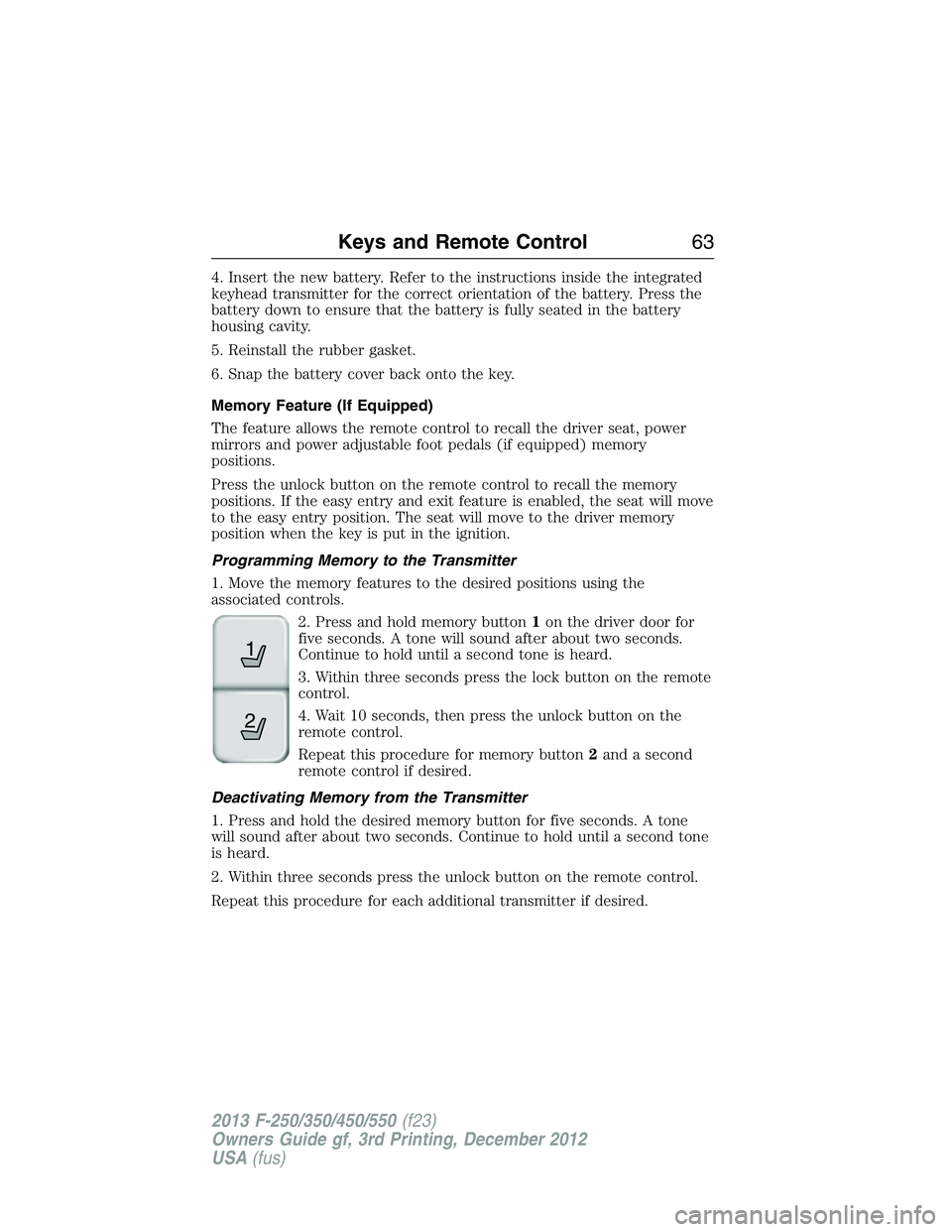
2. Press and hold memory button1on the driver door for
five seconds. A tone will sound after about two seconds.
Continue to hold until a second tone is heard.
3. Within three seconds press the lock button on the remote
control.
4. Wait 10 seconds, then press the unlock button on the
remote control.
Repeat this procedure for memory button2and a second
remote control if desired.
Deactivating Memory from the Transmitter
1. Press and hold the desired memory button for five seconds. A tone
will sound after about two seconds. Continue to hold until a second tone
is heard.
2. Within three seconds press the unlock button on the remote control.
Repeat this procedure for each additional transmitter if desired.
21
Keys and Remote Control63
2013 F-250/350/450/550(f23)
Owners Guide gf, 3rd Printing, December 2012
USA(fus)
Page 65 of 577

Car Finder
Press the button twice within three seconds. The horn will sound
and the turn signals will flash. We recommend you use this
method to locate your vehicle, rather than using the panic alarm.
Sounding a Panic Alarm
Press the button to activate the alarm. Press the button again
or switch the ignition on to deactivate.
Note:The panic alarm will only operate when the ignition is off.
Remote Start (If Equipped)
WARNING:To avoid exhaust fumes, do not use remote start if
your vehicle is parked indoors or areas that are not well ventilated.
Note:Do not use remote start if your vehicle is low on fuel.
The remote start button is on the transmitter.
This feature allows you to start your vehicle from outside your vehicle.
The transmitter has an extended operating range.
Vehicles with automatic climate control can be configured to operate
when the vehicle is remote started. See theClimate Controlchapter for
more information. A manual climate control system will run at the setting
it was set to when your vehicle was last turned off.
Many states and provinces have restrictions for the use of remote start.
Check your local and state or provincial laws for specific requirements
regarding remote start systems.
The remote start system will not work if:
•the ignition is on
•the alarm system is triggered
•you disable the feature
•the hood is not closed
•the transmission is not inP
•the vehicle battery voltage is too low
•the service engine soon light is on.
64Keys and Remote Control
2013 F-250/350/450/550(f23)
Owners Guide gf, 3rd Printing, December 2012
USA(fus)
Page 66 of 577

Remote Starting the Vehicle
Note:You must press each button within three seconds of each other.
Your vehicle will not remote start and the horn will not chirp if you do
not follow this sequence.
The label on your transmitter
details the starting procedure.
To remote start your vehicle:
1. Press the lock button to lock all the doors.
2. Press the remote start button twice. The exterior lamps will flash
twice.
The horn will chirp if the system fails to start.
Note:If you remote start your vehicle with an integrated keyhead
transmitter, you must switch the ignition on before driving your vehicle.
If you remote start your vehicle with an intelligent access transmitter,
you must have a programmed intelligent access key inside your vehicle
and press theSTART/STOPbutton on the instrument panel once while
applying the brake pedal before driving your vehicle.
The power windows will be inhibited during the remote start and the
radio will not turn on automatically.
The parking lamps will remain on and your vehicle will run for 5, 10, or
15 minutes, depending on the setting. See theInformation Displays
chapter to select the duration of the remote start system.
Keys and Remote Control65
2013 F-250/350/450/550(f23)
Owners Guide gf, 3rd Printing, December 2012
USA(fus)
Page 69 of 577
Optional Settings
You can configure these settings while programming a MyKey or change
them while using an admin key:
•80 mph (130 km/h) vehicle speed limit. Drivers receive visual
warnings and an audible tone when they reach 80 mph (130 km/h).
•45, 55 or 65 mph (75, 90, or 105 km/h) vehicle speed warning. Drivers
receive visual warnings and an audible tone when they exceed the
preselected vehicle speed.
•45% of the maximum audio system output. The audio system displays
a message when drivers attempt to exceed the volume limits.
•AdvanceTrac. Program the system to Always-on and these features,
if your vehicle is equipped, cannot be turned off when drivers use a
programmed MyKey.
CREATING A MYKEY
Use the information display to create a MyKey.
For Type 1 information displays:
1. Insert the key you want to program into the ignition.
2. Switch the ignition on.
3. Access the main menu within the information display, and press
SETUPusing the information display button untilPRESS RESET
TO CREATE MYKEYdisplays.
4. Press and release theRESETbutton. The messageHOLD RESET
TO CONFIRM MYKEYwill display.
5. Press and hold theRESETbutton for two seconds untilMARK
THIS AS RESTRICTEDdisplays. Wait untilKEY RESTRICTED
AT NEXT STARTdisplays, confirming that your key is successfully
created.
Make sure you label your key so you can distinguish it from the admin
keys.
For Type 2 information display controls:
1. Insert the key you want to program into the ignition.
2. Switch the ignition on.
3. From the main menu within the information display, use the right
arrow key>orOKto selectSETTINGand thenMYKEY.
4. Press>orOKto selectCREATE MYKEY.
5. HoldOKas prompted until you seeMARK THIS KEY AS
RESTRICTEDin the information display screen.
68MyKey
2013 F-250/350/450/550(f23)
Owners Guide gf, 3rd Printing, December 2012
USA(fus)
Page 70 of 577
The key is successfully created. Make sure you label it so you can
distinguish it from the admin keys.
You can also program configurable settings for the key(s). Refer to the
Programming/Changing Optional Settingssection.
Programming/Changing Configurable Settings
Use the information display to access your configurable MyKey settings.
1. Switch the ignition on with an admin key.
2. Access the main menu on the information display controls, and select
Settings, thenMyKeyby pressingOKor>button.
3. Use the arrow buttons to get to a feature.
4. PressOKor>to make a selection.
Note:You can clear or change your MyKey settings at any time during
the same key cycle as you created the MyKey. Once you have switched
the engine off, however, you will need an admin key to change or clear
your MyKey settings.
CLEARING ALL MYKEYS
You can clear all MyKeys within the same key cycle as you created the
MyKey. If you switch your ignition off, however, you will need to use an
admin key to clear your MyKeys.
Note:When you clear your MyKeys, you remove all restrictions and
return all MyKeys to their original admin key status at once.
To clear all MyKeys of all MyKey settings, use the information display to
do the following:
For Type 1 information display settings:
1. Access the main menu of your information display and pressSETUP
untilPRESS RESET TO CLEAR MYKEYdisplays.
2. Press and release theRESETbutton. The display will showHOLD
RESET TO CONFIRM CLEAR.
3. Press and hold theRESETbutton for two seconds untilALL
MYKEYS CLEAREDdisplays.
For Type 2 information display settings:
1. Access main menu of your information display and selectSettings,
thenMyKey.
2. Scroll toClear Alland press theOKbutton.
3. Hold theOKbutton untilALL MYKEYS CLEAREDdisplays .
MyKey69
2013 F-250/350/450/550(f23)
Owners Guide gf, 3rd Printing, December 2012
USA(fus)
Page 74 of 577
Smart Unlocks (If Equipped)
This feature helps to prevent you from locking yourself out of your
vehicle if your key is still in the ignition.
When you open the driver door and lock your vehicle with the power
door lock control, all the doors will lock then unlock if your key is still
in the ignition.
Your vehicle can still be locked with the key in the ignition by:
•using the manual lock button on the door
•locking the driver door with a key
•using the keyless entry keypad (if equipped)
•using the lock button on the remote control (if equipped).
Autolock and Unlock (If Equipped)
The autolock feature will lock all the doors when:
•all doors are closed,
•the ignition is on,
•you shift into any gear putting the vehicle in motion, and
•the vehicle attains a speed greater than 12 mph (20 km/h).
If the vehicle was autolocked, the autounlock feature will unlock all
doors when the driver’s door is opened within 10 minutes of switching
the ignition off.
Enabling or Disabling Autolock and Autounlock
These features can be enabled or disabled:
•by your authorized dealer
•through the information display
•using the power door lock procedure.
To enable or disable using the power door locks, do the following:
Note:You will have 30 seconds to complete the procedure.
1. Switch the ignition on.
2. Press the power door unlock button three times.
3. Switch the ignition off.
4. Press the power door unlock button three times.
5. Switch the ignition on. The horn will chirp indicating the programming
mode has been entered.
Locks73
2013 F-250/350/450/550(f23)
Owners Guide gf, 3rd Printing, December 2012
USA(fus)
Page 75 of 577
Autolock:Once in programming mode, press the power door unlock
button then the lock button. The horn will chirp once if autolock was
deactivated or twice (one short and one long chirp) if autolock was
activated.
Autounlock:Once in programming mode, press the power door lock
button then the unlock button. The horn will chirp once if autounlock
was deactivated or twice (one short and one long chirp) if autounlock
was activated.
6. Turn the ignition off. The horn will chirp once to confirm the
procedure is complete.
Note:The autounlock feature can be enabled or disabled independently
of the autolock feature.
Illuminated Entry
The interior lamps and parking lamps illuminate when the remote entry
system is used to unlock the door(s).
The system will turn off the lights if:
•the ignition is turned on
•the lock button on the remote control is pressed
•the vehicle is locked using the keyless entry keypad
•after 25 seconds of illumination.
The dome lamp control (if equipped) must not be set to the off position
for the illuminated entry system to operate.
The lights will not turn off if:
•they have been turned on with the dimmer control
•any door is open.
Battery Saver
The battery saver shuts off the interior lamps 30 minutes after you
switch the ignition off if you leave a door open and leave the dome lamp
switch on. It shuts off the interior lamps after 10 minutes if you leave the
dome lamp switch off.
74Locks
2013 F-250/350/450/550(f23)
Owners Guide gf, 3rd Printing, December 2012
USA(fus)
Page 77 of 577
Erasing a Personal Code
1. Enter the factory-set 5-digit code.
2. Press and release the1•2on the keypad within five seconds.
3. Press and hold the1•2for two seconds. This must be done within
five seconds of completing Step 2.
All personal codes are now erased and only the factory-set 5-digit code
will work.
Anti-Scan Feature
The keypad will go into an anti-scan mode if you enter the wrong code
seven times (35 consecutive button presses). This mode disables the
keypad for one minute and the keypad lamp will flash.
The anti-scan feature will turn off after:
•one minute of keypad inactivity
•pressing the unlock button on the remote control
•the ignition is turned on.
Unlocking and Locking the Doors
To unlock the driver door:Enter the factory-set 5-digit code or your
personal code. You must press each number within five seconds of each
other. The interior lamps will illuminate.Note:All doors will unlock if
the two-stage unlocking feature is disabled. Refer toLocking and
Unlockingearlier in this chapter.
To unlock all doors:Enter the factory-set code or your personal code,
then press the3•4control within five seconds.
To lock all doors:Press and hold7•8and9•0at the same time with
the driver door closed. You do not need to enter the keypad code first.
Displaying the Factory Set Code
Note:You will need to have two programmed passive anti-theft keys for
this procedure.
To display the factory set code in the information display:
1.
Insert a key into the ignition and turn the ignition on for a few seconds.
2. Turn the ignition off and remove the key.
3. Insert the second key into the ignition and turn the ignition on.
The factory set code will display for a few seconds.
Note:The code may not display until after any other warning messages
first display.
76Locks
2013 F-250/350/450/550(f23)
Owners Guide gf, 3rd Printing, December 2012
USA(fus)