Page 305 of 599
Door Storage
The door panels contain storage areas.
Cargo Area — Vehicles Equipped with
60/40 Split-Folding Rear Seat
The 60/40 split-folding rear seat provides cargo-carrying
versatility. The seatbacks fold down easily by pulling
nylon tabs between the seatbacks and the bolsters. When
the seats are folded down, they provide a continuous,
nearly-flat extension of the load floor.
When the seatback is folded to the upright position, make
sure it is latched by strongly pulling on the top of the
seatback above the seat strap.
WARNING!
•Be certain that the seatback is securely locked
into position. If the seatback is not securely locked
into position, the seat will not provide the proper
(Continued)
Front Door Trim Storage
3
UNDERSTANDING THE FEATURES OF YOUR VEHICLE 303
Page 306 of 599
WARNING!(Continued)
stability for child seats and/or passengers. An im-
properly latched seat could cause serious injury.
• The cargo area in the rear of the vehicle (with the
rear seatbacks in the locked-up or folded down
position) should not be used as a play area by
children when the vehicle is in motion. They could
be seriously injured in a collision. Children should
be seated and using the proper restraint system.
• To help protect against personal injury, passengers
should not be seated in the rear cargo area. The rear
cargo space is intended for load carrying purposes
only, not for passengers, who should sit in seats
and use seat belts.
WARNING!
The weight and position of cargo and passengers can
change the vehicle center of gravity and vehicle
handling. To avoid loss of control resulting in per-
sonal injury, follow these guidelines for loading your
vehicle:
•
Always place cargo evenly on the cargo floor. Put
heavier objects as low and as far forward as possible.
• Place as much cargo as possible in front of the rear
axle. Too much weight or improperly placed weight
over or behind the rear axle can cause the rear of
the vehicle to sway.
•
Do not pile luggage or cargo higher than the top of
the seatback. This could impair visibility or become
a dangerous projectile in a sudden stop or collision.
304 UNDERSTANDING THE FEATURES OF YOUR VEHICLE
Page 318 of 599
SPORT suspension, Track mode also affects transmission
shifting in either Auto or Manual mode. Refer to
“AutoStick” in “Starting And Operating” for further
information. The transmission has a sportier, more ag-
gressive shift pattern. In Manual mode, the transmission
will hold gear at redline during manual shifting (console
shifter or paddle switches).
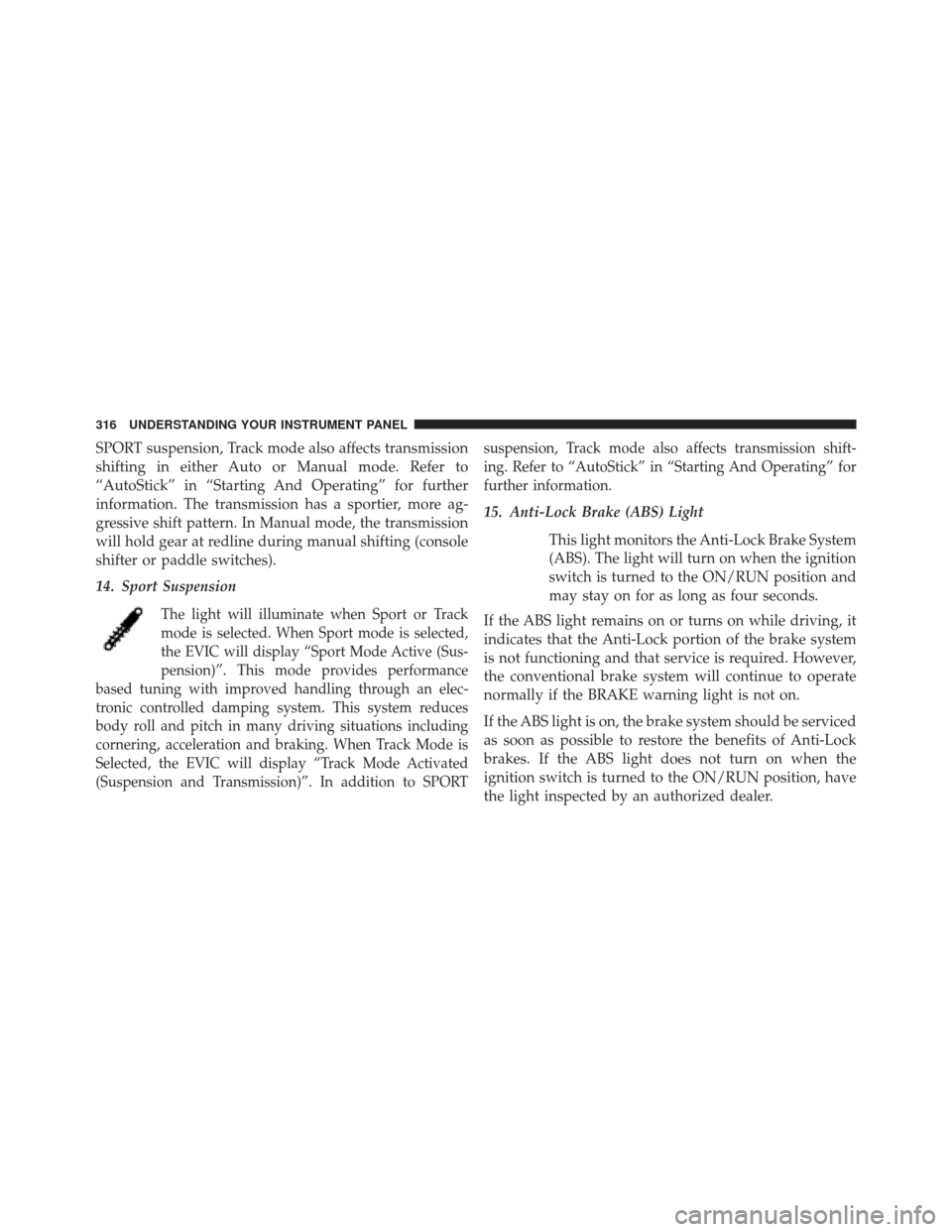
14. Sport Suspension
The light will illuminate when Sport or Track
mode is selected. When Sport mode is selected,
the EVIC will display “Sport Mode Active (Sus-
pension)”. This mode provides performance
based tuning with improved handling through an elec-
tronic controlled damping system. This system reduces
body roll and pitch in many driving situations including
cornering, acceleration and braking. When Track Mode is
Selected, the EVIC will display “Track Mode Activated
(Suspension and Transmission)”. In addition to SPORT suspension, Track mode also affects transmission shift-
ing. Refer to “AutoStick” in “Starting And Operating” for
further information.
15. Anti-Lock Brake (ABS) Light
This light monitors the Anti-Lock Brake System
(ABS). The light will turn on when the ignition
switch is turned to the ON/RUN position and
may stay on for as long as four seconds.
If the ABS light remains on or turns on while driving, it
indicates that the Anti-Lock portion of the brake system
is not functioning and that service is required. However,
the conventional brake system will continue to operate
normally if the BRAKE warning light is not on.
If the ABS light is on, the brake system should be serviced
as soon as possible to restore the benefits of Anti-Lock
brakes. If the ABS light does not turn on when the
ignition switch is turned to the ON/RUN position, have
the light inspected by an authorized dealer.
316 UNDERSTANDING YOUR INSTRUMENT PANEL
Page 319 of 599
16. Vehicle Security Light — If EquippedThis light will flash at a fast rate for approxi-
mately 15 seconds, when the vehicle security
alarm is arming, and then will flash slowly
until the vehicle is disarmed.
17. Electronic Stability Control (ESC) OFF Indicator
Light — If Equipped
This light indicates the Electronic Stability Con-
trol (ESC) is off.
18. Brake Warning Light This light monitors various brake functions,
including brake fluid level and parking brake
application. If the brake light turns on it may
indicate that the parking brake is applied, that
the brake fluid level is low, or that there is a problem with
the anti-lock brake system reservoir. If the light remains on when the parking brake has been
disengaged, and the fluid level is at the full mark on the
master cylinder reservoir, it indicates a possible brake
hydraulic system malfunction or that a problem with the
Brake Booster has been detected by the Anti-Lock Brake
System (ABS) / Electronic Stability Control (ESC) system.
In this case, the light will remain on until the condition
has been corrected. If the problem is related to the brake
booster, the ABS pump will run when applying the brake
and a brake pedal pulsation may be felt during each stop.
The dual brake system provides a reserve braking capac-
ity in the event of a failure to a portion of the hydraulic
system. A leak in either half of the dual brake system is
indicated by the Brake Warning Light, which will turn on
when the brake fluid level in the master cylinder has
dropped below a specified level.
The light will remain on until the cause is corrected.
4
UNDERSTANDING YOUR INSTRUMENT PANEL 317
Page 320 of 599
NOTE:The light may flash momentarily during sharp
cornering maneuvers, which change fluid level condi-
tions. The vehicle should have service performed, and
the brake fluid level checked.
If brake failure is indicated, immediate repair is necessary.
WARNING!
Driving a vehicle with the red brake light on is
dangerous. Part of the brake system may have failed.
It will take longer to stop the vehicle. You could have
a collision. Have the vehicle checked immediately.
Vehicles equipped with the Anti-Lock Brake System
(ABS), are also equipped with Electronic Brake Force
Distribution (EBD). In the event of an EBD failure, the
Brake Warning Light will turn on along with the ABS
Light. Immediate repair to the ABS system is required. Operation of the Brake Warning Light can be checked by
turning the ignition switch from the OFF position to
the ON/RUN position. The light should illuminate for
approximately two seconds. The light should then turn
off unless the parking brake is applied or a brake fault is
detected. If the light does not illuminate, have the light
inspected by an authorized dealer.
The light also will turn on when the parking brake is
applied with the ignition switch in the ON/RUN posi-
tion.
NOTE:
This light shows only that the parking brake is
applied. It does not show the degree of brake application.
318 UNDERSTANDING YOUR INSTRUMENT PANEL
Page 332 of 599
Unless reset, this message will continue to display each
time you cycle the ignition to the ON/RUN position. To
turn off the message temporarily, press and release the
MENU button. To reset the oil change indicator system
(after performing the scheduled maintenance), perform
the following procedure:
1. Without pressing the brake pedal, push the ENGINESTART/STOP button and cycle the ignition to the
ON/RUN position (Do not start the engine.)
2. Fully depress the accelerator pedal, slowly, three times within 10 seconds.
3. Without pressing the brake pedal, push the ENGINE START/STOP button once to return the ignition to the
OFF/LOCK position.
NOTE: If the indicator message illuminates when you
start the vehicle, the oil change indicator system did not
reset. If necessary, repeat this procedure.Fuel Economy
Press and release the UP or DOWN button until “Fuel
Economy” displays highlighted in the EVIC and press
the SELECT button. Press and release the UP/DOWN
buttons until one of the following Fuel Economy func-
tions displays in the EVIC:
• Average Fuel Economy/Fuel Saver Mode
• Distance To Empty (DTE)
• Miles Per Gallon (MPG)
Press the UP/DOWN buttons to cycle through all the
Trip Computer functions.
330 UNDERSTANDING YOUR INSTRUMENT PANEL
Page 339 of 599

Turn Menu OFF
Select from Main Menu using the DOWN button. Press-
ing the SELECT button blanks the menu display. Pressing
any one of the four steering wheel buttons brings the
menu back.
Uconnect® SETTINGS
The Uconnect® system uses a combination of soft and
hard keys located on the center of the instrument panel
that allows you to access and change the customer
programmable features.
Hard-Keys
Hard-Keys are located on the left and right side of the
Uconnect® 4.3 screen. In addition, there is a Scroll/Enter
control knob located on the right side of the Climate
Controls in the center of the instrument panel. Turn thecontrol knob to scroll through menus and change settings
(i.e., 30, 60, 90), press the center of the control knob one or
more times to select or change a setting (i.e., ON, OFF).
Soft-Keys
Soft-Keys are accessible on the Uconnect® touch-screen.
Customer Programmable Features —
Uconnect® 4.3 Settings
In this mode the Uconnect® system allows you to access
programmable features that may be equipped such as
Display, Clock, Safety/Assistance, Lights, Doors &
Locks, Heated Seats, Engine Off Operation, Compass
Settings, Audio, Phone/Bluetooth and SIRIUS Setup
through hard-keys and soft-keys.
NOTE:
Only one touchscreen area may be selected at a
time.
4
UNDERSTANDING YOUR INSTRUMENT PANEL 337
Page 342 of 599

•Voice Response
Touch the Voice Response soft-key to change the Voice
Response Length settings. To change the Voice Response
Length, press and release the Brief or Long soft-key. Then
touch the arrow back soft-key.
• Touch Screen Beep
Touch the Touch Screen Beep soft-key to turn on or shut
off the sound heard when a touch screen button (softkey)
is pressed. To change the Touch Screen Beep setting press
and release the ON or OFF soft-key, then touch the arrow
back soft-key.
• Fuel Saver Display
Touch the Fuel Saver Display soft-key to turn the “ECO”
message (located in the instrument cluster display) on or
off. To make your selection, touch the Fuel Saver Display
soft-key and select ON or OFF. Then touch the arrow
back soft-key.Clock
• Set Time
Touch the Set Time soft-key to change this display. When
in this display, you may select the time display settings.
To make your selection, touch the Set Time soft-key,
adjust the hours and minutes using the up and down
soft-keys, select AM or PM, select 12 hr or 24 hr. Then
touch the arrow back soft-key when all selections are
complete.
• Show Time Status
Touch the Show Time Status soft-key to change this
display. When in this display, you may turn on or shut off
the digital clock in the status bar. To change the Show
Time Status setting, press and release the ON or OFF
soft-key. Then touch the arrow back soft-key.
340 UNDERSTANDING YOUR INSTRUMENT PANEL