2013 DODGE CHARGER key battery
[x] Cancel search: key batteryPage 140 of 631
Call Termination
To end a call in progress, momentarily press the End
soft-key or the
button. Only the active call(s) will be
terminated and if there is a call on hold, it will become
the new active call. If the active call is terminated by the
far end, a call on hold may not become active automati-
cally. This is cell phone-dependent.
Redial
• Press the “Redial” soft-key,
• or press the
button and after the “Listening”
prompt and the following beep, say “Redial”,
• After the “Listening” prompt and the following beep,
say “Redial”,
• The Uconnect® Phone will call the last number that
was dialed from your mobile phone.
Call Continuation
Call continuation is the progression of a phone call on the
Uconnect® Phone after the vehicle ignition key has been
switched to OFF.
• After the ignition key is switched to OFF, a call can
continue on the Uconnect® Phone either until the call
ends, or until the vehicle battery condition dictates
cessation of the call on the Uconnect® Phone and
transfer of the call to the mobile phone.
Uconnect® Phone Features
Emergency Assistance
If you are in an emergency and the mobile phone is
reachable:
• Pick up the phone and manually dial the emergency
number for your area.
138 UNDERSTANDING THE FEATURES OF YOUR VEHICLE
Page 144 of 631
Voice Response Length
It is possible for you to choose between Brief and Detailed
Voice Response Length.
•Touch the “More” hard-key, then touch the “Settings”
soft-key,
• Touch the “Display” soft-key, then scroll down to Voice
Response Length,
•
Select either “Brief” or “Detailed” by touching the box
next to the selection. A check-mark will appear to show
your selection.
Phone And Network Status Indicators
Uconnect® Phone will provide notification to inform you
of your phone and network status when you are attempt-
ing to make a phone call using Uconnect® Phone. The
status is given for roaming, network signal strength and
phone battery strength.
Dialing Using The Mobile Phone Keypad
WARNING!
Your new vehicle has many features for the comfort
and convenience of you and your passengers. Some
of these should not be used when driving because
they take your eyes from the road or your attention
from driving. Never dial using the mobile phone
keypad while driving.
You can dial a phone number with your mobile phone
keypad and still use the Uconnect® Phone (while dialing
via the mobile phone keypad, the user must exercise
caution and take precautionary safety measures). By
dialing a number with your paired Bluetooth® mobile
phone, the audio will be played through your vehicle’s
audio system. The Uconnect® Phone will work the same
as if you dial the number using voice a command.
142 UNDERSTANDING THE FEATURES OF YOUR VEHICLE
Page 173 of 631
Voice Response Length
It is possible for you to choose between Brief and
Detailed Voice Response Length.
•Touch the “More” soft-key (where available), then
touch the “Settings” soft-key,
• Touch the “Display” soft-key, then scroll down to Voice
Response Length,
• Select either “Brief” or “Detailed” by touching the box
next to the selection. A check-mark will appear to
show your selection.
Phone And Network Status Indicators
Uconnect® Phone will provide notification to inform you
of your phone and network status when you are attempt-
ing to make a phone call using Uconnect® Phone. The
status is given for network signal strength and phone
battery strength.
Dialing Using The Mobile Phone Keypad
WARNING!
Your new vehicle has many features for the comfort
and convenience of you and your passengers. Some
of these should not be used when driving because
they take your eyes from the road or your attention
from driving. Never dial using the mobile phone
keypad while driving.
You can dial a phone number with your mobile phone
keypad and still use the Uconnect® Phone (while dialing
via the mobile phone keypad, the user must exercise
caution and take precautionary safety measures). By
dialing a number with your paired Bluetooth® mobile
phone, the audio will be played through your vehicle’s
audio system. The Uconnect® Phone will work the same
as if you dial the number using voice a command.
3
UNDERSTANDING THE FEATURES OF YOUR VEHICLE 171
Page 530 of 631

Proper towing or lifting equipment is required to prevent
damage to your vehicle. Use only tow bars and other
equipment designed for this purpose, following equip-
ment manufacturer ’s instructions. Use of safety chains is
mandatory. Attach a tow bar or other towing device to
main structural members of the vehicle, not to bumpers
or associated brackets. State and local laws regarding
vehicles under tow must be observed.
If you must use the accessories (wipers, defrosters, etc.)
while being towed, the ignition must be in the ON/RUN
position, not the ACC position.
If the vehicle’s key fob is unavailable or the battery is
discharged, see “Manual Park Release” or “Shift Lever
Override” in “What To Do In Emergencies” for instruc-
tions on shifting the automatic transmission out of PARK
for towing.CAUTION!
•Do not use sling type equipment when towing.
Damage to the fascia will occur.
• When securing the vehicle to a flatbed truck, do not
attach to the front or rear suspension components.
Damage to your vehicle may result from improper
towing.
• Do not push or tow this vehicle with another
vehicle as damage to the bumper fascia and trans-
mission may result.
• The manufacturer does not recommend towing this
vehicle using a tow dolly. Vehicle damage may
occur.
Flatbed towing is recommended. DO NOTtow an AWD
vehicle with the rear wheels on the ground.
528 WHAT TO DO IN EMERGENCIES
Page 538 of 631
EMISSIONS INSPECTION AND MAINTENANCE
PROGRAMS
In some localities, it may be a legal requirement to pass
an inspection of your vehicle’s emissions control system.
Failure to pass could prevent vehicle registration.For states that require an Inspection and Mainte-
nance (I/M), this check verifies the “Malfunction
Indicator Light (MIL)” is functioning and is not
on when the engine is running, and that the OBD II
system is ready for testing.
Normally, the OBD II system will be ready. The OBD II
system may notbe ready if your vehicle was recently
serviced, recently had a dead battery or a battery replace-
ment. If the OBD II system should be determined not
ready for the I/M test, your vehicle may fail the test. Your vehicle has a simple ignition key-actuated test,
which you can use prior to going to the test station. To
check if your vehicle’s OBD II system is ready, you must
do the following:
1. Turn the ignition switch to the ON position, but do not
crank or start the engine.
2. If you crank or start the engine, you will have to start this test over.
3. As soon as you turn the ignition switch to the ON position, you will see the MIL symbol come on as part
of a normal bulb check.
536 MAINTAINING YOUR VEHICLE
Page 611 of 631
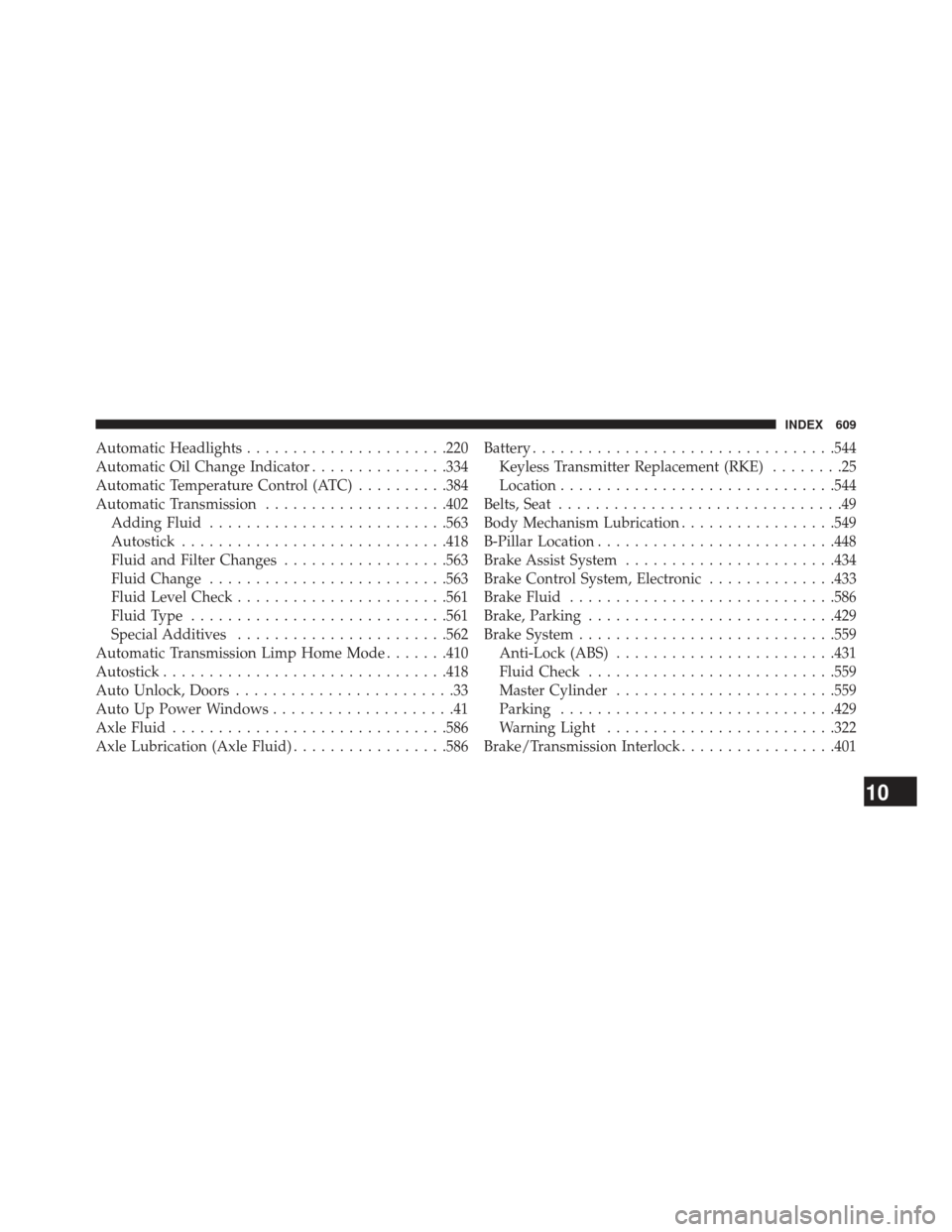
Automatic Headlights..................... .220
Automatic Oil Change Indicator ...............334
Automatic Temperature Control (ATC) ..........384
Automatic Transmission ....................402
Adding Fluid ......................... .563
Autostick ............................ .418
Fluid and Filter Changes ..................563
Fluid Change ......................... .563
Fluid Level Check ...................... .561
Fluid Type ........................... .561
Special Additives ...................... .562
Automatic Transmission Limp Home Mode .......410
Autostick .............................. .418
Auto Unlock, Doors ........................33
Auto Up Power Windows ....................41
Axle Fluid ............................. .586
Axle Lubrication (Axle Fluid) .................586Battery
................................ .544
Keyless Transmitter Replacement (RKE) ........25
Location ............................. .544
Belts, Seat ...............................49
Body Mechanism Lubrication .................549
B-Pillar Location ......................... .448
Brake Assist System ...................... .434
Brake Control System, Electronic ..............433
Brake Fluid ............................ .586
Brake, Parking .......................... .429
Brake System ........................... .559
Anti-Lock (ABS) ....................... .431
Fluid Check .......................... .559
Master Cylinder ....................... .559
Parking ............................. .429
Warning Light ........................ .322
Brake/Transmission Interlock .................401
10
INDEX 609
Page 627 of 631
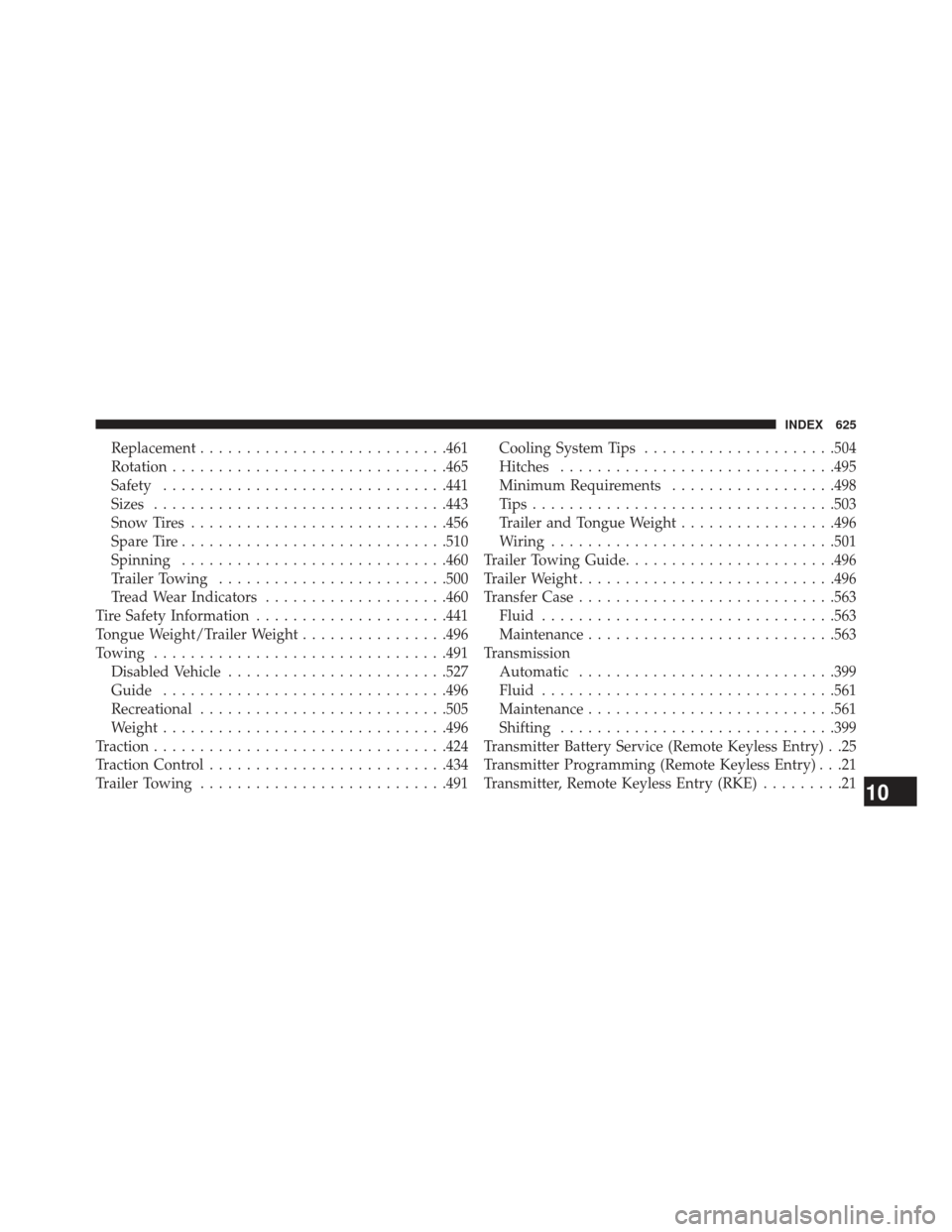
Replacement.......................... .461
Rotation ............................. .465
Safety .............................. .441
Sizes ............................... .443
Snow Tires ........................... .456
Spare Tire ............................ .510
Spinning ............................ .460
Trailer Towing ........................ .500
Tread Wear Indicators ....................460
Tire Safety Information .....................441
Tongue Weight/Trailer Weight ................496
Towing ............................... .491
Disabled Vehicle ....................... .527
Guide .............................. .496
Recreational .......................... .505
Weight .............................. .496
Traction ............................... .424
Traction Control ......................... .434
Trailer Towing .......................... .491Cooling System Tips
.....................504
Hitches ............................. .495
Minimum Requirements ..................498
Tips................................ .503
Trailer and Tongue Weight .................496
Wiring .............................. .501
Trailer Towing Guide ...................... .496
Trailer Weight ........................... .496
Transfer Case ........................... .563
Fluid ............................... .563
Maintenance .......................... .563
Transmission Automatic ........................... .399
Fluid ............................... .561
Maintenance .......................... .561
Shifting ............................. .399
T
ransmitter Battery Service (Remote Keyless Entry) . .25
Transmitter Programming (Remote Keyless Entry) . . .21
Transmitter, Remote Keyless Entry (RKE) .........21
10
INDEX 625