Page 32 of 519
Remote Start Abort Message On Electronic Vehicle
Information Center (EVIC) — If Equipped
The following messages will display in the EVIC if the
vehicle fails to remote start or exits remote start prema-
turely:
•Remote Start Aborted — Door Ajar
• Remote Start Aborted — Hood Ajar
• Remote Start Aborted — Trunk Ajar
• Remote Start Aborted — Fuel Low
• Remote Start Aborted — System Fault
The EVIC message stays active until the ignition is cycled
to the ON/RUN position.
To Enter Remote Start Mode
Press and release the REMOTE START button on
the RKE transmitter twice within five seconds.
The vehicle doors will lock, the parking lights
will flash and the horn will chirp twice (if pro-
grammed). Then, the engine will start and the vehicle will
remain in the Remote Start mode for a 15-minute cycle.
NOTE:
• If an engine fault is present the vehicle will start and
then shut down 10 seconds later.
• For security, power window operation is disabled
when the vehicle is in the Remote Start mode.
• The engine can be started two consecutive times (two
15 minute cycles) with the RKE transmitter. However,
the ignition switch must be cycled to the ON/RUN
position before you can repeat the start sequence for a
third cycle.
30 THINGS TO KNOW BEFORE STARTING YOUR VEHICLE
Page 33 of 519
Remote start will also cancel if any of the following occur:
•The engine stalls or RPM exceeds 2500
• Any engine warning lamps come on
• Low Fuel Light turns on
• The hood is opened
• The hazard switch is pressed
• The transmission is moved out of PARK
• The brake pedal is pressed
To Exit Remote Start Mode Without Driving The
Vehicle
Press and release the REMOTE START button one time or
allow the engine to run for the entire 15 minute cycle. NOTE:
To avoid unintentional shut downs, the system
will disable the one-time press of the Remote Start button
for two seconds after receiving a valid remote start
request.
To Exit Remote Start Mode And Drive The Vehicle
Before the end of the 15 minute cycle, press and release the
UNLOCK button on the RKE transmitter to unlock the
doors and disarm the Vehicle Security Alarm (if equipped).
Then insert the key into the ignition switch and turn the
switch to the ON/RUN position.
NOTE: The ignition switch must be in the ON/RUN
position in order to drive the vehicle.
2
THINGS TO KNOW BEFORE STARTING YOUR VEHICLE 31
Page 73 of 519

Because air bag sensors estimate deceleration over time,
vehicle speed and damage are not good indicators of
whether or not an air bag should have deployed.
Front And Side Impact Sensors
In front and side impacts, impact sensors can aid the ORC
in determining appropriate response to impact events.
Enhanced Accident Response System
In the event of an impact causing air bag deployment, if the
communication network remains intact, and the power
remains intact, depending on the nature of the event the
ORC will determine whether to have the Enhanced Acci-
dent Response System perform the following functions:
•Cut off fuel to the engine.
• Flash hazard lights as long as the battery has power or
until the ignition key is turned off. •
Turn on the interior lights, which remain on as long as
the battery has power or until the ignition key is
removed.
• Unlock the doors automatically.
In order to reset the Enhanced Accident Response System
functions after an event, the ignition switch must be
changed from IGN ON to IGN OFF.
If A Deployment Occurs
The Advanced Front Air Bags are designed to deflate
immediately after deployment.
NOTE: Front and/or side air bags will not deploy in all
collisions. This does not mean something is wrong with
the air bag system.
2
THINGS TO KNOW BEFORE STARTING YOUR VEHICLE 71
Page 103 of 519

Periodic Safety Checks You Should Make Outside
The Vehicle
Tires
Examine tires for excessive tread wear and uneven wear
patterns. Check for stones, nails, glass, or other objects
lodged in the tread or sidewall. Inspect the tread for cuts
and cracks. Inspect sidewalls for cuts, cracks and bulges.
Check the wheel nuts for tightness. Check the tires
(including spare) for proper cold inflation pressure.
Lights
Have someone observe the operation of brake lights and
exterior lights while you work the controls. Check turn
signal and high beam indicator lights on the instrument
panel.
Door Latches
Check for positive closing, latching, and locking.
Fluid Leaks
Check area under vehicle after overnight parking for fuel,
engine coolant, oil, or other fluid leaks. Also, if gasoline
fumes are detected or if fuel, power steering fluid (if
equipped), or brake fluid leaks are suspected, the cause
should be located and corrected immediately.
2
THINGS TO KNOW BEFORE STARTING YOUR VEHICLE 101
Page 209 of 519
UNDERSTANDING YOUR INSTRUMENT PANEL
CONTENTS
�INSTRUMENT PANEL FEATURES ..........210
� INSTRUMENT CLUSTER .................211
� INSTRUMENT CLUSTER — R/T ............212
� INSTRUMENT CLUSTER DESCRIPTIONS .....213
� MINI-TRIP COMPUTER — IF EQUIPPED .....227
▫ Control Buttons ...................... .228
� ELECTRONIC VEHICLE INFORMATION
CENTER (EVIC) — IF EQUIPPED ...........229
▫ Electronic Vehicle Information Center (EVIC)
Displays ........................... .231
▫ Oil Change Required — If Equipped .......232▫
ELECTRONIC VEHICLE INFORMATION
CENTER (EVIC) Main Menu .............233
▫ Compass Display .....................234
▫ Average Fuel Economy ..................237
▫ Distance To Empty (DTE) ................237
▫ TirePSI............................ .238
▫ Elapsed Time ....................... .238
▫ EVIC Units Selection (UNITS IN Display) . . . .239
▫ System Status ....................... .239
▫ Personal Settings (Customer-Programmable
Features) .......................... .239
4
Page 215 of 519
INSTRUMENT CLUSTER DESCRIPTIONS
1. Temperature Gauge
The temperature gauge shows engine coolant tempera-
ture. Any reading below the red mark of the gauge shows
that the engine cooling system is operating properly. The
gauge pointer may show a higher than normal tempera-
ture when driving in hot weather, up mountain grades, in
heavy stop and go traffic, or when towing a trailer.
If the pointer rises to theH(red) mark, the instrument
cluster will sound a chime. Pull over and stop the vehicle.
Idle the vehicle with the air conditioner turned off until
the pointer drops back into the normal range. If the
pointer remains on the H(red) mark, turn the engine off
immediately and call for service.
There are steps that you can take to slow down an
impending overheat condition. If your air conditioning is
on, turn it off. The air conditioning system adds heat to
the engine cooling system and turning off the A/C removes this heat. You can also turn the Temperature
control to maximum heat, the Mode control to Floor and
the Fan control to High. This allows the heater core to act
as a supplement to the radiator and aids in removing heat
from the engine cooling system.
2. Fuel Door Reminder
This is a reminder that the Fuel Filler Door is
located on the left side of the vehicle.
3. Fuel Gauge
When the ignition switch is in the ON/RUN position, the
pointer will show the level of fuel remaining in the fuel
tank.
4. Speedometer
Indicates the vehicle speed in miles per hour (MPH) and
kilometers per hour (km/h).
4
UNDERSTANDING YOUR INSTRUMENT PANEL 213
Page 216 of 519
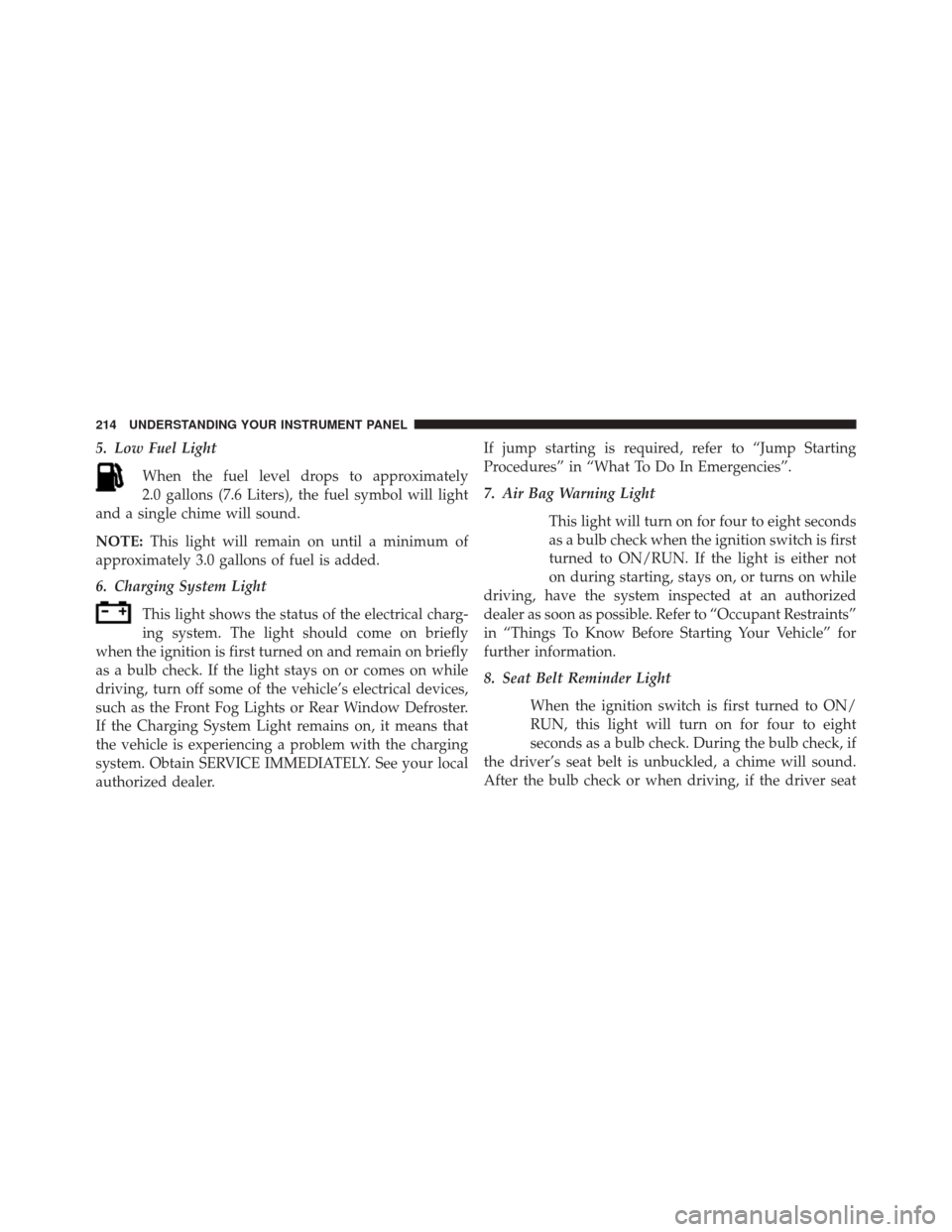
5. Low Fuel LightWhen the fuel level drops to approximately
2.0 gallons (7.6 Liters), the fuel symbol will light
and a single chime will sound.
NOTE: This light will remain on until a minimum of
approximately 3.0 gallons of fuel is added.
6. Charging System Light
This light shows the status of the electrical charg-
ing system. The light should come on briefly
when the ignition is first turned on and remain on briefly
as a bulb check. If the light stays on or comes on while
driving, turn off some of the vehicle’s electrical devices,
such as the Front Fog Lights or Rear Window Defroster.
If the Charging System Light remains on, it means that
the vehicle is experiencing a problem with the charging
system. Obtain SERVICE IMMEDIATELY. See your local
authorized dealer. If jump starting is required, refer to “Jump Starting
Procedures” in “What To Do In Emergencies”.
7. Air Bag Warning Light
This light will turn on for four to eight seconds
as a bulb check when the ignition switch is first
turned to ON/RUN. If the light is either not
on during starting, stays on, or turns on while
driving, have the system inspected at an authorized
dealer as soon as possible. Refer to “Occupant Restraints”
in “Things To Know Before Starting Your Vehicle” for
further information.
8. Seat Belt Reminder Light
When the ignition switch is first turned to ON/
RUN, this light will turn on for four to eight
seconds as a bulb check. During the bulb check, if
the driver’s seat belt is unbuckled, a chime will sound.
After the bulb check or when driving, if the driver seat
214 UNDERSTANDING YOUR INSTRUMENT PANEL
Page 220 of 519
The two trip odometers show individual trip mileage.
To switch from odometer to trip odometers, press and
release the Trip Odometer button. To reset a trip odom-
eter, display the desired trip odometer to be reset then
push and hold the button until the display resets (ap-
proximately two seconds). Refer to “Trip Odometer
Button” for additional information.
Vehicle Odometer Messages
When the appropriate conditions exist, the odometer will
display the following messages:
door............................. Door Ajar
dECK ...........................Trunk Ajar
LoW tirE ....................LowTirePr essureCHANgE OIL
..............Oil Change Required
gASCAP ...................... Fuel Cap Fault
HOTOIL ......... Engine Oil Temperature Exceeds
Safe Threshold
NOTE: If the instrument cluster is equipped with the
optional Electronic Vehicle Information Center (EVIC),
then all warnings including ”Low Tire,” “Door Ajar” and
“Trunk Ajar” will only display in the EVIC. (Refer to
“Electronic Vehicle Information Center (EVIC)” for spe-
cific messages).
LoW tirE
When the appropriate condition exists, the odometer dis-
play will toggle between LoW and tirE for three cycles.
218 UNDERSTANDING YOUR INSTRUMENT PANEL