Page 102 of 519
WARNING!(Continued)
•Never place or install floor mats or other floor
coverings in the vehicle that cannot be properly
secured to prevent them from moving and interfer-
ing with the pedals or the ability to control the
vehicle.
• Never put floor mats or other floor coverings on top
of already installed floor mats. Additional floor
mats and other coverings will reduce the size of the
pedal area and interfere with the pedals.
• Check mounting of mats on a regular basis. Always
properly reinstall and secure floor mats that have
been removed for cleaning.
(Continued)
WARNING! (Continued)
•Always make sure that objects cannot fall into the
driver footwell while the vehicle is moving. Ob-
jects can become trapped under the brake pedal
and accelerator pedal causing a loss of vehicle
control.
• If required, mounting posts must be properly in-
stalled, if not equipped from the factory.
Failure to properly follow floor mat installation or
mounting can cause interference with the brake
pedal and accelerator pedal operation causing loss of
control of the vehicle.
100 THINGS TO KNOW BEFORE STARTING YOUR VEHICLE
Page 107 of 519
▫Daytime Running Lights (DRL) —
If Equipped ........................ .170
▫ Instrument Panel Dimmer ...............170
▫ Map/Reading/Interior Lights ............171
▫ Battery Saver Feature ..................172
� WINDSHIELD WIPERS AND WASHERS ......172
▫ Intermittent Wiper System ...............174
▫ Windshield Washers ...................175
▫ Mist Feature ........................ .175
▫
Headlights With Wipers Feature
(Available With Automatic Headlights Only) . . .176
� TILT/TELESCOPING STEERING COLUMN . . .177
� ELECTRONIC SPEED CONTROL —
IF EQUIPPED ........................ .178▫
To Activate ......................... .179
▫ To Set A Desired Speed .................179
▫ To Deactivate ....................... .180
▫ To Resume Speed .....................180
▫ To Vary The Speed Setting ...............180
▫ To Accelerate For Passing ................181
� GARAGE DOOR OPENER — IF EQUIPPED . . .182
▫
Before You Begin Programming HomeLink® . . .183
▫ Programming A Rolling Code .............184
▫ Programming A Non-Rolling Code .........186
▫ Canadian/Gate Operator Programming ......187
▫ Using HomeLink® .....................188
▫ Security ........................... .189
3
UNDERSTANDING THE FEATURES OF YOUR VEHICLE 105
Page 163 of 519
WARNING!(Continued)
•Active Head Restraints may be deployed if they are
struck by an object such as a hand, foot or loose
cargo. To avoid accidental deployment of the Ac-
tive Head Restraint ensure that all cargo is secured,
as loose cargo could contact the Active Head Re-
straint during sudden stops. Failure to follow this
warning could cause personal injury if the Active
Head Restraint is deployed.
Head Restraints — Rear Seats
The rear seat head restraints are fixed and cannot be
adjusted. For proper routing of a Child Seat Tether refer
to “Occupant Restraints” in “Things to Know Before
Starting Your Vehicle” for further information.
Folding Rear Seat
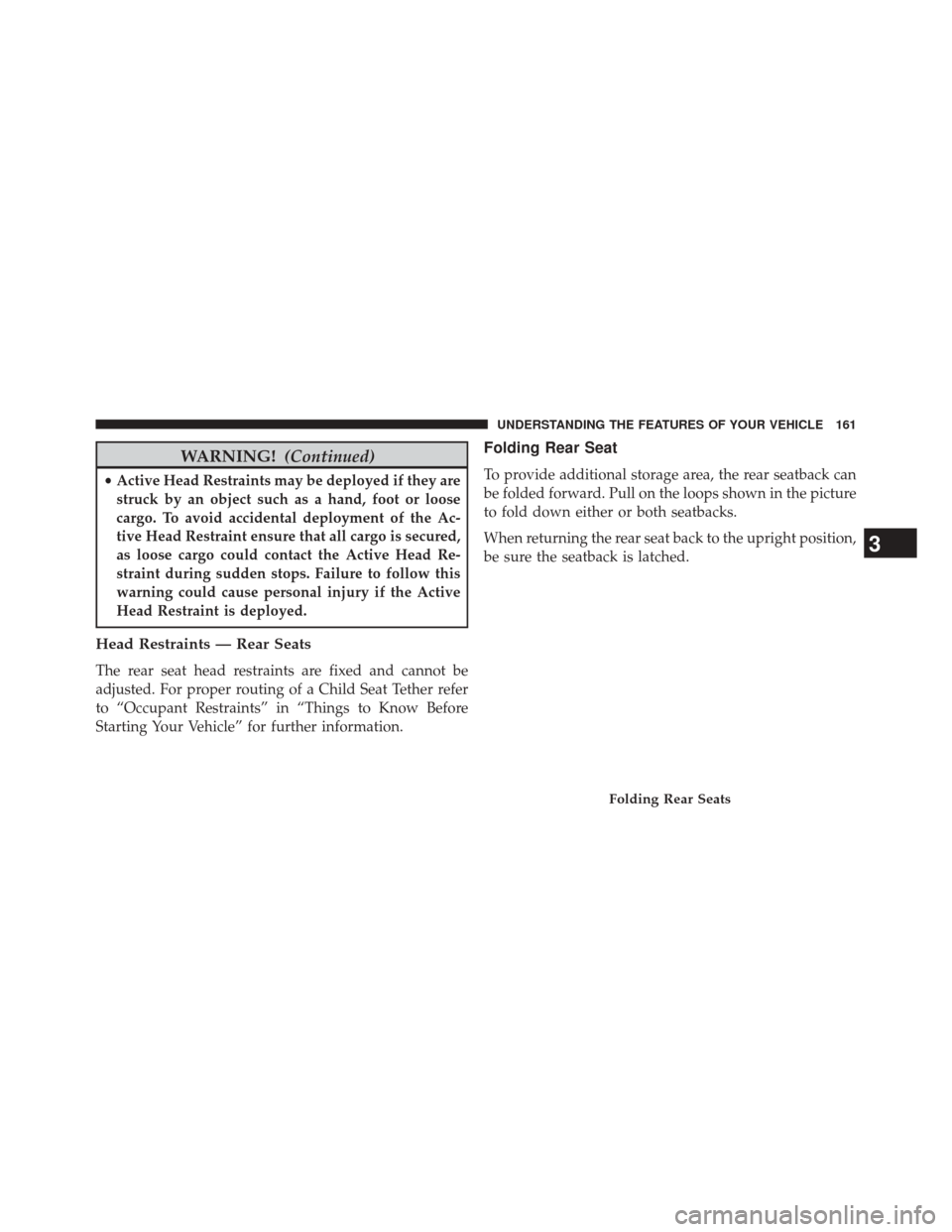
To provide additional storage area, the rear seatback can
be folded forward. Pull on the loops shown in the picture
to fold down either or both seatbacks.
When returning the rear seat back to the upright position,
be sure the seatback is latched.
Folding Rear Seats
3
UNDERSTANDING THE FEATURES OF YOUR VEHICLE 161
Page 164 of 519
WARNING!
•Be certain that the seatback is securely locked into
position. If the seatback is not securely locked into
position the seat will not provide the proper stabil-
ity for child seats and/or passengers. An improp-
erly latched seat could cause serious injury.
• The rear cargo area of the vehicle (with the rear
seatbacks in the locked-up or folded down posi-
tion) should not be used as a play area by children.
They could be seriously injured in a collision.
Children should be seated and using the proper
restraint system.
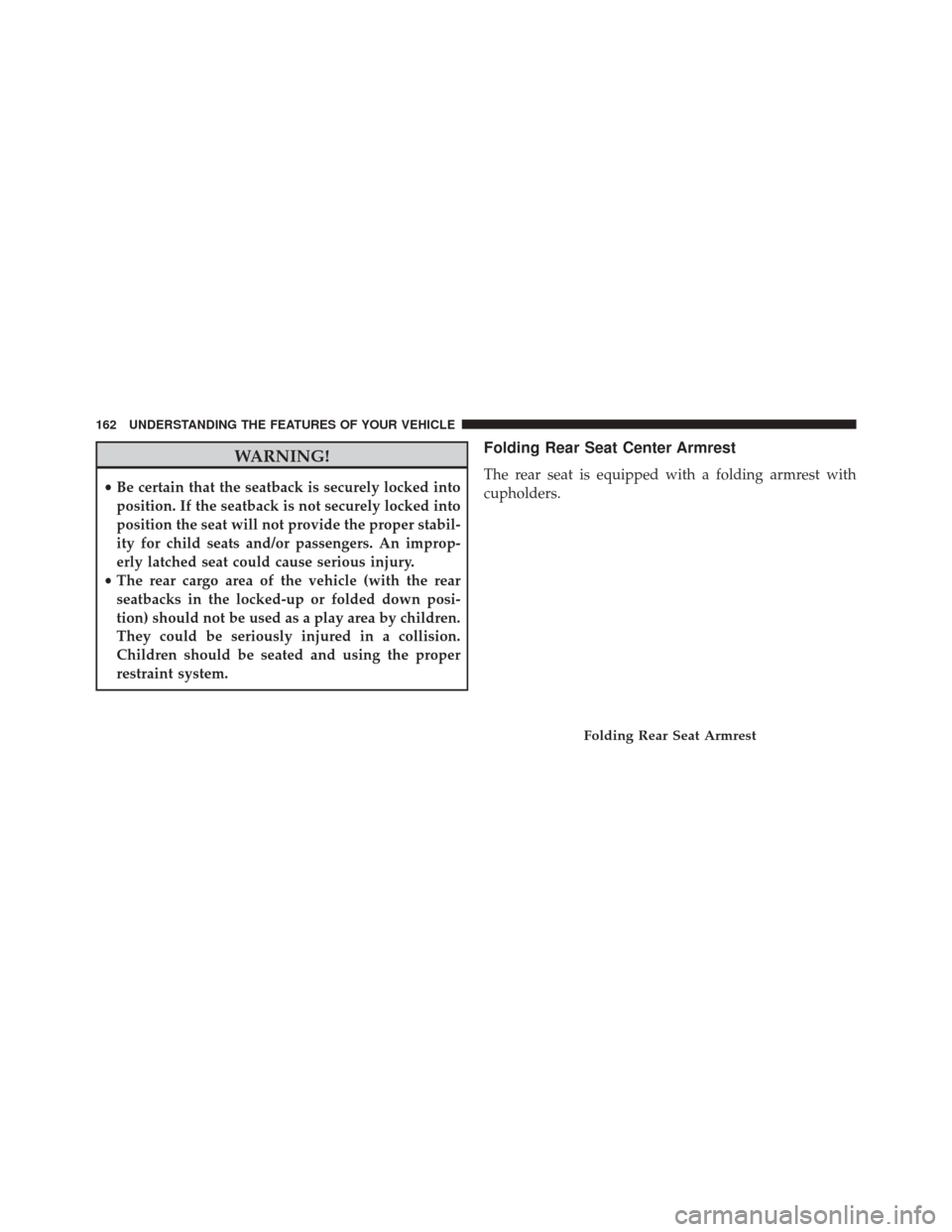
Folding Rear Seat Center Armrest
The rear seat is equipped with a folding armrest with
cupholders.
Folding Rear Seat Armrest
162 UNDERSTANDING THE FEATURES OF YOUR VEHICLE
Page 166 of 519
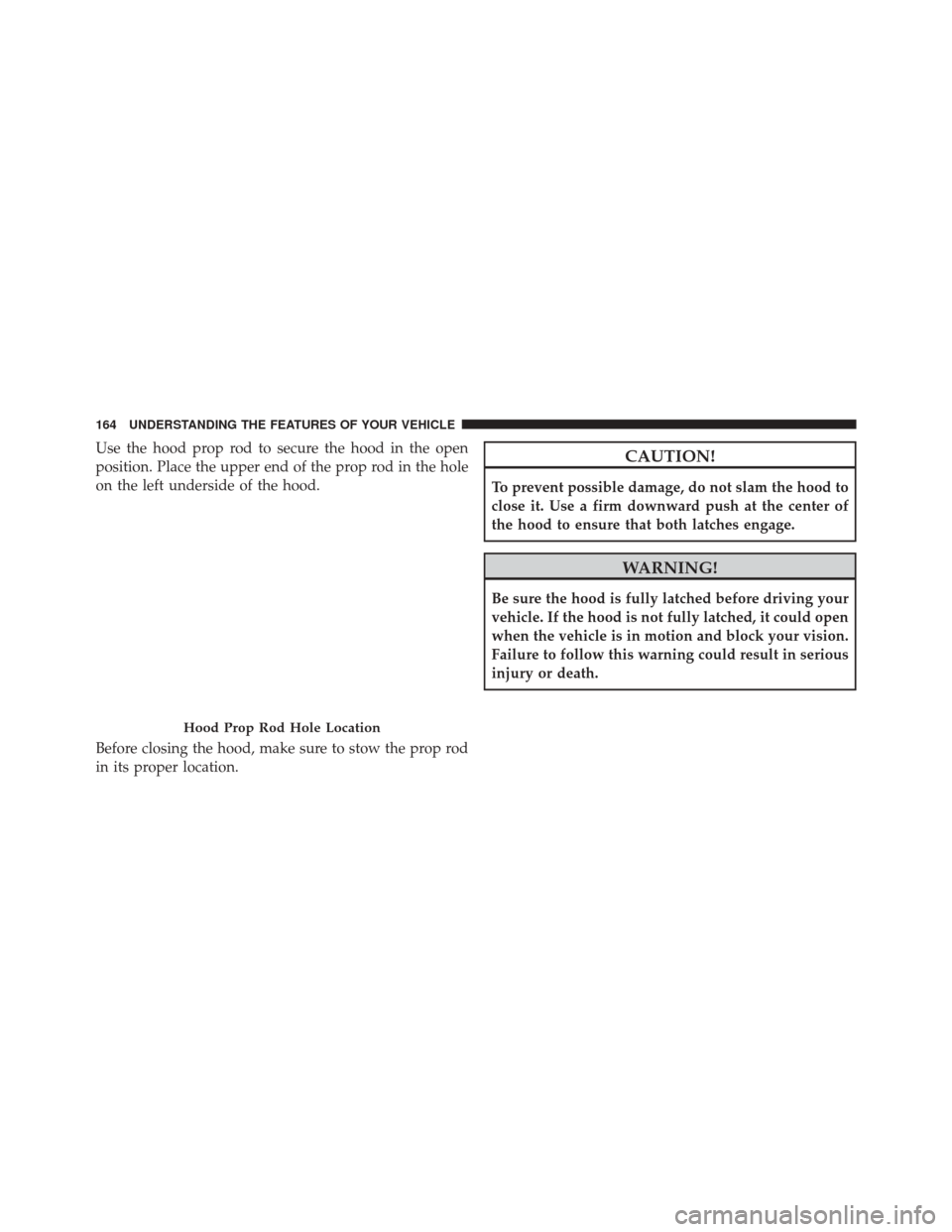
Use the hood prop rod to secure the hood in the open
position. Place the upper end of the prop rod in the hole
on the left underside of the hood.
Before closing the hood, make sure to stow the prop rod
in its proper location.CAUTION!
To prevent possible damage, do not slam the hood to
close it. Use a firm downward push at the center of
the hood to ensure that both latches engage.
WARNING!
Be sure the hood is fully latched before driving your
vehicle. If the hood is not fully latched, it could open
when the vehicle is in motion and block your vision.
Failure to follow this warning could result in serious
injury or death.
Hood Prop Rod Hole Location
164 UNDERSTANDING THE FEATURES OF YOUR VEHICLE
Page 184 of 519
GARAGE DOOR OPENER — IF EQUIPPED
HomeLink® replaces up to three hand-held transmitters
that operate devices such as garage door openers, motor-
ized gates, lighting or home security systems. The
HomeLink® unit is powered by your vehicles 12 Volt
battery.
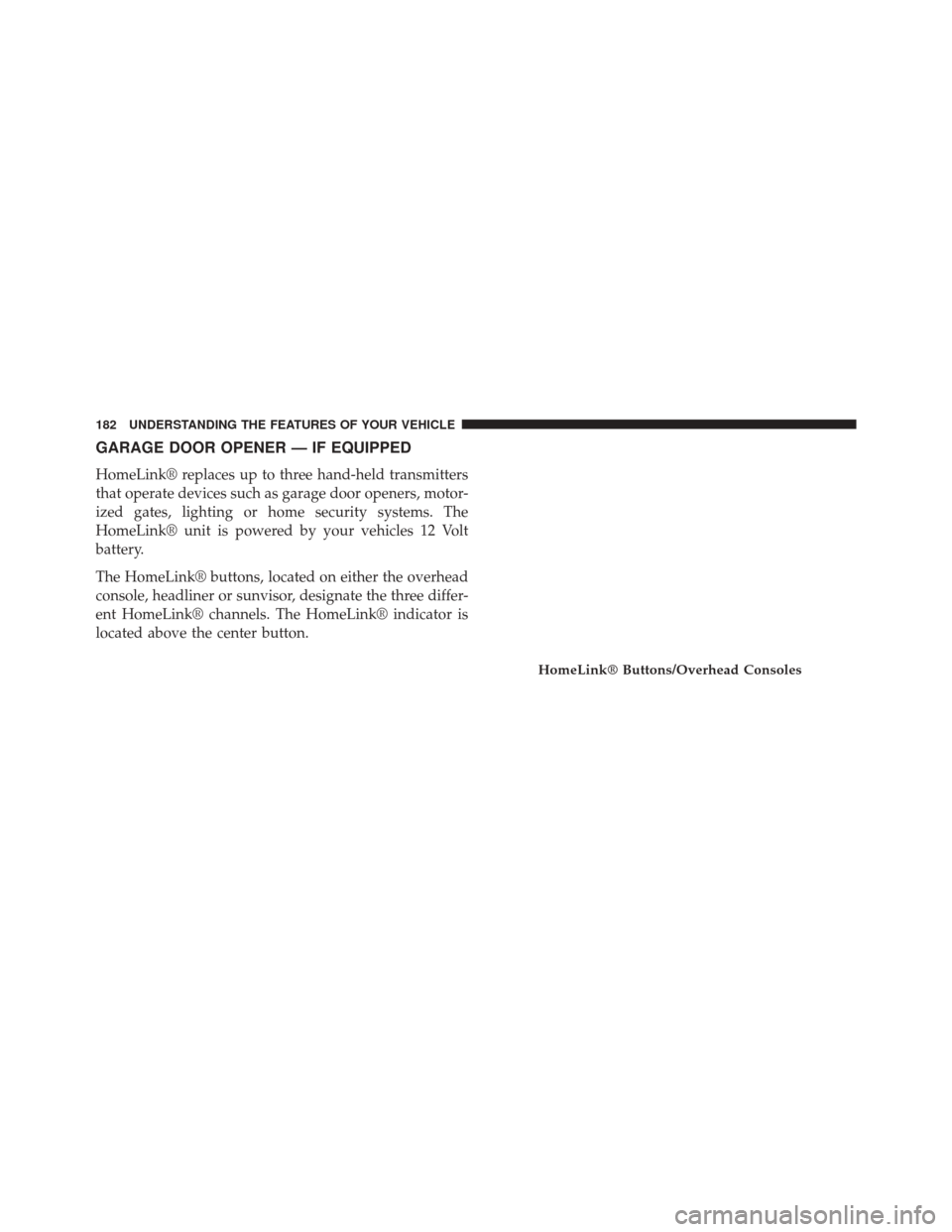
The HomeLink® buttons, located on either the overhead
console, headliner or sunvisor, designate the three differ-
ent HomeLink® channels. The HomeLink® indicator is
located above the center button.
HomeLink® Buttons/Overhead Consoles
182 UNDERSTANDING THE FEATURES OF YOUR VEHICLE
Page 185 of 519
NOTE:HomeLink® is disabled when the Vehicle Secu-
rity Alarm is active.
Before You Begin Programming HomeLink®
Be sure that your vehicle is parked outside of the garage
before you begin programming.
For more efficient programming and accurate transmis-
sion of the radio-frequency signal it is recommended that
a new battery be placed in the hand-held transmitter of
the device that is being programmed to the HomeLink®
system.
Erase all channels before you begin programming. To
erase the channels place the ignition in the ON/RUN
position and press and hold the two outside HomeLink®
buttons (I and III) for up 20 seconds or until the red
indicator flashes.
HomeLink® Buttons/Sunvisor/Headliner
3
UNDERSTANDING THE FEATURES OF YOUR VEHICLE 183
Page 190 of 519
successfully accepted the frequency signal. The indi-
cator light will flash slowly and then rapidly when
fully trained.
4. Watch for the HomeLink® indicator to change flash rates. When it changes, it is programmed. It may take
up to 30 seconds or longer in rare cases. The garage
door may open and close while you are programming.
5. Press and hold the programmed HomeLink® button and observe the indicator light.
• If the indicator light stays on constantly, program-
ming is complete and the garage door/device should
activate when the HomeLink® button is pressed.
• To program the two remaining HomeLink® buttons,
repeat each step for each remaining button. DO NOT
erase the channels.
If you unplugged the garage door opener/device for
programming, plug it back in at this time.Reprogramming A Single HomeLink® Button
To reprogram a channel that has been previously trained,
follow these steps:
1. Cycle the ignition to the ON/RUN position.
2. Press and hold the desired HomeLink® button until the indicator light begins to flash after 20 seconds.
Do not release the button.
3.
Without releasing the buttonproceed with “Cana-
dian/Gate Operator Programming” Step 2 and follow
all remaining steps.
Using HomeLink®
To operate, press and release the programmed HomeLink®
button. Activation will now occur for the programmed
device (i.e., garage door opener, gate operator, security
system, entry door lock, home/office lighting, etc.,). The
hand-held transmitter of the device may also be used at
any time.
188 UNDERSTANDING THE FEATURES OF YOUR VEHICLE