Page 107 of 519
▫Daytime Running Lights (DRL) —
If Equipped ........................ .170
▫ Instrument Panel Dimmer ...............170
▫ Map/Reading/Interior Lights ............171
▫ Battery Saver Feature ..................172
� WINDSHIELD WIPERS AND WASHERS ......172
▫ Intermittent Wiper System ...............174
▫ Windshield Washers ...................175
▫ Mist Feature ........................ .175
▫
Headlights With Wipers Feature
(Available With Automatic Headlights Only) . . .176
� TILT/TELESCOPING STEERING COLUMN . . .177
� ELECTRONIC SPEED CONTROL —
IF EQUIPPED ........................ .178▫
To Activate ......................... .179
▫ To Set A Desired Speed .................179
▫ To Deactivate ....................... .180
▫ To Resume Speed .....................180
▫ To Vary The Speed Setting ...............180
▫ To Accelerate For Passing ................181
� GARAGE DOOR OPENER — IF EQUIPPED . . .182
▫
Before You Begin Programming HomeLink® . . .183
▫ Programming A Rolling Code .............184
▫ Programming A Non-Rolling Code .........186
▫ Canadian/Gate Operator Programming ......187
▫ Using HomeLink® .....................188
▫ Security ........................... .189
3
UNDERSTANDING THE FEATURES OF YOUR VEHICLE 105
Page 115 of 519

WARNING!
Any voice commanded system should be used only
in safe driving conditions following all applicable
laws, including laws regarding phone use. Your at-
tention should be focused on safely operating the
vehicle. Failure to do so may result in a collision
causing serious injury or death.
Uconnect® Phone Button The radio or steering wheel controls (if
equipped) will contain the two control buttons
(Uconnect® Phone
button and Voice Com-
mand
button) that will enable you to
access the system. When you press the button you will
hear the word Uconnect® followed by a BEEP. The beep
is your signal to give a command. Voice Command Button
Actual button location may vary with the radio.
The individual buttons are described in the
“Operation” section.
The Uconnect® Phone can be used with any Hands-Free
Profile certified Bluetooth® mobile phone. See the
Uconnect® website for supported phones. Refer to your
mobile service provider or the phone manufacturer for
details.
The Uconnect® Phone is fully integrated with the vehi-
cle’s audio system. The volume of the Uconnect® Phone
can be adjusted either from the radio volume control
knob or from the steering wheel radio control (right
switch), if so equipped.
The radio display will be used for visual prompts from
the Uconnect® Phone such as “CELL” or caller ID on
certain radios.3
UNDERSTANDING THE FEATURES OF YOUR VEHICLE 113
Page 167 of 519
LIGHTS
Multifunction Lever
The multifunction lever controls the operation of the
parking lights, headlights, headlight beam selection,
passing light, fog lights, instrument panel light dimming
and turn signals. The multifunction lever is located on
the left side of the steering column.
Multifunction Lever
3
UNDERSTANDING THE FEATURES OF YOUR VEHICLE 165
Page 174 of 519
There is a second light located midway back in the
headliner.
To protect the battery, the interior lights will turn off
automatically 10 minutes after the ignition switch is
moved to the LOCK position. This will occur if the
interior lights were switched on manually or are on
because a door is open. To restore interior light operation,
either turn the ignition switch ON or cycle the light
switch.
Battery Saver Feature
To protect the battery, the interior lights will turn off
automatically 10 minutes after the ignition switch is
moved to the LOCK position. This will occur if the
interior lights were switched on manually or are on
because a door is open.
WINDSHIELD WIPERS AND WASHERS
The wipers and washers are operated by a switch
on the control lever. The lever is located on the
right side of the steering column.
Windshield Wiper/Washer Lever
172 UNDERSTANDING THE FEATURES OF YOUR VEHICLE
Page 178 of 519
NOTE:The mist feature does not activate the washer
pump; therefore, no washer fluid will be sprayed on the
windshield. The wash function must be used in order to
spray the windshield with washer fluid.Headlights With Wipers Feature (Available With
Automatic Headlights Only)
When this feature is active, the headlights will turn on
approximately 10 seconds after the wipers are turned on
if the multifunction lever (on the left side of the steering
column) is placed in the AUTO position. In addition, the
headlights will turn off when the wipers are turned off if
they were turned on by this feature.
The headlights with wipers feature can be turned on
or off through the Electronic Vehicle Information Center
(EVIC) — if equipped. Refer to “Electronic Vehicle Infor-
mation Center (EVIC)/Personal Settings (Customer-
Programmable Features)” in “Understanding Your In-
strument Panel” for further information.
Mist Control
176 UNDERSTANDING THE FEATURES OF YOUR VEHICLE
Page 179 of 519
TILT/TELESCOPING STEERING COLUMN
This feature allows you to tilt the steering column
upward or downward. It also allows you to lengthen or
shorten the steering column. The tilt/telescoping control
handle is located below the steering wheel at the end of
the steering column.To unlock the steering column, pull the control handle
down. To tilt the steering column, move the steering
wheel upward or downward as desired. To lengthen or
shorten the steering column, pull the steering wheel
outward or push it inward as desired. To lock the steering
column in position, pull the control handle up until fully
engaged.
WARNING!
Do not adjust the steering column while driving.
Adjusting the steering column while driving or driv-
ing with the steering column unlocked, could cause
the driver to lose control of the vehicle. Failure to
follow this warning may result in serious injury or
death.
Tilt/Telescoping Steering Wheel
3
UNDERSTANDING THE FEATURES OF YOUR VEHICLE 177
Page 180 of 519
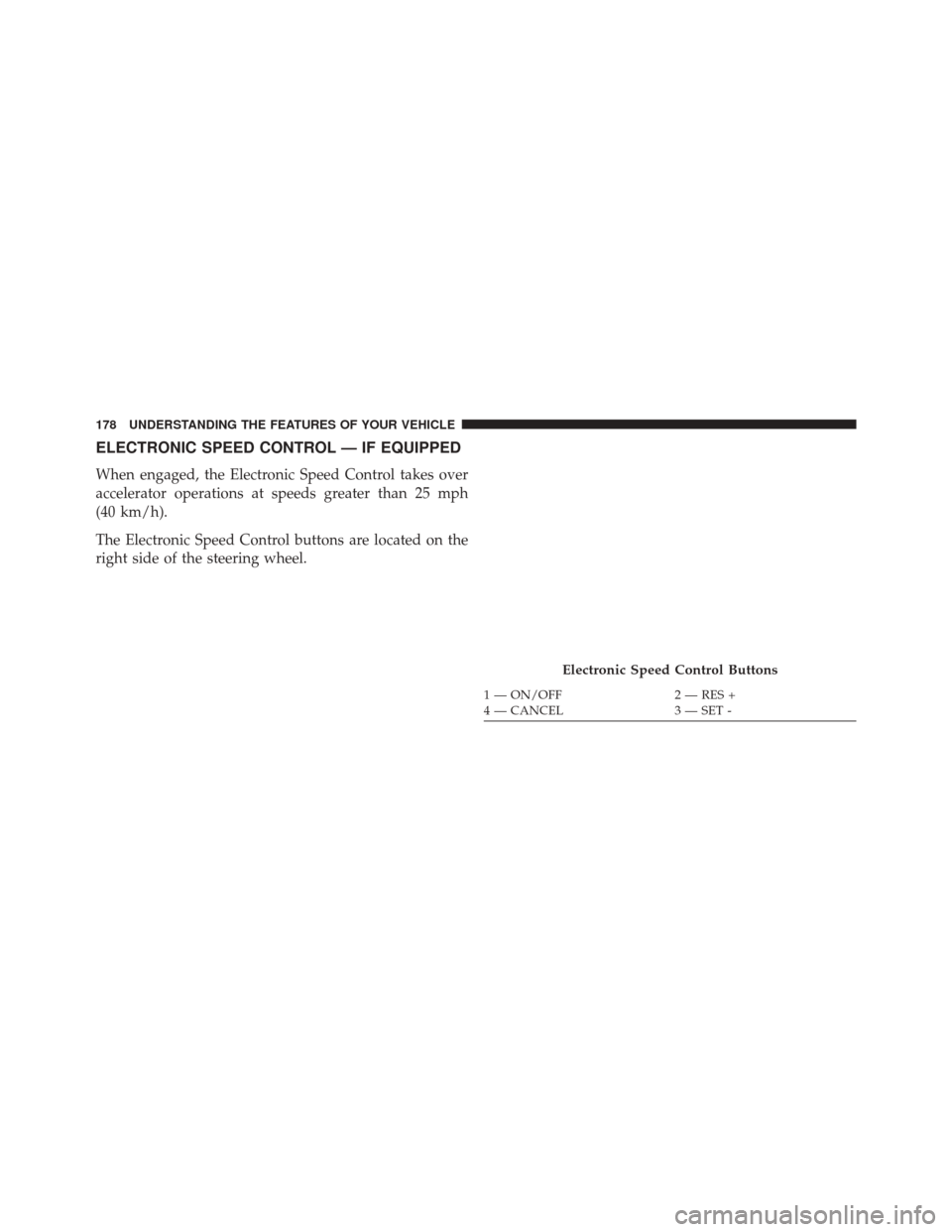
ELECTRONIC SPEED CONTROL — IF EQUIPPED
When engaged, the Electronic Speed Control takes over
accelerator operations at speeds greater than 25 mph
(40 km/h).
The Electronic Speed Control buttons are located on the
right side of the steering wheel.
Electronic Speed Control Buttons
1 — ON/OFF2 — RES +
4 — CANCEL 3 — SET -
178 UNDERSTANDING THE FEATURES OF YOUR VEHICLE
Page 211 of 519
▫Play Mode ......................... .270
▫ List Or Browse Mode ...................272
▫ Bluetooth Streaming Audio (BTSA) .........273
� STEERING WHEEL AUDIO CONTROLS —
IF EQUIPPED ........................ .275
▫ Right-Hand Switch Functions .............276
▫ Left-Hand Switch Functions For Radio
Operation .......................... .276
▫ Left-Hand Switch Functions For Media
(i.e., CD) Operation ....................276 �
CD/DVD DISC MAINTENANCE ...........277
�
RADIO OPERATION AND MOBILE PHONES . . .277
� CLIMATE CONTROLS ...................278
▫ Manual Heating And Air Conditioning ......278
▫ Automatic Temperature Control (ATC) —
If Equipped ........................ .282
▫ Operating Tips ...................... .288
4
UNDERSTANDING YOUR INSTRUMENT PANEL 209