Page 273 of 592
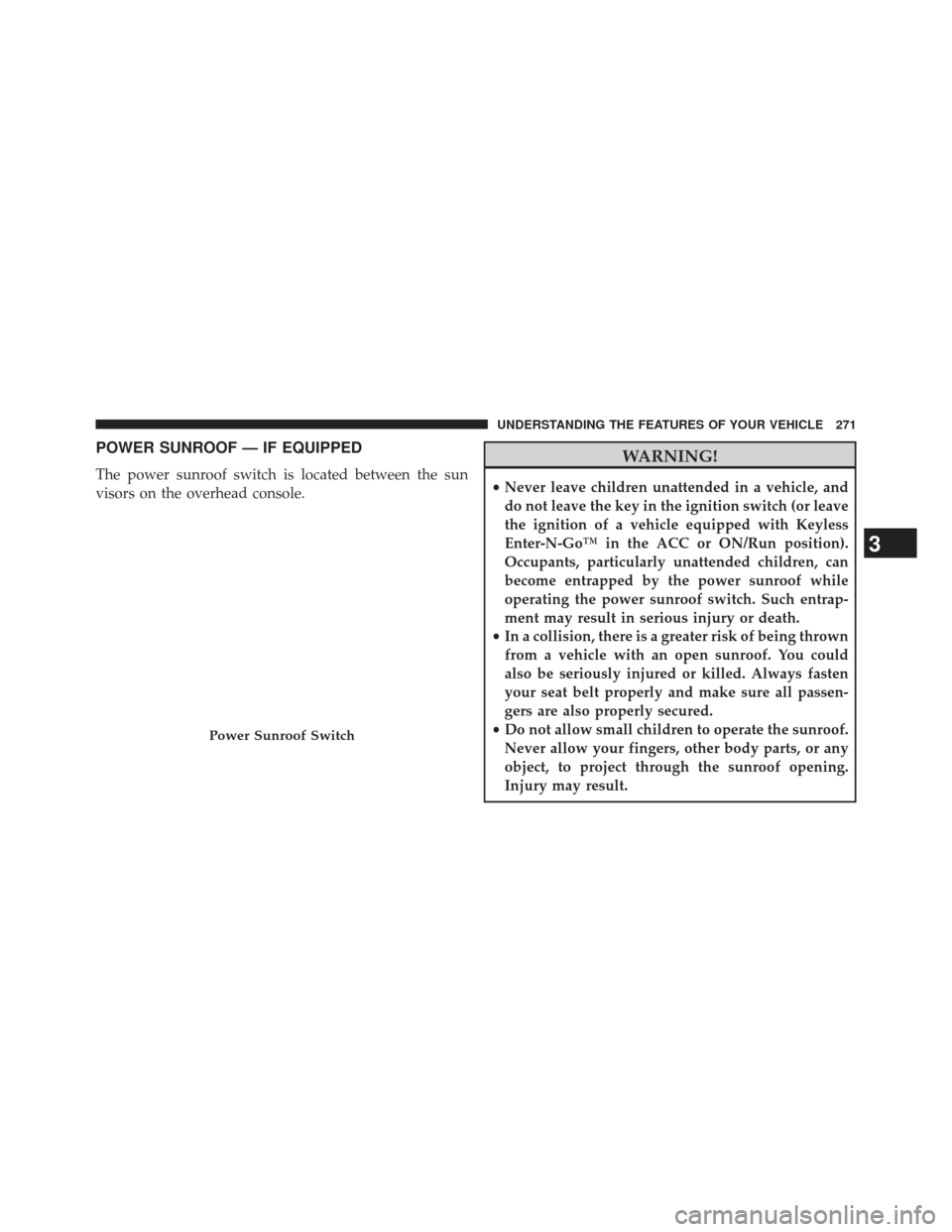
POWER SUNROOF — IF EQUIPPED
The power sunroof switch is located between the sun
visors on the overhead console.
WARNING!
•Never leave children unattended in a vehicle, and
do not leave the key in the ignition switch (or leave
the ignition of a vehicle equipped with Keyless
Enter-N-Go™ in the ACC or ON/Run position).
Occupants, particularly unattended children, can
become entrapped by the power sunroof while
operating the power sunroof switch. Such entrap-
ment may result in serious injury or death.
• In a collision, there is a greater risk of being thrown
from a vehicle with an open sunroof. You could
also be seriously injured or killed. Always fasten
your seat belt properly and make sure all passen-
gers are also properly secured.
• Do not allow small children to operate the sunroof.
Never allow your fingers, other body parts, or any
object, to project through the sunroof opening.
Injury may result.
Power Sunroof Switch
3
UNDERSTANDING THE FEATURES OF YOUR VEHICLE 271
Page 277 of 592
WARNING!
•Never leave children unattended in a vehicle, and
do not leave the key in the ignition switch (or leave
the ignition of a vehicle equipped with Keyless
Enter-N-Go™ in the ACC or ON/Run position).
Occupants, particularly unattended children, can
become entrapped by the power sunroof while
operating the power sunroof switch. Such entrap-
ment may result in serious injury or death.
• In a collision, there is a greater risk of being thrown
from a vehicle with an open sunroof. You could
also be seriously injured or killed. Always fasten
your seat belt properly and make sure all passen-
gers are also properly secured.
• Do not allow small children to operate the sunroof.
Never allow your fingers, other body parts, or any
object, to project through the sunroof opening.
Injury may result.
Opening Sunroof — Express
Press the switch rearward and release it within one-half
second. The sunroof and sunshade will open automati-
cally from any position. The sunroof and sunshade will
open fully and stop automatically. This is called “Express
Open”. During Express Open operation, any movement
of the sunroof switch will stop the sunroof.
Opening Sunroof — Manual Mode
To open the sunroof, press and hold the switch rearward
to full open. Any release of the switch will stop the
movement. The sunroof and sunshade will remain in a
partially opened condition until the switch is pushed and
held rearward again.
Closing Sunroof — Express
Press the switch forward and release it within one-half
second and the sunroof will close automatically from any
3
UNDERSTANDING THE FEATURES OF YOUR VEHICLE 275
Page 295 of 592

CAUTION!
Failure to follow these cautions can cause damage to
the heating elements:
•Use care when washing the inside of the rear
window. Do not use abrasive window cleaners on
the interior surface of the window. Use a soft cloth
and a mild washing solution, wiping parallel to the
heating elements. Labels can be peeled off after
soaking with warm water.
• Do not use scrapers, sharp instruments, or abrasive
window cleaners on the interior surface of the
window.
• Keep all objects a safe distance from the window.
Power Sunshade — If Equipped
Your vehicle may be equipped with a power sunshade
that will reduce the amount of sunlight that will shine
through the rear windshield.
The power sunshade can be operated using the
Uconnect® System.
Press the “Controls” soft-key and then press the “Sun-
shade” soft-key to raise the power sunscreen. Press the
“Sunshade” soft-key a second time to lower the sun-
shade.
If the sunshade is in the raised position and the vehicle is
placed in REVERSE, the sunshade will automatically
fully lower. When the transmission is shifted out of
REVERSE the sunshade will automatically return to the
fully raised position after approximately five seconds.
3
UNDERSTANDING THE FEATURES OF YOUR VEHICLE 293
Page 296 of 592
NOTE:The rear sunshade control switch can be locked
out along with the rear passenger window controls from
the driver switch window lockout switch.
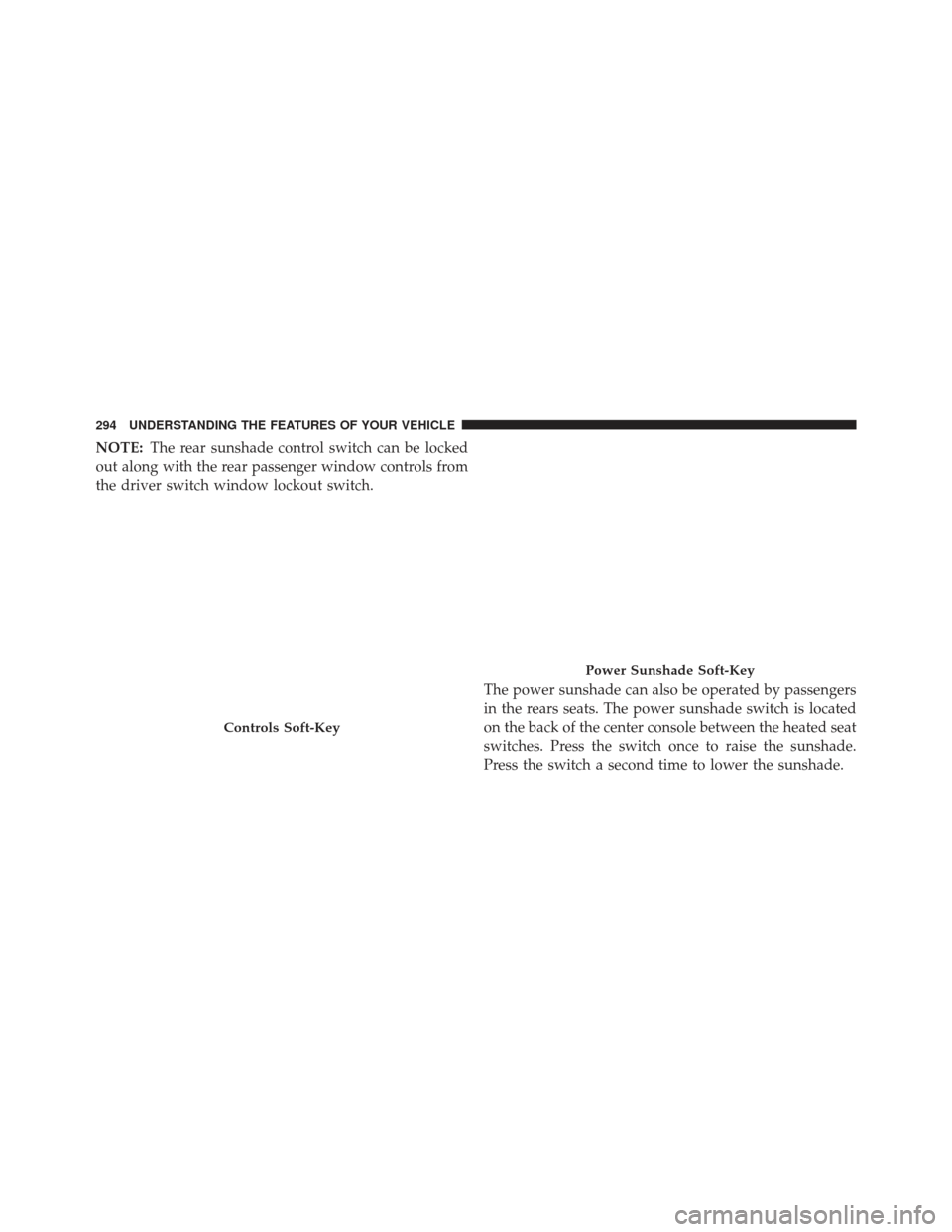
The power sunshade can also be operated by passengers
in the rears seats. The power sunshade switch is located
on the back of the center console between the heated seat
switches. Press the switch once to raise the sunshade.
Press the switch a second time to lower the sunshade.
Controls Soft-Key
Power Sunshade Soft-Key
294 UNDERSTANDING THE FEATURES OF YOUR VEHICLE
Page 300 of 592
�Uconnect® SETTINGS ...................326
▫ Hard-Keys ......................... .326
▫ Soft-Keys .......................... .327
▫ Customer Programmable Features —
Uconnect® 8.4 Settings ..................327
� SETTING THE ANALOG CLOCK ...........342
� iPod®/USB/MP3 CONTROL ..............343
� HARMAN KARDON® Logic7® HIGH
PERFORMANCE MULTICHANNEL SURROUND
SOUND SYSTEM WITH DRIVER-SELECTABLE
SURROUND (DSS) — IF EQUIPPED .........343�
STEERING WHEEL AUDIO CONTROLS ......344
▫ Radio Operation ..................... .345
▫ CD Player .......................... .345
� CD/DVD DISC MAINTENANCE ...........346
� RADIO OPERATION AND MOBILE PHONES . .346
� CLIMATE CONTROLS ...................347
▫ General Overview .....................347
▫ Climate Control Functions ...............353
▫ Automatic Temperature Control (ATC) ......354
▫ Operating Tips ...................... .356
298 UNDERSTANDING YOUR INSTRUMENT PANEL
Page 307 of 592

CAUTION!
The TPMS has been optimized for the original
equipment tires and wheels. TPMS pressures and
warning have been established for the tire size
equipped on your vehicle. Undesirable system opera-
tion or sensor damage may result when using re-
placement equipment that is not of the same size,
type, and/or style. Aftermarket wheels can cause
sensor damage. Do not use tire sealant from a can or
balance beads if your vehicle is equipped with a
TPMS, as damage to the sensors may result.
8. Malfunction Indicator Light (MIL) The Malfunction Indicator Light (MIL) is part of
an onboard diagnostic system, called OBD, that
monitors engine and automatic transmission con-
trol systems. The light will illuminate when the key is in the ON/RUN position, before engine start. If the bulb
does not come on when turning the key from OFF to
ON/RUN, have the condition checked promptly.
Certain conditions, such as poor fuel quality, etc., may
illuminate the MIL after engine start. The vehicle should
be serviced if the light stays on through several of your
typical driving cycles. In most situations, the vehicle will
drive normally and will not require towing.
CAUTION!
Prolonged driving with the Malfunction Indicator
Light (MIL) on could cause damage to the engine
control system. It also could affect fuel economy and
drivability. If the MIL is flashing, severe catalytic
converter damage and power loss will soon occur.
Immediate service is required.
4
UNDERSTANDING YOUR INSTRUMENT PANEL 305
Page 320 of 592
•Oil Pressure Warning Telltale
This telltale indicates low engine oil pressure. If
the light turns on while driving, stop the vehicle and shut
off the engine as soon as possible. A chime will sound for
four minutes when this light turns on.
Do not operate the vehicle until the cause is corrected.
This light does not show how much oil is in the engine.
The engine oil level must be checked under the hood.
• Charging System Telltale
This telltale shows the status of the electrical
charging system. If the telltale stays on or comes
on while driving, turn off some of the vehicle’s non-
essential electrical devices or increase engine speed (if at
idle). If the charging system telltale remains on, it means
that the vehicle is experiencing a problem with the
charging system. Obtain SERVICE IMMEDIATELY. See
an authorized dealer. If jump starting is required, refer to “Jump Starting
Procedures” in “What To Do In Emergencies”.
•
Electronic Throttle Control (ETC) Telltale
This telltale informs you of a problem with the
Electronic Throttle Control (ETC) system. If the
telltale comes on while driving, have the sys-
tem checked by an authorized dealer.
If a problem is detected, the telltale will come on while
the engine is running. Cycle the ignition key when the
vehicle has completely stopped and the shift lever is
placed in the PARK position. The telltale should turn off.
If the telltale remains lit with the engine running, your
vehicle will usually be drivable. However, see an autho-
rized dealer for service as soon as possible. If the telltale
is flashing when the engine is running, immediate service
318 UNDERSTANDING YOUR INSTRUMENT PANEL
Page 328 of 592
•Oil Temperature
Displays the actual oil temperature.
• Oil Pressure
Displays the actual oil pressure.
• Trans Temperature
Displays the actual transmission temperature.
• Engine Hours
Displays the number of hours of engine operation.
Messages #
Select from Main Menu using the UP or DOWN buttons.
This feature shows the number of stored warning mes-
sages (in the # place holder). Pressing the SELECT button
will allow you to see what the stored messages are.
Pressing the BACK button takes you back to the Main
Menu.
Turn Menu OFF
Select from Main Menu using the DOWN button. Press-
ing the SELECT button blanks the menu display. Pressing
any one of the four steering wheel buttons brings the
menu back.
Uconnect® SETTINGS
The Uconnect® system uses a combination of soft and
hard keys located on the center of the instrument panel
that allows you to access and change the customer
programmable features.
Hard-Keys
Hard-Keys are located below the Uconnect® system in
the center of the instrument panel. In addition, there is a
Scroll/Enter control knob located on the right side of the
Climate Controls in the center of the instrument panel.
Turn the control knob to scroll through menus and
326 UNDERSTANDING YOUR INSTRUMENT PANEL