Page 227 of 517
Control Buttons
STEP Button
Press the STEP button located on the steering wheel to
scroll through sub menus (i.e., Temperature, Trip Func-
tions: Odometer, Trip A, Trip B).
RESET Button
To reset the display shown, turn the ignition switch to the
ON position, then press and hold the RESET button
located on the steering wheel.
The following displays can be reset or changed:
•Trip A
• Trip B
Trip Odometer (ODO)
This display shows the distance traveled since the last
reset. Press and release the STEP button on the instru-
ment cluster to switch from odometer, to Trip A or Trip B.
Mini-Trip Control Buttons
4
UNDERSTANDING YOUR INSTRUMENT PANEL 225
Page 229 of 517
•Miles To Empty
• Low Tire Information (Tire Pressure Monitor System
(TPMS) Displays) — if equipped
• Timer
• Units
• System Warnings (Door Ajar, etc.)
• Personal Settings (Customer-Programmable Features)
• Outside Temperature Display (°F or °C)
• Audio Mode Displays – 12 preset Radio Stations or CD
Title and Track number when playing The system allows the driver to select information by
pressing the following buttons on the instrument panel
switch bank located below the climate controls:
EVIC Steering Wheel Buttons
4
UNDERSTANDING YOUR INSTRUMENT PANEL 227
Page 272 of 517

•Pressing the REPEATbutton will change the audio
device mode to repeat the current playing track or
press the VR button and say �Repeat ON�or�Repeat
Off�.
• Press the SCANbutton to use iPod®/USB/MP3 de-
vice scan mode, which will play the first 10 seconds of
each track in the current list and then forward to the
next song. To stop SCAN mode and start playing the
desired track, when it is playing the track, press the
SCAN button again. During Scan mode, pressing the
<< SEEK andSEEK>> buttons will select the previous
and next tracks.
• RND button (available on sales code RES radio only):
Pressing this button toggles between Shuffle ON and
Shuffle OFF modes for the iPod® or external USB
device, or press the VR button and say �Shuffle ON�or
�Shuffle Off�.IftheRND icon is showing on the radio
display, then the shuffle mode is ON.List Or Browse Mode
During Play mode, pressing any of the buttons described
below, will bring up List mode. List mode enables
scrolling through the list of menus and tracks on the
audio device.
• TUNE control knob: The TUNEcontrol knob functions
in a similar manner as the scroll wheel on the audio
device or external USB device.
• Turning it clockwise (forward) and counterclockwise
(backward) scrolls through the lists, displaying the
track detail on the radio display. Once the track to be
played is highlighted on the radio display, press the
TUNE control knob to select and start playing the
track. Turning the TUNEcontrol knob fast will scroll
through the list faster. During fast scroll, a slight
delay in updating the information on the radio
display may be noticeable.
270 UNDERSTANDING YOUR INSTRUMENT PANEL
Page 273 of 517

•During all List modes, the iPod® displays all lists in
“wrap-around” mode. So if the track is at the bottom
of the list, just turn the wheel backward (counter-
clockwise) to get to the track faster.
• In List mode, the radio PRESETbuttons are used as
shortcuts to the following lists on the iPod® or
external USB device.
• Preset 1 – Playlists
• Preset 2 – Artists
• Preset 3 – Albums
• Preset 4 – Genres
• Preset 5 – Audiobooks
• Preset 6 – Podcasts •
Pressing a PRESET button will display the current
list on the top line and the first item in that list on the
second line.
•
To exit List mode without selecting a track, press the
same PRESET button again to go back to Play mode.
•LIST button: The LISTbutton will display the top
level menu of the iPod® or external USB device. Turn
the TUNE control knob to list the top-menu item to be
selected and press the TUNEcontrol knob. This will
display the next sub-menu list item on the audio
device, then follow the same steps to go to the desired
track in that list. Not all iPod® or external USB device
sub-menu levels are available on this system.
• MUSIC TYPE button: TheMUSIC TYPE button is
another shortcut button to the genre listing on your
audio device.
4
UNDERSTANDING YOUR INSTRUMENT PANEL 271
Page 276 of 517
STEERING WHEEL AUDIO CONTROLS — IF
EQUIPPEDThe remote sound system controls are located on the rear
surface of the steering wheel, at the three and nine
o’clock positions.
The right-hand rocker switch has a pushbutton in the
center, and controls the volume and mode of the sound
system. Pressing the top of the rocker switch will increase
the volume. Pressing the bottom of the rocker switch will
decrease the volume. Pressing the center button changes
the operation of the radio from AM to FM, or to CD
mode, depending on which radio is in the vehicle.
The left-hand rocker switch has a pushbutton in the
center. The function of the left-hand switch is different,
depending on which mode you are in.
The following describes the left-hand rocker switch op-
eration in each mode.
Remote Sound System Controls(Back View Of Steering Wheel)
274 UNDERSTANDING YOUR INSTRUMENT PANEL
Page 295 of 517
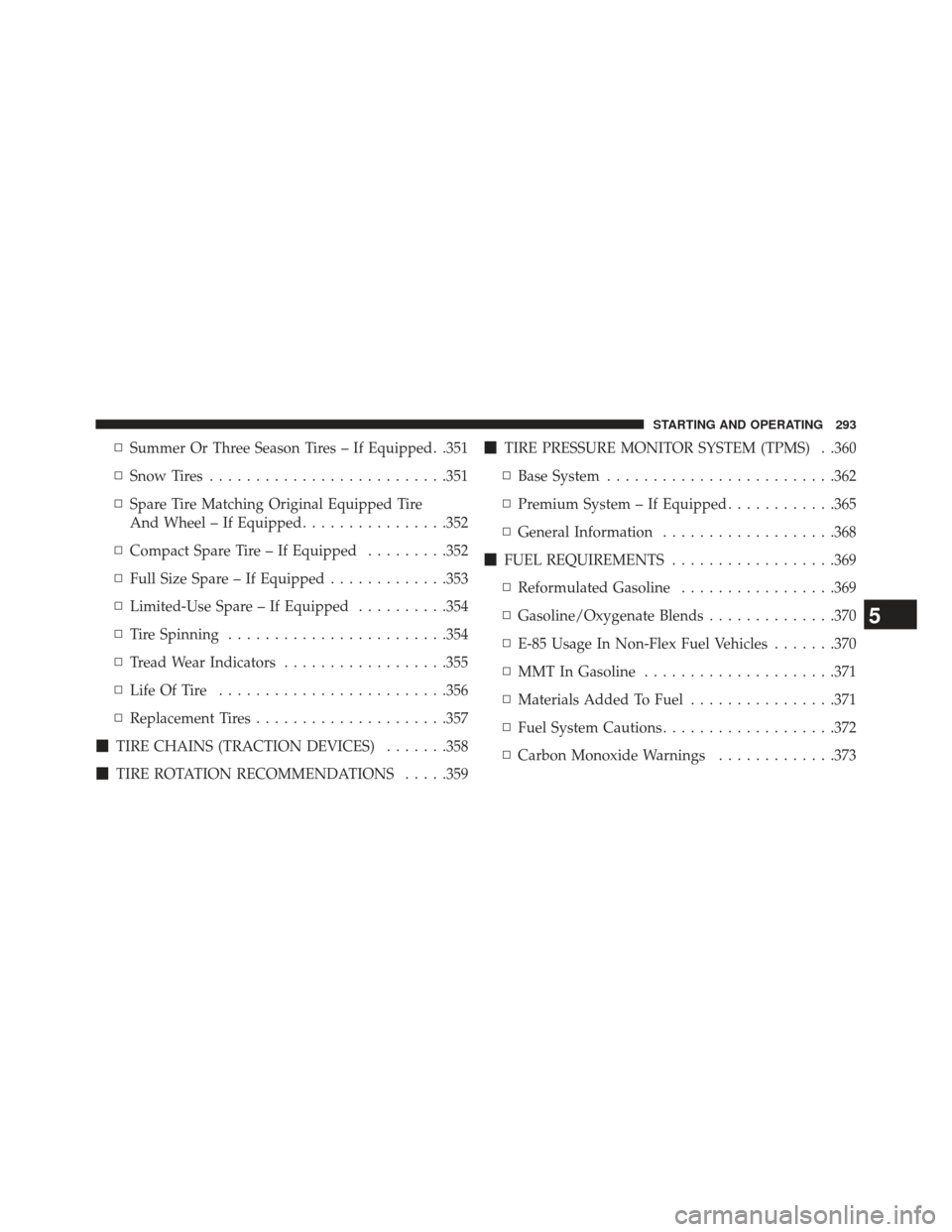
▫Summer Or Three Season Tires – If Equipped. .351
▫ Snow Tires ......................... .351
▫ Spare Tire Matching Original Equipped Tire
And Wheel – If Equipped ................352
▫ Compact Spare Tire – If Equipped .........352
▫ Full Size Spare – If Equipped .............353
▫ Limited-Use Spare – If Equipped ..........354
▫ Tire Spinning ....................... .354
▫ Tread Wear Indicators ..................355
▫ Life Of Tire ........................ .356
▫ Replacement Tires .....................357
� TIRE CHAINS (TRACTION DEVICES) .......358
� TIRE ROTATION RECOMMENDATIONS .....359�
TIRE PRESSURE MONITOR SYSTEM (TPMS) . .360
▫ Base System ........................ .362
▫ Premium System – If Equipped ............365
▫ General Information ...................368
� FUEL REQUIREMENTS ..................369
▫ Reformulated Gasoline .................369
▫ Gasoline/Oxygenate Blends ..............370
▫ E-85 Usage In Non-Flex Fuel Vehicles .......370
▫ MMT In Gasoline .....................371
▫ Materials Added To Fuel ................371
▫ Fuel System Cautions ...................372
▫ Carbon Monoxide Warnings .............373
5
STARTING AND OPERATING 293
Page 306 of 517

Gear Ranges
DO NOT race the engine when shifting from PARK or
NEUTRAL into another gear range.
NOTE:After selecting any gear range, wait a moment to
allow the selected gear to engage before accelerating.
This is especially important when the engine is cold.
PARK
This range supplements the parking brake by locking the
transmission. The engine can be started in this range.
Never attempt to use PARK while the vehicle is in
motion. Apply the parking brake when leaving the
vehicle in this range.
When parking on a level surface, you may place the shift
lever in PARK first, and then apply the parking brake. When parking on a hill, apply the parking brake before
placing the shift lever in PARK, otherwise the load on the
transmission locking mechanism may make it difficult to
move the shift lever out of PARK. As an added precau-
tion, turn the front wheels toward the curb on a downhill
grade and away from the curb on an uphill grade.
WARNING!
•
Never use the PARK position as a substitute for the
parking brake. Always apply the parking brake
fully when parked to guard against vehicle move-
ment and possible injury or damage.
• Your vehicle could move and injure you and others
if it is not completely in PARK. Check by trying to
move the shift lever out of PARK with the brake
pedal released. Make sure the transmission is in
PARK before leaving the vehicle.
(Continued)
304 STARTING AND OPERATING
Page 315 of 517

When parking on a hill, apply the parking brake before
placing the shift lever in PARK, otherwise the load on the
transmission locking mechanism may make it difficult to
move the shift lever out of PARK. As an added precau-
tion, turn the front wheels toward the curb on a downhill
grade and away from the curb on an uphill grade.
WARNING!
•Never use the PARK position as a substitute for the
parking brake. Always apply the parking brake
fully when parked to guard against vehicle move-
ment and possible injury or damage.
• Your vehicle could move and injure you and others
if it is not completely in PARK. Check by trying to
move the shift lever out of PARK with the brake
pedal released. Make sure the transmission is in
PARK before leaving the vehicle.
(Continued)
WARNING! (Continued)
•It is dangerous to shift out of PARK or NEUTRAL
if the engine speed is higher than idle speed. If
your foot is not firmly pressing the brake pedal, the
vehicle could accelerate quickly forward or in re-
verse. You could lose control of the vehicle and hit
someone or something. Only shift into gear when
the engine is idling normally and your foot is
firmly pressing the brake pedal.
• Unintended movement of a vehicle could injure
those in or near the vehicle. As with all vehicles,
you should never exit a vehicle while the engine is
running. Before exiting a vehicle, always apply the
parking brake, shift the transmission into PARK,
and remove the ignition key. Once the key is
removed, the shift lever is locked in PARK, secur-
ing the vehicle against unwanted movement.
(Continued)
5
STARTING AND OPERATING 313


