2013 CHEVROLET EQUINOX display
[x] Cancel search: displayPage 222 of 388
Black plate (28,1)Chevrolet Equinox Owner Manual - 2013 - CRC - 5/21/12
9-28 Driving and Operating
D (Drive):This position is for
normal driving. It provides the best
fuel economy. If you need more
power for passing, and you are:
.Going less than 56 km/h
(35 mph), push the accelerator
pedal about halfway down.
.Going about 56 km/h (35 mph) or
more, push the accelerator all
the way down.
Notice: If the vehicle seems to
accelerate slowly or not shift
gears when you go faster, and
you continue to drive the vehicle
that way, you could damage the
transmission. Have the vehicle
serviced right away.
M (Manual Mode): Allows the
driver to select the range of gear
positions. See Manual Mode on
page 9‑28.
Manual Mode
Electronic Range Select
(ERS) Mode
ERS or manual mode allows for the
selection of the range of gear
positions. Use this mode when
driving downhill or towing a trailer to
limit the top gear and vehicle speed.
The shift position indicator within the
Driver Information Center (DIC) will
display a number next to the M
indicating the highest available gear
under manual mode and the driving
conditions when manual mode was
selected.
To use this feature:
1. Move the shift lever to M (Manual Mode).
2. Press the plus/minus button on the shift lever, to increase or
decrease the gear range
available.
When shifting to M (Manual Mode),
the transmission will shift to a preset
lower gear range. For this preset range, the highest gear available is
displayed next to the M in the DIC.
See
Driver Information Center (DIC)
on page 5‑22 for more information.
All gears below that number are
available to use. For example, when
4 (Fourth) is shown next to the M,
1 (First) through 4 (Fourth) gears are
shifted automatically. To shift to
5 (Fifth) gear, press the + (Plus)
button or shift into D (Drive).
M (Manual Mode) will prevent
shifting to a lower gear range if the
engine speed is too high. If vehicle
speed is not reduced within the time
allowed, the lower gear range shift
will not be completed. Slow the
vehicle, then press the −(Minus)
button to the desired lower gear
range.
While using the ERS, cruise control
can be used.
Page 223 of 388
Black plate (29,1)Chevrolet Equinox Owner Manual - 2013 - CRC - 5/21/12
Driving and Operating 9-29
Fuel Economy Mode
Vehicles with a 2.4L engine have a
Fuel Economy Mode. When
engaged, fuel economy mode can
improve the vehicle's fuel economy.
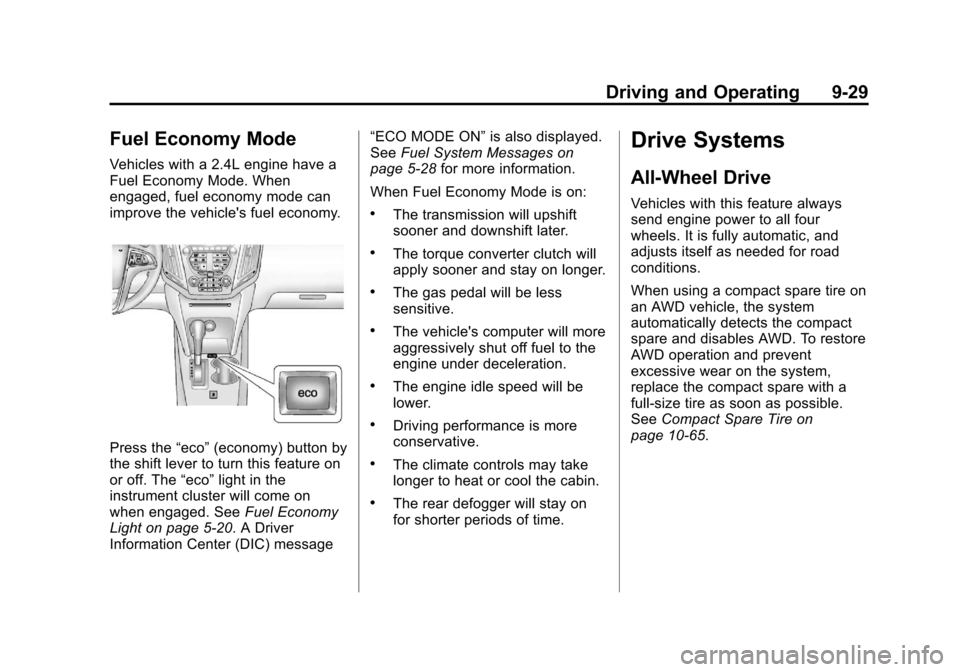
Press the“eco”(economy) button by
the shift lever to turn this feature on
or off. The “eco”light in the
instrument cluster will come on
when engaged. See Fuel Economy
Light on page 5‑20. A Driver
Information Center (DIC) message “ECO MODE ON”
is also displayed.
See Fuel System Messages on
page 5‑28 for more information.
When Fuel Economy Mode is on:
.The transmission will upshift
sooner and downshift later.
.The torque converter clutch will
apply sooner and stay on longer.
.The gas pedal will be less
sensitive.
.The vehicle's computer will more
aggressively shut off fuel to the
engine under deceleration.
.The engine idle speed will be
lower.
.Driving performance is more
conservative.
.The climate controls may take
longer to heat or cool the cabin.
.The rear defogger will stay on
for shorter periods of time.
Drive Systems
All-Wheel Drive
Vehicles with this feature always
send engine power to all four
wheels. It is fully automatic, and
adjusts itself as needed for road
conditions.
When using a compact spare tire on
an AWD vehicle, the system
automatically detects the compact
spare and disables AWD. To restore
AWD operation and prevent
excessive wear on the system,
replace the compact spare with a
full-size tire as soon as possible.
See Compact Spare Tire on
page 10‑65.
Page 226 of 388
Black plate (32,1)Chevrolet Equinox Owner Manual - 2013 - CRC - 5/21/12
9-32 Driving and Operating
completely stops and holds the
vehicle in a complete standstill on a
grade, HSA will be automatically
activated. During the transition
period between when the driver
releases the brake pedal and starts
to accelerate to drive off on a grade,
HSA holds the braking pressure to
ensure that there is no rolling. The
brakes will automatically release
when the accelerator pedal is
applied within the two‐second
window. It will not activate if the
vehicle is in a drive gear and facing
downhill or if the vehicle is facing
uphill and in R (Reverse).Ride Control Systems
Traction Control
System (TCS)
The vehicle has a Traction Control
System (TCS) that limits wheel spin.
On a front-wheel-drive vehicle, the
system operates if it senses that
one or both of the front wheels are
spinning or beginning to lose
traction. On an All-Wheel-Drive
(AWD) vehicle, the system will
operate if it senses that any of the
wheels are spinning or beginning to
lose traction. When this happens,
the system brakes the spinning
wheel(s) and/or reduces engine
power to limit wheel spin.
The system may be heard or felt
while it is working, but this is
normal.
TCS is on whenever the vehicle is
started. To limit wheel spin,
especially in slippery roadconditions, the system should
always be left on. But, TCS can be
turned off if needed.
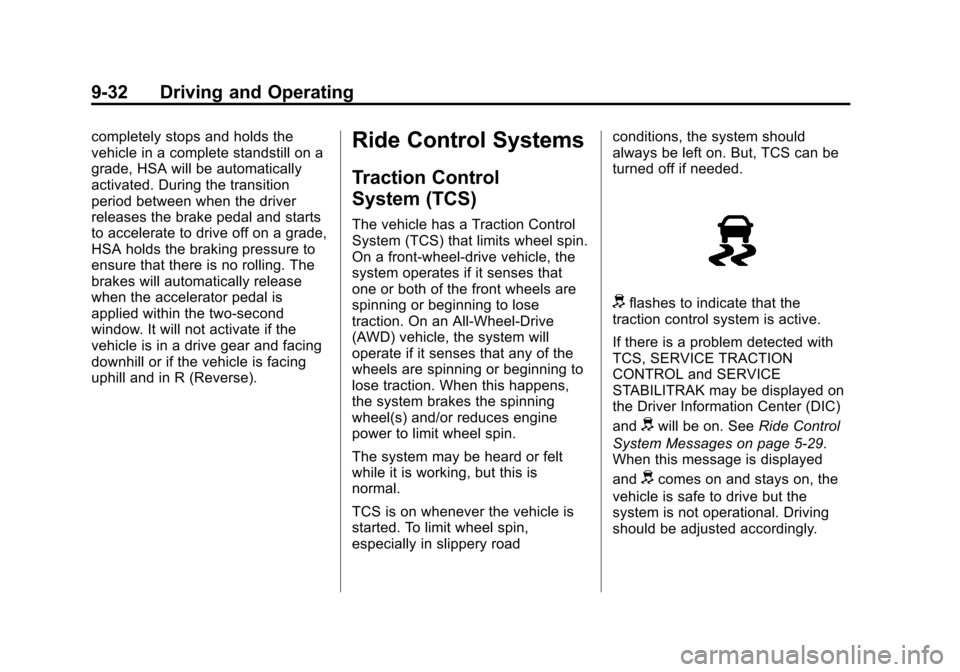
dflashes to indicate that the
traction control system is active.
If there is a problem detected with
TCS, SERVICE TRACTION
CONTROL and SERVICE
STABILITRAK may be displayed on
the Driver Information Center (DIC)
and
dwill be on. See Ride Control
System Messages on page 5‑29.
When this message is displayed
and
dcomes on and stays on, the
vehicle is safe to drive but the
system is not operational. Driving
should be adjusted accordingly.
Page 227 of 388
Black plate (33,1)Chevrolet Equinox Owner Manual - 2013 - CRC - 5/21/12
Driving and Operating 9-33
Notice:Do not repeatedly brake
or accelerate heavily when TCS is
off. The vehicle's driveline could
be damaged.
If
dcomes on and stays on, reset
the system by:
1. Stopping the vehicle.
2. Turning the engine off and waiting 15 seconds.
3. Starting the engine.
If
dstill comes on and stays on at a
speed above 20 km/h (13 mph), see
your dealer for service.
A chime may also sound when the
light comes on steady.
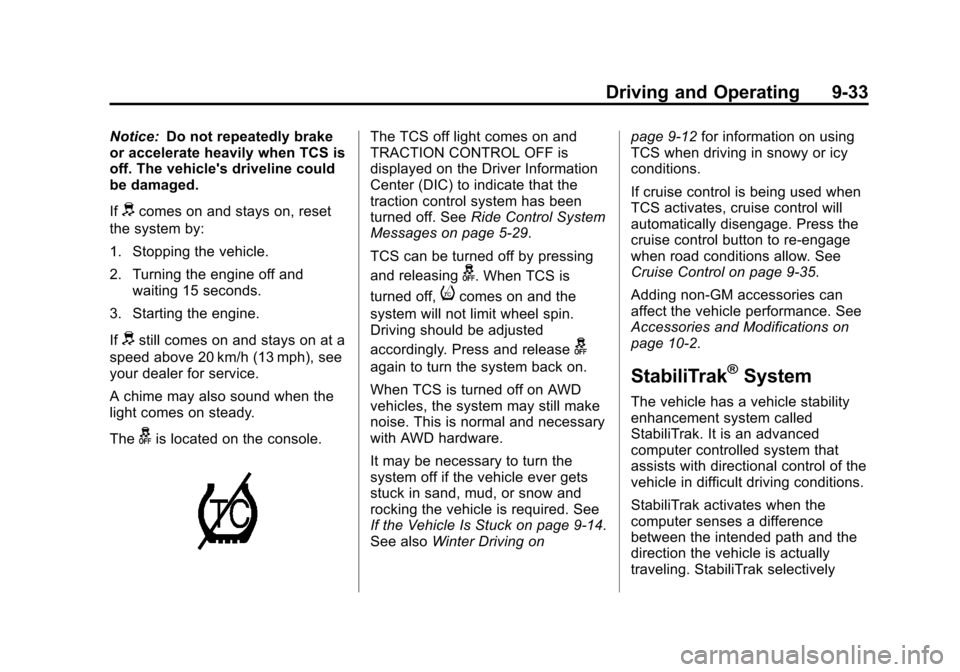
The
gis located on the console.
The TCS off light comes on and
TRACTION CONTROL OFF is
displayed on the Driver Information
Center (DIC) to indicate that the
traction control system has been
turned off. See Ride Control System
Messages on page 5‑29.
TCS can be turned off by pressing
and releasing
g. When TCS is
turned off,
icomes on and the
system will not limit wheel spin.
Driving should be adjusted
accordingly. Press and release
g
again to turn the system back on.
When TCS is turned off on AWD
vehicles, the system may still make
noise. This is normal and necessary
with AWD hardware.
It may be necessary to turn the
system off if the vehicle ever gets
stuck in sand, mud, or snow and
rocking the vehicle is required. See
If the Vehicle Is Stuck on page 9‑14.
See also Winter Driving on page 9‑12
for information on using
TCS when driving in snowy or icy
conditions.
If cruise control is being used when
TCS activates, cruise control will
automatically disengage. Press the
cruise control button to re-engage
when road conditions allow. See
Cruise Control on page 9‑35.
Adding non-GM accessories can
affect the vehicle performance. See
Accessories and Modifications on
page 10‑2.StabiliTrak®System
The vehicle has a vehicle stability
enhancement system called
StabiliTrak. It is an advanced
computer controlled system that
assists with directional control of the
vehicle in difficult driving conditions.
StabiliTrak activates when the
computer senses a difference
between the intended path and the
direction the vehicle is actually
traveling. StabiliTrak selectively
Page 228 of 388
Black plate (34,1)Chevrolet Equinox Owner Manual - 2013 - CRC - 5/21/12
9-34 Driving and Operating
applies braking pressure to the
vehicle's brakes to help steer the
vehicle in the intended direction.
StabiliTrak is on automatically
whenever the vehicle is started. To
assist with directional control of the
vehicle, the system should always
be left on. Trailer Sway Control
(TSC) is also on automatically when
the vehicle is started. SeeTrailer
Sway Control (TSC) on page 9‑57.
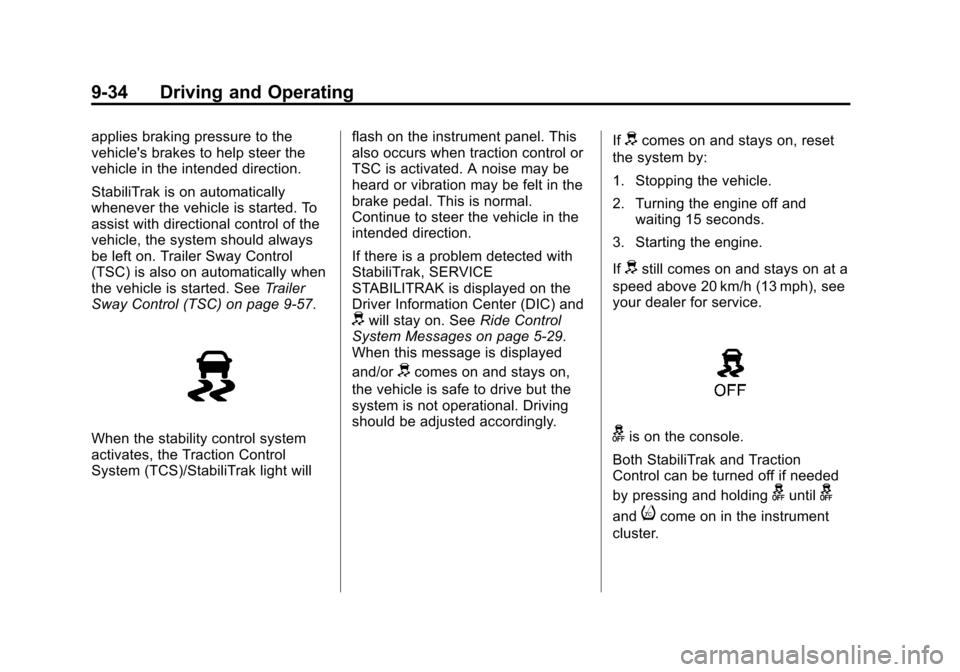
When the stability control system
activates, the Traction Control
System (TCS)/StabiliTrak light will flash on the instrument panel. This
also occurs when traction control or
TSC is activated. A noise may be
heard or vibration may be felt in the
brake pedal. This is normal.
Continue to steer the vehicle in the
intended direction.
If there is a problem detected with
StabiliTrak, SERVICE
STABILITRAK is displayed on the
Driver Information Center (DIC) and
dwill stay on. See
Ride Control
System Messages on page 5‑29.
When this message is displayed
and/or
dcomes on and stays on,
the vehicle is safe to drive but the
system is not operational. Driving
should be adjusted accordingly. If
dcomes on and stays on, reset
the system by:
1. Stopping the vehicle.
2. Turning the engine off and waiting 15 seconds.
3. Starting the engine.
If
dstill comes on and stays on at a
speed above 20 km/h (13 mph), see
your dealer for service.
gis on the console.
Both StabiliTrak and Traction
Control can be turned off if needed
by pressing and holding
guntilg
andicome on in the instrument
cluster.
Page 229 of 388
Black plate (35,1)Chevrolet Equinox Owner Manual - 2013 - CRC - 5/21/12
Driving and Operating 9-35
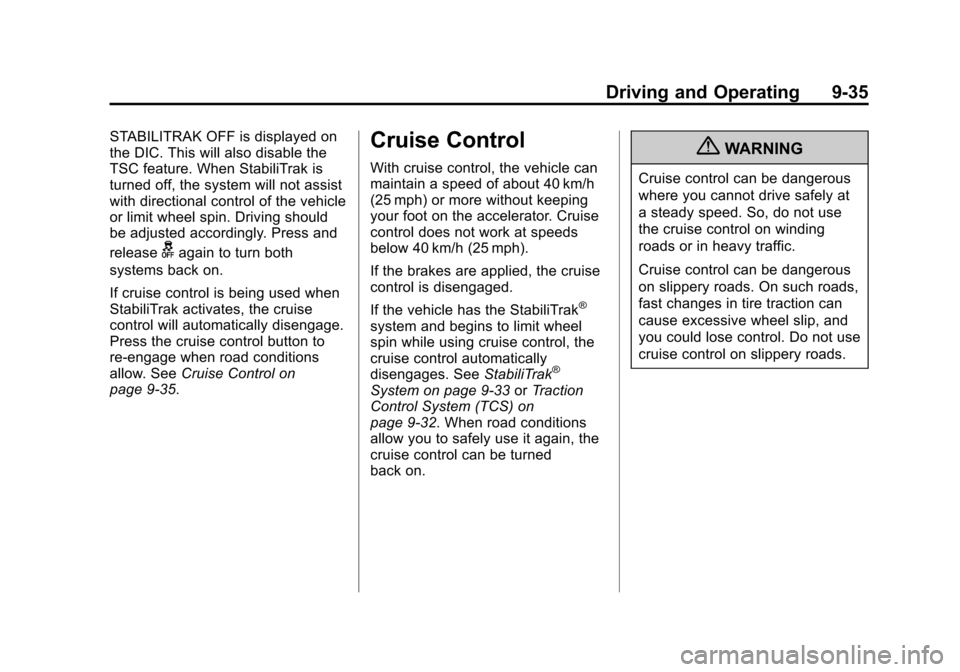
STABILITRAK OFF is displayed on
the DIC. This will also disable the
TSC feature. When StabiliTrak is
turned off, the system will not assist
with directional control of the vehicle
or limit wheel spin. Driving should
be adjusted accordingly. Press and
release
gagain to turn both
systems back on.
If cruise control is being used when
StabiliTrak activates, the cruise
control will automatically disengage.
Press the cruise control button to
re-engage when road conditions
allow. See Cruise Control on
page 9‑35.
Cruise Control
With cruise control, the vehicle can
maintain a speed of about 40 km/h
(25 mph) or more without keeping
your foot on the accelerator. Cruise
control does not work at speeds
below 40 km/h (25 mph).
If the brakes are applied, the cruise
control is disengaged.
If the vehicle has the StabiliTrak
®
system and begins to limit wheel
spin while using cruise control, the
cruise control automatically
disengages. See StabiliTrak
®
System on page 9‑33 orTraction
Control System (TCS) on
page 9‑32. When road conditions
allow you to safely use it again, the
cruise control can be turned
back on.
{WARNING
Cruise control can be dangerous
where you cannot drive safely at
a steady speed. So, do not use
the cruise control on winding
roads or in heavy traffic.
Cruise control can be dangerous
on slippery roads. On such roads,
fast changes in tire traction can
cause excessive wheel slip, and
you could lose control. Do not use
cruise control on slippery roads.
Page 230 of 388
Black plate (36,1)Chevrolet Equinox Owner Manual - 2013 - CRC - 5/21/12
9-36 Driving and Operating
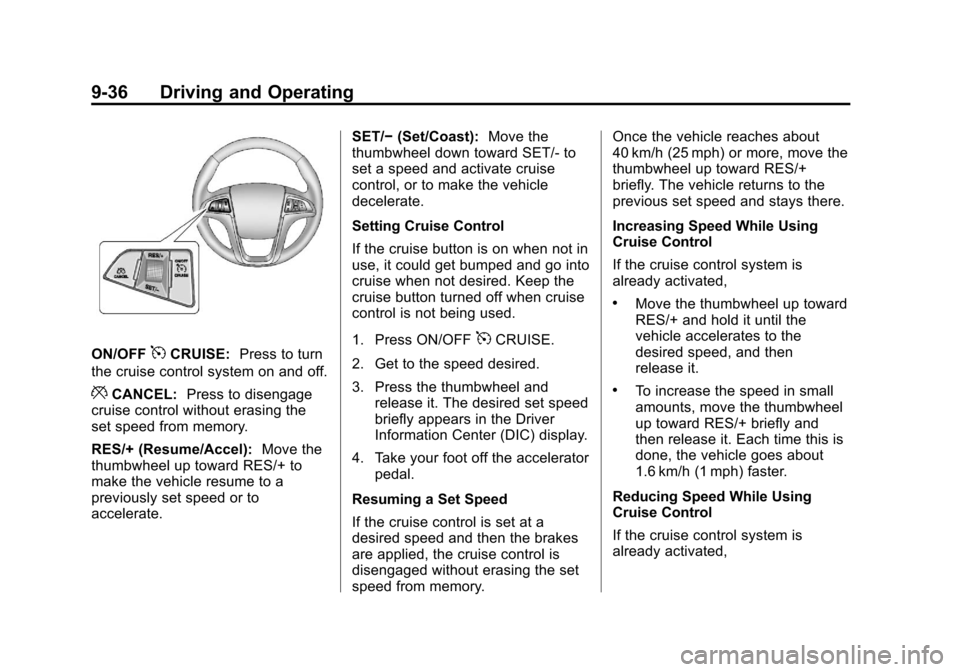
ON/OFF5CRUISE:Press to turn
the cruise control system on and off.
*CANCEL: Press to disengage
cruise control without erasing the
set speed from memory.
RES/+ (Resume/Accel): Move the
thumbwheel up toward RES/+ to
make the vehicle resume to a
previously set speed or to
accelerate. SET/−
(Set/Coast): Move the
thumbwheel down toward SET/- to
set a speed and activate cruise
control, or to make the vehicle
decelerate.
Setting Cruise Control
If the cruise button is on when not in
use, it could get bumped and go into
cruise when not desired. Keep the
cruise button turned off when cruise
control is not being used.
1. Press ON/OFF
5CRUISE.
2. Get to the speed desired.
3. Press the thumbwheel and release it. The desired set speed
briefly appears in the Driver
Information Center (DIC) display.
4. Take your foot off the accelerator pedal.
Resuming a Set Speed
If the cruise control is set at a
desired speed and then the brakes
are applied, the cruise control is
disengaged without erasing the set
speed from memory. Once the vehicle reaches about
40 km/h (25 mph) or more, move the
thumbwheel up toward RES/+
briefly. The vehicle returns to the
previous set speed and stays there.
Increasing Speed While Using
Cruise Control
If the cruise control system is
already activated,
.Move the thumbwheel up toward
RES/+ and hold it until the
vehicle accelerates to the
desired speed, and then
release it.
.To increase the speed in small
amounts, move the thumbwheel
up toward RES/+ briefly and
then release it. Each time this is
done, the vehicle goes about
1.6 km/h (1 mph) faster.
Reducing Speed While Using
Cruise Control
If the cruise control system is
already activated,
Page 233 of 388
Black plate (39,1)Chevrolet Equinox Owner Manual - 2013 - CRC - 5/21/12
Driving and Operating 9-39
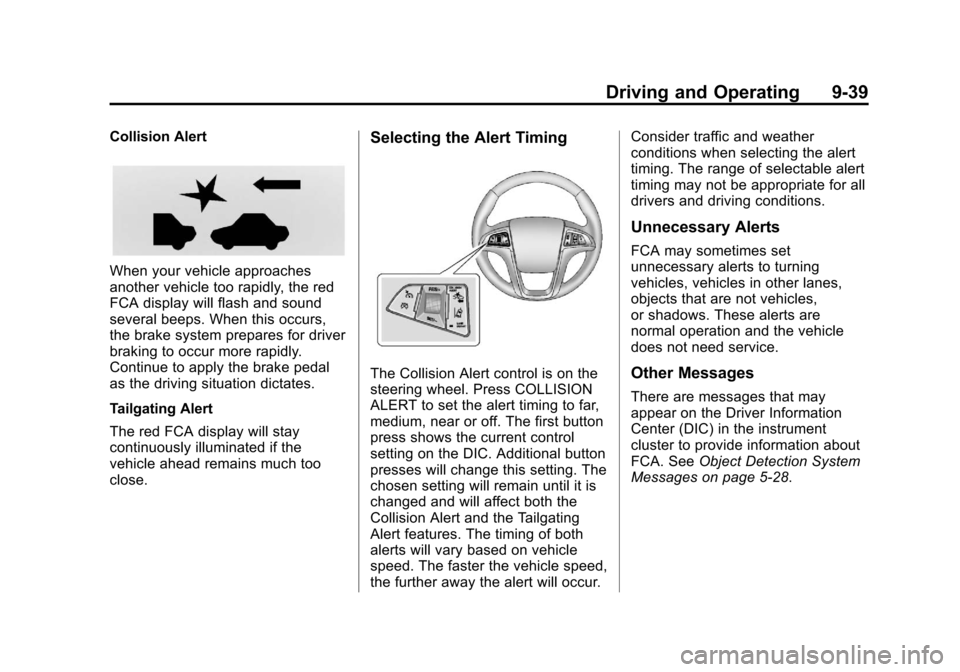
Collision Alert
When your vehicle approaches
another vehicle too rapidly, the red
FCA display will flash and sound
several beeps. When this occurs,
the brake system prepares for driver
braking to occur more rapidly.
Continue to apply the brake pedal
as the driving situation dictates.
Tailgating Alert
The red FCA display will stay
continuously illuminated if the
vehicle ahead remains much too
close.
Selecting the Alert Timing
The Collision Alert control is on the
steering wheel. Press COLLISION
ALERT to set the alert timing to far,
medium, near or off. The first button
press shows the current control
setting on the DIC. Additional button
presses will change this setting. The
chosen setting will remain until it is
changed and will affect both the
Collision Alert and the Tailgating
Alert features. The timing of both
alerts will vary based on vehicle
speed. The faster the vehicle speed,
the further away the alert will occur.Consider traffic and weather
conditions when selecting the alert
timing. The range of selectable alert
timing may not be appropriate for all
drivers and driving conditions.
Unnecessary Alerts
FCA may sometimes set
unnecessary alerts to turning
vehicles, vehicles in other lanes,
objects that are not vehicles,
or shadows. These alerts are
normal operation and the vehicle
does not need service.
Other Messages
There are messages that may
appear on the Driver Information
Center (DIC) in the instrument
cluster to provide information about
FCA. See
Object Detection System
Messages on page 5‑28.