2012 VOLKSWAGEN GOLF MK6 mfd
[x] Cancel search: mfdPage 118 of 516
N
19.
gauge
Reset button fo r t he trip odome te r (trip).
- P
ush th e
eter
saves
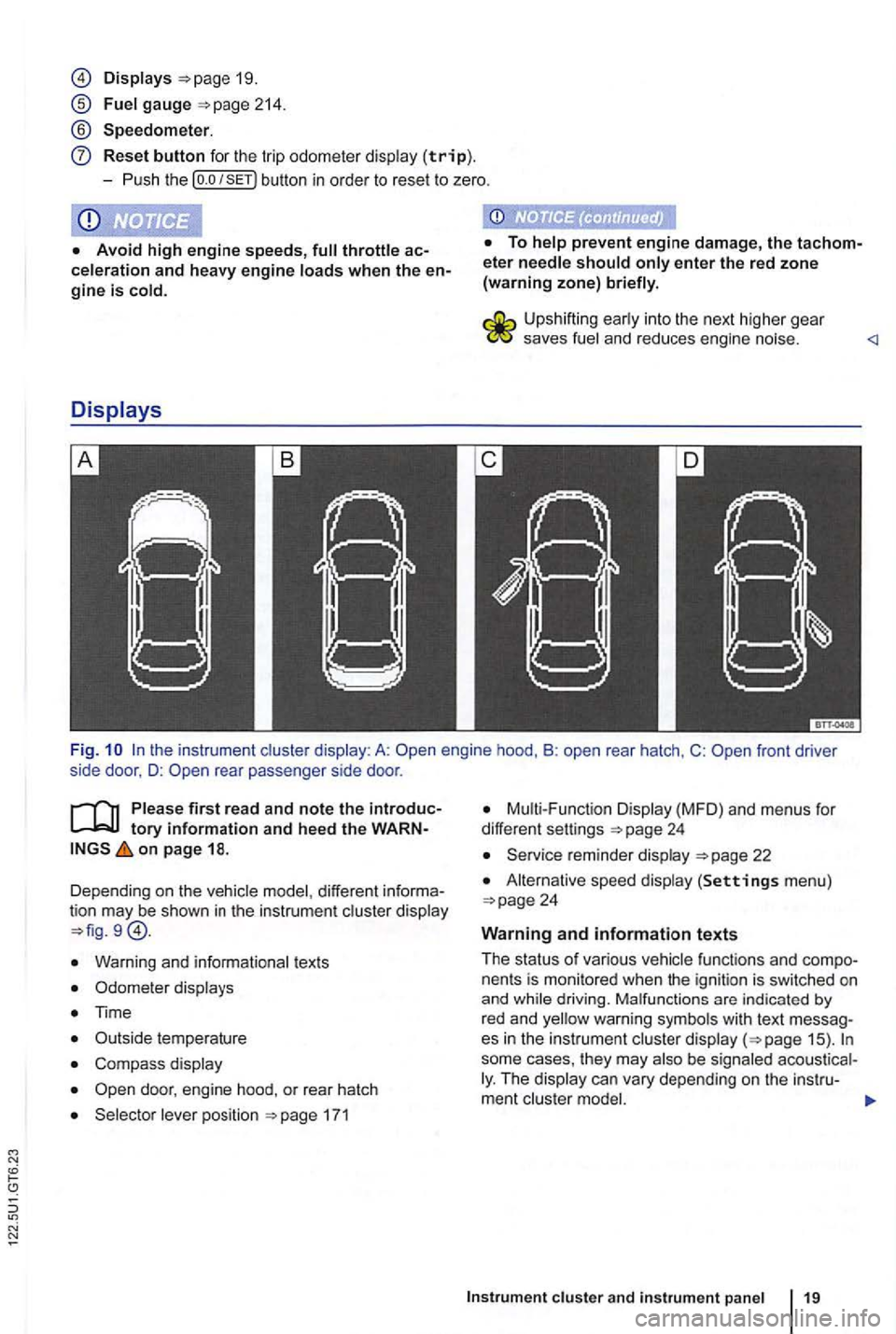
Fi g. rear passenger side door .
first read and note the tory information and heed the on page 18.
Dependi ng o n the vehic le model , different
Warn ing and informationa l tex ts
Odomete r disp lays
Time
C omp ass display
171
Disp lay (MFD ) and menu s for
differe nt settings
22
A lternat ive speed display (Settings men u)
fu nctions and nents is mon itored when the ign ition is switch ed on
and
some cases, they may The
Page 123 of 516
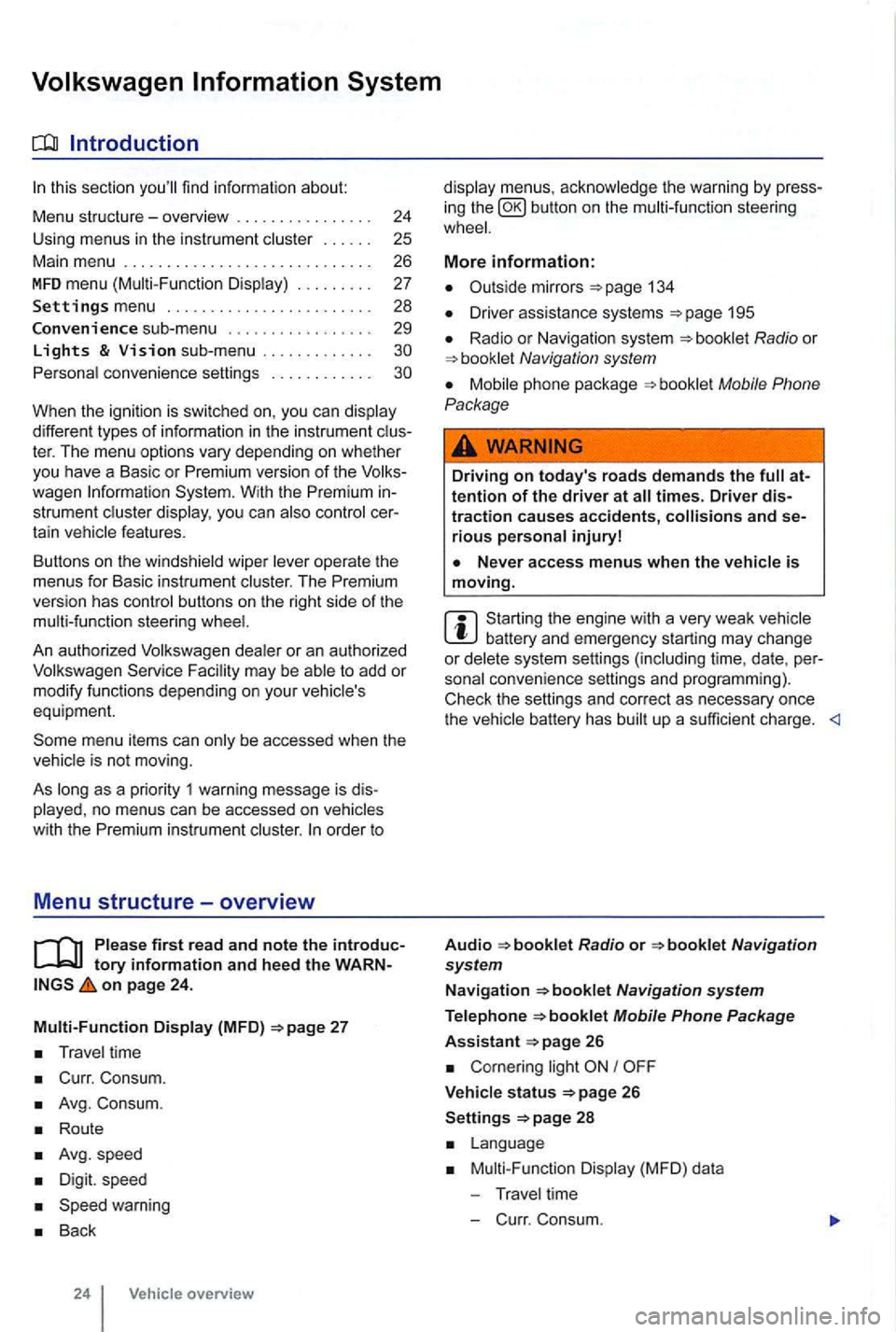
sectio n find informat ion about:
Menu structure-overv iew .......... .
U sing
menus in the instrument
..
Settings menu ................ .
Convenience sub-menu
Lights & Vision sub-menu ............ . convenience settings .. .
24
25 26
27
28
29
different types of information in the instrument ter. The menu options vary depending on whether you h ave a Basic or Premium version of th e
you can
operate the menus for Basic instrument The Premium version has con tro l buttons on the right side of the
An authorized to add or modify functio ns depending on you r vehicle's
equ ipment.
on page 24.
Multi-Function Display (MFD)
Travel time
Curr. Consum.
Avg. Consum.
Route
Avg.speed
Digit. speed
Back
24 Vehicle overview
menus, the warning by press
in g the button on the steeri ng
134
D river assistance systems 195
Radio or Navigation system
Mobile Phone
Package
Driving on today's roads demands the attention of the driver at times. Driver distraction causes accidents, and serious persona l injuryl
is moving.
Start ing the engine with a very weak battery and emergency starting may change or delete system settings (including time, date , per
sonal convenience settings and programming) .
Check the settings and correct as necessary once the
Radio or
26
Corn ering light I
V ehicle s tatus 26
Settings 2 8
Mult i-Functi on Displa y (MFD) da ta
T ravel time
- C urr. Consum.
Page 125 of 516
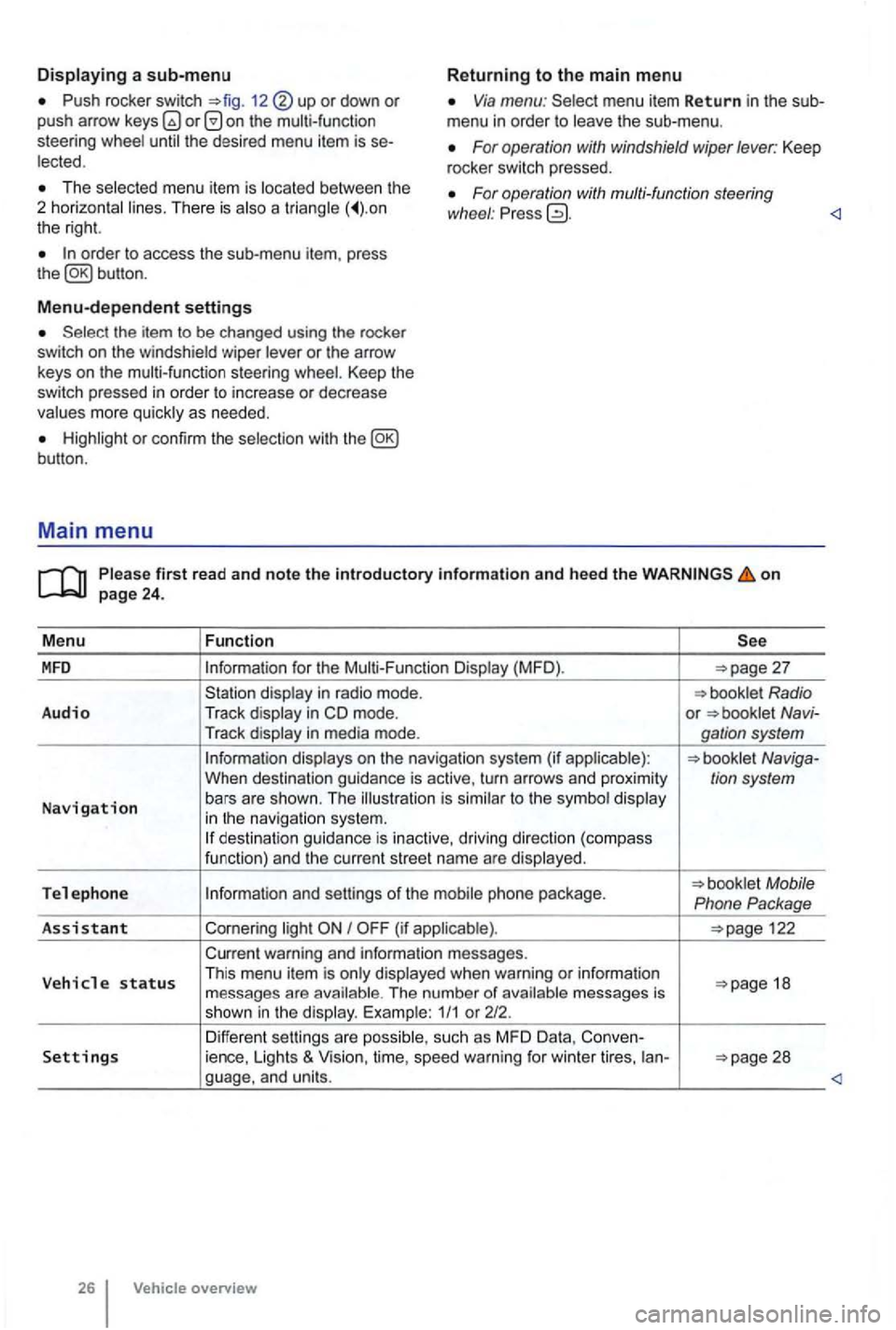
Push rocker switch 12 or down or push arrow on the multi-function
steering Via menu: menu item Return in the sub
menu in order to
For operation with windshield wiper lever: Keep
rocker switch pressed. The menu item is There is a the right.
For operation with multi-function steering
wl1eel : Pr ess
Menu-dependent settings
or the arrow
keys on the multi-function steering Keep the switch pressed in order to increase or decrease
or con firm the
first read and note the introductory information and heed the on
for the (MFD ).
in m ode. or Navi-
Tr ack
to the in navigat io n system. des tination guida nce is inactive, driving direction (compass
funct ion) and th e cur ren t street name are
Tel e ph one Mobile
Phone Package
As sis
tant Cornering I
warning and information messages.
V eh
icle status Th is menu item is when warning or information 18
messages are The number of 1/1 or 212.
Differen t sett ings are Settings ience, Lights & Vision, time, speed warning for winter tires, ian-
overview
Page 126 of 516
MFD menu (Multi-Function Display)
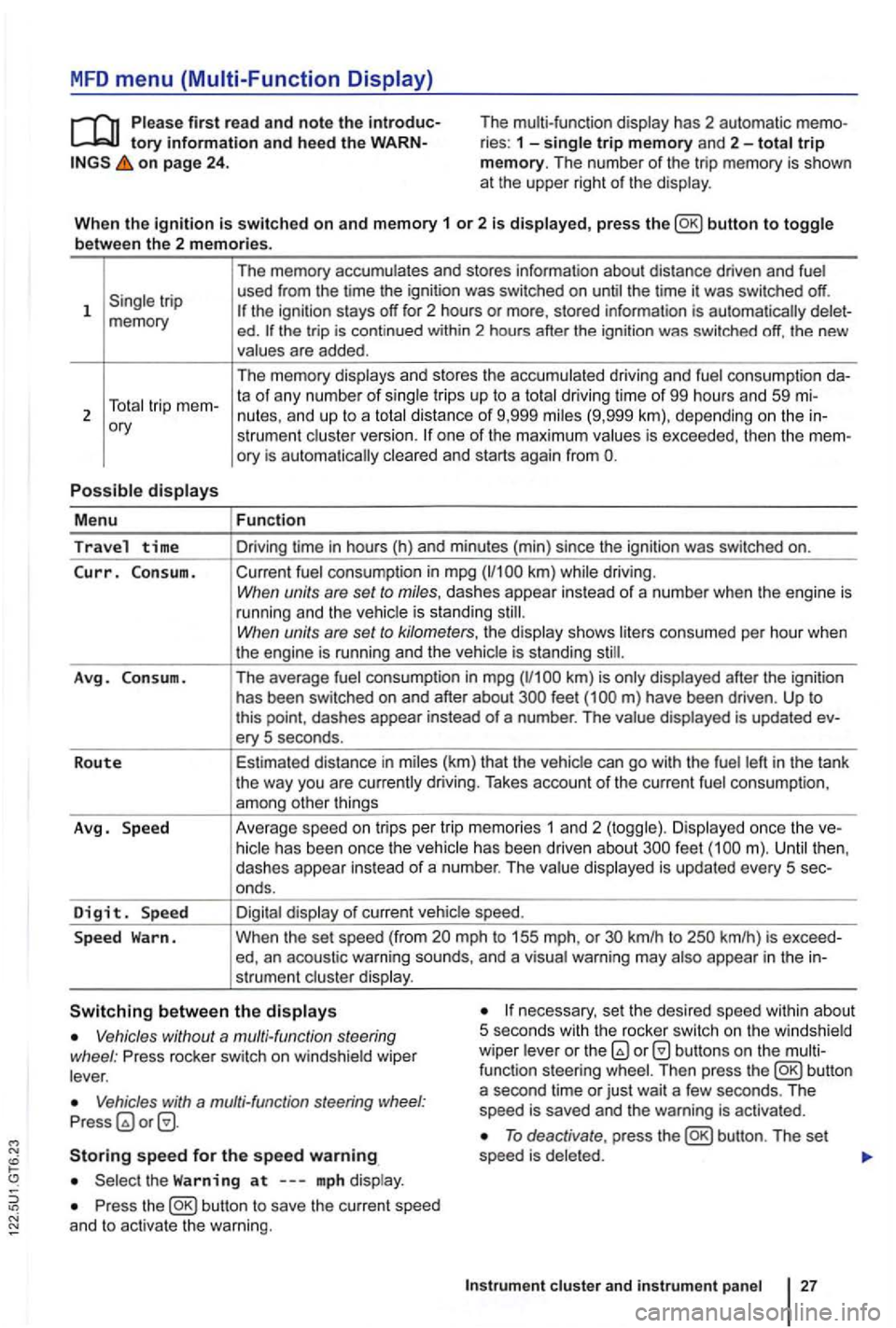
tory information and hee d the on page 24 . The multi-function
display has 2 automatic ries : 1 -single trip memory and 2-total trip memory. The number of the trip memory is shown
at the upper right of the display .
Wh en th e
ignition is switched on and memory 1 or 2 is displayed, press button to toggle
b etwee n the 2 m em ories.
1
ory
P o
ssible displays
M enu
Travel time
Curr. C on sum.
A vg . Consu m .
R o
ute
Avg . Speed
D
igit. Sp ee d
S p ee d
Warn. The
memory accumulates and stores information about distance driven and fuel
used from the time the ignition was switched on until the time it was switched off.
ed . the trip is cont inued within 2 hours after the ignition was switched off, the new
values are added .
The memory displays and stores the accumulated driving and fuel consumption
strumen t cluste r version. one of the maximum values is exceeded, then the
Fun ction
Driving time in hours (h) and minu tes (min) since the ignition was switched on.
Current fuel consumption in mpg
have been driven . Up to this point , dashes appear instead of a number . The value displayed is updated ery 5 seconds .
Estimated distance in miles (km) that the vehic le can
go with the fuel left in the tank
the way you are currently driving. Takes account of the current fuel consumpt ion ,
among other things
Ave rage speed on tri
ps per tr ip memor ies 1 an d 2 (toggle) . Di splayed once the feet
mph to 155 mph, or km/h to
necessary, set the desired speed within about
5 seco nds with th e rocker switch on the w indshield
wiper leve r or the Vehicles without a multi-function steering
wheel : Press rocker switch on windshie ld wiper
lever .
Vehicles with a multi-fun ction steering Press
Storing speed for the speed warning
Press the
To deactivate , press
Instrum ent cluste r and in str um en t panel
Page 127 of 516
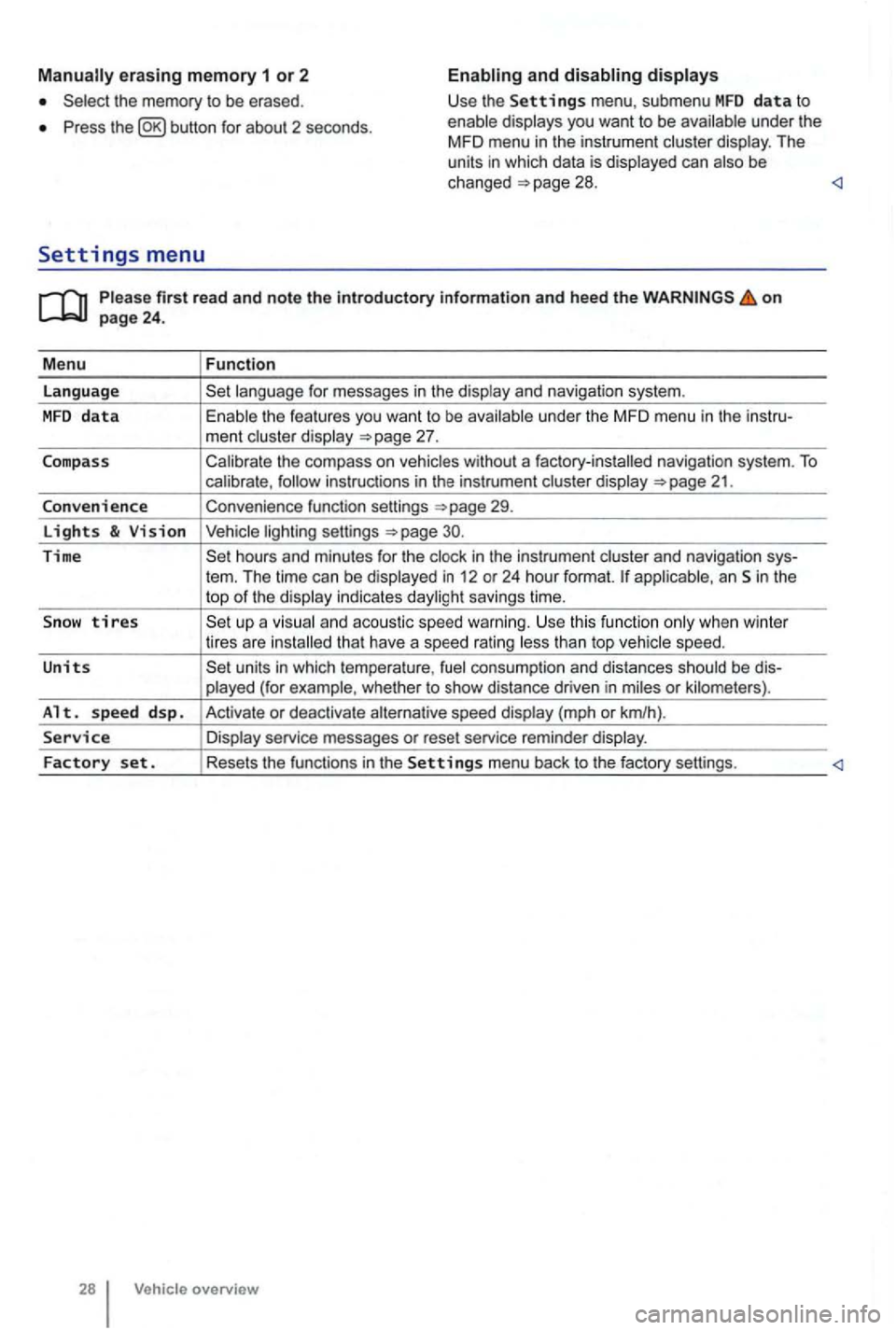
erasing memory 1 or 2
Press button for about 2 seconds.
and
Please firs t r ead and note t he i ntrodu ctory infor ma tion an d heed th e o n page 24 .
M enu
Function
language
unde r the MFD menu in the instru-
ment cluste r display
Calibrate the compass on vehicles without a factory-installed navigation system. To calibrate ,
Convenience function settings
30.
Time hours and minutes for the and navigation sys-
tern. The time can be displayed in 12 or 24 hour format. applicab le, an Sin the
top of the disp lay indicates daylight savings time.
S
now tires t han top vehicle speed.
Units units in which tempera ture , consumption and distances should be dis-
p layed (for example , whet her to show distance driven in miles or kilomete rs).
Alt. s p ee d d sp. Activate or deactiva te speed display (mph or km/h).
Service Display service messages or reset service reminder display.
Factory set . Resets the functions in the Se tting s menu back to the factory settings.
Vehicle overv ie w
Page 222 of 516
sion and serious personal injury.
on emergency flashers and set up a warning
can result in vehicle damage.
Discharge head lig ht s provide bright, uniform lightin g to help you
see and be seen. The light comes from an electric
arc between 2 electrodes in the gas-filled bulb.
lamp's
contro l un it then inc reases th e vo ltage to keep th e
arc 's bright ness consta nt. However , the commo nly
called bulb s will also ultimately burn out. Before they burn o ut, lamps can flicker . A
message will then appear in the MFD. This is your
r emi nder to see an aut ho rized Volkswagen dealer or an authorized Volkswage n
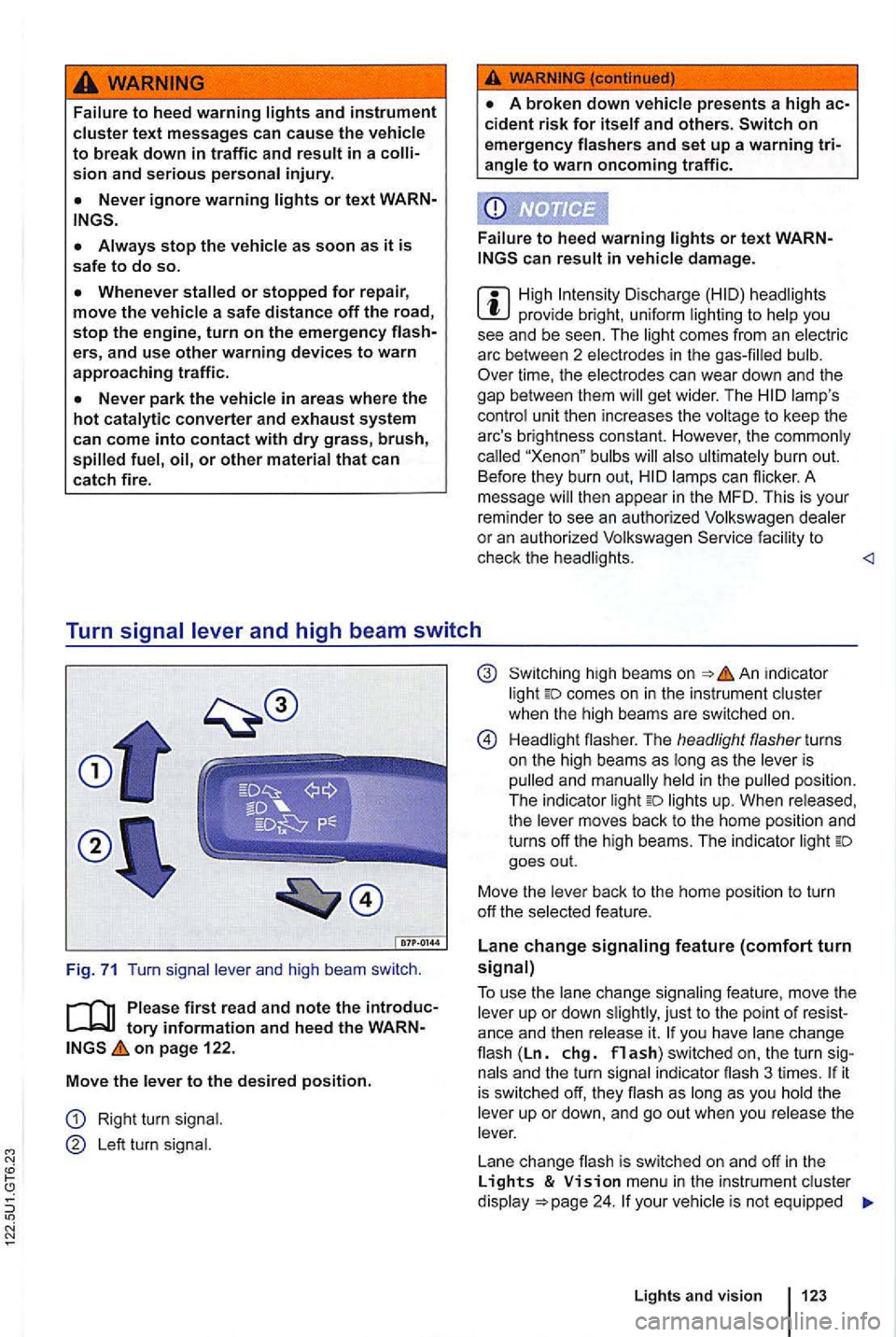
Turn
tory information and heed the on page 122.
Move
the l ever to the des ired position.
Right turn signal .
Le ft turn signal.
high bea ms on in dicator
light comes on in the instrument cluster
when the hig h beams are switc hed on.
H ead li gh t flasher. The headlight flasher turns
on the high beams as long as the leve r is
p ulled and man ually held
in the pulled position .
The indica tor light lights up. When released,
the lever moves back to the home position and
turns off the high beams. The indic ator light goes out.
Move the lever back to t
he home posit io n to turn
off th e se lected feature.
Lane change signaling feature (comfort turn signal)
T o use
the lane change sig n aling feature , move the
lever up or down slightly , just to th e point of you have lane cha n ge flash (Ln. chg. flash) switched on, the turn si gnals and the turn sign al in dicator flash 3 ti mes . it is sw itched off, they flash as long as you hold th e
leve r up or down, and go out when you release the
lever.
L ane change flash is switched on and off
in the Lights & menu in the instr ument cluster
d isplay your vehic le is not equipped
Lights and vision 123
Page 373 of 516
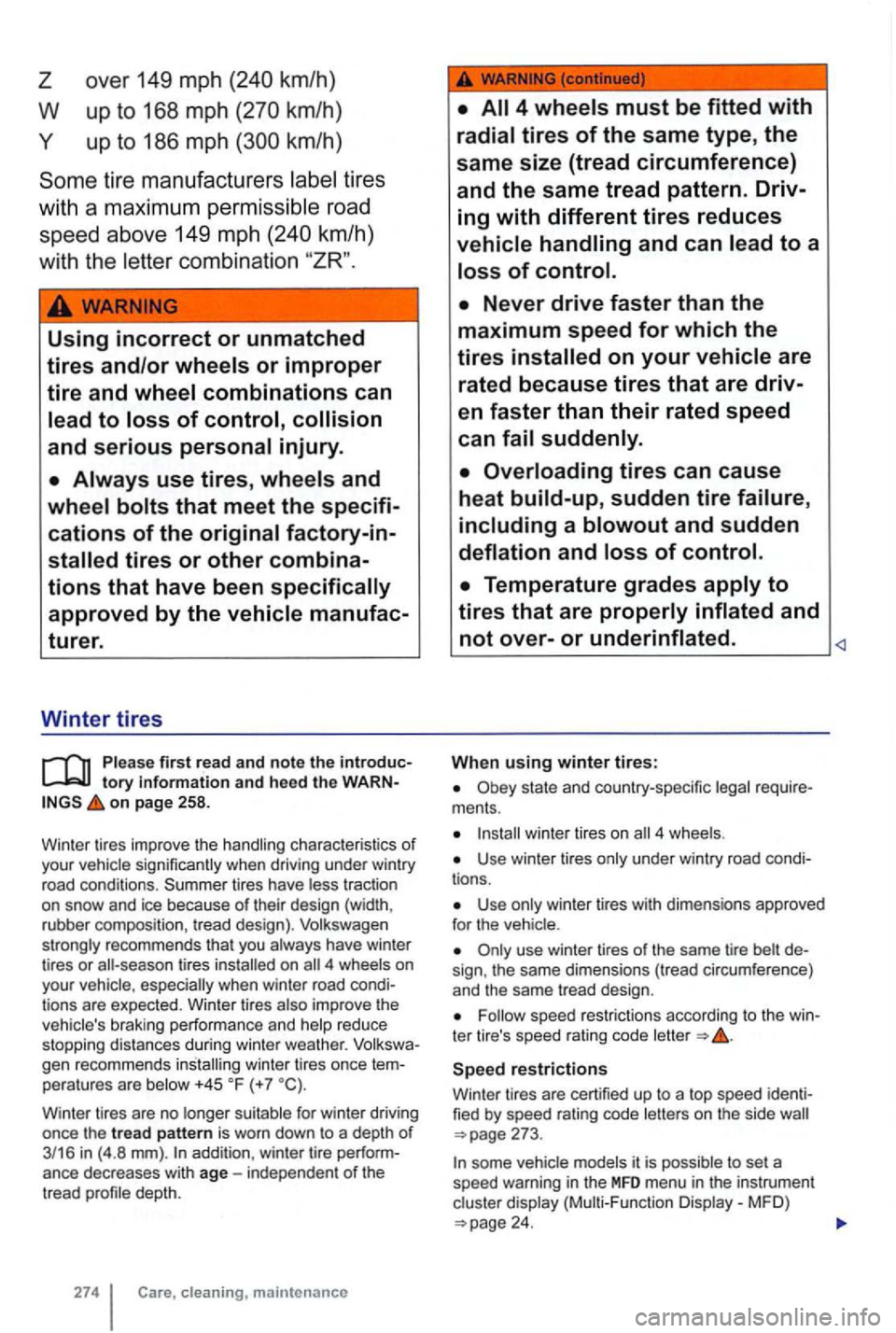
over 149 mph
up to 186 mph
tires
with a
maximum permis sibl e road
speed above 149 mph
km/h}
w ith the
Using incorrect or unmatched
tires and/or wheels or improper
tire and wheel combinations can
lead
to Joss of control, collision
and serious personal injury.
first read and note the tory information and heed the on page 258.
Win te r t ires improve the
character istics of your tires have
4 especially when winter road tions are expected. Winter tires reduce
stopping distances during winter weather. gen recommends installing winter tires once peratures are +45 (+7
addition , winter tire
maintenance
When using winter tires:
ments.
winter tires on 4
Use winter tires
Use
the same dimensions (tread circumference)
and the same tread design .
speed restrictions according to the
restrictions
Winte r tires are certified up to a top speed
it is to set a
speed warning in the MFD menu in the instrument
24.