Page 422 of 692
422 3-4. Using the hands-free system (for cellular phone)
L/C200_EE (OM60G38E)
CAUTION
While driving
Do not use a cellular phone or connect the Bluetooth
® phone.
NOTICE
To prevent damage to the cellular phone
Do not leave cellular phones in the vehicle. The temperature inside the vehi-
cle may become high, resulting in damage to the phone.
Page 423 of 692
423
3-4. Using the hands-free system (for cellular phone)
3
Interior features
L/C200_EE (OM60G38E)
Using the hands-free system
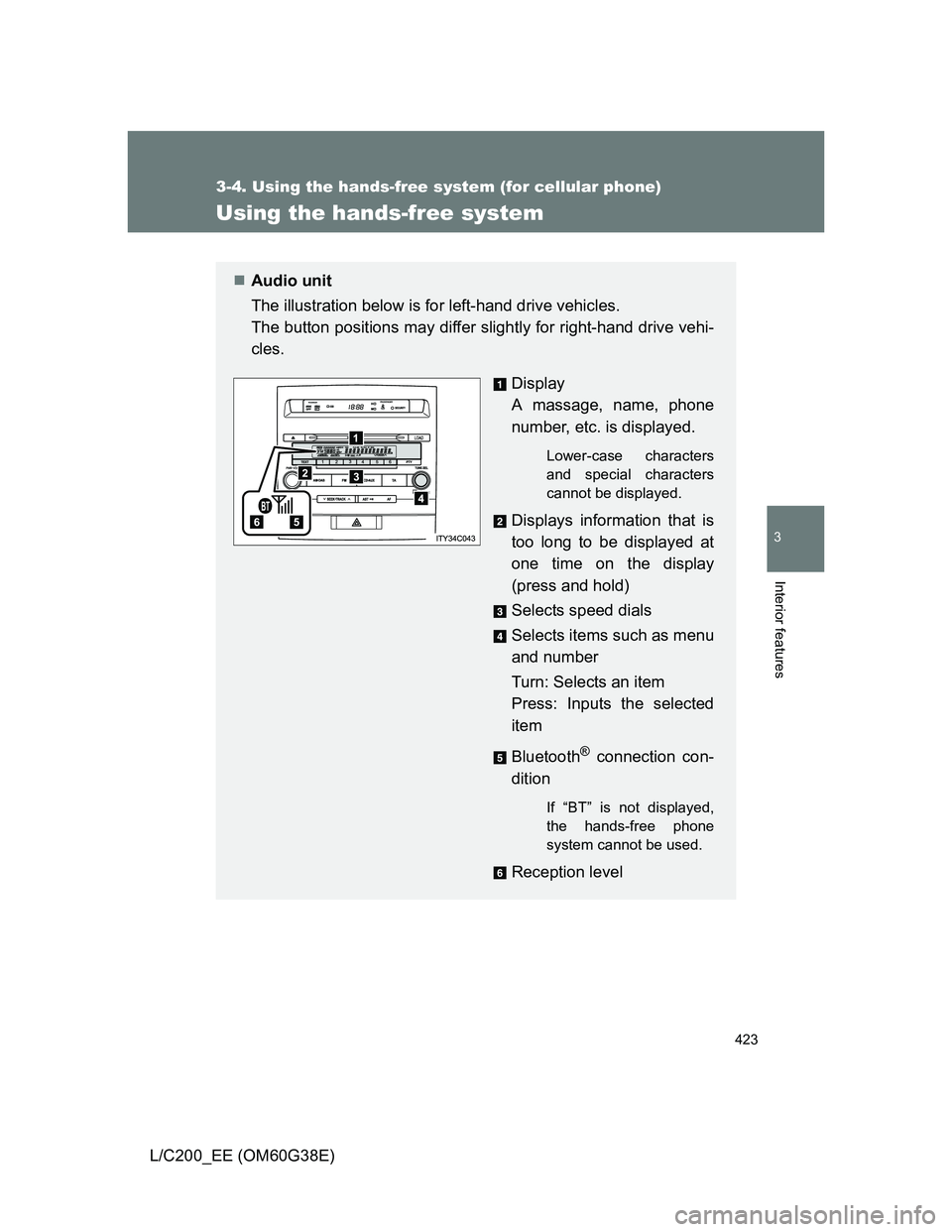
Audio unit
The illustration below is for left-hand drive vehicles.
The button positions may differ slightly for right-hand drive vehi-
cles.
Display
A massage, name, phone
number, etc. is displayed.
Lower-case characters
and special characters
cannot be displayed.
Displays information that is
too long to be displayed at
one time on the display
(press and hold)
Selects speed dials
Selects items such as menu
and number
Turn: Selects an item
Press: Inputs the selected
item
Bluetooth
® connection con-
dition
If “BT” is not displayed,
the hands-free phone
system cannot be used.
Reception level
Page 426 of 692
426 3-4. Using the hands-free system (for cellular phone)
L/C200_EE (OM60G38E)
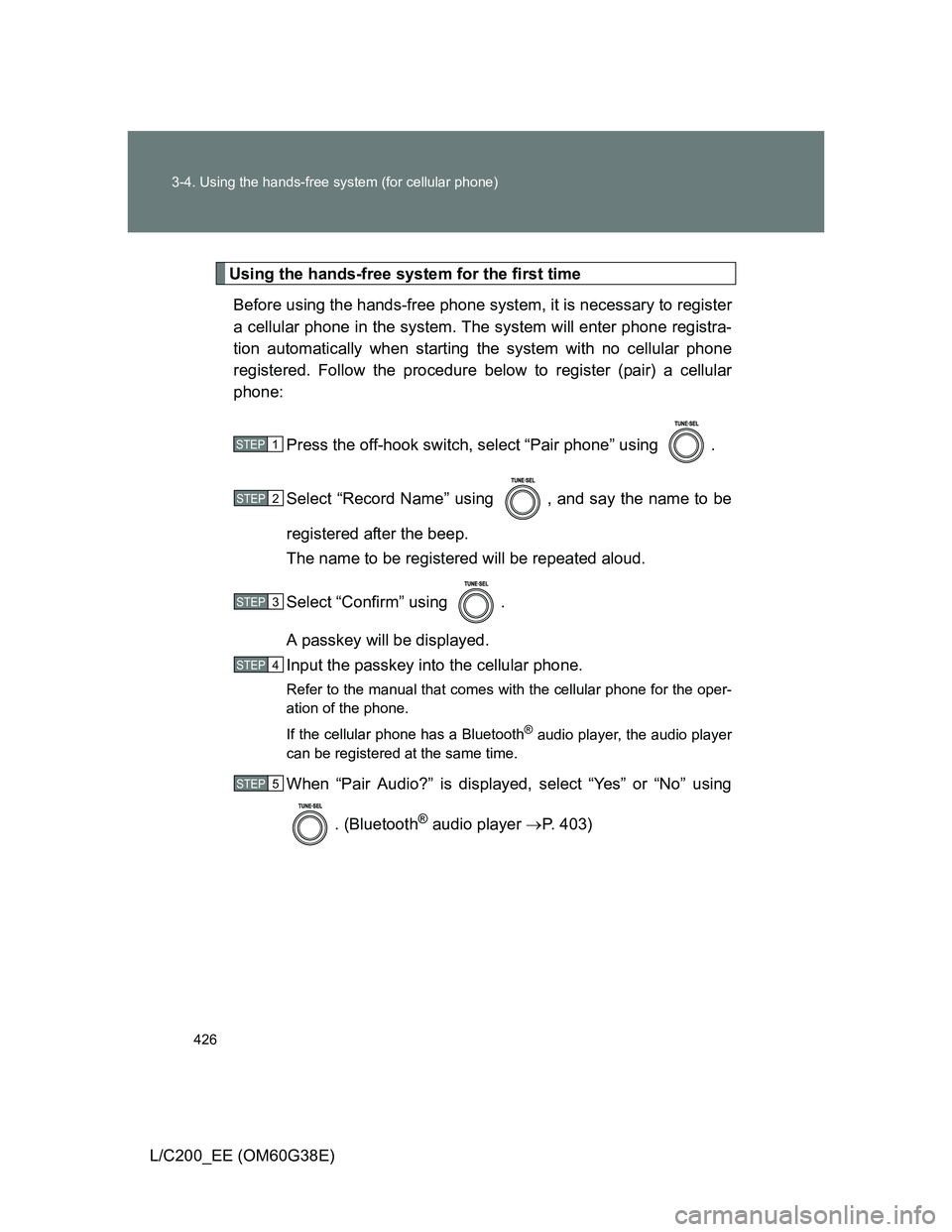
Using the hands-free system for the first time
Before using the hands-free phone system, it is necessary to register
a cellular phone in the system. The system will enter phone registra-
tion automatically when starting the system with no cellular phone
registered. Follow the procedure below to register (pair) a cellular
phone:
Press the off-hook switch, select “Pair phone” using .
Select “Record Name” using , and say the name to be
registered after the beep.
The name to be registered will be repeated aloud.
Select “Confirm” using .
A passkey will be displayed.
Input the passkey into the cellular phone.
Refer to the manual that comes with the cellular phone for the oper-
ation of the phone.
If the cellular phone has a Bluetooth
® audio player, the audio player
can be registered at the same time.
When “Pair Audio?” is displayed, select “Yes” or “No” using
. (Bluetooth
® audio player P. 403)
STEP1
STEP2
STEP3
STEP4
STEP5
Page 428 of 692
428 3-4. Using the hands-free system (for cellular phone)
L/C200_EE (OM60G38E)
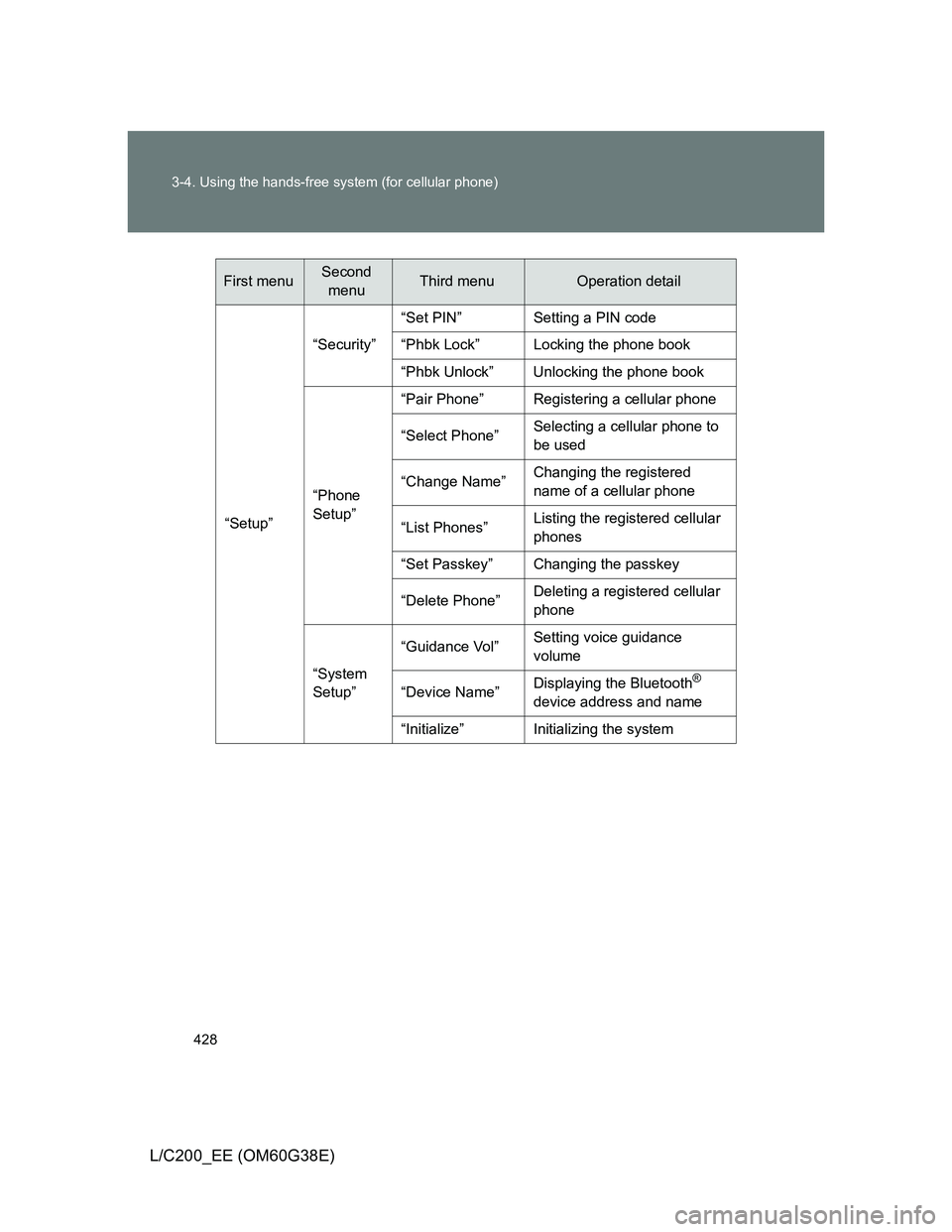
“Setup”“Security”“Set PIN” Setting a PIN code
“Phbk Lock” Locking the phone book
“Phbk Unlock” Unlocking the phone book
“Phone
Setup”“Pair Phone” Registering a cellular phone
“Select Phone”Selecting a cellular phone to
be used
“Change Name”Changing the registered
name of a cellular phone
“List Phones”Listing the registered cellular
phones
“Set Passkey” Changing the passkey
“Delete Phone”Deleting a registered cellular
phone
“System
Setup”“Guidance Vol”Setting voice guidance
volume
“Device Name”Displaying the Bluetooth
®
device address and name
“Initialize” Initializing the system
First menuSecond
menuThird menuOperation detail
Page 437 of 692
437 3-4. Using the hands-free system (for cellular phone)
3
Interior features
L/C200_EE (OM60G38E)
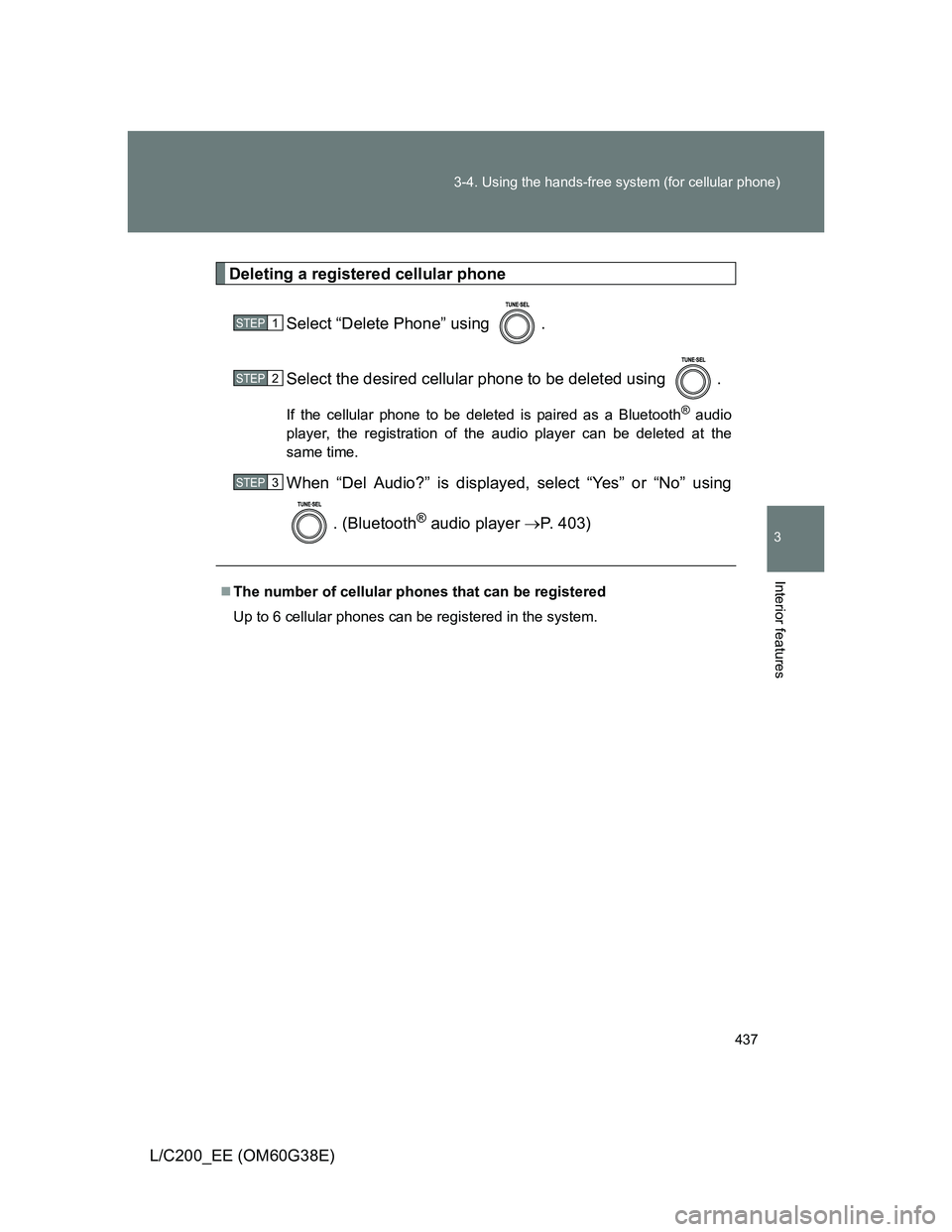
Deleting a registered cellular phone
Select “Delete Phone” using .
Select the desired cellular phone to be deleted using .
If the cellular phone to be deleted is paired as a Bluetooth® audio
player, the registration of the audio player can be deleted at the
same time.
When “Del Audio?” is displayed, select “Yes” or “No” using
. (Bluetooth
® audio player P. 403)
The number of cellular phones that can be registered
Up to 6 cellular phones can be registered in the system.
STEP1
STEP2
STEP3
Page 438 of 692
438
3-4. Using the hands-free system (for cellular phone)
L/C200_EE (OM60G38E)
Security and system setup
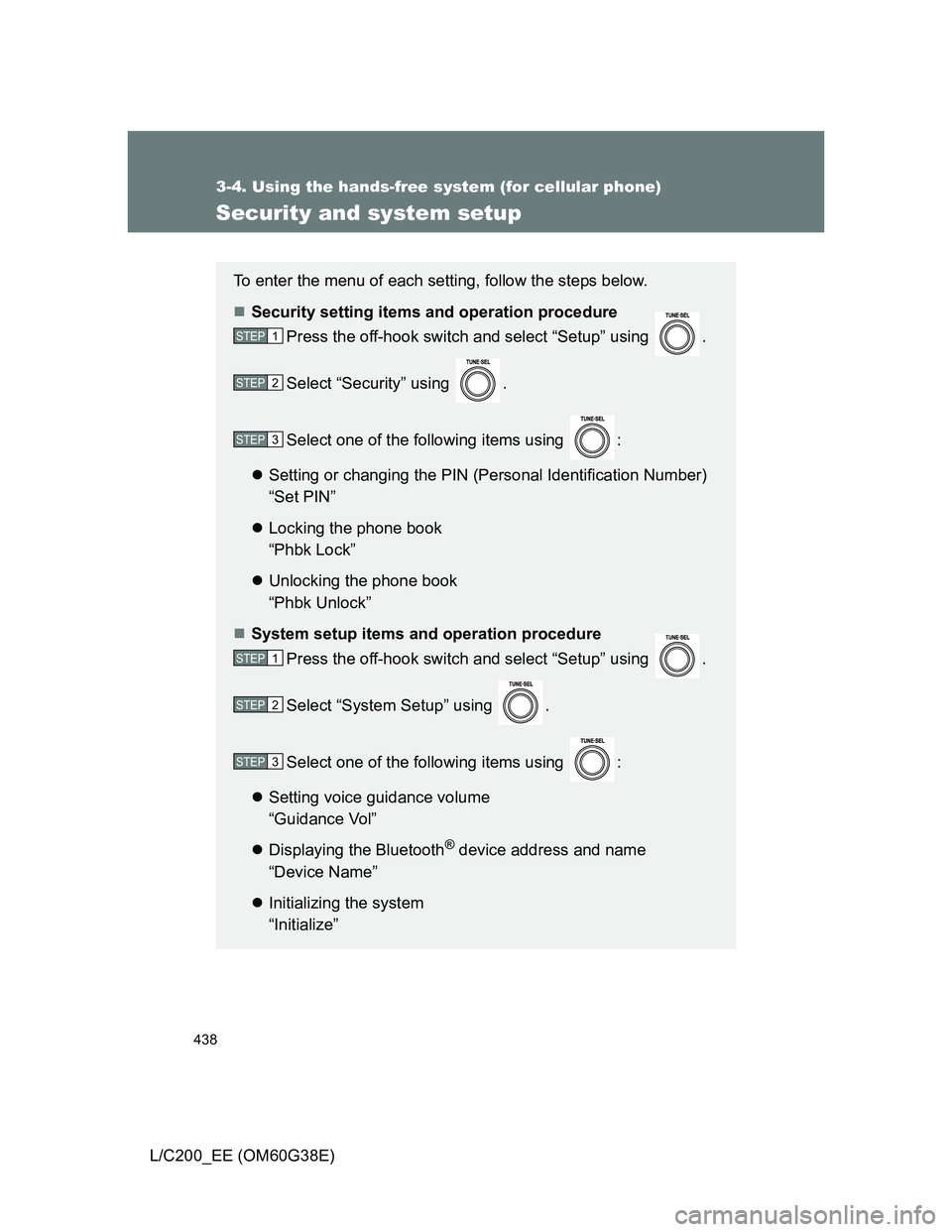
To enter the menu of each setting, follow the steps below.
Security setting items and operation procedure
Press the off-hook switch and select “Setup” using .
Select “Security” using .
Select one of the following items using :
Setting or changing the PIN (Personal Identification Number)
“Set PIN”
Locking the phone book
“Phbk Lock”
Unlocking the phone book
“Phbk Unlock”
System setup items and operation procedure
Press the off-hook switch and select “Setup” using .
Select “System Setup” using .
Select one of the following items using :
Setting voice guidance volume
“Guidance Vol”
Displaying the Bluetooth
® device address and name
“Device Name”
Initializing the system
“Initialize”
STEP1
STEP2
STEP3
STEP1
STEP2
STEP3
Page 440 of 692
440 3-4. Using the hands-free system (for cellular phone)
L/C200_EE (OM60G38E)
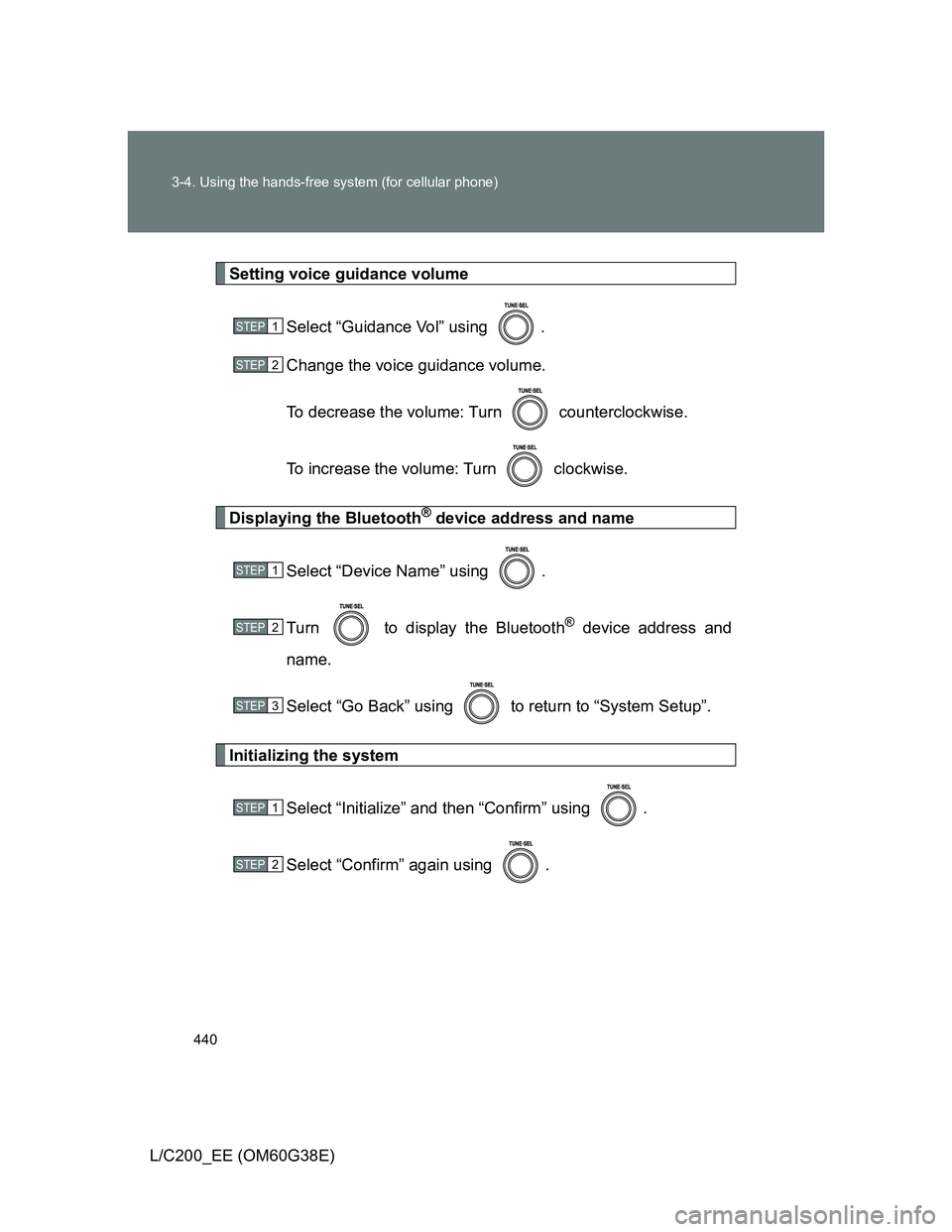
Setting voice guidance volume
Select “Guidance Vol” using .
Change the voice guidance volume.
To decrease the volume: Turn counterclockwise.
To increase the volume: Turn clockwise.
Displaying the Bluetooth® device address and name
Select “Device Name” using .
Turn to display the Bluetooth
® device address and
name.
Select “Go Back” using to return to “System Setup”.
Initializing the system
Select “Initialize” and then “Confirm” using .
Select “Confirm” again using .
STEP1
STEP2
STEP1
STEP2
STEP3
STEP1
STEP2
Page 441 of 692
441 3-4. Using the hands-free system (for cellular phone)
3
Interior features
L/C200_EE (OM60G38E)
Initialization
The following data in the system can be initialized:
• Phone book
• Outgoing and incoming history
• Speed dials
• Registered cellular phone data
• Security code
• Registered Bluetooth
® enabled portable player data
• Passkey for the cellular phones
• Passkey for the Bluetooth
® audio players
• Guidance volume
• Receiver volume
• Ring tone volume
Once the initialization has been completed, the data cannot be restored
to its original state.
When the phone book is locked
The following functions cannot be used:
Dialing by inputting a name
Speed dialing
Dialing a number stored in the call history memory
Using the phone book