Page 198 of 476
198 2-2. Instrument cluster
iQ_WE_74014E
NOTICE
To prevent damage to the engine and its components
Do not let the indicator needle of the tachometer enter the red zone, which
indicates the maximum engine speed.
The engine may be overheating if the high engine coolant temperature
warning light comes on. In this case, immediately stop the vehicle in a safe
place, and check the engine after it has cooled completely. (P. 435)
Page 201 of 476
201 2-2. Instrument cluster
2
When driving
iQ_WE_74014E
Indicators
The indicators inform the driver of the operating state of the
vehicle’s various systems.
Turn signal indicator
(P. 193)Slip indicator
(P. 2 2 5 )
Headlight high beam
indicator (P. 212)VSC OFF indicator
(P. 2 2 5 )
Tail light indicator
(P. 211)TRC OFF indicator
(P. 2 2 5 )
(if equipped)
Front fog light indicator
(P. 216)Airbag manual on-off
indicator (P. 159)
Rear fog light indicator
(P. 216)Airbag manual on-off
indicator (P. 159)
(vehicles with a
Multidrive)
Shift position and gear
position indicators
(P. 205)
(vehicles with a
Multidrive)
Eco Driving Indicator
Light (P. 167, 209)
(vehicles with a
manual
transmission)
Gear Shift Indicator
(P. 190)
(if equipped)
Theft deterrent system
indicator (P. 1 1 9 )
Low engine coolant
temperature indicator
Indicates the engine
coolant temperature is
cool.
*1,2
*1
*1
*3
*4
*1
*1
Page 202 of 476
202 2-2. Instrument cluster
iQ_WE_74014E
*1: These lights turn on when the engine switch is turned to the ON
position (vehicles without smart entry & start system) or the
“ENGINE START STOP” switch is turned to IGNITION ON mode
(vehicles with smart entry & start system) to indicate that a system
check is being performed. They will turn off after the engine is
started, or after a few seconds. There may be a malfunction in a sys-
tem if a light does not come on, or if the lights do not turn off. Have
the vehicle inspected by any authorized Toyota dealer or repairer, or
another duly qualified and equipped professional for details.
*2: The indicator flashes to indicate that the system is operating.
(P. 225)
*3: Vehicles with audio system
*4: Vehicles without audio system
Page 203 of 476

203 2-2. Instrument cluster
2
When driving
iQ_WE_74014E
Warning lights
Warning lights inform the driver of malfunctions in any of the
vehicle’s systems. (P. 397)
*1: These lights turn on when the engine switch is turned to the ON
position (vehicles without smart entry & start system) or the
“ENGINE START STOP” switch is turned to IGNITION ON mode
(vehicles with smart entry & start system) to indicate that a system
check is being performed. They will turn off after the engine is
started, or after a few seconds. There may be a malfunction in a sys-
tem if a light does not come on, or if the lights do not turn off. Have
the vehicle inspected by any authorized Toyota dealer or repairer, or
another duly qualified and equipped professional for details.
*2: Vehicles without audio system
*3: When filled with less than 10 L per refueling, the fuel gauge may not
display accurately.
*4: Left-hand drive vehicles with audio system
*5: Right-hand drive vehicles with audio system
(if equipped)
(if equipped)
*1*1*1*1*1*1*1*1
*1*3*4*5*2
*4*5*2
Page 204 of 476
204 2-2. Instrument cluster
iQ_WE_74014E
CAUTION
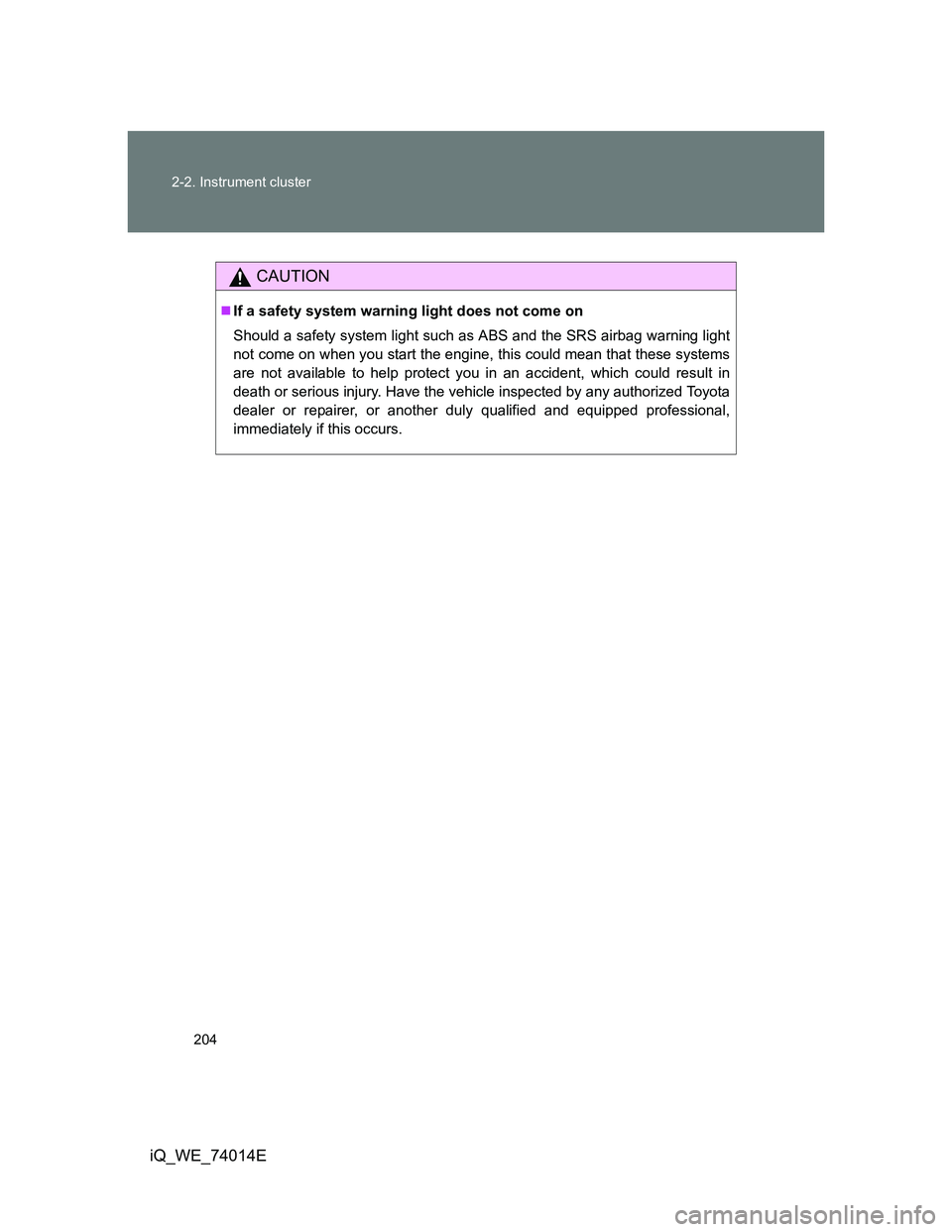
If a safety system warning light does not come on
Should a safety system light such as ABS and the SRS airbag warning light
not come on when you start the engine, this could mean that these systems
are not available to help protect you in an accident, which could result in
death or serious injury. Have the vehicle inspected by any authorized Toyota
dealer or repairer, or another duly qualified and equipped professional,
immediately if this occurs.
Page 208 of 476
208 2-2. Instrument cluster
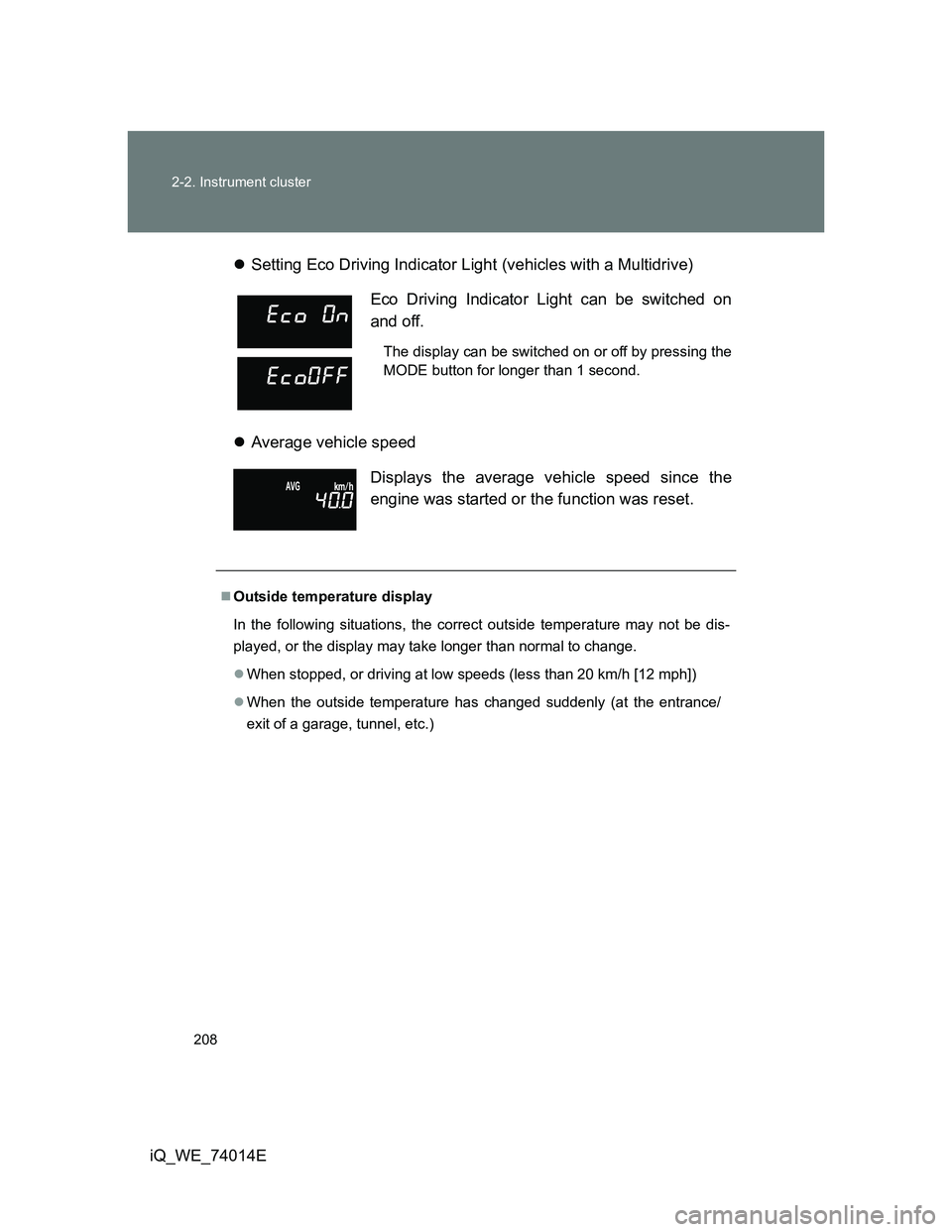
iQ_WE_74014ESetting Eco Driving Indicator Light (vehicles with a Multidrive)
Average vehicle speed
Eco Driving Indicator Light can be switched on
and off.
The display can be switched on or off by pressing the
MODE button for longer than 1 second.
Displays the average vehicle speed since the
engine was started or the function was reset.
Outside temperature display
In the following situations, the correct outside temperature may not be dis-
played, or the display may take longer than normal to change.
When stopped, or driving at low speeds (less than 20 km/h [12 mph])
When the outside temperature has changed suddenly (at the entrance/
exit of a garage, tunnel, etc.)
Page 210 of 476
210 2-2. Instrument cluster
iQ_WE_74014EPress the clock reset button to adjust the minutes.
After adjusting the minutes, wait 5 seconds to allow the minutes to
be automatically input.
Press the clock reset button to adjust the hours.
After adjusting the hours, wait 5 seconds to allow the hours to be
automatically input and the mode to return to normal.
The multi-information display can be operated when
Vehicles without smart entry & start system
The engine switch is in the ON position.
Vehicles with smart entry & start system
The “ENGINE START STOP” switch is in IGNITION ON mode.
When disconnecting and reconnecting battery terminals
The following information will be reset.
Clock
Trip meter
Average fuel consumption after refueling
Average vehicle speed
Adjusting to a full hour
If you press the clock reset button, the minute values will be rounded to the
nearest hour. So, minute values from “:00” to “:29” are rounded down, and
values from “:30” to “:59” are rounded up.
*
*
: e.g.
1:00 to 1:29 1:00
1:30 to 1:59 2:00
Page 211 of 476
211
2
When driving
iQ_WE_74014E
2-3. Operating the lights and wipers
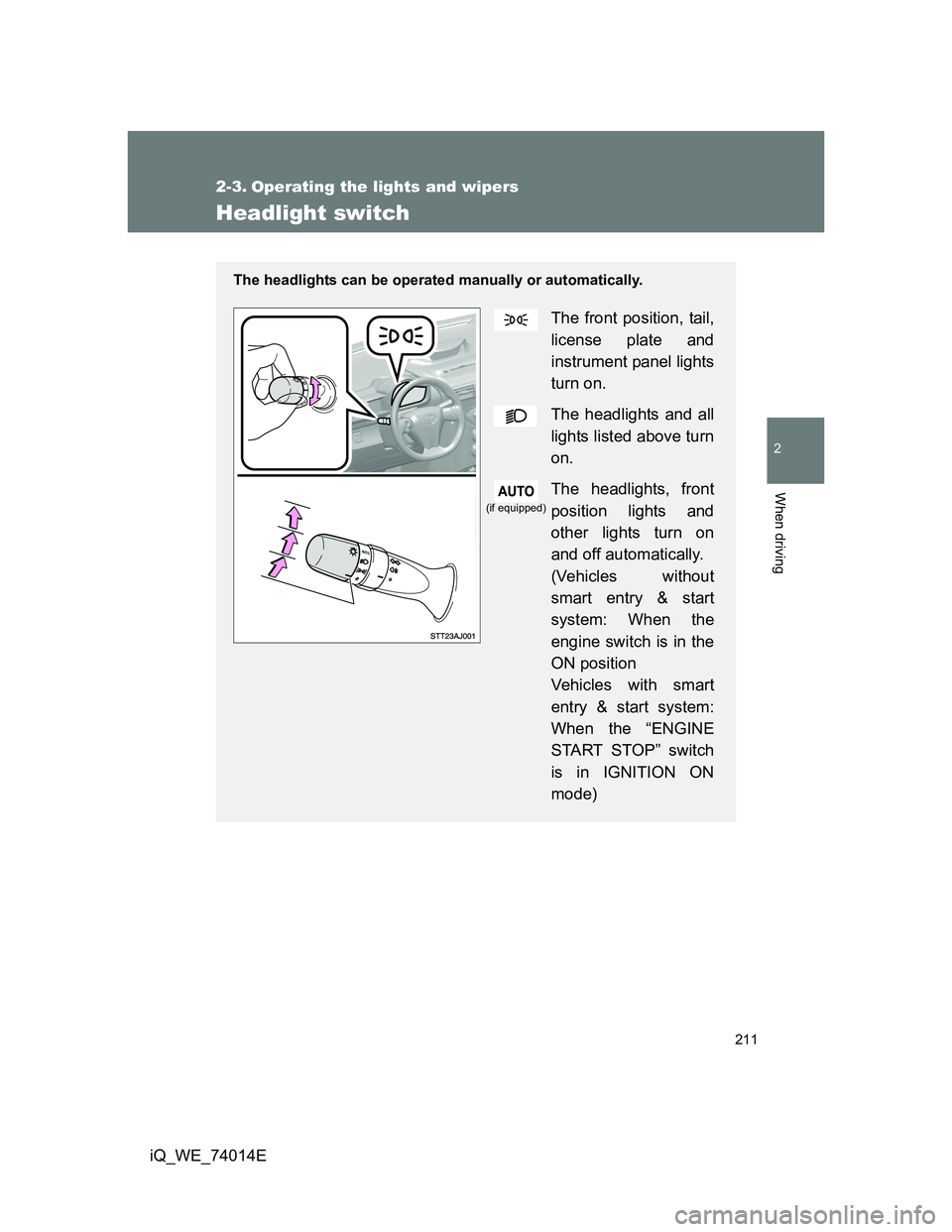
Headlight switch
The headlights can be operated manually or automatically.
The front position, tail,
license plate and
instrument panel lights
turn on.
The headlights and all
lights listed above turn
on.
The headlights, front
position lights and
other lights turn on
and off automatically.
(Vehicles without
smart entry & start
system: When the
engine switch is in the
ON position
Vehicles with smart
entry & start system:
When the “ENGINE
START STOP” switch
is in IGNITION ON
mode)
(if equipped)