Page 295 of 529
295
3-4. Using the hands-free phone system (for cellular phone)
3
Interior features
Using the “SET UP” menu (“Bluetooth” menu)
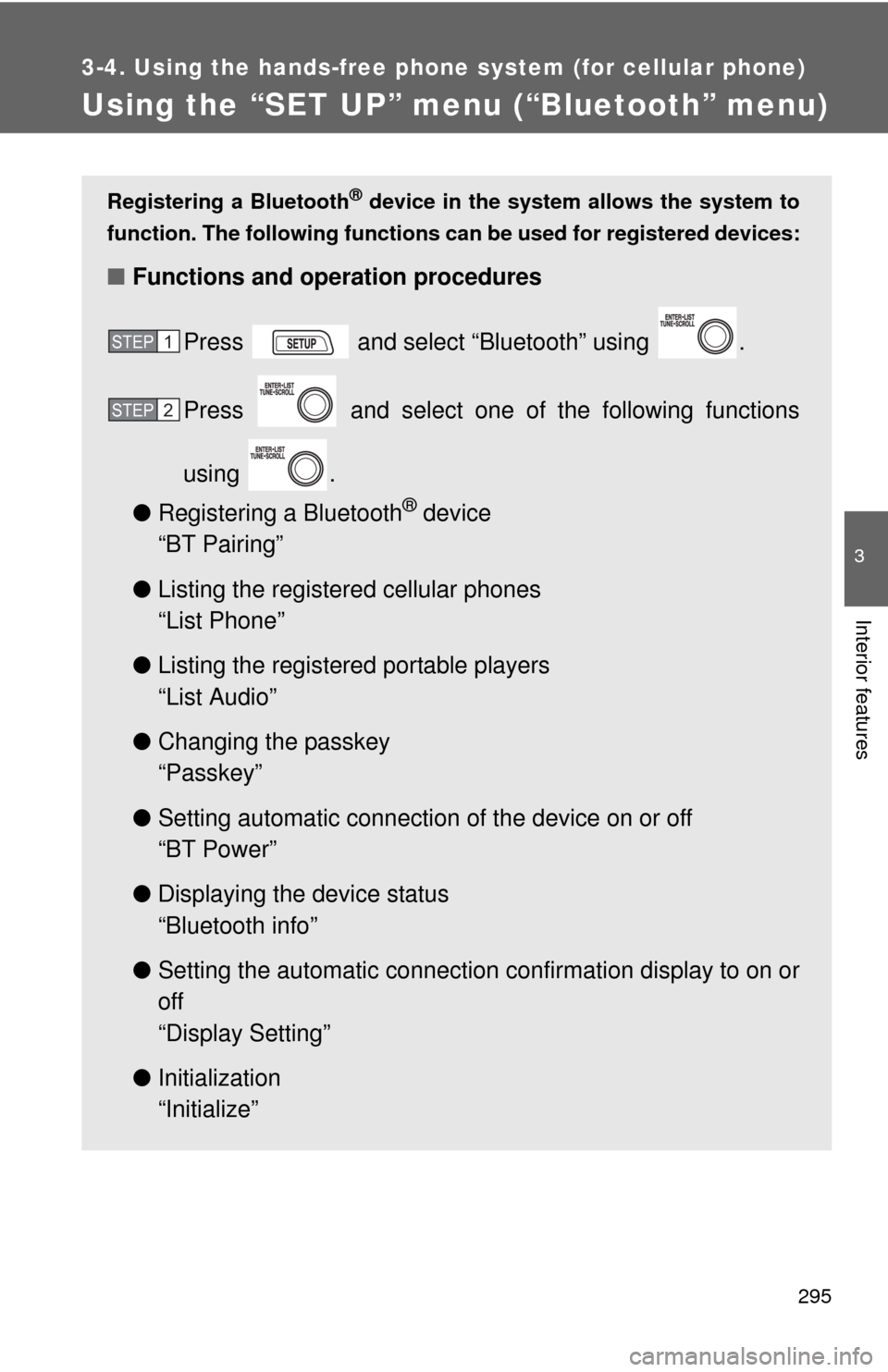
Registering a Bluetooth® device in the system allows the system to
function. The following functions can be used for registered devices:
■Functions and operation procedures
Press and select “Bluetooth” using .
Press and select one of the following functions
using .
● Registering a Bluetooth
® device
“BT Pairing”
● Listing the registered cellular phones
“List Phone”
● Listing the registered portable players
“List Audio”
● Changing the passkey
“Passkey”
● Setting automatic connection of the device on or off
“BT Power”
● Displaying the device status
“Bluetooth info”
● Setting the automatic connection confirmation display to on or
off
“Display Setting”
● Initialization
“Initialize”
STEP 1
STEP 2
Page 296 of 529
296 3-4. Using the hands-free phone system (for cellular phone)
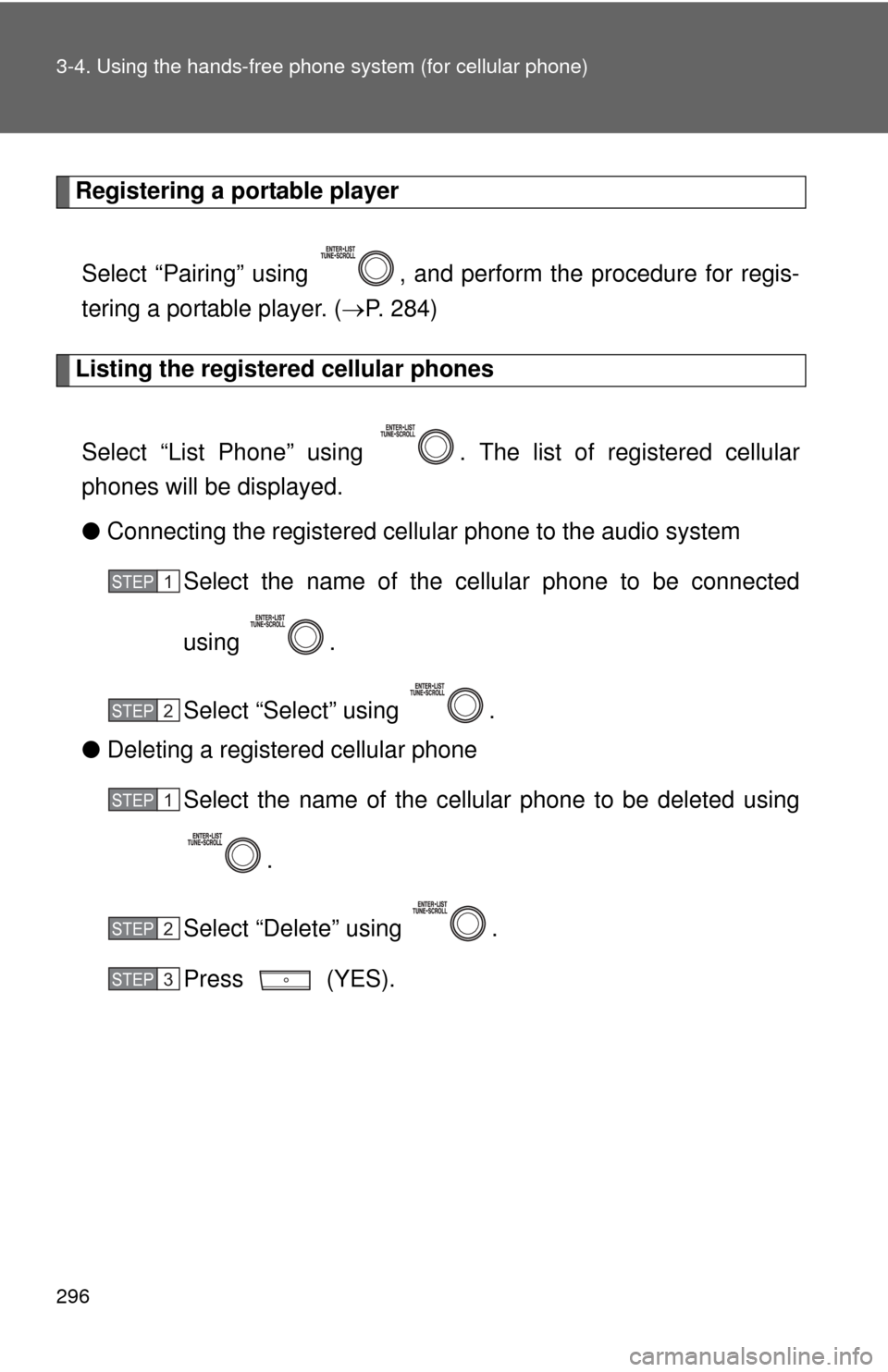
Registering a portable player
Select “Pairing” using , and perform the procedure for regis-
tering a portable player. ( P. 284)
Listing the registered cellular phones
Select “List Phone” using . The list of registered cellular
phones will be displayed.
● Connecting the registered cellular phone to the audio system
Select the name of the cellular phone to be connected
using .
Select “Select” using .
● Deleting a registered cellular phone
Select the name of the cellular phone to be deleted using
.
Select “Delete” using .
Press (YES).
STEP 1
STEP 2
STEP 1
STEP 2
STEP 3
Page 297 of 529
297
3-4. Using the hand
s-free phone system (for cellular phone)
3
Interior features
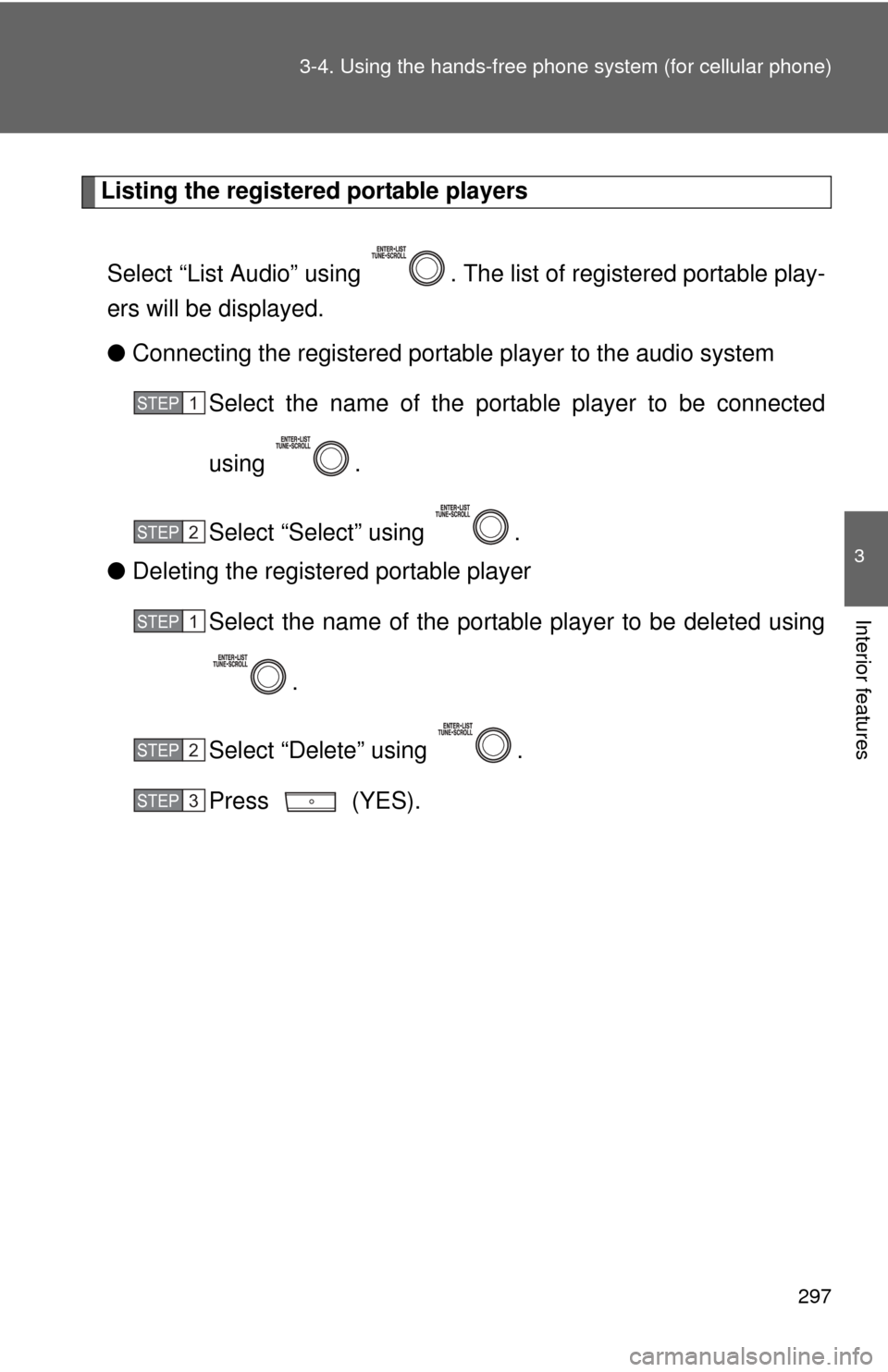
Listing the registered portable players
Select “List Audio” using . The list of registered portable play-
ers will be displayed.
● Connecting the registered portable player to the audio system
Select the name of the portab le player to be connected
using .
Select “Select” using .
● Deleting the registered portable player
Select the name of the portable player to be deleted using
.
Select “Delete” using .
Press (YES).
STEP 1
STEP 2
STEP 1
STEP 2
STEP 3
Page 298 of 529
298 3-4. Using the hands-free phone system (for cellular phone)
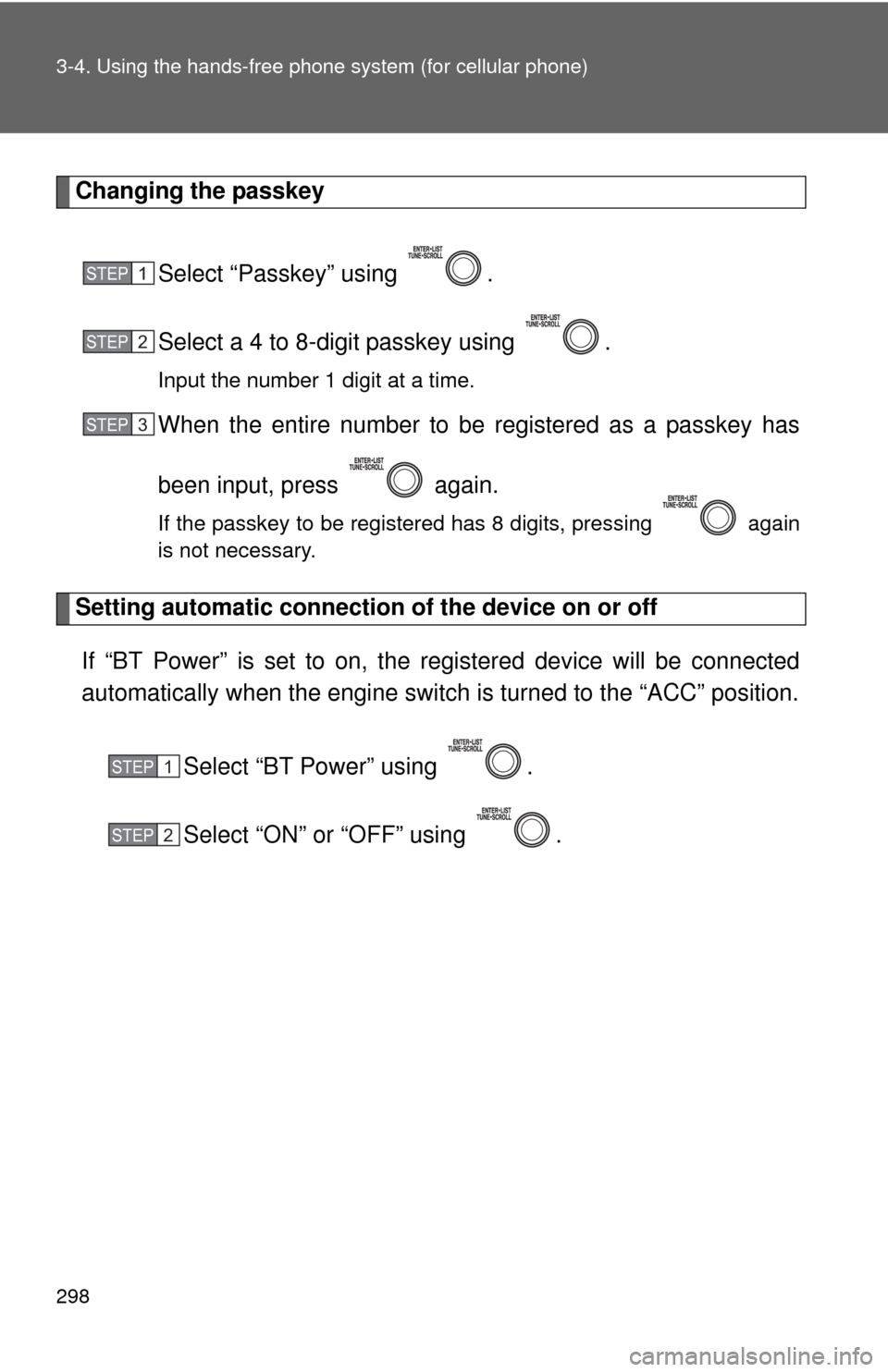
Changing the passkey
Select “Passkey” using .
Select a 4 to 8-digit passkey using .
Input the number 1 digit at a time.
When the entire number to be registered as a passkey has
been input, press again.
If the passkey to be registered has 8 digits, pressing again
is not necessary.
Setting automatic connection of the device on or offIf “BT Power” is set to on, the r egistered device will be connected
automatically when the engine switch is turned to the “ACC” position.
Select “BT Power” using .
Select “ON” or “OFF” using .
STEP 1
STEP 2
STEP 3
STEP 1
STEP 2
Page 299 of 529
299
3-4. Using the hand
s-free phone system (for cellular phone)
3
Interior features
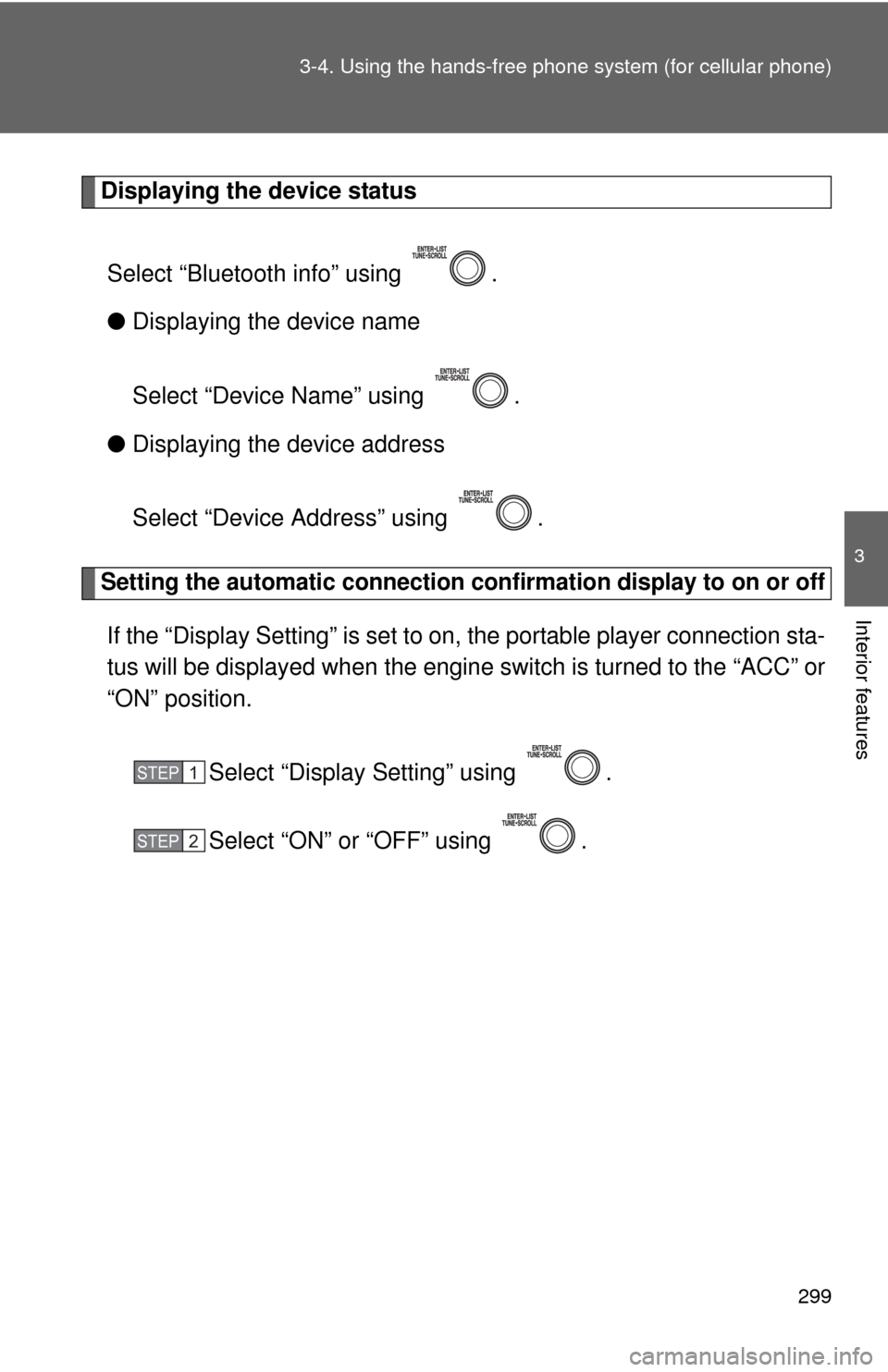
Displaying the device status
Select “Bluetooth info” using .
● Displaying the device name
Select “Device Name” using .
● Displaying the device address
Select “Device Address” using .
Setting the automatic connection conf irmation display to on or off
If the “Display Setting” is set to on, the portable player connection sta-
tus will be displayed when the engine switch is turned to the “ACC” or
“ON” position.
Select “Display Setting” using .
Select “ON” or “OFF” using .
STEP 1
STEP 2
Page 300 of 529
300 3-4. Using the hands-free phone system (for cellular phone)
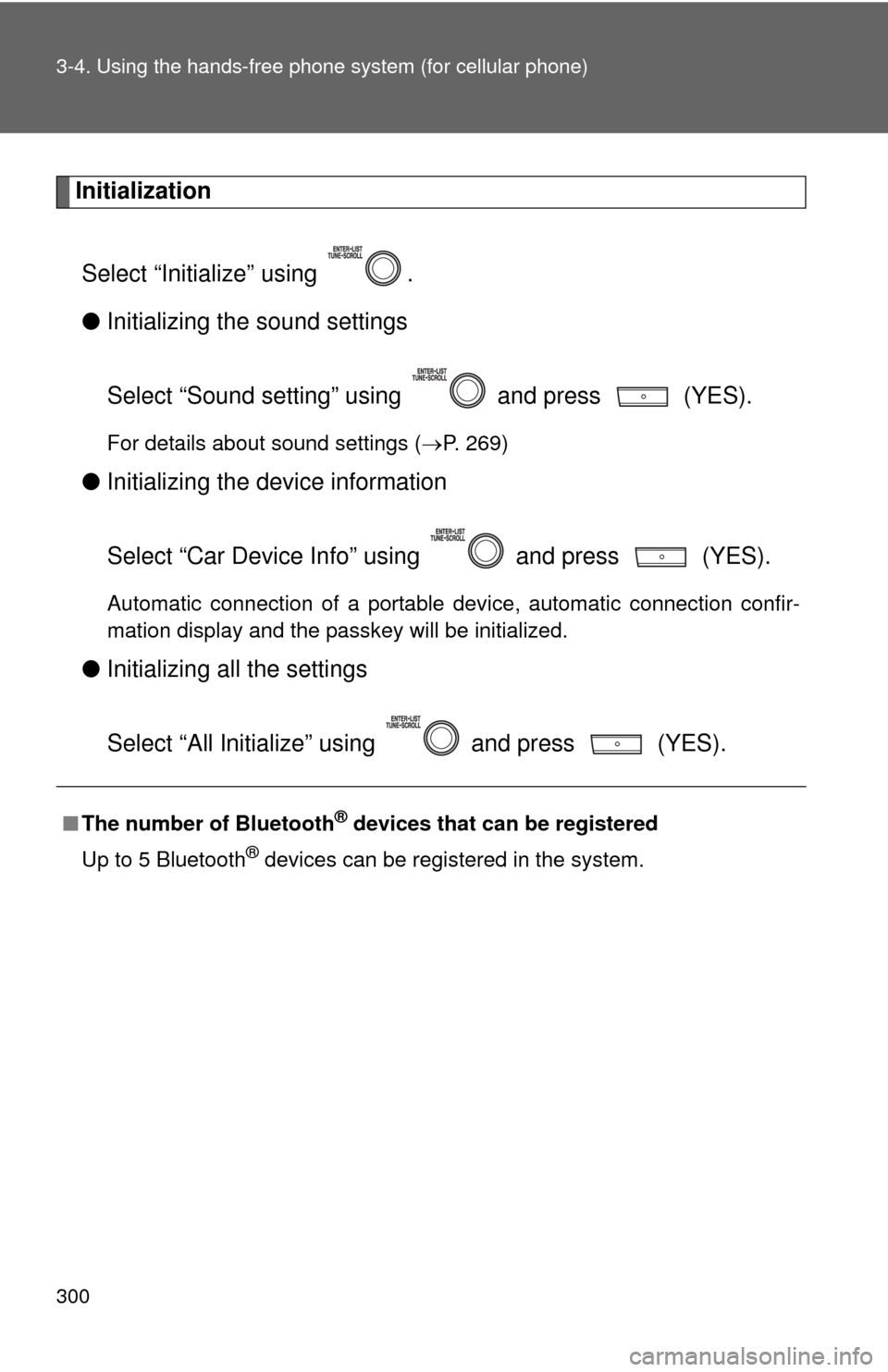
Initialization
Select “Initialize” using .
● Initializing the sound settings
Select “Sound setting” using and press (YES).
For details about sound settings ( P. 269)
●Initializing the device information
Select “Car Device Info” using and press (YES).
Automatic connection of a portable device, automatic connection confir-
mation display and the passkey will be initialized.
●Initializing a ll the settings
Select “All Initialize” using and press (YES).
■The number of Bluetooth® devices that can be registered
Up to 5 Bluetooth
® devices can be registered in the system.
Page 301 of 529
301
3-4. Using the hands-free phone system (for cellular phone)
3
Interior features
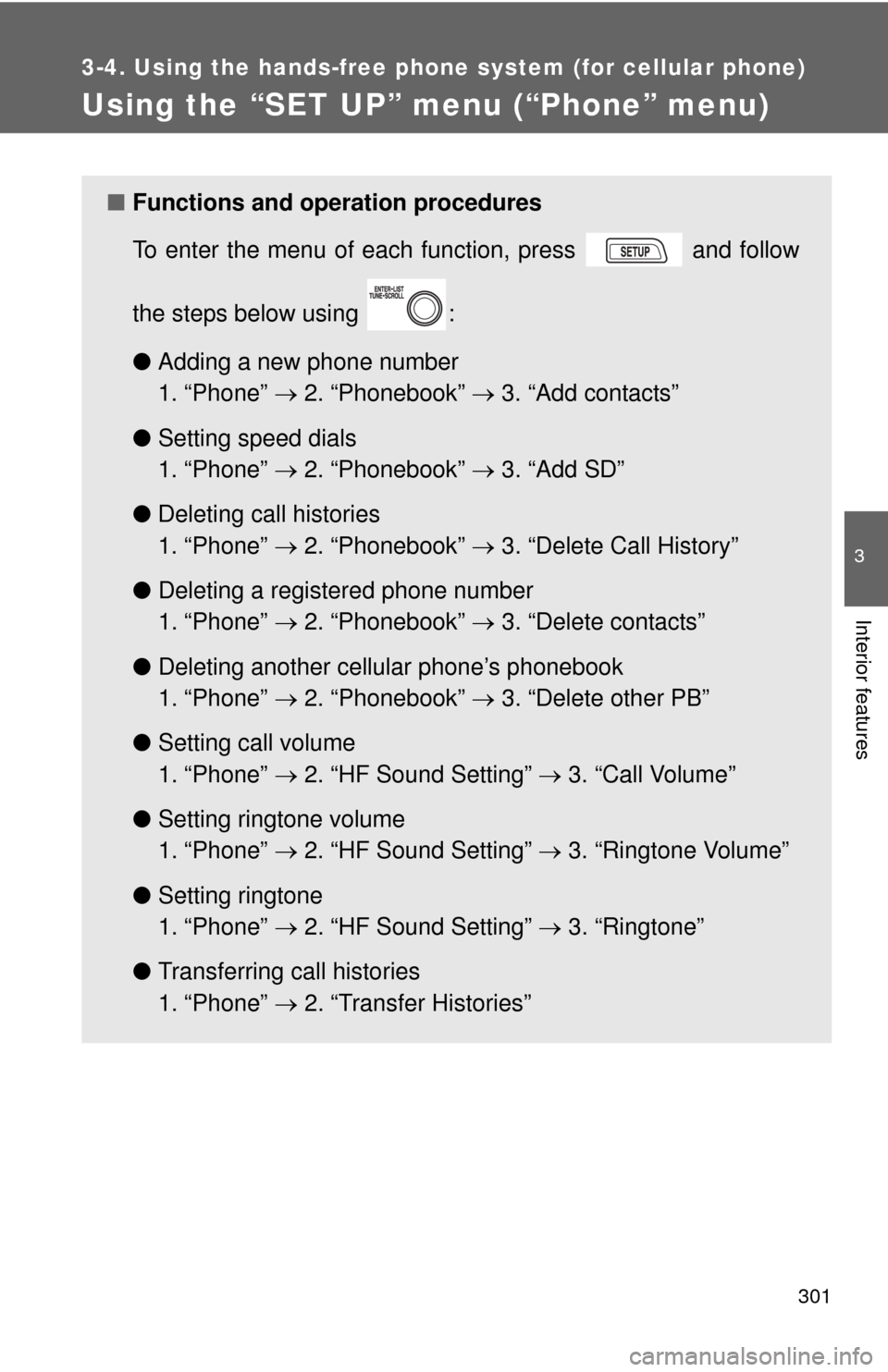
Using the “SET UP” menu (“Phone” menu)
■Functions and operation procedures
To enter the menu of each function, press and follow
the steps below using :
●Adding a new phone number
1. “Phone” 2. “Phonebook” 3. “Add contacts”
● Setting speed dials
1. “Phone” 2. “Phonebook” 3. “Add SD”
● Deleting call histories
1. “Phone” 2. “Phonebook” 3. “Delete Call History”
● Deleting a registered phone number
1. “Phone” 2. “Phonebook” 3. “Delete contacts”
● Deleting another cellular phone’s phonebook
1. “Phone” 2. “Phonebook” 3. “Delete other PB”
● Setting call volume
1. “Phone” 2. “HF Sound Setting” 3. “Call Volume”
● Setting ringtone volume
1. “Phone” 2. “HF Sound Setting” 3. “Ringtone Volume”
● Setting ringtone
1. “Phone” 2. “HF Sound Setting” 3. “Ringtone”
● Transferring call histories
1. “Phone” 2. “Transfer Histories”
Page 302 of 529
302 3-4. Using the hands-free phone system (for cellular phone)
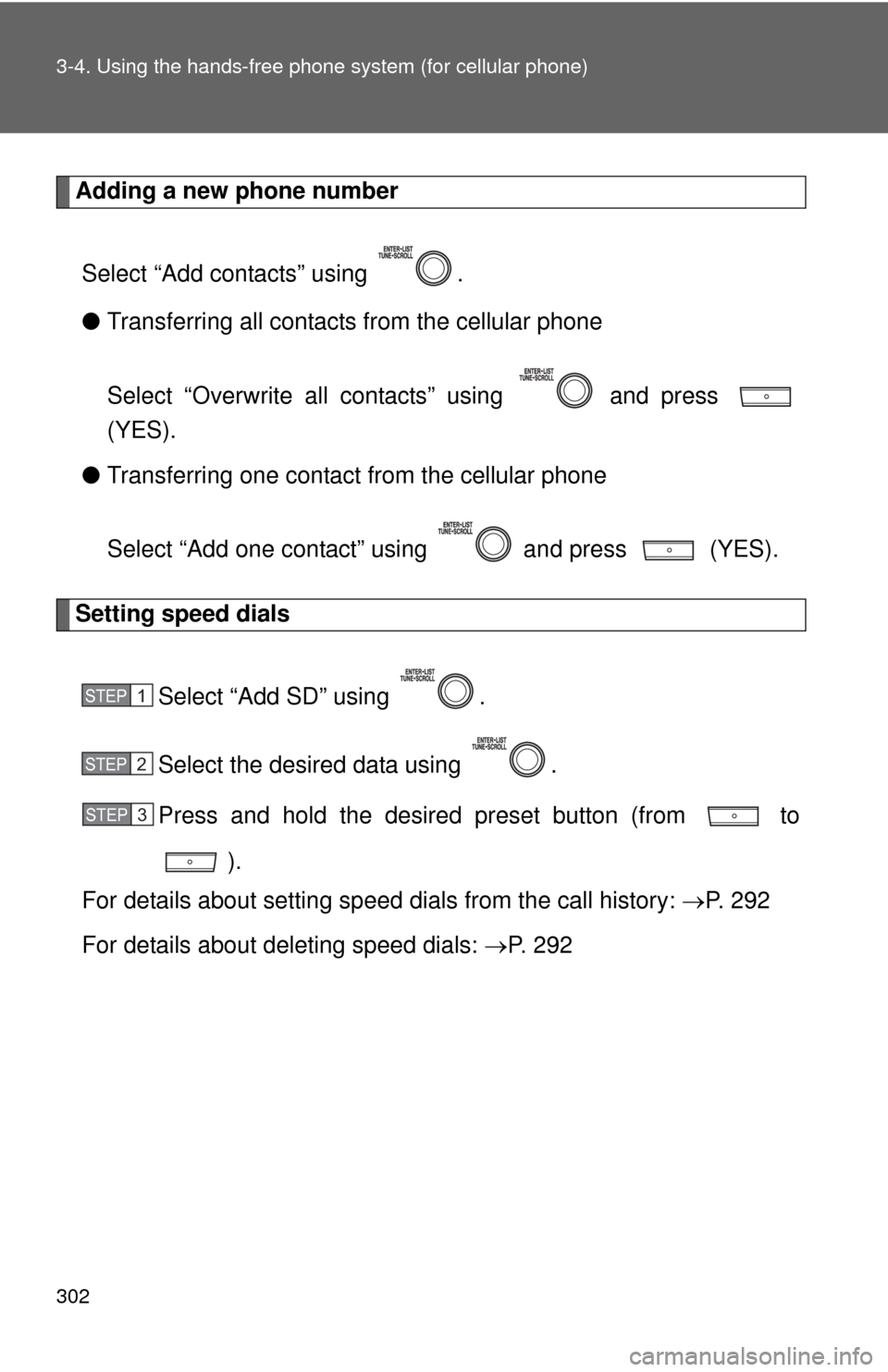
Adding a new phone number
Select “Add contacts” using .
● Transferring all contacts from the cellular phone
Select “Overwrite all contacts” using and press
(YES).
● Transferring one contact from the cellular phone
Select “Add one contact” using and press (YES).
Setting speed dials
Select “Add SD” using .
Select the desired data using .
Press and hold the desired preset button (from to
).
For details about setting speed dials from the call history: P. 2 9 2
For details about deleting speed dials: P. 2 9 2
STEP 1
STEP 2
STEP 3