Page 156 of 529
156
2-2. Instrument cluster
Multi-information display
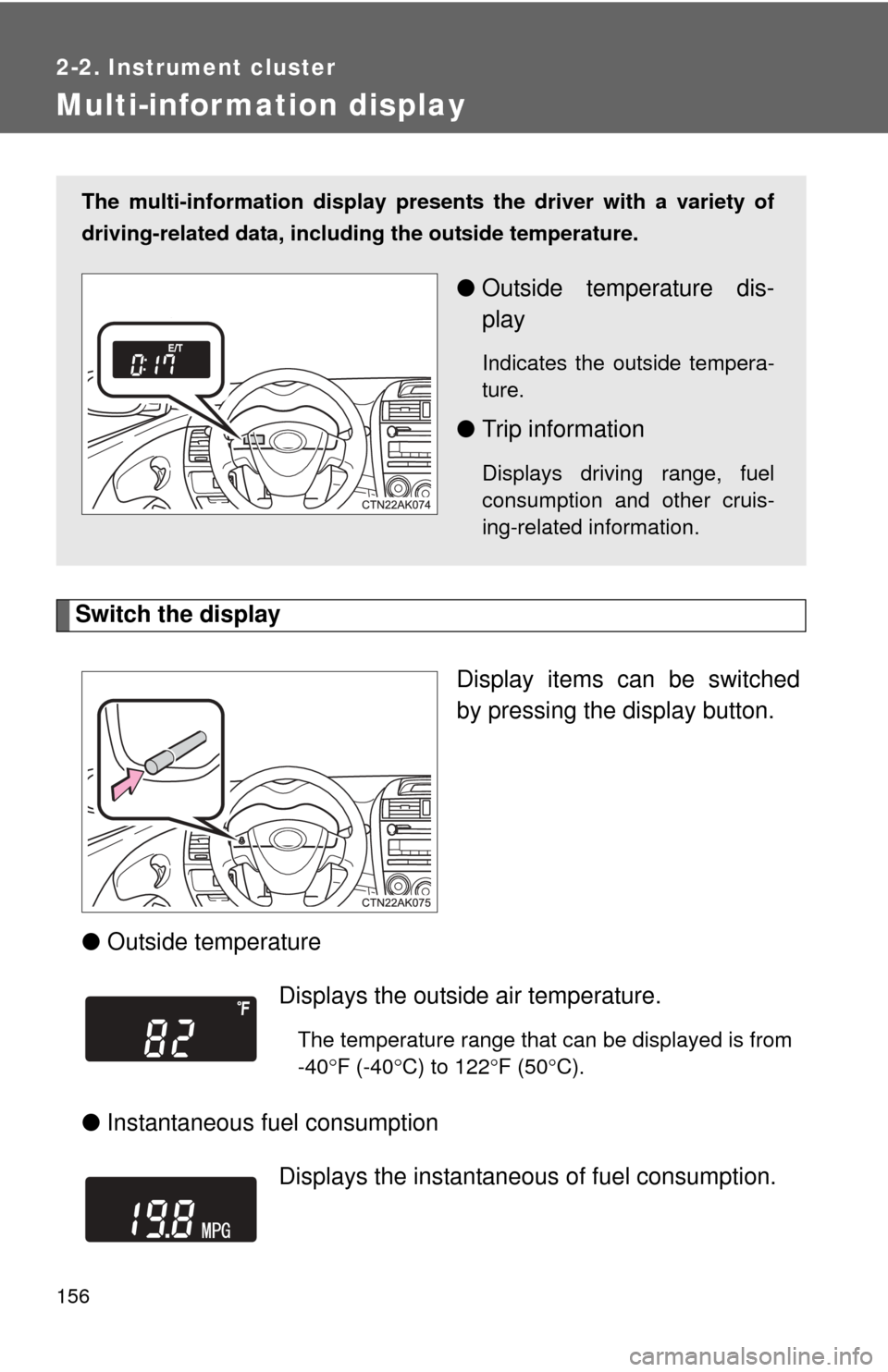
Switch the displayDisplay items can be switched
by pressing the display button.
● Outside temperature
● Instantaneous fuel consumption
The multi-information display presen ts the driver with a variety of
driving-related data, includ ing the outside temperature.
●Outside temperature dis-
play
Indicates the outside tempera-
ture.
●Trip information
Displays driving range, fuel
consumption and other cruis-
ing-related information.
Displays the outside air temperature.
The temperature range that can be displayed is from
-40 F (-40 C) to 122 F (50 C).
Displays the instantaneous of fuel consumption.
Page 157 of 529

157
2-2. Instrument cluster
2
When driving
●
Average fuel consumption
● Driving range Displays the average fuel
consumption since the
function was reset.
• The function can be reset by pressing the display button for longer than one second when the aver-
age fuel consumption is displayed.
• Use the displayed average fuel consumption as a reference.
Displays the estimated maximum distance that
can be driven with the quantity of fuel remaining.
• This distance is computed based on your averagefuel consumption. As a result, the actual distance
that can be driven may differ from that displayed.
• When only a small amount of fuel is added to the tank, the display may not be updated.
Vehicles without smart key system
When refueling, turn the engine off. If the vehicle
is refueled without turning the engine off, the dis-
play may not be updated.
Vehicles with smart key system
When refueling, turn the “ENGINE START STOP”
switch OFF. If the vehicle is refueled without turn-
ing the “ENGINE START STOP” switch OFF, the
display may not be updated.
Page 158 of 529
158 2-2. Instrument cluster
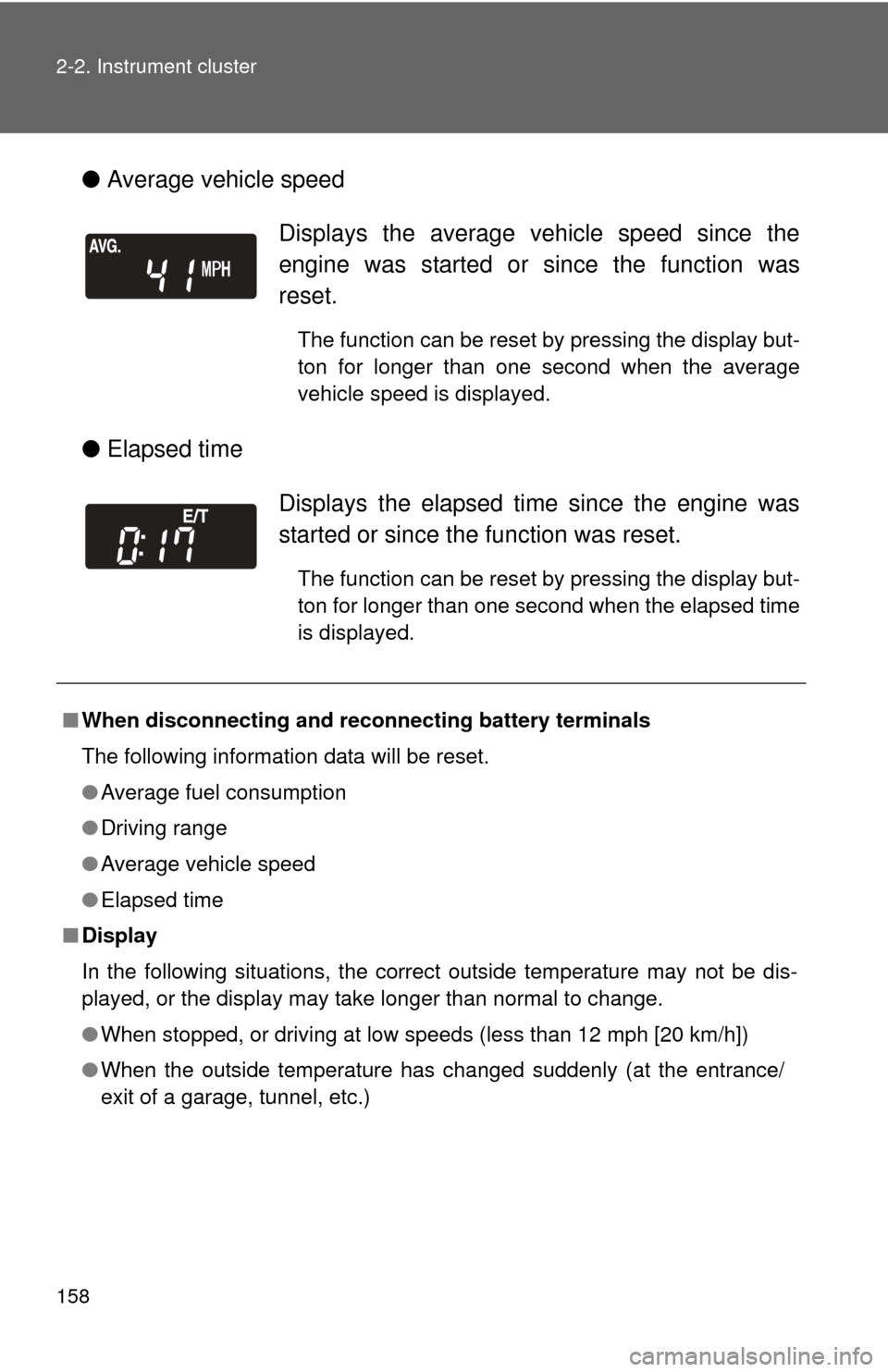
●Average vehicle speed
● Elapsed time
Displays the average vehicle speed since the
engine was started or since the function was
reset.
The function can be reset by pressing the display but-
ton for longer than one second when the average
vehicle speed is displayed.
Displays the elapsed ti me since the engine was
started or since the function was reset.
The function can be reset by pressing the display but-
ton for longer than one second when the elapsed time
is displayed.
■ When disconnecting and reco nnecting battery terminals
The following information data will be reset.
● Average fuel consumption
● Driving range
● Average vehicle speed
● Elapsed time
■ Display
In the following situations, the correct outside temperature may not be dis-
played, or the display may take longer than normal to change.
●When stopped, or driving at low speeds (less than 12 mph [20 km/h])
● When the outside temperature has changed suddenly (at the entrance/
exit of a garage, tunnel, etc.)
Page 159 of 529
159
2-2. Instrument cluster
2
When driving
NOTICE
■
The multi-information disp lay at low temperatures
Allow the interior of the vehicle to warm up before using the liquid crystal
information display. At extremely low temperatures, the information display
monitor may respond slowly, and display changes may be delayed.
Page 206 of 529
206
3-1. Using the air conditioning system and defogger
Automatic air conditioning system
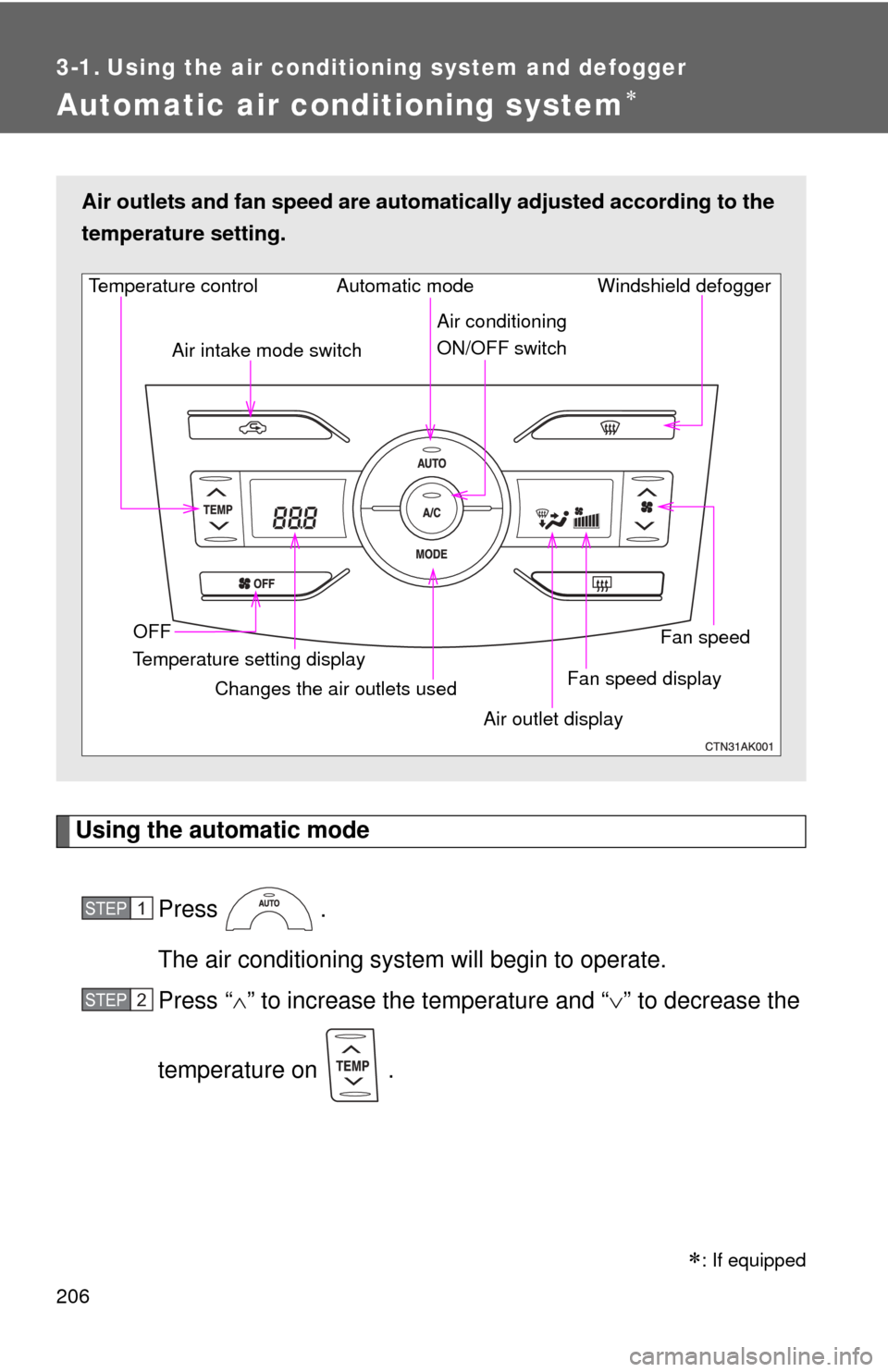
Using the automatic modePress .
The air conditioning system will begin to operate.
Press “ ” to increase the temperature and “ ” to decrease the
temperature on .
Air outlets and fan speed are automa tically adjusted according to the
temperature setting.
Fan speed display Windshield defogger
Temperature control
Air intake mode switch
Fan speed
Temperature setting display OFF Automatic mode
Changes the air outlets used Air outlet display
Air conditioning
ON/OFF switch
STEP 1
STEP 2
: If equipped
Page 207 of 529
207
3-1. Using the air conditioning system
and defogger
3
Interior features
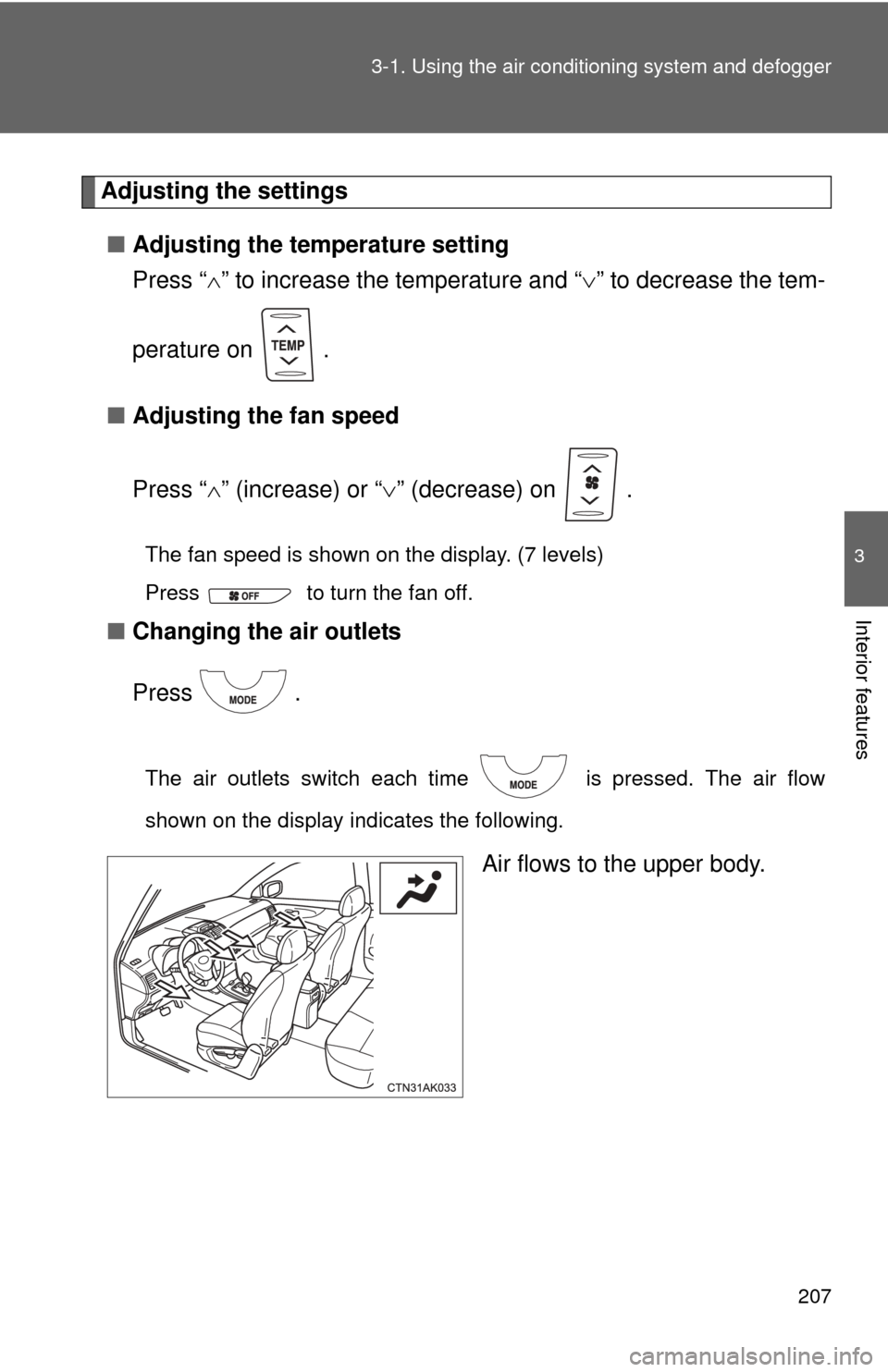
Adjusting the settings
■ Adjusting the temperature setting
Press “ ” to increase the temperature and “ ” to decrease the tem-
perature on .
■ Adjusting the fan speed
Press “ ” (increase) or “ ” (decrease) on .
The fan speed is shown on the display. (7 levels)
Press to turn the fan off.
■ Changing the air outlets
Press .
The air outlets switch each time is pressed. The air flow
shown on the display indicates the following.
Air flows to the upper body.
Page 220 of 529
220
3-2. Using the audio system
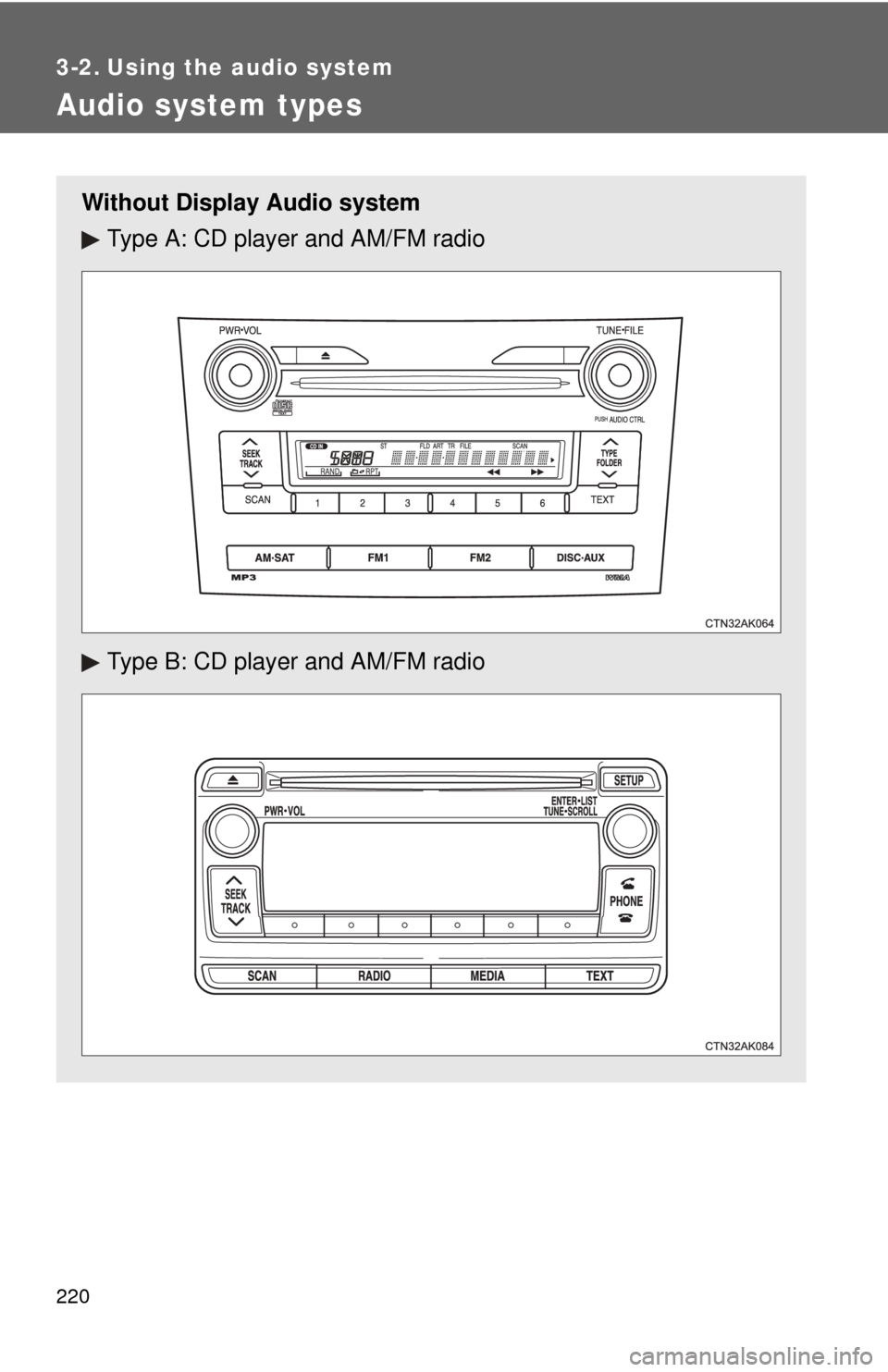
Audio system types
Without Display Audio systemType A: CD player and AM/FM radio
Type B: CD player and AM/FM radio
Page 221 of 529
221
3-2. Using the audio system
3
Interior features
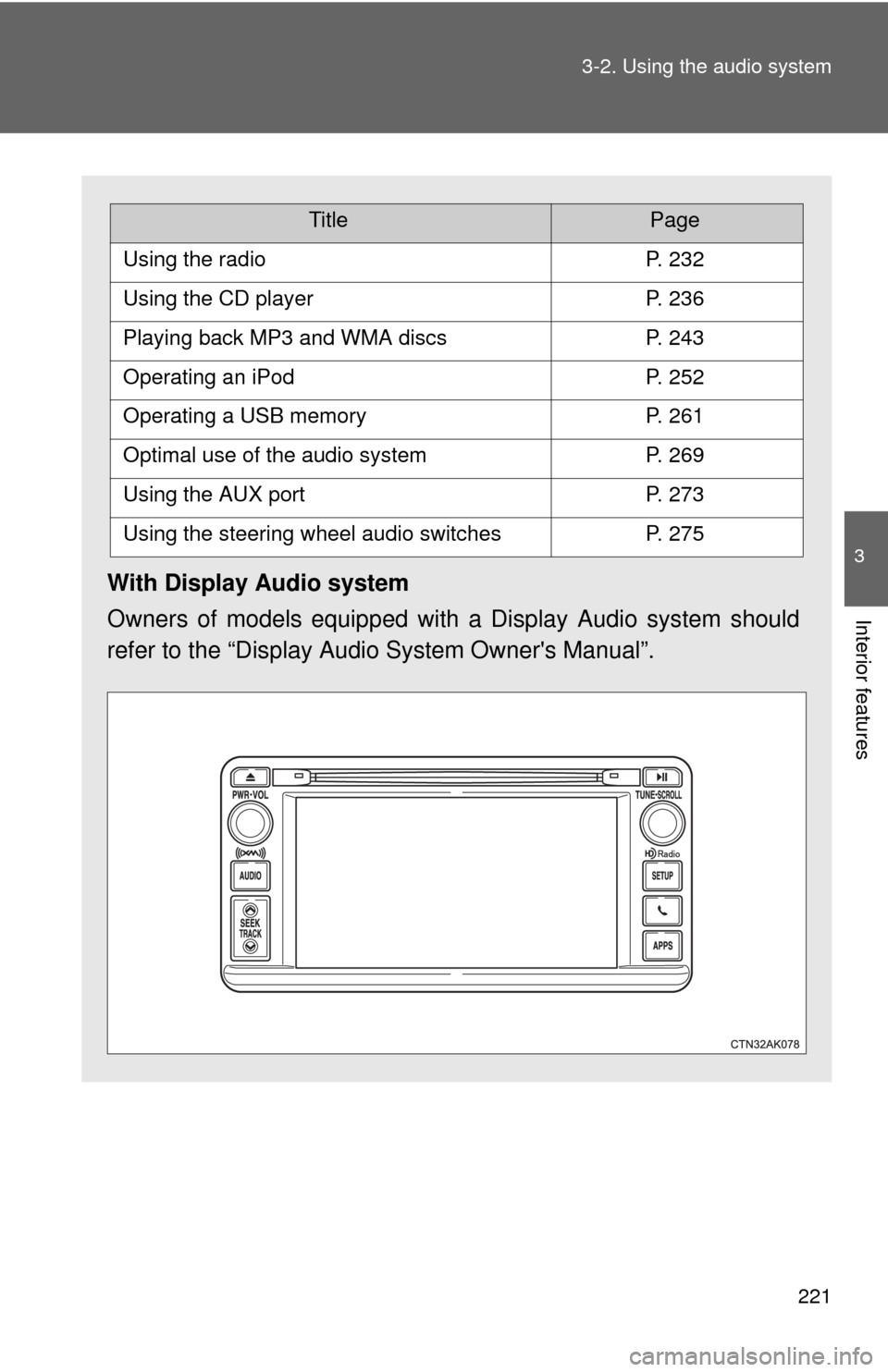
With Display Audio system
Owners of models equipped with
a Display Audio system should
refer to the “Display Audio System Owner's Manual”.
TitlePage
Using the radioP. 232
Using the CD playerP. 236
Playing back MP3 and WMA discsP. 243
Operating an iPodP. 252
Operating a USB memoryP. 261
Optimal use of the audio systemP. 269
Using the AUX portP. 273
Using the steering wheel audio switchesP. 275