Page 3 of 532

1
2
3
4
5
6
7
3
2-2. Instrument clusterGauges and meters ............ 169
Indicators and warning lights ................................. 179
2-3. Operating the lights and wipers
Headlight switch .................. 185
Fog light switch ................... 192
Windshield wipers and washer .............................. 194
2-4. Using other driving systems
Cruise control ...................... 199
Driving assist systems ........ 203
BSM (Blind Spot Monitor) ... 208
2-5. Driving information Cargo and luggage ............. 213
Vehicle load limits ............... 217
Winter driving tips ............... 218
Trailer towing ...................... 222
Dinghy towing ..................... 223 3-1. Using the air conditioning
system and defogger
Manual air conditioning system .............................. 226
Automatic air conditioning system.......... 233
Rear window and outside rear view mirror
defoggers ......................... 240
3-2. Using the audio system Audio system types ............ 242
Using the radio ................... 248
Using the CD player ........... 251
Playing back MP3 and WMA discs ....................... 257
Operating an iPod .............. 264
Operating a USB memory ............................ 272
Optimal use of the audio system .............................. 280
Using the AUX port............. 283
3-3. Using the interior lights Interior lights list ................. 285
• Interior lights..................... 286
• Personal lights.................. 287
3Interior features
Page 17 of 532
17
C
Power outlet P. 304
AUX port/USB port P. 264, 272, 283
Seat heater switches
P. 307
: If equipped
*4: Refer to “Display Audio System Owner’s Manual”.
Page 225 of 532
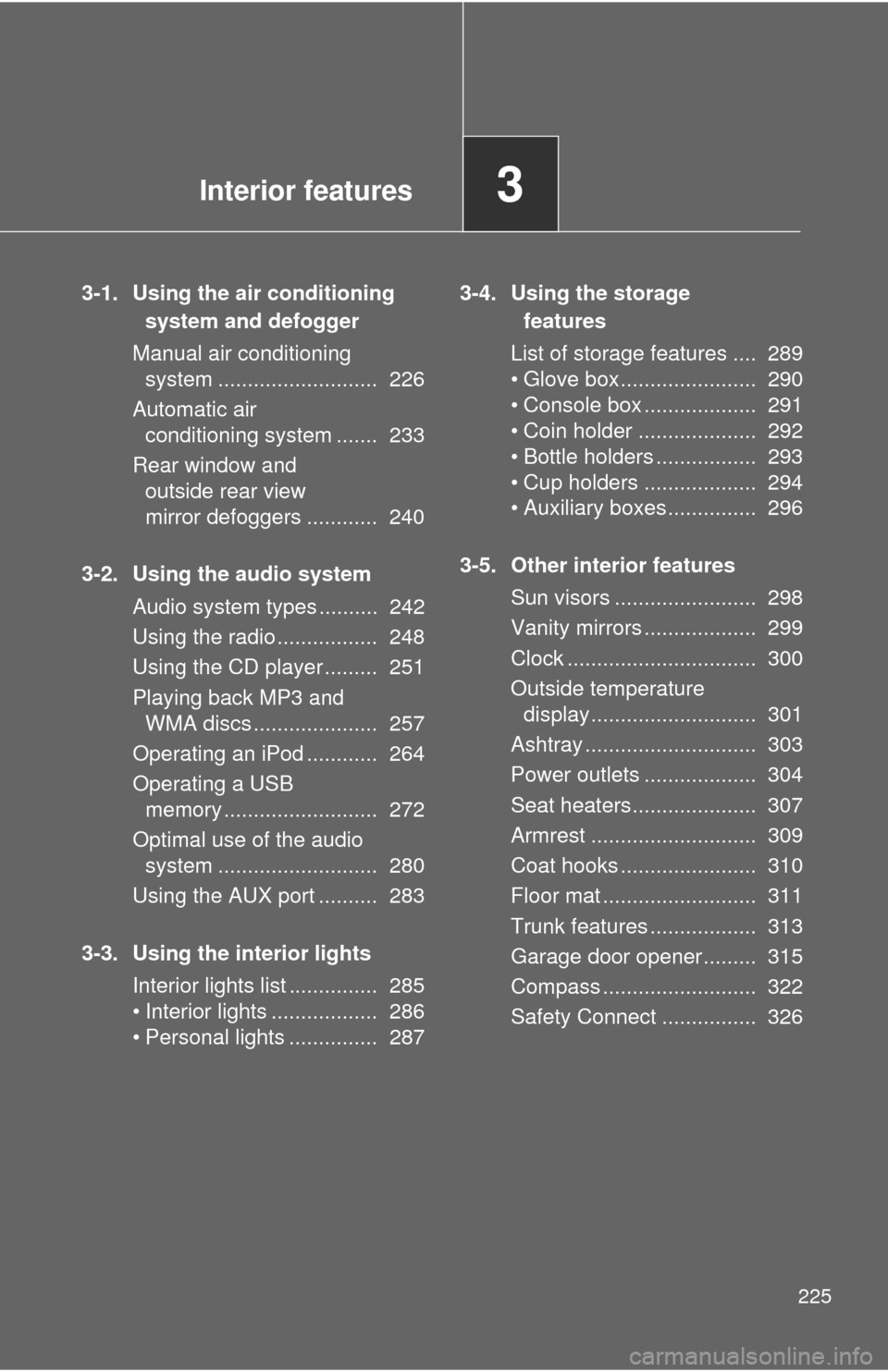
Interior features3
225
3-1. Using the air conditioning system and defogger
Manual air conditioning system ........................... 226
Automatic air conditioning system ....... 233
Rear window and outside rear view
mirror defoggers ............ 240
3-2. Using the audio system Audio system types .......... 242
Using the radio ................. 248
Using the CD player ......... 251
Playing back MP3 and WMA discs ..................... 257
Operating an iPod ............ 264
Operating a USB memory .......................... 272
Optimal use of the audio system ........................... 280
Using the AUX port .......... 283
3-3. Using the interior lights Interior lights list ............... 285
• Interior lights .................. 286
• Personal lights ............... 287 3-4. Using the storage
features
List of storage features .... 289
• Glove box....................... 290
• Console box ................... 291
• Coin holder .................... 292
• Bottle holders ................. 293
• Cup holders ................... 294
• Auxiliary boxes ............... 296
3-5. Other interior features Sun visors ........................ 298
Vanity mirrors ................... 299
Clock ................................ 300
Outside temperature display............................ 301
Ashtray ............................. 303
Power outlets ................... 304
Seat heaters..................... 307
Armrest ............................ 309
Coat hooks ....................... 310
Floor mat .......................... 311
Trunk features .................. 313
Garage door opener......... 315
Compass .......................... 322
Safety Connect ................ 326
Page 242 of 532
242
3-2. Using the audio system
Audio system types
Without navigation system and Display Audio system
CD player and AM/FM radio
TitlePage
Using the radioP. 248
Using the CD playerP. 251
Playing back MP3 and WMA discsP. 257
Operating an iPodP. 264
Operating a USB memoryP. 272
Optimal use of the audio systemP. 280
Using the AUX portP. 283
Page 279 of 532
279
3-2. Using the audio system
3
Interior features
NOTICE
■
If the auxiliary box lid cannot be fully closed
Depending on the size and shape of the USB memory that is connected to
the system, the auxiliary box lid may not close fully. In this case, do not forc-
ibly close the lid as this may damage the USB memory or the terminal, etc.
■ To prevent damage to USB memory
●Do not leave USB memory in the vehicle. The temperature inside the vehi-
cle may become high, resulting in damage to the player.
● Do not push down on or apply unnecessary pressure to the USB memory
while it is connected as this may damage the USB memory or its terminal.
● Do not insert foreign objects into the port as this may damage the USB
memory or its terminal.
Page 518 of 532

518
Alphabetical index
Alphabetical index
A/C ..................................... 226, 233
ABS ........................................... 203
Air conditioning filter............... 382
Air conditioning systemAir conditioning filter .............. 382
Automatic air conditioning system ................................ 233
Manual air conditioning system ................................ 226
Airbags
Airbag operating conditions............................ 103
Airbag precautions for
your child ............................ 108
Airbag warning light............... 421
Curtain shield airbag operating conditions............ 104
Curtain shield airbag precautions ......................... 108
Front passenger occupant classification system ........... 113
General airbag
precautions ......................... 108
Locations of airbags .............. 100
Modification and disposal of airbags ................................ 112
Proper driving posture .....98, 108
Side airbag operating conditions............................ 104
Side airbag precautions ........ 108
SRS airbags .......................... 100 Alarm........................................... 95
Antenna .................................... 250
Anti-lock brake system ........... 203
Armrest ..................................... 309
Ashtray ..................................... 303
Audio input ............... 264, 272, 283
Audio system
Antenna................................. 250
Audio input ............ 264, 272, 283
AUX adapter ......................... 283
CD player .............................. 251
iPod ....................................... 264
MP3/WMA disc ..................... 257
Optimal use ........................... 280
Portable music player .................. 264, 272, 283
Radio..................................... 248
Type ...................................... 242
USB memory......................... 272
Automatic air conditioning system .................................... 233
Automatic light control
system .................................... 185
Automatic transmission Automatic
transmission ............... 155, 159
If the shift lever cannot be shifted from P ..................... 449
S mode.......................... 156, 162
AUX port ................................... 283
Auxiliary boxes ........................ 296A