Page 248 of 532
248
3-2. Using the audio system
Using the radio
Setting station presetsSearch for a desired station by turning or pressing
or .
Press and hold a button (from to ) until you hear
a beep.
Vo lu m e Preset station selector
Seeking the
frequency Adjusting the
frequency
AM/FM mode button
Power
Displaying
radio text
messages Scanning for
receivable stations
STEP1
STEP2
Page 249 of 532
249
3-2. Using the audio system
3
Interior features
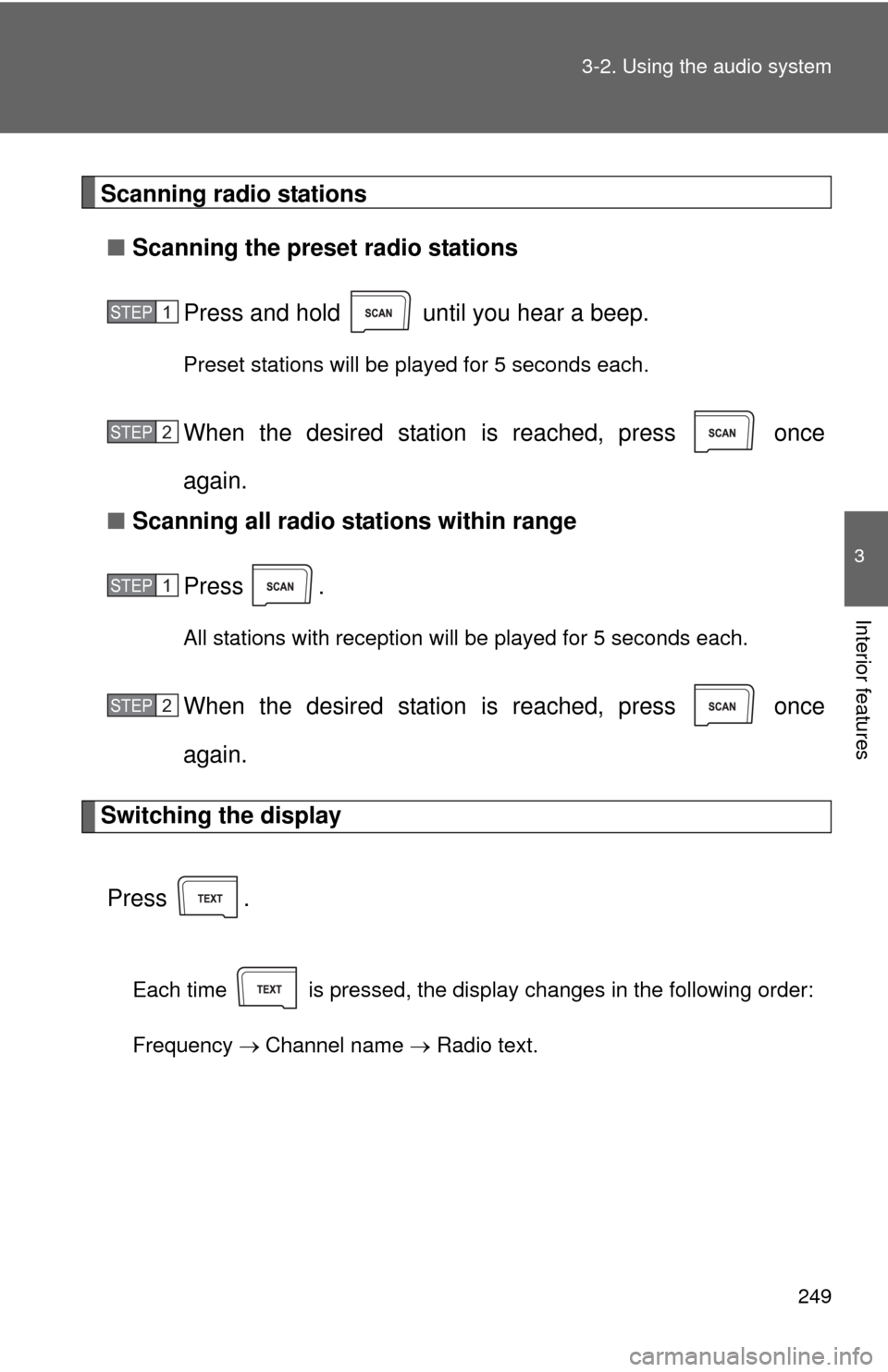
Scanning radio stations
■ Scanning the preset radio stations
Press and hold until you hear a beep.
Preset stations will be played for 5 seconds each.
When the desired station is reached, press once
again.
■ Scanning all radio stations within range
Press
.
All stations with reception will be played for 5 seconds each.
When the desired station is reached, press once
again.
Switching the display
Press .
Each time is pressed, the display changes in the following order:
Frequency Channel name Radio text.
STEP1
STEP2
STEP1
STEP2
Page 250 of 532
250 3-2. Using the audio system
■Reception sensitivity
●Maintaining perfect radio reception at all times is difficult due to the con-
tinually changing position of the antenna, differences in signal strength
and surrounding objects, such as trains, transmitters, etc.
● The radio antenna is mounted inside the rear window. To maintain clear
radio reception, do not attach metallic window tinting or other metallic
objects to the antenna wire mounted inside the rear window.
■ Certifications for the radio tuner
This equipment has been tested and found to comply with the limits for a
class B digital device, pursuant to Part 15 of the FCC Rules. These limits are
designed to provide reasonable protection against harmful interference in a
residential installation. This equipment generates, uses and can radiate
radio frequency energy and, if not installed and used in accordance with the
instructions, may cause harmful interference to radio communications. How-
ever, there is no guarantee that interference will not occur in a particular
installation.
If this equipment does cause harmful interference to radio or television
reception, which can be determined by turning the equipment off and on, the
user is encouraged to try to correct the interference by trying one or more of
the following:
●Reorienting or relocating the receiving antenna.
● Increasing the separation between the equipment and receiver.
● Connecting the equipment into an outlet on a circuit different from that to
which the receiver is connected.
● Consulting the dealer or an experienc ed radio/TV technician for help.
Page 282 of 532
282 3-2. Using the audio system
■Trademark owned by SRS Labs, Inc.
The audio systems utilize SRS FOCUS
® and SRS TruBass® audio
enhancement technologies, under license from SRS Labs, Inc., in all modes
except AM radio mode.
FOCUS, TruBass, SRS and
symbol are trademarks of SRS Labs,
Inc.
FOCUS and TruBass technologies are incorporated under license from
SRS Labs, Inc.
TruBass
® enhances the perception of bass frequencies to provide deep, rich
bass response from any size speaker.
SRS FOCUS
® raises the audio image from non-optimally placed speakers
up to the natural listening height at ear level.
Page 331 of 532

331
3-5. Other interior features
3
Interior features
Safety information for Safety Connect
Important! Read this information before using Safety Connect.
■ Exposure to radio frequency signals
The Safety Connect system installed in your vehicle is a low-power
radio transmitter and receiver. It receives and also sends out radio
frequency (RF) signals.
In August 1996, the Federal Communications Commission (FCC)
adopted RF exposure guidelines with safety levels for mobile wire-
less phones. Those guidelines are consistent with the safety stan-
dards previously set by the fo llowing U.S. and international
standards bodies.
● ANSI (American National Stand ards Institute) C95.1 [1992]
● NCRP (National Council on Radiation Protection and Measure-
ment) Report 86 [1986]
● ICNIRP (International Commiss ion on Non-Ionizing Radiation
Protection) [1996]
Those standards were based on comprehensive and periodic eval-
uations of the relevant scientific literature. Over 120 scientists,
engineers, and physicians from universities, and government
health agencies and industries reviewed the available body of
research to develop the ANSI Standard (C95.1).
The design of Safety Connect complies with the FCC guidelines in
addition to those standards.
Page 395 of 532
395
4-3. Do-it-yourself maintenance
4
Maintenance and care
*1: 3.5 L V6 (2GR-FE) engine
*
2: 2.5 L 4-cylinder (2AR-FE) engine
*
3:Vehicles with halogen headlight
*4:Vehicles with discharge headlight
35 RADIO-B 20 A Audio system, navigation system
36 DOME 7.5 AClock, vanity lights, interior lights,
personal lights, trunk light, door
courtesy lights
37 ECU-B NO.1 10 A Multiplex communication system,
smart key system, gauge and
meters, tire pressure warning sys-
tem, wireless remote control, steer-
ing sensor, front passenger
occupant classification system,
Blind Spot Monitor
38 SPARE 25 A Spare fuse
39 SPARE 30 A Spare fuse
FuseAmpereCircuit
Page 431 of 532
5
When trouble arises
431
5-2. Steps to take in an emergency
■When a tire is replaced with a spare tire (vehicles with a tire pres-
sure warning system)
The compact spare tire is not equipped with a tire pressure warning
valve and transmitter. If a
tire goes flat, the tire pressure warning light will
not turn off even though the flat tire has been replaced with the spare
tire. Replace the spare tire with the re paired tire and adjust the tire infla-
tion pressure. The tire pressure wa rning light will go off after a few min-
utes.
■If the tire pressure warning system is not functioning (vehicles with
a tire pressure warning system)
The tire pressure warning system will be disabled in the following condi-
tions:
(When the condition be comes normal, the system will work properly.)
●If tires not equipped with tire pressure warning valves and transmit-
ters are used
●If the ID code on the tire pressure warning valves and transmitters is
not registered in the tire pressure warning computer.
●If the tire inflation pressure is 73 psi (500 kPa, 5.1 kgf/cm2 or bar) or
higher
The tire pressure warning system may be disabled in the following condi-
tions:
(When the condition be comes normal, the system will work properly.)
●If electronic devices or facilities using similar radio wave frequencies
are nearby.
●If a radio set at a similar frequencies is in use in the vehicle
●If a window tint that affects the radio wave signals is installed
●If there is a lot of snow or ice on the vehicle, particularly around the
wheels or wheel housings
●If non-genuine Toyota wheels are used. (Even if you use Toyota
wheels, the tire pressure warning system may not work properly with
some types of tires.)
●If tire chains are used
Page 487 of 532
487
6-1. Specifications
6
Vehicle specifications
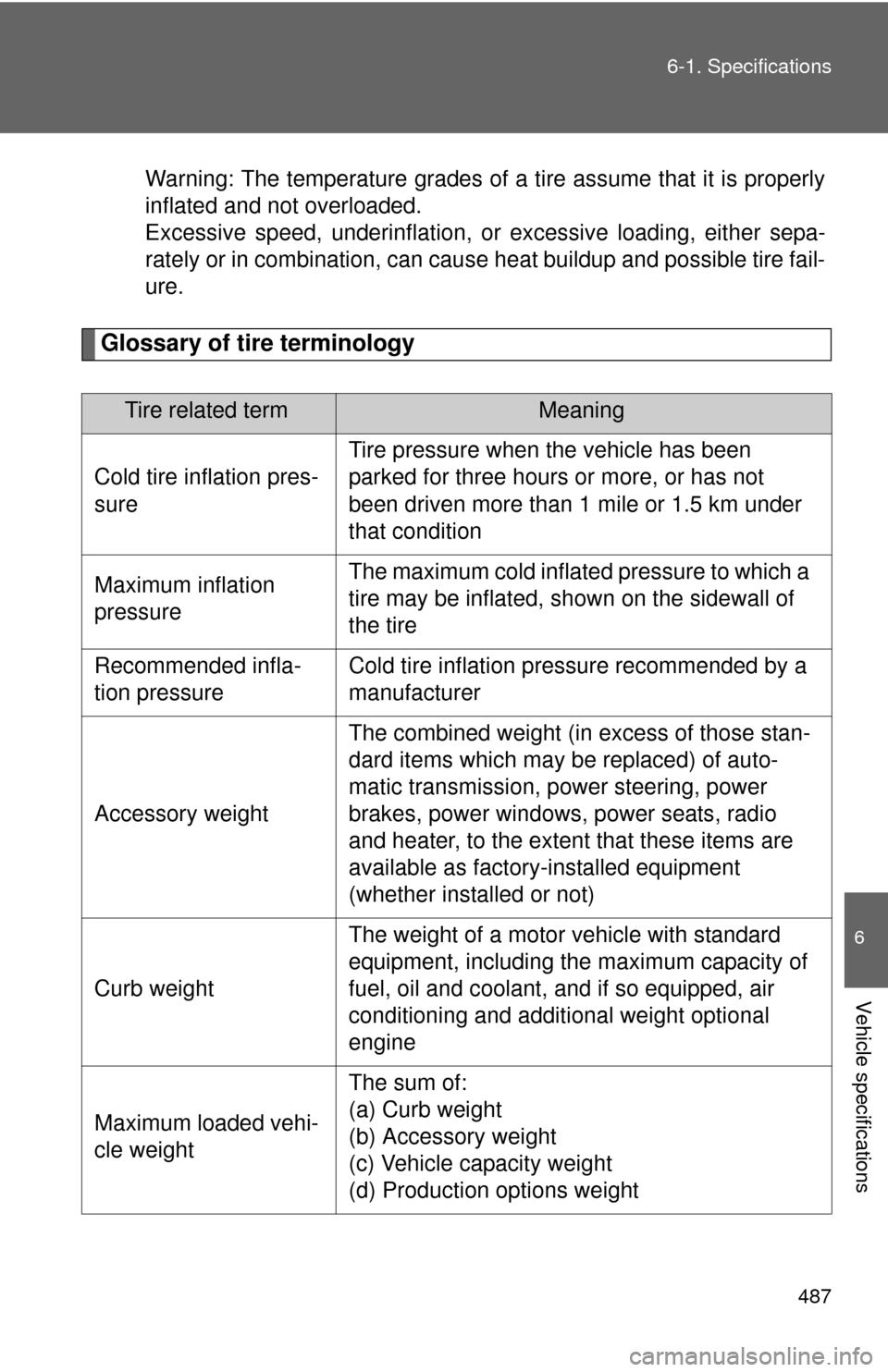
Warning: The temperature grades of a tire assume that it is properly
inflated and not overloaded.
Excessive speed, underinflation, or
excessive loading, either sepa-
rately or in combination, can caus e heat buildup and possible tire fail-
ure.
Glossary of tire terminology
Tire related termMeaning
Cold tire inflation pres-
sure Tire pressure when the vehicle has been
parked for three hours or more, or has not
been driven more than 1 mile or 1.5 km under
that condition
Maximum inflation
pressure The maximum cold inflated
pressure to which a
tire may be inflated, s hown on the sidewall of
the tire
Recommended infla-
tion pressure Cold tire inflation pressure recommended by a
manufacturer
Accessory weight The combined weight (in excess of those stan-
dard items which may be replaced) of auto-
matic transmission, power steering, power
brakes, power windows, power seats, radio
and heater, to the extent that these items are
available as factory-installed equipment
(whether installed or not)
Curb weight The weight of a motor vehicle with standard
equipment, including the maximum capacity of
fuel, oil and coolant, and if so equipped, air
conditioning and additional weight optional
engine
Maximum loaded vehi-
cle weight The sum of:
(a) Curb weight
(b) Accessory weight
(c) Vehicle capacity weight
(d) Production options weight